AI Audio Converter Free
Convert your audio files to multiple formats (MP3, WAV, FLAC, and more) with an online audio converter. Switch formats for better compatibility or optimize your sound library with ease.
or drag and drop here
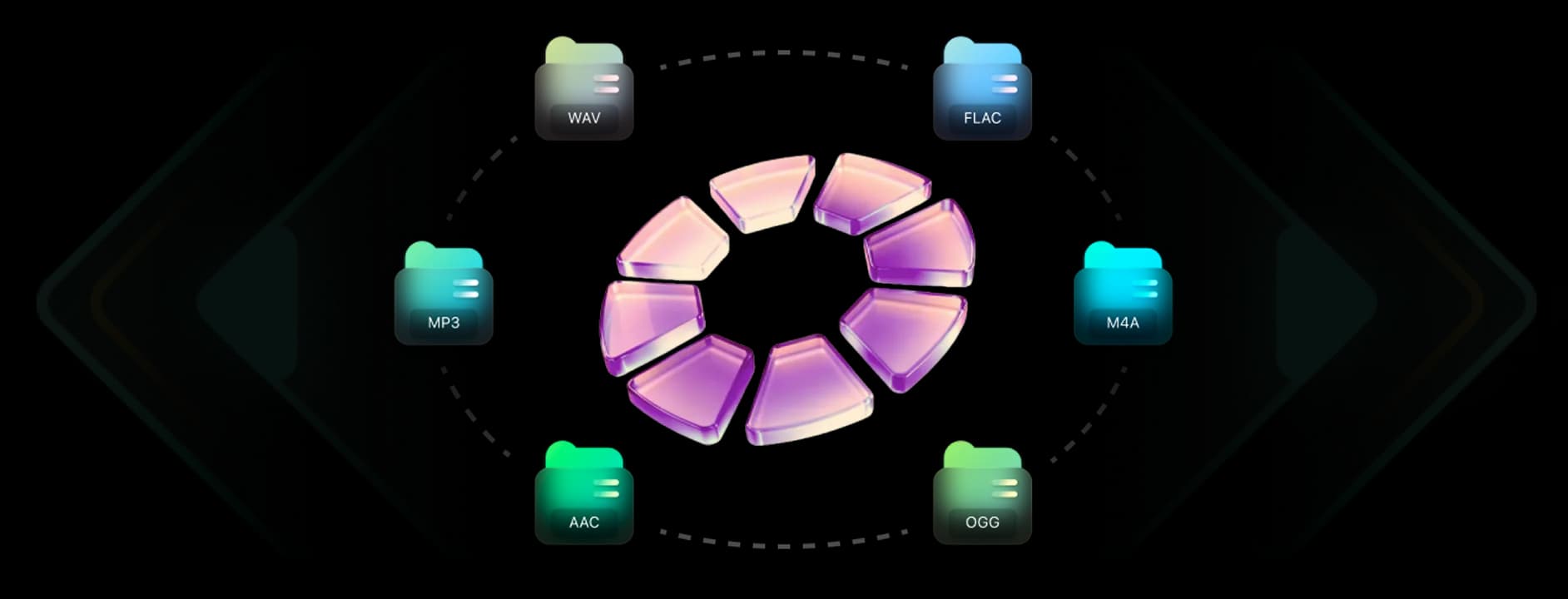
Supported formats: MP3, WAV, FLAC, M4A, OGG, AAC. Max file size: 100MB

Key Features of InsMelo Audio Converter for Music
When selecting an audio converter, the balance between file size and sound fidelity is the most important factor. InsMelo provides the essential technical features needed to handle high-resolution music files without compromising the original mix.
High-Quality Conversion
InsMelo audio file converter keeps your files clear, balanced, and natural throughout the conversion process. Advanced processing preserves detail and dynamic range, ensuring the output sounds consistent with the original. Even after switching formats, overall quality remains stable and reliable.
Try AI Audio Converter NowUniversal Device Compatibility
Converted files play smoothly across different devices and platforms, including mobile phones, desktops, and media players. Audio format converter works reliably without format errors or playback issues, keeping your content ready wherever you need it.
Try AI Audio Converter NowSupport for Multiple Audio Formats
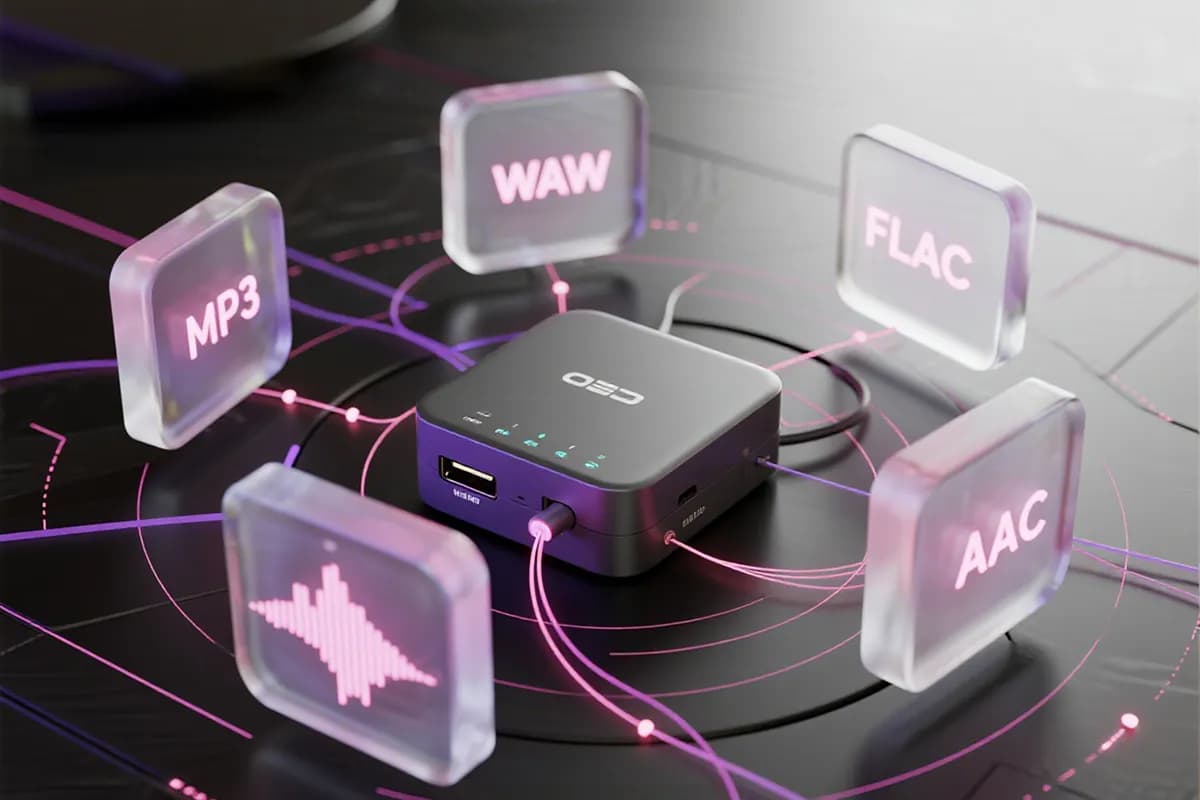
Switching between popular formats is quick and straightforward, allowing users to convert to audio types such as MP3, WAV, FLAC, and AAC. This flexibility supports editing, sharing, and storage needs.
Try AI Audio Converter NowSimple and Clean Interface
The interface is designed to stay clear and intuitive, making the workflow easy to follow. Built with AI audio converter capabilities, it helps users complete conversions without unnecessary complexity. For those needing more, you can also use our vocal remover to further refine your tracks by isolating vocals or instrumentals in one simple step.
Try AI Audio Converter NowFree to Use with Instant Download
Files are processed directly in the browser and ready to download immediately after conversion. InsMelo converter online audio workflow stays fast with no extra steps or delays.
Try AI Audio Converter NowSecure File Handling
Files are processed in a secure environment and removed immediately after conversion. InsMelo free audio converter keeps your content private and confidential throughout the entire workflow.
Try AI Audio Converter Now
How to Convert Audio
Quickly convert to audio files that actually work on all your devices, making it easy to fix compatibility issues for your whole music list in just a few seconds.
1.
Upload Audio File
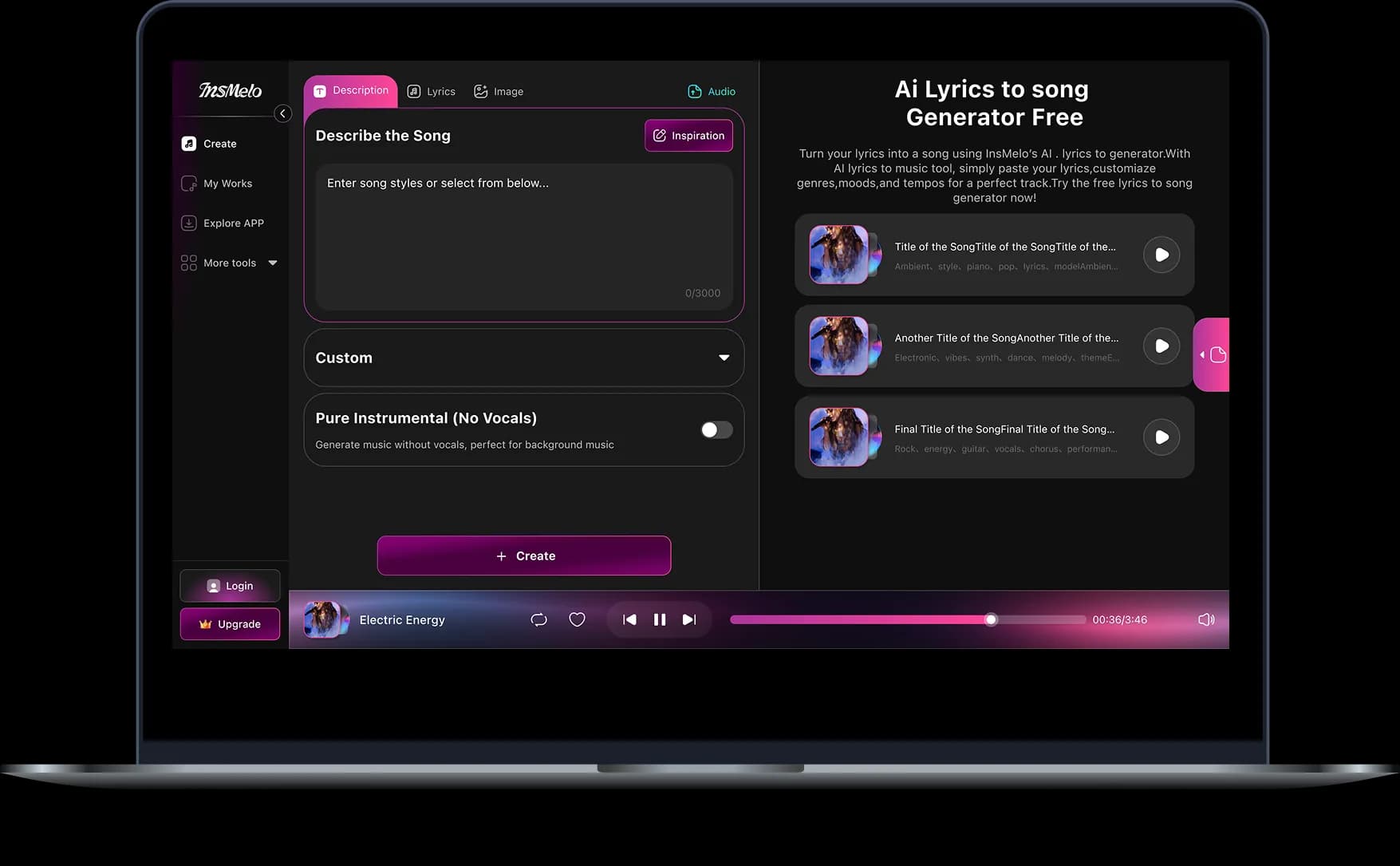
Click the upload button or drag your audio file into the designated area. Wait until the file appears in the interface, confirming it is ready for conversion.
2.
Pick Your Format
Select the output format from the available options, such as MP3, WAV, FLAC, or AAC, and confirm your choice in the interface. Make sure the correct format is selected before proceeding.
3.
Convert & Download File
Click the convert button to start processing, then wait until the conversion is complete. Once finished, download the converted file directly to your device.
Real-World Use Cases for Music Audio Conversion
Adapting your files for different environments is necessary for a professional workflow. Audio converter helps you navigate these common scenarios without losing sound quality.
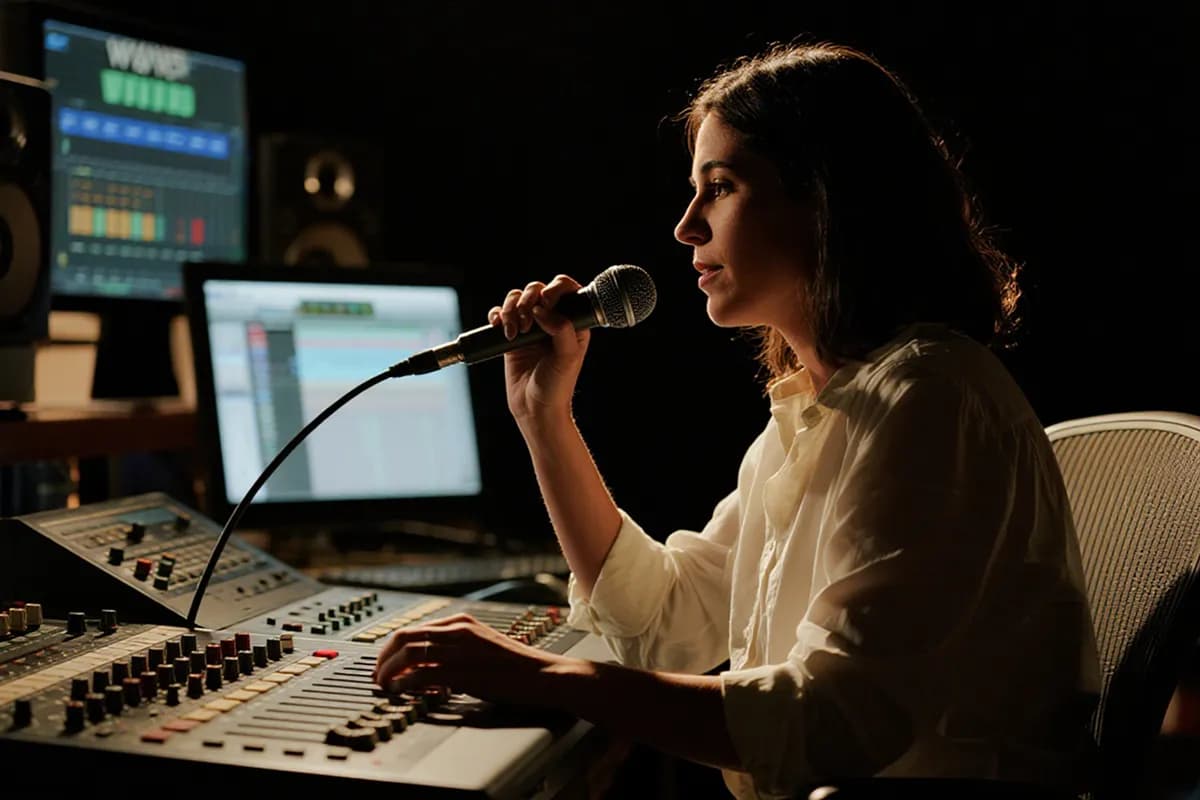
Designing Game Audio
Convert sound effects, voice lines, or music tracks into formats compatible with game engines. Use InsMelo audio audio converter to handle different file types quickly while keeping all assets organized. If your project requires custom assets, you can also use our AI sound effect generator to create unique audio samples before converting them for seamless integration.




What Our Users Are Saying
Many users rely on the AI audio converter free to quickly convert audio without worrying about quality. The process is smooth and practical, letting users focus on their music or recordings instead of technical issues.
Cassian Draken
YouTuber
As a YouTuber, I rely on this youtube audio converter functionality to resolve format errors in my project files. It is the fastest way to get my background tracks ready for the timeline.
Thalassa Sterling
Podcast Producer
This is a top-tier online free music converter for high-speed processing. It ensures I get a clean, high-bitrate file every time I need to fix a specific recording.
Saskia Vossen
Sound Designer
InsMelo preserves sharp transients when swapping between high-resolution formats. It provides a reliable way to prepare specific sound effects without adding digital artifacts to the file.

4.8
User Rating
Kaelen Voss
Indie Game Developer
Finding a reliable free music converter that respects bit-depth is rare. Once logged in, it handles my file transitions perfectly while keeping the output clean and usable for the engine.
Bramwell Vane
Mastering Engineer
The sound stays exactly the same as the original after the format changes. It doesn't muffle the bass or mess with the volume, which is exactly what I need for a clean conversion.
Zevon Thorne
Vinyl Restorationist
I needed a music converter free of the metadata errors found in basic browser tools. This converter preserves the archival quality of my high-resolution recordings during every individual format swap.
4.8
User Rating
Cassian Draken
YouTuber
As a YouTuber, I rely on this youtube audio converter functionality to resolve format errors in my project files. It is the fastest way to get my background tracks ready for the timeline.
Thalassa Sterling
Podcast Producer
This is a top-tier online free music converter for high-speed processing. It ensures I get a clean, high-bitrate file every time I need to fix a specific recording.
Saskia Vossen
Sound Designer
InsMelo preserves sharp transients when swapping between high-resolution formats. It provides a reliable way to prepare specific sound effects without adding digital artifacts to the file.
Kaelen Voss
Indie Game Developer
Finding a reliable free music converter that respects bit-depth is rare. Once logged in, it handles my file transitions perfectly while keeping the output clean and usable for the engine.
Bramwell Vane
Mastering Engineer
The sound stays exactly the same as the original after the format changes. It doesn't muffle the bass or mess with the volume, which is exactly what I need for a clean conversion.
Zevon Thorne
Vinyl Restorationist
I needed a music converter free of the metadata errors found in basic browser tools. This converter preserves the archival quality of my high-resolution recordings during every individual format swap.
Cassian Draken
YouTuber
As a YouTuber, I rely on this youtube audio converter functionality to resolve format errors in my project files. It is the fastest way to get my background tracks ready for the timeline.
Thalassa Sterling
Podcast Producer
This is a top-tier online free music converter for high-speed processing. It ensures I get a clean, high-bitrate file every time I need to fix a specific recording.
Saskia Vossen
Sound Designer
InsMelo preserves sharp transients when swapping between high-resolution formats. It provides a reliable way to prepare specific sound effects without adding digital artifacts to the file.
Kaelen Voss
Indie Game Developer
Finding a reliable free music converter that respects bit-depth is rare. Once logged in, it handles my file transitions perfectly while keeping the output clean and usable for the engine.
Bramwell Vane
Mastering Engineer
The sound stays exactly the same as the original after the format changes. It doesn't muffle the bass or mess with the volume, which is exactly what I need for a clean conversion.
Zevon Thorne
Vinyl Restorationist
I needed a music converter free of the metadata errors found in basic browser tools. This converter preserves the archival quality of my high-resolution recordings during every individual format swap.
FAQs About Free Music Converter
Upload your audio file and select MP3 as the output format. Start the conversion and wait for it to finish. Once completed, you can download the MP3 file directly.
InsMelo is a free online platform that works as a free audio file converter and supports audio creation and export in formats like MP3 and WAV directly in the browser.
Audio converters themselves are legal to use, including audio converter AI tools such as InsMelo. Legal issues only arise when converting copyrighted content without permission, so it’s important to convert audio you own or are allowed to use.
Yes. While the interface is currently in English, InsMelo AI engine is language-agnostic. It processes music, podcasts, and voice recordings in any language with crystal-clear clarity, ensuring no distortion to the original vocal or instrumental frequencies regardless of the language spoken.
InsMelo audio converter supports common formats like MP3, WAV, AAC, FLAC, and OGG. It can handle music, voice recordings, and other audio files quickly while maintaining sound quality for playback, editing, or sharing.
Yes, AI audio converter is completely free to use for converting and downloading audio files. It supports common formats like MP3, WAV, and FLAC, making it convenient for music, voice recordings, and other audio projects. Users can rely on it without worrying about costs or subscription requirements.
To get studio-quality sound, upload your downloaded file to YouTube music converter free. We specialize in upgrading standard files into professional formats like WAV or FLAC, preserving the bit-depth and audio details that basic downloaders often lose.
Most audio files are converted within seconds or a few minutes, depending on file size and format. Larger or high-quality files may take a little longer, but the process is usually fast and reliable.
AI Audio Converter - Convert Audio In Seconds
Experience fast, reliable audio conversion with InsMelo audio converter, perfect for all your music and voice projects.