AI Singing Photo Generator
Make Any Photo & Picture Sing Online
Turn a still portrait into a singing video with InsMelo. Upload a photo, add your original song or AI-generated song, then make a picture sing online in minutes.
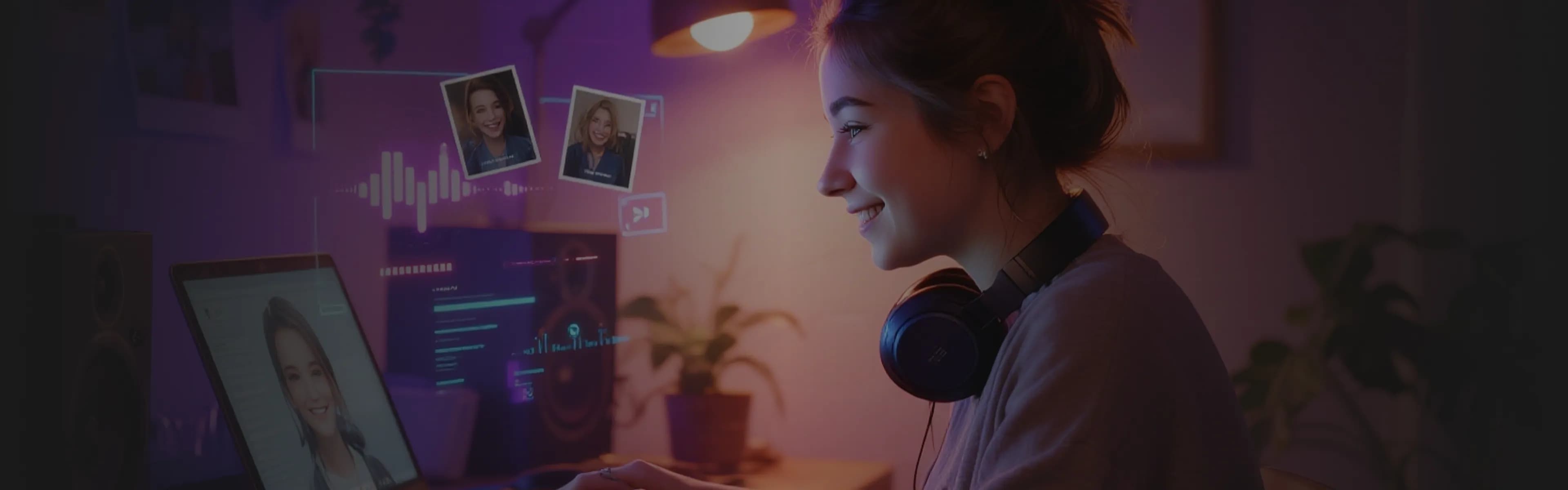
What Is an AI Singing Photo Generator?
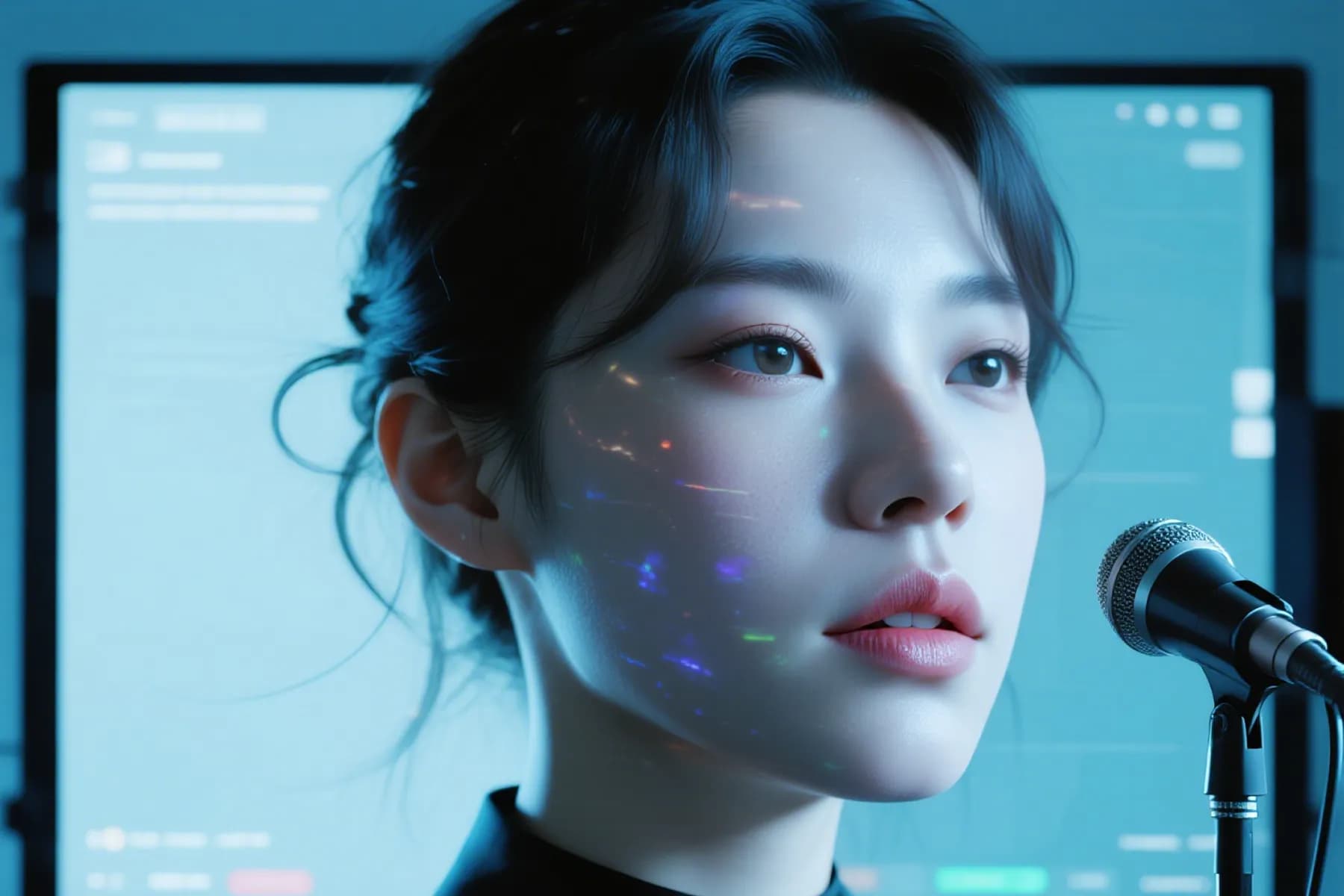
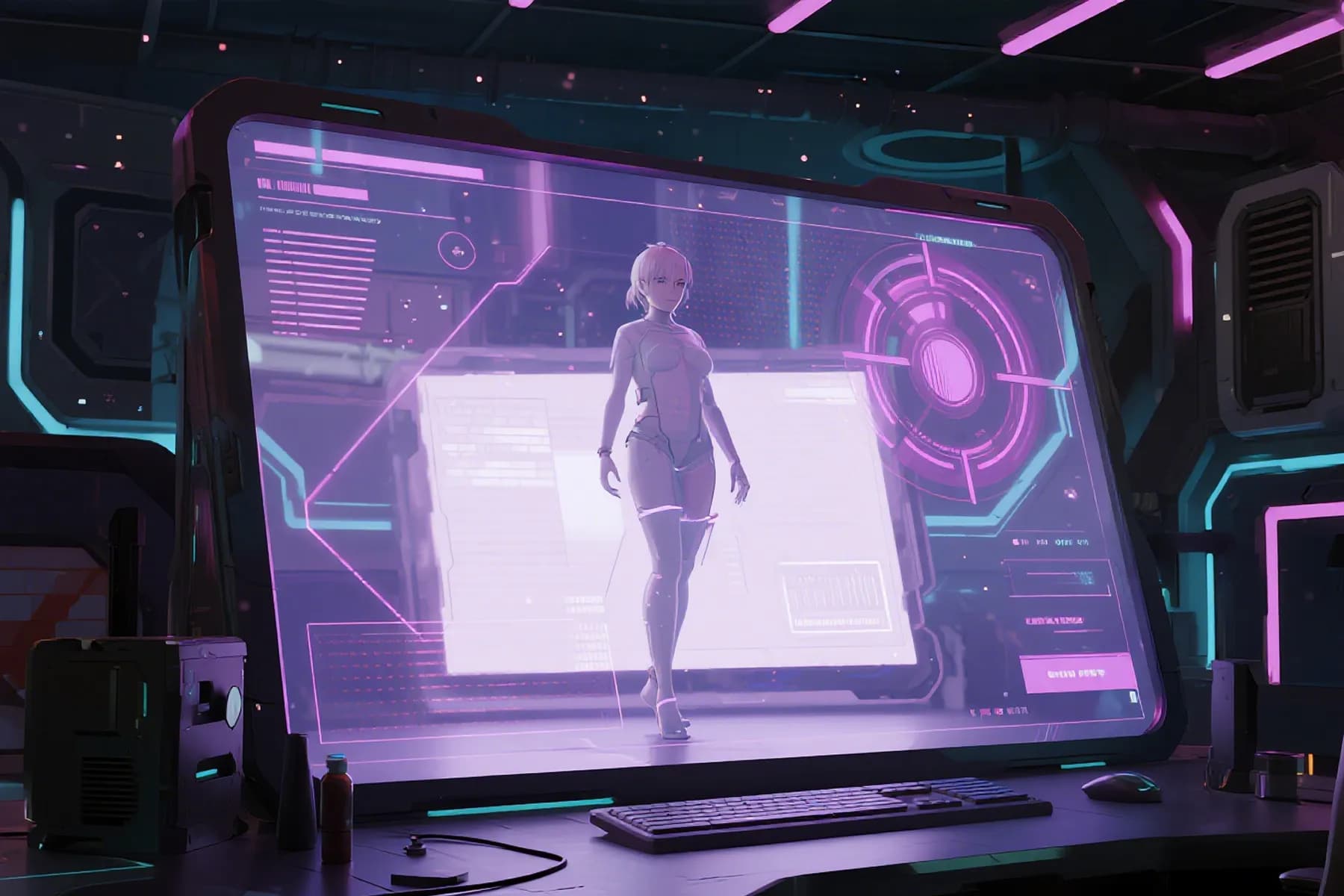
InsMelo AI singing photo generator turns a static image into a singing video by syncing facial movement with music or vocals. It detects the face, animates the mouth and expressions, and helps you create singing photos for social clips, greetings, avatars, and music content.

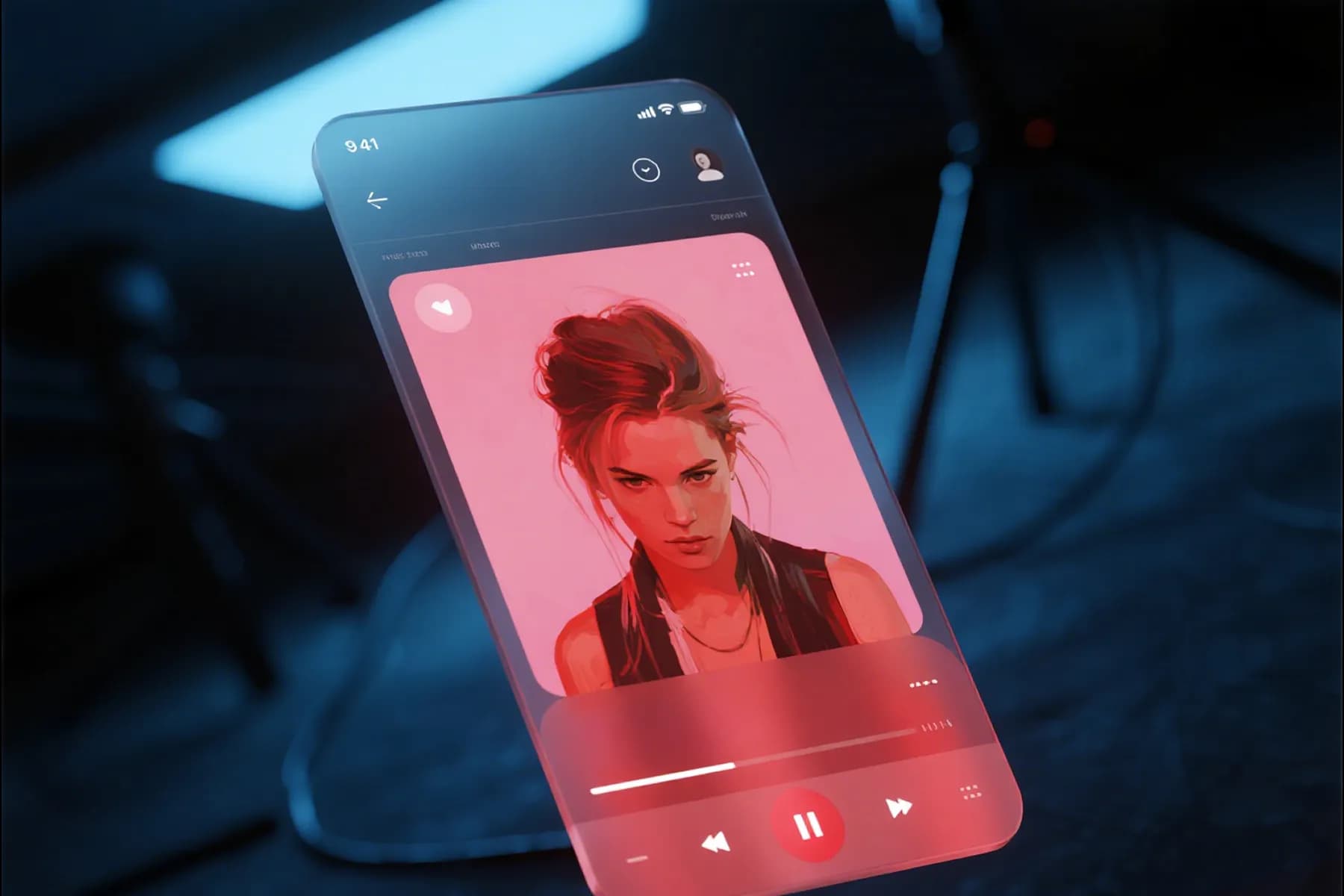
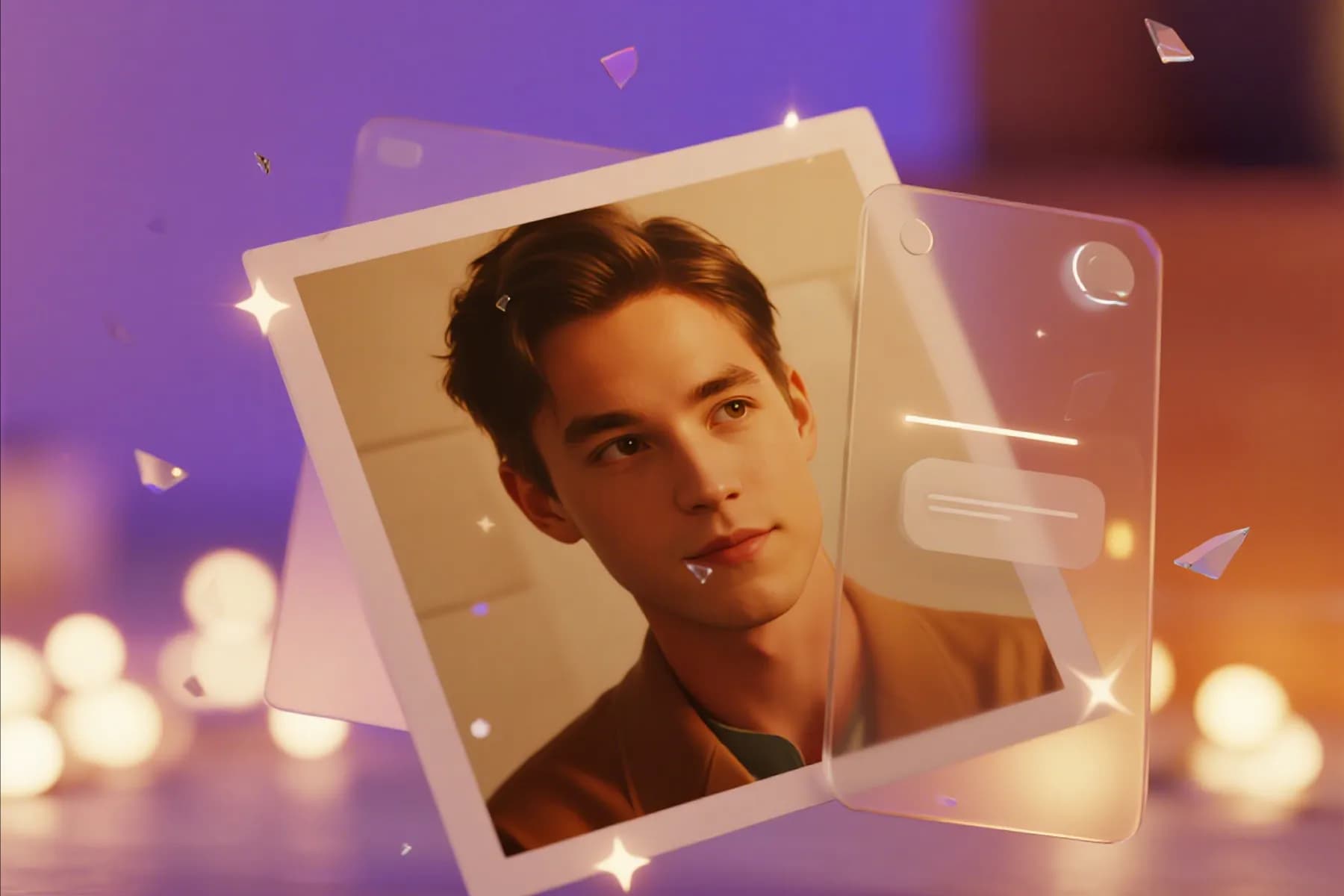
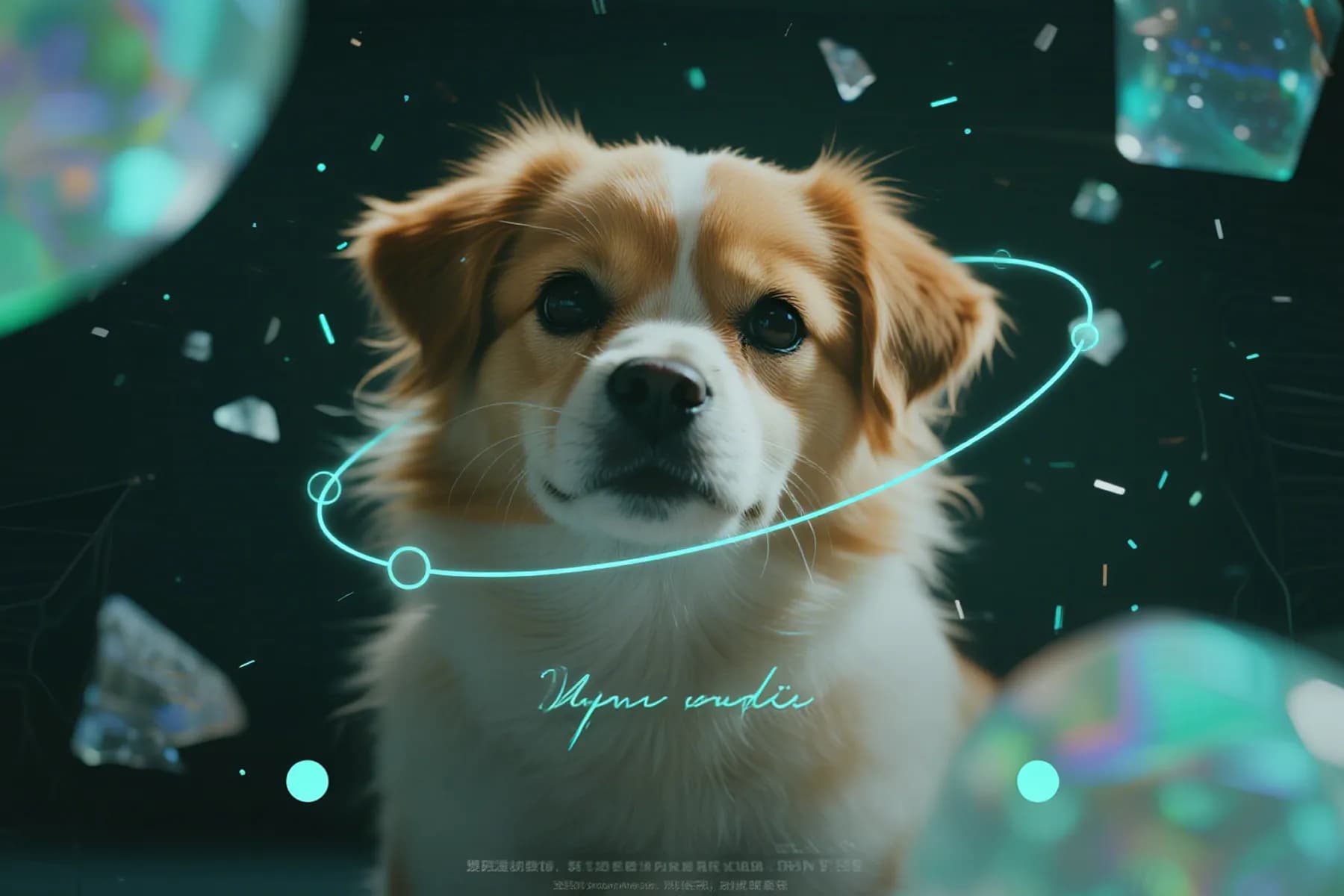
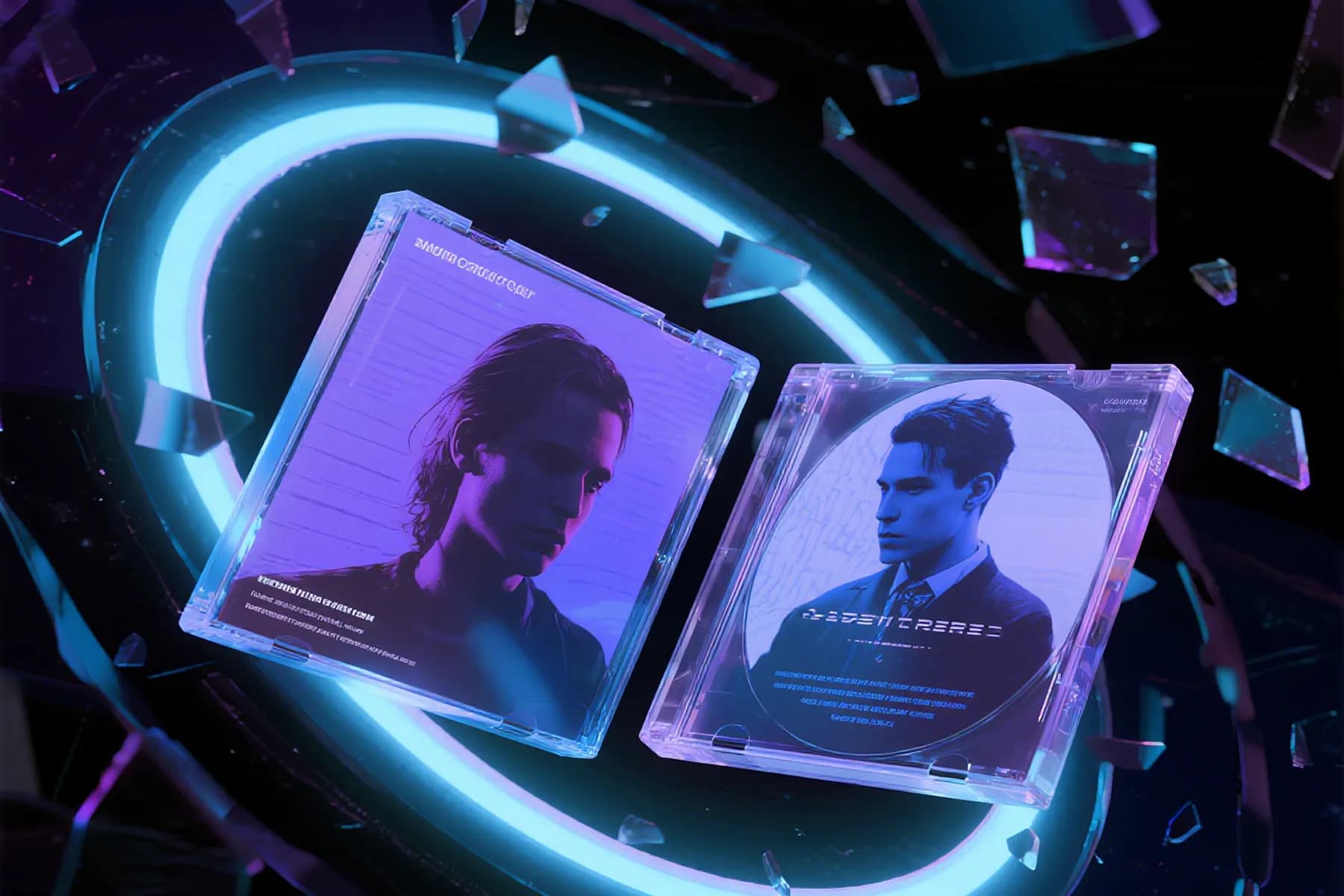
Singing Image Examples Made with InsMelo
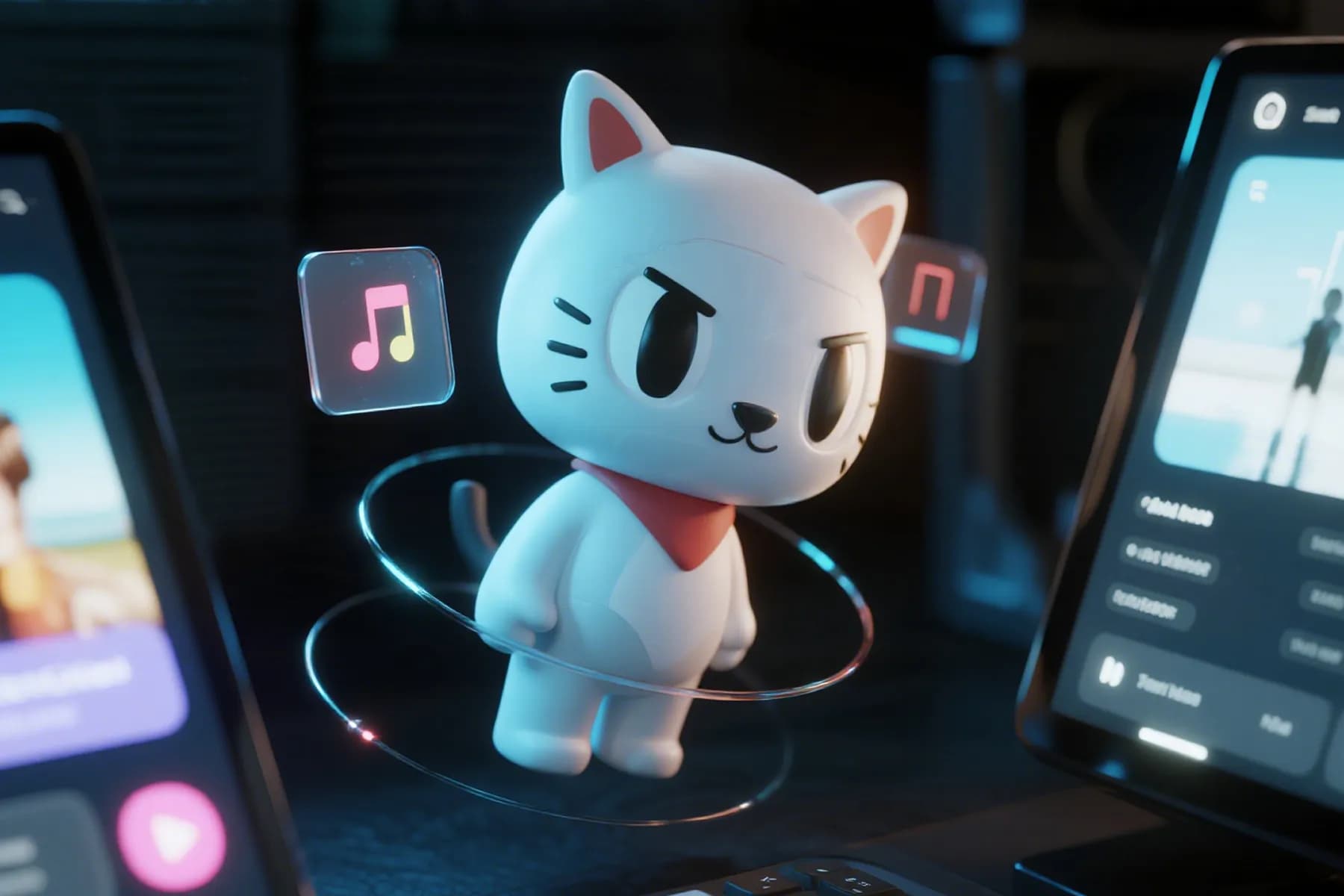
See how different portraits become singing photos with AI lip sync, facial animation, and music-driven expression. Turn your selfies, avatars, pets, or characters into the next singing photo video.
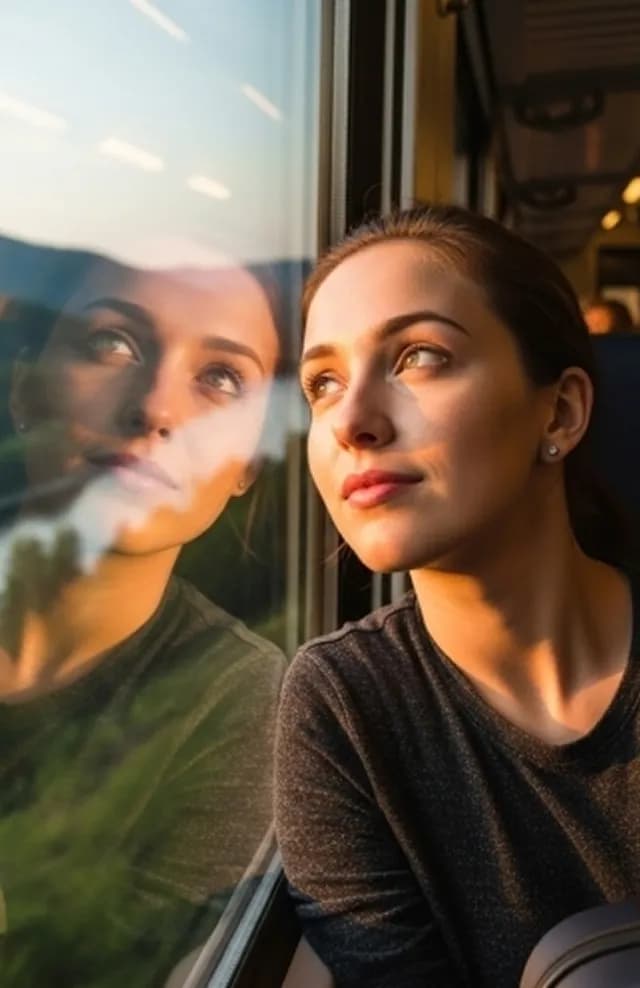
Why Choose InsMelo for AI Singing Photos
The InsMelo AI sing photo generator is built for creators who want more than a basic face animation tool. You can move from image to music video faster, with controls for songs, lip sync, portrait quality, and export formats.
Make A Song and Photo Sing Online in One Place
Tired of jumping between separate tools to make a music video? The InsMelo platform lets you create AI songs and animate the photo in one place. Start with a portrait, generate or upload the track, then make your photo into a singing video quickly.
Make a Photo Sing with AI OnlineAudio-driven AI Lip Sync
InsMelo follows the rhythm, vocals, and phrasing of your audio instead of adding random mouth movement. This helps the AI singing photo feel connected to the song, especially when you use clear vocals, short hooks, or expressive chorus sections.
Try AI Singing Photo GeneratorSmart Face Detection on Any Portrait
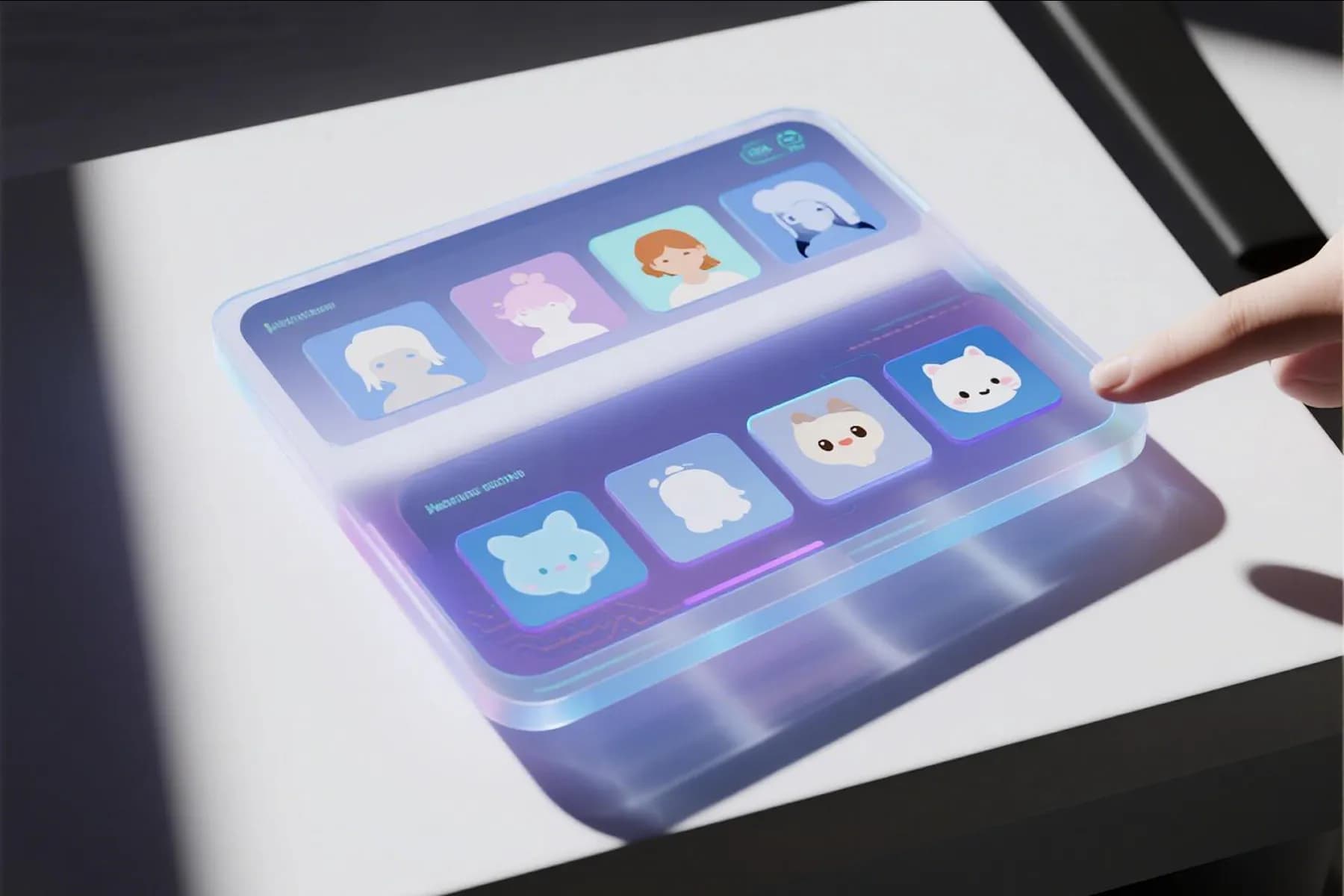
Upload a selfie, character image, pet portrait, or illustrated avatar, and InsMelo checks the face area before animation begins. Clearer faces usually give better results, but our singing picture generator is designed to work across different portrait styles.
Make Face SingingExpressive Facial Animation to Sing
A good singing photo should not only move its lips but also convey emotion. InsMelo adds facial motion that supports the performance so the image can feel more alive when singing, reacting to vocals, or delivering a short music clip.
Animate My Photo and SingSocial-Ready Video Formats for Export
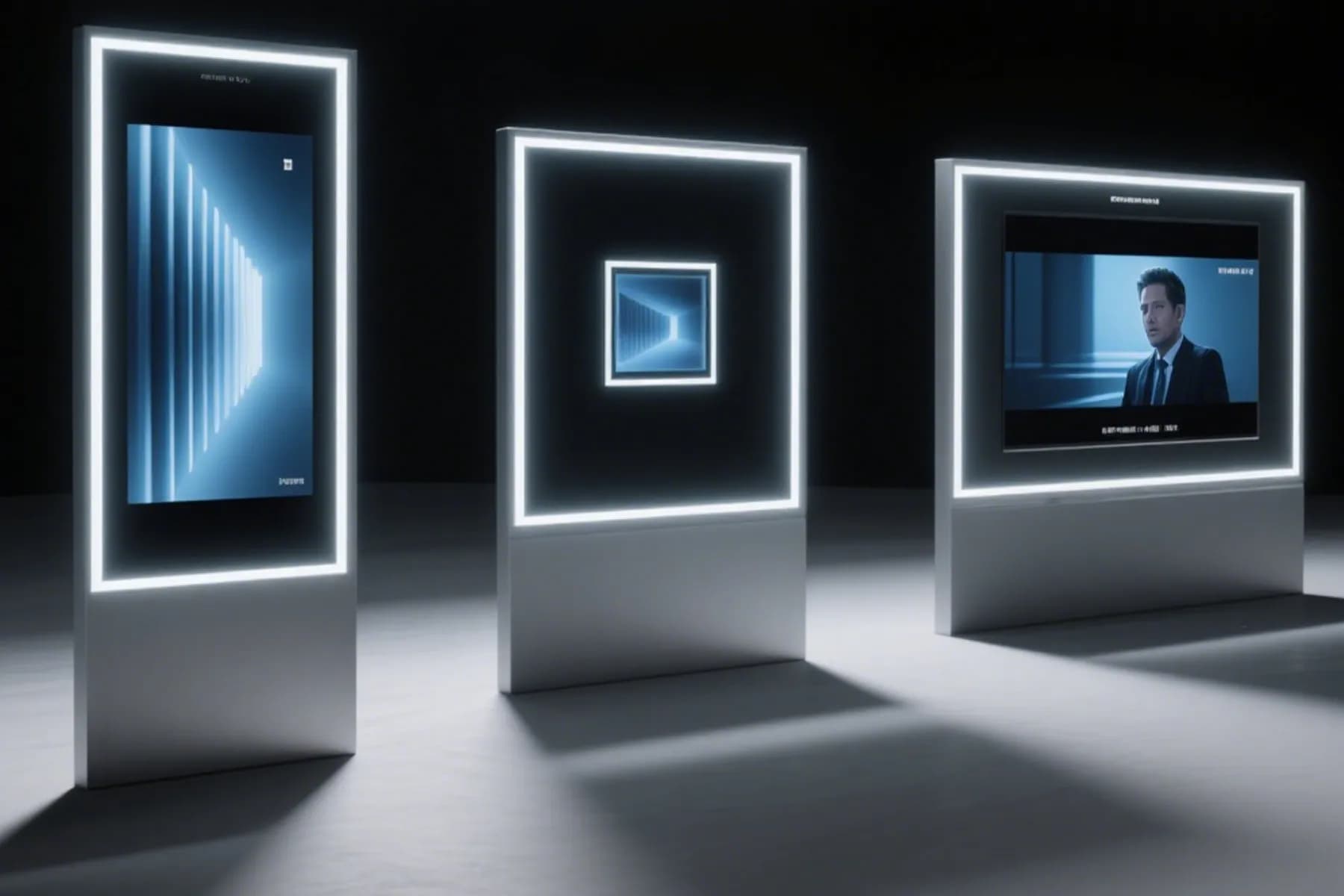
Create singing photos for TikTok, Instagram Reels, YouTube Shorts, profile posts, or private messages. InsMelo supports 3:4, 1:1, 9:16, and 16:9 aspect ratios, with MP4 and WebM export options, so your photo singing video is easier to publish without extra resizing.
Create Social-Ready Video NowRoyalty-Free Song Singing Video
If you need music for a singing photo, you can create original royalty-free songs through InsMelo AI Song Generator. This is useful for creators who want custom music without relying on reused or copyrighted songs.
Make Royalty-Free Song Singing Video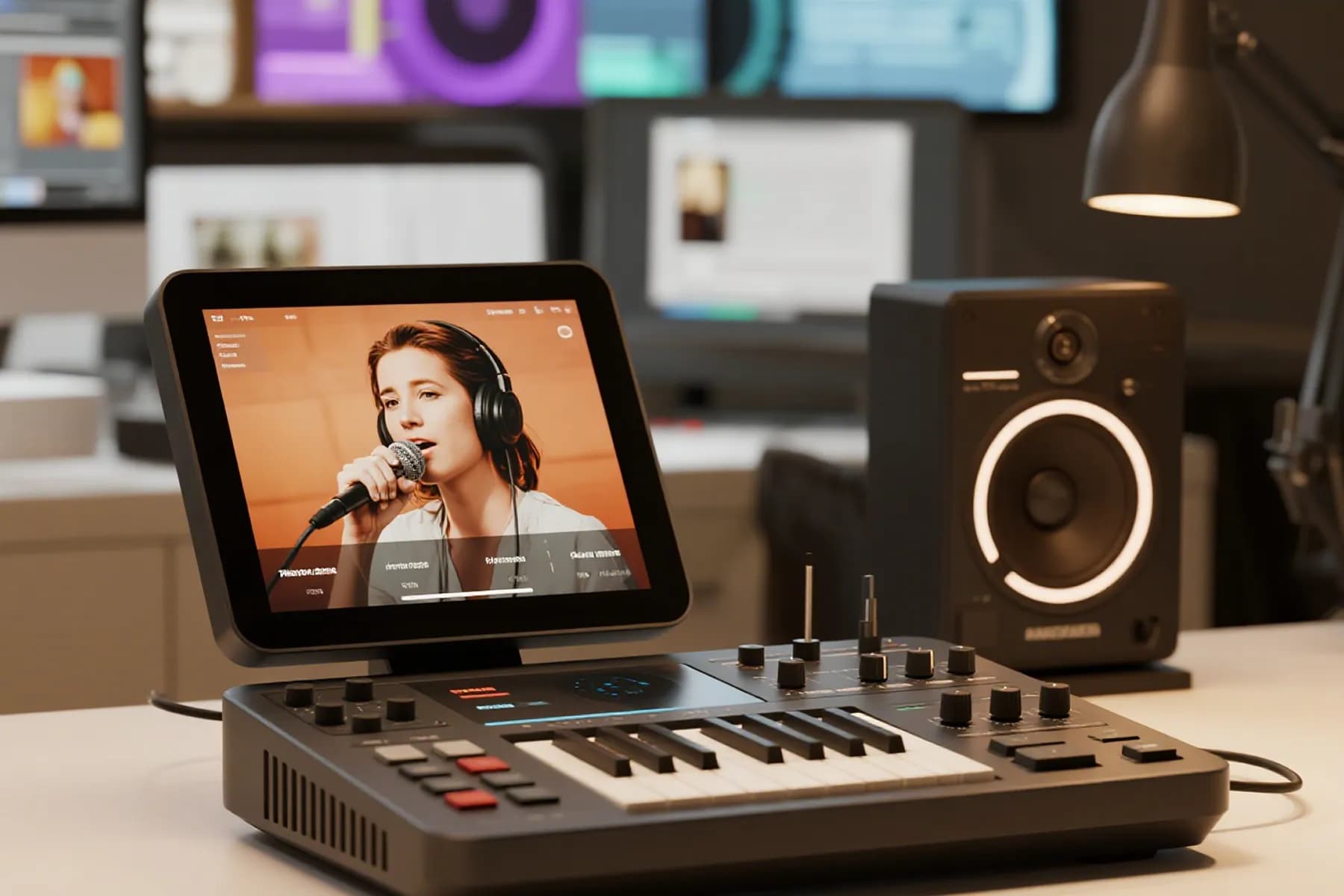
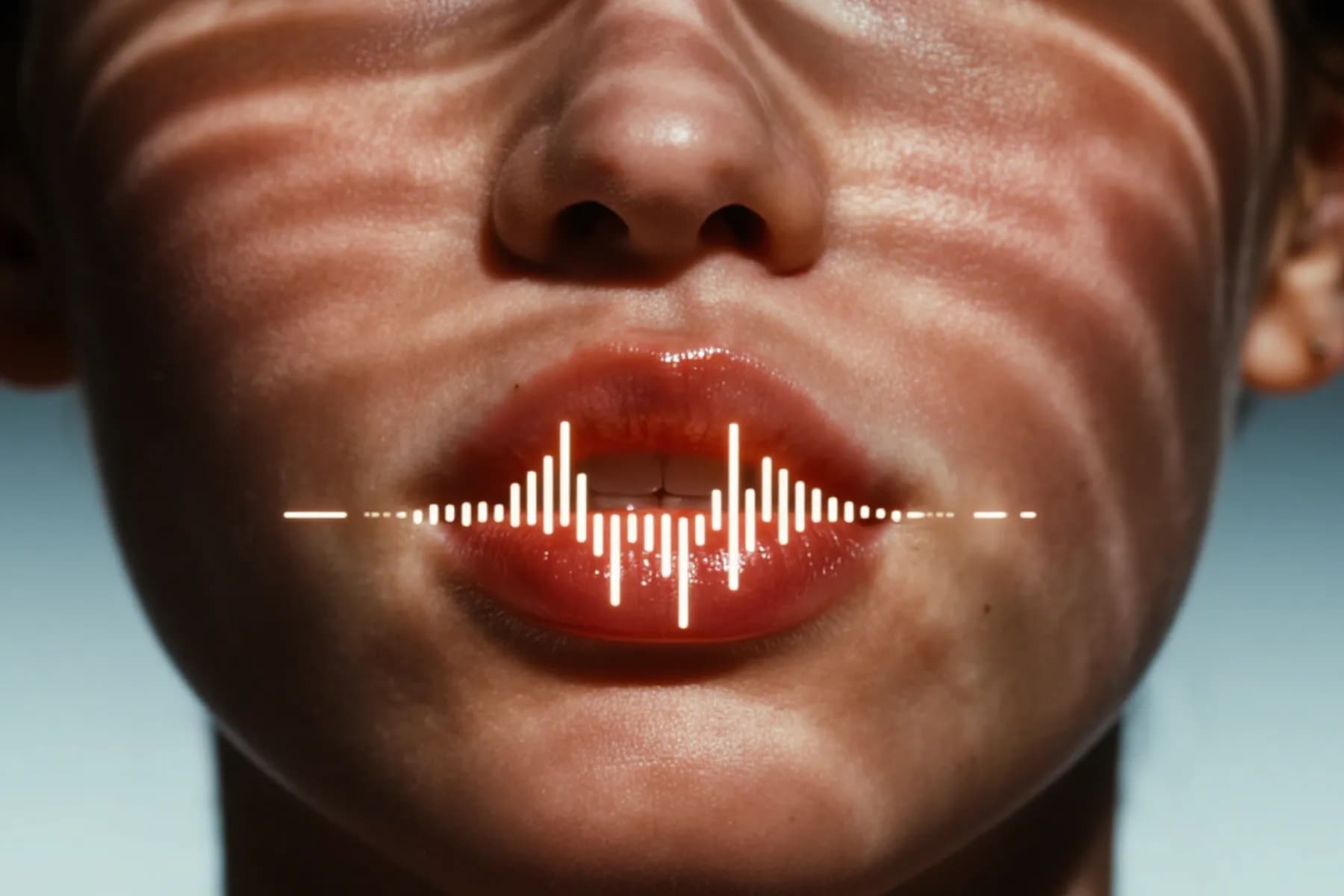

How to Make a Photo Sing with AI
Creating a singing video from any picture is quite simple. With InsMelo AI singing photo maker, you only need a clear image, a song or vocal clip, and a short description you want to turn into a video.
1.
Upload a Favourite Image
Choose a clear front-facing photo you plan to turn into a singing video. It may be a portrait, selfie, avatar, pet image, or character picture.
2.
Add Your Song
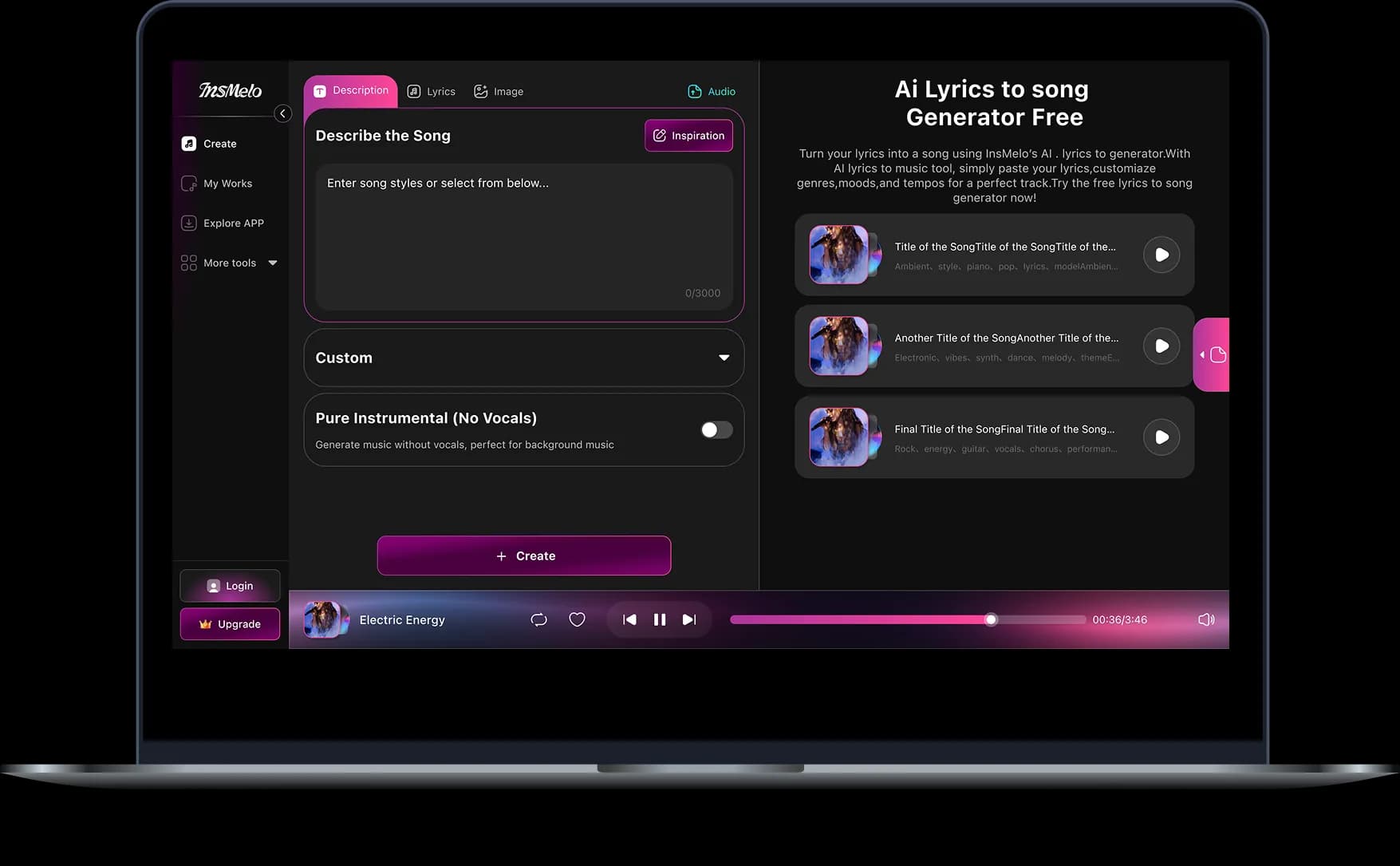
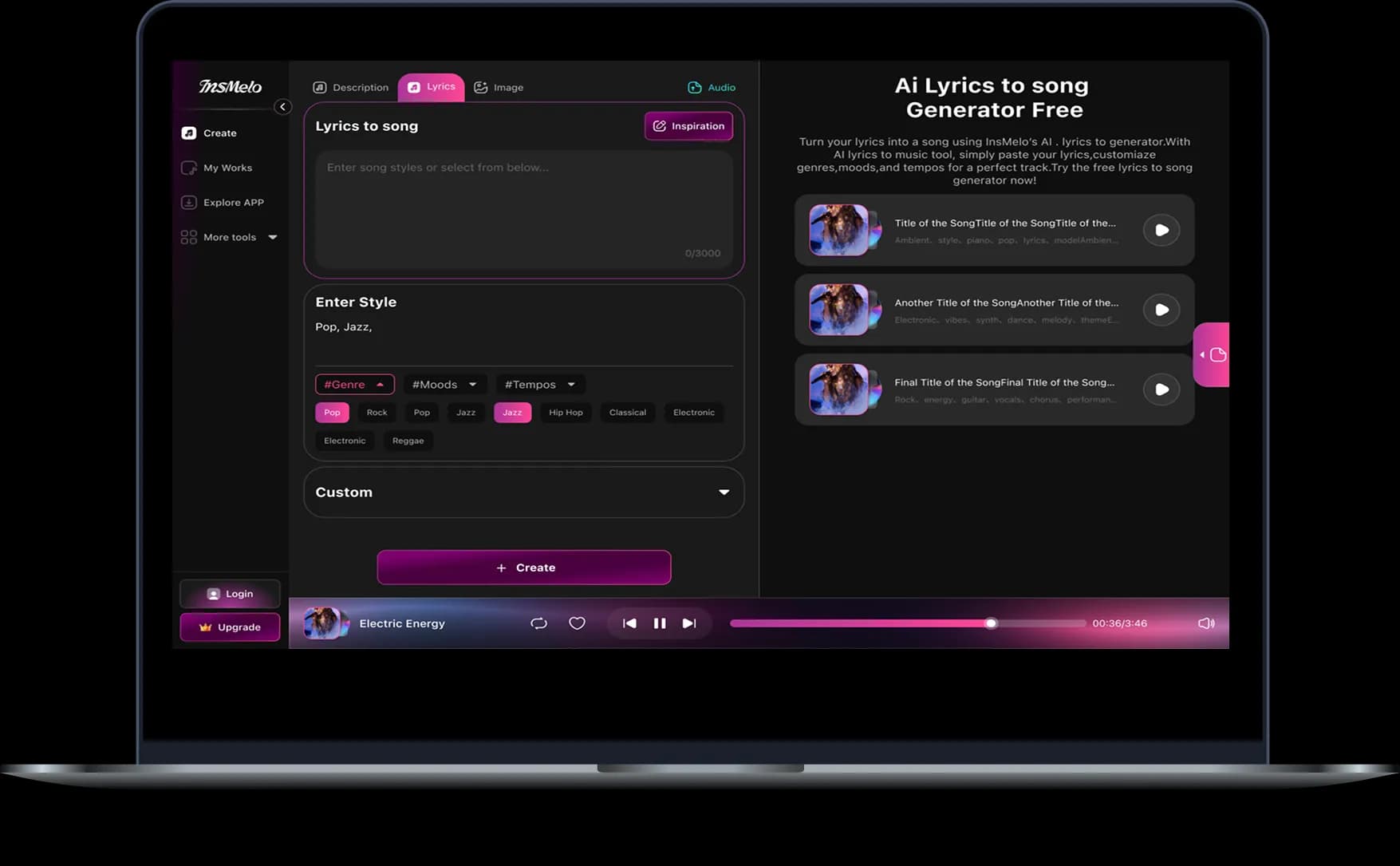
Upload your loved song, or pick an AI-generated song from your library. And then describe the effect you want based on the photo. The AI synchronizes the facial expressions and lip movements of your photo or image to match the rhythm, lyrics, and intonation.
3.
Make a Picture Sing with AI
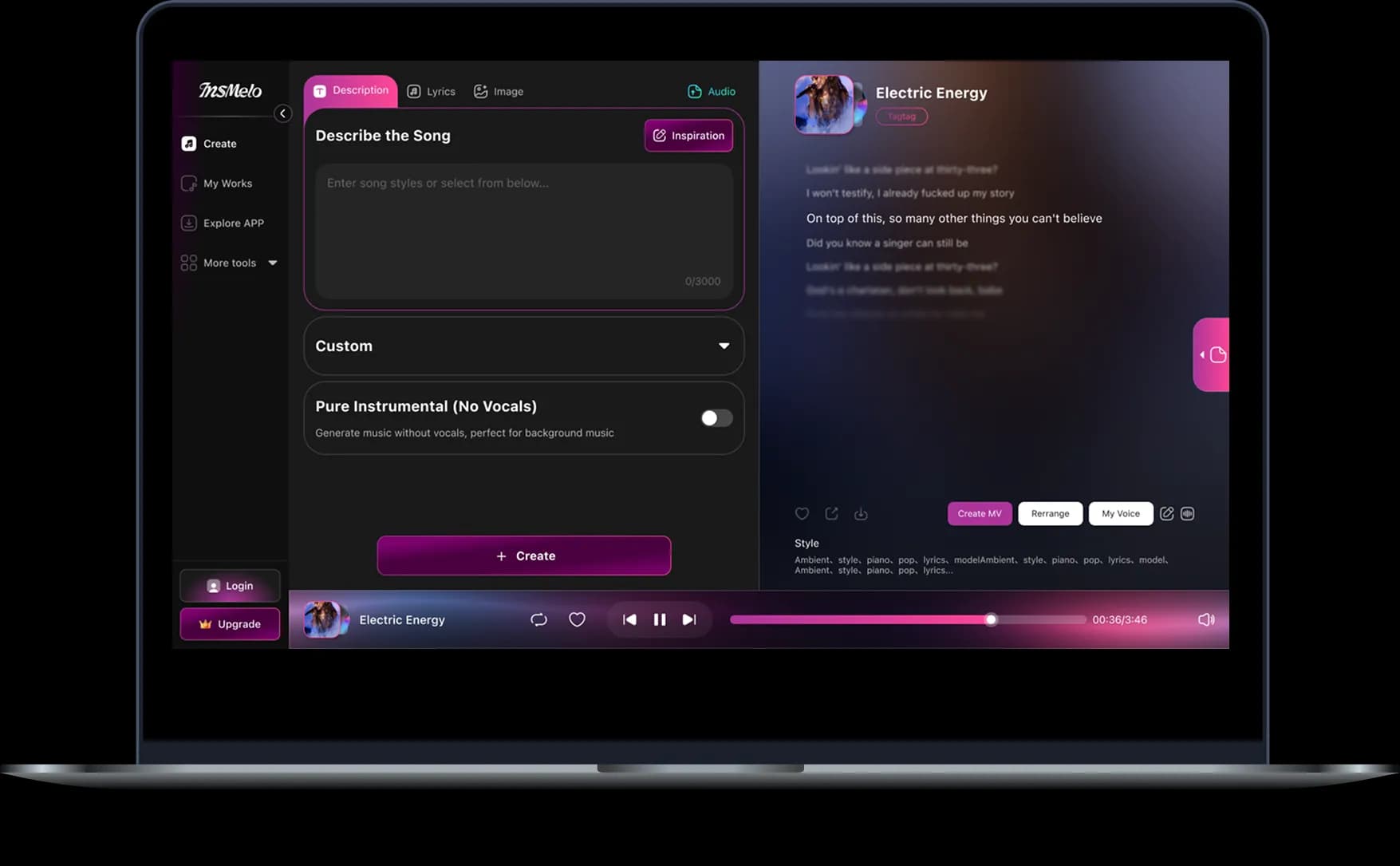
Click the "Generate" button, and the AI singing video will be ready in a few minutes. Preview the animation and download it in HD, watermark-free format for social posts.
Best Pictures and Audio for Better AI Singing Photos
How to make a better AI singing photo video? These quick tips are practical, especially if you want cleaner lip sync, stronger facial animation, and fewer awkward movements.
Clear Front-Facing Face
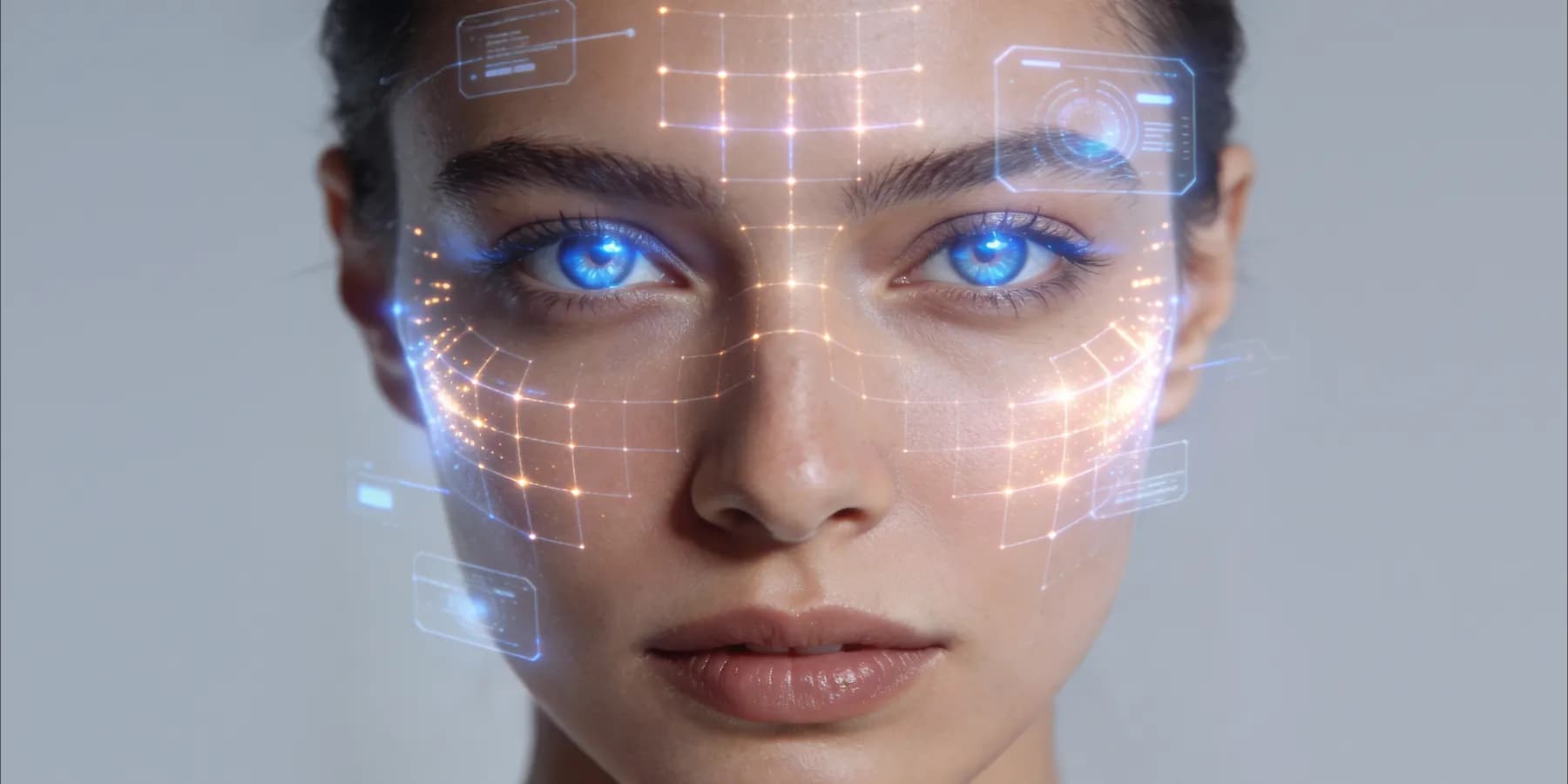
Choose a photo where the subject looks mostly toward the camera. A front-facing portrait gives the AI singing photo generator more facial detail to read, especially around the eyes, cheeks, jawline, and mouth.
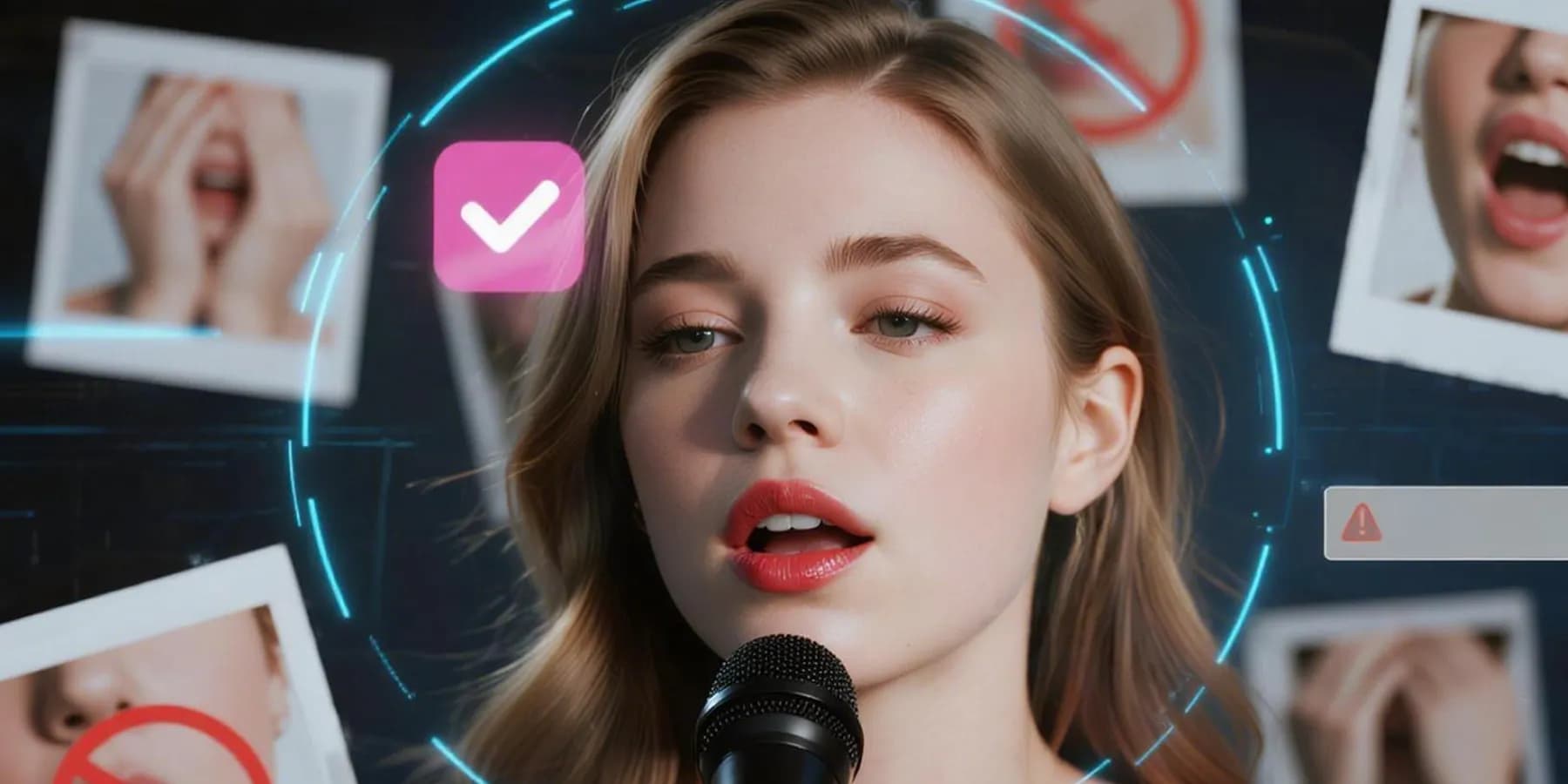
Visible Mouth
Avoid photos where the mouth is hidden by hands, masks, shadows, microphones, food, or heavy filters. If the lips are easy to see, the tool has a clearer reference for singing photo lip sync.
One Main Subject
Start with one clear face in the frame. Group photos may still look fun, but they can make face selection harder when you want to turn a photo into a singing video.
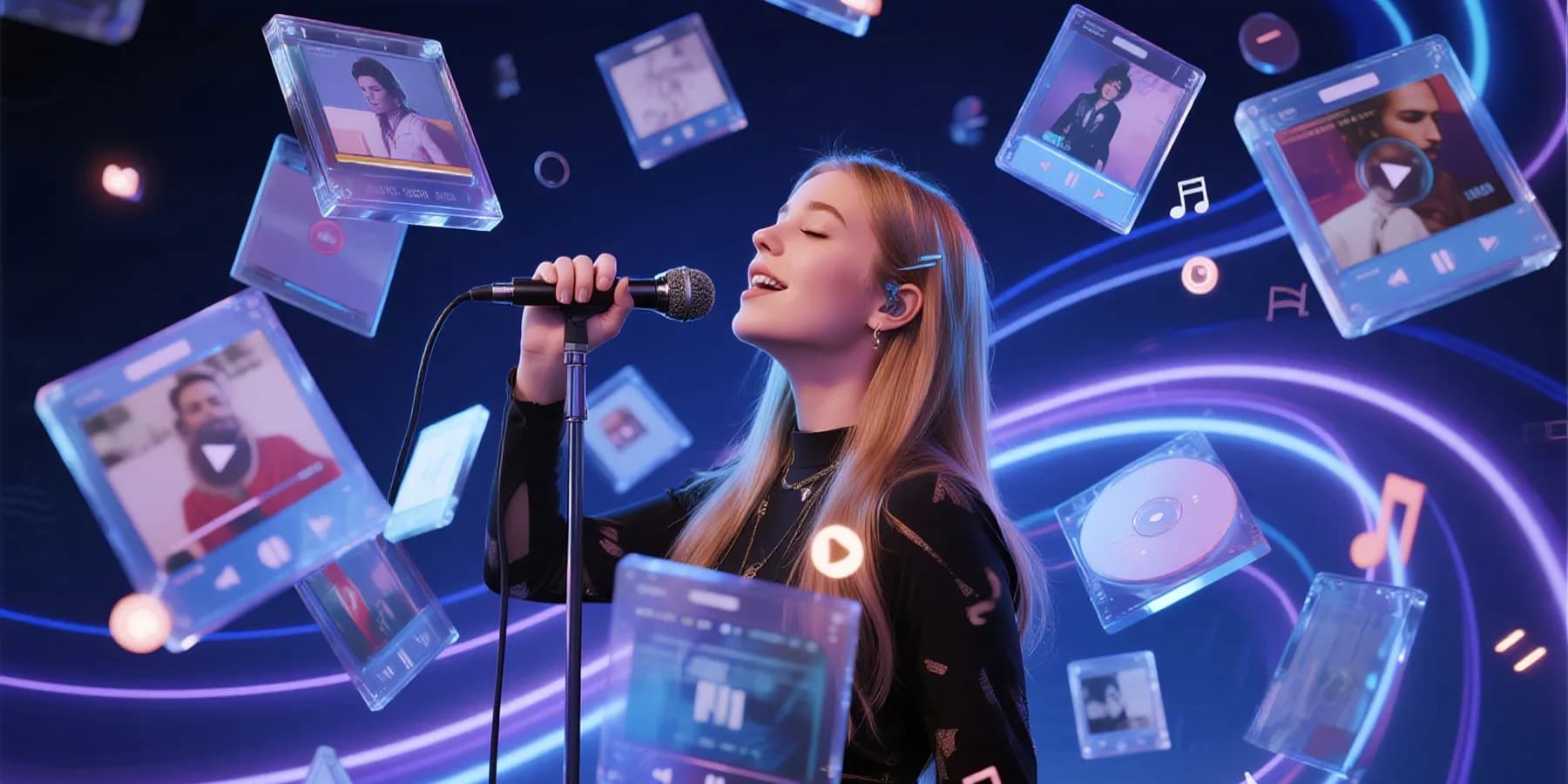
Clean Vocals
Pick audio with a clear singing voice, spoken line, or melody. If the track has loud background noise or several voices at once, consider trimming it to the cleanest part before generation.
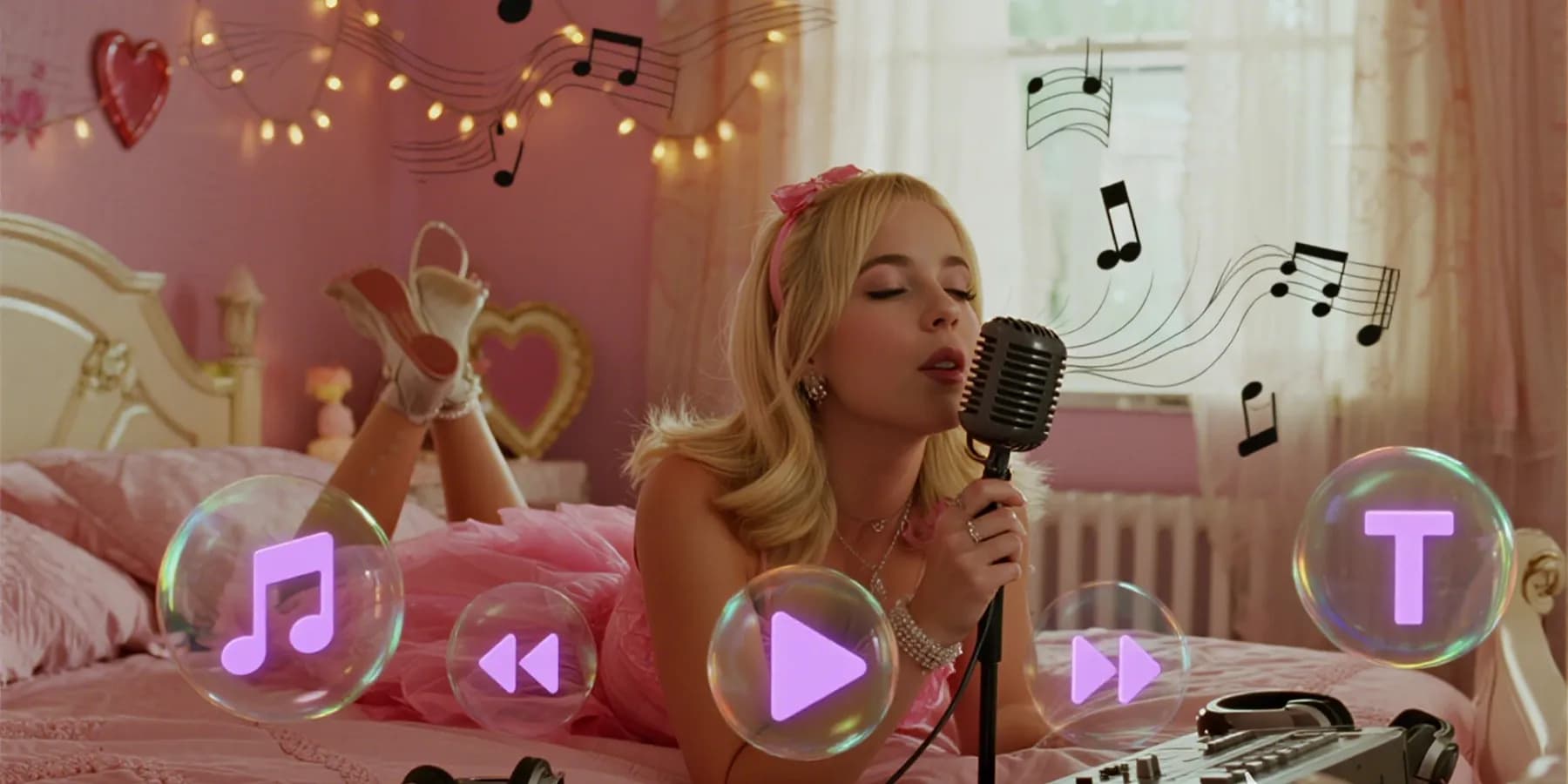
Original or Licensed Song
Use music you created, licensed, or have permission to share. You can also create a new song in InsMelo, which keeps your AI singing photos easier to use for public posts.
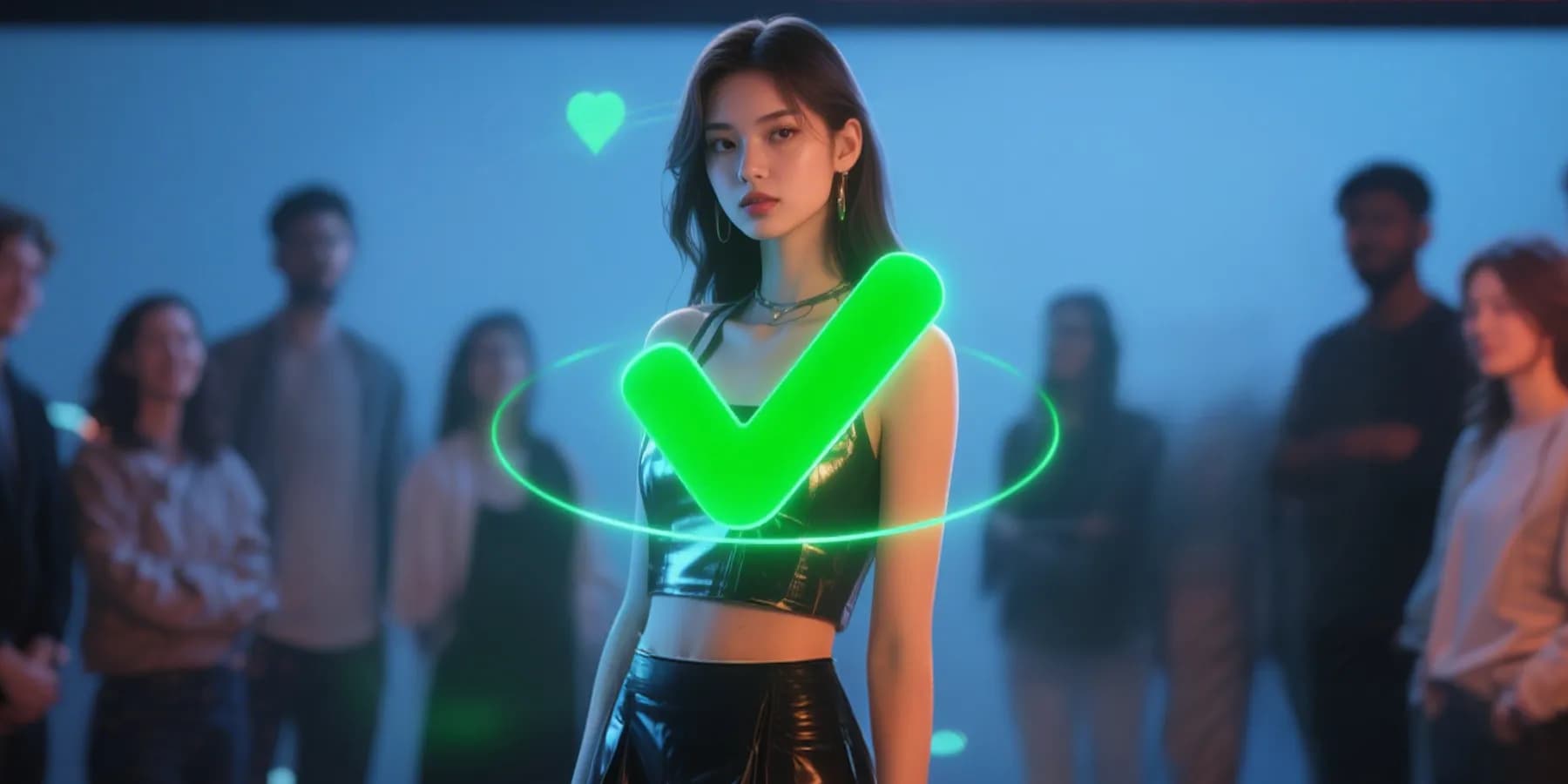
Final Preview Before Sharing
Watch the singing video once before you publish it. Check whether the face, mouth movement, framing, and audio timing feel right for the platform, audience, and purpose of the clip.
Export Your AI Singing Photo Video in the Right Format
Create a finished video that fits where you plan to publish it, from clear resolution to platform-ready framing and simple download options.
Resolutions
720p · 1080p · 4K
Export clear videos at different quality levels.
Aspect Ratios
3:4 · 1:1 · 9:16 · 16:9
Create videos in different aspect ratios.
Formats
MP4 · WebM
Download in common video formats.
Audio Length
10s · 50s
Create videos from 10s to 50s clips.
Turn Photos into Singing Videos for Every Use Case
From creating entertaining AI singing photo videos to making a music release asset, InsMelo helps you transform photos into singing videos that match the moment, platform, and audience.
TikTok, Reels, Shorts Clips
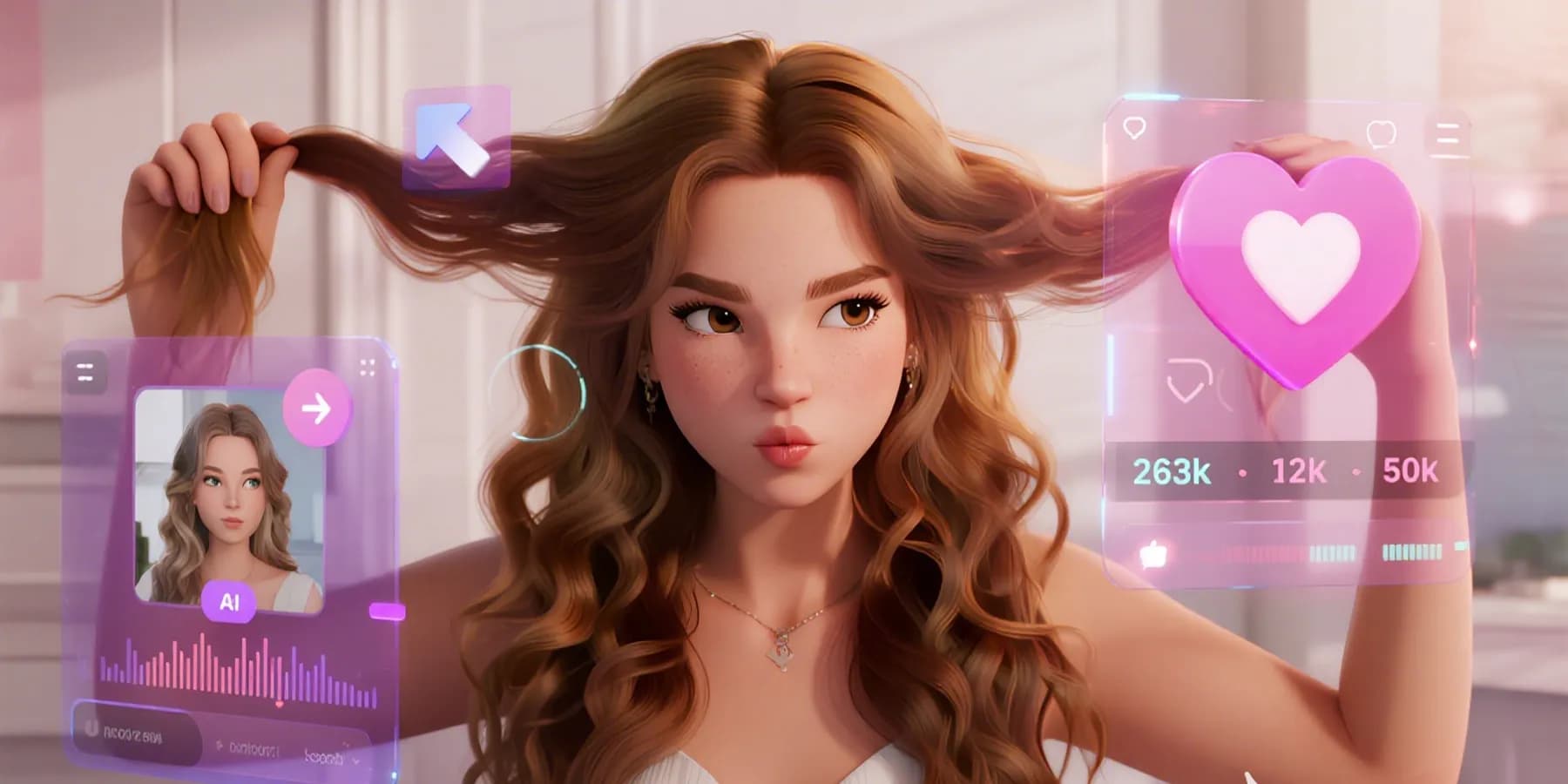
Create quick vertical singing videos from selfies, characters, or stylized portraits. Use a catchy hook, export in 9:16, and make a photo sing for short-form platforms where timing matters.
What Creators Say About InsMelo AI Singing Photo Generator
See how creators use our AI singing photo generator to turn fun moments into viral videos.
Maribel Quenot
Indie Pop Vocalist
I had one cover photo and a chorus demo, but no budget for a video shoot. InsMelo helped me turn that still image into a short singing visual I could post with the release announcement.
Tavian Rook
Short-Form Video Editor
I use it when a client needs a quick vertical clip but only sends photos and audio. The workflow feels simple, and it saves me from opening three different apps for one singing photo idea.
Nerissa Vale
Pet Content Creator
I tried it with my dog’s portrait and a silly birthday song. It was not meant to be polished cinema, just funny and shareable, and that is exactly why people in my group chat loved it.

4.8
User Rating
Oren Matsuda
Game Community Manager
We used character artwork for a community event post, then matched it with a short voice line. Seeing the avatar sing made the announcement feel warmer than another static banner or plain update.
Saskia Bellamy
Boutique Gift Shop Owner
I wanted a playful holiday post without hiring an animator. I uploaded our mascot image, added a short jingle, and made a singing video that fit our shop’s light, handmade brand voice.
Elio Carvane
Bedroom Producer
I do not always have footage ready when I finish a demo. InsMelo lets me turn a portrait into a quick singing clip, so the track has something visual before I plan a bigger release.
4.8
User Rating
Maribel Quenot
Indie Pop Vocalist
I had one cover photo and a chorus demo, but no budget for a video shoot. InsMelo helped me turn that still image into a short singing visual I could post with the release announcement.
Tavian Rook
Short-Form Video Editor
I use it when a client needs a quick vertical clip but only sends photos and audio. The workflow feels simple, and it saves me from opening three different apps for one singing photo idea.
Nerissa Vale
Pet Content Creator
I tried it with my dog’s portrait and a silly birthday song. It was not meant to be polished cinema, just funny and shareable, and that is exactly why people in my group chat loved it.
Oren Matsuda
Game Community Manager
We used character artwork for a community event post, then matched it with a short voice line. Seeing the avatar sing made the announcement feel warmer than another static banner or plain update.
Saskia Bellamy
Boutique Gift Shop Owner
I wanted a playful holiday post without hiring an animator. I uploaded our mascot image, added a short jingle, and made a singing video that fit our shop’s light, handmade brand voice.
Elio Carvane
Bedroom Producer
I do not always have footage ready when I finish a demo. InsMelo lets me turn a portrait into a quick singing clip, so the track has something visual before I plan a bigger release.
Maribel Quenot
Indie Pop Vocalist
I had one cover photo and a chorus demo, but no budget for a video shoot. InsMelo helped me turn that still image into a short singing visual I could post with the release announcement.
Tavian Rook
Short-Form Video Editor
I use it when a client needs a quick vertical clip but only sends photos and audio. The workflow feels simple, and it saves me from opening three different apps for one singing photo idea.
Nerissa Vale
Pet Content Creator
I tried it with my dog’s portrait and a silly birthday song. It was not meant to be polished cinema, just funny and shareable, and that is exactly why people in my group chat loved it.
Oren Matsuda
Game Community Manager
We used character artwork for a community event post, then matched it with a short voice line. Seeing the avatar sing made the announcement feel warmer than another static banner or plain update.
Saskia Bellamy
Boutique Gift Shop Owner
I wanted a playful holiday post without hiring an animator. I uploaded our mascot image, added a short jingle, and made a singing video that fit our shop’s light, handmade brand voice.
Elio Carvane
Bedroom Producer
I do not always have footage ready when I finish a demo. InsMelo lets me turn a portrait into a quick singing clip, so the track has something visual before I plan a bigger release.
FAQs About AI Singing Photos & Pictures
Find clear answers about adding vocals to instrumentals with InsMelo, so you can understand how the tool works before turning your lyrics and music into a complete vocal song.
Upload a clear image, add a song or voice clip, and let InsMelo animate the face with AI lip sync. You can preview the singing video before downloading it.
Yes. InsMelo offers free credits so you can try making singing photos online. If you need more generations, longer videos, or higher export options, you can upgrade your plan.
A clear front-facing portrait works best. Choose an image with visible eyes, mouth, and face shape so the AI singing photo generator can detect and animate the subject accurately.
Yes. Our AI singing photo generator supports you choosing your AI-generated songs from your library and using them to create a photo singing video.
Yes, if you can create original royalty-free music with InsMelo’s Text to Song Generator, then use that song with your photo to generate a singing video.
Yes. InsMelo AI singing photo generator can work with portraits beyond real selfies, including pets, cartoons, characters, and avatars, as long as the face is clear enough for animation.
Yes. Your photos are protected throughout the process based on its privacy policy. For personal or sensitive images, you should always review the platform terms before uploading or sharing generated videos.
Yes, you own output. But commercial use depends on your plan, uploaded image rights, and music rights. Use original or licensed materials, and check InsMelo’s terms before publishing commercially.
Create Your AI Singing Photo Online with InsMelo
Ready to make your photo sing? Upload a picture, add your song, and create an AI singing photo video you can share, post, or use in your next creative project.