Free AI Hug Video Generator
Turn your photos into a warm embrace with InsMelo free AI hug video generator. Bring loved ones together, celebrate special moments, and send a little comfort to someone you miss.
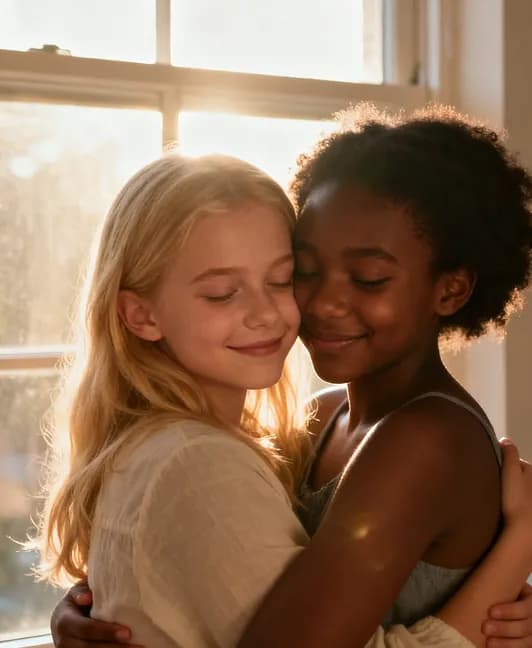





How to Make People Hug from Photos
A meaningful hug starts with a meaningful photo. Use InsMelo AI hug generator to turn familiar faces into a moving moment, with a simple image to video.
1.
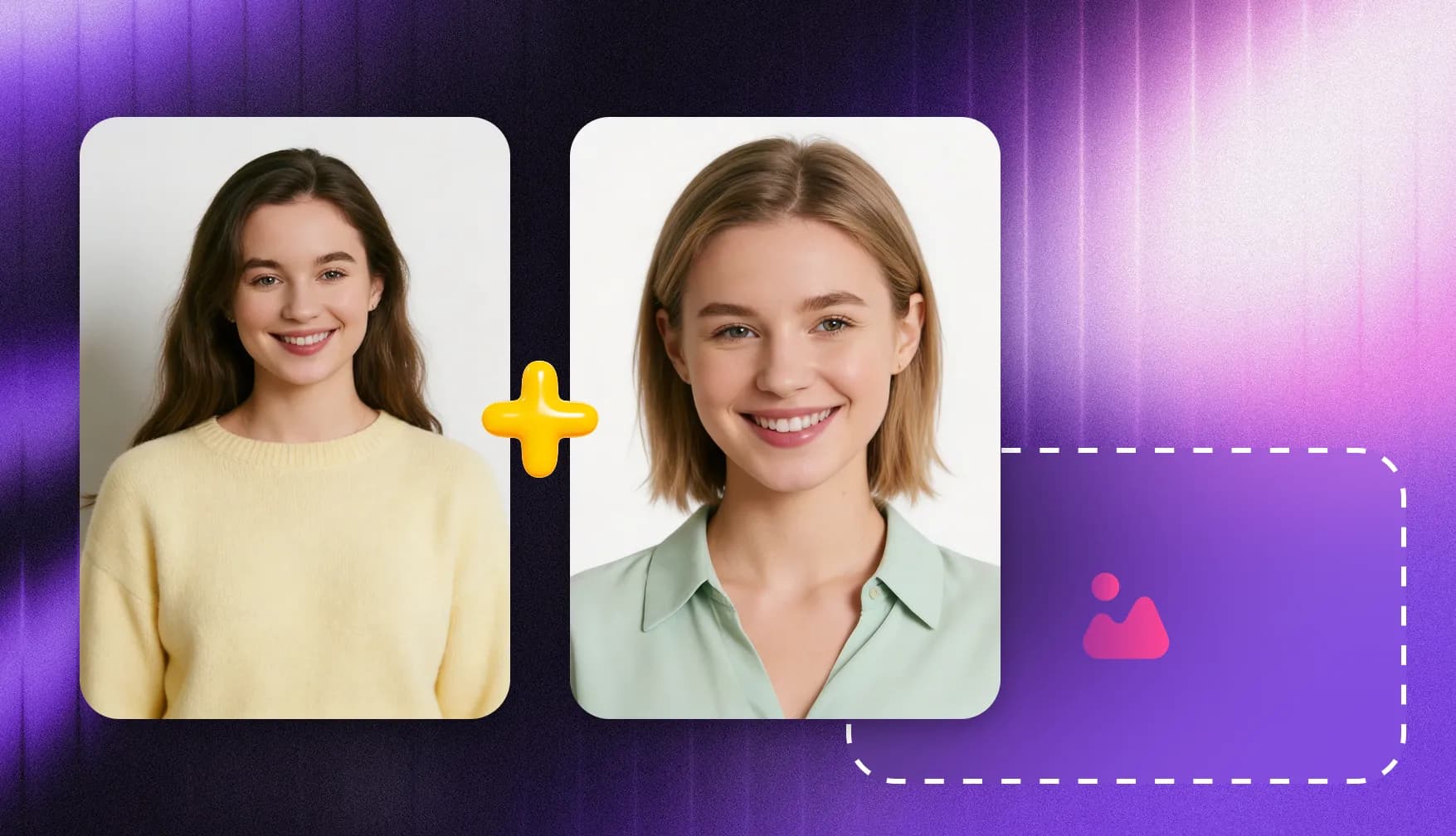
Choose the AI Hug Template
Select the AI Hug template. It provides a preset hugging effect, you can start creating a heartfelt video without writing prompts or setting up the animation yourself.
2.
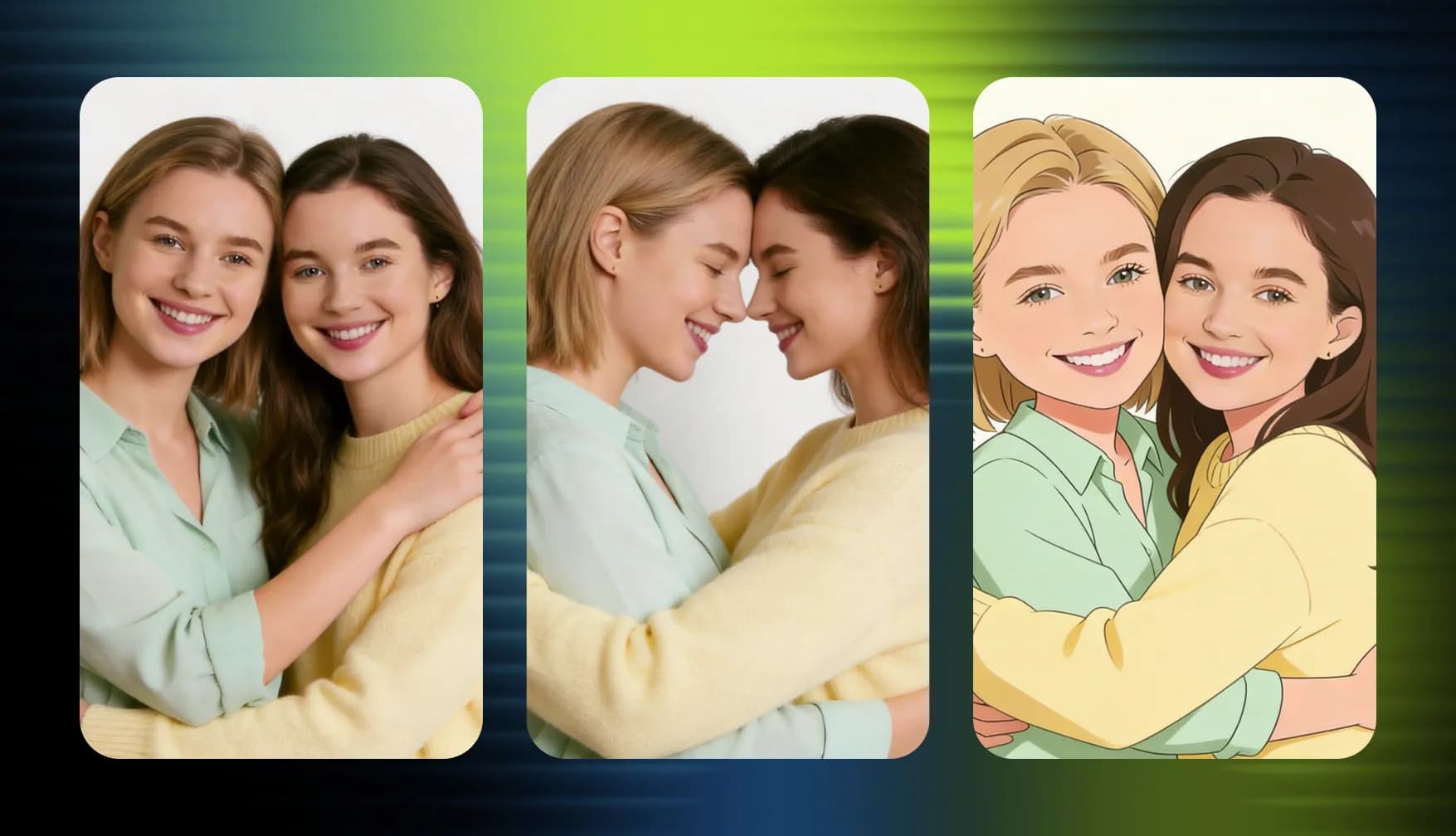
Upload Your Photos
Upload two individual portraits or one photo of two people. Choose clear, front-facing photos with visible faces for better results.
3.
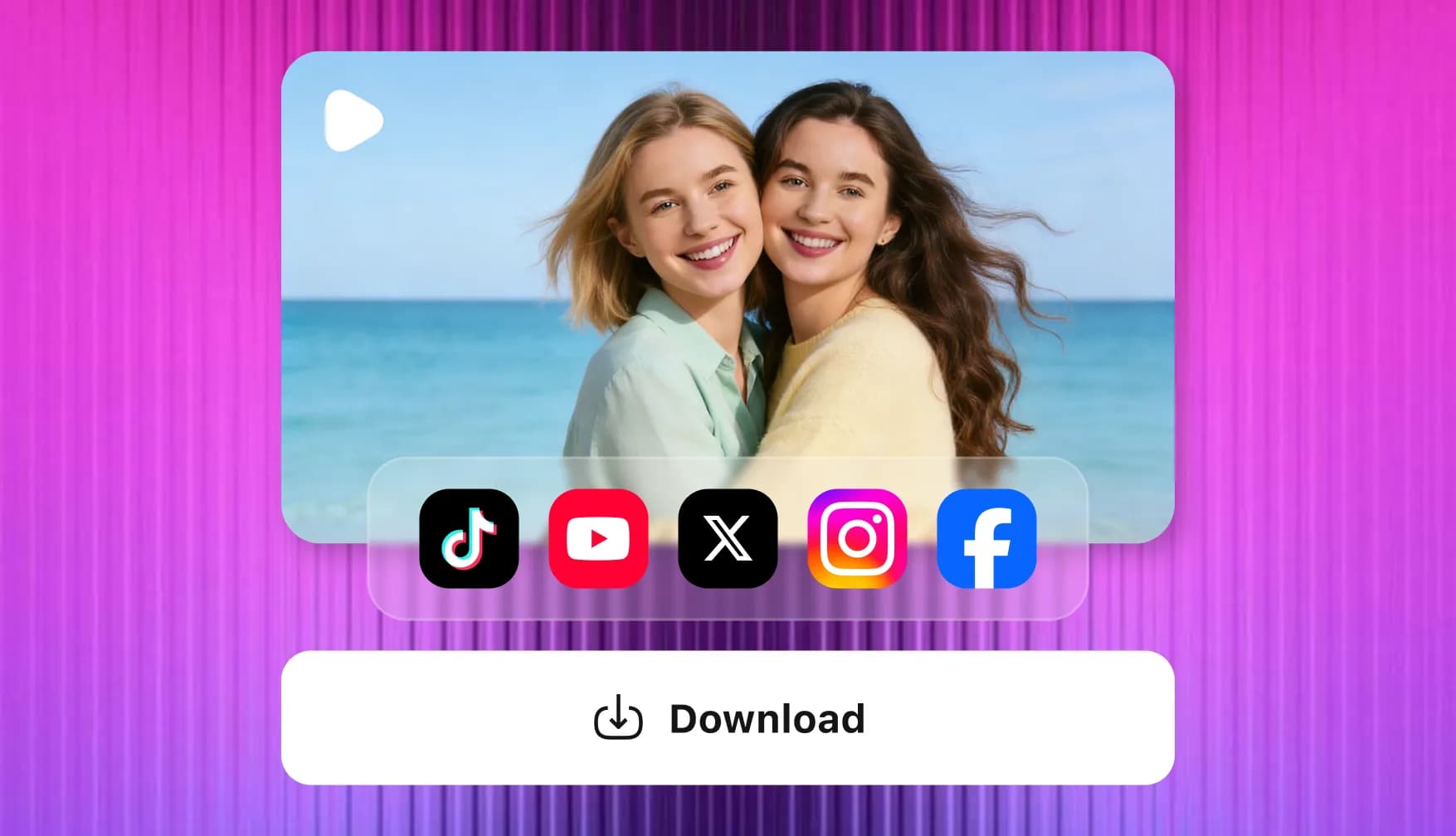
Generate and Download
Click "Generate" and let InsMelo AI hug video generator bring your photos to life. Preview your video, then download and share it with someone you love.
Bring Your Photos to Life with a Natural Hug
Create more lifelike hugging videos with InsMelo AI hug generator. Discover the details that help every embrace look natural and feel personal.
Two Separate Photos, One Shared Moment
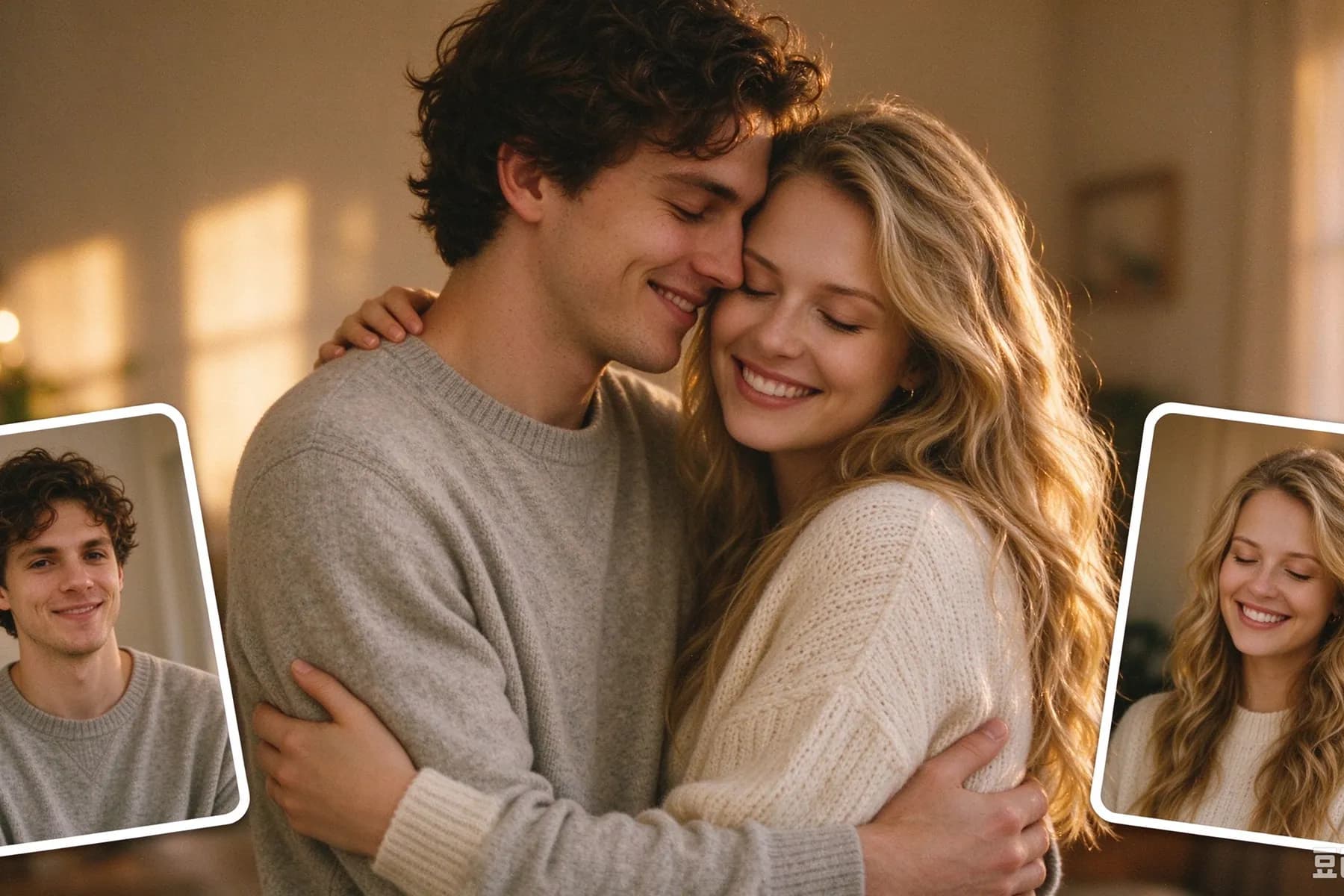
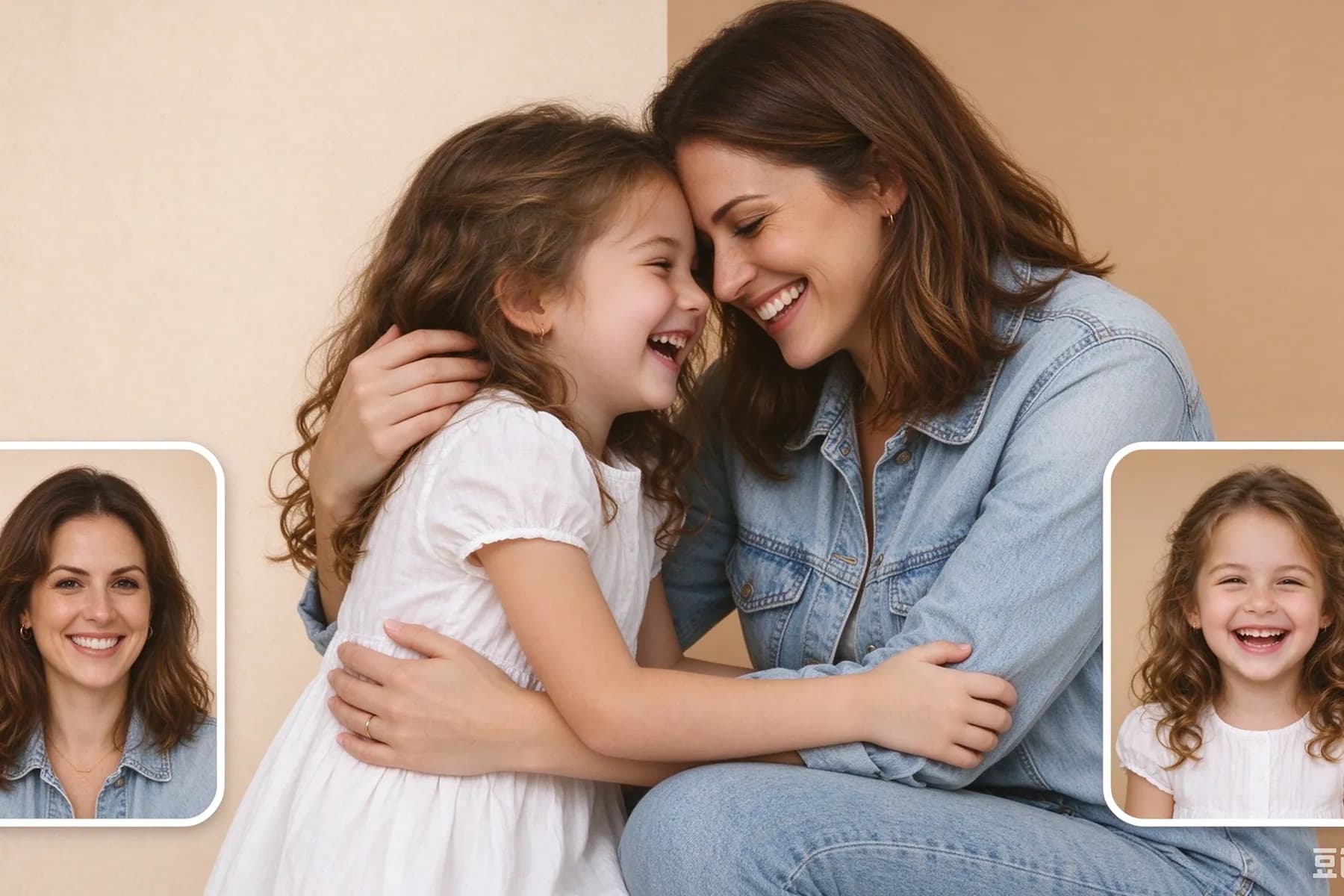
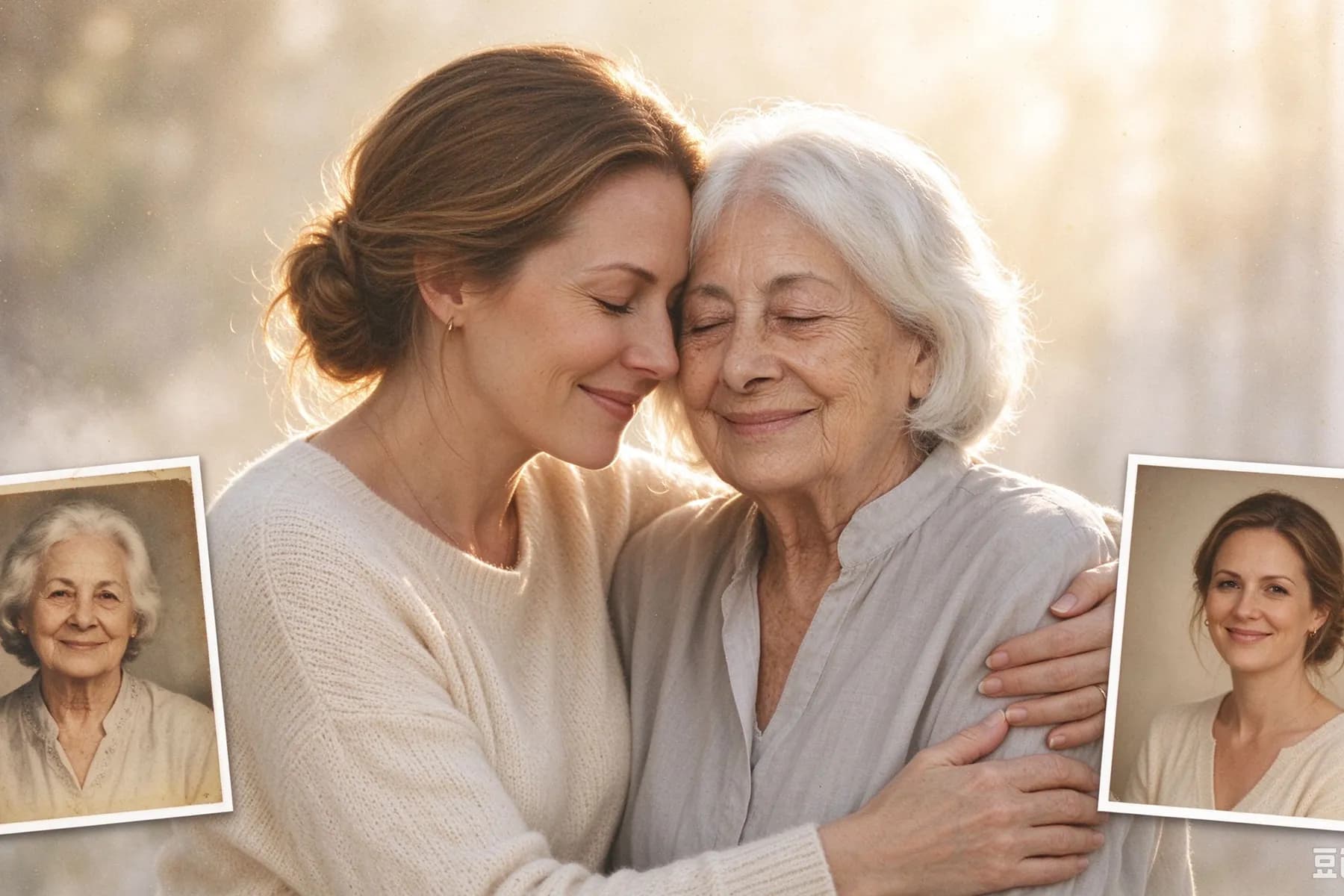
Bring people together even when their photos were taken in different places or years apart. Our free AI hug generator turns two individual portraits into a scene of two people hugging, without requiring you to combine the pictures manually.
Make Two Pictures Hug Online FreeNatural Movement from Start to Finish
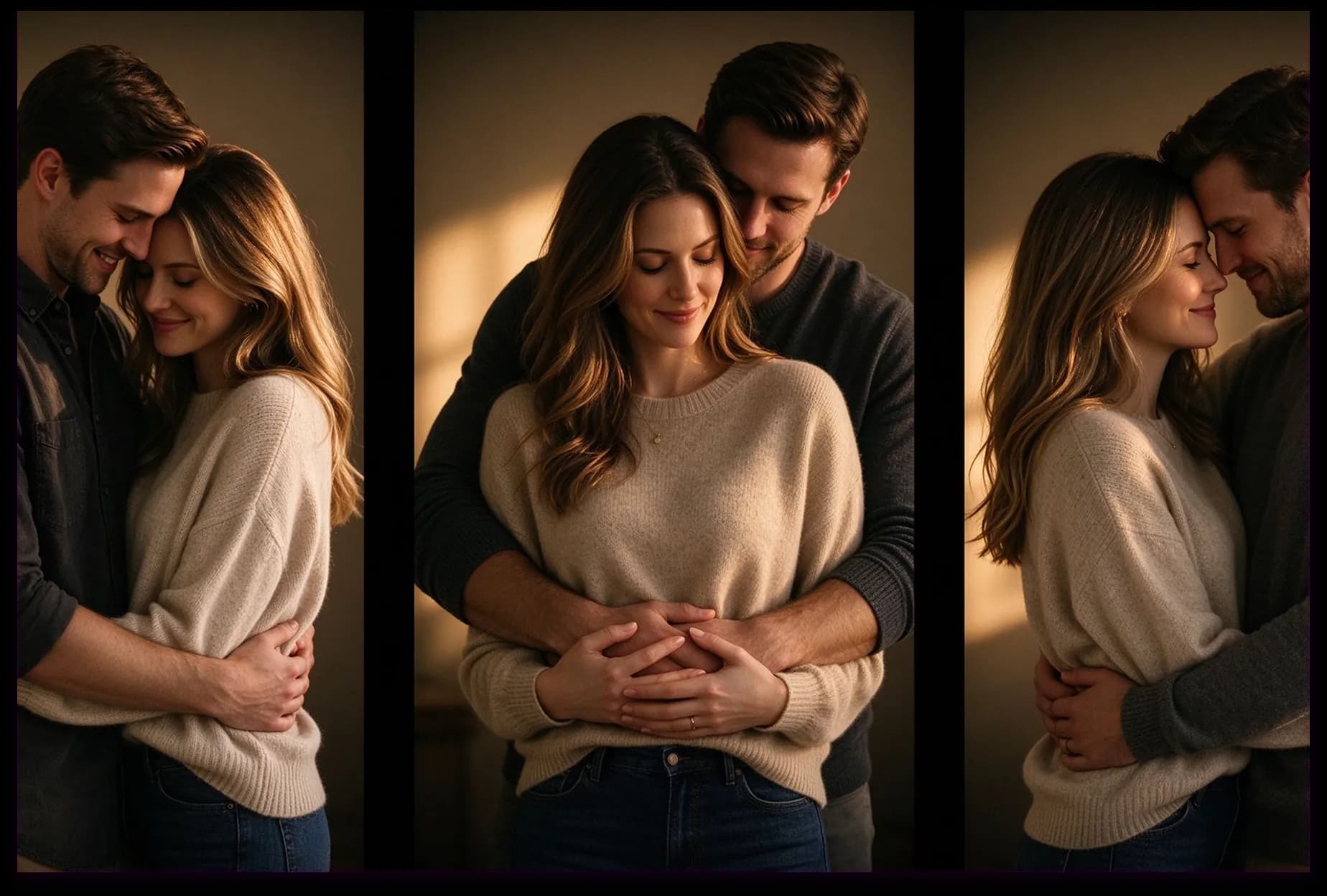
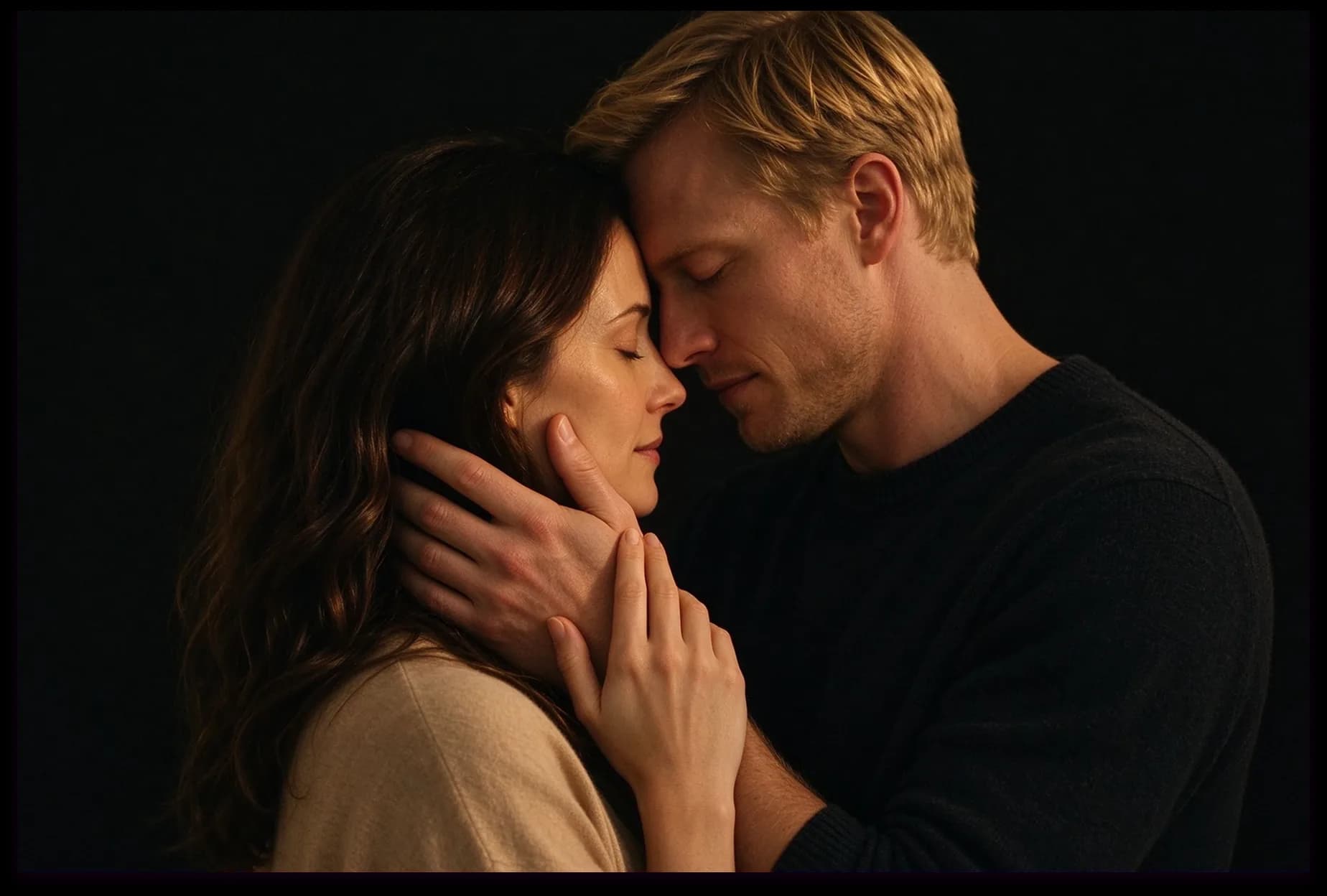
Gentle turns, coordinated arms, and changing expressions bring the embrace together. InsMelo AI hugging generator animates the interaction between 2 people hugging, with attention to how their bodies move toward each other.
Try Free Hugging AI Video GeneratorFamiliar Faces That Stay Recognizable
Keep the details that make your photos personal. InsMelo AI hug video generator is designed to preserve recognizable facial features during movement, so your AI hug video stays true to the people in your pictures.
Hug Your Love OnesReady-Made Hug Templates
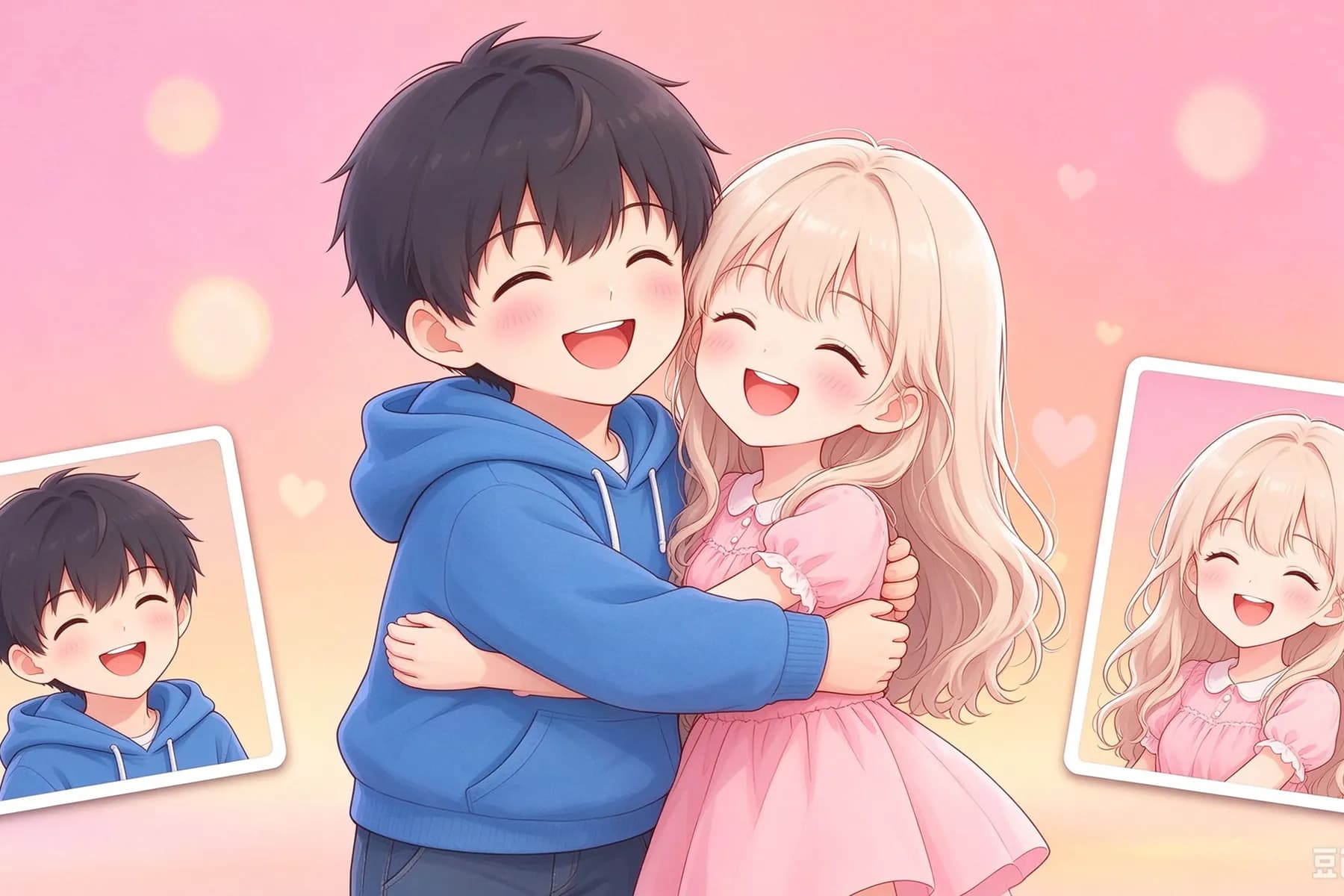
Choose the hug template and make them hug without writing detailed prompts. The preset effect handles the animation, making photo hugging easy to explore even if you have never created an AI video before.
AI Make People HugDownload a Virtual Hug to Share
Preview your AI hugging video, then download it to send through your favorite messaging or social apps. Give someone a hug through the screen, or save your videos of hugs together as a personal collection.
Try AI Hug Video GeneratorMake a Photo of Two People Move
Start with a picture that already includes both people. InsMelo AI hug video generator animates their poses into an embrace, turning a still portrait into a scene of them hugging each other.
Try AI Hug Generator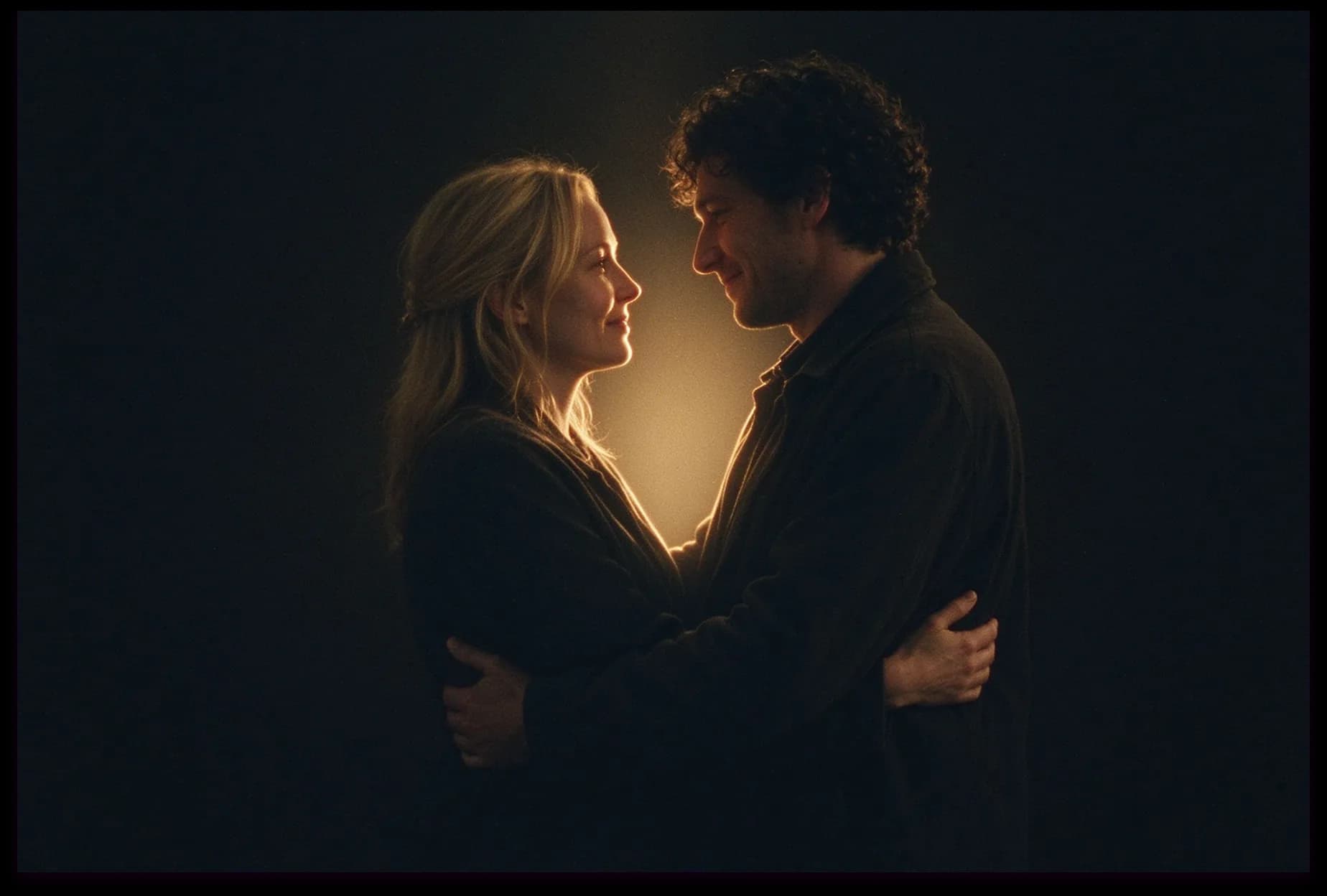



Tips for Better AI Hug Videos
Want a more natural-looking embrace? These practical tips help your AI hug video generator work with clearer faces, better framing, and fewer obstacles to movement.
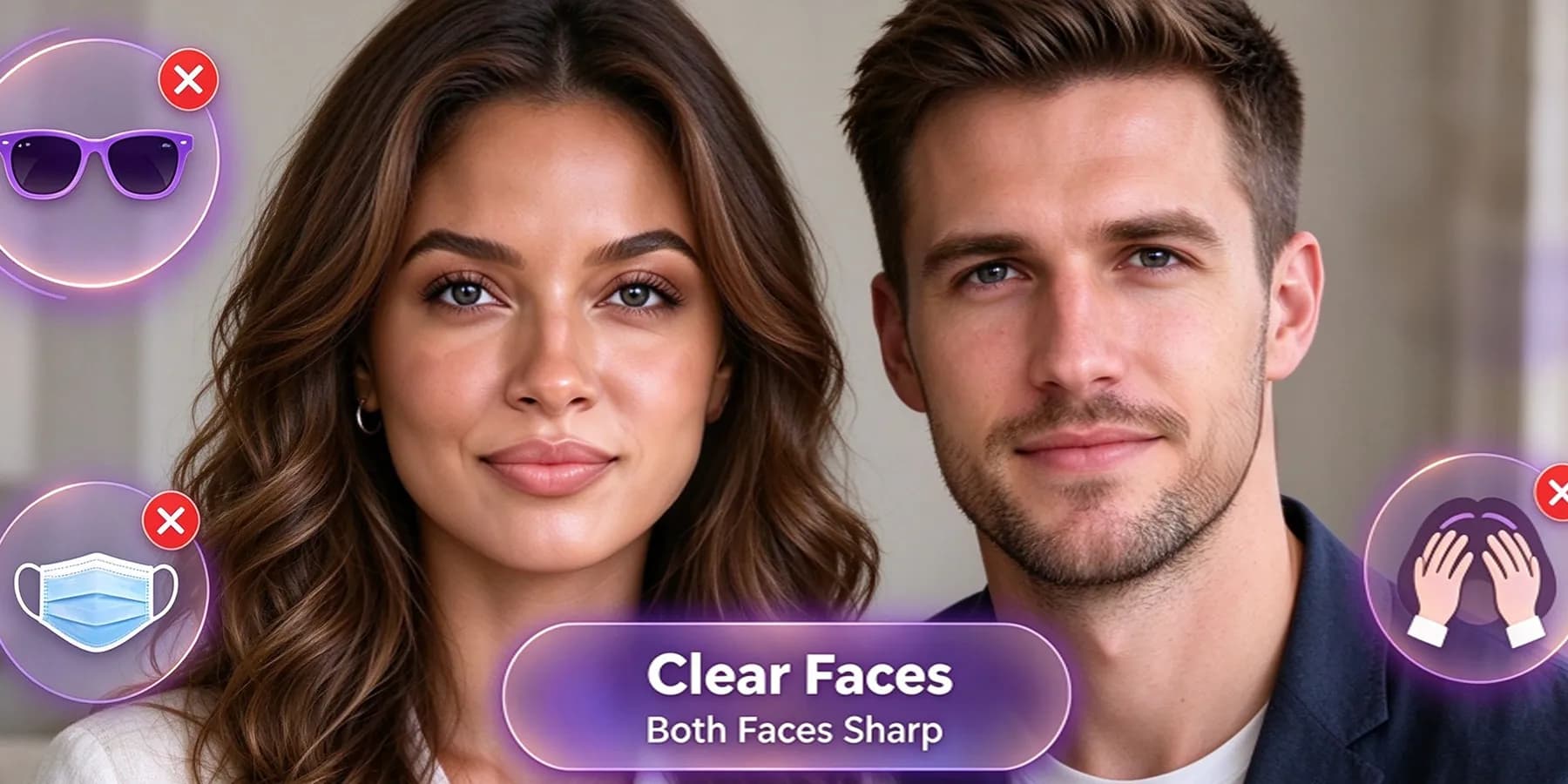
Clear Faces for Both People
Choose photos where both faces are sharp and easy to see. Avoid sunglasses, heavy filters, or hair covering facial features, so the AI hugging generator has a clear reference for each person.
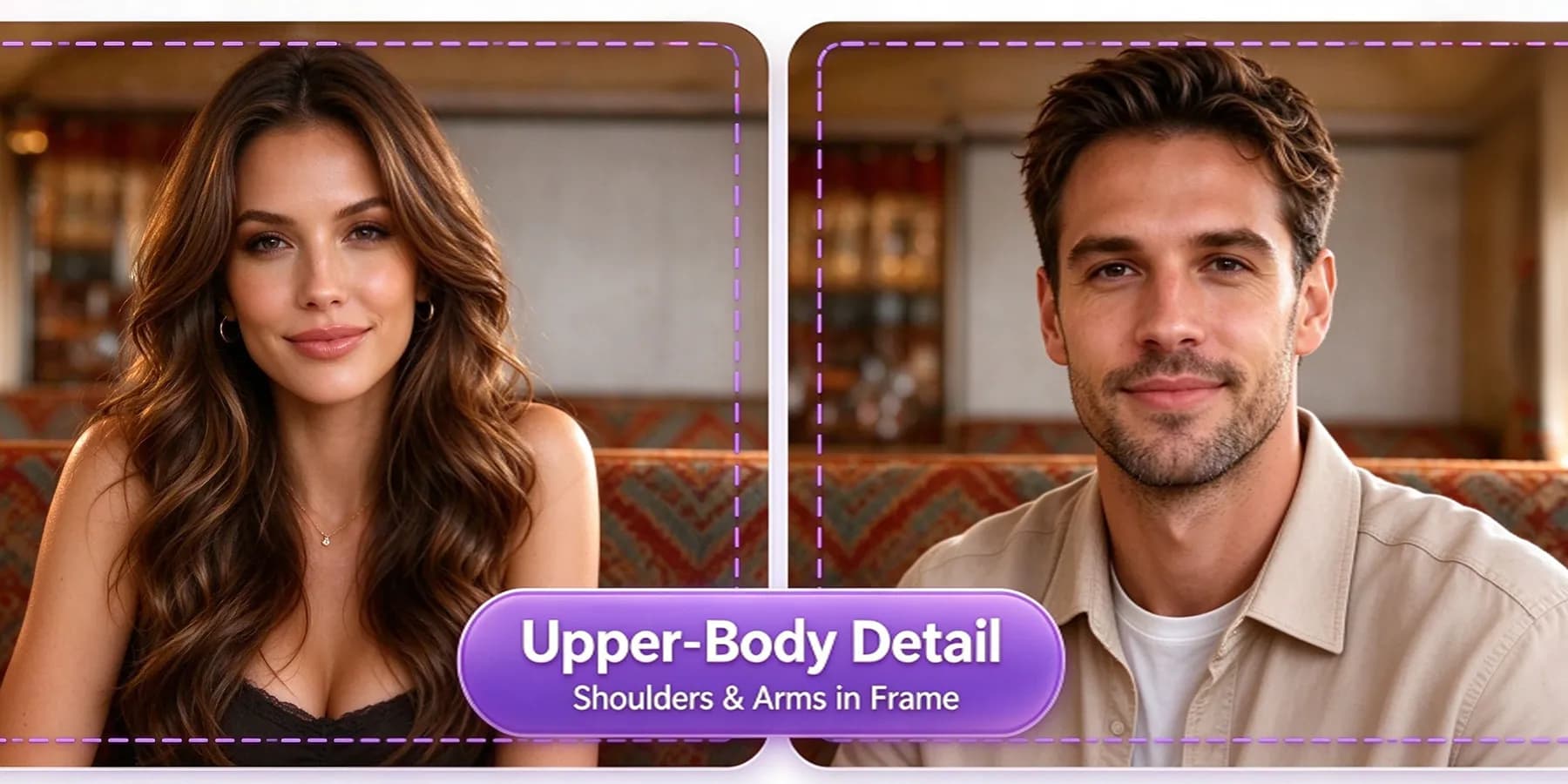
Enough Upper-Body Detail
Include shoulders, arms, and some of the torso. For two people hugging, a waist-up photo provides more useful detail than a tightly cropped selfie. Leave a little room around each person rather than cutting off their shoulders.
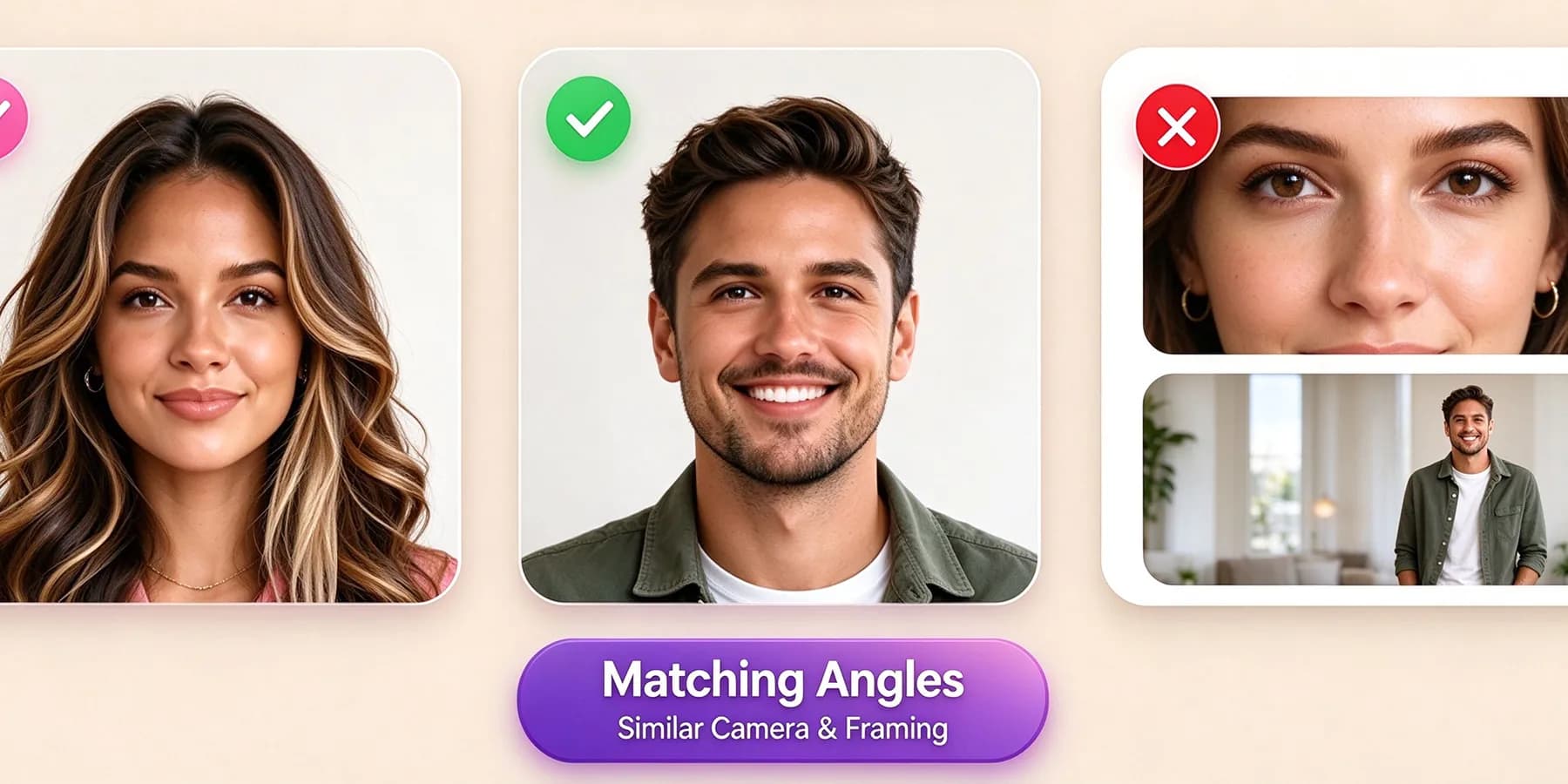
Matching Photo Angles
When using two separate pictures, choose similar camera angles and framing. Avoid pairing a close-up portrait with a distant full-body shot, as the difference can make the resulting AI hug video look less balanced.
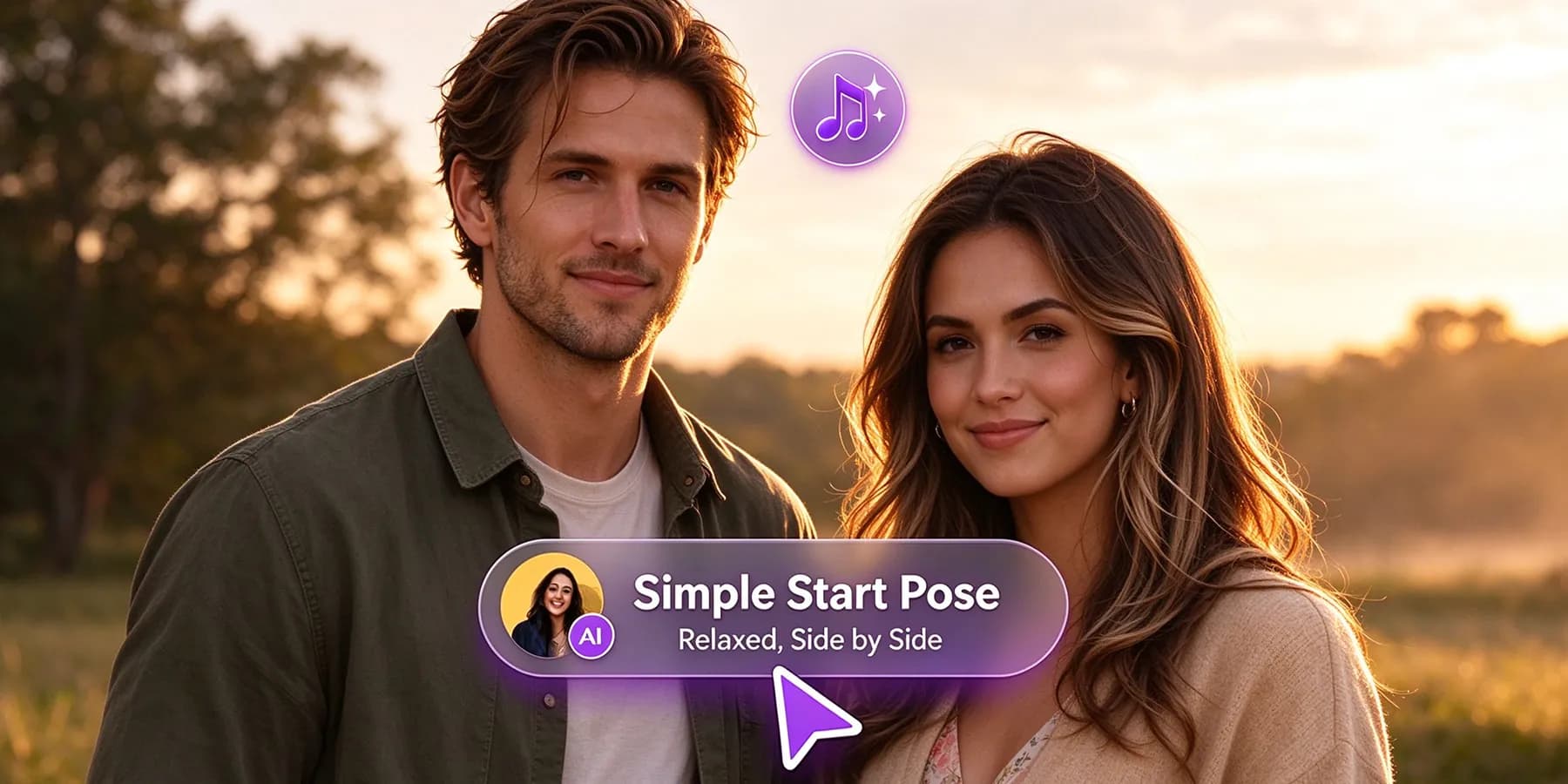
Simple Poses Before the Hug
Start with relaxed poses and arms that are easy to distinguish. For a shared photo, two people standing side by side with a small gap provide a clearer starting point than overlapping bodies or an already complicated embrace.
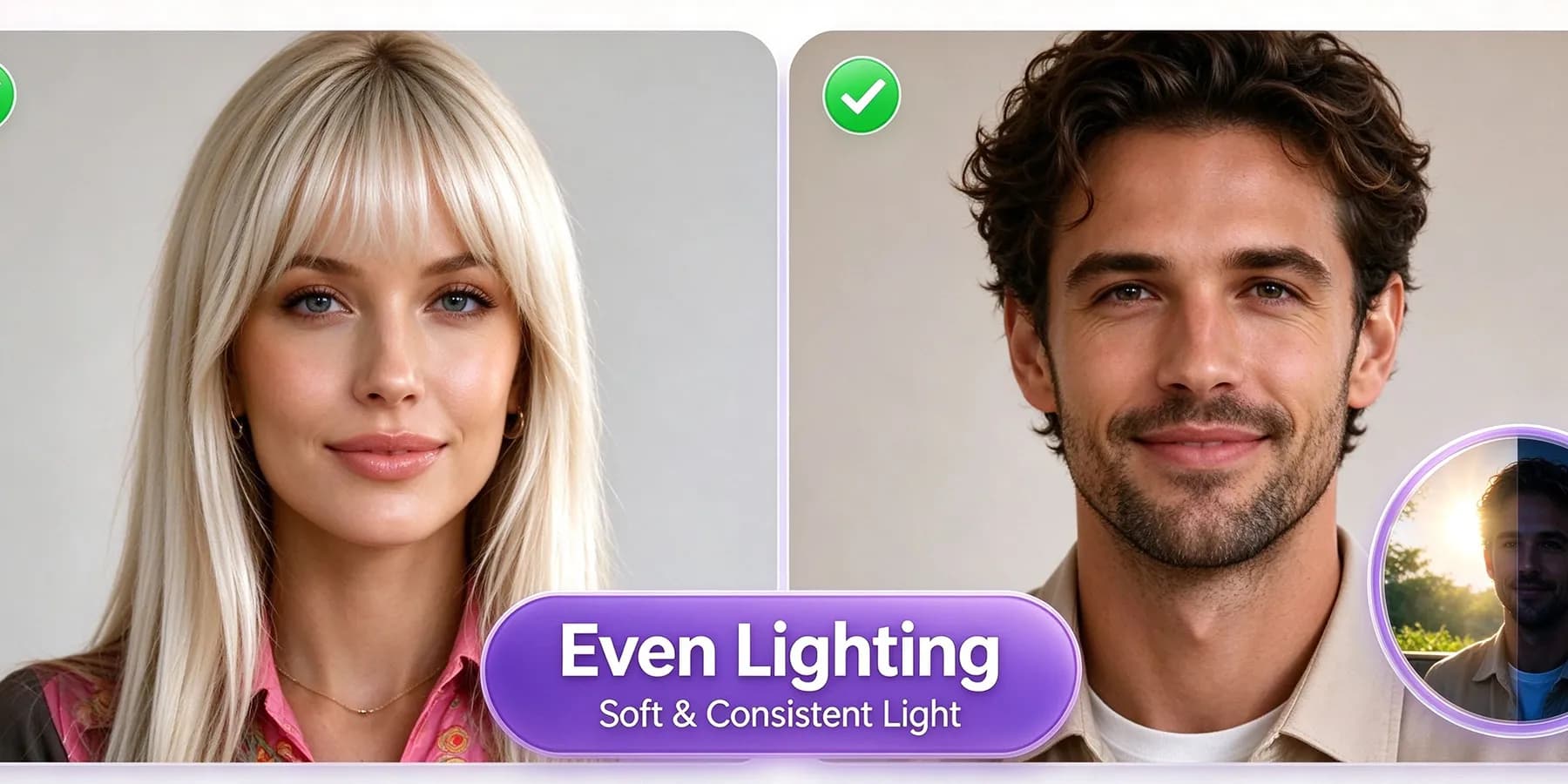
Even Lighting in Both Photos
Choose photos with soft, even lighting, so both faces remain clearly visible. When combining separate pictures, avoid pairing a brightly lit outdoor portrait with a dark indoor shot.
Check the Full Embrace
Preview your AI hugging video, paying attention to hands, faces, and the moment the two people come together. If you notice distortion, try a different photo pair before sharing your hug through the screen.
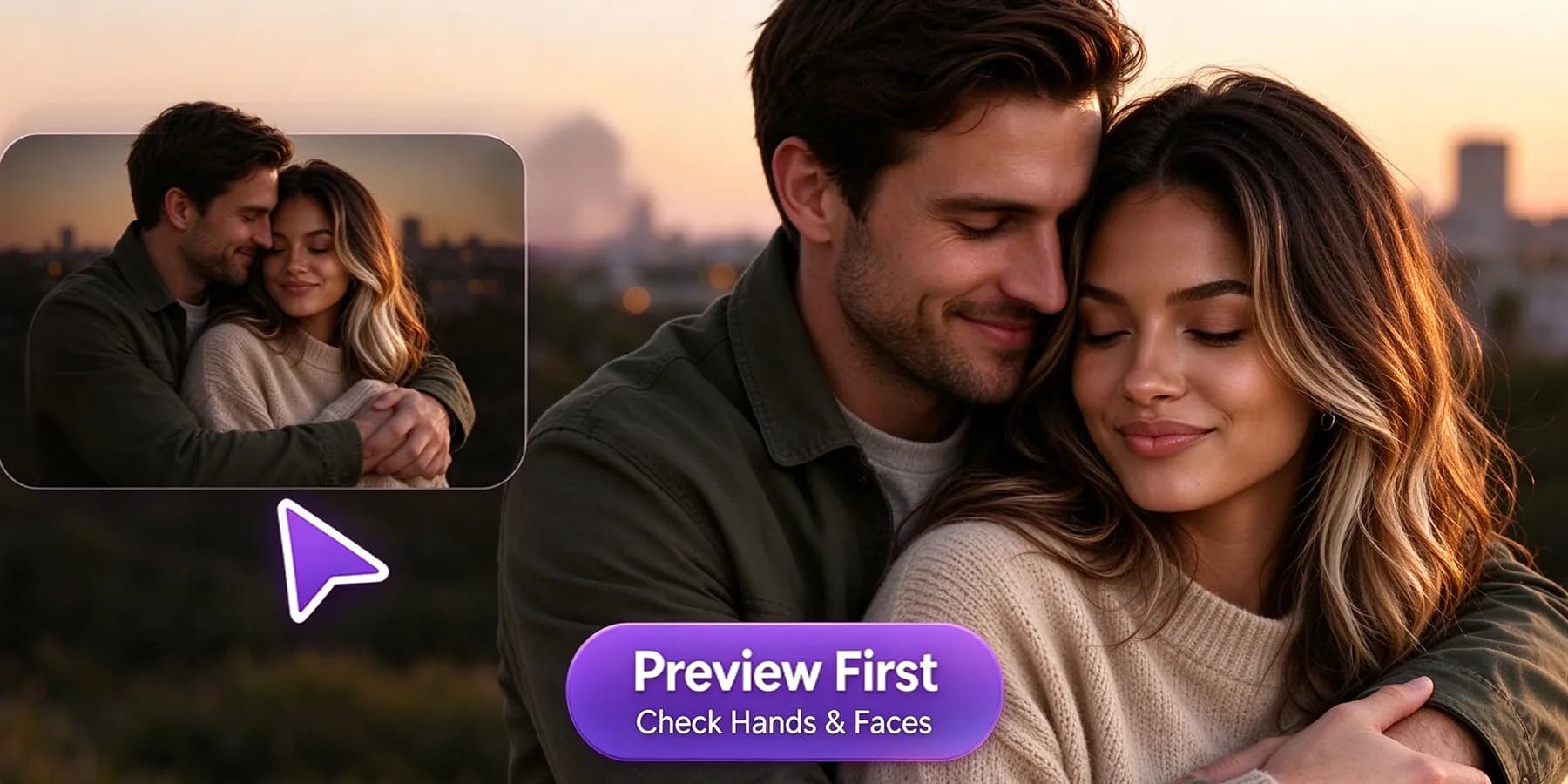
Create AI Hug Videos for the Moments That Matter
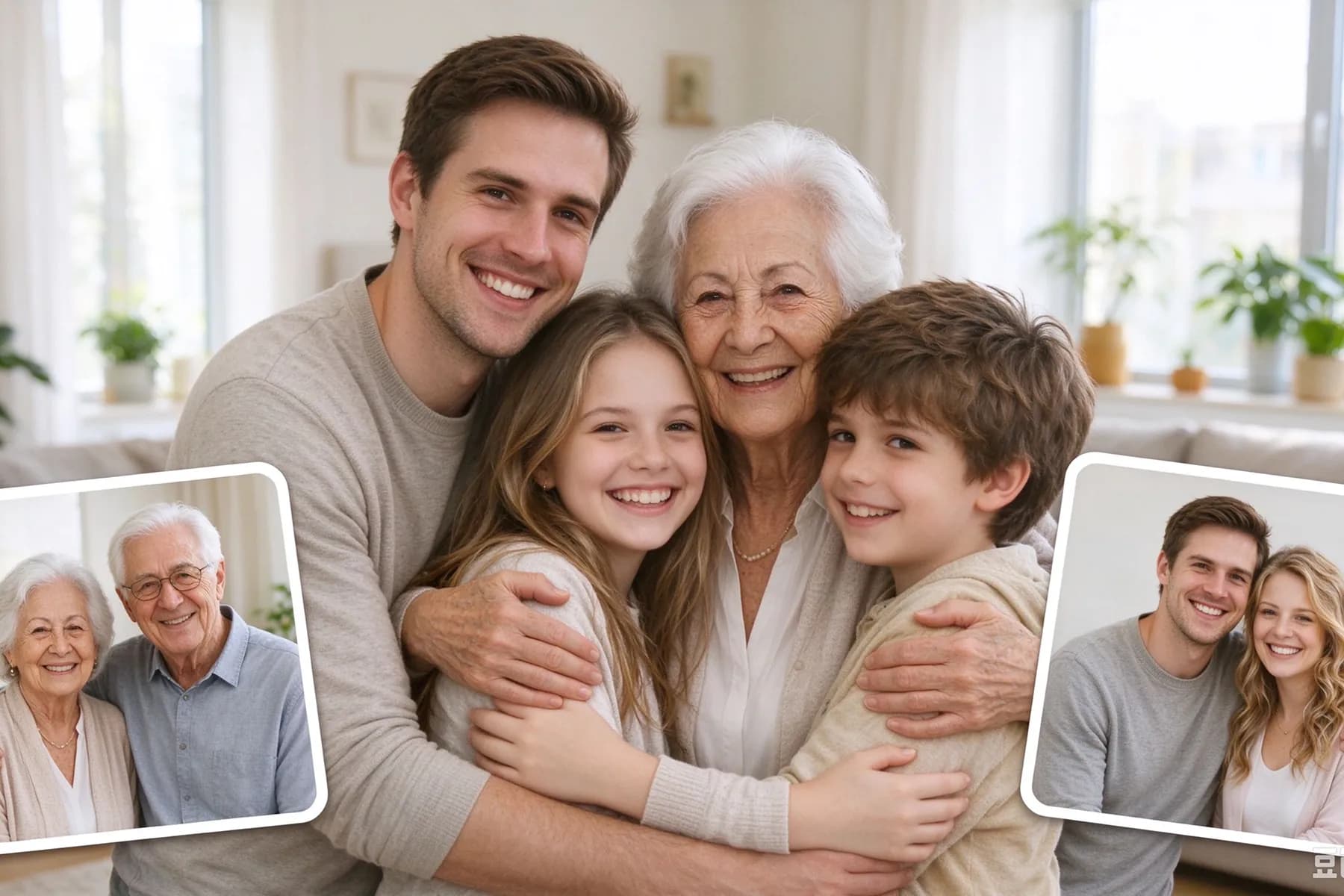
Some moments call for more than a message. Use InsMelo AI hug video generator to revisit childhood memories, celebrate relationships, and send a personal greeting to someone you wish you could hold close.
Romantic Hugs for Couples
Create a video of two people hugging from your favorite couple photo or separate portraits. Celebrate an anniversary, make a Valentine's Day greeting, or surprise a long-distance partner with a virtual embrace.
The Stories Behind the Hugs
See how people use InsMelo AI hug generator free to revisit memories, celebrate relationships, and feel closer across the distance.
Olivia Bennett
Long-Distance Partner
I made this for my girlfriend because we haven't seen each other in months. Used a separate photo of each of us, and it turned out really sweet. Sent it with "saving the real hug for when you get here".
Ethan Parker
Birthday Gift Creator
Wasn't sure what to expect from the "hug my younger self" idea. Seeing my school photo alongside me at thirty felt a bit strange, honestly. Watched it a few more times and decided to keep it.
Daniel Hayes
Parent Living Abroad
My daughter loved the little video of us hugging. I sent it while I was away for work, and we watched it together during our evening call. Such a simple thing, but it made that call extra special.

4.8
User Rating
Sophia Mitchell
Family Keepsake Creator
I used the AI hug generator with a photo of my grandmother. It's obviously an imagined moment, but I'm glad I made it. Some of the movement wasn't quite right, though her smile still reminded me of the original picture.
Chloe Rivera
First-Time Video Creator
Pretty easy once I found the right photos. My first try had awkward arms, so I swapped the close-up for a wider shot. Much better. Definitely worth checking the whole video before downloading.
Maya Collins
Friendship Video Creator
We usually exchange silly birthday GIFs, so this felt a bit more personal. I made an AI hugging video for my best friend after she moved away. A fun little birthday surprise, and now we're planning an actual reunion.
4.8
User Rating
Olivia Bennett
Long-Distance Partner
I made this for my girlfriend because we haven't seen each other in months. Used a separate photo of each of us, and it turned out really sweet. Sent it with "saving the real hug for when you get here".
Ethan Parker
Birthday Gift Creator
Wasn't sure what to expect from the "hug my younger self" idea. Seeing my school photo alongside me at thirty felt a bit strange, honestly. Watched it a few more times and decided to keep it.
Daniel Hayes
Parent Living Abroad
My daughter loved the little video of us hugging. I sent it while I was away for work, and we watched it together during our evening call. Such a simple thing, but it made that call extra special.
Sophia Mitchell
Family Keepsake Creator
I used the AI hug generator with a photo of my grandmother. It's obviously an imagined moment, but I'm glad I made it. Some of the movement wasn't quite right, though her smile still reminded me of the original picture.
Chloe Rivera
First-Time Video Creator
Pretty easy once I found the right photos. My first try had awkward arms, so I swapped the close-up for a wider shot. Much better. Definitely worth checking the whole video before downloading.
Maya Collins
Friendship Video Creator
We usually exchange silly birthday GIFs, so this felt a bit more personal. I made an AI hugging video for my best friend after she moved away. A fun little birthday surprise, and now we're planning an actual reunion.
Olivia Bennett
Long-Distance Partner
I made this for my girlfriend because we haven't seen each other in months. Used a separate photo of each of us, and it turned out really sweet. Sent it with "saving the real hug for when you get here".
Ethan Parker
Birthday Gift Creator
Wasn't sure what to expect from the "hug my younger self" idea. Seeing my school photo alongside me at thirty felt a bit strange, honestly. Watched it a few more times and decided to keep it.
Daniel Hayes
Parent Living Abroad
My daughter loved the little video of us hugging. I sent it while I was away for work, and we watched it together during our evening call. Such a simple thing, but it made that call extra special.
Sophia Mitchell
Family Keepsake Creator
I used the AI hug generator with a photo of my grandmother. It's obviously an imagined moment, but I'm glad I made it. Some of the movement wasn't quite right, though her smile still reminded me of the original picture.
Chloe Rivera
First-Time Video Creator
Pretty easy once I found the right photos. My first try had awkward arms, so I swapped the close-up for a wider shot. Much better. Definitely worth checking the whole video before downloading.
Maya Collins
Friendship Video Creator
We usually exchange silly birthday GIFs, so this felt a bit more personal. I made an AI hugging video for my best friend after she moved away. A fun little birthday surprise, and now we're planning an actual reunion.
FAQs About AI Hug Video Generator
The best option depends on your photos and the result you want. InsMelo AI hug video generator uses a ready-made template to turn portraits into an embrace, without detailed prompts or animation experience.
Use one photo of two people or two separate portraits. Choose the matching upload mode in our AI hug generator. Your photos don't need to show an existing hug, the template creates the movement.
Choose clear, well-lit photos with visible faces, shoulders, and upper bodies. Avoid heavy filters, hidden faces, and tightly cropped selfies.
You can reuse your photo with other hug templates available in InsMelo. Choose AI Hug to make them hug, or explore the template library for other supported effects.
Yes. InsMelo provides free credits to get started with its AI hug video generator. Use them to try the hug template and create your first videos. Additional generations require more credits once your free balance runs out.
Yes. Use portraits or a shared photo to hug your loved ones in an imagined scene. You can also try the “hug my younger self” idea with childhood and current photos. The result is an AI-created keepsake, not footage of a real event.
Yes. InsMelo keeps your uploaded photos private and confidential, so you can create your AI hug video without making your personal images public.
Our AI hug video generator supports 3:4, 1:1, 9:16, and 16:9 aspect ratios. Download your video in MP4 or WebM format for social posts, private messages, or personal keepsakes.
Yes. Create a personal song with InsMelo AI song generator, then explore its AI MV feature to build a music video around your hug video idea. Pair meaningful lyrics with an AI hug video for a more personal gift or keepsake.
Yes. Select the AI Hug template, upload your photos, and generate a personalized embrace. To send a hug through the screen, download your video and share it through your favorite messaging app.
Turn Your Photos into a Hug Today
Ready to bring your photos closer? Try InsMelo AI hug video generator for free and create a hug that feels personal.