Free AI Lip Sync Video Generator
Image to Video Lip Sync AI
Turn any photo, image, or short clip into a natural AI lip sync video. With InsMelo, you can create talking videos, singing photos, and AI music video lip sync clips in minutes.
- Supports All Major Languages

- Accurate AI Lip Sync

- AI Music Video Lip Sync


Trusted by 1,556,831+ Creators Worldwide







What Makes InsMelo AI Lip Sync Video Generator Different?
Our AI lip sync video generator not only transforms images and videos into realistic, natural-looking talking videos perfectly synchronized with the audio, but also creates AI lip sync music videos from photos—all ready for one-click sharing.
Text or Audio to Lip-Sync Video
Type a script or upload voice audio, and InsMelo turns it into a synced AI lipsync video from a photo or clip. This lipsync AI video is ideal for intros, messages, tutorials, short ads, and creator updates.
Try Lip Sync AI Online FreeAI Music Video Lip Sync
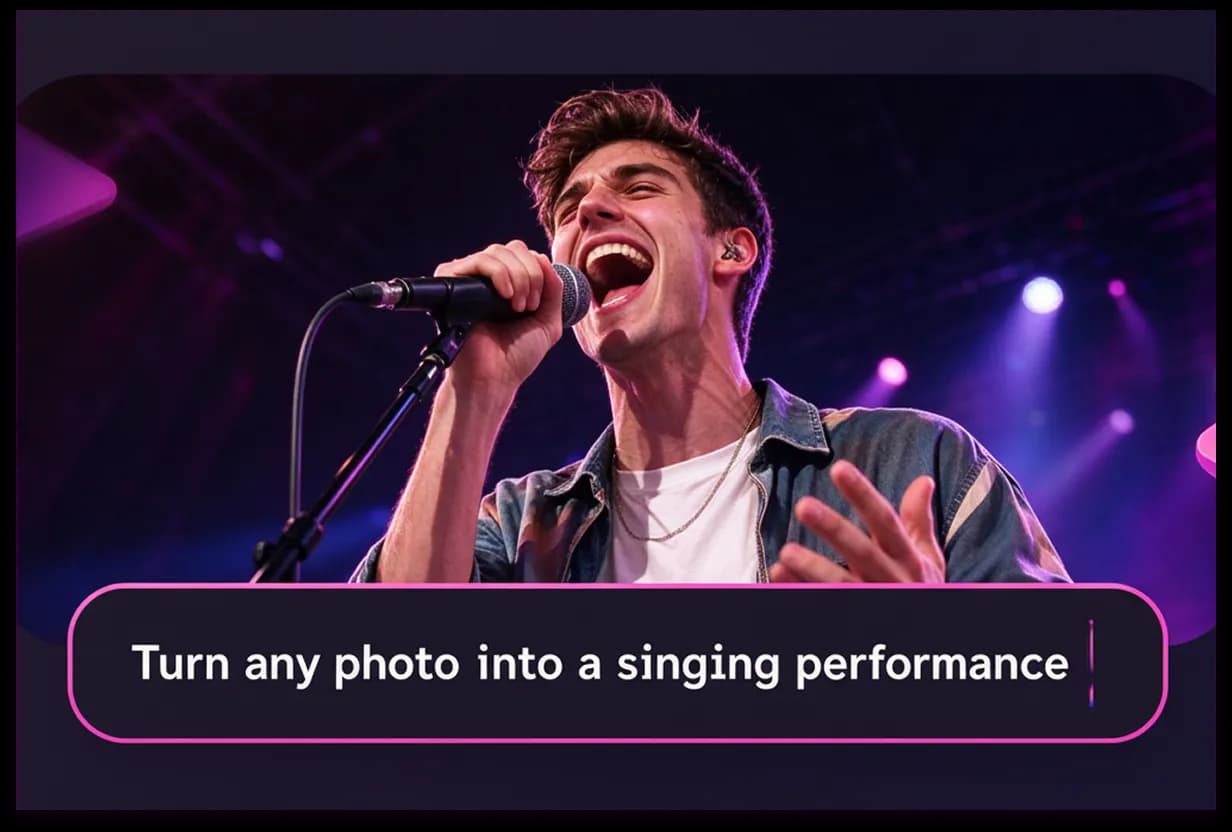
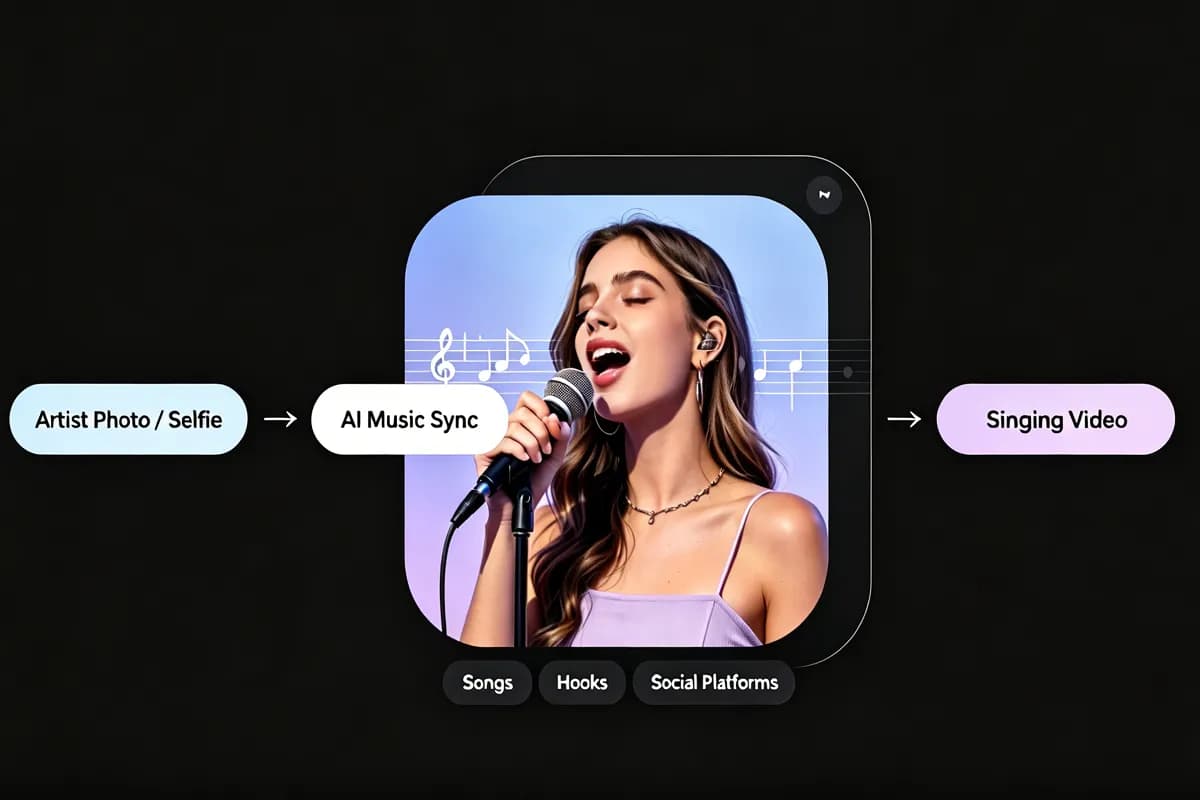
Turn vocals, hooks, or full songs into expressive visual performances. With an AI lip sync music video maker, you can make a photo sing, promote a track, or create an AI lip sync music video for social platforms.
Make AI Lip Sync Music Video from PhotoAI Lip Sync Talking Videos
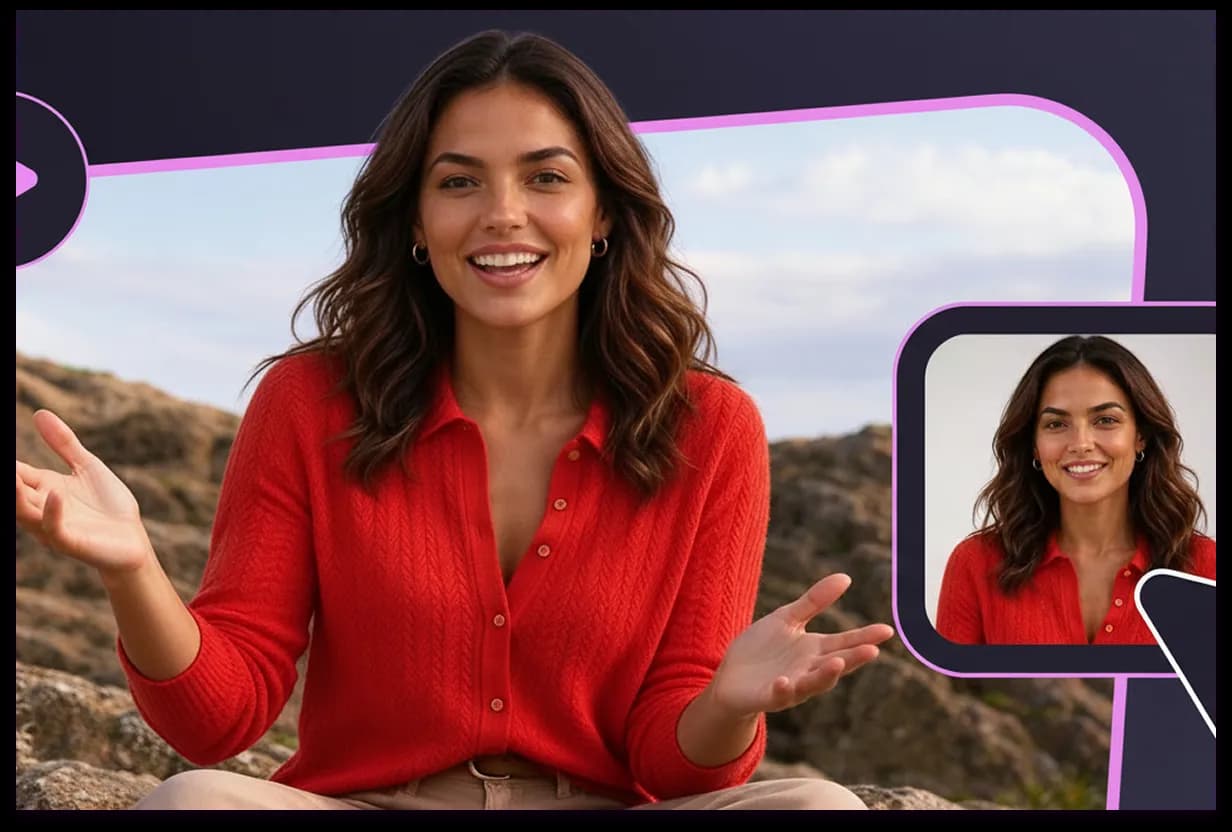
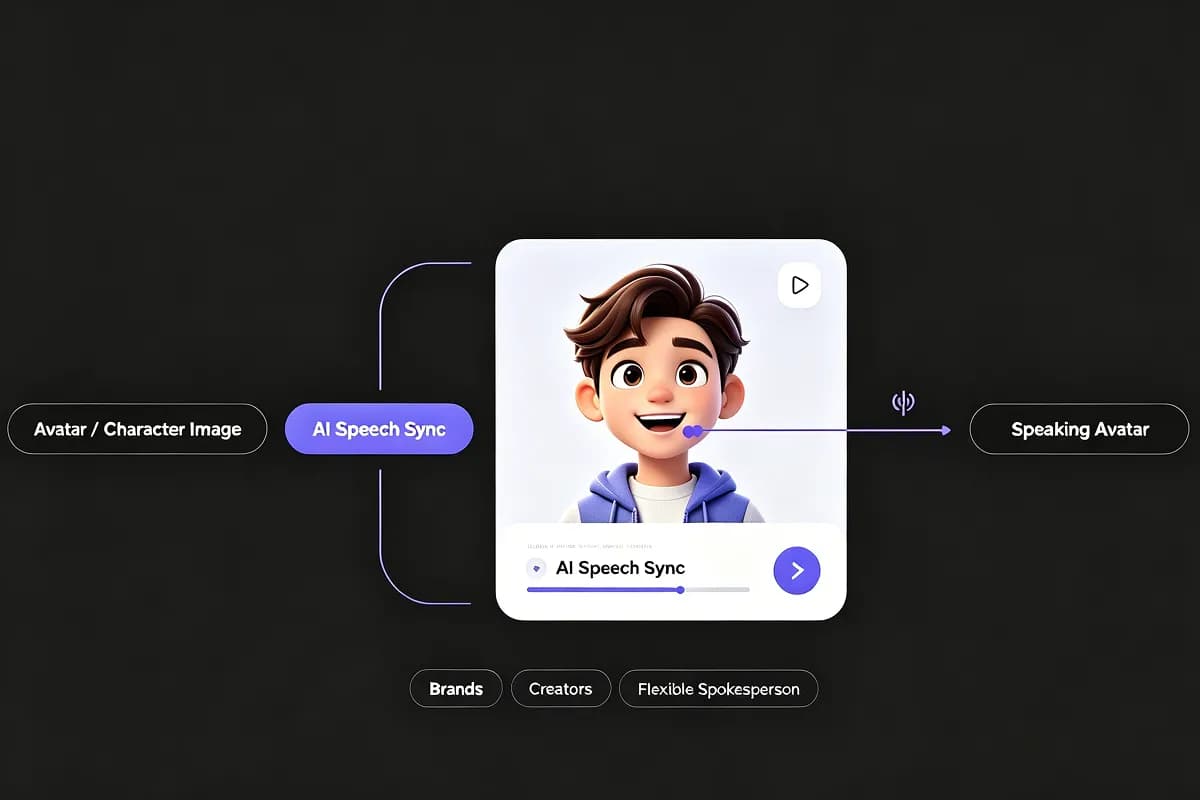
Need a talking video without filming? Upload a portrait, character image, or brand visual, add narration, and InsMelo generates AI lip sync talking videos for explainers, product pitches, learning content, announcements, or social media posts.
Generate Lip Sync AI VideoNatural & Accurate Lip Sync AI
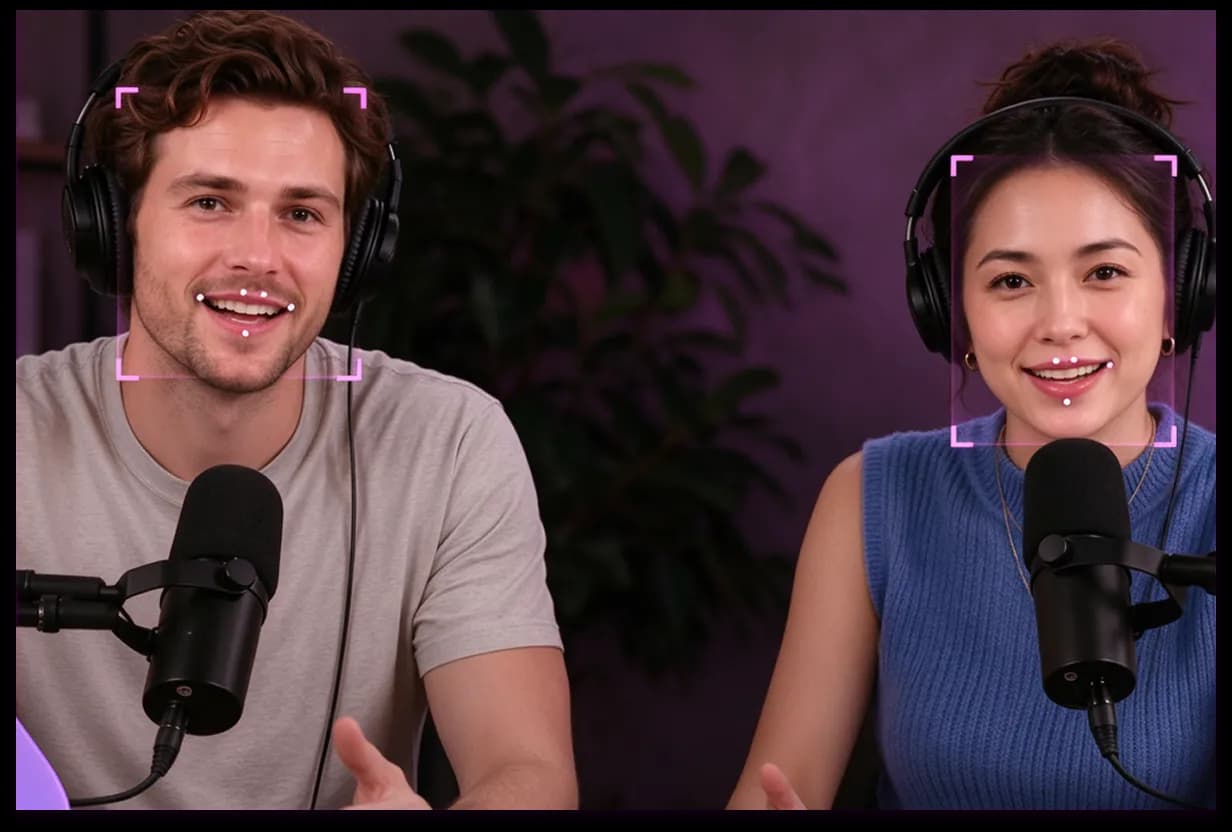
InsMelo syncs mouth movements with speech and vocals smoothly, so each lip sync video feels natural instead of stiff. Use it as a photo lip sync video maker when you want cleaner motion from clear faces and audio.
Create Lip Sync Video with AISupport Multilingual Lip Sync Video
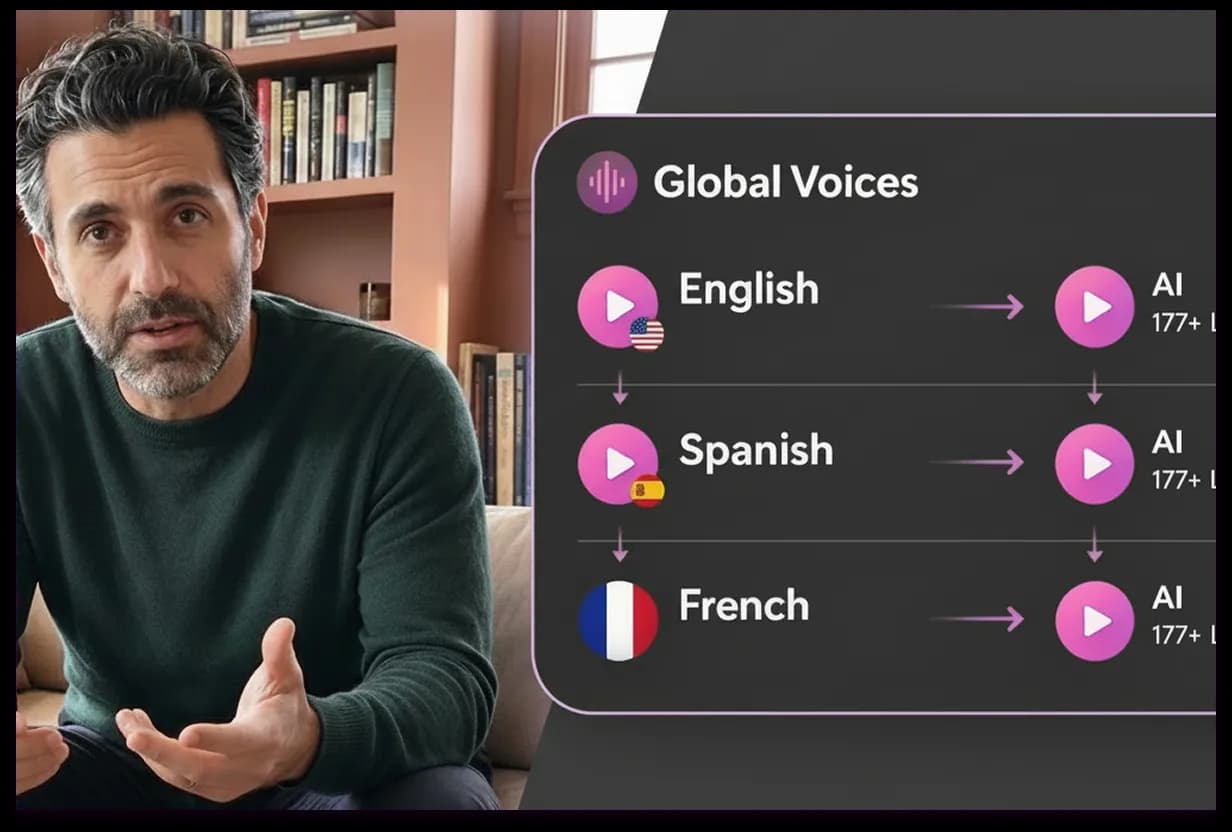
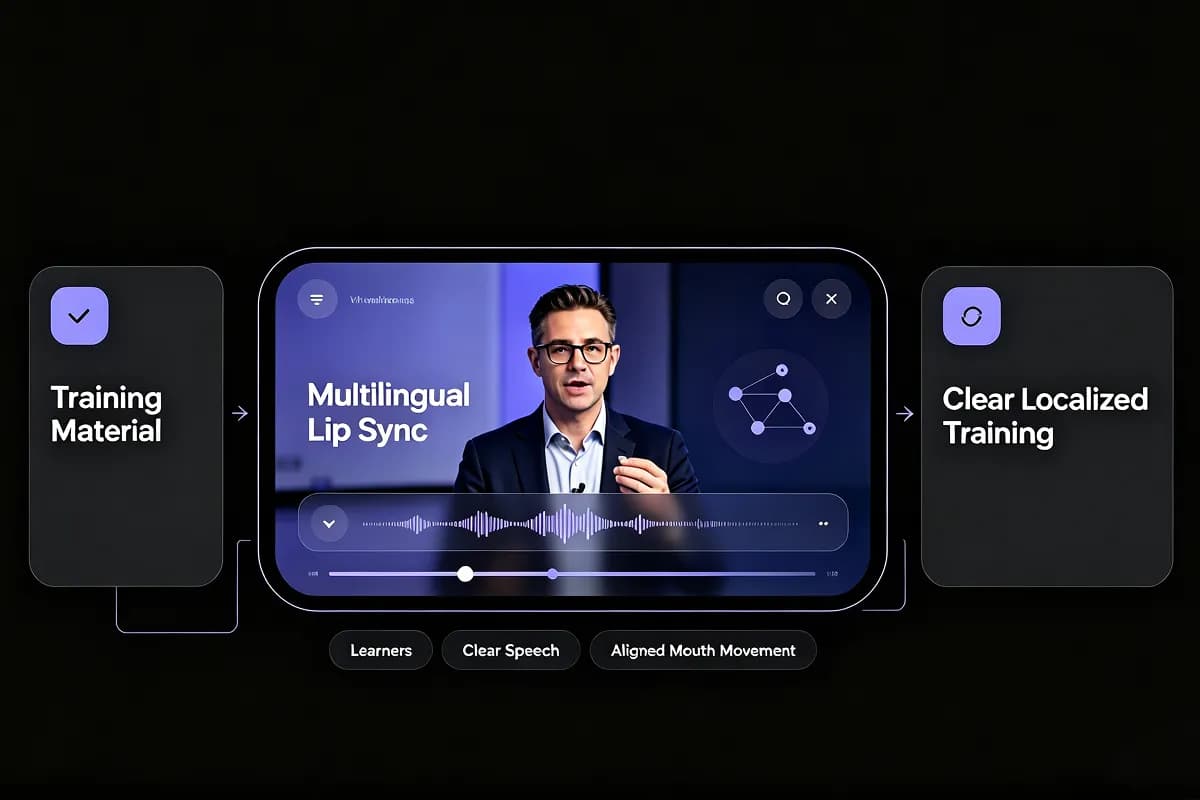
Our AI lip sync software can make lip sync videos for different languages, audiences, and markets effortlessly. While keeping the same visuals, you can publish global versions without filming new takes.
Make a Lip Sync Video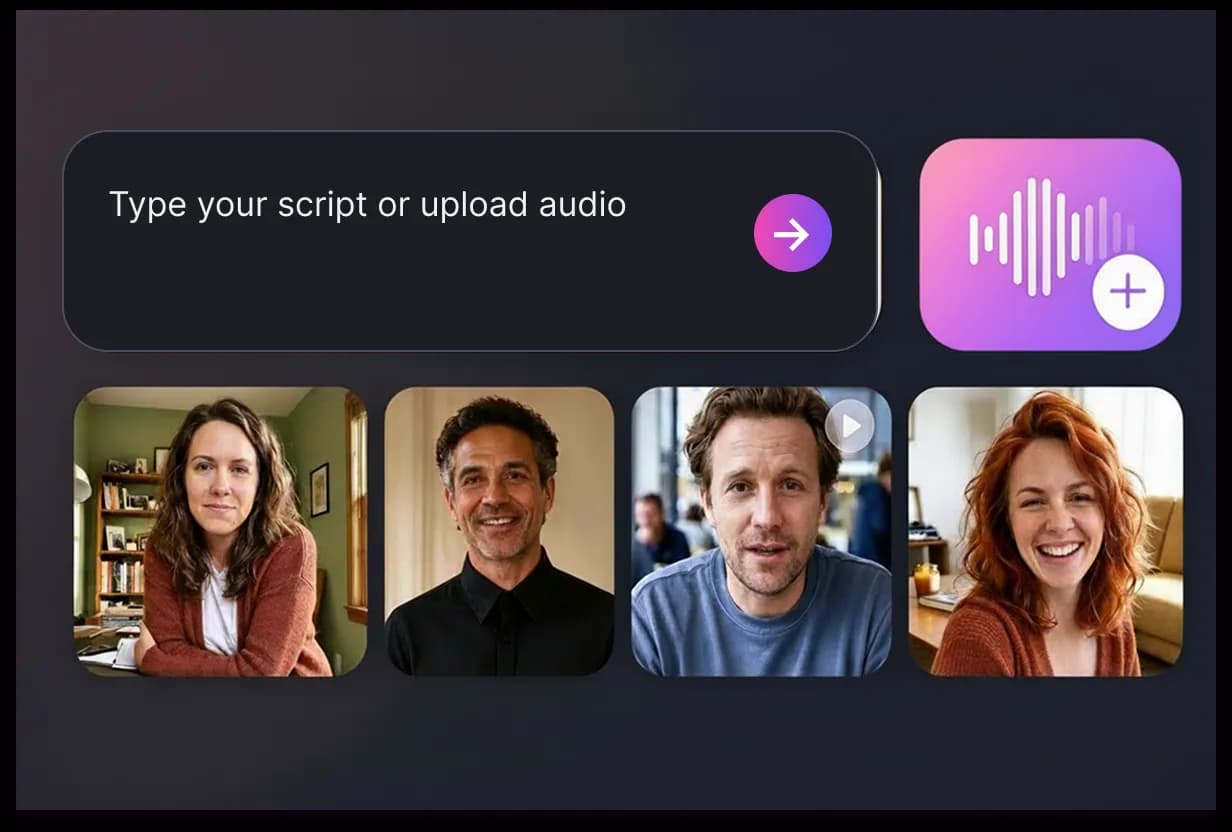
How to Make an AI Lip Sync Video Online
Creating a lip sync video should feel simple. InsMelo keeps the lip syncing workflow clear, so you can move from image to finished video without editing experience.
1.
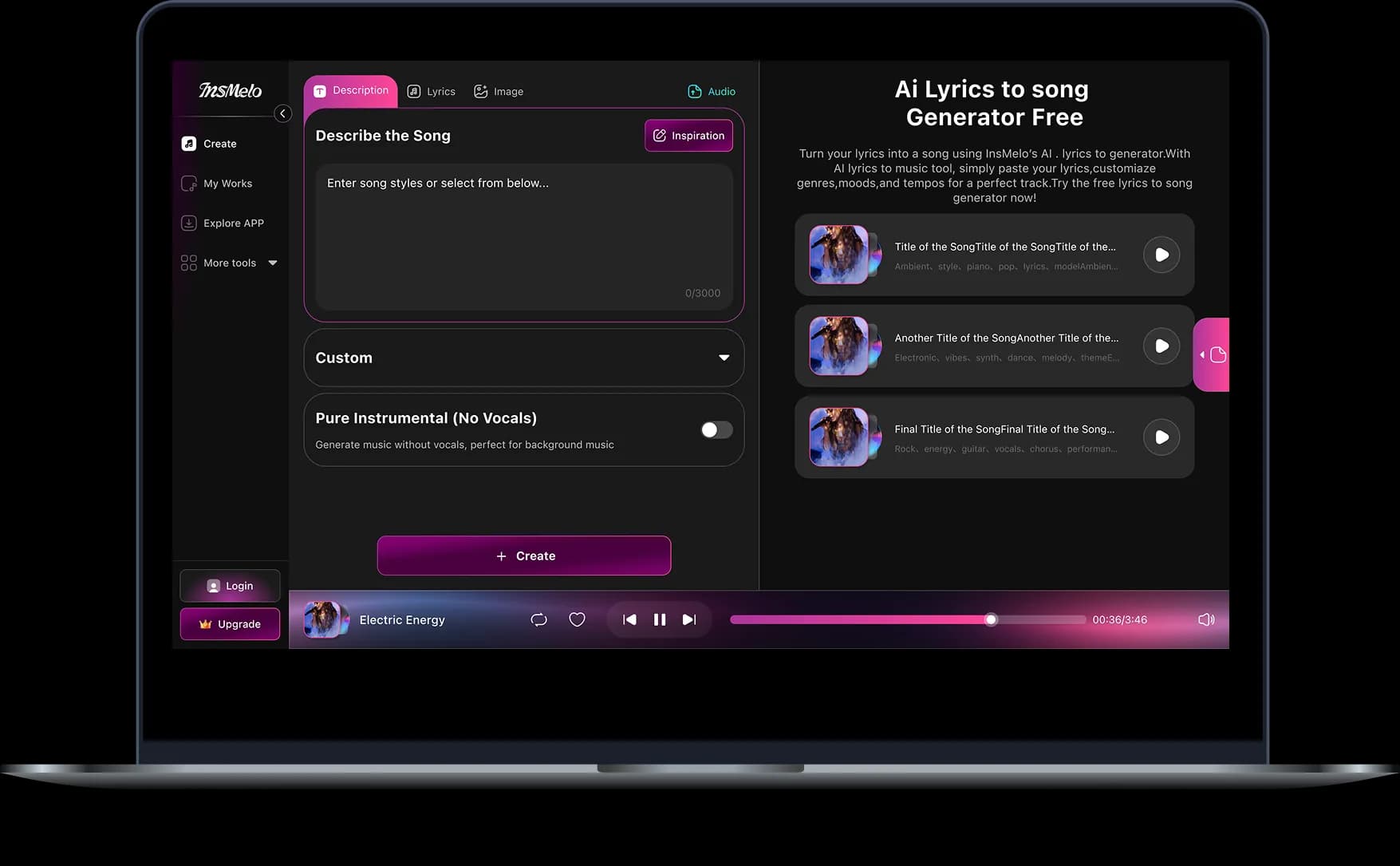
Upload a Photo or Video
Start with a clear front-facing image or short video. For better image-to-video lip-sync AI results, choose a face with visible lips and good lighting.
2.
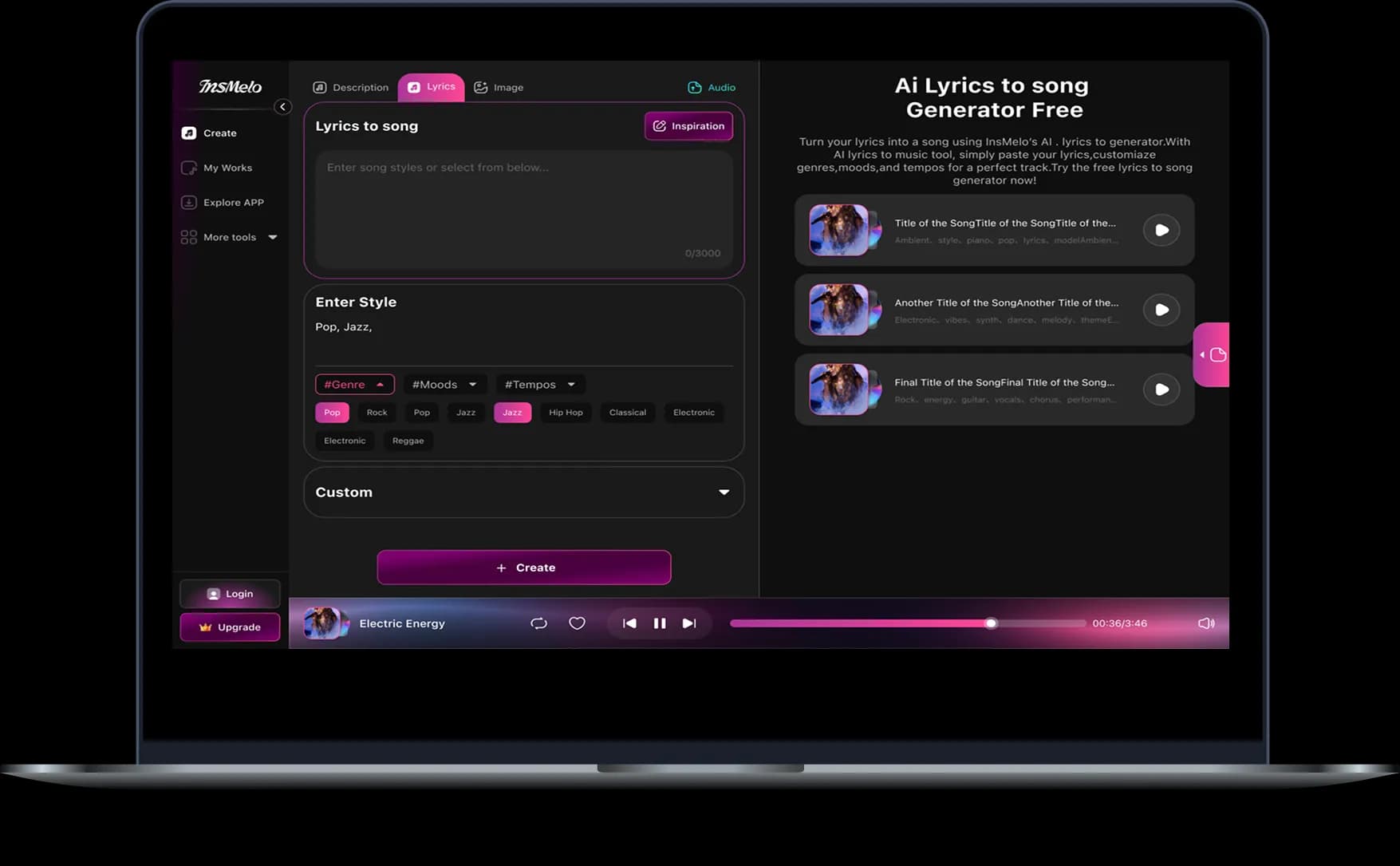
Add a Song, Voice, or Script
Upload vocals, music, narration, or dialogue. You can create AI lip sync from photo using a spoken voice, a catchy hook, or a full song.
3.
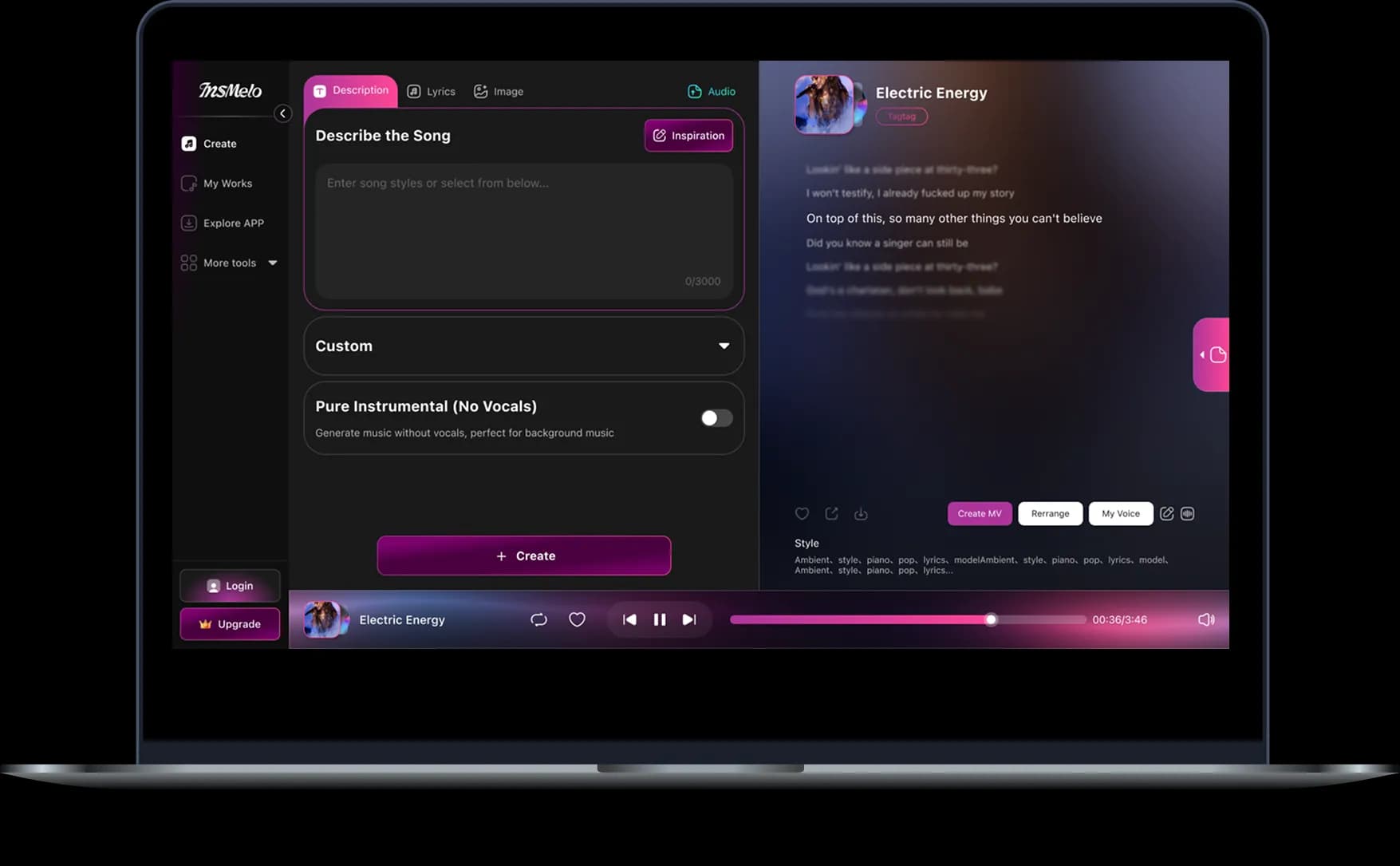
Generate and Download
Preview your lip sync video, make adjustments if needed, and download a social-ready clip for TikTok, Reels, Shorts, music promos, or campaigns.
What You Can Create with Lip Sync AI
From marketing campaigns to social media content, InsMelo helps you create engaging lip sync videos for promotion, localization, education, entertainment, and music.
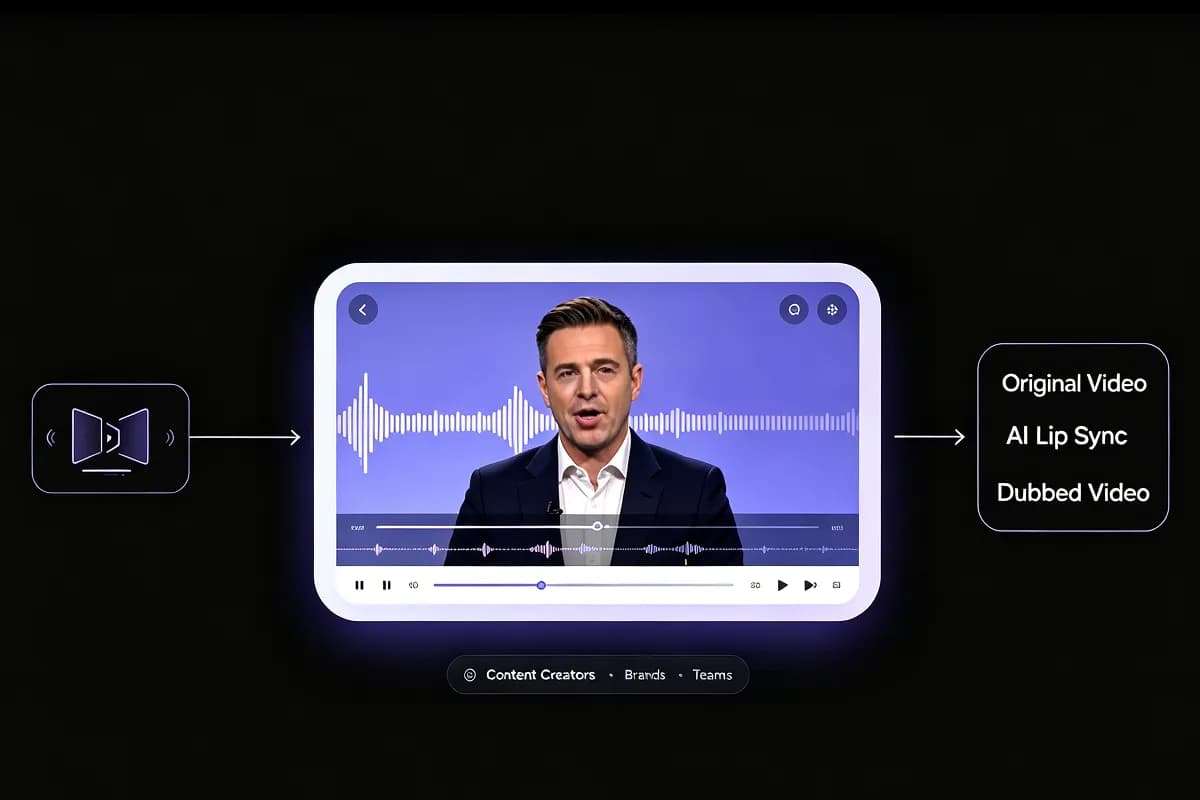
Dubbing Videos
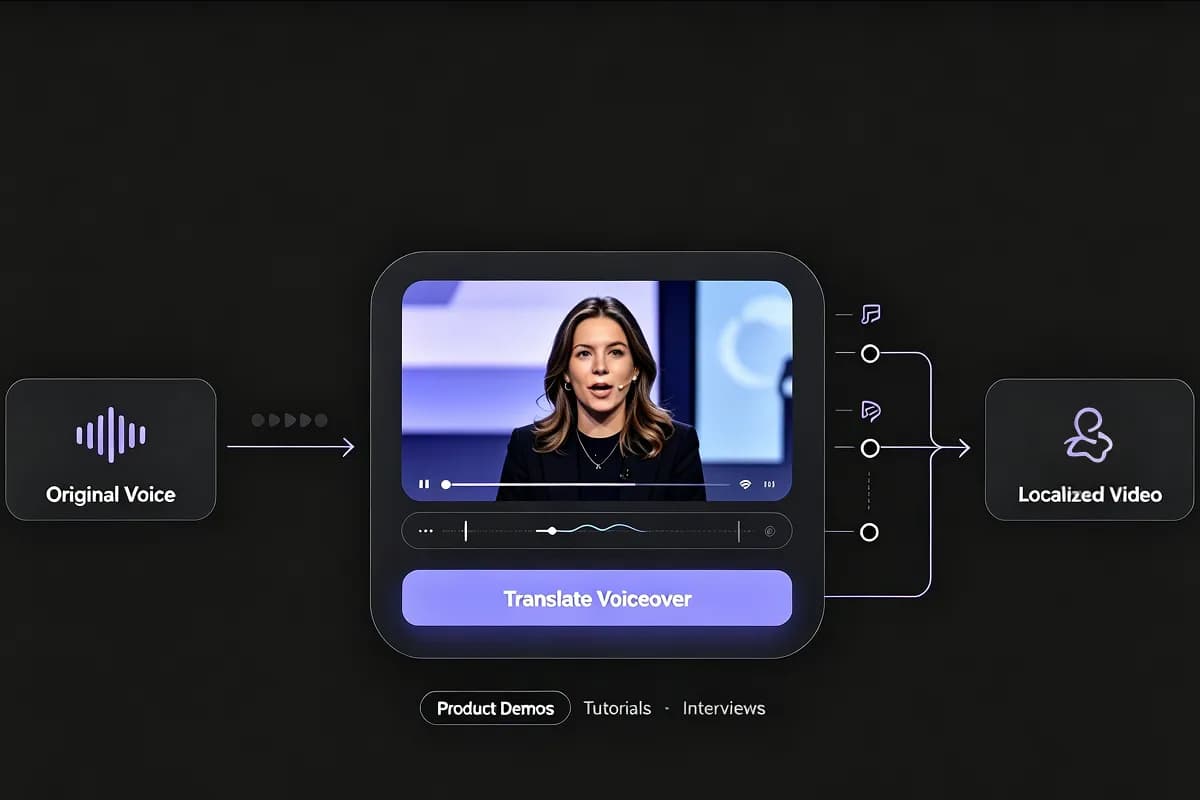
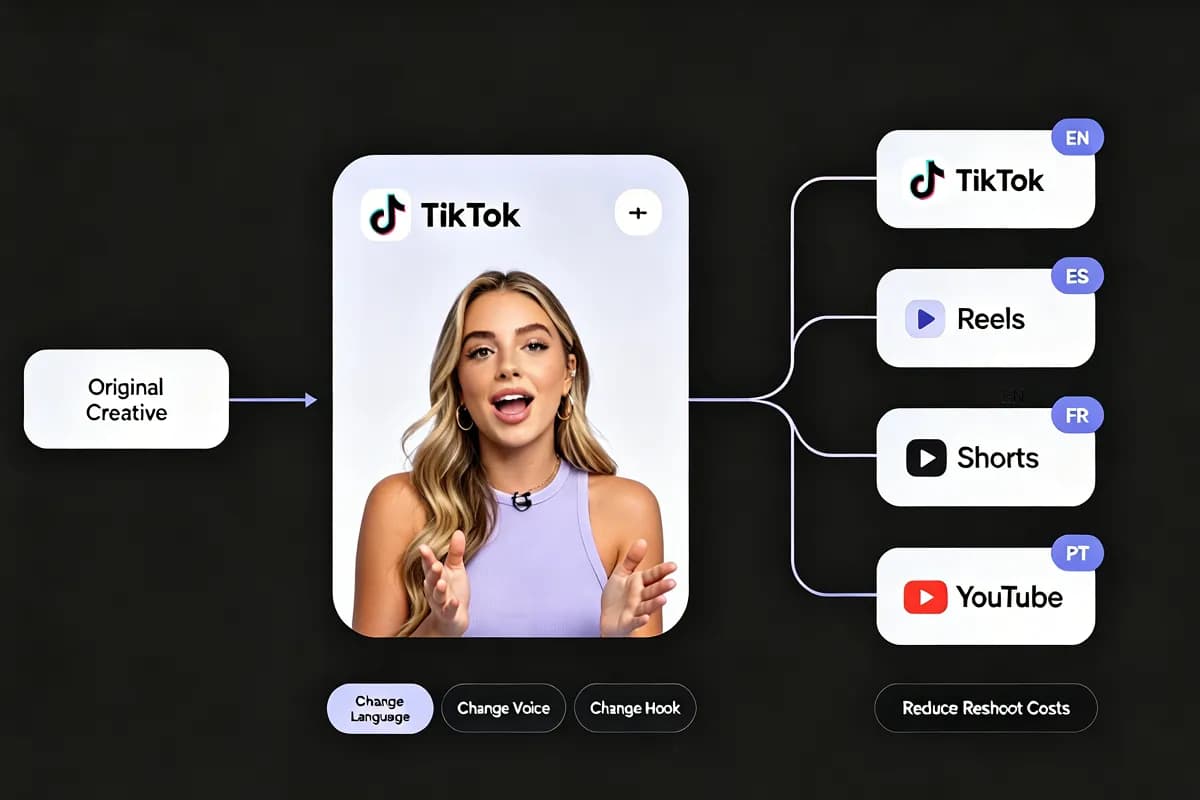
Use an AI lip sync generator to dub videos with synced mouth movement. The speaker in the lipsync video looks natural and realistic. Content creators, brands, and teams reuse one video across markets without filming everything again.
Wanna AI Lip Sync Music Video?
What InsMelo's Lip Sync Creators Say
From professional video producers to social media hobbyists, our AI lip sync video generator serves a wide range of creators who need to sync videos quickly and accurately.
Mira Kavanagh
Indie Pop Artist
I had one promo photo and a chorus I loved. InsMelo turned it into a short AI lip sync music video that felt ready for Reels, without me booking a shoot or editing mouth frames by hand.
Nolan Virelli
Short-Form Video Editor
Most clients often send me one portrait and expect a finished video by tomorrow. InsMelo’s image to video lip sync AI gives me a workable talking clip in minutes, instead of spending hours faking mouth movement manually.
Amara Thorne
Online Course Creator
I needed to update old lesson intros, but I didn’t want to film everything again. With InsMelo, I made AI lip sync talking videos from my presenter photo and fresh voiceovers. It felt clean and surprisingly natural.

4.8
User Rating
Selene Arkwright
Character Creator
Animating character dialogue used to slow down my entire posting schedule. InsMelo gives me quick AI lip sync animation videos from my character art, and the results are good enough for regular social content.
Nadia Elowen
Marketing Director
One client wanted the same product video in five languages. Instead of reshooting, we tried InsMelo for AI lip sync videos in different languages. Unbelievable, the result felt much more native than a simple dubbed voiceover.
Orin Calder
Content Creator
This free AI lip sync generator saves me so much time on talking clips and short videos. The lip synchronization is spot on, the results look natural and realistic, and I honestly can’t imagine creating video content without it now.
4.8
User Rating
Mira Kavanagh
Indie Pop Artist
I had one promo photo and a chorus I loved. InsMelo turned it into a short AI lip sync music video that felt ready for Reels, without me booking a shoot or editing mouth frames by hand.
Nolan Virelli
Short-Form Video Editor
Most clients often send me one portrait and expect a finished video by tomorrow. InsMelo’s image to video lip sync AI gives me a workable talking clip in minutes, instead of spending hours faking mouth movement manually.
Amara Thorne
Online Course Creator
I needed to update old lesson intros, but I didn’t want to film everything again. With InsMelo, I made AI lip sync talking videos from my presenter photo and fresh voiceovers. It felt clean and surprisingly natural.
Selene Arkwright
Character Creator
Animating character dialogue used to slow down my entire posting schedule. InsMelo gives me quick AI lip sync animation videos from my character art, and the results are good enough for regular social content.
Nadia Elowen
Marketing Director
One client wanted the same product video in five languages. Instead of reshooting, we tried InsMelo for AI lip sync videos in different languages. Unbelievable, the result felt much more native than a simple dubbed voiceover.
Orin Calder
Content Creator
This free AI lip sync generator saves me so much time on talking clips and short videos. The lip synchronization is spot on, the results look natural and realistic, and I honestly can’t imagine creating video content without it now.
Mira Kavanagh
Indie Pop Artist
I had one promo photo and a chorus I loved. InsMelo turned it into a short AI lip sync music video that felt ready for Reels, without me booking a shoot or editing mouth frames by hand.
Nolan Virelli
Short-Form Video Editor
Most clients often send me one portrait and expect a finished video by tomorrow. InsMelo’s image to video lip sync AI gives me a workable talking clip in minutes, instead of spending hours faking mouth movement manually.
Amara Thorne
Online Course Creator
I needed to update old lesson intros, but I didn’t want to film everything again. With InsMelo, I made AI lip sync talking videos from my presenter photo and fresh voiceovers. It felt clean and surprisingly natural.
Selene Arkwright
Character Creator
Animating character dialogue used to slow down my entire posting schedule. InsMelo gives me quick AI lip sync animation videos from my character art, and the results are good enough for regular social content.
Nadia Elowen
Marketing Director
One client wanted the same product video in five languages. Instead of reshooting, we tried InsMelo for AI lip sync videos in different languages. Unbelievable, the result felt much more native than a simple dubbed voiceover.
Orin Calder
Content Creator
This free AI lip sync generator saves me so much time on talking clips and short videos. The lip synchronization is spot on, the results look natural and realistic, and I honestly can’t imagine creating video content without it now.
AI Lip Sync Video FAQs
Find clear answers about creating talking, singing, and multilingual videos with InsMelo AI lip sync.
InsMelo AI lip sync video generator is an advanced AI tool that synchronizes a subject’s lips, mouth, and facial expressions in a photo or video to speech or music, making them appear to talk or sing naturally in the AI-generated video.
Yes. InsMelo offers free credits, so you can try making AI lipsync videos for free. To create more videos or access higher usage, choose a paid plan.
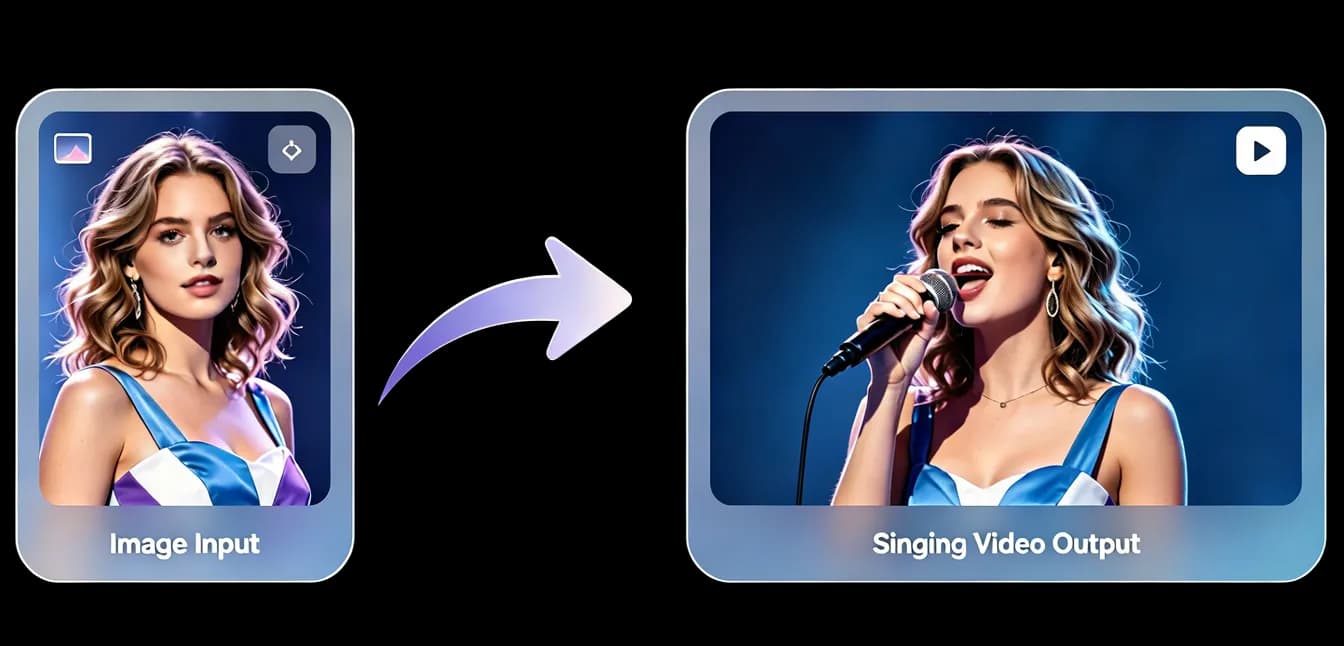
Yes. Upload a clear face photo, add a voice, song, or script, and InsMelo can turn the photo into a lip sync talking or singing video.
Yes. You can upload hooks, or a full song and create an AI lip-sync music video from a photo or video clip.
Use a clear front-facing image or video, visible lips, good lighting, and clean audio. Clear vocals usually create better AI lip sync results.
InsMelo’s AI lip sync tool matches mouth shapes, timing, facial movement, and speech details closely, creating natural results that look close to real recorded video.
The time of making AI lip video depends on video length, resolution, and complexity. Most short lip sync videos finish within a few minutes. You can monitor progress in real time and download your result as soon as it finishes.
Yes. Paid plan users can use lip-synced videos for ads, social media, e-commerce, client work, and branded content. Free outputs are for personal, non-commercial use.
Create Your AI Lip Sync Video Today
Turn a photo, video, voice, or song into a natural lip sync video in minutes. Try InsMelo for talking videos, singing photos, multilingual clips, and AI music video content.