Free AI Vocal Remover Online
Remove vocals from a song in a minute with InsMelo AI vocal separator. Upload your audio or choose a song from my works to get its vocal and instrumental versions as separate tracks now.
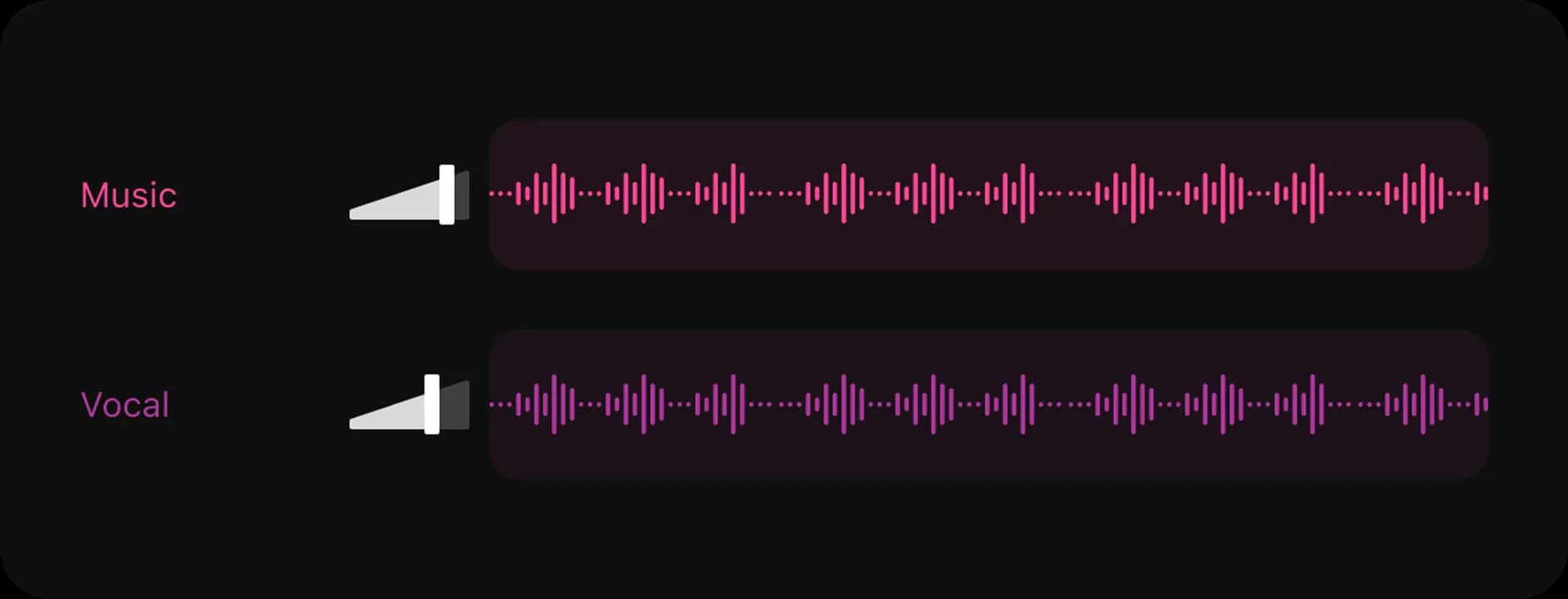

Examples of AI Remove Vocals from Music
Hear how InsMelo AI vocal extractor separates a full song into two downloadable tracks: a clean instrumental and an isolated vocal stem.


Oh! I love InsMelo
Instrumental
Vocal
AI Vocal Remover Features for Clean Vocal Isolation
Why is InsMelo trusted as the best AI vocal remover? That is, it separates music and vocals, extracts clean vocal tracks, and gets downloadable instrumentals in one simple workflow without complicated software.
Compatible with Multiple Audio Resources
Upload your own MP3, WAV, or FLAC file, or select an AI-generated song from My Works. InsMelo gives you a flexible free vocal remover online workflow for song extraction.
Try AI Vocal RemoverSeparate Vocals from Music with AI Quickly
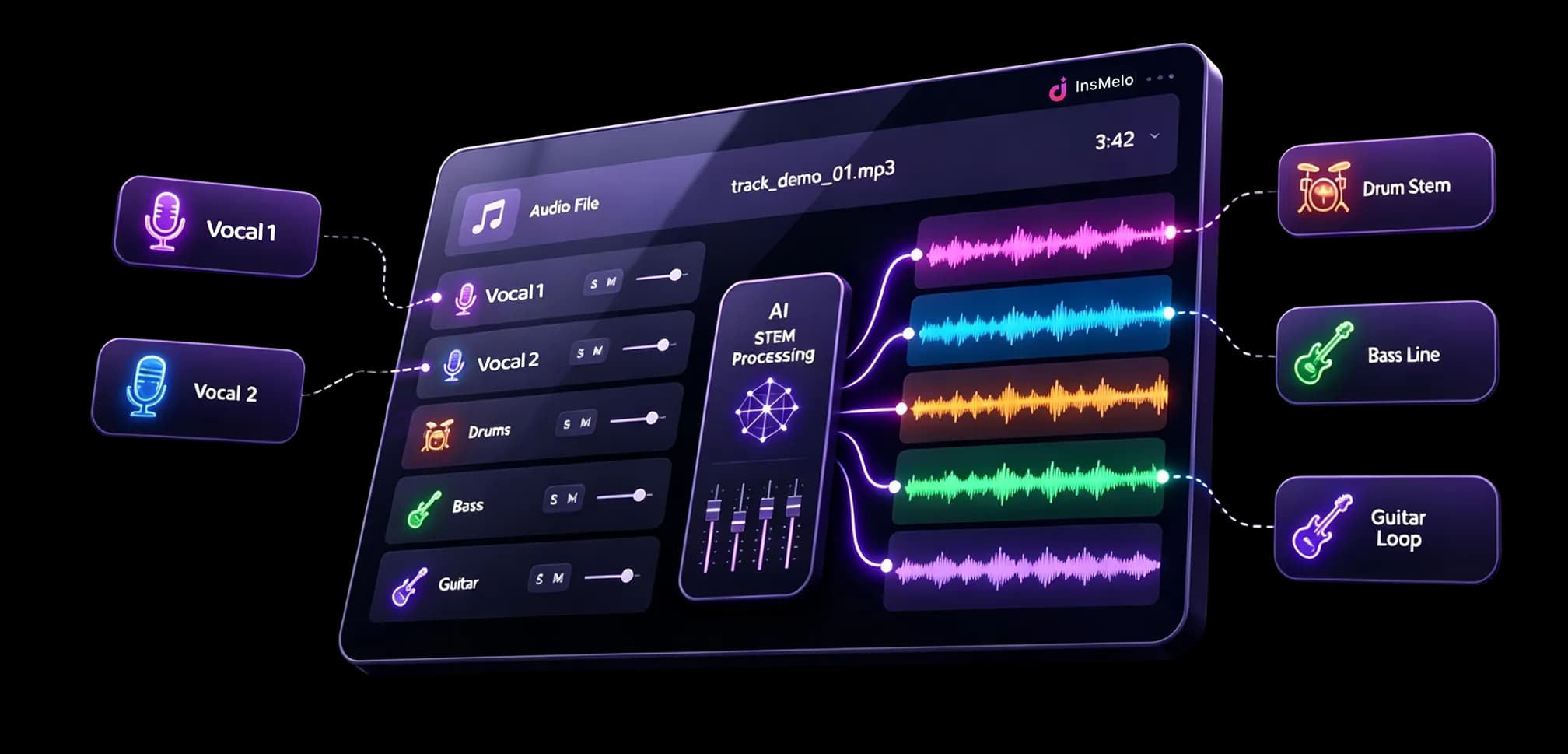
InsMelo uses an advanced AI vocal isolator to analyze your song and separate the vocal layer from the backing track within a minute. You can preview the split tracks quickly, compare both stems, and keep your creative workflow moving without manual audio editing.
Separate Vocals with AIHigh-Quality Isolated Instrumental & Vocal Tracks
Get clear vocal and instrumental tracks from a single imported song. InsMelo’s AI helps preserve musical detail while reducing vocal bleed, making it easier to remove vocals from a track for AI covers, karaoke, remix songs, music production, or editing.
Remove Vocals from Track with AIDownloadable Vocals and Instrumental Music
Once AI vocal remover and isolation processing is complete, you can download the separated vocal stem and instrumental music as individual files. Use them in your DAW, video editor, karaoke setup, rehearsal routine, or personal music projects.
Get Separated Vocals and InstrumentalBeginner-Friendly AI Vocal Removal
You do not need audio engineering skills or complicated software. Upload a song, let InsMelo remove vocals online with AI, listen to the isolated vocal and instrumental tracks, then download the version you need through an easy-to-use interface.
Remove Vocals OnlineAll-in-One Music Studio
Keep creating after vocal separation. InsMelo connects its AI vocal remover with AI music generator online tools, so you can make songs, split vocals, extract instrumentals, and continue shaping new music ideas in one creative workspace.
Extract Vocals from Song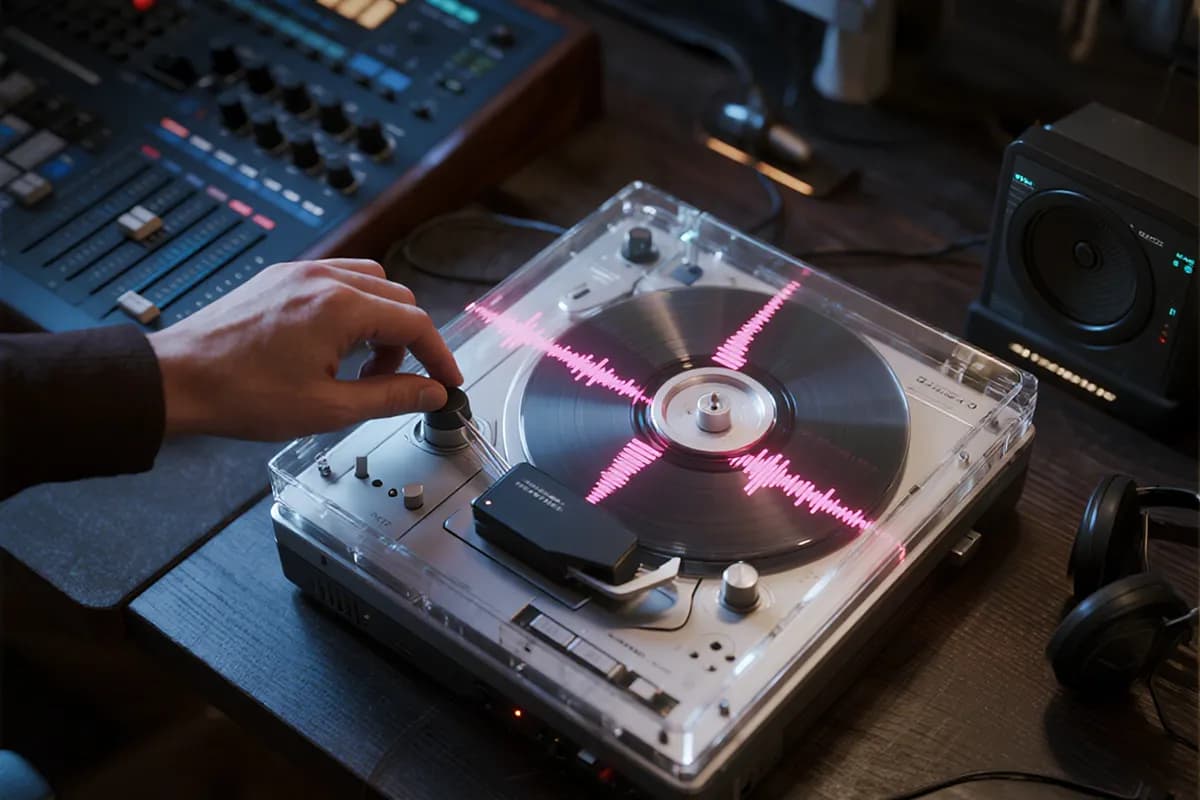
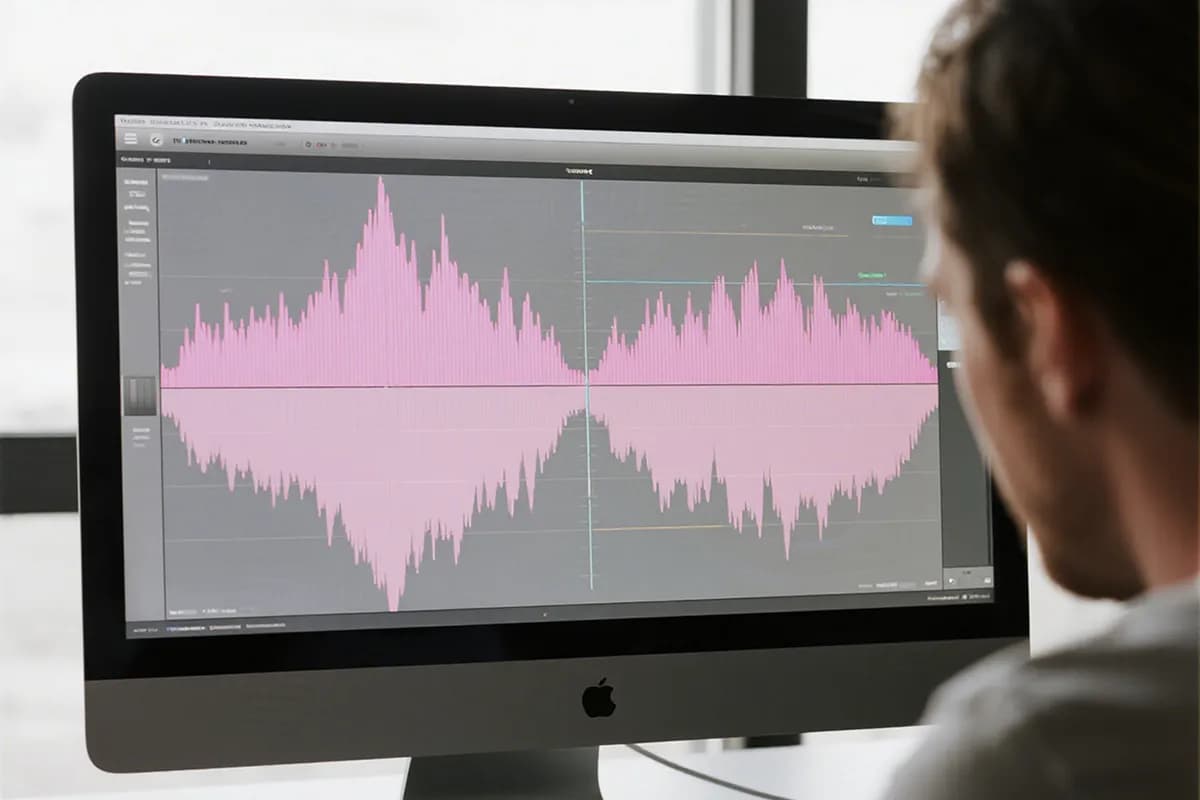

How to Remove Vocals of a Song with AI
How to isolate vocals from a song quickly? Follow these three simple steps to remove vocals from music with InsMelo.
1.
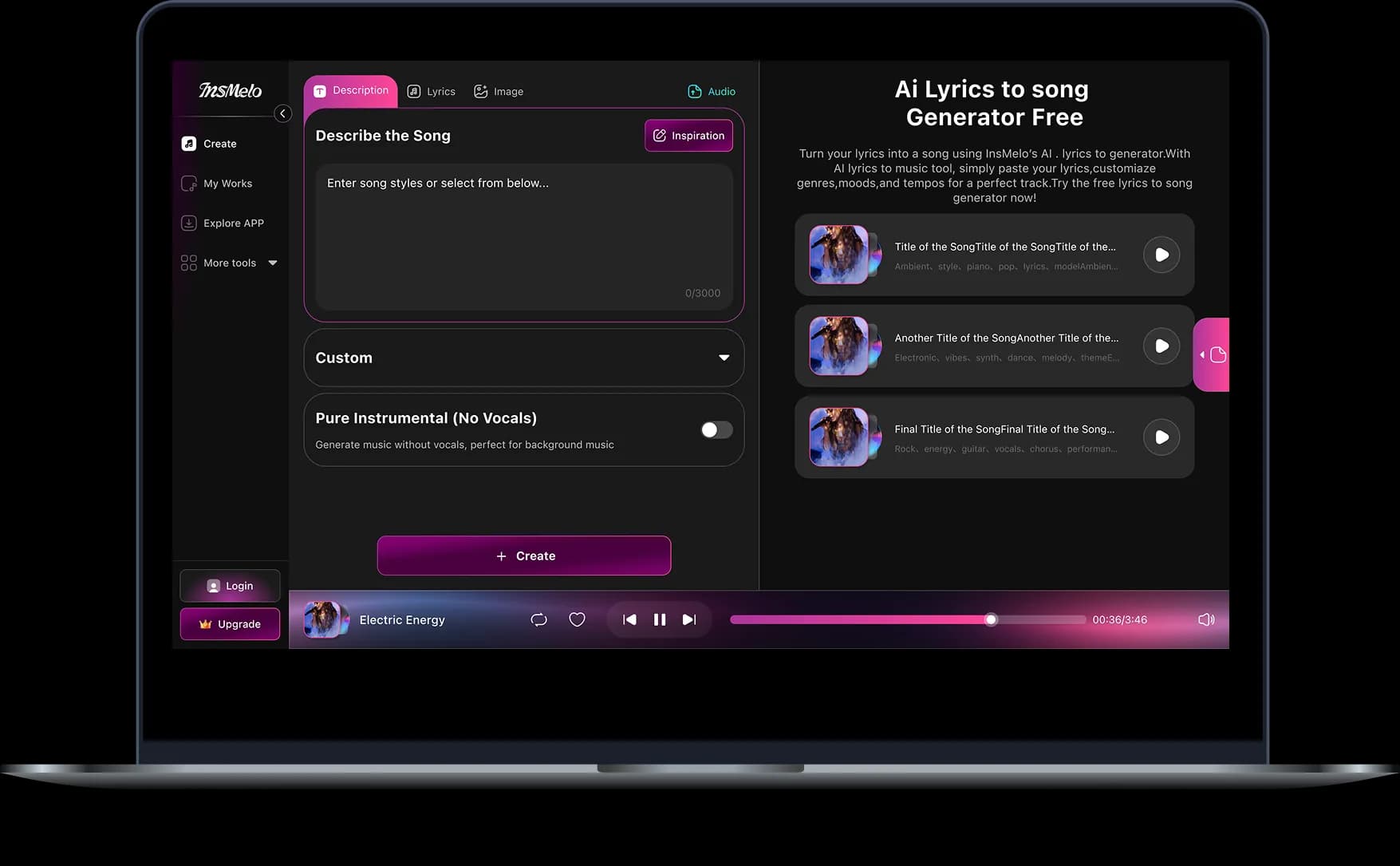
Upload your Audio
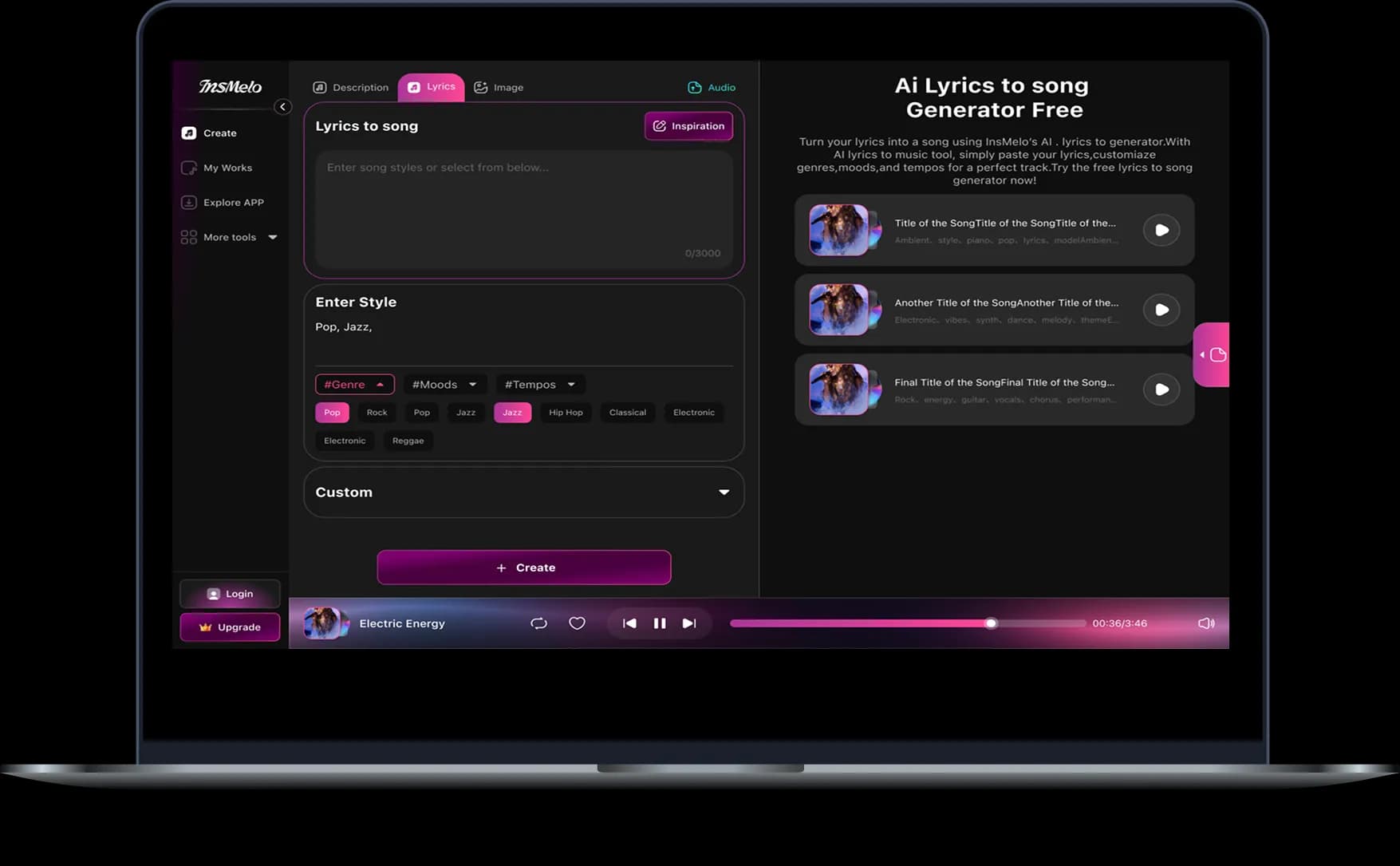
Upload your audio file in MP3, WAV, FLAC, or choose an AI-generated track from InsMelo. Our AI vocal splitter automatically analyzes the music to prepare it for vocal and instrumental separation.
2.
Remove Vocals from Music
With one click, the AI processes your track and precisely separates vocals from instrumentals. The original audio quality and balance are preserved throughout the process.
3.
Listen & Download
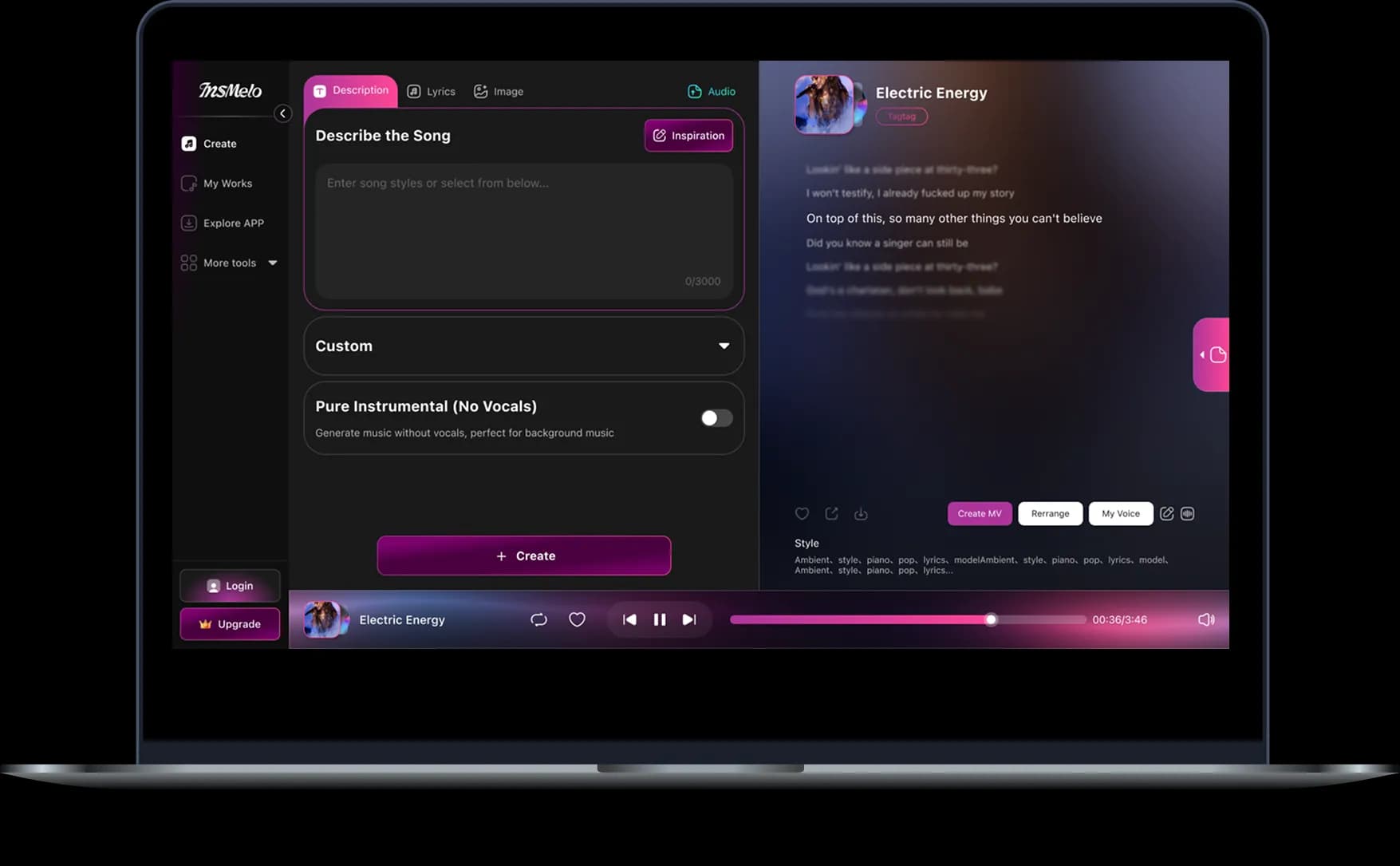
Listen to the separated tracks online, then download high-quality vocal or instrumental files. Or take it further by turning it into a brand-new track using our AI music generator.
What Can You Do with the Best AI Vocal Remover?
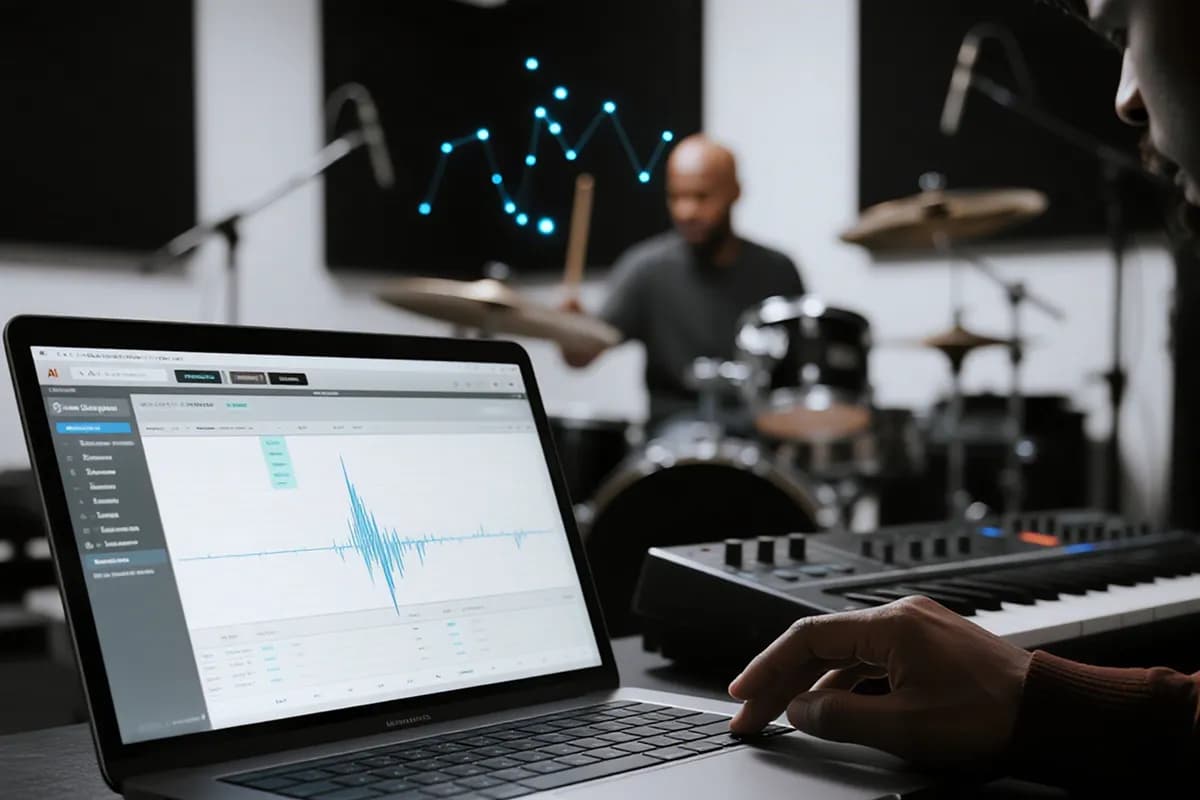
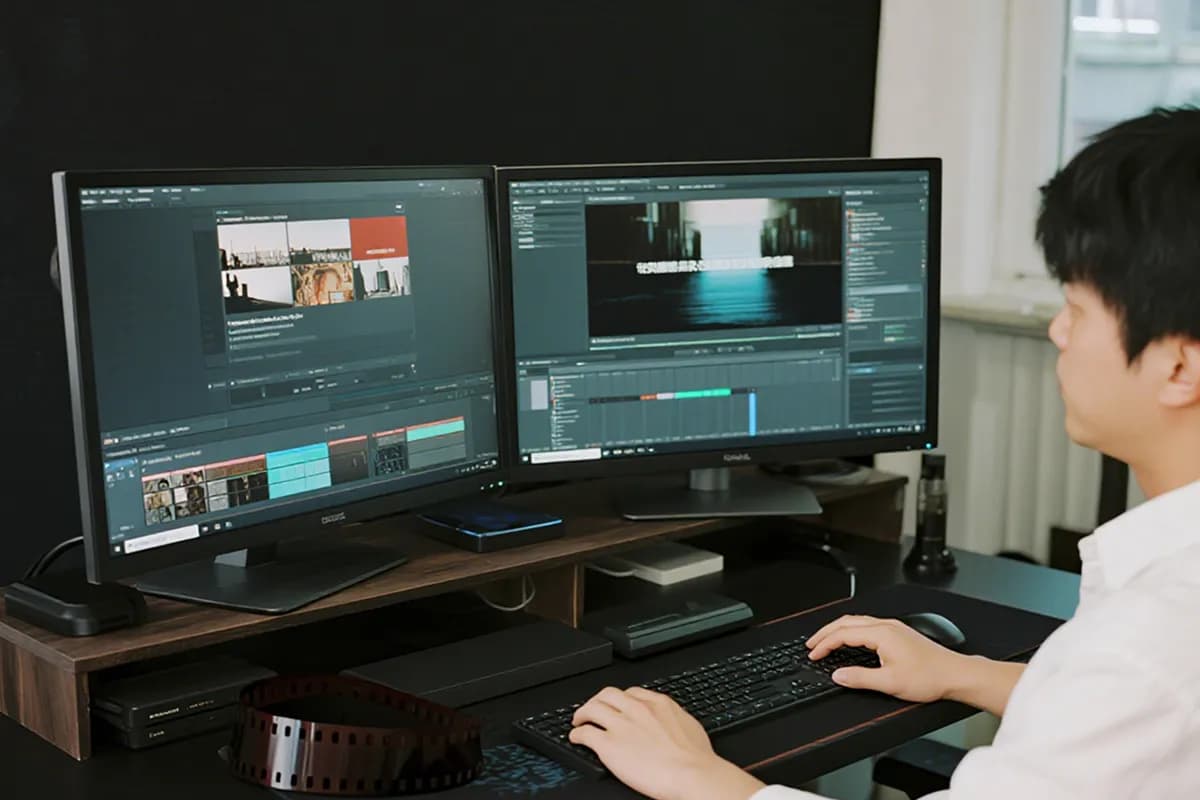
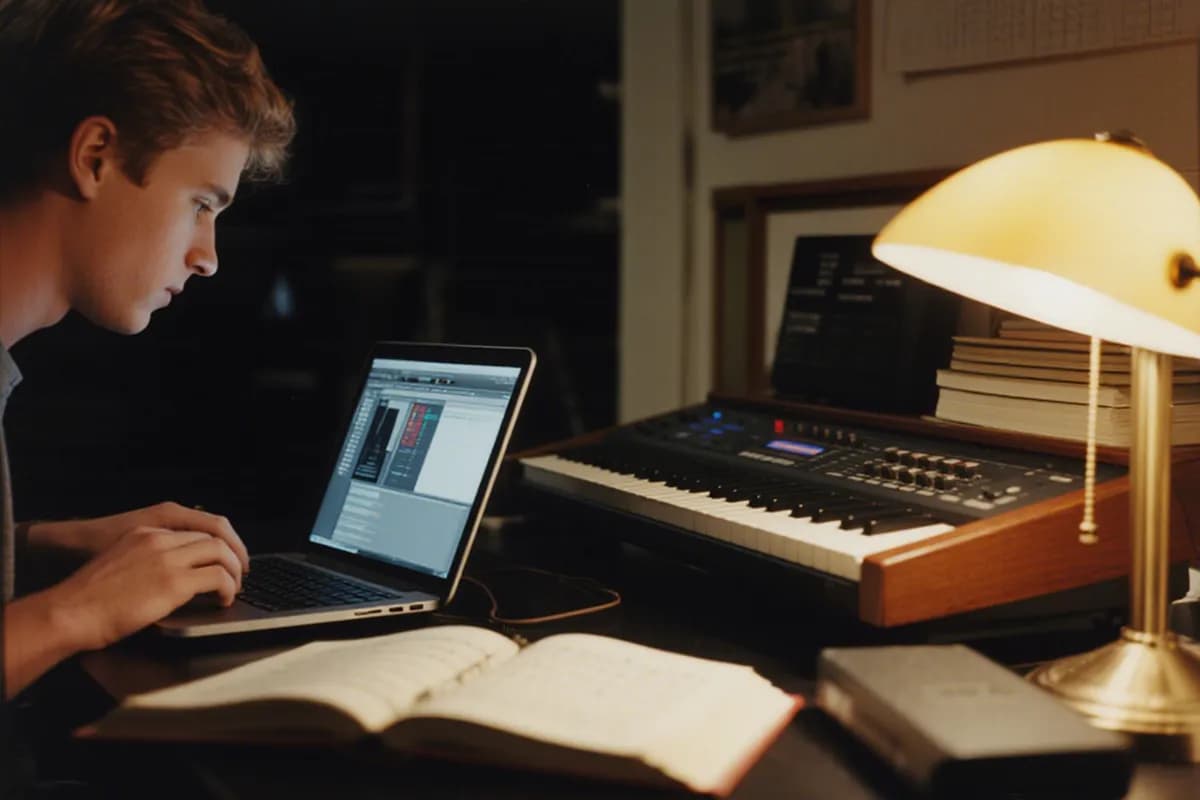
Whether you are a music producer, DJ, video creator, or karaoke enthusiast, our professional vocal remover powered by AI gives you the flexibility to remove vocals easily and turn a full song into separate vocal and instrumental tracks.
Get Instrumental Versions from Existing Songs
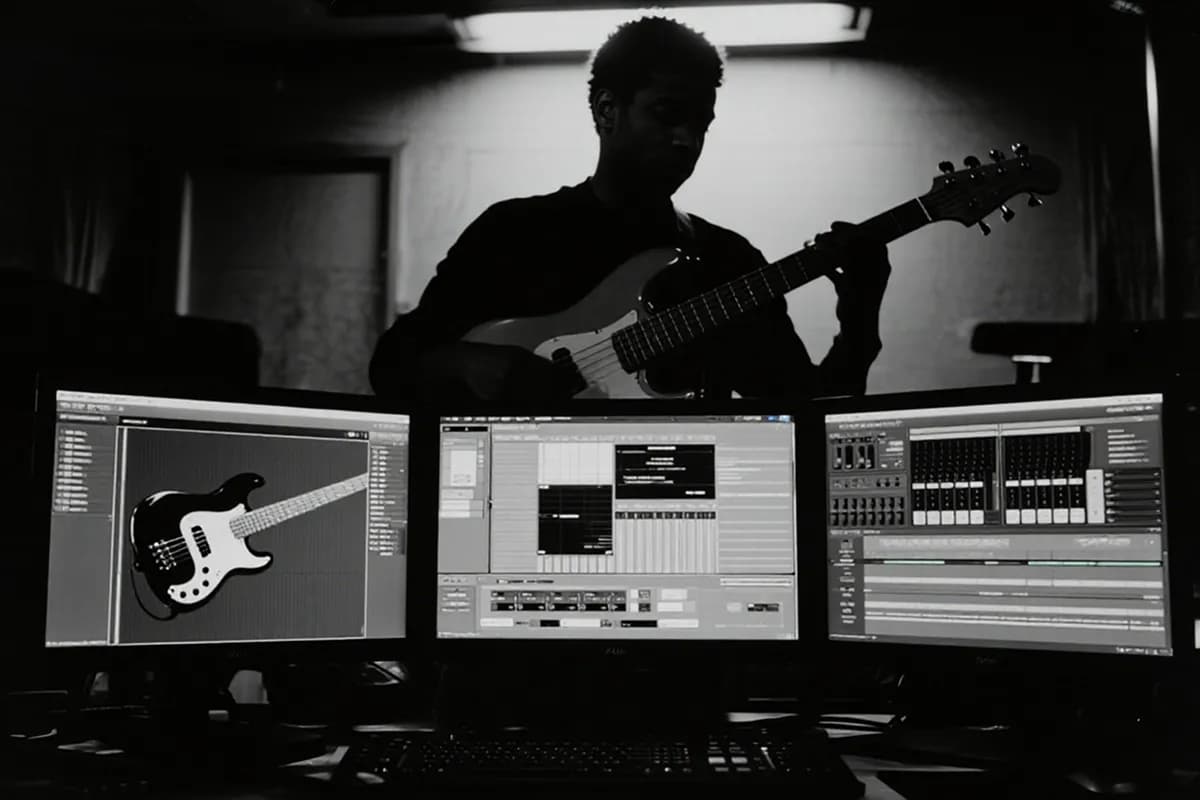
When you love the backing music of a song, but the singer’s voice does not fit your vibe, InsMelo is the best AI vocal remover to use. It removes vocals from music in one click and keeps the instrumental track ready for download.

User Reviews About AI Vocal Remover Online
InsMelo is trusted by a global community of creators. See how musicians, DJs, teachers, podcasters, and video creators use AI vocal separation to reshape songs, clean up audio, and build better projects faster.
Liam O'Shea
Podcast Producer
I use music transitions all the time, but lyrics can fight with my voiceover so badly. InsMelo lets me remove vocals online fast, and the clean instrumental bed just sits under my narration beautifully.
Marc Thompson
Professional DJ & Remixer
I’ve tried plenty of AI vocal removers, such as Unmix, lalal.AI, Remusic AI, and most of them flatten the track. InsMelo surprised me. The groove stays alive, the bass still hits, and my mashup prep feels way easier.
Elena Rodriguez
Vocal Coach & Music Teacher
This tool has completely changed how I prepare for my classes. Using this free AI vocal remover online, I can quickly generate high-quality backing tracks for my students, helping them focus entirely on their own vocal technique and timing.

4.8
User Rating
David Chen
Independent Music Producer
InsMelo feels like a full online music toolbox. I can't only separate vocals with an AI vocal remover, but also use the stem splitter to isolate guitar, piano, drums, and more tracks. It’s ridiculously simple, and the workflow is seriously efficient.
Chloe Bennett
Aspiring Singer & YouTuber
I started using it for vocal remover FNF tracks and cover ideas, and wow, it’s fast. I can turn songs into karaoke-style versions quickly, then record vocals that sound much more polished on my channel.
Sarah Jenkins
Social Media Content Creator
I needed background music without distracting lyrics, and InsMelo saved the edit. Honestly, it might be the best vocal remover online free I’ve tried because the audio stays clear without a complicated setup.
4.8
User Rating
Liam O'Shea
Podcast Producer
I use music transitions all the time, but lyrics can fight with my voiceover so badly. InsMelo lets me remove vocals online fast, and the clean instrumental bed just sits under my narration beautifully.
Marc Thompson
Professional DJ & Remixer
I’ve tried plenty of AI vocal removers, such as Unmix, lalal.AI, Remusic AI, and most of them flatten the track. InsMelo surprised me. The groove stays alive, the bass still hits, and my mashup prep feels way easier.
Elena Rodriguez
Vocal Coach & Music Teacher
This tool has completely changed how I prepare for my classes. Using this free AI vocal remover online, I can quickly generate high-quality backing tracks for my students, helping them focus entirely on their own vocal technique and timing.
David Chen
Independent Music Producer
InsMelo feels like a full online music toolbox. I can't only separate vocals with an AI vocal remover, but also use the stem splitter to isolate guitar, piano, drums, and more tracks. It’s ridiculously simple, and the workflow is seriously efficient.
Chloe Bennett
Aspiring Singer & YouTuber
I started using it for vocal remover FNF tracks and cover ideas, and wow, it’s fast. I can turn songs into karaoke-style versions quickly, then record vocals that sound much more polished on my channel.
Sarah Jenkins
Social Media Content Creator
I needed background music without distracting lyrics, and InsMelo saved the edit. Honestly, it might be the best vocal remover online free I’ve tried because the audio stays clear without a complicated setup.
Liam O'Shea
Podcast Producer
I use music transitions all the time, but lyrics can fight with my voiceover so badly. InsMelo lets me remove vocals online fast, and the clean instrumental bed just sits under my narration beautifully.
Marc Thompson
Professional DJ & Remixer
I’ve tried plenty of AI vocal removers, such as Unmix, lalal.AI, Remusic AI, and most of them flatten the track. InsMelo surprised me. The groove stays alive, the bass still hits, and my mashup prep feels way easier.
Elena Rodriguez
Vocal Coach & Music Teacher
This tool has completely changed how I prepare for my classes. Using this free AI vocal remover online, I can quickly generate high-quality backing tracks for my students, helping them focus entirely on their own vocal technique and timing.
David Chen
Independent Music Producer
InsMelo feels like a full online music toolbox. I can't only separate vocals with an AI vocal remover, but also use the stem splitter to isolate guitar, piano, drums, and more tracks. It’s ridiculously simple, and the workflow is seriously efficient.
Chloe Bennett
Aspiring Singer & YouTuber
I started using it for vocal remover FNF tracks and cover ideas, and wow, it’s fast. I can turn songs into karaoke-style versions quickly, then record vocals that sound much more polished on my channel.
Sarah Jenkins
Social Media Content Creator
I needed background music without distracting lyrics, and InsMelo saved the edit. Honestly, it might be the best vocal remover online free I’ve tried because the audio stays clear without a complicated setup.
Need More Than Vocal Removal?
FAQs about InsMelo AI Song Vocal Remover
Upload an audio file or choose a song from My Works, then let InsMelo AI separate the track into vocals and instrumental music. After isolating, preview the result and download the vocal stem or instrumental track separately.
Yes, InsMelo works as a free AI vocal remover online, letting you remove vocals from songs without installing software. Available features, file limits, and download options may vary depending on the plan shown on the site.
InsMelo vocal separation uses AI to analyze a mixed song and isolate the music stems, such as vocals and instruments. It then exports those estimated parts as individual audio tracks.
The best AI vocal remover app should be fast, easy to use, and able to keep vocals and instrumentals clear after separation. InsMelo is built for creators who want a simple online tool to remove vocals and download clean audio stems.
Music created or provided through InsMelo may be available for use based on the platform’s license terms. If you upload third-party songs, you should make sure you own the rights or have permission before editing, publishing, or using separated stems commercially.
InsMelo is designed to preserve audio quality while removing vocals from a track. However, results can vary depending on the original mix, file quality, compression, and how closely the vocals overlap with instruments in the song.
Yes, if your mobile browser can open InsMelo and upload audio files. You can use the AI vocal remover online to process a track, preview the separated stems, and download results from your phone.
Yes. InsMelo AI can separate music and vocals, allowing you to keep the instrumental or background music after the vocal layer is removed. This is useful when you need a lyric-free version of a full song.
Yes. After AI vocal separation, InsMelo provides separate outputs for the vocal stem and instrumental track. You can download one individual track or save both files for editing, practice, remixing, or music production.
Remove Vocals from Any Song with AI
Use professional AI vocal separation and get royalty-free music in one place instantly.