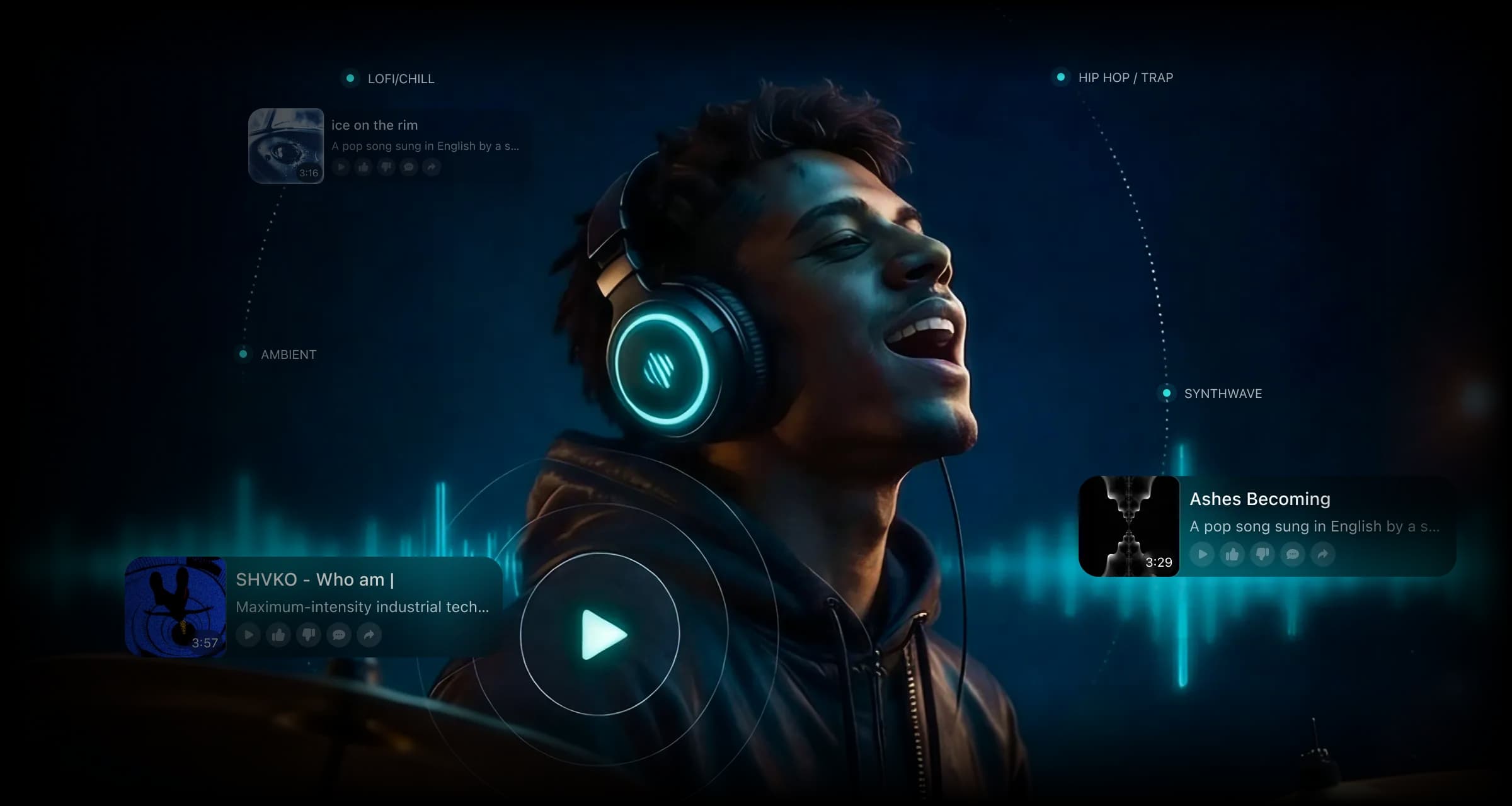
Suno to VideoAI Suno Music Video Generator Free
Turn your Suno song into an AI music video with InsMelo. The Suno to Video feature gives your music a visual story that follows the feeling and rhythm of the track.
How do I Turn My Suno Song into a Video?
If you want to know how to make a music video with Suno, begin with the finished song you created in Suno. InsMelo turns the downloaded audio into a video in three simple steps.
1.
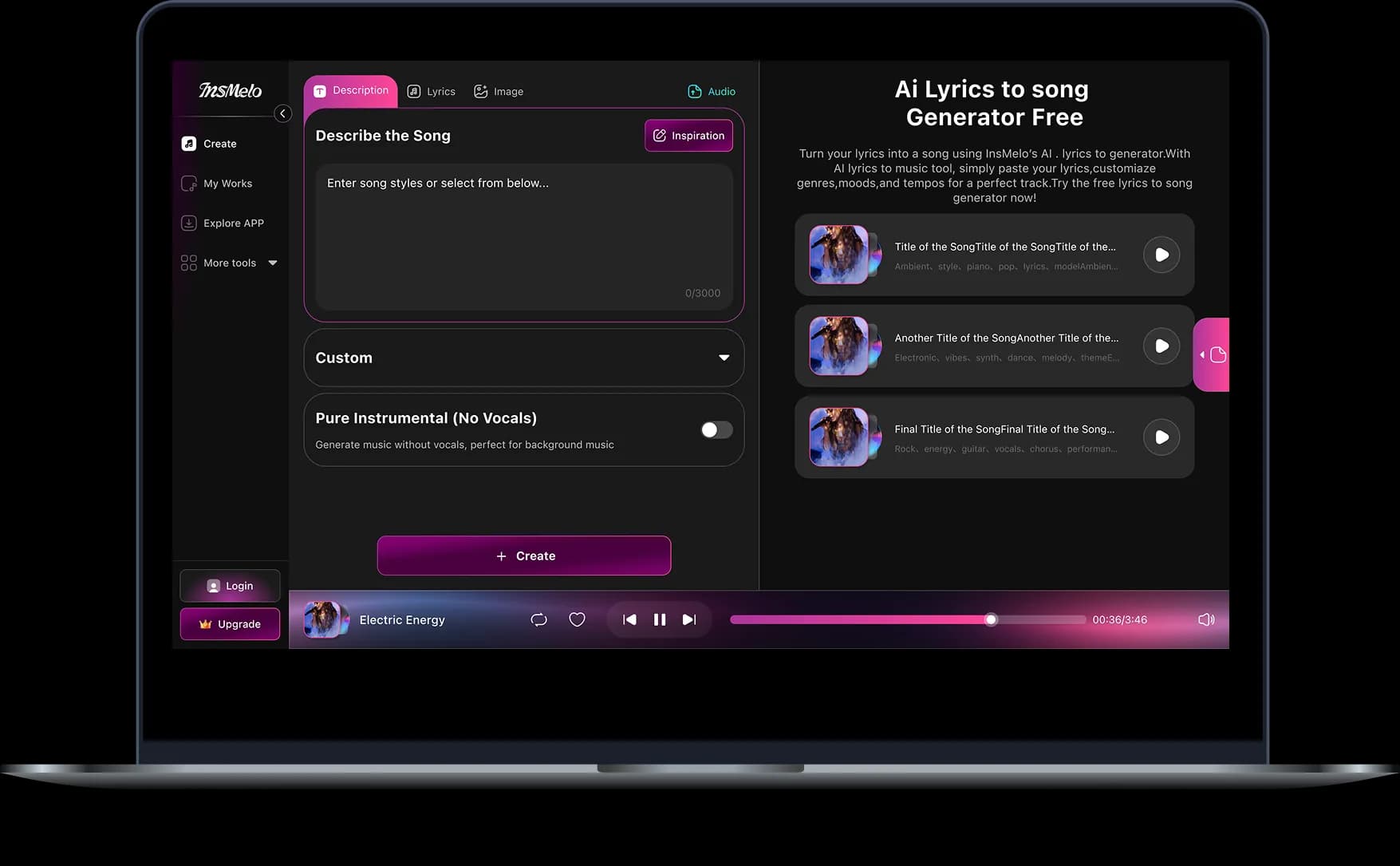
Upload Your Suno Song
Upload the music file you downloaded from Suno to InsMelo AI Music Video Generator. Select a 10–50 second part of the song for the video.
2.
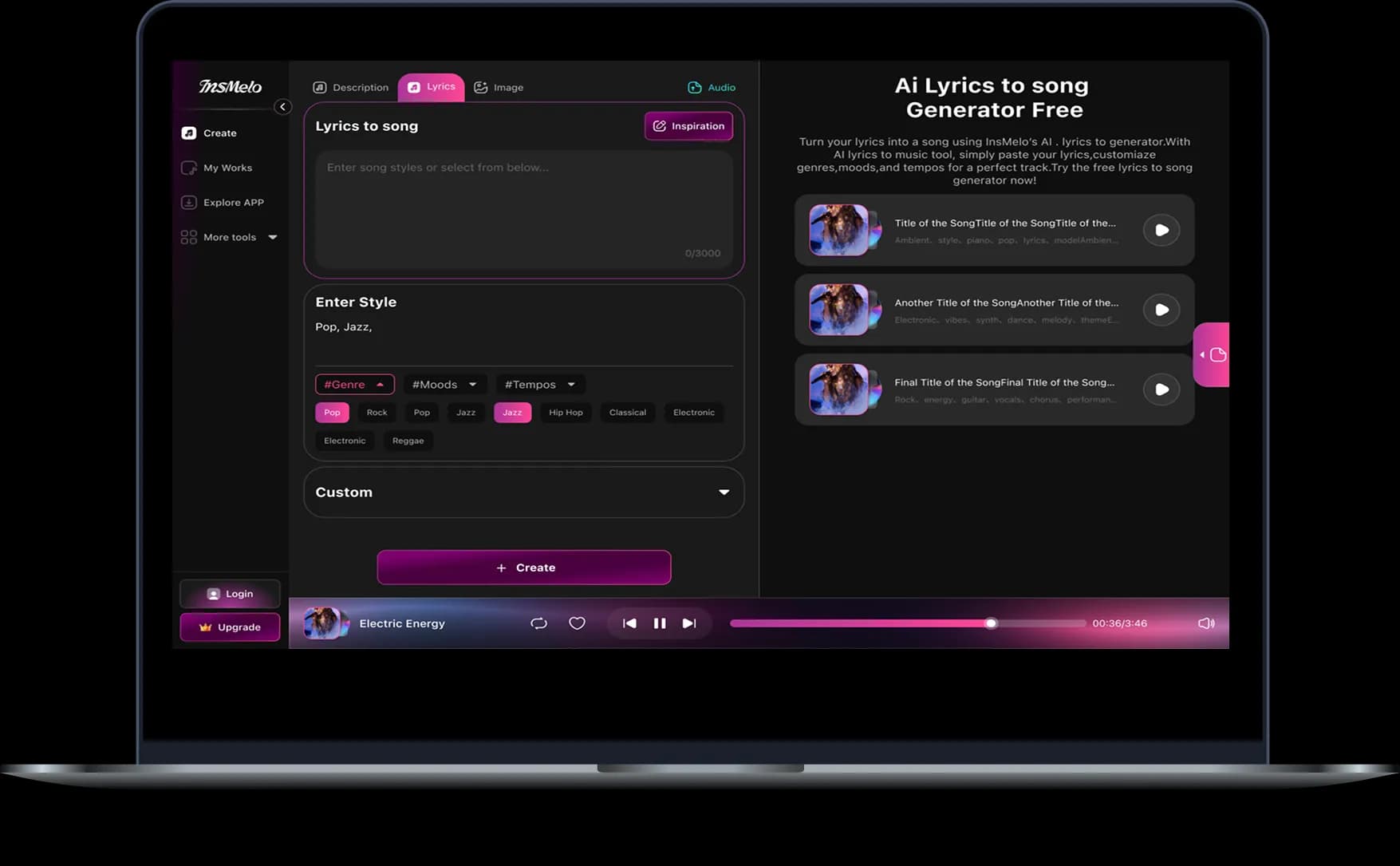
Add Your Image and Visual Direction
Upload the image you want InsMelo to animate. Check the image framing, then enter a prompt describing the scene, visual style, subject movement, and camera movement you want to see.
3.
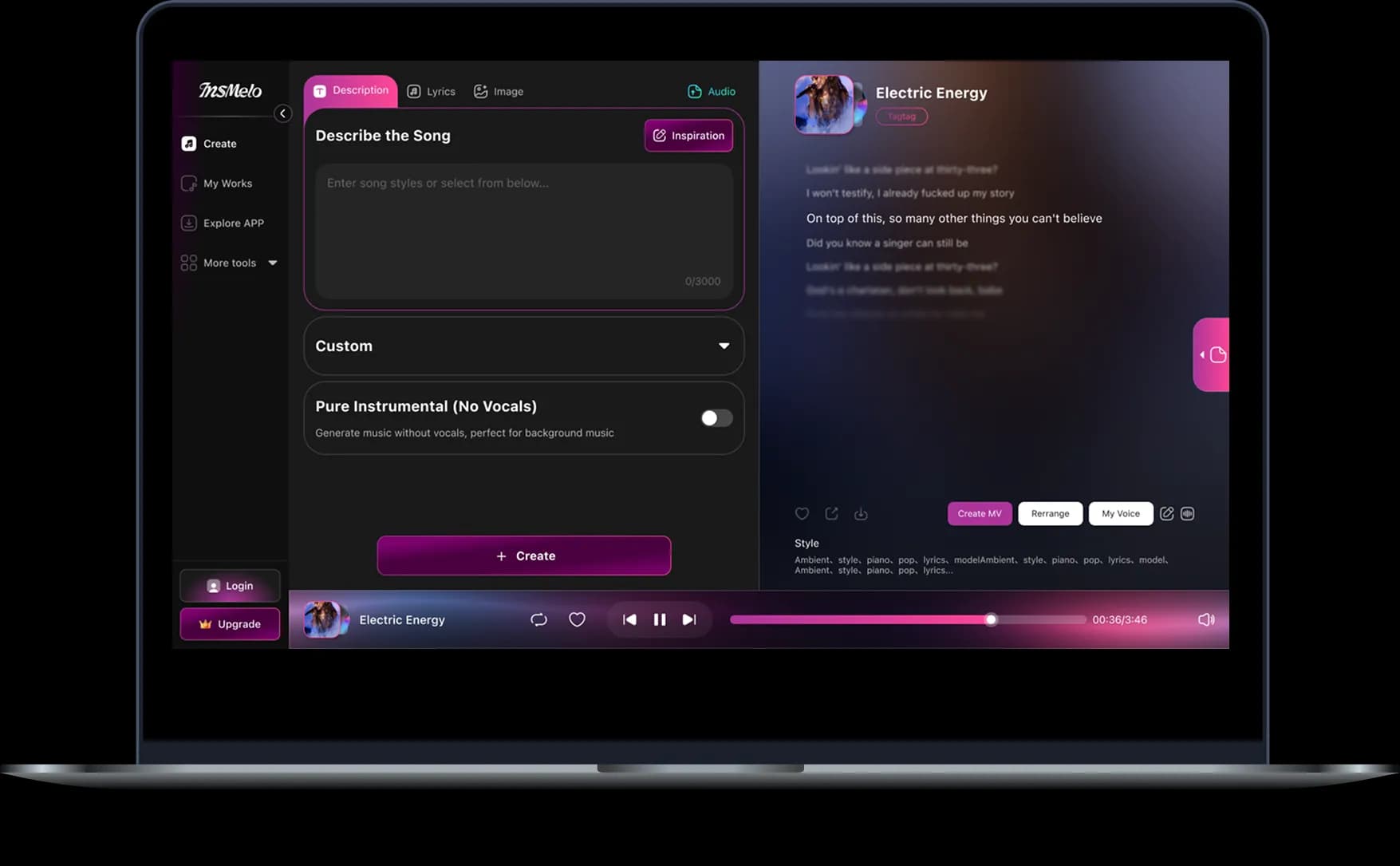
Generate, Download and Share Your Video
Click Generate and wait for InsMelo to create the video. Preview the result, update the prompt or settings, and generate a new version if needed. Download the finished video or share it directly with your audience.
Bring Your Track to Life with Our Suno AI Music Video Generator
InsMelo's Suno to Video feature creates multi-shot videos from selected song sections while maintaining a consistent visual direction from the first scene to the last.
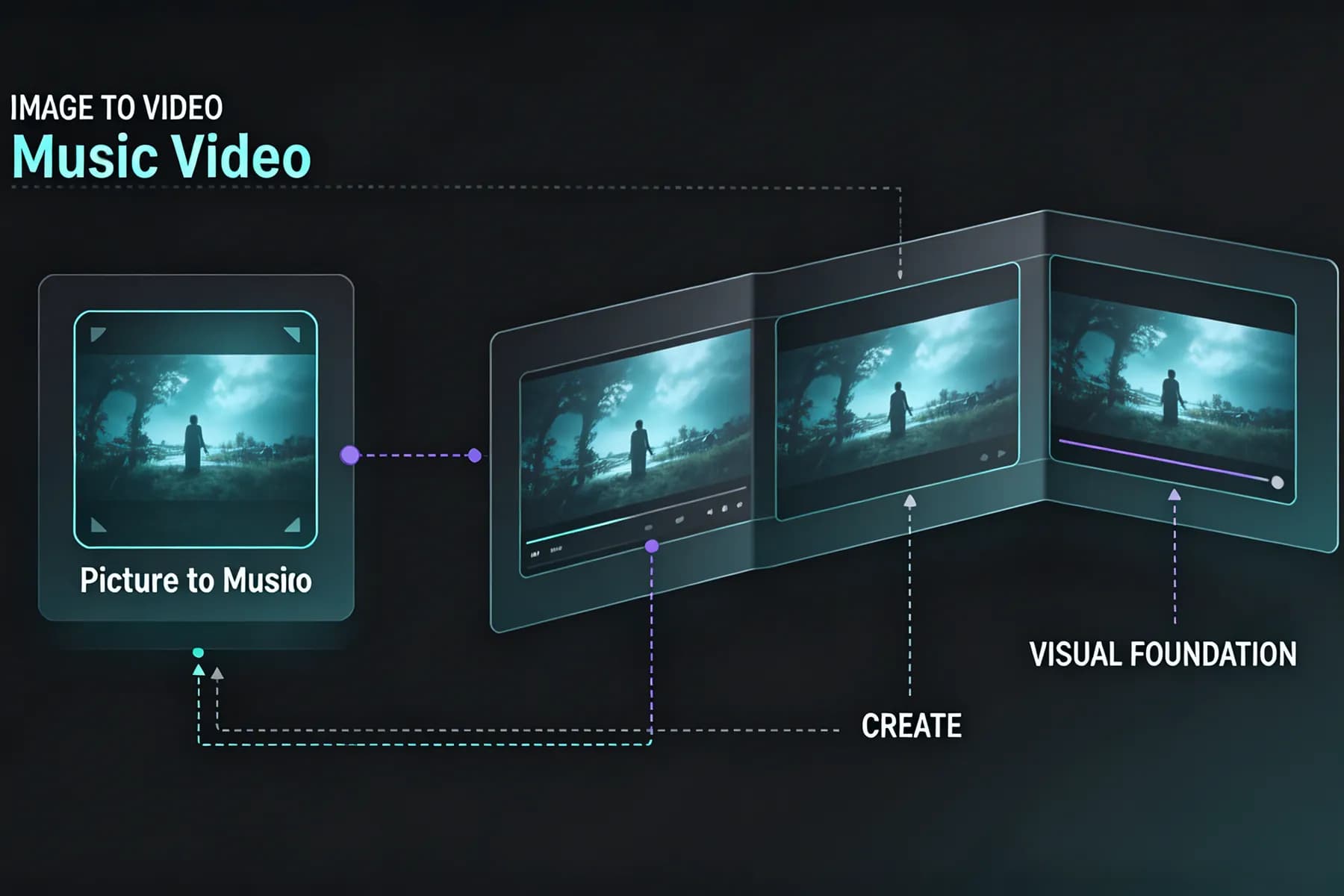
Picture to Music Video
One image becomes the visual foundation for the complete clip. InsMelo develops the subject and setting from that image across different scenes, giving the finished music video a clear and recognizable visual identity.
Create a Suno Music VideoHighlight Clip Selection
Creators can focus the video on the part of the song they want to feature. The selected audio remains at the center of the finished Suno song to video clip, keeping the visuals focused on the chosen musical moment.
Try Suno Music Video GeneratorConsistent Visual Style
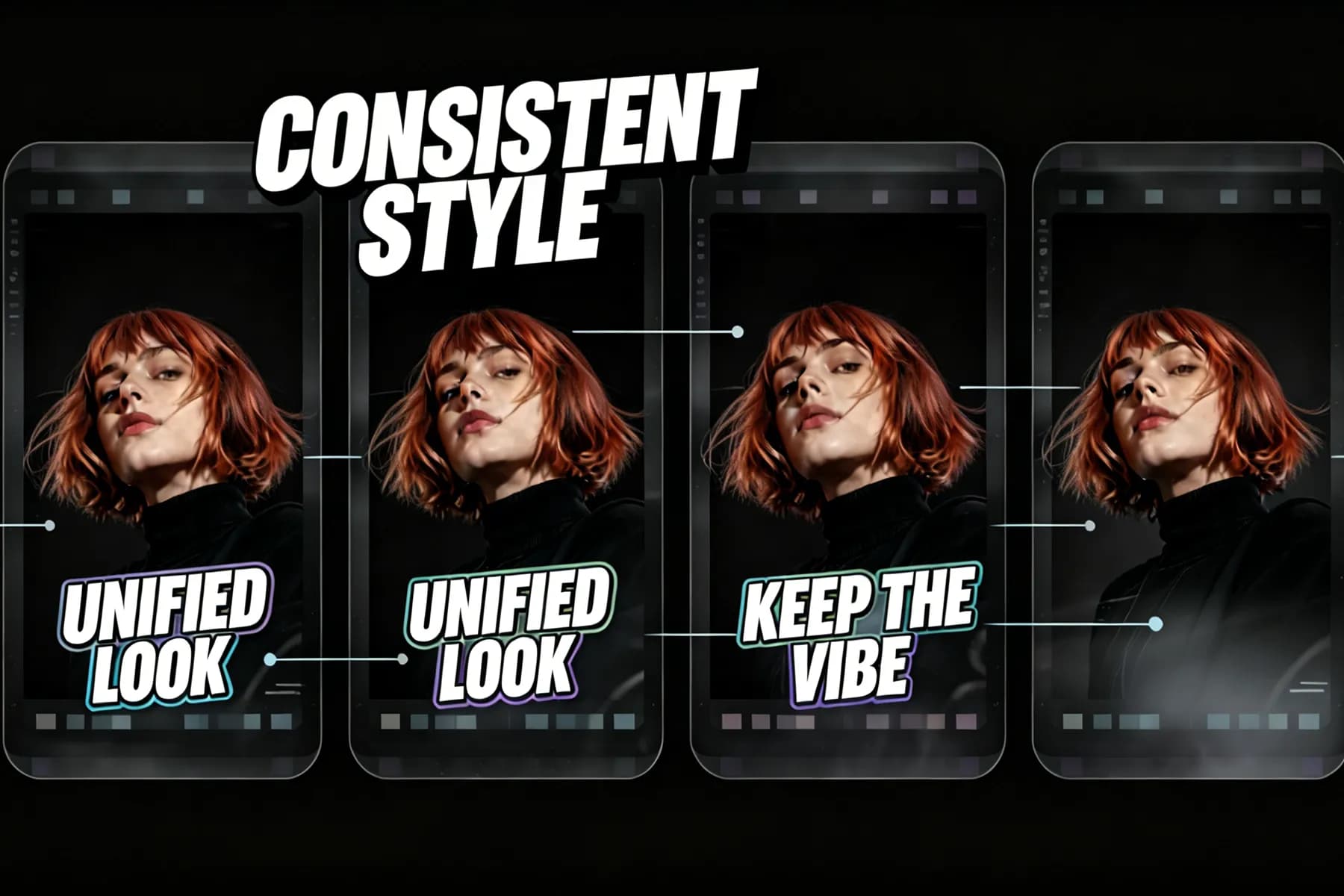
InsMelo keeps the main subject and visual treatment consistent from one scene to the next. This gives each Suno AI music video a unified look from the opening shot to the final frame.
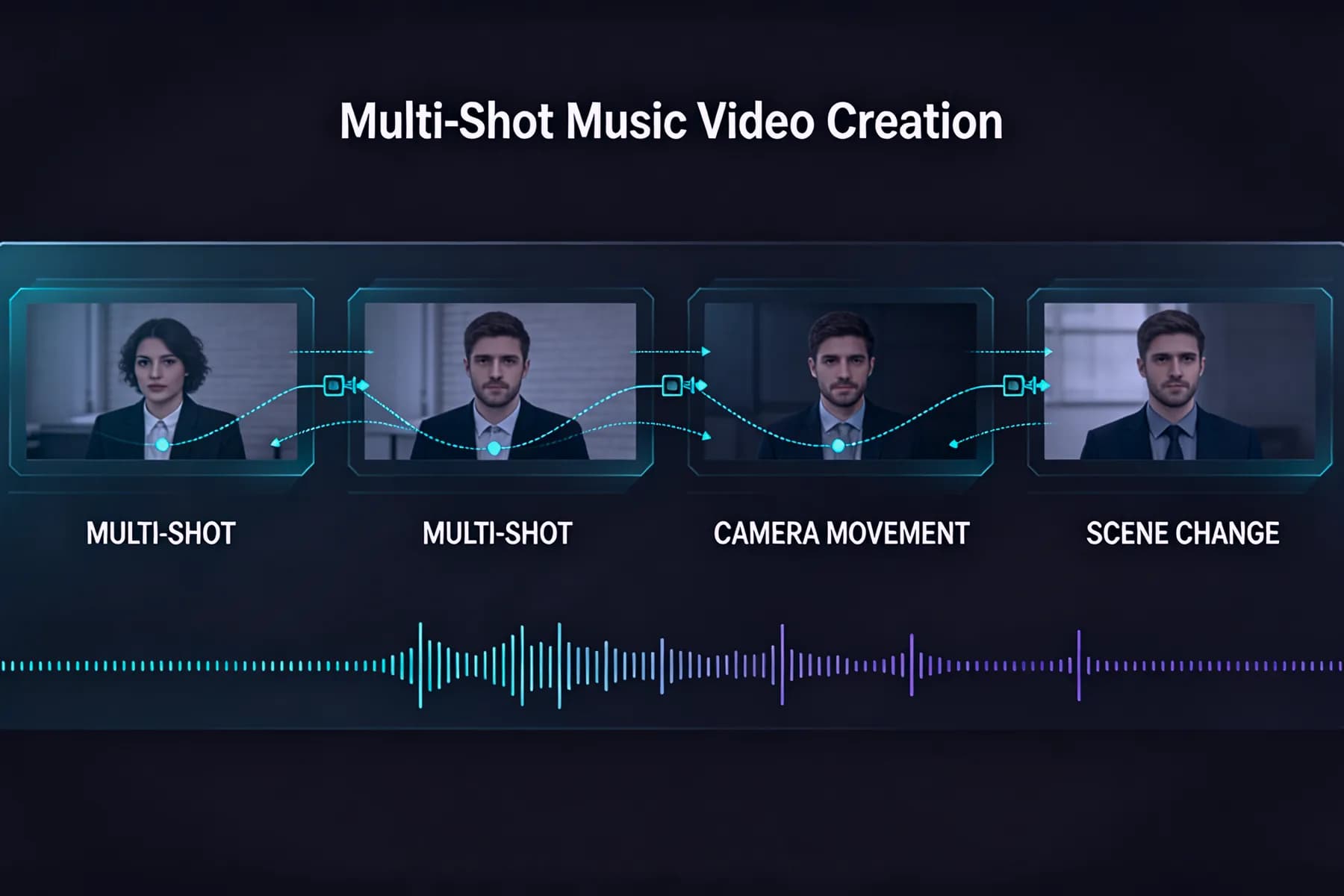
Turn Your Suno Song into VideoMulti-Shot Music Video Creation
Scene changes and camera movement give the video progression from beginning to end. As a Suno music video generator, InsMelo builds a connected multi-shot sequence around the selected audio instead of repeating one animation.
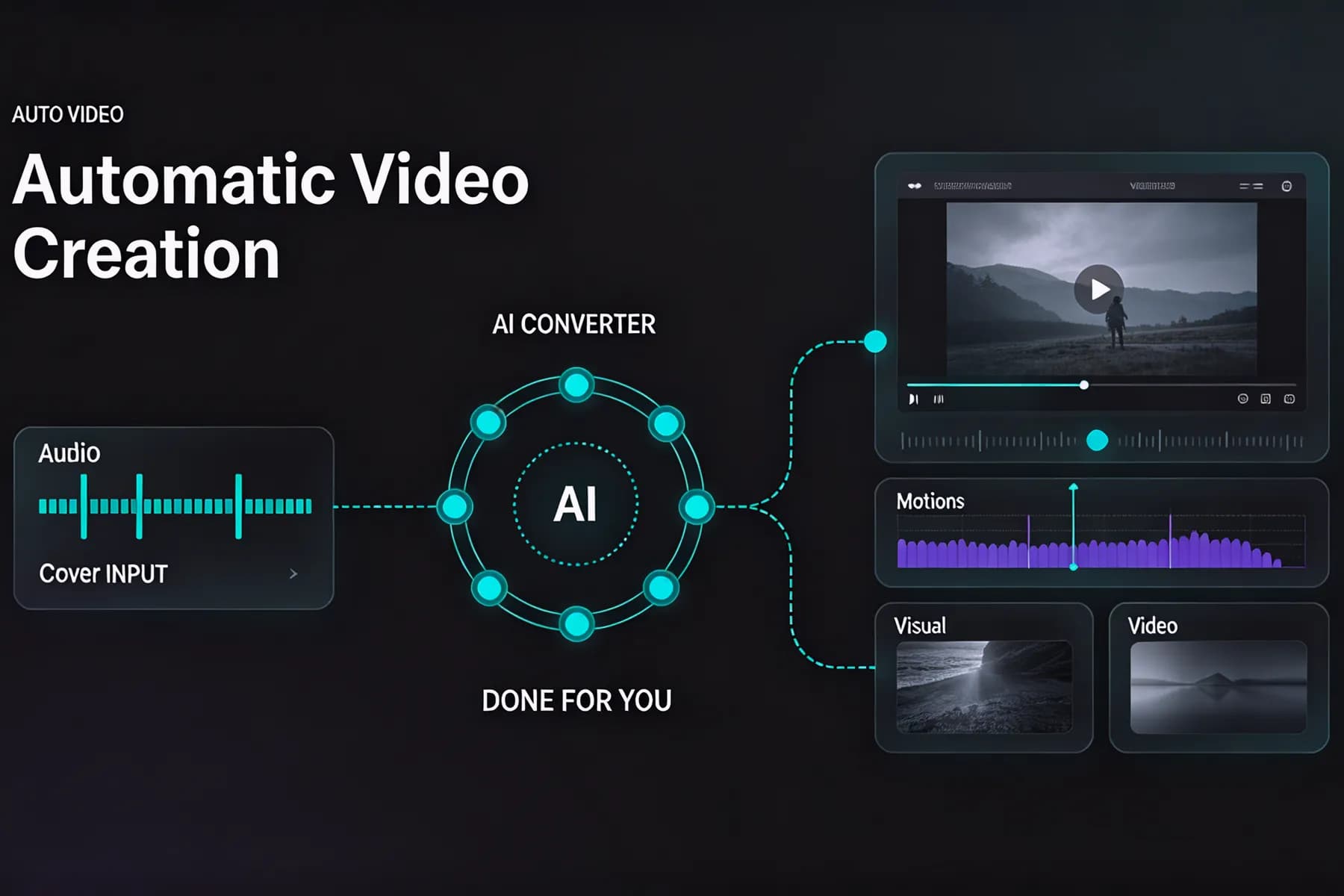
Create a Suno AI Music VideoAutomatic Video Creation
InsMelo's Suno to Video feature works as a Suno AI to video converter, handling scene generation, movement, visual effects, and video assembly automatically. Creators can produce a finished video without manually arranging clips on an editing timeline.
Suno to Video AIMusic-Matched Visual Effects
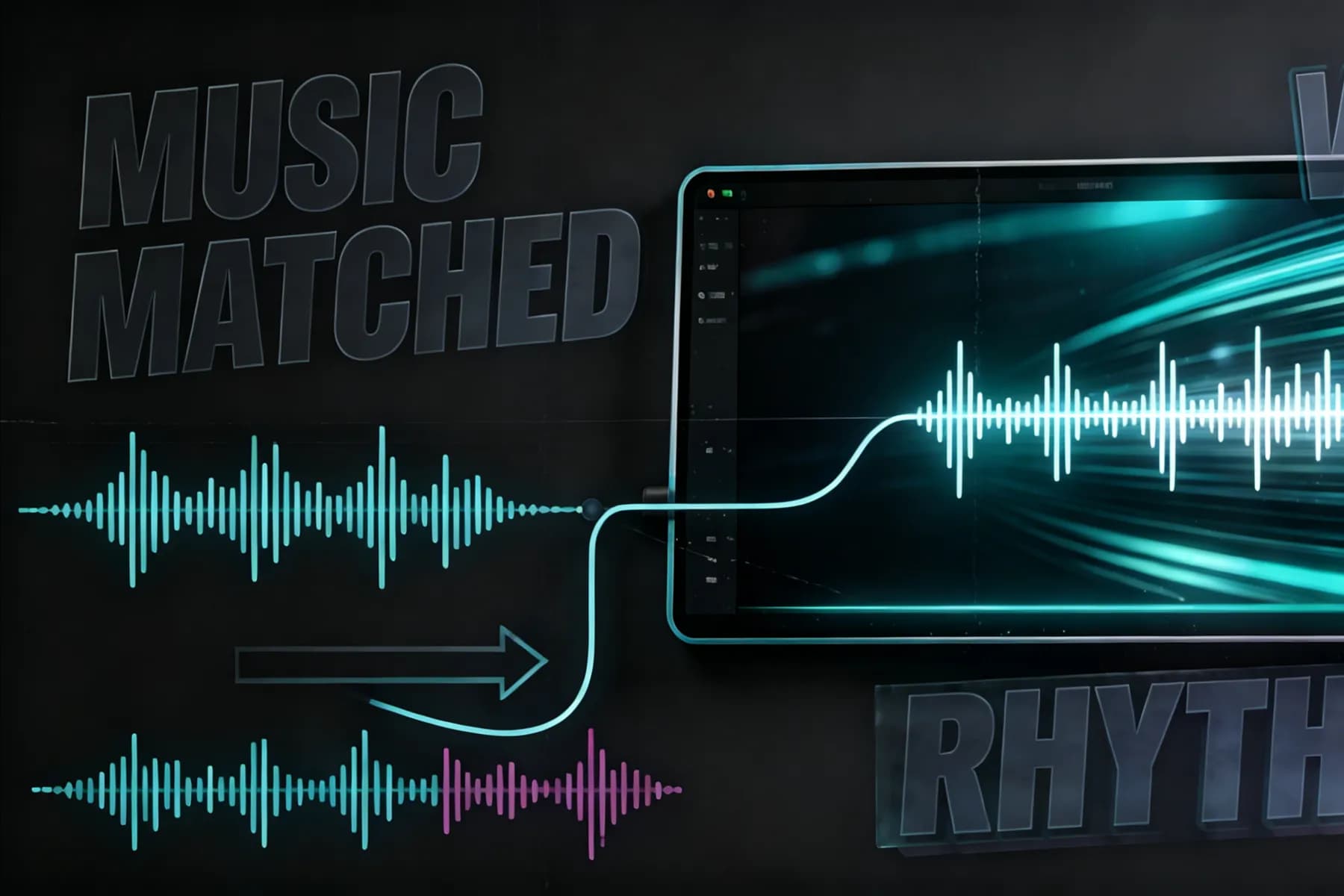
Scene movement and visual effects respond to the rhythm and mood of the selected track. This keeps the pacing of the finished video connected to the song from beginning to end.
Create with Suno to Video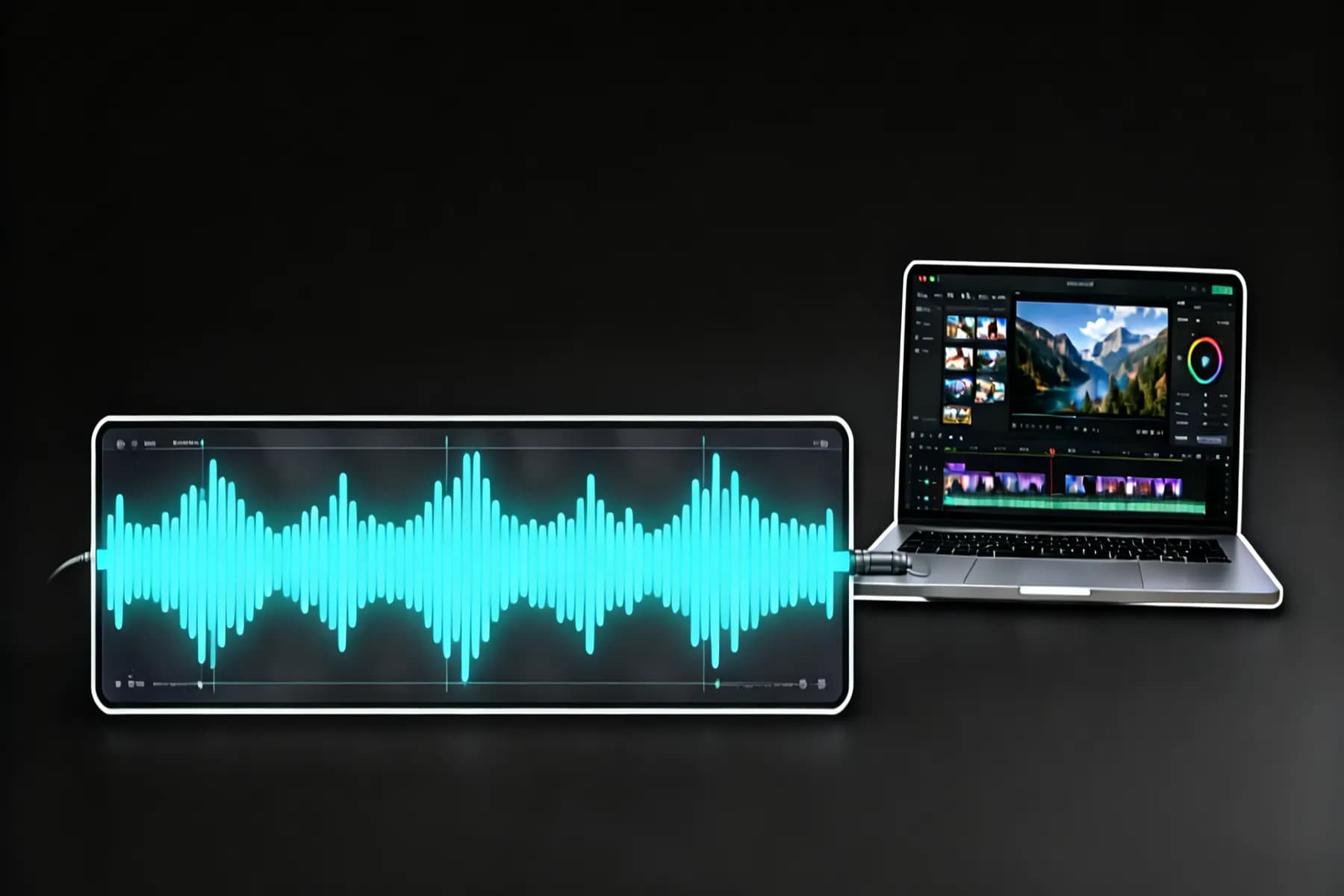
Export Your Suno AI Music Video in the Right Format
InsMelo gives you the flexibility to prepare each Suno AI music video for the best viewing experience wherever it is published.
Resolutions
720p · 1080p · 4K
Export clear videos at different quality levels.
Aspect Ratios
3:4 · 1:1 · 9:16 · 16:9
Create videos in different aspect ratios.
Formats
MP4 · WebM
Download in common video formats.
Audio Length
10s · 50s
Create videos from 10s to 50s clips.
Turn Suno Music into Videos for Your Next Release
Learn how users turn finished Suno tracks into AI-generated music videos with InsMelo.
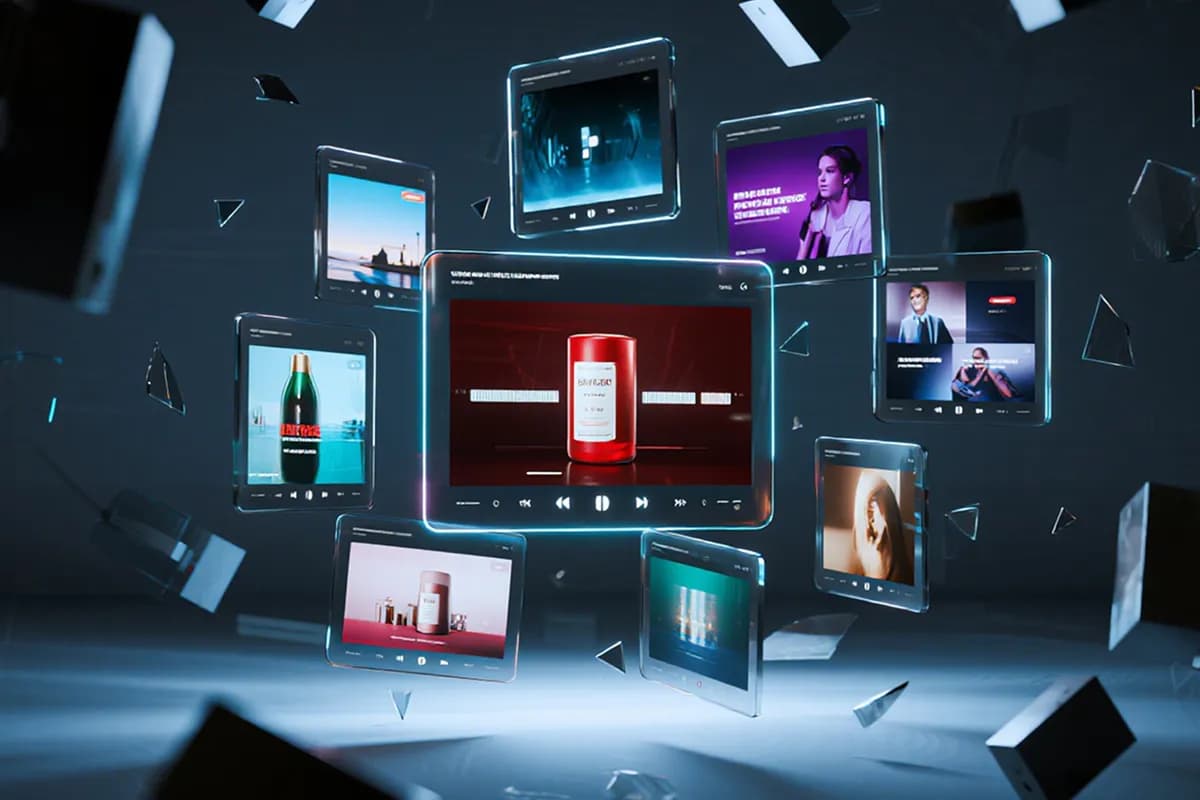
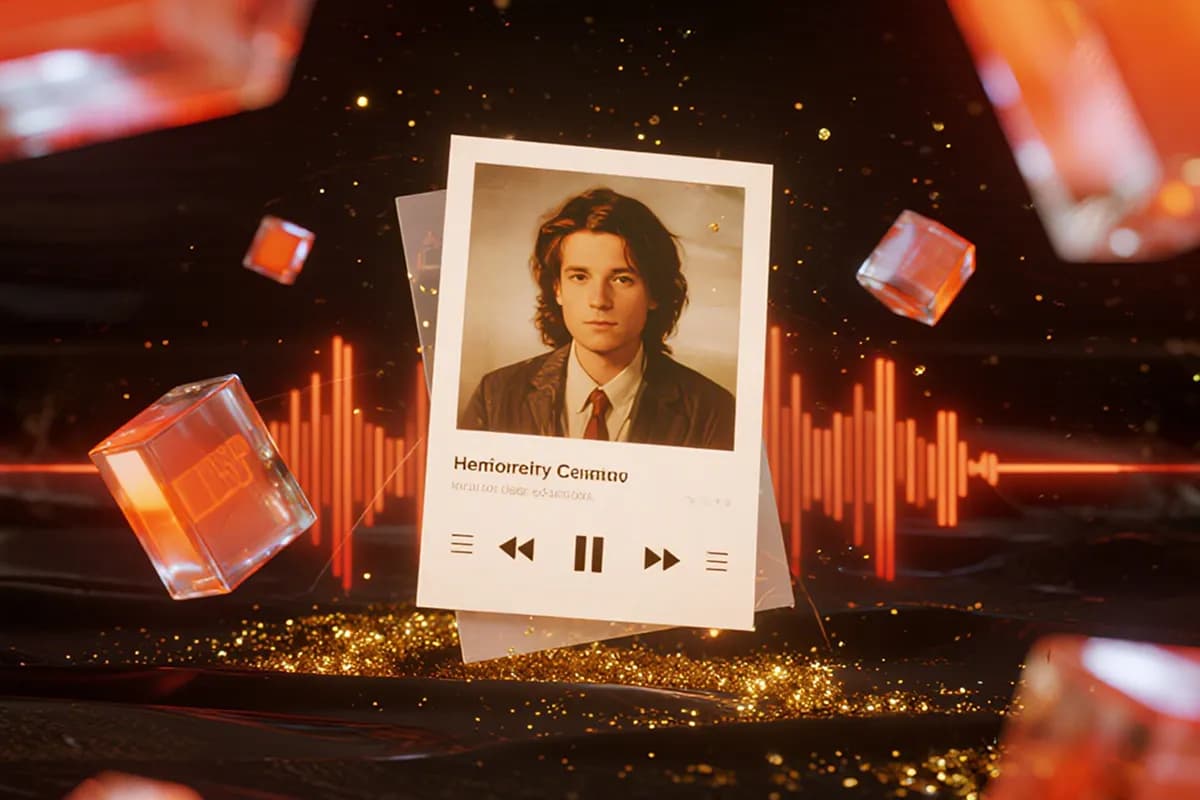
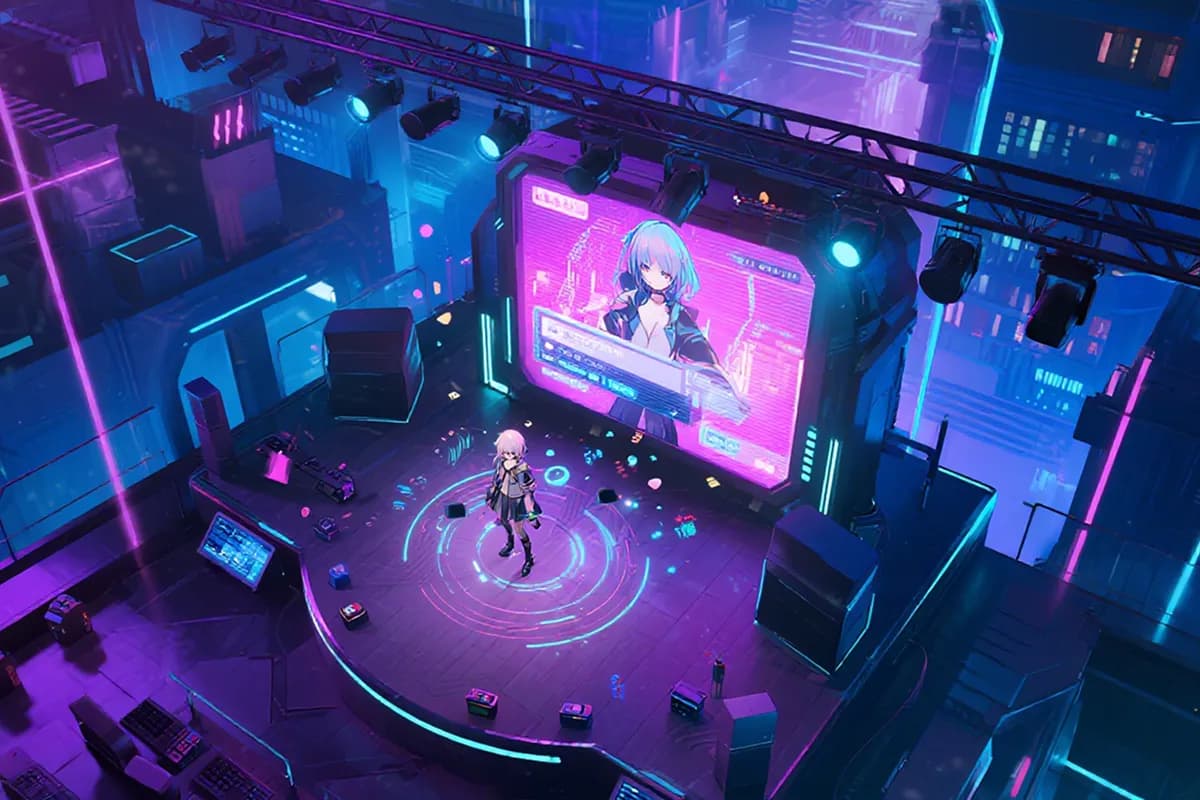
Short-Form Song Promotion
Create a short video around the hook, chorus, or most memorable part of your track. InsMelo supports multiple video ratios, making it easy to prepare the finished Suno song to video clip for TikTok, Reels, and Shorts.
What Our Users Say
Read what creators say about their experience with InsMelo's Suno to Video feature, from turning a finished track into a video to seeing the final result.
Mia Carter
AI Music Creator
I had a Suno track sitting in my folder for weeks because I couldn't figure out the video. InsMelo finally gave me something that actually felt like it belonged with the song, and I ended up posting it the same night.
Daniel Kim
YouTube Music Creator
Static covers were making every upload look the same, even when the songs sounded completely different. After the first video came out, my whole channel instantly felt more alive, and I didn't have to fight with an editor to get there.
Olivia Moore
Short-Form Video Editor
Honestly, I expected to trim the chorus in another app first and then bring it back to the video. Turns out I could pick the part I wanted right there, finish the clip, and move on without the usual back-and-forth.

4.8
User Rating
Ethan Walker
Independent Musician
I usually give up on video tools after five minutes because they get too complicated. This one was different. I added the track and image, wrote what I wanted, and the finished video came out way better than I expected.
Sofia Ramirez
Virtual Artist Designer
Seeing my character move through different scenes was the moment it clicked for me. The video still looked like my original artwork, but now the character finally felt connected to the music instead of sitting on a static cover.
Noah Bennett
Creative Campaign Producer
My team needed one clip for Shorts and another format for the campaign page. Changing the ratio inside InsMelo saved us from rebuilding the whole thing twice, which made the approval process much less painful.
4.8
User Rating
Mia Carter
AI Music Creator
I had a Suno track sitting in my folder for weeks because I couldn't figure out the video. InsMelo finally gave me something that actually felt like it belonged with the song, and I ended up posting it the same night.
Daniel Kim
YouTube Music Creator
Static covers were making every upload look the same, even when the songs sounded completely different. After the first video came out, my whole channel instantly felt more alive, and I didn't have to fight with an editor to get there.
Olivia Moore
Short-Form Video Editor
Honestly, I expected to trim the chorus in another app first and then bring it back to the video. Turns out I could pick the part I wanted right there, finish the clip, and move on without the usual back-and-forth.
Ethan Walker
Independent Musician
I usually give up on video tools after five minutes because they get too complicated. This one was different. I added the track and image, wrote what I wanted, and the finished video came out way better than I expected.
Sofia Ramirez
Virtual Artist Designer
Seeing my character move through different scenes was the moment it clicked for me. The video still looked like my original artwork, but now the character finally felt connected to the music instead of sitting on a static cover.
Noah Bennett
Creative Campaign Producer
My team needed one clip for Shorts and another format for the campaign page. Changing the ratio inside InsMelo saved us from rebuilding the whole thing twice, which made the approval process much less painful.
Mia Carter
AI Music Creator
I had a Suno track sitting in my folder for weeks because I couldn't figure out the video. InsMelo finally gave me something that actually felt like it belonged with the song, and I ended up posting it the same night.
Daniel Kim
YouTube Music Creator
Static covers were making every upload look the same, even when the songs sounded completely different. After the first video came out, my whole channel instantly felt more alive, and I didn't have to fight with an editor to get there.
Olivia Moore
Short-Form Video Editor
Honestly, I expected to trim the chorus in another app first and then bring it back to the video. Turns out I could pick the part I wanted right there, finish the clip, and move on without the usual back-and-forth.
Ethan Walker
Independent Musician
I usually give up on video tools after five minutes because they get too complicated. This one was different. I added the track and image, wrote what I wanted, and the finished video came out way better than I expected.
Sofia Ramirez
Virtual Artist Designer
Seeing my character move through different scenes was the moment it clicked for me. The video still looked like my original artwork, but now the character finally felt connected to the music instead of sitting on a static cover.
Noah Bennett
Creative Campaign Producer
My team needed one clip for Shorts and another format for the campaign page. Changing the ratio inside InsMelo saved us from rebuilding the whole thing twice, which made the approval process much less painful.
Explore More InsMelo AI Music Video Tools
Create more from your music and images with InsMelo. Explore other tools for making music videos and creating original songs.
FAQs About Suno to Video
Suno to Video is a feature within InsMelo that turns music downloaded from Suno into an AI-generated music video. Add the song, an image, and your visual direction, and InsMelo creates scenes and movement around the selected part of the track.
Yes. Use the visual prompt to describe the scene, overall style, mood, subject movement, and camera movement you want. For example:
- "A cinematic night drive through a neon city, soft rain, blue and purple lighting, with a slow camera push-in."
- "A dreamy anime scene by the ocean at sunset, hair moving in the wind, warm pastel colors, and a gentle camera pan."
- "A high-energy concert stage with flashing lights, fast camera movement, and a cheering crowd reacting to the beat."
You can update the prompt or video settings and generate another version if the first result does not match your direction.
InsMelo supports video output in 720p, 1080p, and 4K. The available resolution depends on the generated video and your account plan; manual resolution selection is not currently supported.
Yes, if your InsMelo plan includes commercial rights. Videos created with Pro Studio or higher plans can be used commercially, while Free and Creator plans are limited to personal, non-commercial use.
With InsMelo, most Suno music videos can be generated in a few minutes. The exact processing time may vary depending on the selected clip length, visual complexity, and current generation demand.
Yes. Our tool automatically matches scene changes, movement, and visual effects to the selected Suno audio, so the finished video follows the music without manual syncing.
InsMelo supports commonly used audio files for music video creation. Check the upload panel for the current list of accepted audio formats. Finished videos can be exported as MP4 or WebM.
No. Videos generated with InsMelo do not include a watermark, so you can download and share the finished video without an InsMelo logo or watermark.
Yes. You can use InsMelo's Suno to Video for free with limited credits. Additional video generations require more credits or a paid plan.
Specific prompts that match the mood of the song produce the best results in InsMelo AI Music Video. Describe the subject, setting, visual style, lighting, movement, and camera direction in one clear visual concept. Avoid vague prompts such as "make it look cool" or combining several unrelated visual styles in one description.
Turn Your Suno Song into a Video Today
Turn your Suno songs most powerful moment into an AI music video with InsMelo and give listeners something they can see, feel, and remember. Bring your song to life today.