AI Music Editor Online
Edit songs with AI
In one online music studio, modify lyrics, rename songs, replace cover art, extend music, change styles, remix tracks, split stems, and remove vocals without traditional music editing software.



Trusted by 4,893,965+ Creators Worldwide
What Is an AI Music Editor?
An AI music editor is an online AI-powered song modifier tool that lets you edit existing songs with AI easily instead of using complex studio software. With InsMelo's free AI song editor, you can swap lyrics, extend a track, change its genre, remix music, extend tracks, and work with vocals or stems in one place.
If you're going to modify an AI-generated song or improve an uploaded track, InsMelo AI song editor is the best way to shape music while keeping creative control.
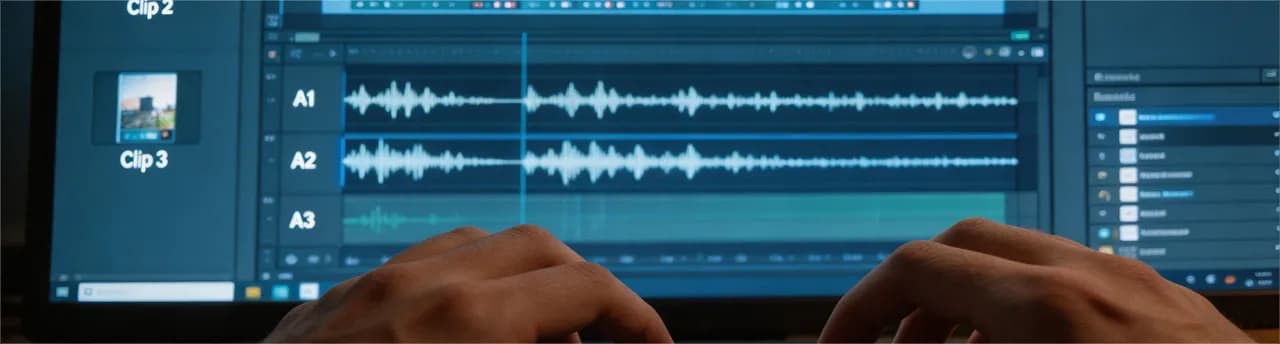
All-in-One AI Song Editor Tools
InsMelo brings practical AI music editing tools into one workspace, so you can move from small lyric changes to full song modification without switching apps.
Edit Song Lyrics with AI
Need to rewrite a verse, change a chorus, or make lyrics fit a new mood? Use InsMelo to edit displayed lyrics with AI while keeping the song idea and vocals intact. It is useful for polishing AI-generated music, modifying lyrics, or creating a new version.
Try AI to Edit Songs NowChange Song Title and Cover Art
Your song is more than audio. Rename your track or replace the cover art to make your song a fresh identity. So your music feels ready to share for social posts, playlists, demos, artist pages, and personal music libraries.
Try Free AI Song EditorChange Music Style or Genre
Want to hear your song as pop, rock, EDM, lo-fi, acoustic, or cinematic music? Use the AI music modifier to change music genres and explore new arrangements. If the melody works but the style feels off, this is a smart place to start.
Change Music Genre NowExtend Songs with AI
If a track feels too short, InsMelo can help you extend songs with AI. Add more time to an intro, outro, hook, or instrumental section while keeping the melody, instrumentation, and energy consistent throughout. It is a simple way to turn a short idea into a fuller song.
Extend Your MusicRemix Music Online
Remix music online when you want a fresh version without starting from zero. Adjust the feel, energy, or structure of a track for short videos, demos, background music, or alternate releases. One song idea can become several useful versions.
Make Music Mashups OnlineSeparate Vocals and Stems
Split vocals, instrumentals, and stems from a song for remixing, karaoke, practice, or editing. With AI vocal removal and stem separation, you can isolate the parts you need and create more flexible music workflows.
Edit Vocals or TracksAdd Vocals to Instrumentals
Have a beat or backing track but no vocal line yet? Add AI vocals to an instrumental and turn a simple track into a song draft. This helps producers, songwriters, and content creators test vocal ideas quickly before making a final version.
Add Vocals to MusicSample and Rework Music Ideas
Use AI music editing to sample, reshape, and develop musical ideas. You can test new directions, rework sections, or build variations from an existing sound, making InsMelo useful for both quick edits and creative exploration.
Generate Music from Sample
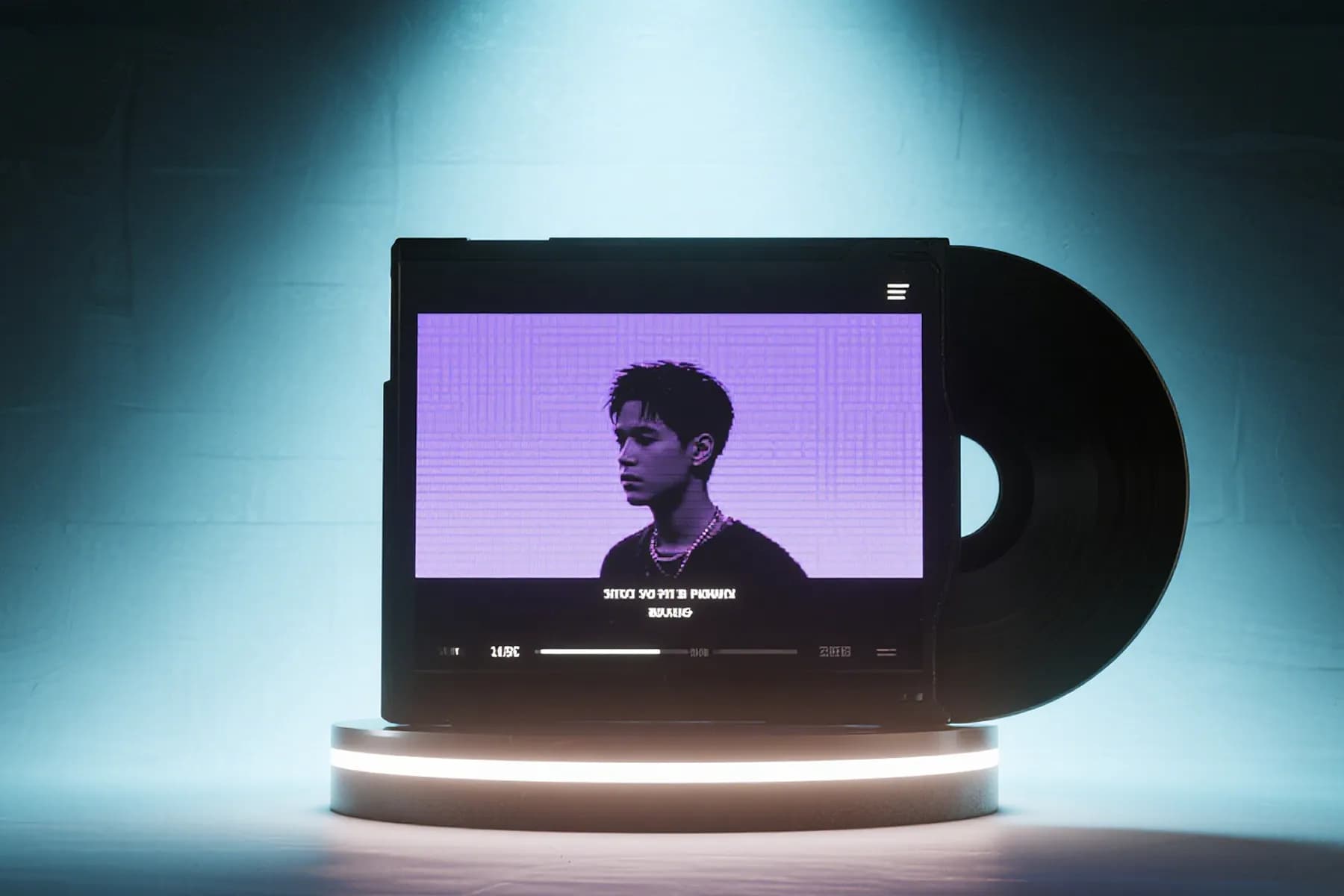






No AI Song to Edit Now?
No track yet? Start with the InsMelo AI song generator and create your first song from lyrics, a prompt, or even a hum. If the result is close but not quite right, bring it into InsMelo’s online AI music editors and keep refining it.
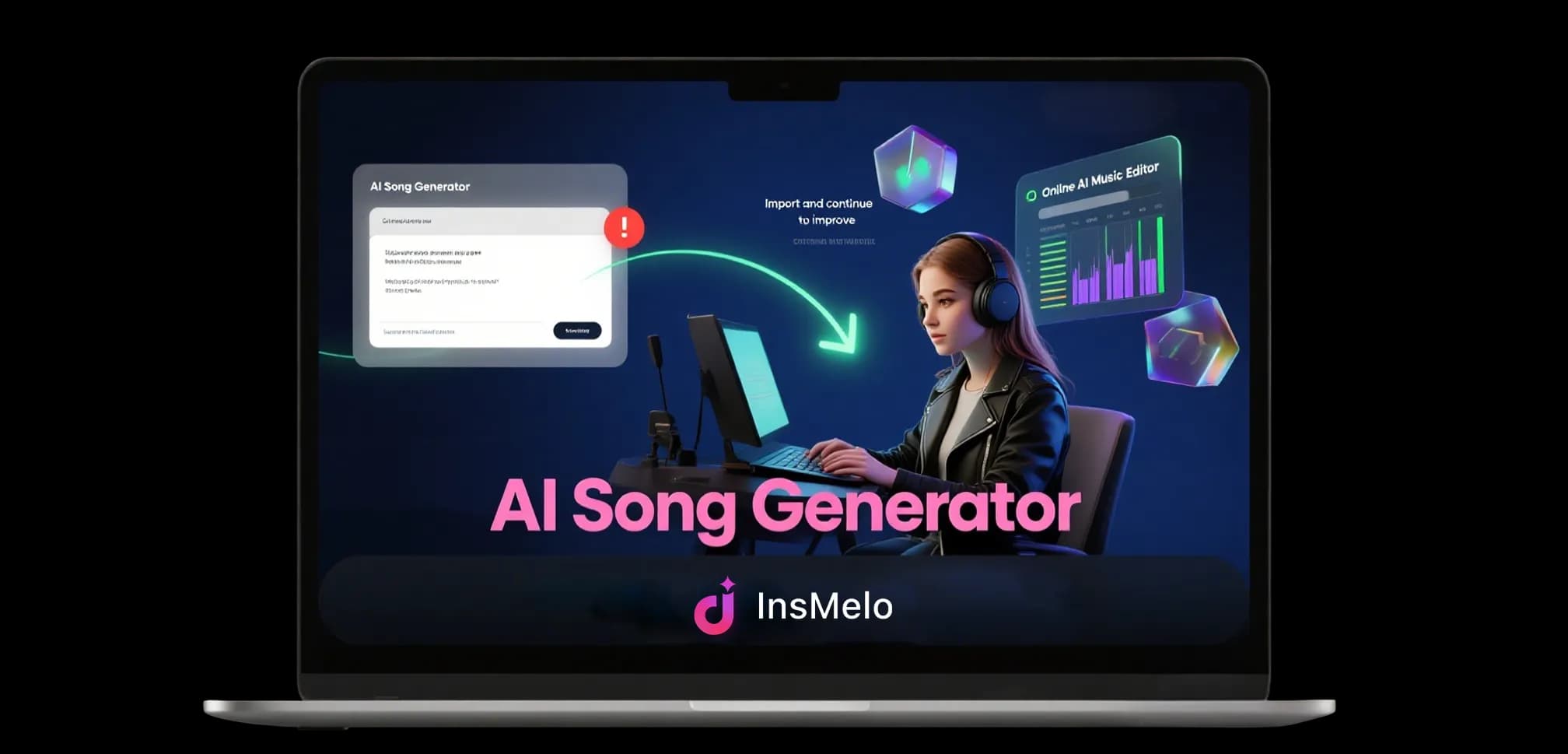
How Can I Edit a Song with AI?
How to use AI to edit music? Actually, using InsMelo AI to modify a song just needs 3 steps. Choose what to change, upload your music, choose what to change, and download your edited song.
1.
Choose What to Edit
Think about what to change: lyrics, cover art, genre, length, or vocals. Pick exactly the AI song modifier.
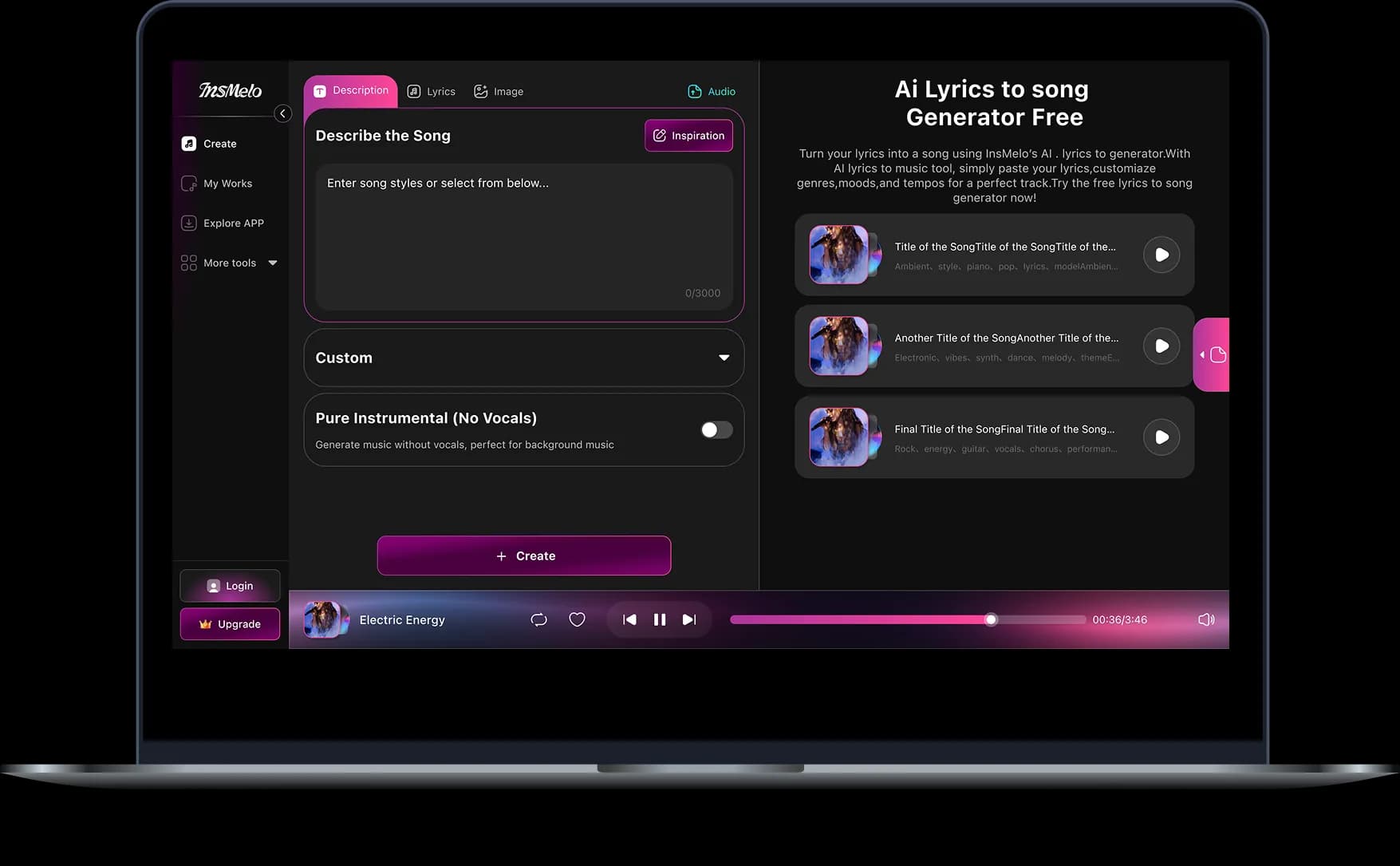
2.
Upload Your Song
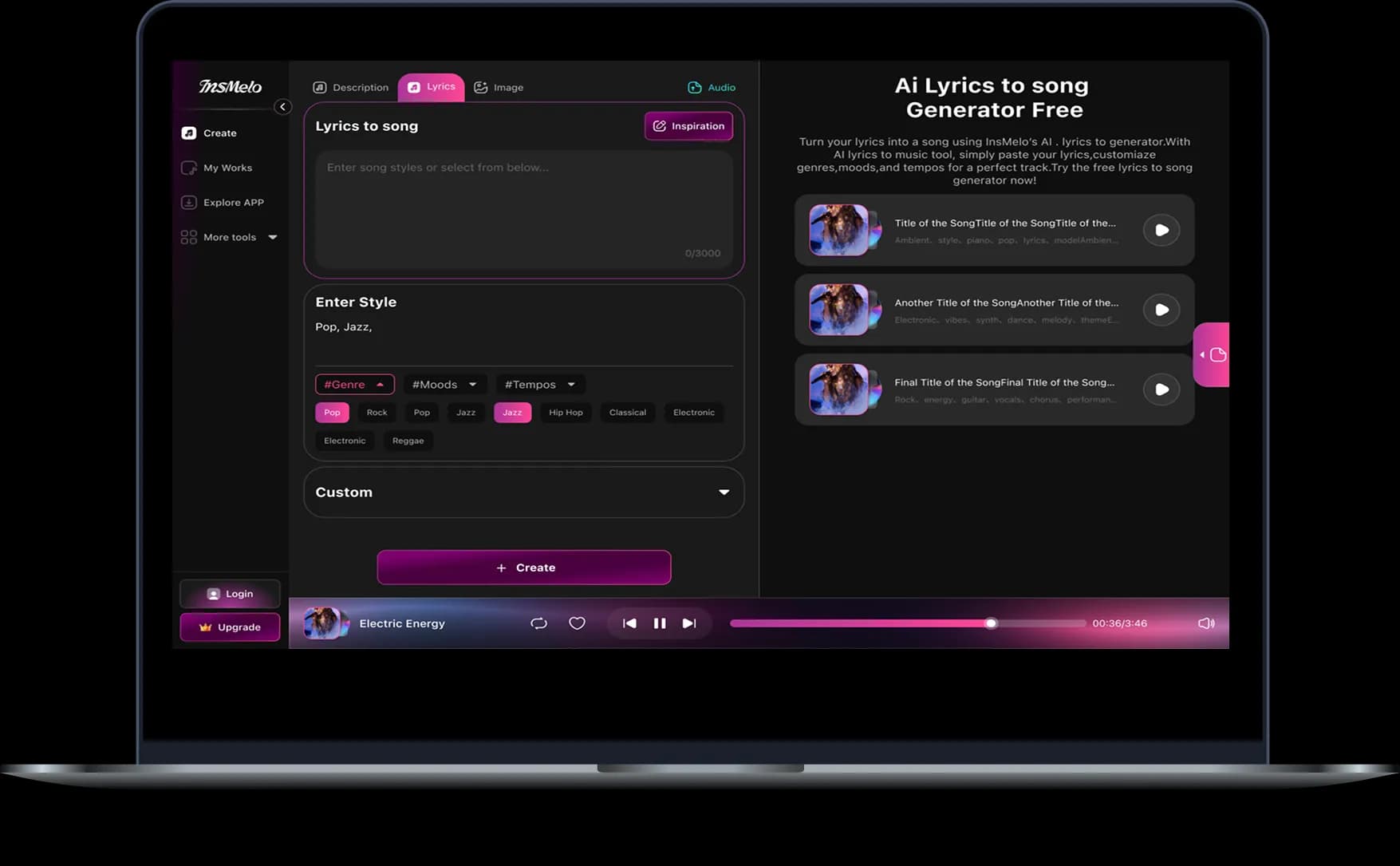
Drop in your audio file, or start with music created with InsMelo. Our AI song editor analyzes the track and prepares it for editing.
3.
Preview and Download
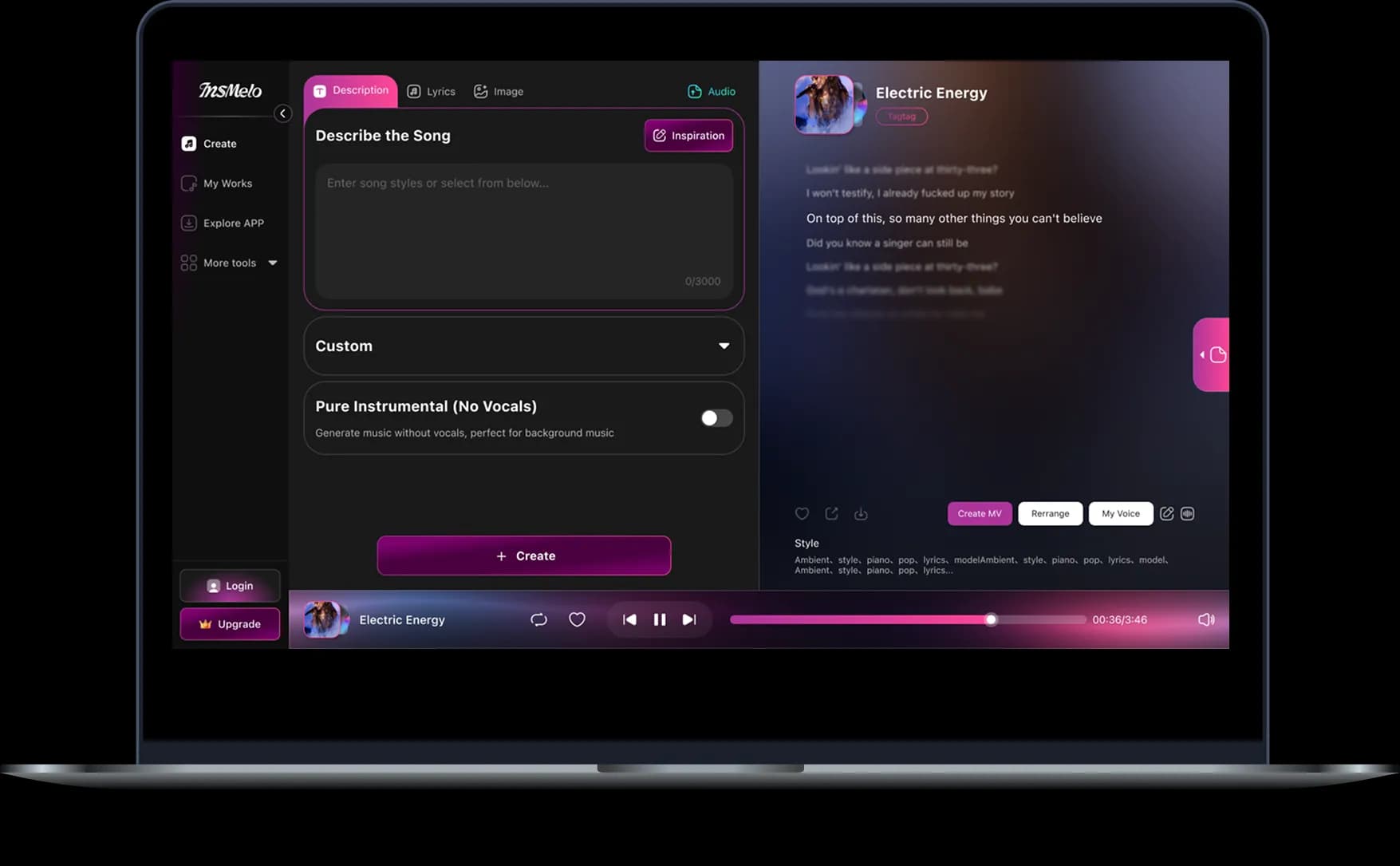
Preview your edited song before you export it. If it sounds right, download the result and use it for your project, playlist, video, demo, or next round of AI music editing.
Why Is InsMelo the Best AI Music Editor
InsMelo offers you the best way to edit music online, blending speed, quality, and simplicity into one platform. Here, songs get edited faster and smarter, minus the complex software.

All-in-One AI Music Editing Tools
InsMelo combines the AI music editing tools creators actually need. Edit song lyrics, rename tracks, replace cover art, extend songs, change music genre in a click, remix audio, separate vocals, and split stems in a single AI music platform.

Beginner-friendly & Fast Workflow
Even without music production and editing skills, use InsMelo AI to edit songs in seconds with an intuitive interface designed for beginners and creators.

Free to Get Started
You shouldn't have to pay just to try something out. Start editing songs with AI for free, explore more advanced tools as you go, and upgrade only when you're ready.

High-Quality Generated Songs
Whichever editing tool you choose, the final track comes out polished and professional. Even after major changes to style or lyrics, InsMelo keeps melodies, vocals, and instrumentation clean and natural, and you can download your music in MP3, WAV, or MIDI format.

Royalty-free Music Included
Create and edit royalty-free music for videos, podcasts, social posts, ads, demos, and personal projects. InsMelo gives creators more freedom to use AI-edited songs without worrying about complicated licensing for newly generated tracks.

Available on PC and Mobile
InsMelo runs entirely online, so you can edit music on your PC, tablet, or phone without installing any traditional music editing software. The InsMelo app also works smoothly for editing on the move.
Who is InsMelo AI Song Editor for?
From practice to release, InsMelo is suitable for a variety of creative projects. Whenever you need to edit songs quickly and affordably, it meets your needs.
Cover Artists and Musicians
Change music genre, or create new versions for song covers and practice. Get studio-quality music or AI song covers without booking studio time or hiring a producer.



More AI Music & Song Generating & Editing Tools
Explore more creative music toolkits to create songs with AI and modify them quickly.
FAQs - InsMelo AI Music Editor
You can edit songs with AI by changing lyrics, song title, cover art, music style, track length, mix direction, vocals, and stems, all from one dashboard.
Yes. You can start editing music for free with InsMelo. Some advanced AI music editing features may depend on your available credits or plan.
No. InsMelo is made for beginners and creators who want to edit music online without a professional music background. You choose what to change, upload the song, and let AI edit it soon.
Commercial use depends on the source song, your rights to the original material, and the InsMelo plan or license you use. Always make sure you have permission to edit, remix, or publish the music. If you are a subscriber and generate and edit a song, you can use it for commercial projects.
Yes. Once you're happy with your edited song, download the finished track instantly in your preferred format (MP3, MOV, MIDI), ready to share or publish.
Ready to Edit Music with AI?
Edit, remix, and cover your song instantly with our all-in-one AI music editor.