Add Image to Video Online
Add photos, logos, and graphics to your videos with InsMelo add image to video generator. Bring clarity to a tutorial, highlight a product, or give your next music teaser a personal touch.


Trusted by 1M+ creators








How to Add a Picture to a Video
Adding pictures to your videos is simple with InsMelo. Follow these three steps to turn your ideas into a finished video.
1.
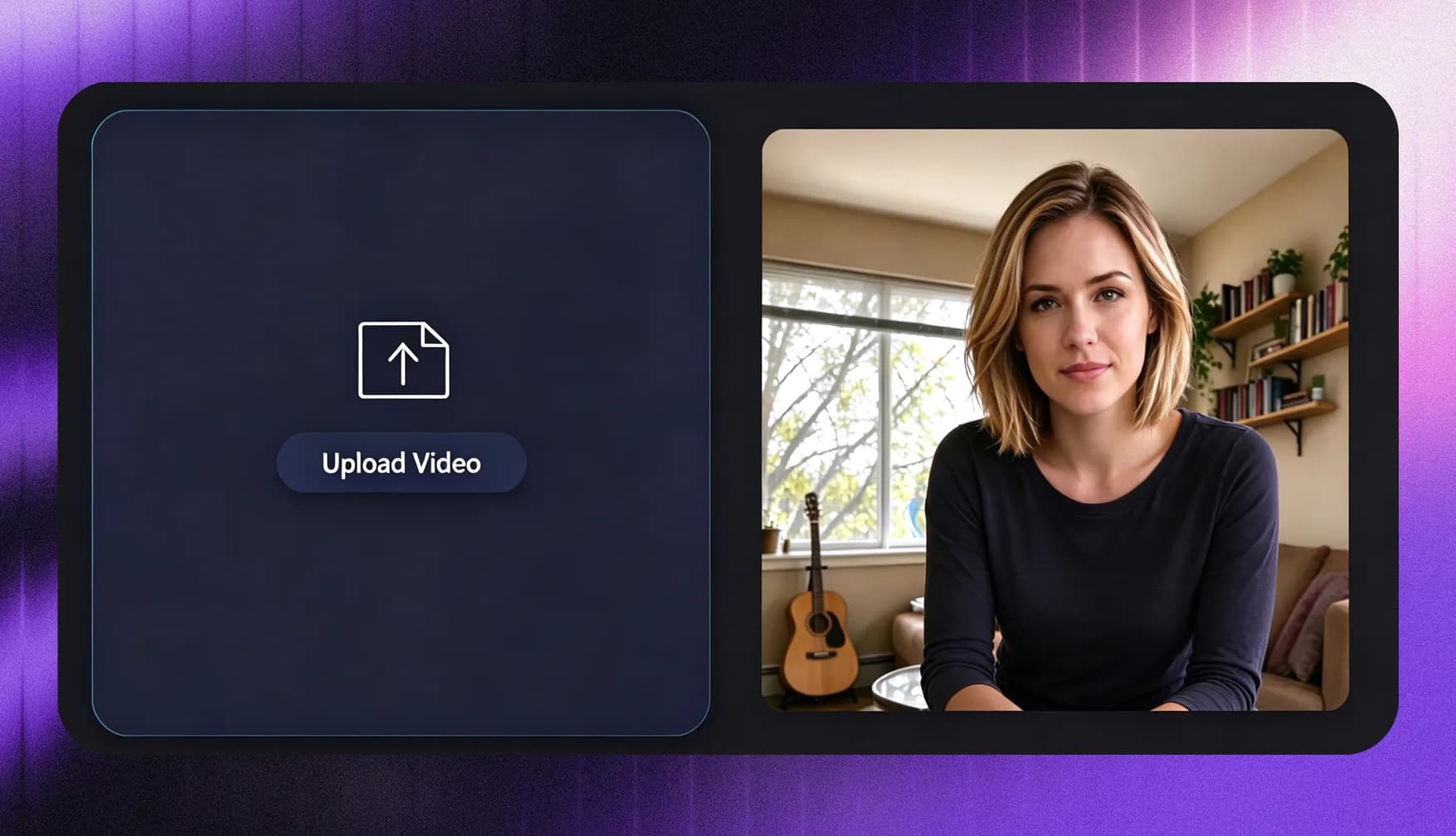
Upload Your Video
Start by uploading your video to InsMelo. Once it's loaded in the editor, you're ready to add your image and bring the two together.
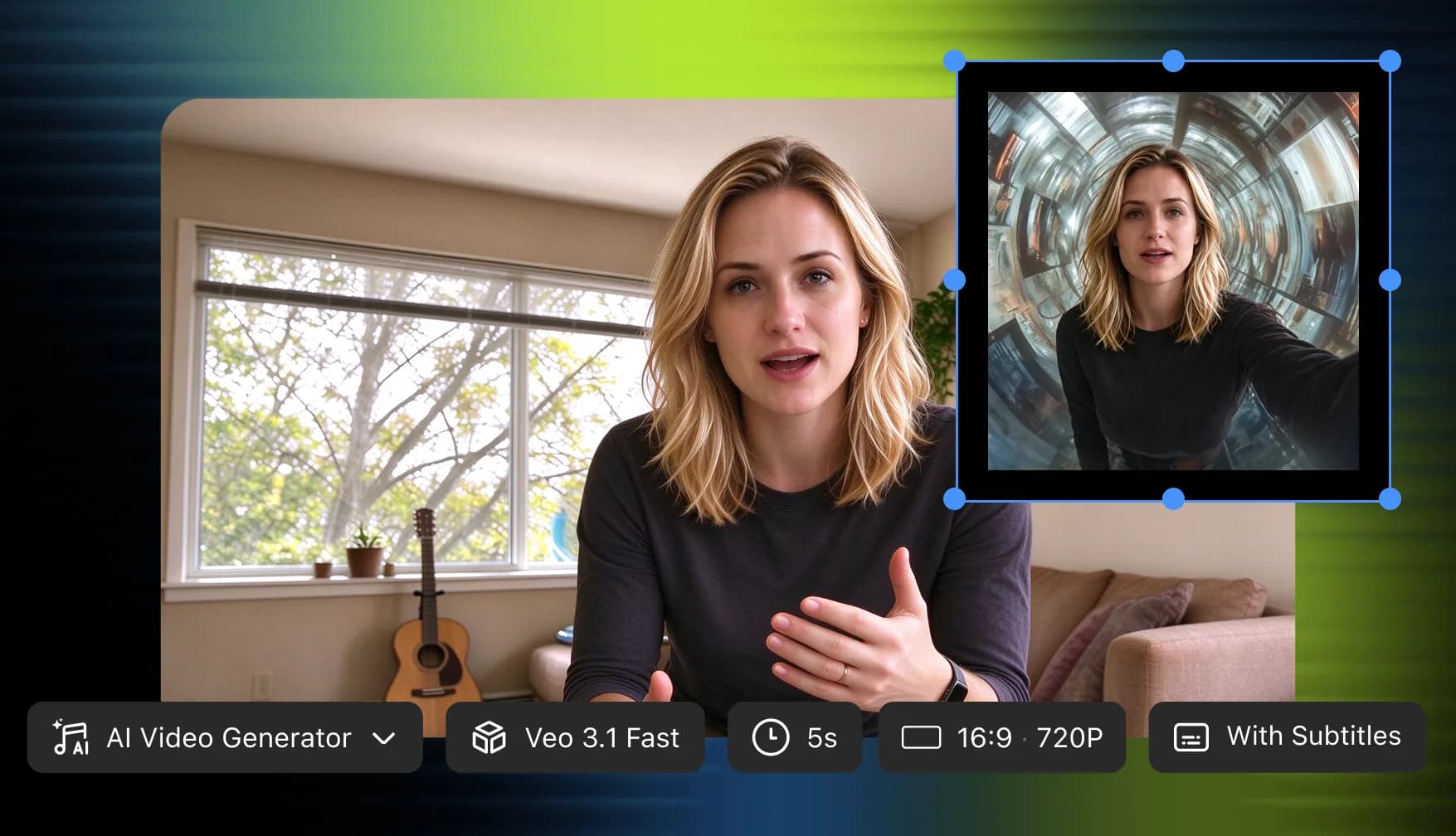
2.
Add and Customize Your Image
Upload your picture, then adjust its size and position to fit your video. Keep the main subject visible while giving your image enough space to stand out.
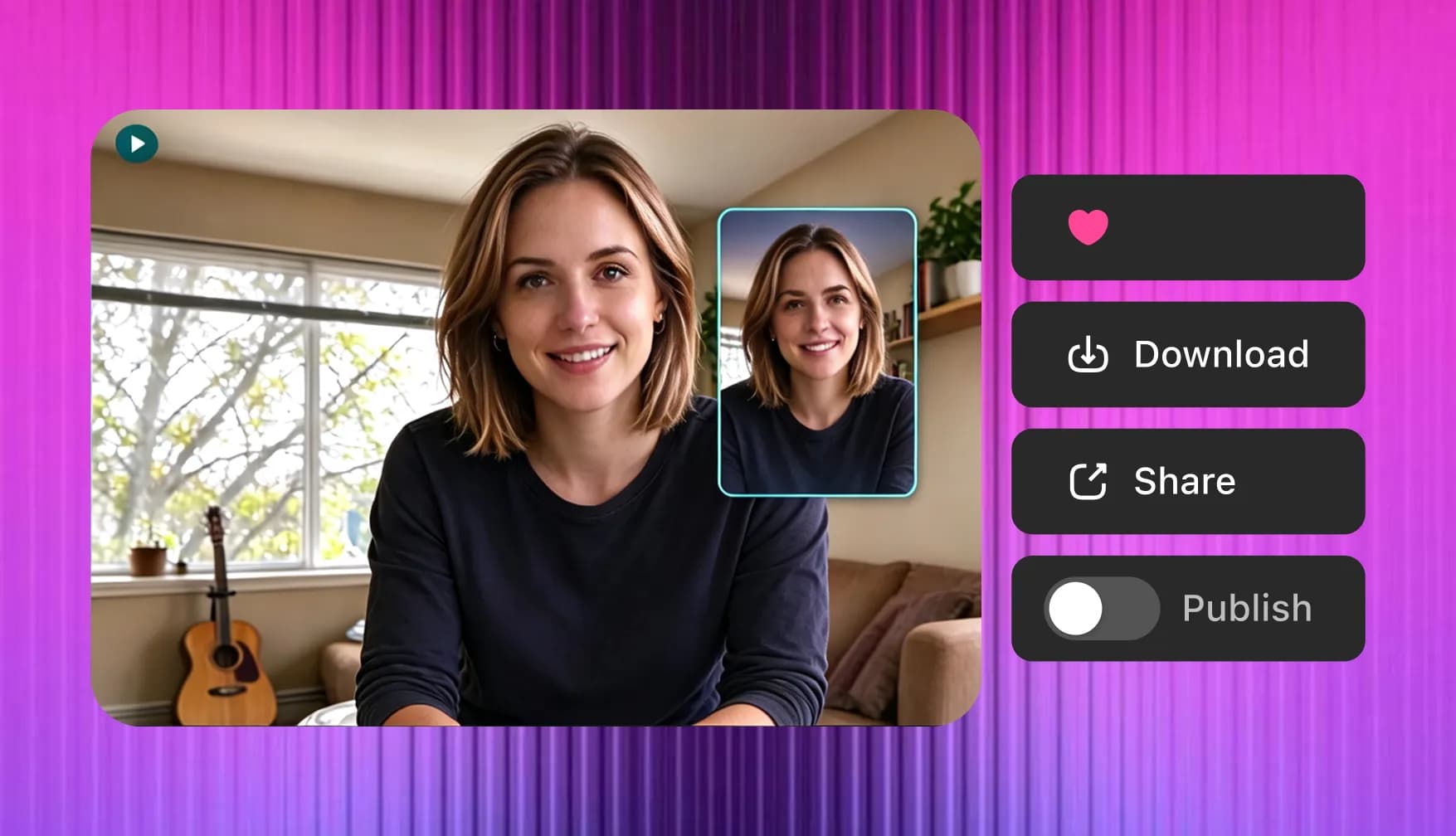
3.
Preview and Export
Preview your video to check the final look. Once you're happy with the result, export and download your video, ready to share.
Customize How Images Appear in Your Video
Make your video look the way you imagine. InsMelo add image to video generator gives you the creative control and build a composition that feels uniquely yours.
Place Pictures Anywhere in the Frame
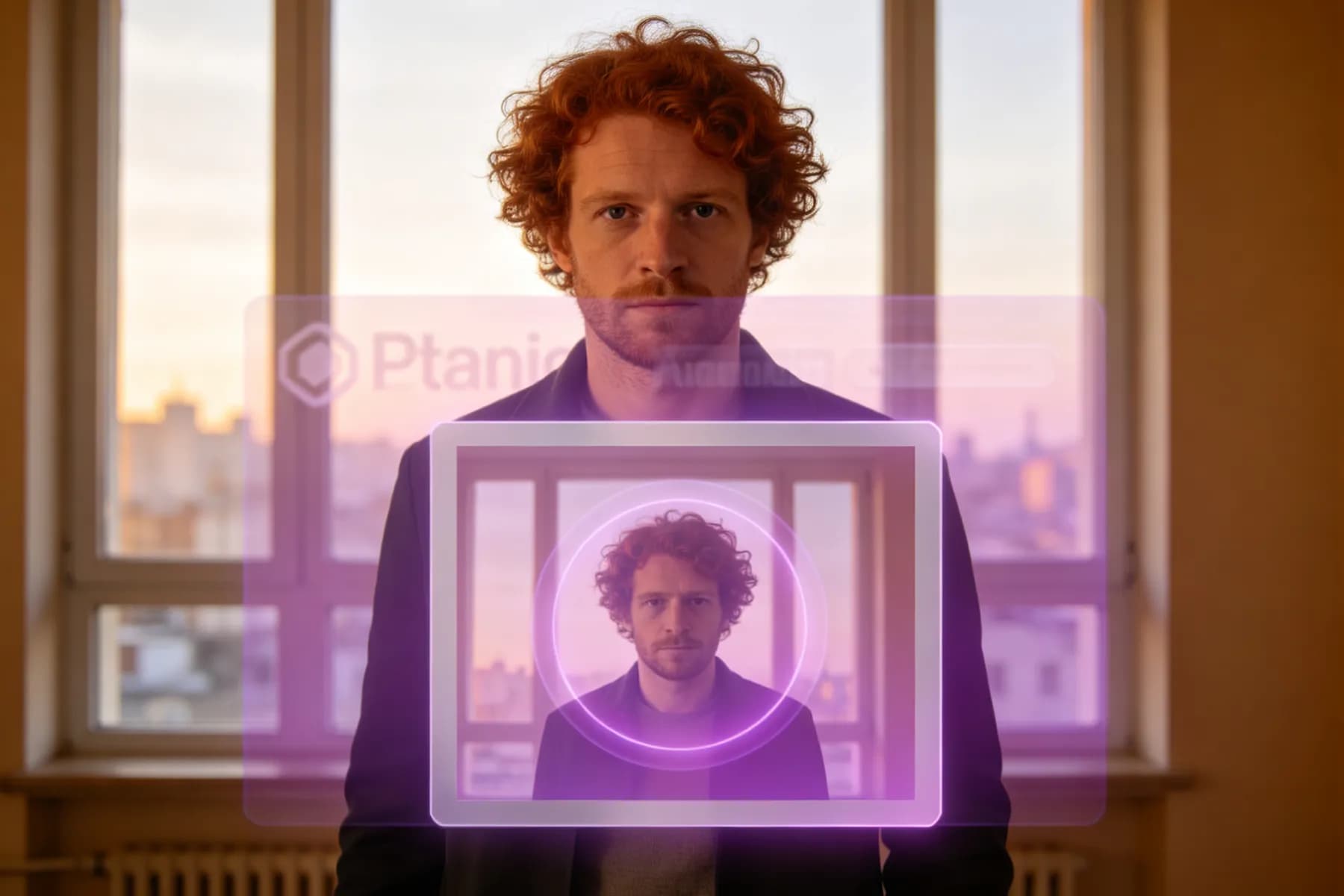
Add a picture to video footage in the middle, corners, top, or bottom of the frame. With InsMelo, each image has its own placement, giving you room for a corner logo or a reference photo beside a presenter while keeping the main subject visible.
Add Image to VideoAdd Pic to Video at the Right Size
InsMelo gives you control over how much space your images occupy. Whether you add a pic to a video as a small brand detail or a prominent product shot, adjustable sizing keeps the picture readable and the composition balanced.
Add Pic to VideoAdd Multiple Pictures to One Video
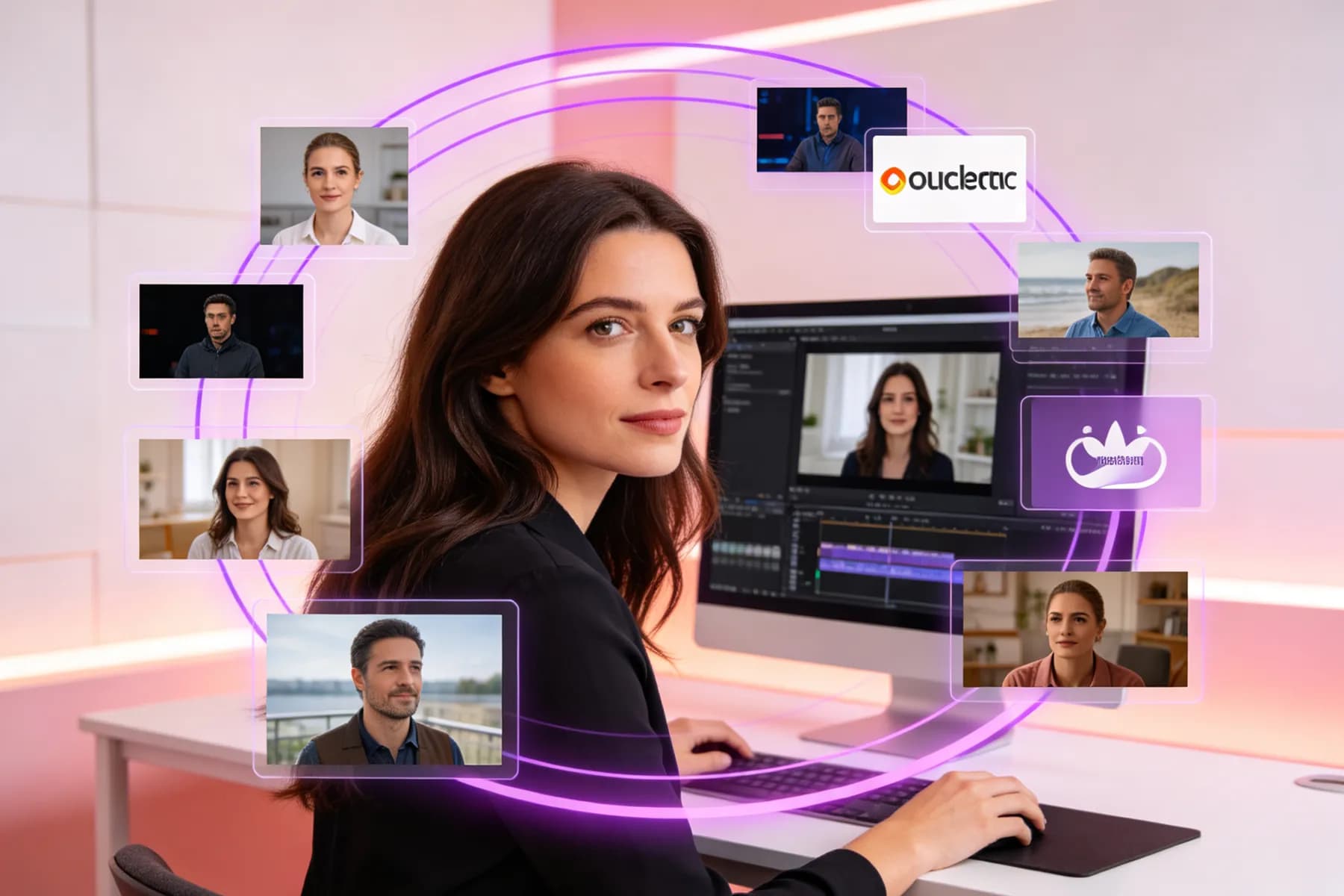
Multiple image layers let you add picture to video compositions with photos, screenshots, and brand elements together. Each image has its own size and position. InsMelo keeps these adjustments independent, offering flexibility for product comparisons, photo collages, and visual presentations.
Add Picture to a VideoChoose When Your Images Appear
Control when each picture appears and how long it stays on screen. InsMelo's add image to video generator keeps supporting visuals connected to the relevant moments, from a screenshot accompanying an explanation to a product photo appearing during its introduction.
Add Image in VideoAdjust Transparency to Match Your Style
Add an image to a video as a fully visible picture or a subtle overlay. InsMelo's opacity controls support softer branding and layered compositions, giving you more freedom to blend images with the footage behind them.
Put Image in Video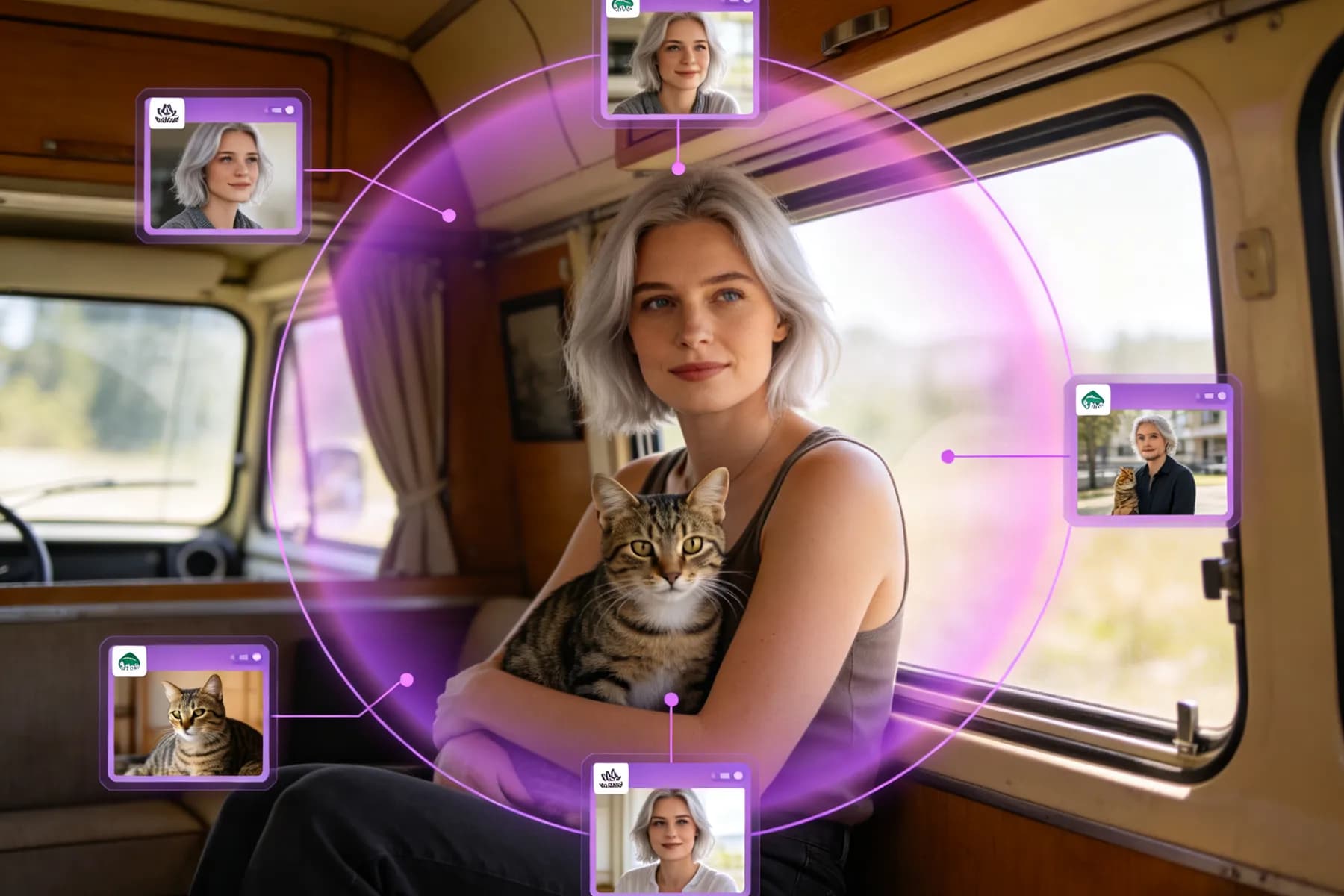
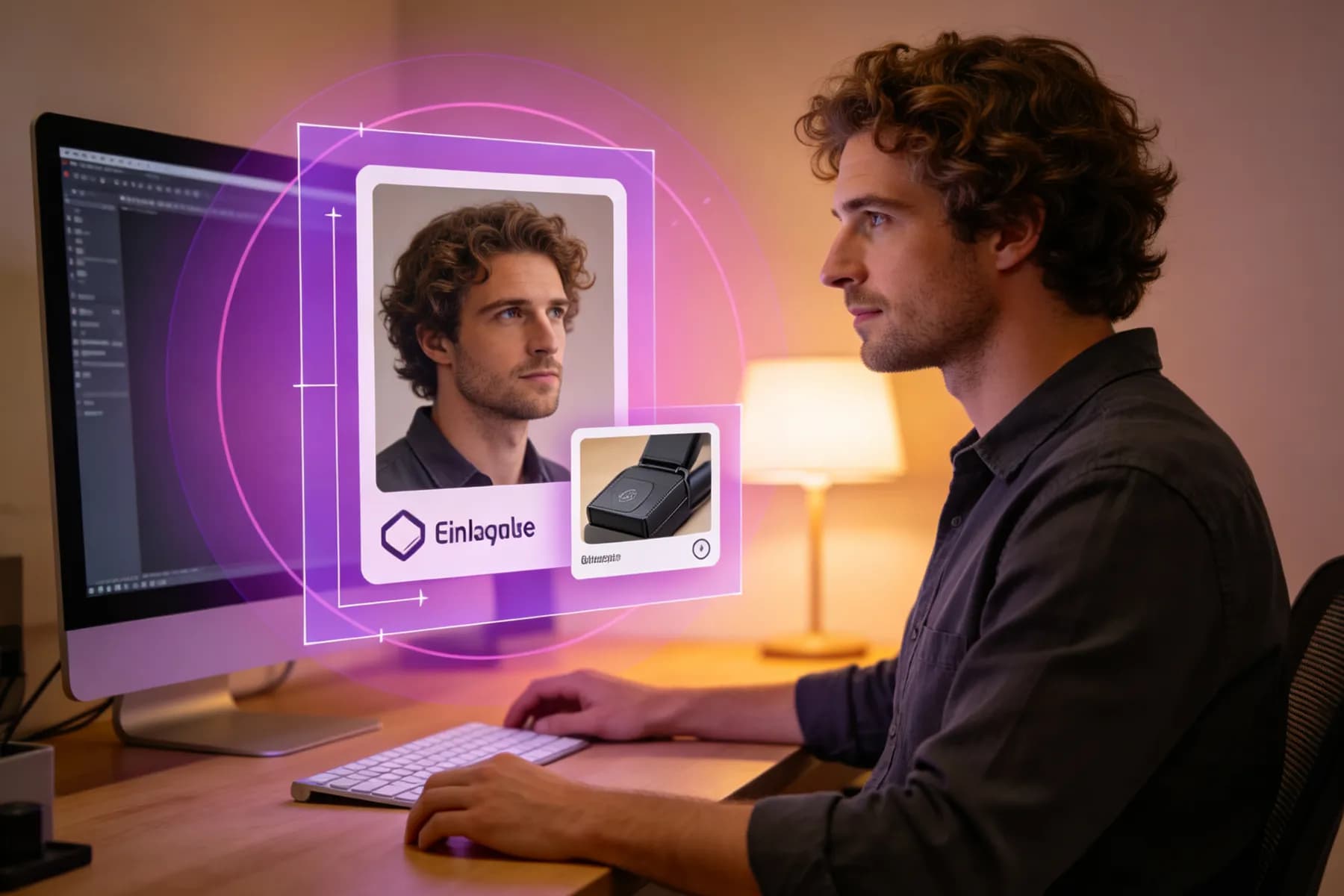
Add Pictures to Videos for Every Kind of Story
From everyday memories to your next release, different stories call for different visuals. InsMelo add image to video generator helps you connect pictures with footage for the content you want to share.
YouTube Videos and Tutorials
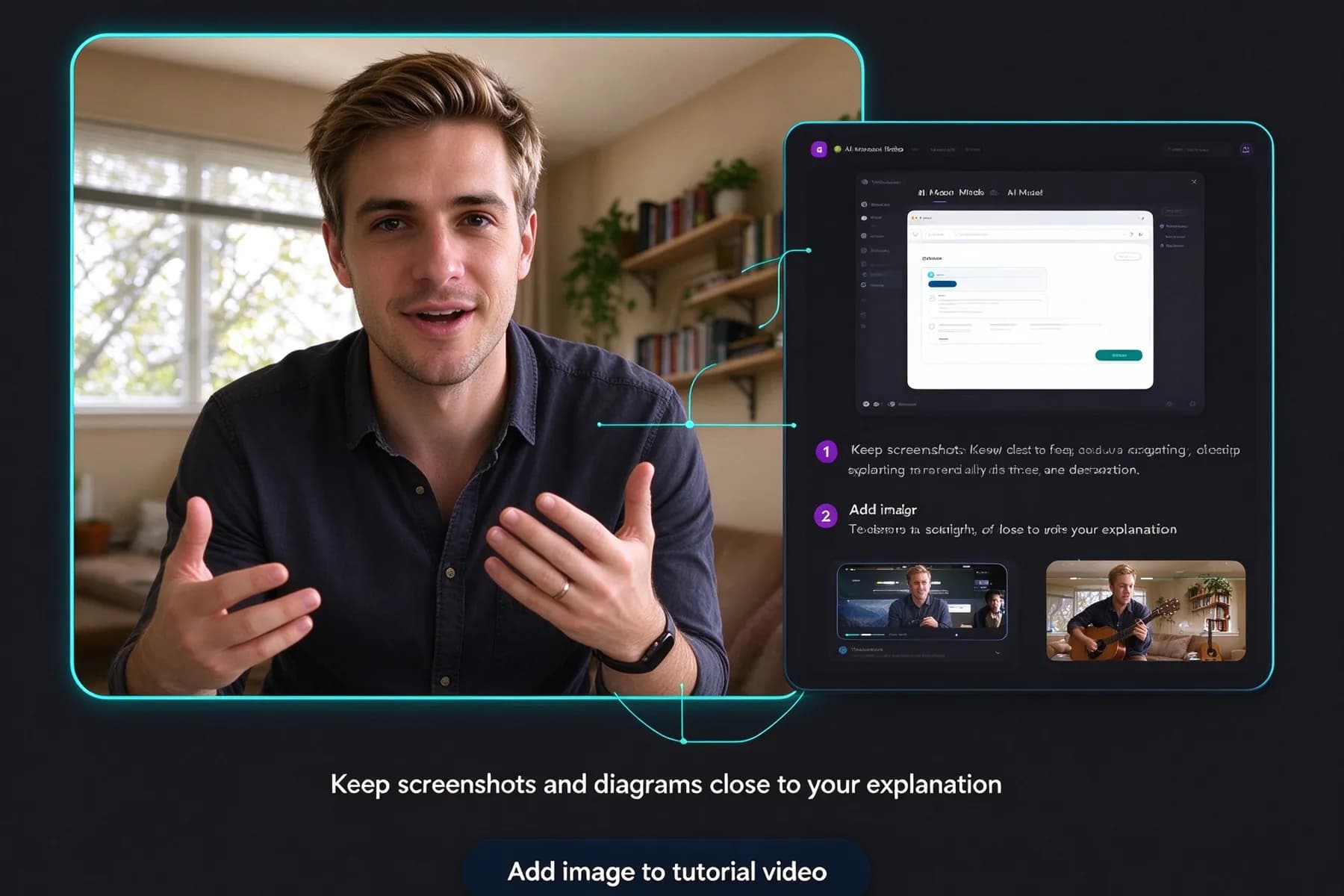
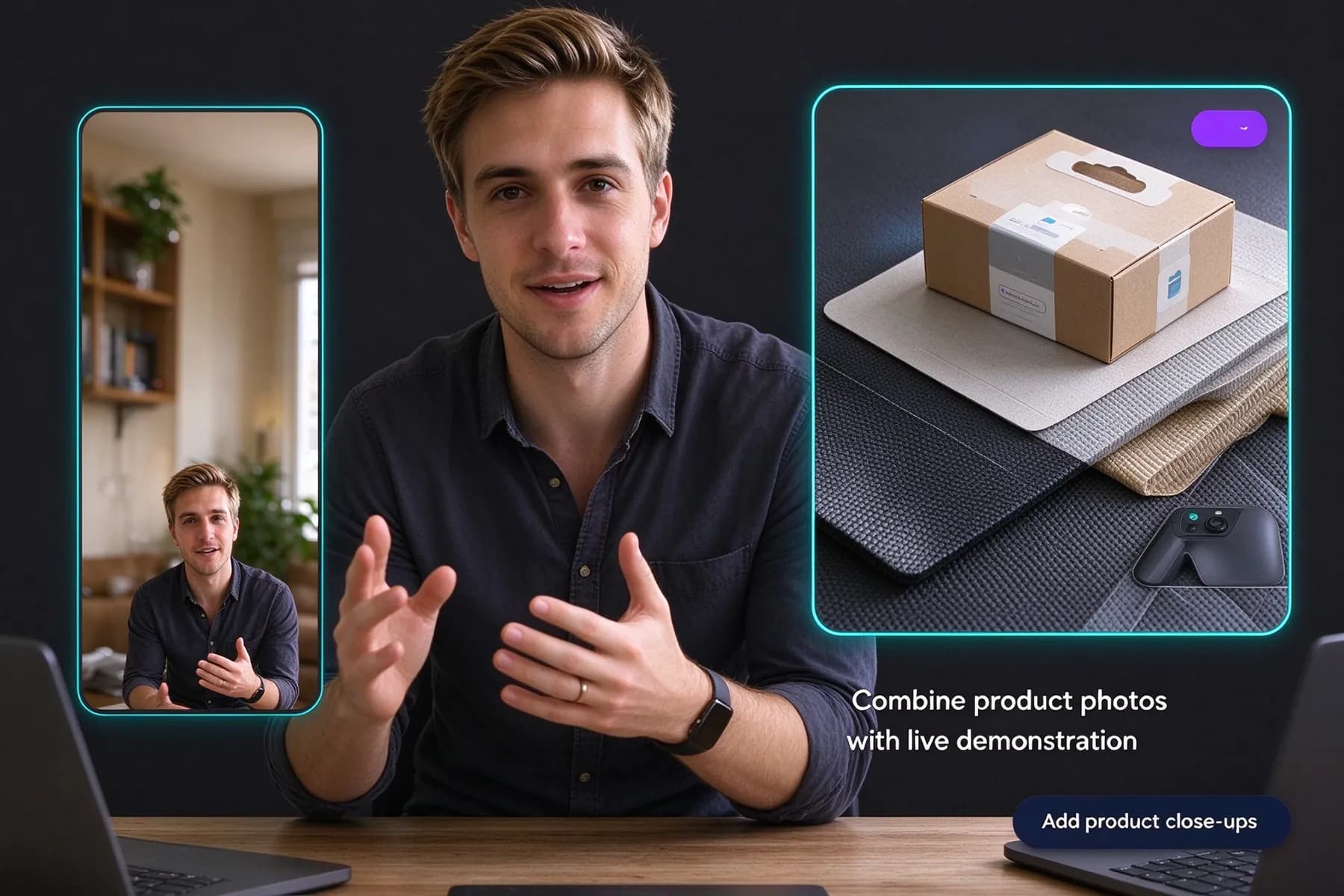
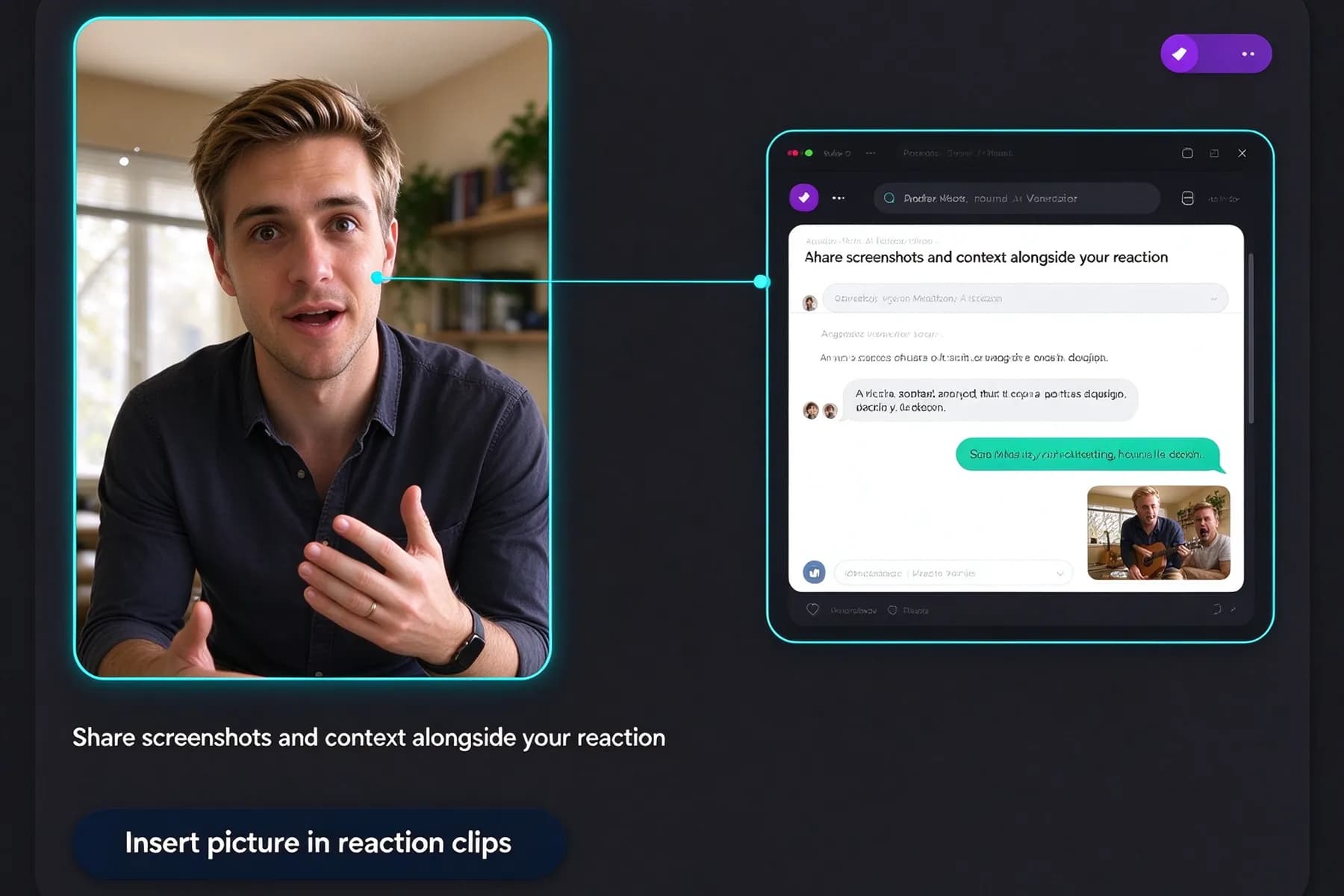
Add an image to a video to show a reference screenshot, diagram, or example alongside your explanation. InsMelo helps you keep supporting visuals close to the action, making lessons, reviews, and walkthroughs easier to follow.
Export Your Video in the Right Format
Get your finished video ready to share with InsMelo's add image to video generator. Choose the resolution, aspect ratio, and format that fit your publishing needs.
Resolutions
720p · 1080p · 4K
Export clear videos at different quality levels.
Aspect Ratios
3:4 · 1:1 · 9:16 · 16:9
Create videos in different aspect ratios.
Formats
MP4 · WebM
Download in common video formats.
Audio Length
10s · 50s
Create videos from 10s to 50s clips.
Why Choose InsMelo to Add Images to Your Videos?
InsMelo combines straightforward editing with flexible image controls. Add picture to video online and create a finished composition without a complicated workflow.

Free to Try
Try InsMelo's add image to video generator for free and explore the editing features before deciding to upgrade.

Data Protection
Your footage and creative assets matter. Our privacy policy explains how your information is collected, used, and protected.

Easy to Use
Add picture to a video with simple controls for image placement and sizing, following a clear workflow from upload to export.

Fast Video Generation
Quickly combine your images and footage into a finished video, with less waiting between editing and sharing.

Flexible Customization
Customize your image's size, position, and timing to match your content and create a balanced composition.

Multiple Image Layers
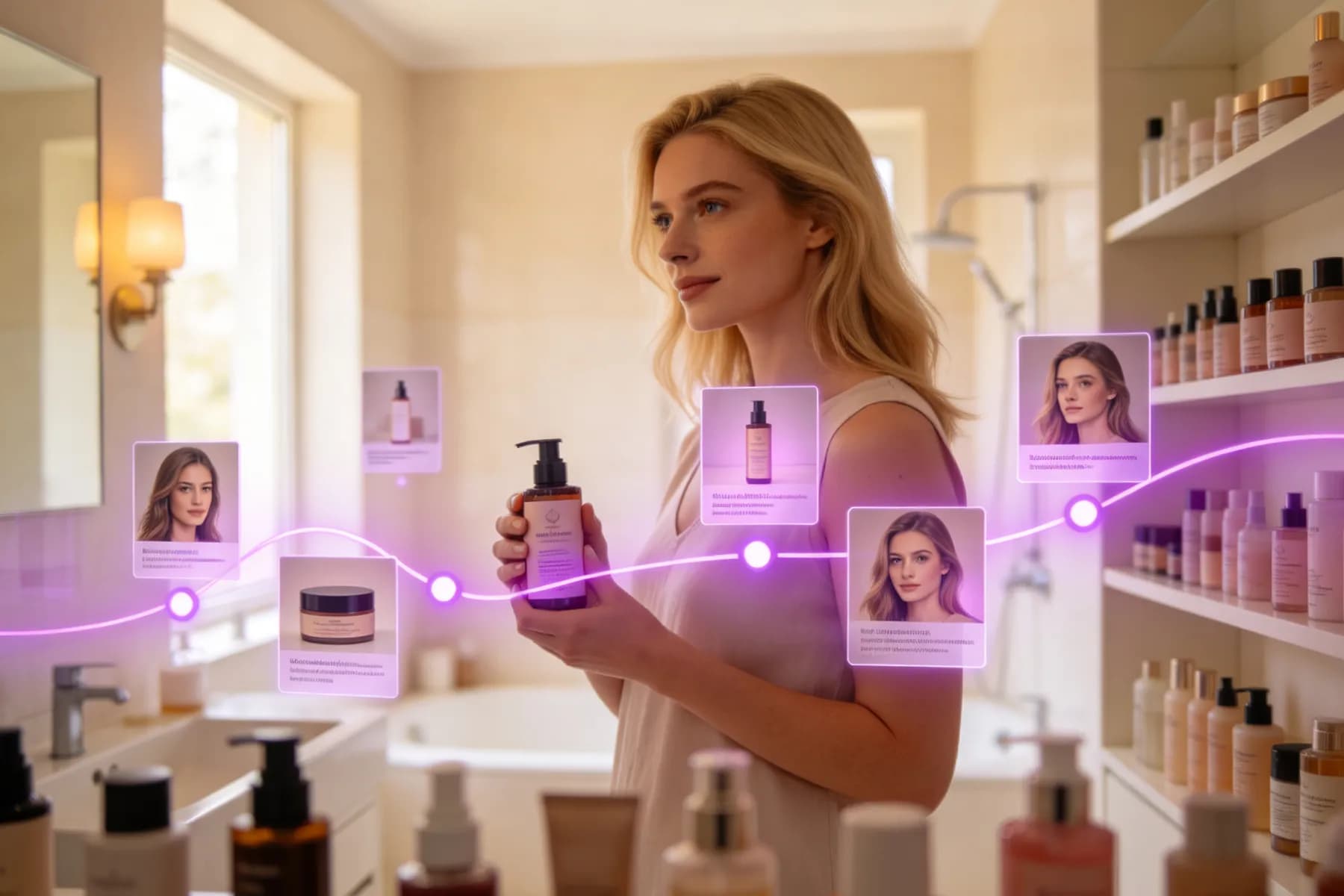
Bring product photos, screenshots, and brand graphics together in separate layers, with individual controls for each image.
What Creators Say About InsMelo
Emily Carter
Tutorial Creator
Learning how to add pictures in a video was easier than expected. That screenshot made my explanation much clearer!
Marcus Bennett
Small Business Owner
Customers kept asking about details our demo didn't show. InsMelo add image to video generator helped me include close-up photos. I worried they'd clutter the screen, but the result still felt right for our brand.
Sofia Rivera
Music Creator
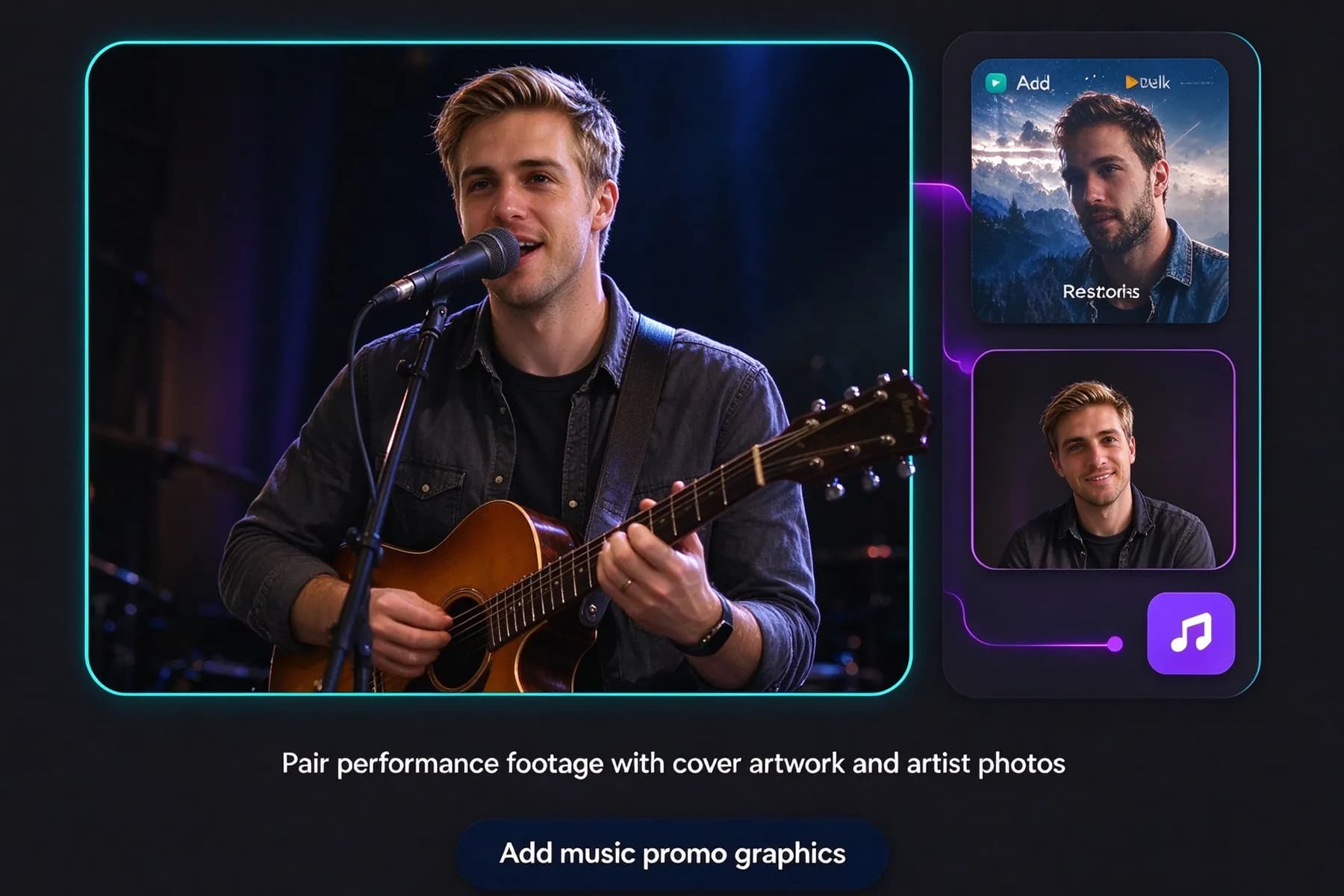
My release teaser felt unfinished. Once I figured out how to add a photo to a video, the cover artwork brought it together. Finally, I felt excited to share it.

4.8
User Rating
Chloe Morgan
Social Media Manager
A last-minute request to add a pic to a video sounded like another round of revisions. Thankfully, getting the picture into place was straightforward.
Daniel Brooks
Family Video Maker
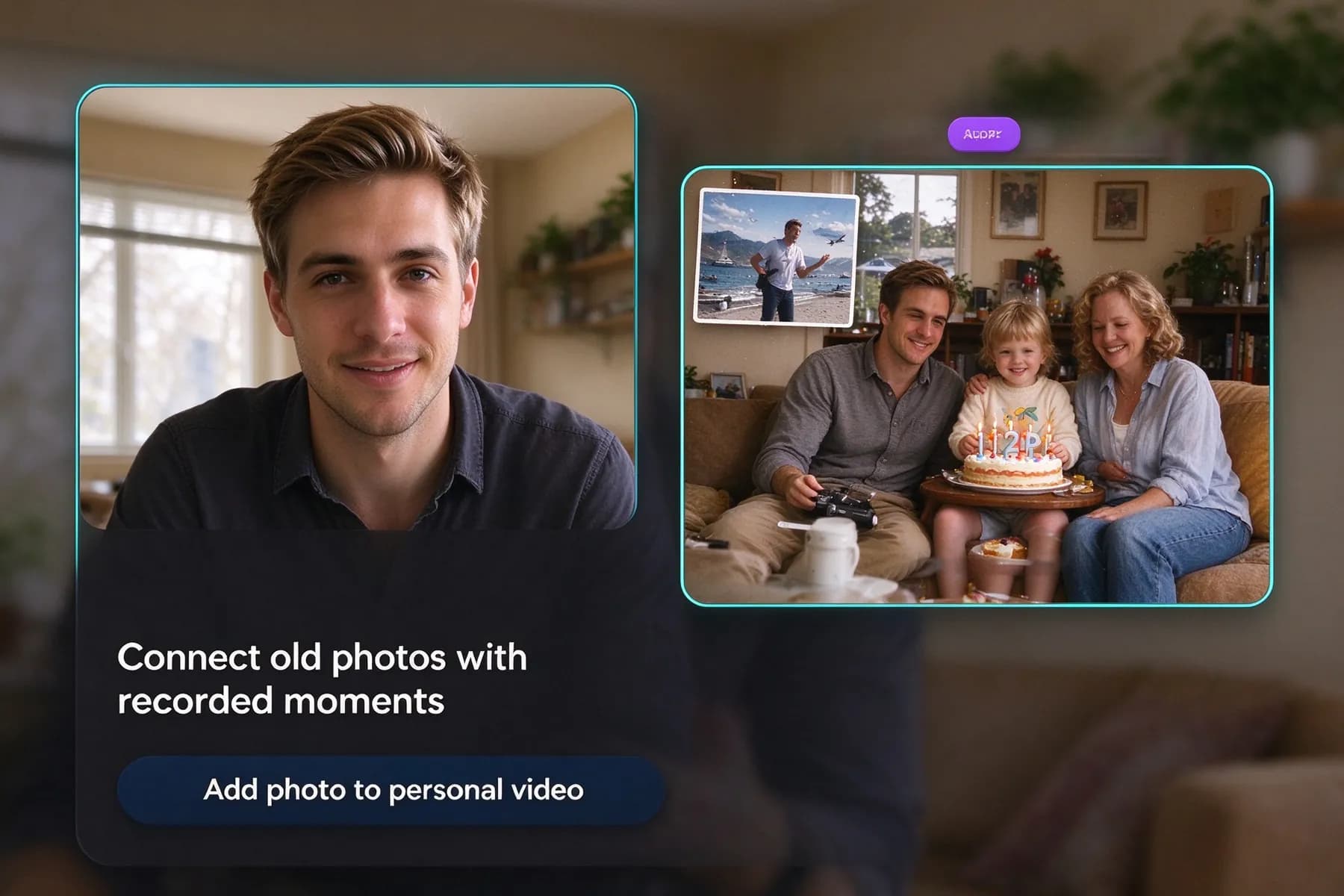
An old family photo over this year's birthday footage. Such a little change. Didn't expect it to make me tear up.
Alex Chen
Content Creator
The plan was just a corner logo. InsMelo's add image to video generator made room for a reference picture too. Liked the clip much more after that.
4.8
User Rating
Emily Carter
Tutorial Creator
Learning how to add pictures in a video was easier than expected. That screenshot made my explanation much clearer!
Marcus Bennett
Small Business Owner
Customers kept asking about details our demo didn't show. InsMelo add image to video generator helped me include close-up photos. I worried they'd clutter the screen, but the result still felt right for our brand.
Sofia Rivera
Music Creator
My release teaser felt unfinished. Once I figured out how to add a photo to a video, the cover artwork brought it together. Finally, I felt excited to share it.
Chloe Morgan
Social Media Manager
A last-minute request to add a pic to a video sounded like another round of revisions. Thankfully, getting the picture into place was straightforward.
Daniel Brooks
Family Video Maker
An old family photo over this year's birthday footage. Such a little change. Didn't expect it to make me tear up.
Alex Chen
Content Creator
The plan was just a corner logo. InsMelo's add image to video generator made room for a reference picture too. Liked the clip much more after that.
Emily Carter
Tutorial Creator
Learning how to add pictures in a video was easier than expected. That screenshot made my explanation much clearer!
Marcus Bennett
Small Business Owner
Customers kept asking about details our demo didn't show. InsMelo add image to video generator helped me include close-up photos. I worried they'd clutter the screen, but the result still felt right for our brand.
Sofia Rivera
Music Creator
My release teaser felt unfinished. Once I figured out how to add a photo to a video, the cover artwork brought it together. Finally, I felt excited to share it.
Chloe Morgan
Social Media Manager
A last-minute request to add a pic to a video sounded like another round of revisions. Thankfully, getting the picture into place was straightforward.
Daniel Brooks
Family Video Maker
An old family photo over this year's birthday footage. Such a little change. Didn't expect it to make me tear up.
Alex Chen
Content Creator
The plan was just a corner logo. InsMelo's add image to video generator made room for a reference picture too. Liked the clip much more after that.
Frequently Asked Questions
Just upload your footage to InsMelo's add image to video generator, add your picture, and adjust its size and position. Choose when it appears, then preview and export. If you're learning how to add a photo to a video, start with one image and keep the main subject visible.
Yes. InsMelo offers a free trial of its add image to video tool. You can explore the editing features before deciding to upgrade. Check the current plan details for trial allowances, export limits.
Yes. Our tool lets you set when each image appears and how long it stays visible. You can add an image to a video during a particular explanation, product introduction, or scene.
Yes. Upload your video to InsMelo put photo on video generator, add your picture, and adjust its size, position, and timing. Preview and export the finished video, then upload it to your YouTube channel.
Position the picture away from faces, captions, and the main action, then resize it to fit the available space. When you add a pic to a video, preview the entire clip to check for overlaps as subjects move.
No. This feature adds pictures as overlays on existing footage. It does not insert images as separate scenes between video clips.
Yes, you can use your own photos or images you have permission to use. InsMelo helps you edit them into your video, but you'll still need to respect the image owner's rights.
Add a Picture to Your Next Video
Turn your ideas into videos worth sharing. InsMelo's add image to video generator brings your pictures and footage together with your own creative touch. Start creating today and make your next video stand out.