AI Text to Video Generator
0/5000
Sample Video
Coastal Morning Fog Aerials
A continuous high slow aerial move along a rugged fictional coastline at dawn. Low fog threads between dark rock formations while gentle waves arrive in consistent sets. Camera advances parallel to shore without tilting or accelerating, revealing a small unoccupied lighthouse near the final frame. Natural scale, soft sunrise, distant surf and wind. No music, people, text, logos, time-lapse or land morphing.
Paper Fox Chasing Light
A small handmade orange paper fox wakes on a dark tabletop, unfolds its ears, stretches, then follows a thin ribbon of warm light through floating blue paper dust. Camera tracks beside it at tabletop height. Paper folds and contact remain consistent; the fox never changes design. End sitting beneath the light. Delicate paper rustle, no speech, text, logo, extra limbs or cut.
Miniature Greenhouse Morning Dolly
A single slow dolly shot enters a miniature greenhouse at sunrise. Condensation beads on glass, irrigation droplets fall from leaves, and warm light reaches rows of herbs. Camera moves forward at constant speed at plant height and ends on one dew-covered basil leaf. Realistic macro scale, subtle ventilation motion, quiet droplets and distant birds. No people, text, logos, cuts or sudden speed change.
Sparkling Drink Ad
Vertical product film of an unbranded clear sparkling drink can on crushed ice. Start extreme close on condensation, pull back smoothly as a citrus peel curls around the can, finish on a centered hero frame while bubbles rise in a nearby glass. Cool daylight, realistic droplets and ice refraction, subtle ice crackle and fizz. No voice, text, logo, cut or changing can geometry.
Paper Birds in Morning Fog
An original folded-paper bird wakes on a wooden windowsill at dawn, shakes out its layered wings and glides through an open window into soft mist, gentle handheld push-in followed by smooth tracking, coherent paper anatomy, one continuous vertical shot, no text, no logos, no watermark.
Sneaker Structure Display
An unbranded technical running shoe floats above a neutral studio floor. Camera makes a smooth half orbit while outsole, foam midsole and woven upper separate vertically, remain aligned, then reassemble into the original shoe. Every component keeps consistent shape and material. Clean technical lighting, subtle shadow, one shot. No text, logos, extra shoe, exploding pieces or changing design.
Soap Bubble Frost Crystals
Vertical extreme macro of one stationary soap bubble resting on dark wool in cold air. Fine frost crystals begin at the lower contact point and branch continuously upward while the spherical shape and rainbow film remain visible. Locked camera, one uninterrupted process, no bursting, second bubble, snowstorm, text, logo or camera shake.
Glass Prism Spectrum
A clear triangular glass prism on a black studio surface slowly rotates as one narrow white beam enters and separates into a controlled spectrum across fine mist. Camera remains locked and close. Refraction, caustics and shadows are physically plausible; prism shape never changes. End with the spectrum fully visible. No text, logo, extra prism, floating light source, cut or camera move.
Sundial Shadow Across Empty Courtyard
A wide locked time-lapse of an empty fictional stone courtyard. One simple bronze gnomon remains perfectly still while its single shadow travels smoothly across engraved but unreadable hour marks. Light shifts gradually from cool morning to warm afternoon; architecture never changes. No person, cut, weather event, camera motion, text or second shadow.
Transparent Mechanical Flower
A delicate transparent mechanical flower rests on a matte black table. In one continuous macro shot, glass-like petals open one by one as tiny brass gears turn inside the stem. Camera slowly pushes in and stops when fully open. Precise mechanism, plausible reflections, museum lighting and stable geometry. No text, logo, floating parts, sudden bloom, organic leaves or cut.
Sneaker Structure Display
An unbranded technical running shoe floats above a neutral studio floor. Camera makes a smooth half orbit while outsole, foam midsole and woven upper separate vertically, remain aligned, then reassemble into the original shoe. Every component keeps consistent shape and material. Clean technical lighting, subtle shadow, one shot. No text, logos, extra shoe, exploding pieces or changing design.
Text to Video
Turn written ideas into video scenes without filming.
Free Credits
Start with free AI text to video generation.
Music Ready
Make matching AI music for your AI-generated video.
Social Friendly
Create AI videos from text for TikTok, Reels, Shorts, and posts.
Turn Text Into Video With AI Text to Video Maker
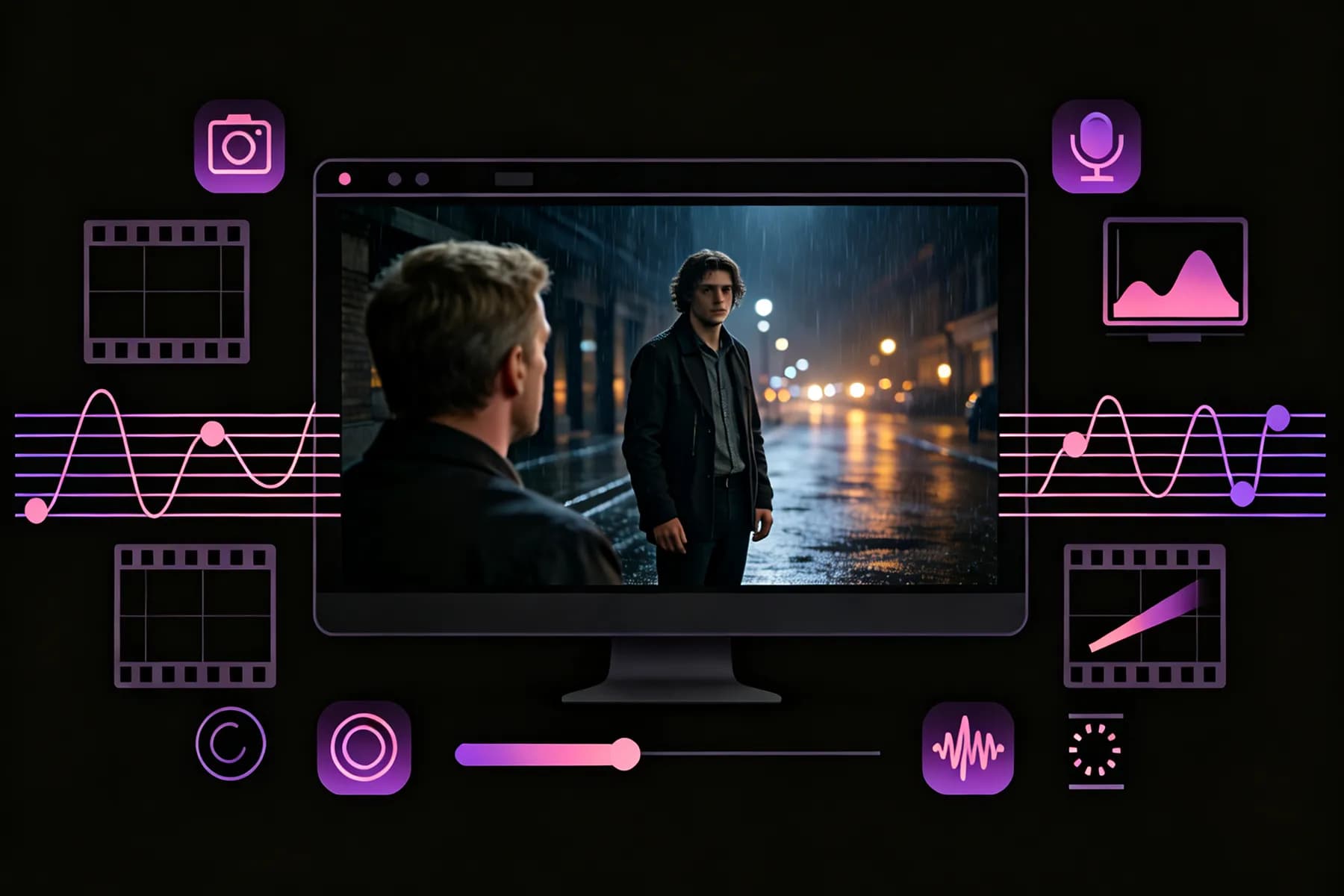
Forget cameras, production crews, and stock footage hunts. Describe a scene in everyday language, and our text to video AI animates it into a clip you can download, post, or share right away.
Instant Text-to-Video Generation
Write a prompt describing the scene you have in mind. InsMelo turns your words into moving visuals, handling composition, motion, and lighting automatically, so you can create an AI video from text without opening complex editing software.
Generate Video From TextRealistic, Cinematic, or Animated Styles
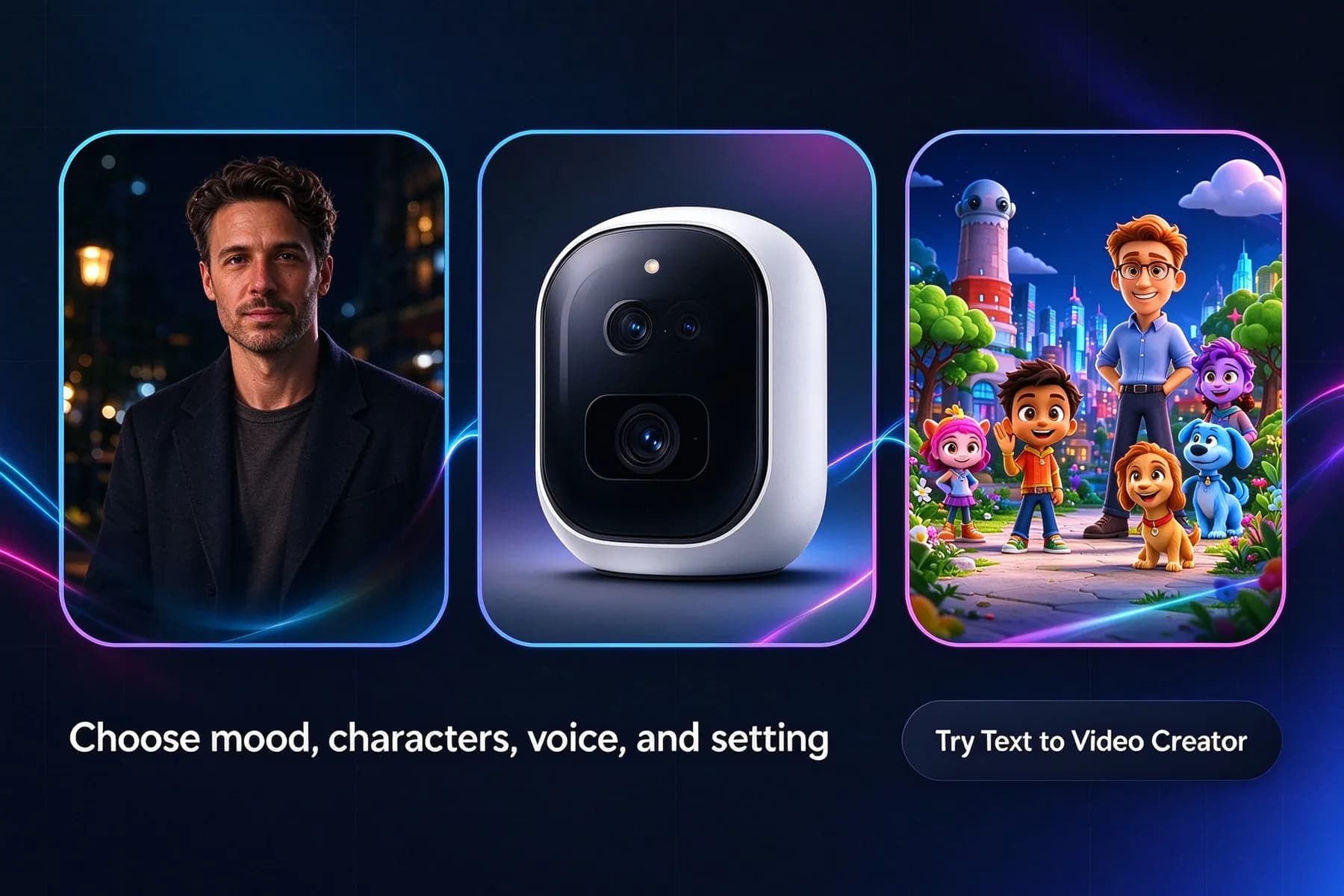
Want a moody film look, a clean product shot, or a colorful animated world? Describe your preferred visual style, characters, voice, and setting. The text to video generator brings these elements together with fluid transitions and convincing on-screen action.
Try Text to Video CreatorTurn Notes, Scripts, and Ideas Into Video
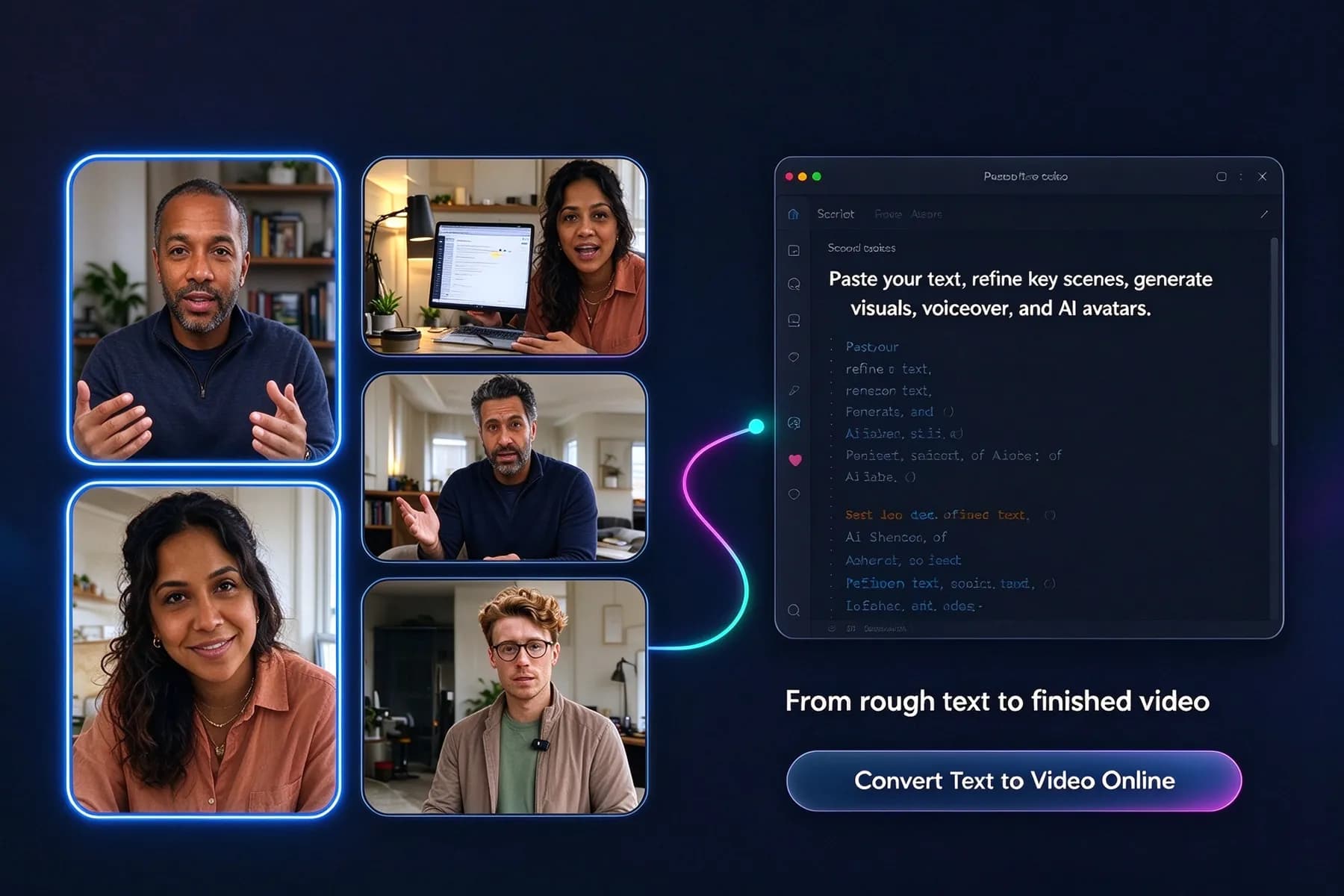
Got rough notes, a draft script, or an idea that needs shape? Paste your text, refine the key scenes, and turn notes into videos complete with visuals, voiceover, and AI avatars through our online text-to-video generation workflow.
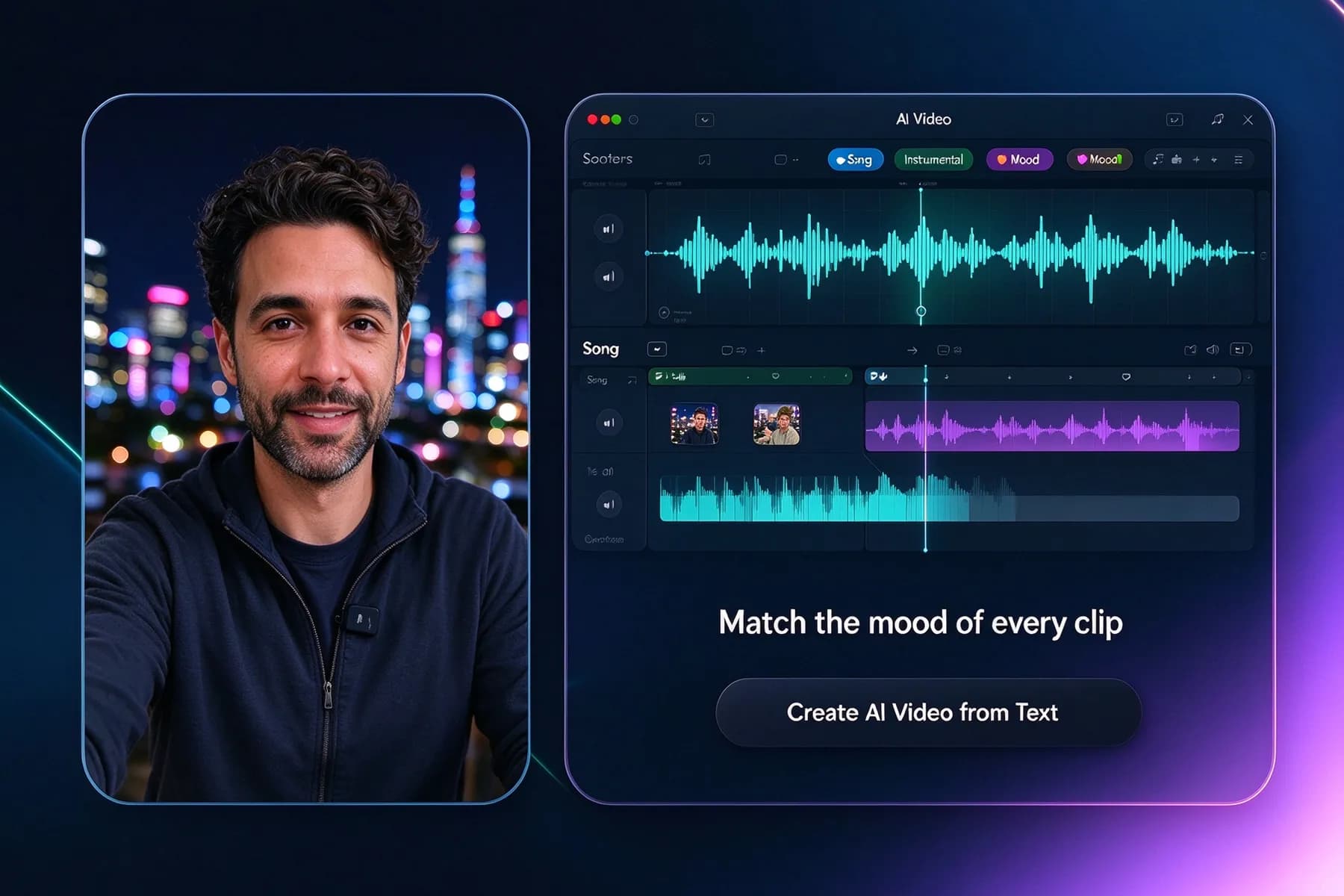
Convert Text to Video OnlineAdd a Custom Soundtrack to Your Video
A fitting soundtrack can change how your video feels. Create a song, instrumental, or mood-based track with InsMelo, then combine it with your clip for TikTok, Reels, YouTube Shorts, presentations, or personal creative projects.
Create AI Video from TextHigh-quality Export for Social, Ads, or Review
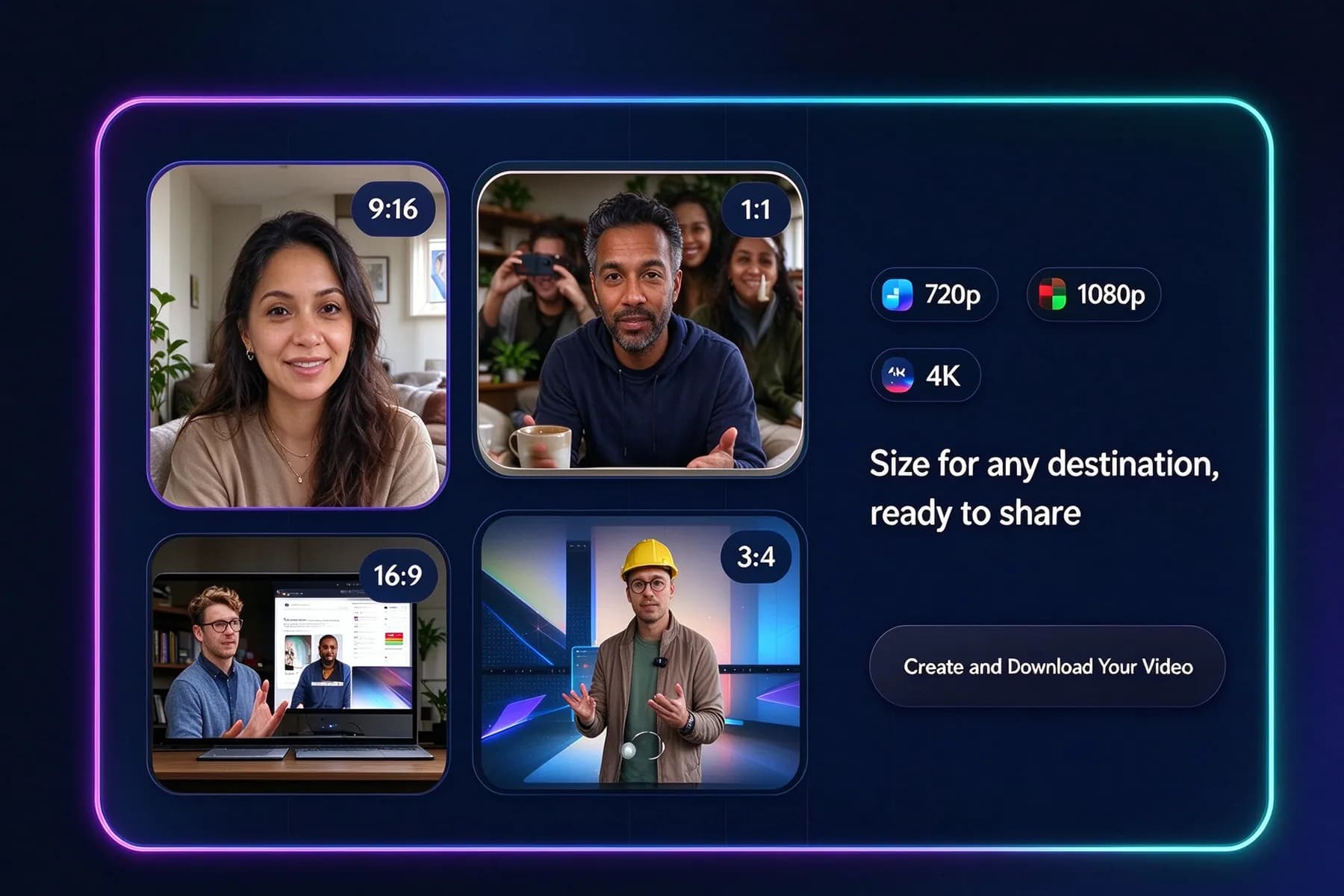
Export clean AI videos in 3:4, 1:1, 9:16, or 16:9 aspect ratios with 720p, 1080p, or 4K resolution. Whether you’re creating social posts, ads, presentations, or client previews, every clip is sized for its destination and ready to share.
Create and Download Your Video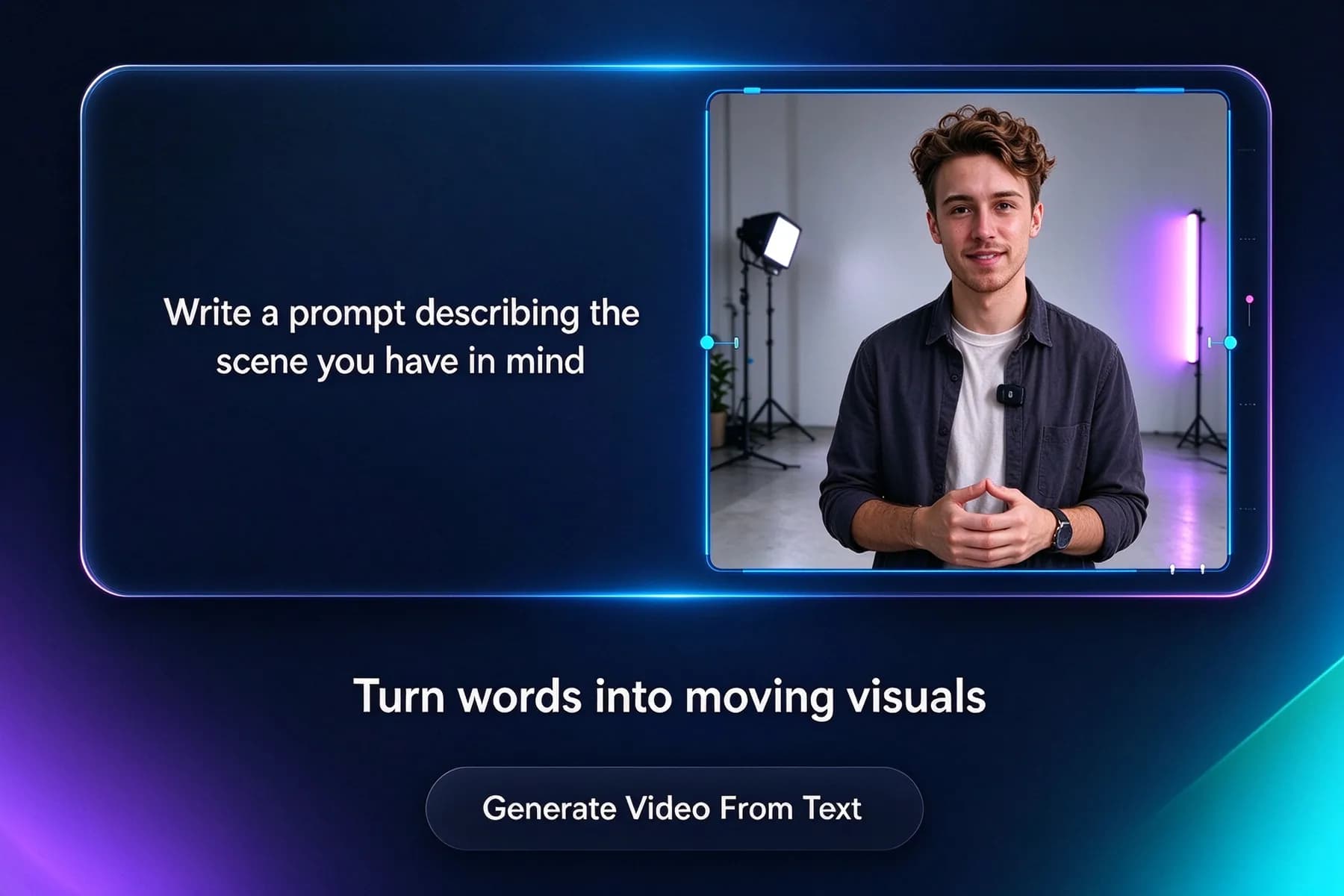
Create AI Videos with Top Video Models
Our AI video models are ready for your creative projects.
Veo 3.1
Cinematic quality, natural motion, and richly synced audio.
Veo 3.1 Fast
Same great look as Veo 3.1, generated much faster.
Grok Imagine 1.5 Fast
Rapid image-to-video generation with lively, natural motion.
Seedance 2.0 Mini
Lightweight and budget-friendly, built for high-volume social clips.
Seedance 2.5
Longer, richer scenes with strong character and scene consistency.
Lip-Sync
Match generated speech precisely to on-screen mouths and faces.
How to Convert Text to Video with AI?
Creating a video from words is easier with a clear prompt. Follow three simple steps in our free AI text to video generator, and you'll go from a written idea to a shareable video in minutes.
1.
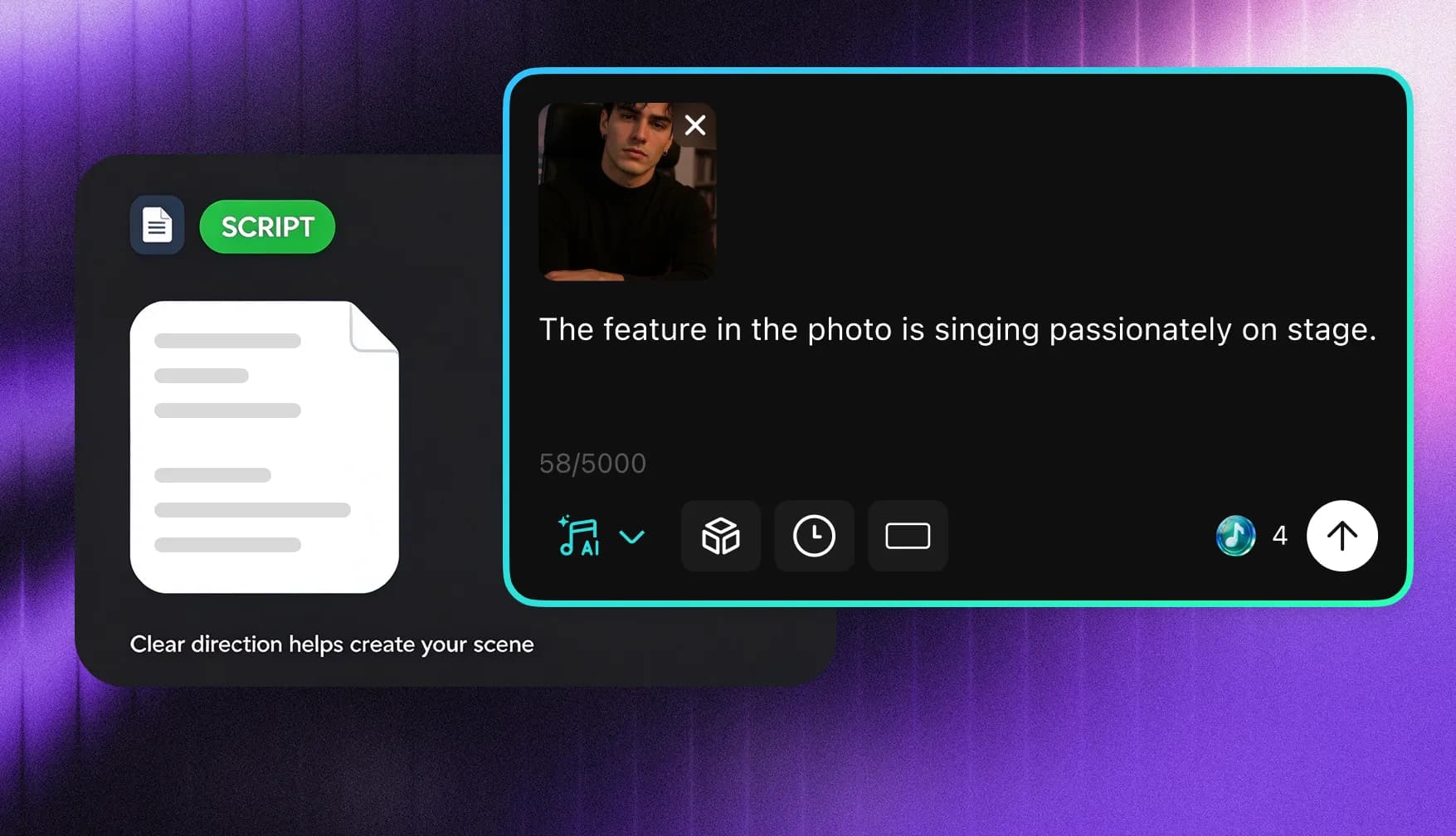
Describe Your Video with Text
Start with a prompt, script, notes, product description, or short story. Describe the subject, action, setting, mood, camera movement, and essential visual details. The clearer your direction is, the easier it becomes for the AI to make your intended scene.
2.
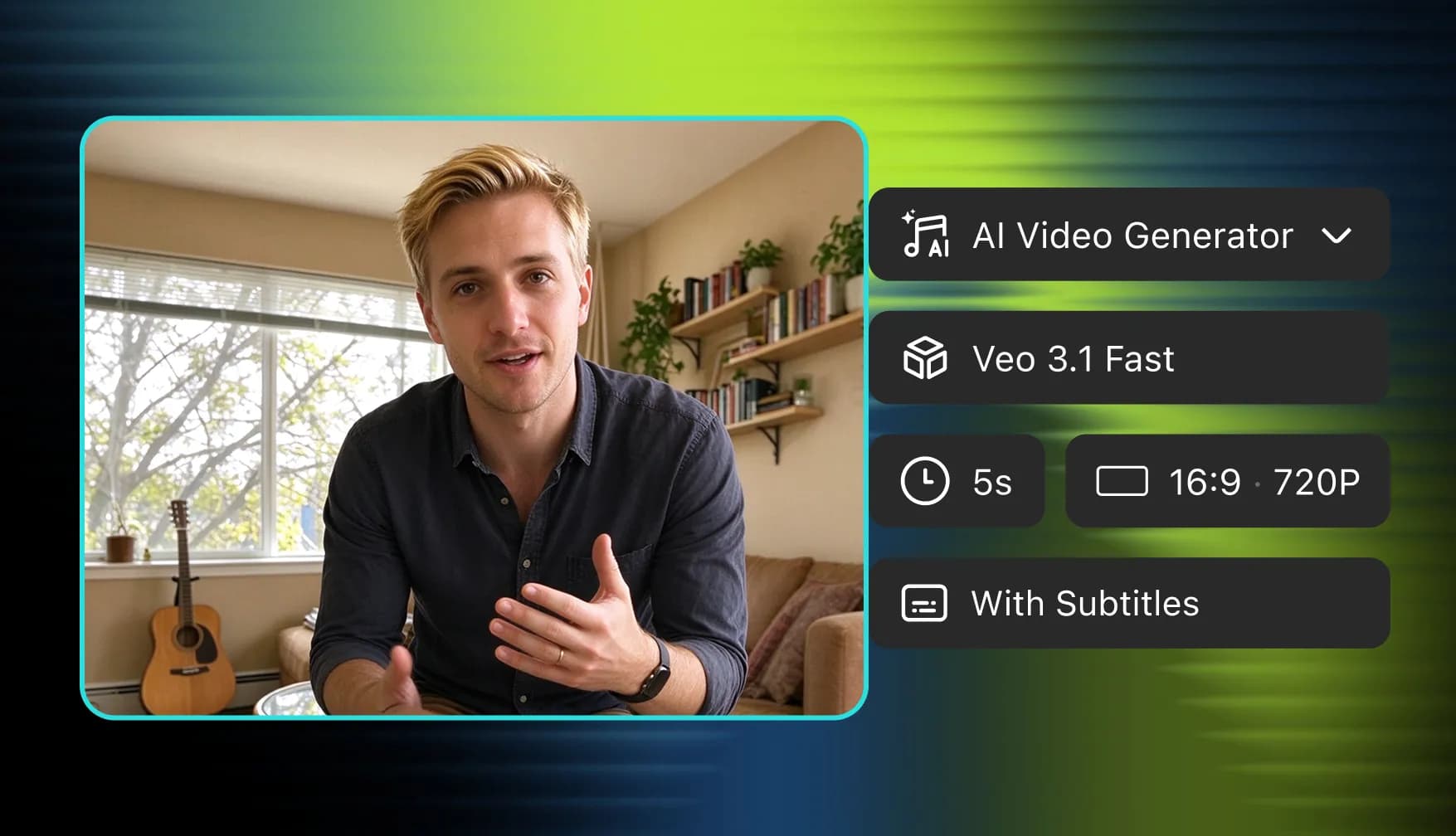
Customize AI Video
Select the AI video model that suits your idea, then adjust the aspect ratio, resolution, clip length, and audio settings. These customizations can shape the video’s look, format, pacing, and sound before generation begins.
3.
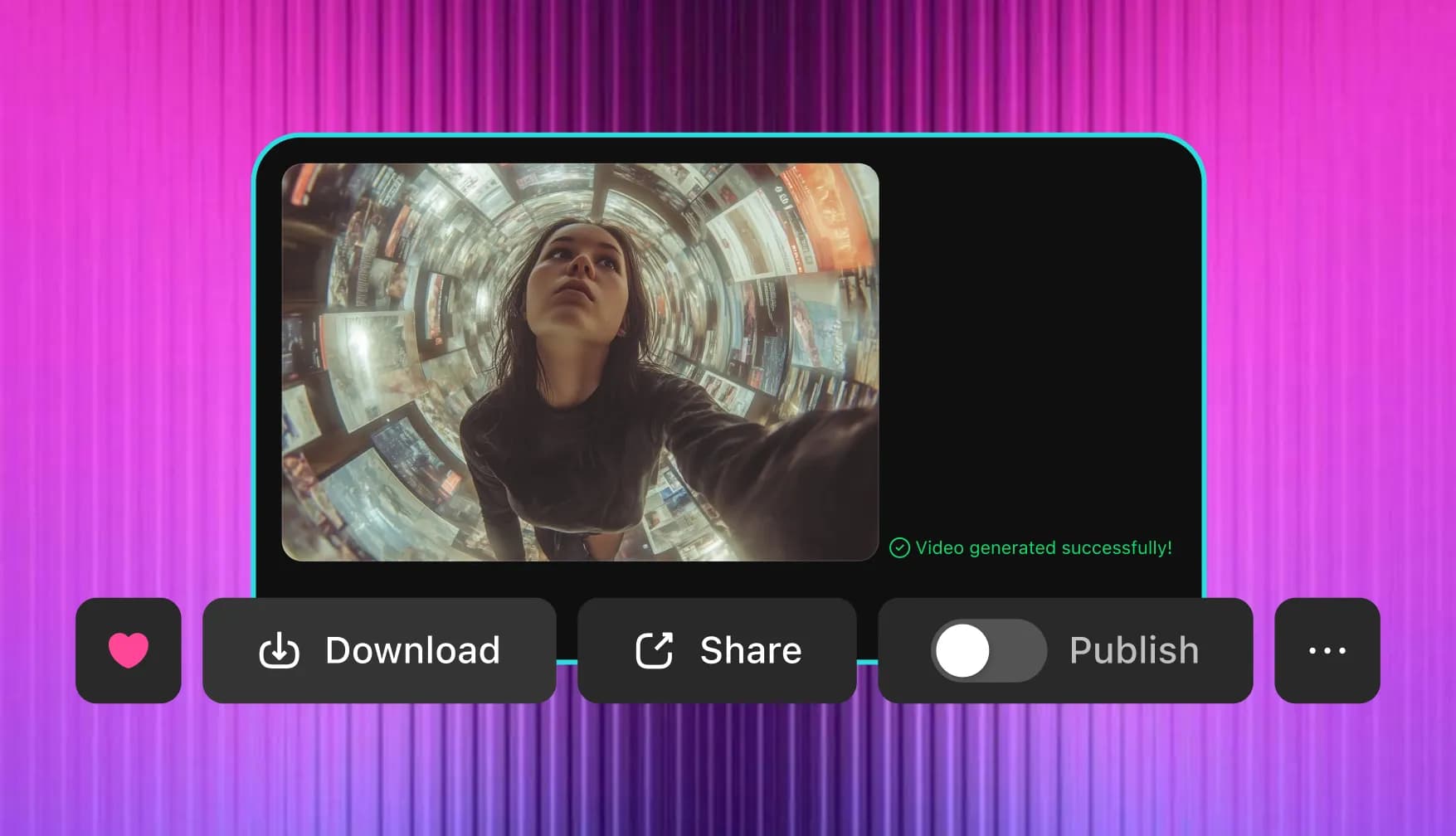
Generate and Download
Generate your AI video from text, review the motion and visuals, then refine your prompt if needed. When the clip feels right, download it for social media, marketing, education, or personal projects.
Why Creators Love Our Text to Video AI Generator?
InsMelo brings video generation, creative controls, and custom music into one accessible workflow. You can turn text into video, adjust the output for different platforms, and produce shareable content without switching between multiple tools.
Start Without Filming or Editing Skills
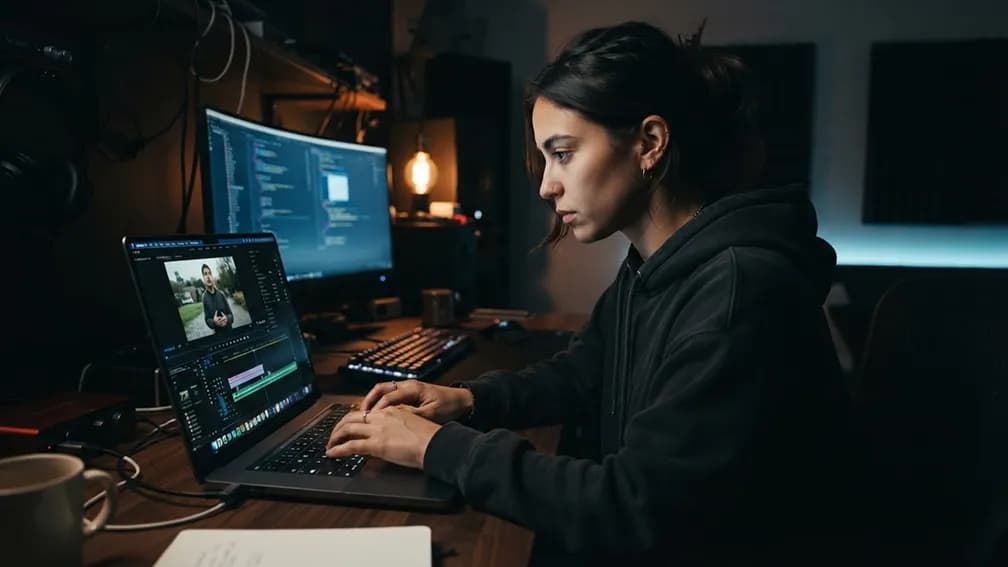
Skip the camera, timeline, and keyframes. Write your idea, generate a clip, and preview it. If it's off, tweak the prompt and try again until the video says exactly what you mean.
Realistic Text to Video Conversion
InsMelo interprets your prompt to create believable environments, natural movement, and visually consistent scenes. By describing actions, lighting, and camera direction clearly, you can generate videos that feel more polished and intentional.
Video and Music in One Place
Create the visuals and soundtrack in the same workspace. It can match music to your video without leaving InsMelo. So each clip feels cohesive before you publish, present, share, or reuse it.
Multiple Languages Supported
Write your prompt in the language you think in. InsMelo understands text in many languages, so you can describe scenes naturally and reach audiences worldwide, without rewriting everything in English first.

Flexible Aspect Ratios & High Resolution
We support the 3:4, 1:1, 9:16, 16:9 aspect ratios for feeds, stories, presentations, or widescreen content. You can also export in different resolutions up to 4K, so every AI-generated video looks sharp and fits its intended platform.
Easy, Beginner-Friendly Interface
You steer the subject, scene, style, camera move, and mood with plain words. Our AI video creation interface is easy to use for beginners, marketers, teachers, and social media creators alike.
Text to Video AI Use Cases
Text to video tools are useful for any team that creates content, especially footage is missing. Turn a script, brief, note, or idea into a visual clip for social, marketing, education, storytelling, or creative testing.
Social Media Content
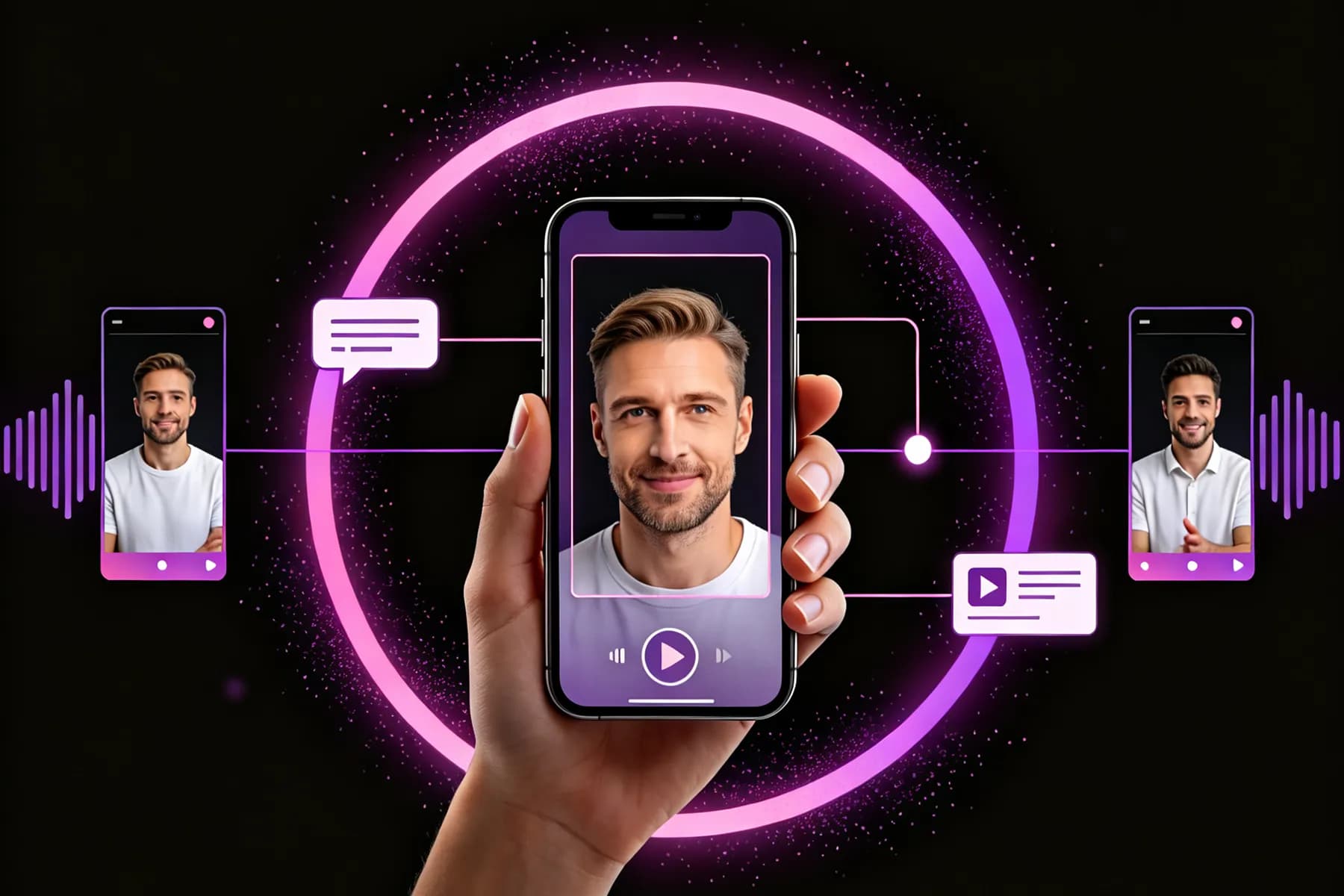
Need a fresh clip for Reels, TikTok, or Shorts today? Turn a caption or idea into a short, scroll-stopping video quickly without booking a shoot for every post.



FAQs About Text to Video AI Generator
InsMelo AI text to video generator is an online tool that turns written prompts, scripts, notes, or descriptions into short videos. InsMelo uses your instructions about the subject, action, setting, mood, and style to generate moving visual scenes.
InsMelo provides free credits, so you can try the text to video generator. To save finished videos for your work, you'll need to log in.
You can use prompts, scripts, product descriptions, story ideas, lesson notes, social captions, marketing briefs, or short outlines. For better results, include the subject, setting, action, mood, and visual style.
Open InsMelo's AI text to video maker, enter your prompt, choose an AI video model, and customize the aspect ratio, resolution, duration, and audio. Generate the video, review the result, refine your instructions if needed, and download the finished clip.
Yes. Condense your notes into a clear scene description before generating. For longer scripts, divide the story into individual scenes, create one video clip for each scene, and combine them afterward.
Describe one clear scene at a time. Include who or what appears, the action, location, lighting, mood, visual style, and camera movement. Specific prompts usually create smoother and more useful AI videos.
Yes. Videos created under eligible paid plans can be used for commercial projects, including marketing, sales, training, and product content. Review the current plan terms before publishing or distributing your video.
Yes. Free text-to-video results may include a watermark. Eligible paid plans and credit packs provide watermark-free video exports.
Most AI videos are generated within a few minutes in InsMelo. Generation time varies by AI model, video duration, resolution, source inputs, and complexity. Longer or higher-resolution videos may require additional time.
Ready to Try AI Text to Video Generator?
Get started today and watch your ideas come to life with AI text-to-video conversion.