Free AI Caption Generator for Video
Give your next video a voice and a visual story with InsMelo AI caption generator. Start with a prompt, enable subtitles, and explore creative possibilities across different video models and formats.


Trusted by 1M+ creators
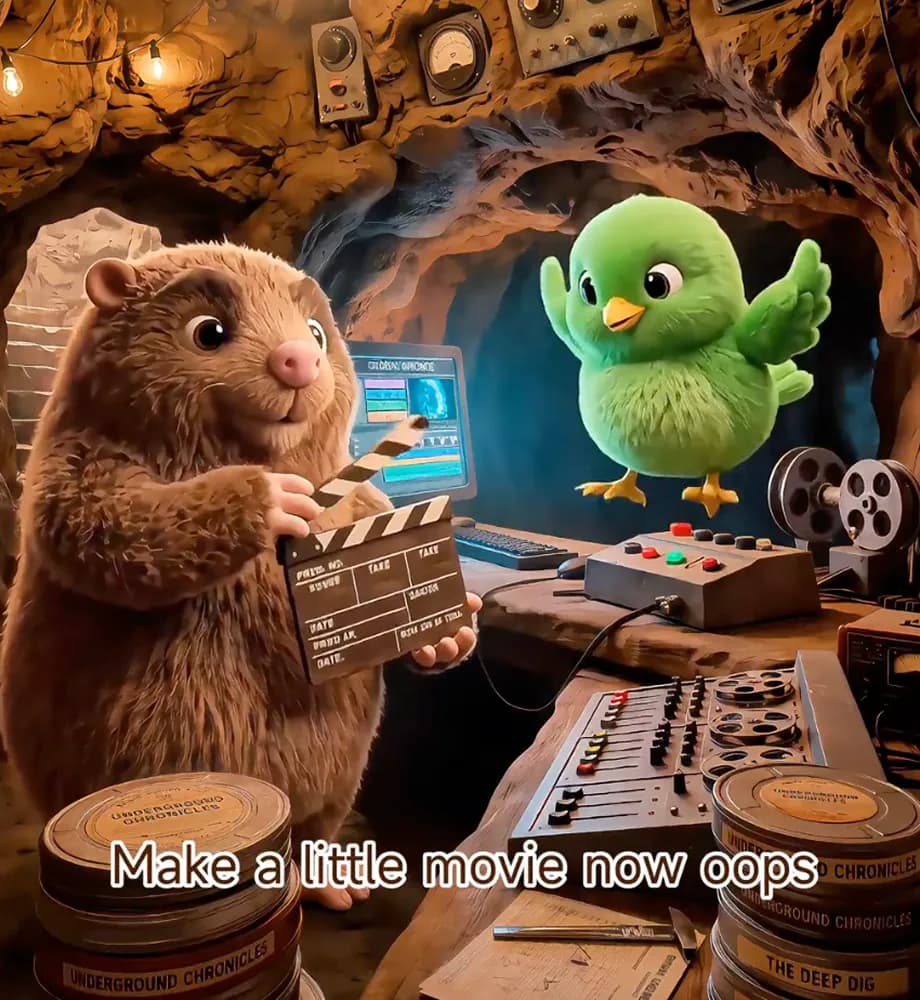








How to Create Videos with Our AI Caption Generator
Learn how to generate subtitles for video as part of your creative process. Start with a description, shape the result with your settings, and bring your finished idea to the screen.
1.
Describe Your Idea
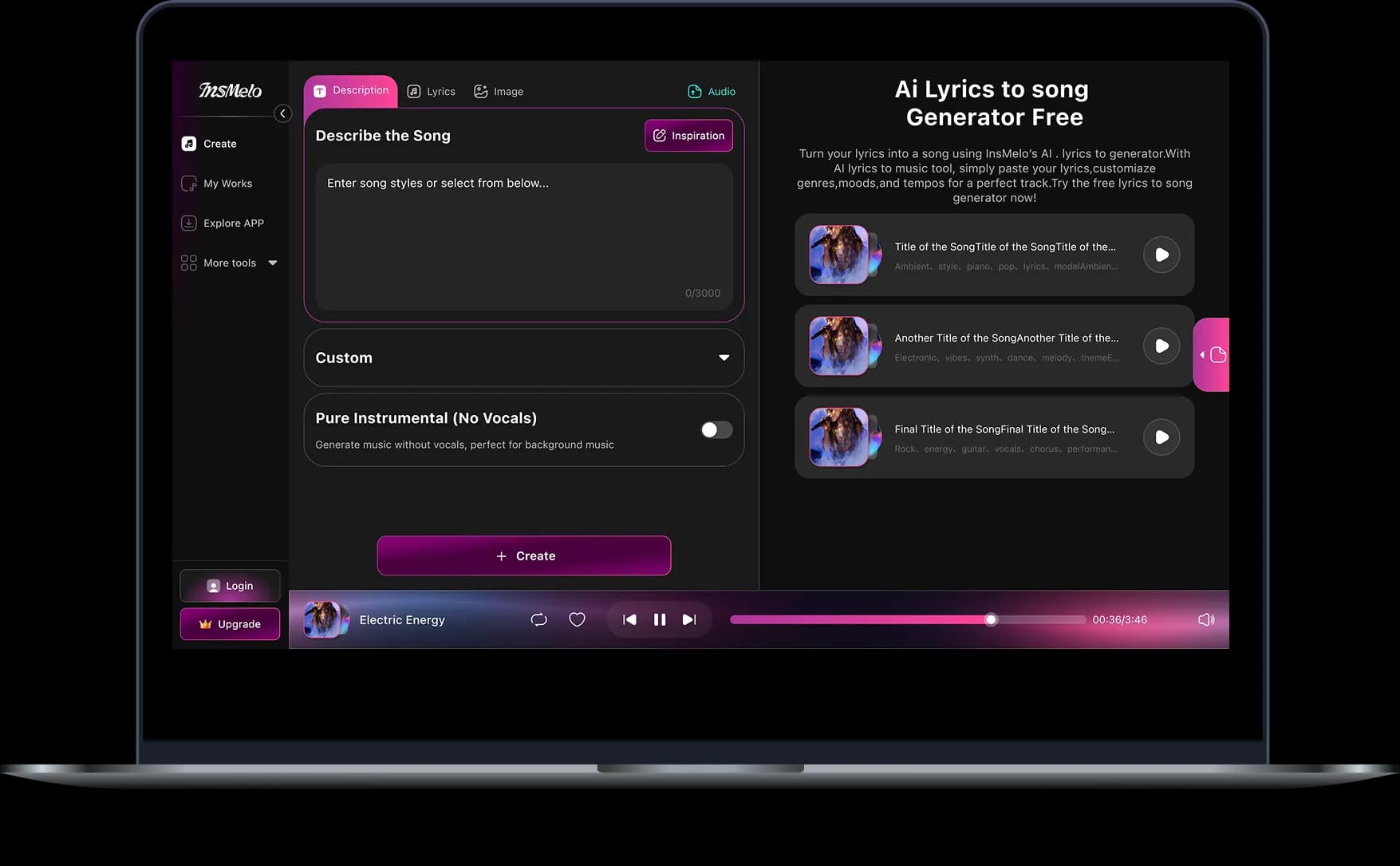
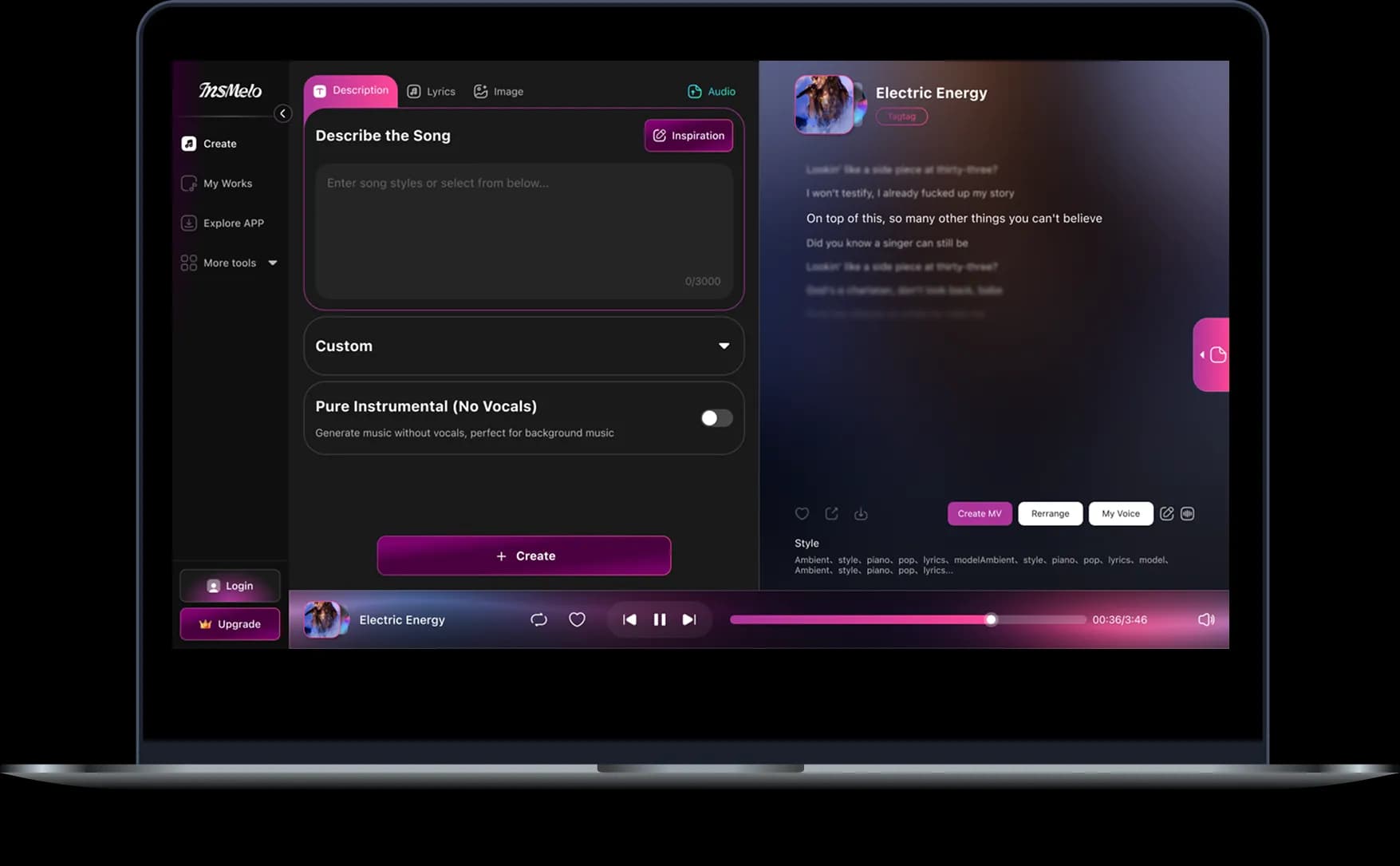
Tell us what you want to see. Describe the scene and what happens in it, or add a reference image to give your video a visual starting point.
2.
Choose Your Settings
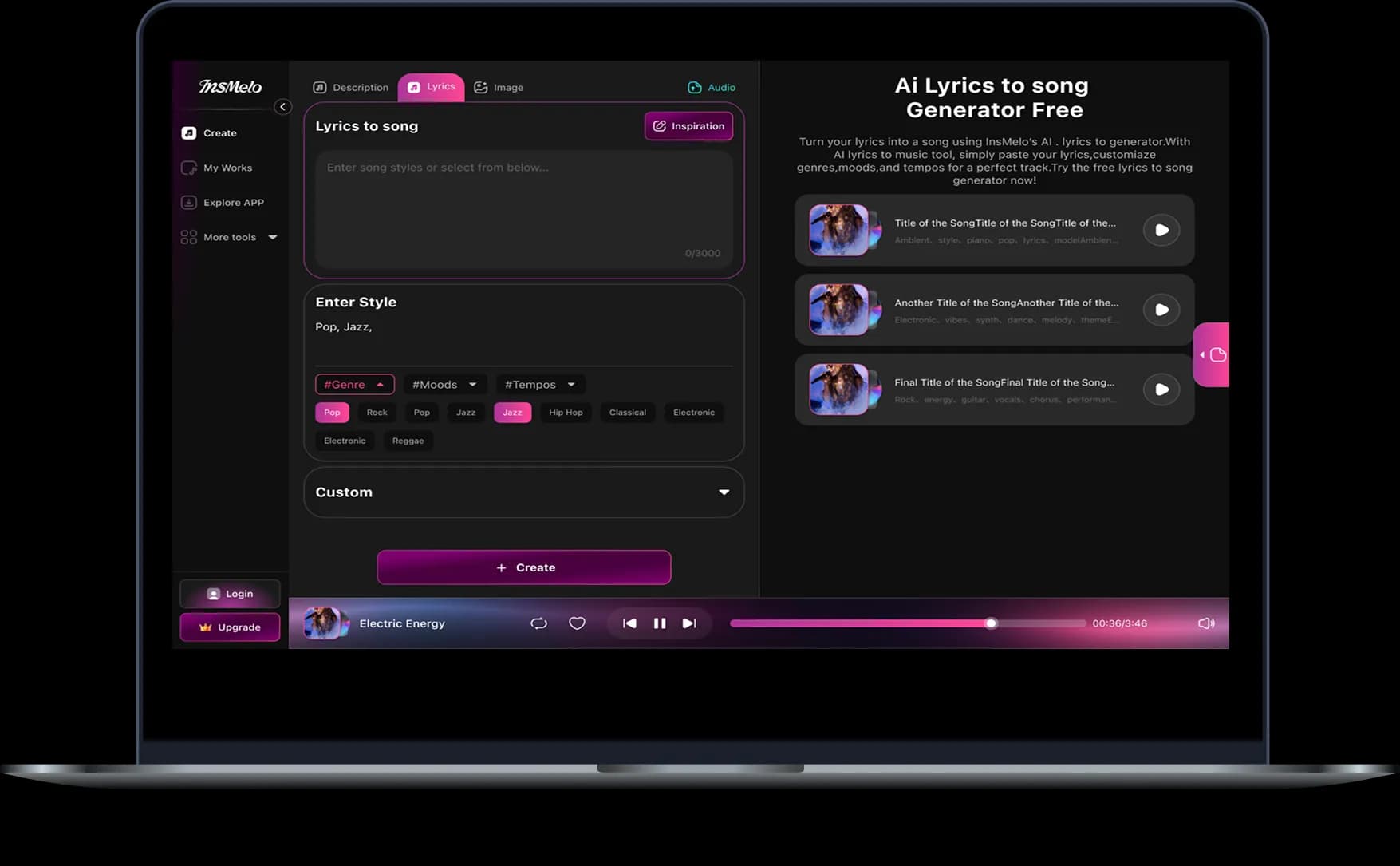
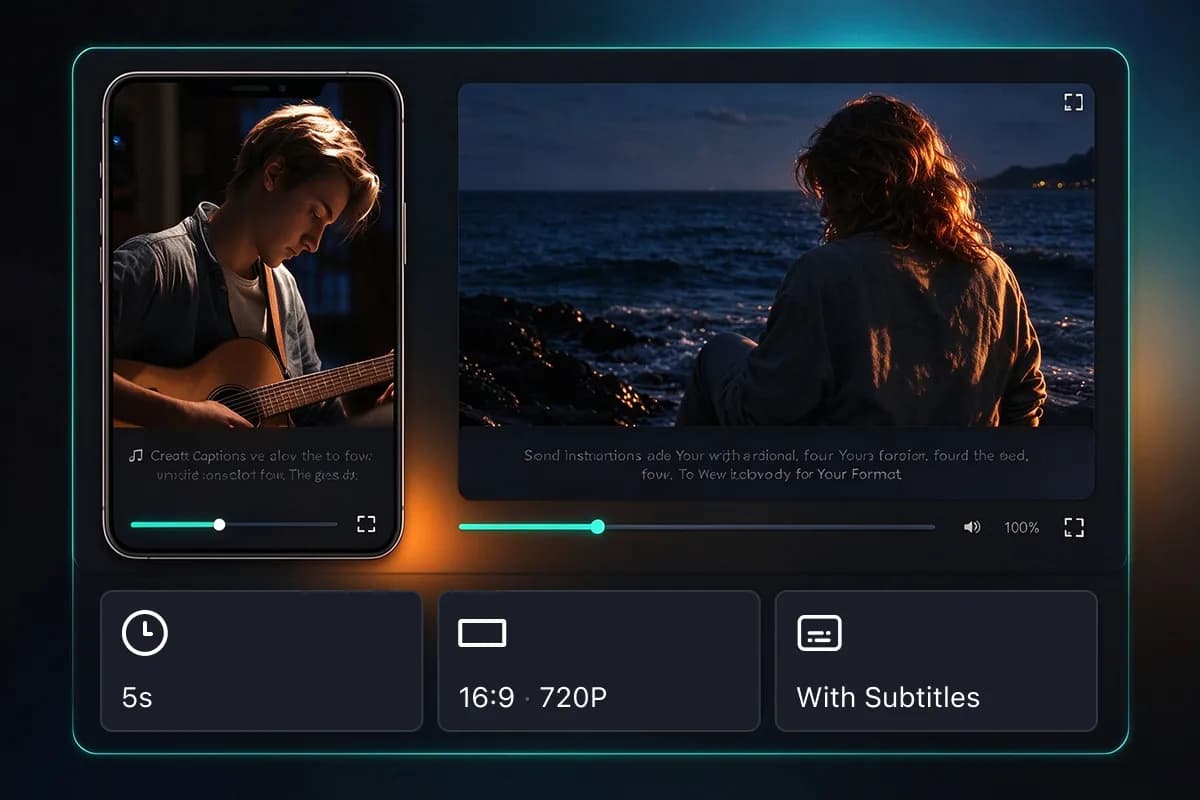
Pick a model and choose an available format, resolution, and duration. Select With Subtitles to add captions to video during generation.
3.
Generate, Download & Share
Bring your video to life, check that the subtitles look right, then download and share it with your audience.
Create Your Way with InsMelo AI Caption Generator
Bring your ideas into focus with videos that look the part. InsMelo AI caption generator combines creative inputs, model choices, and flexible video settings to help you shape the result.
Turn Your Ideas into Captioned Videos
Bring the scene you imagine to the screen with Our AI caption generator. Start with a description and add an optional reference image to give your video a clearer visual direction.
Create Your Captioned VideoMake Your Message Easier to Follow
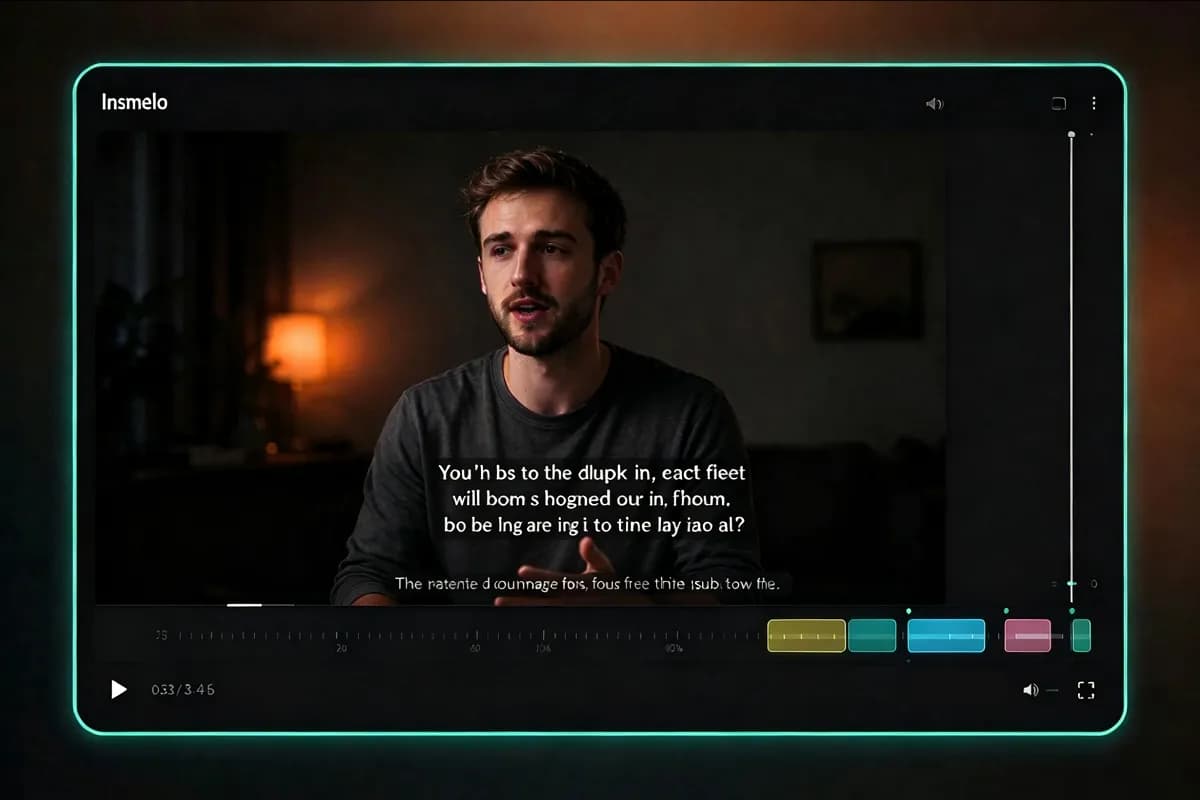
Help viewers follow your content, even with the sound off. InsMelo AI subtitle generator brings on-screen text into your generated video, giving your audience another way to understand the story.
Generate AI SubtitlesFind the Look Your Story Needs
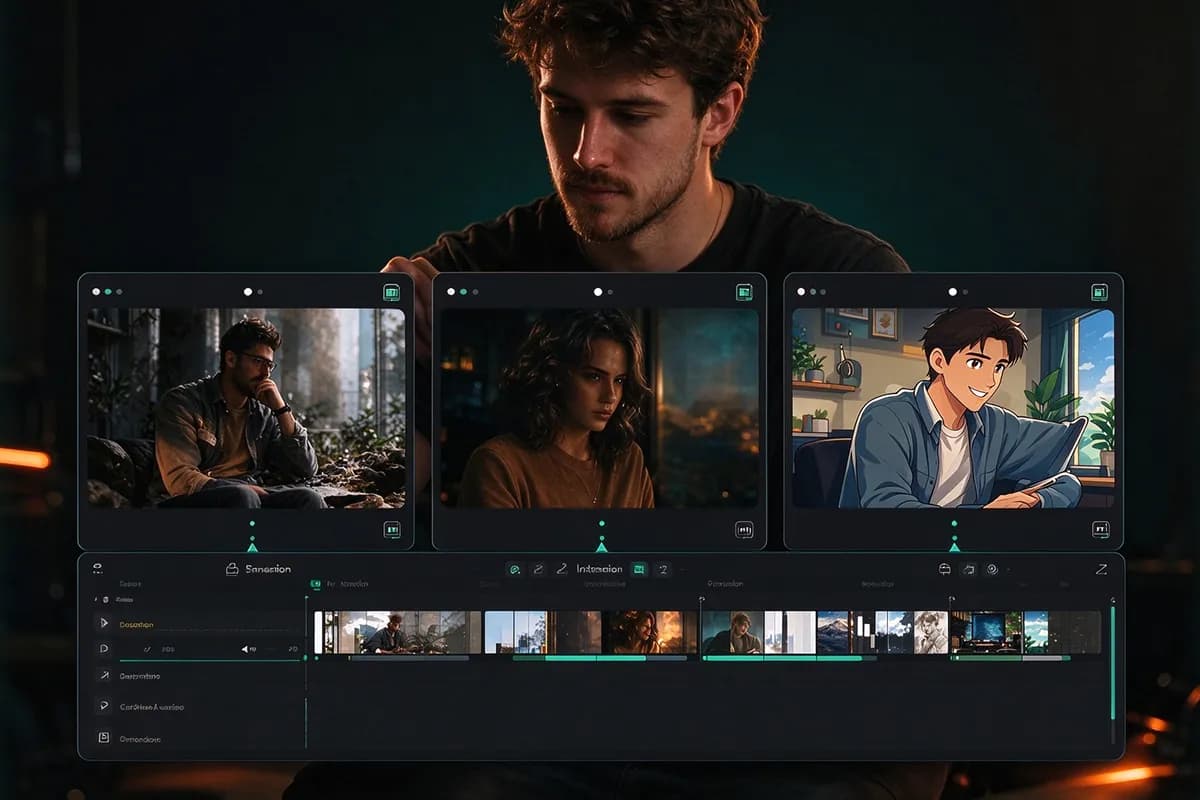
Explore Veo, Grok, and Seedance to see different interpretations of your idea. InsMelo AI caption generator lets you try available models and develop a visual direction that suits your content.
Try Our AI Caption GeneratorCreate for the Way Your Audience Watches
Choose a vertical frame for mobile viewing or a wider composition for more of the scene. InsMelo AI video caption generator offers supported formats, resolutions, and durations to help you shape the result for where you plan to share it.
Create Captions for Your FormatKeep Creation in One Place
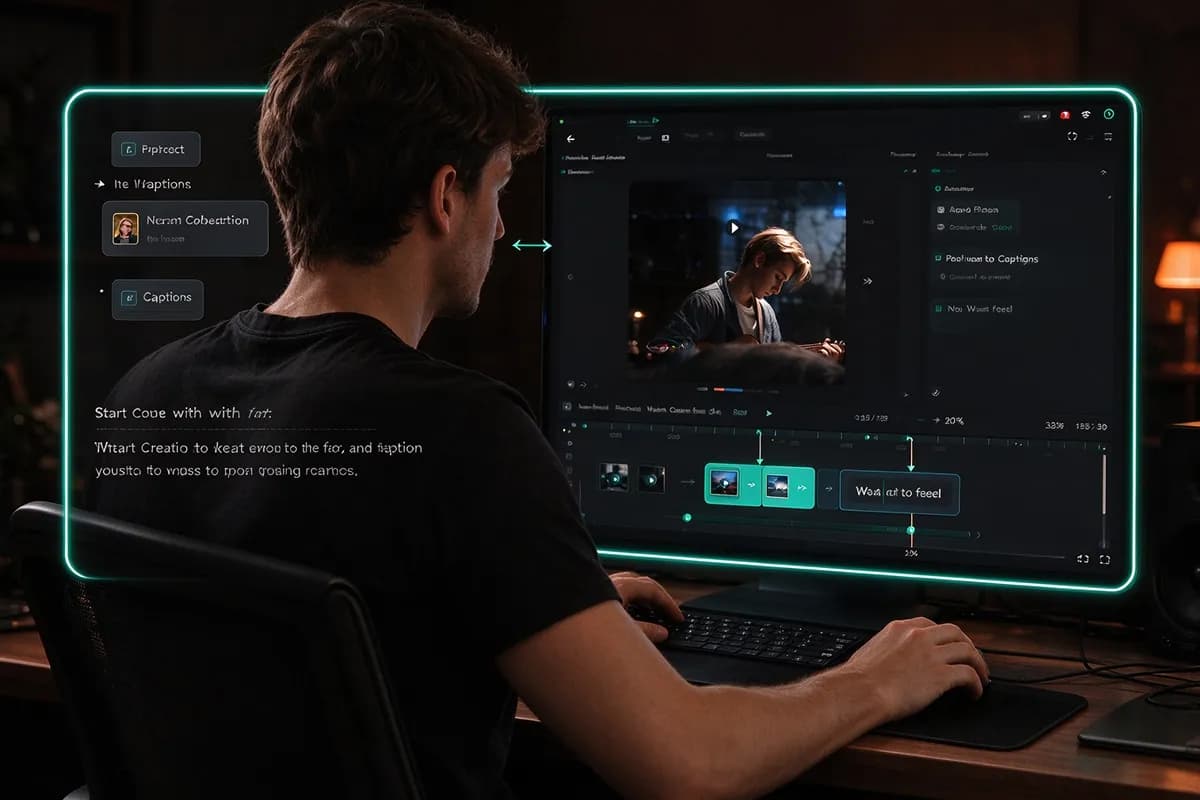
Move from your description to a generated video without leaving the creation panel. This caption maker includes an auto captions generator option for new videos, keeping subtitles within the same workflow as your visuals.
Start Creating with Captions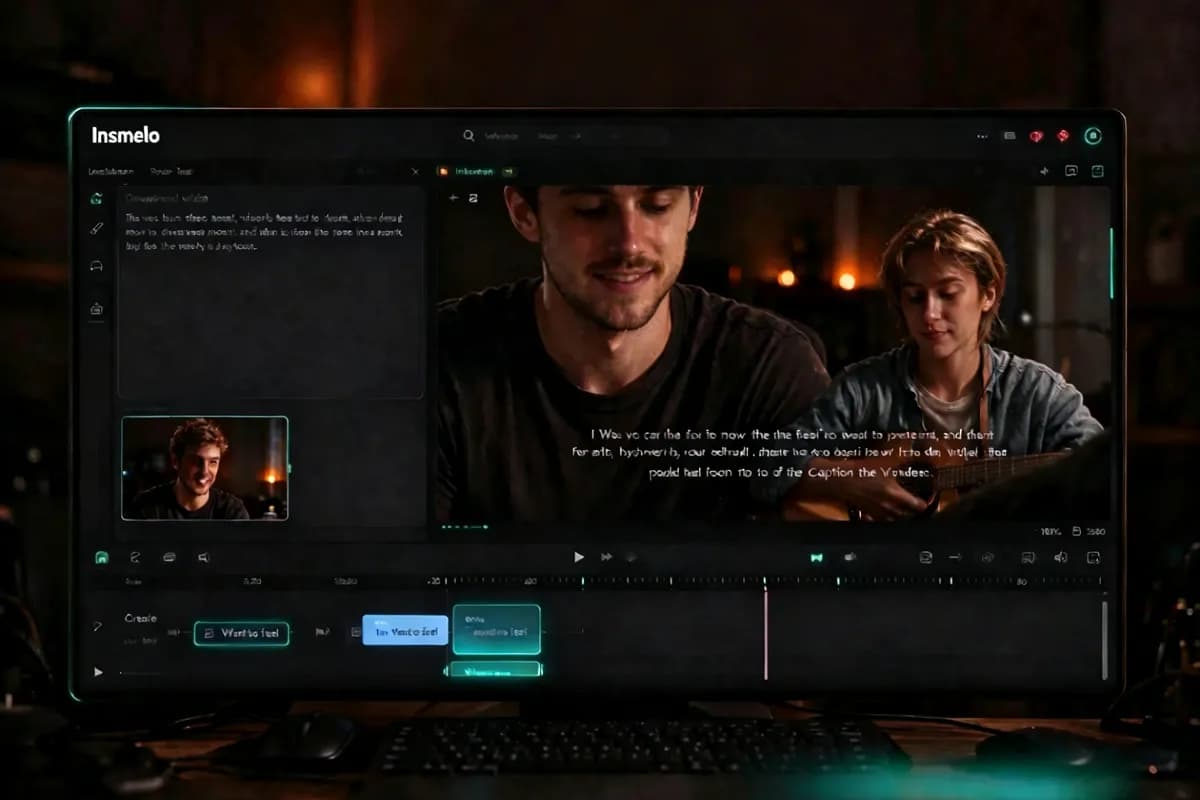
AI Caption Generator for Content That Connects
InsMelo AI caption generator brings your ideas to the screen with subtitles that help viewers stay with the story.
Social Videos That Work on Mute
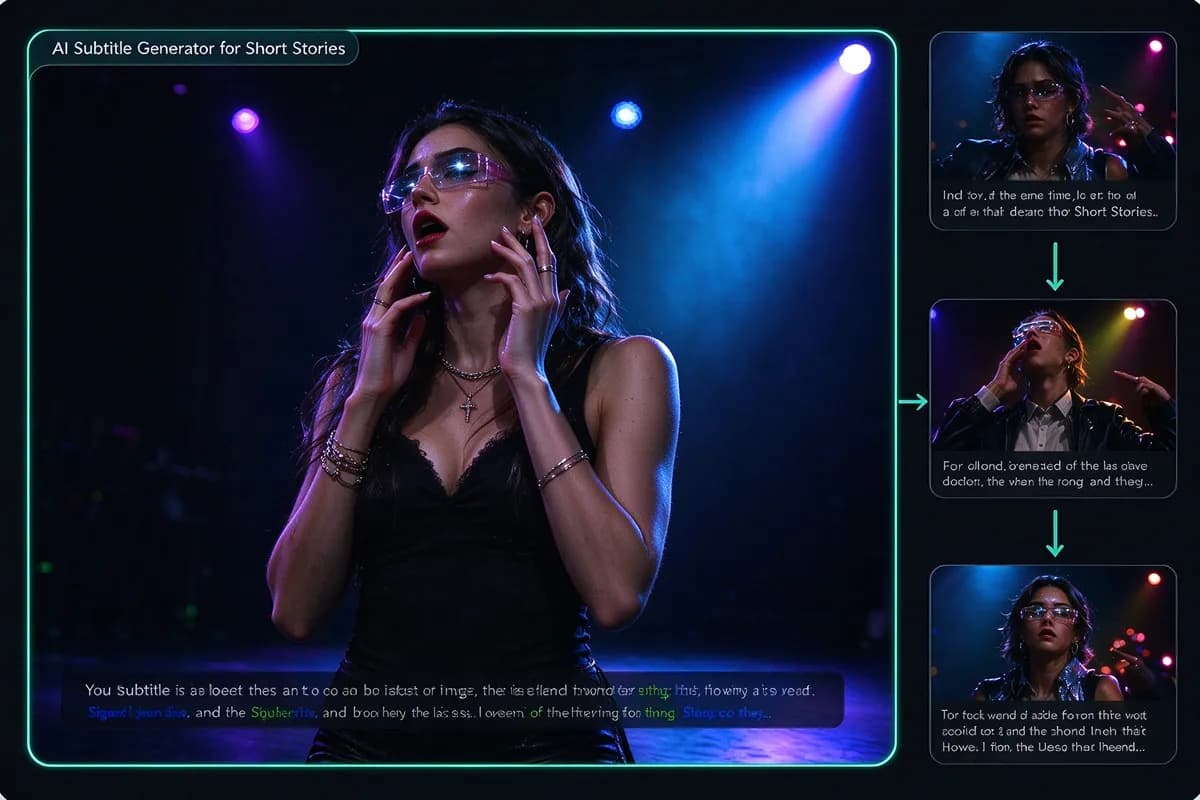
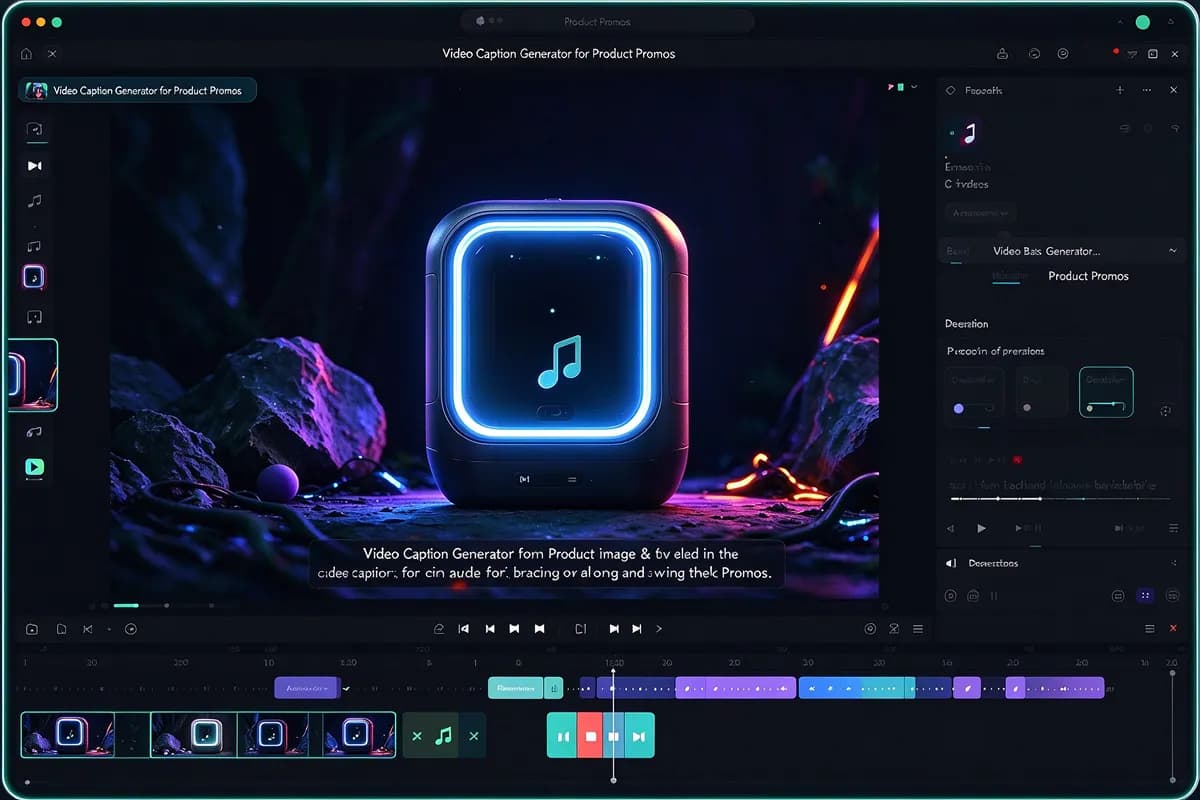
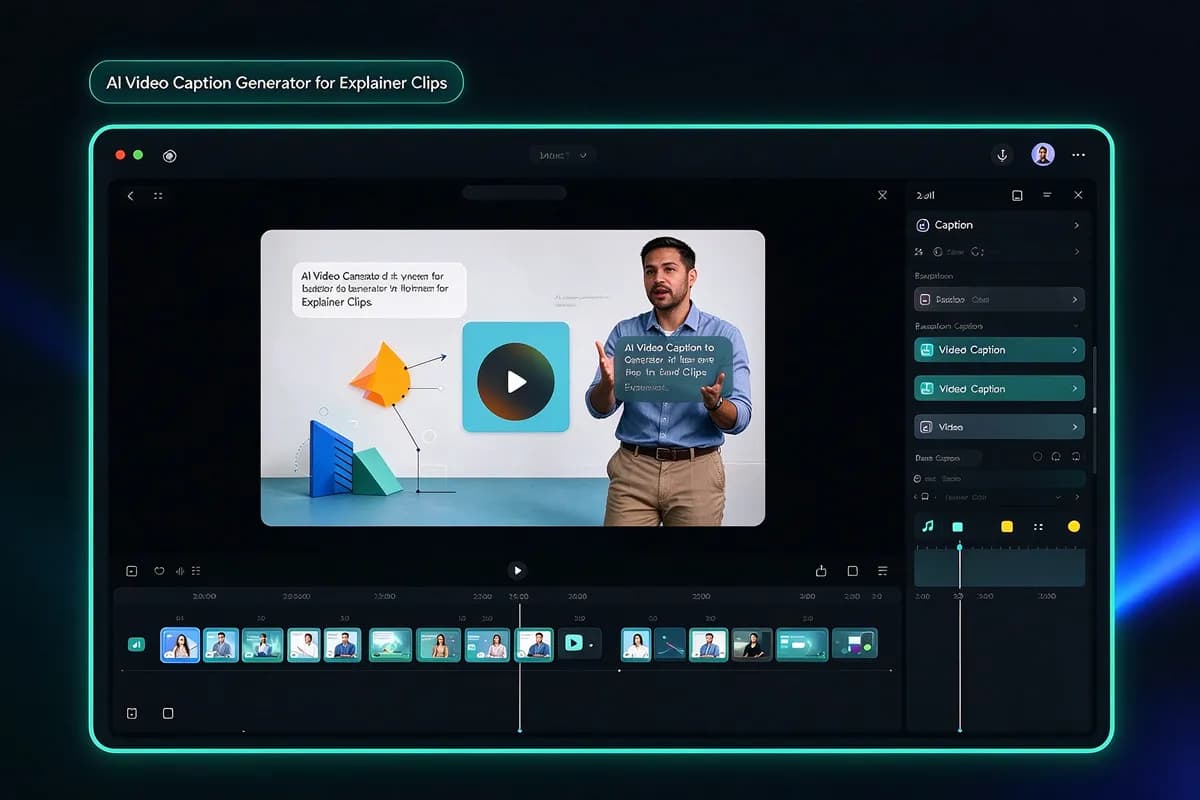
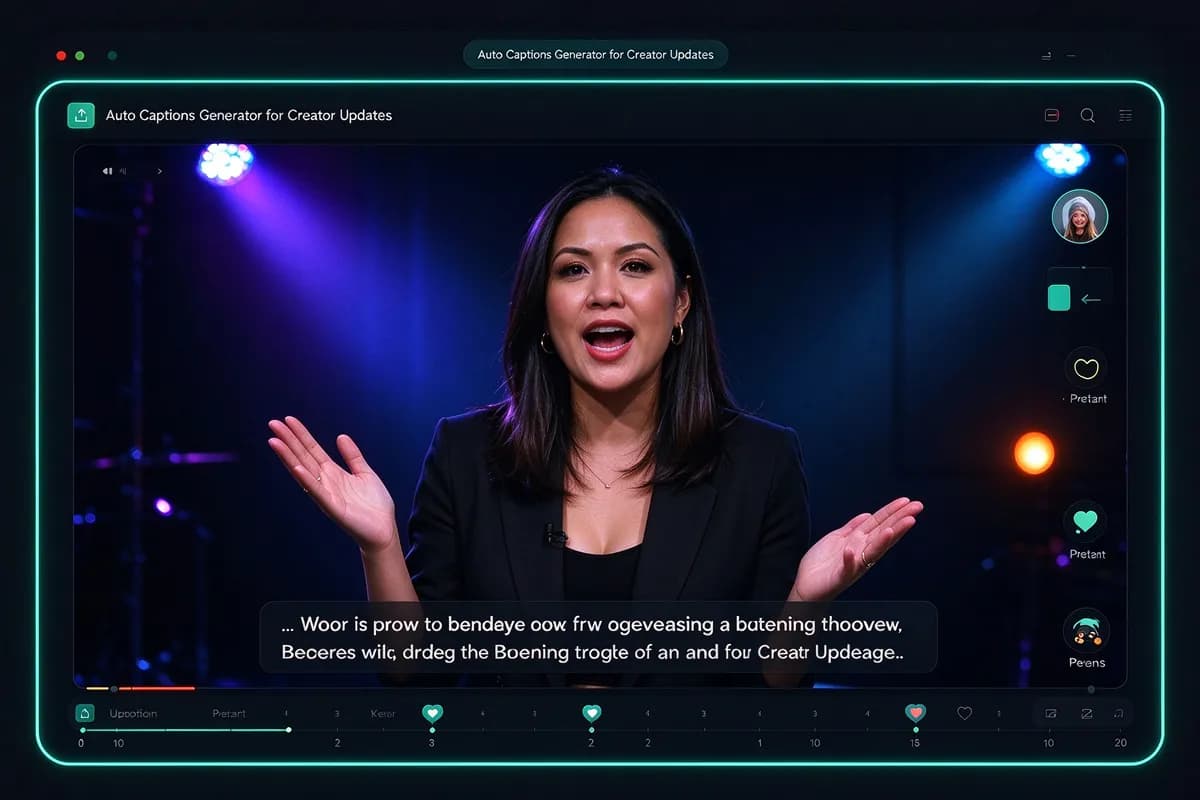
Help viewers follow your Reels, TikToks, and Shorts without turning up the sound. Use our video caption generator to create short videos with subtitles that keep your message visible as people scroll.
Give Your Music a Story on Screen
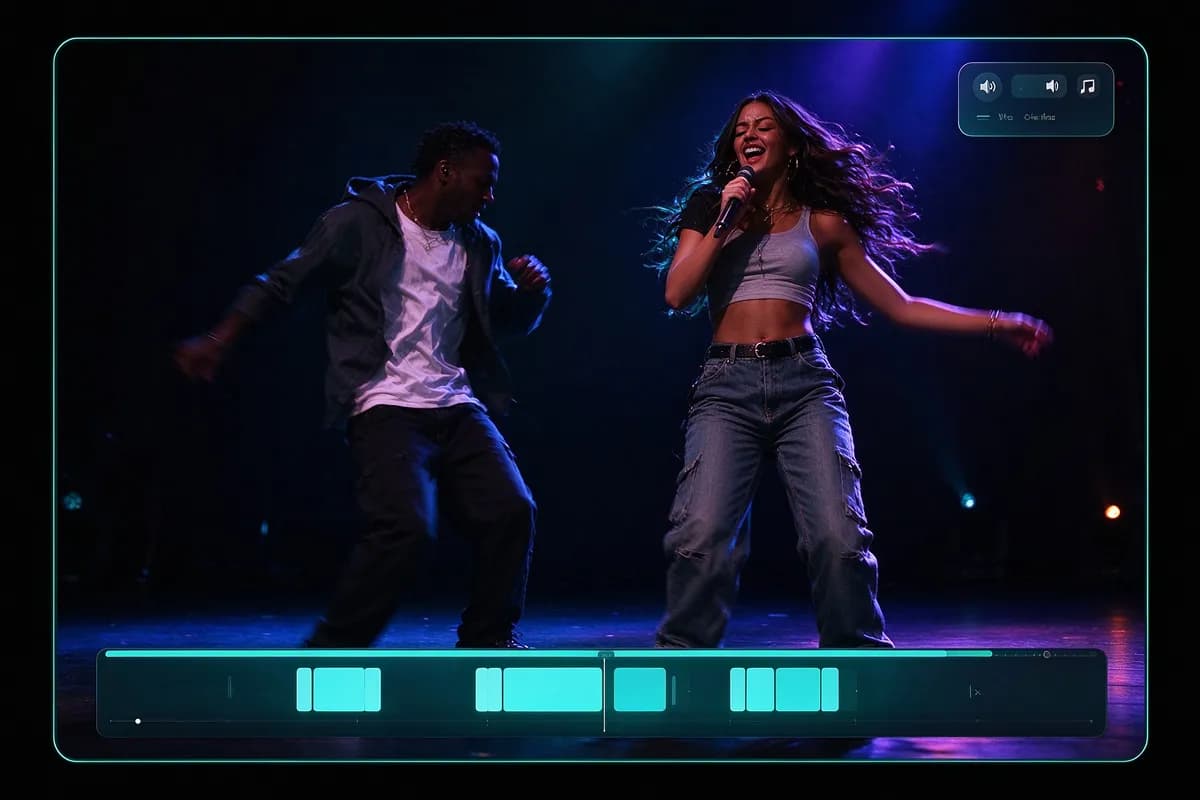
Have a track ready for its own video? Turn it into a visual story with InsMelo AI Music Video Generator. Add your music and describe your vision to create a video for your next release or share a preview with your fans.
Keep Creating with InsMelo AI
Take your next idea beyond the AI caption generator. Explore more ways to turn your music and images into videos.
What Creators Say About InsMelo
Emily Carter
Social Media Creator
Watching the finished video on mute made the difference obvious. The subtitles gave viewers a way to follow the message without switching on the sound. That's what I wanted from an AI caption generator.
Ethan Park
Freelance Content Strategist
Clients sometimes approve a written idea and picture something completely different. Using this AI video caption generator early in the process helped surface those differences sooner. The feedback became more specific once there was a video to react to.
Noah Williams
Video Creator
I came looking for an AI caption maker and ended up exploring a few new video ideas. It took some experimenting, but a more specific prompt made a noticeable difference. My advice: give the scene a clear action, not just a mood.

4.8
User Rating
Chloe Bennett
Lifestyle Content Creator
The first version wasn't quite my style. Tried another model, changed a few details in the prompt, and the next one felt much closer!
Marcus Lee
Digital Marketing Specialist
Our product clip looked good, but the message depended too much on the audio. With subtitles, it was easier to understand at a glance. A useful addition for the way people browse social feeds.
Daniel Brooks
Small Business Owner
Much more approachable than I expected. Having subtitles included in the video creation process meant one less thing to figure out separately. This caption maker suited the simple product video I wanted to make.
4.8
User Rating
Emily Carter
Social Media Creator
Watching the finished video on mute made the difference obvious. The subtitles gave viewers a way to follow the message without switching on the sound. That's what I wanted from an AI caption generator.
Ethan Park
Freelance Content Strategist
Clients sometimes approve a written idea and picture something completely different. Using this AI video caption generator early in the process helped surface those differences sooner. The feedback became more specific once there was a video to react to.
Noah Williams
Video Creator
I came looking for an AI caption maker and ended up exploring a few new video ideas. It took some experimenting, but a more specific prompt made a noticeable difference. My advice: give the scene a clear action, not just a mood.
Chloe Bennett
Lifestyle Content Creator
The first version wasn't quite my style. Tried another model, changed a few details in the prompt, and the next one felt much closer!
Marcus Lee
Digital Marketing Specialist
Our product clip looked good, but the message depended too much on the audio. With subtitles, it was easier to understand at a glance. A useful addition for the way people browse social feeds.
Daniel Brooks
Small Business Owner
Much more approachable than I expected. Having subtitles included in the video creation process meant one less thing to figure out separately. This caption maker suited the simple product video I wanted to make.
Emily Carter
Social Media Creator
Watching the finished video on mute made the difference obvious. The subtitles gave viewers a way to follow the message without switching on the sound. That's what I wanted from an AI caption generator.
Ethan Park
Freelance Content Strategist
Clients sometimes approve a written idea and picture something completely different. Using this AI video caption generator early in the process helped surface those differences sooner. The feedback became more specific once there was a video to react to.
Noah Williams
Video Creator
I came looking for an AI caption maker and ended up exploring a few new video ideas. It took some experimenting, but a more specific prompt made a noticeable difference. My advice: give the scene a clear action, not just a mood.
Chloe Bennett
Lifestyle Content Creator
The first version wasn't quite my style. Tried another model, changed a few details in the prompt, and the next one felt much closer!
Marcus Lee
Digital Marketing Specialist
Our product clip looked good, but the message depended too much on the audio. With subtitles, it was easier to understand at a glance. A useful addition for the way people browse social feeds.
Daniel Brooks
Small Business Owner
Much more approachable than I expected. Having subtitles included in the video creation process meant one less thing to figure out separately. This caption maker suited the simple product video I wanted to make.
FAQs About AI Video Caption Generator
An AI caption generator creates on-screen text to accompany video content. With InsMelo AI, simply describe your video and specify whether you want subtitles included.
InsMelo supports 150+ languages. Simply write your video description in the language you want to use, and the AI caption generator will create your video with subtitles in that language.
InsMelo AI caption generator is designed to produce clear, accurate subtitles. For the best results, write a clear video description and specify important names or terms. Review the subtitles before sharing your finished video.
Sure! You can create videos for TikTok, Instagram Reels, YouTube Shorts, and other social platforms. Choose an available vertical, square, or horizontal format to suit your post, then download and share your finished video.
Yes. InsMelo provides free credits so you can try the AI caption generator. Once your free credits run out, you can purchase additional credits or upgrade your plan to keep creating.
No. You can start with a written description alone. Adding a reference image is optional and gives the AI additional visual guidance for your video.
Commercial use depends on your InsMelo plan. Choose a plan that includes commercial rights, and make sure you have permission to use any uploaded images, music, or other materials.
No. Simply describe your video, specify whether you want subtitles, and choose your settings. InsMelo AI caption generator handles the generation, so you can create captioned videos without learning video editing software.
No. Videos generated with InsMelo free AI caption generator for video are watermark-free, so you can download and share your captioned videos without any added branding.
Have an Idea? Make It a Video.
Bring your ideas to life with InsMelo AI caption generator. Try it free today and create your first video with subtitles.