Free AI Image to Video Generator
Turn any image, photo, or picture into a moving video with InsMelo’s free AI image to video generator. Upload an image, describe the motion, and create a downloadable AI video online in minutes.
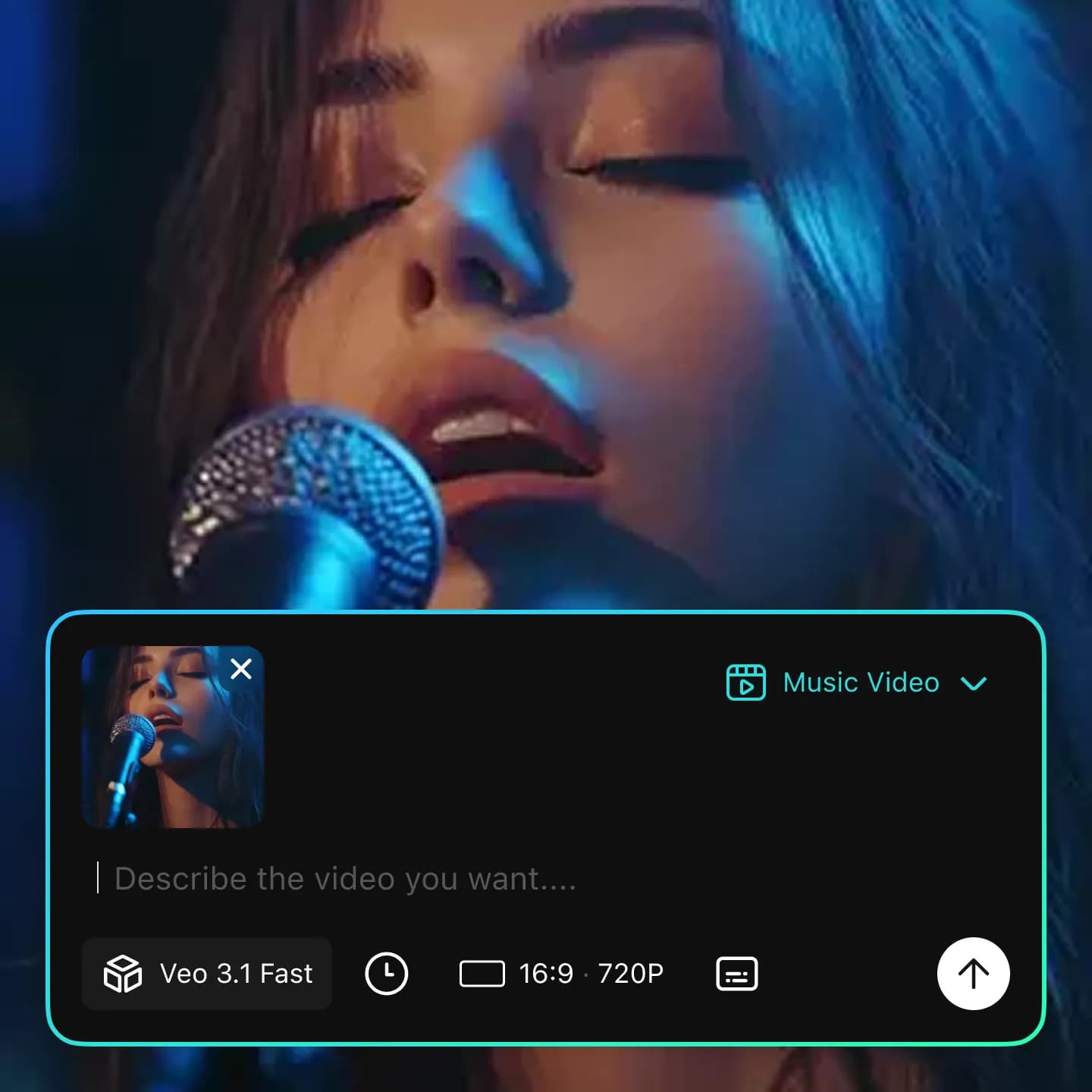
Image to Video AI
Animate still images into moving video scenes.
Free Credits
Start with free AI image-to-video generation.
Music Video from Pic
Turn images into music videos with custom AI soundtracks.
Social Friendly
Create AI video from images for TikTok, Reels, Shorts, ads, and posts.
Turn Pictures Into Videos With AI Image to Video Maker
Bring still visuals to life without filming, motion design, or complex editing software. Upload one image, guide the motion with a short prompt, and InsMelo turns your picture into a video you can download, share, or continue editing.
Instant AI Image to Video Generation
Create AI video from images online quickly with InsMelo’s free picture to video AI generator. Whether you're uploading a photo, product image, portrait, illustration, or custom picture, our image to video AI tool can convert a still image into a dynamic video clip in minutes.
Generate Video From ImageConvert Picture to Video Online with Motion Guides
Want to turn an image into video without complex editing? Use InsMelo as a free photo to video AI generator, and write motion guides that describe how the subject, background, and camera should move, making it easier to convert pictures, photos, and AI art into videos online.
Convert Picture to Video with AIControl Motion, Camera, and Visual Style
Describe how the image should move and let the AI video generator from image bring it to life. Add a slow zoom, camera pan, cinematic push-in, subtle background motion, or dramatic scene transformation. Then choose the aspect ratio, video length, resolution, and style to match your creative goal.
Try AI Image to Video MakerCreate AI Music Videos From Treasured Photos
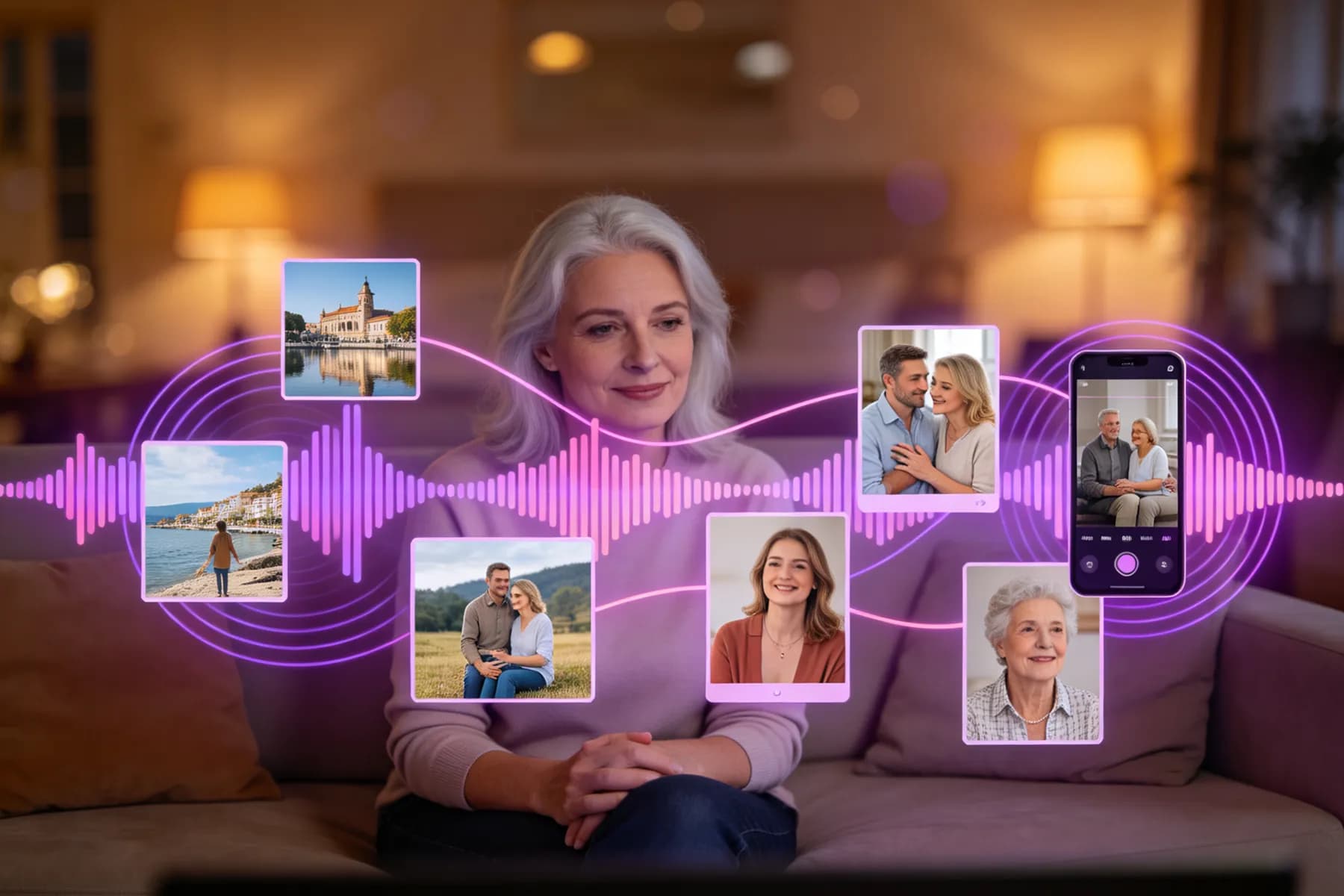
Turn meaningful photographs into music videos with InsMelo. Generate a custom song, instrumental, or mood-based soundtrack, then combine it with your animated image to create a video from photographs for TikTok, Reels, YouTube Shorts, fan edits, visualizers, or personal memories.
Create Music Video from ImageHigh-quality AI-Generated Videos from Photographs
Export AI-generated videos from photos in 3:4, 1:1, 9:16, or 16:9 aspect ratios with 720p, 1080p, or 4K resolution. Whether you need photo to video clips, product teasers, music visuals, social posts, ads, presentations, or creative previews, every image-to-video result is ready to share.
Convert Photo to Video with AI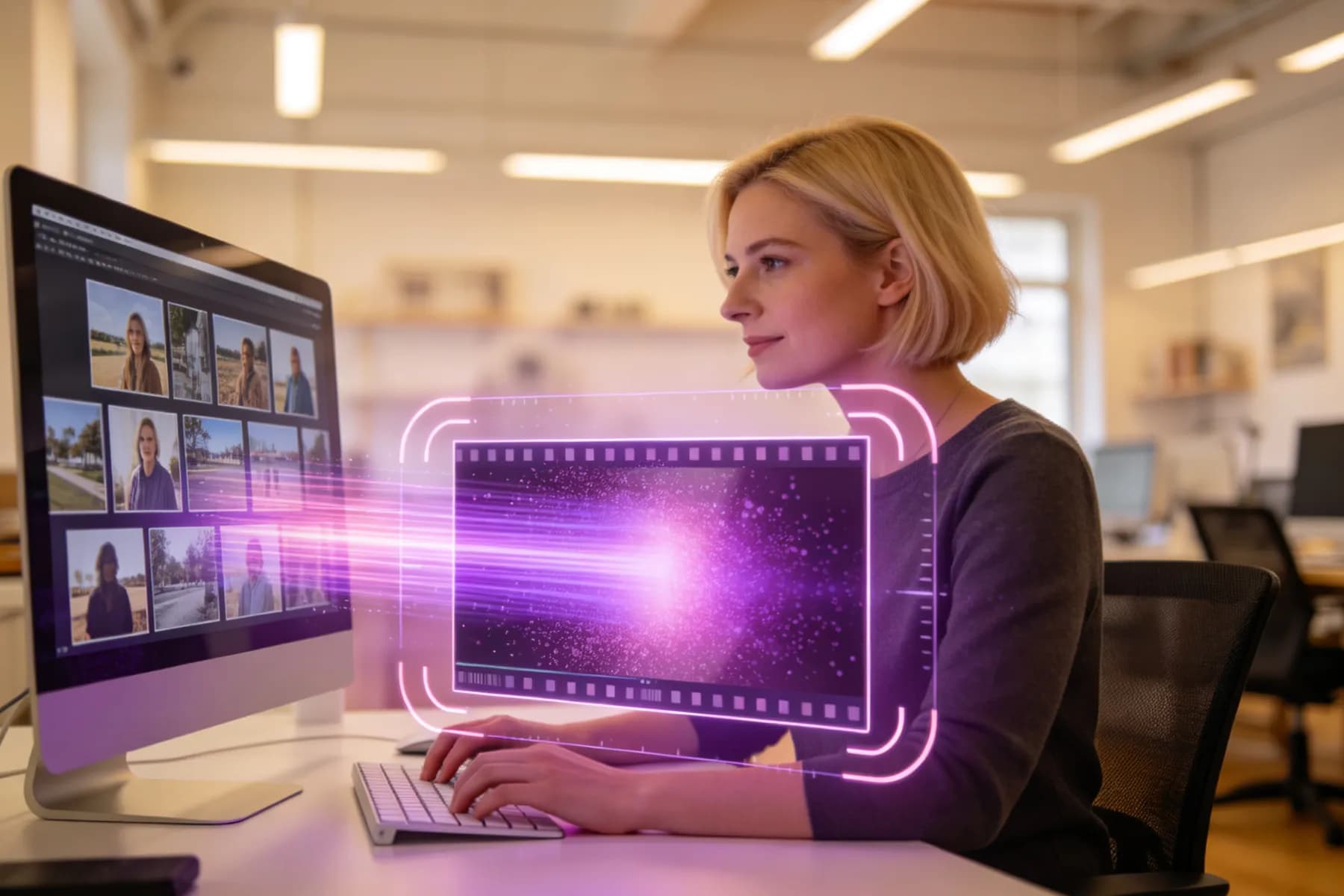
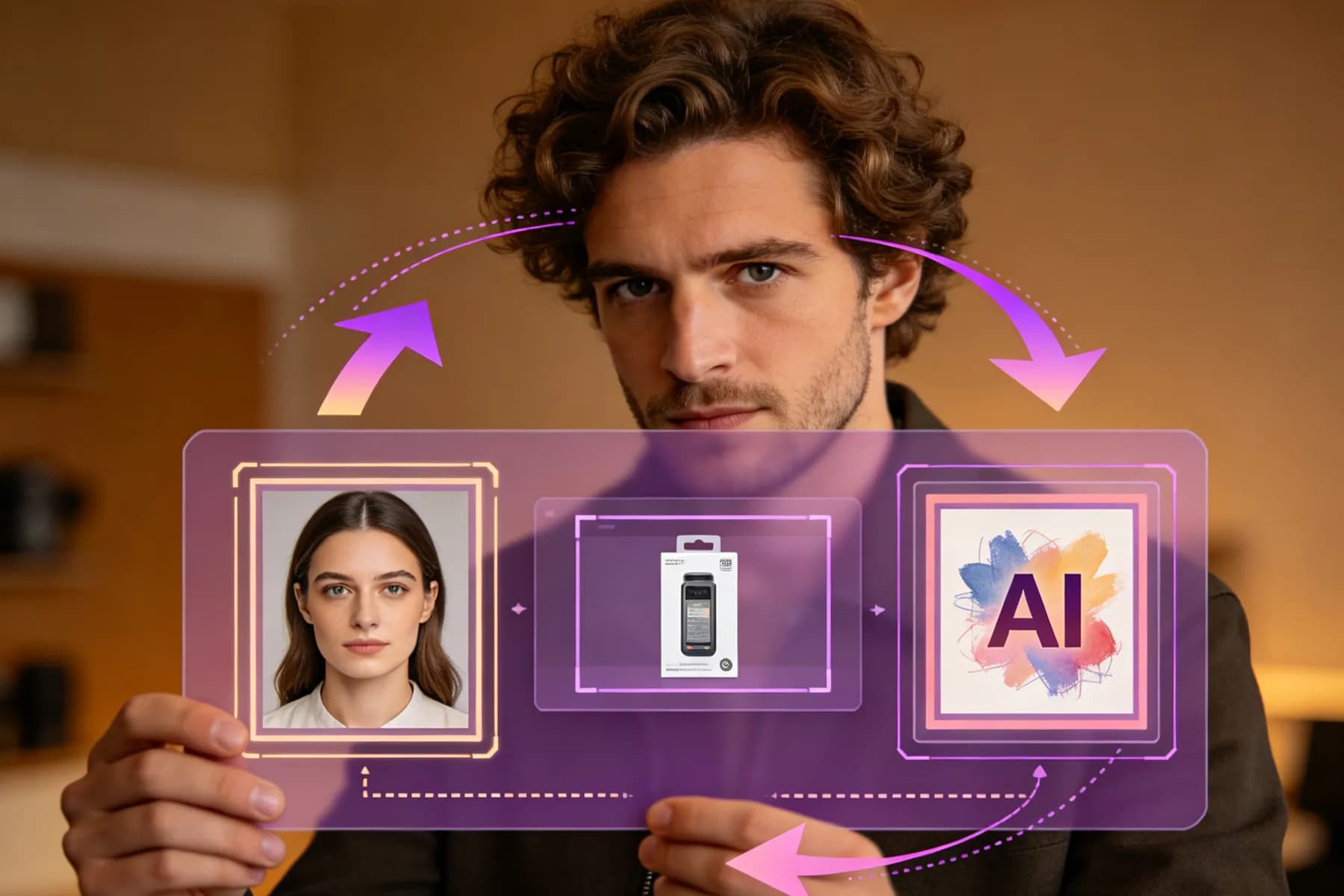
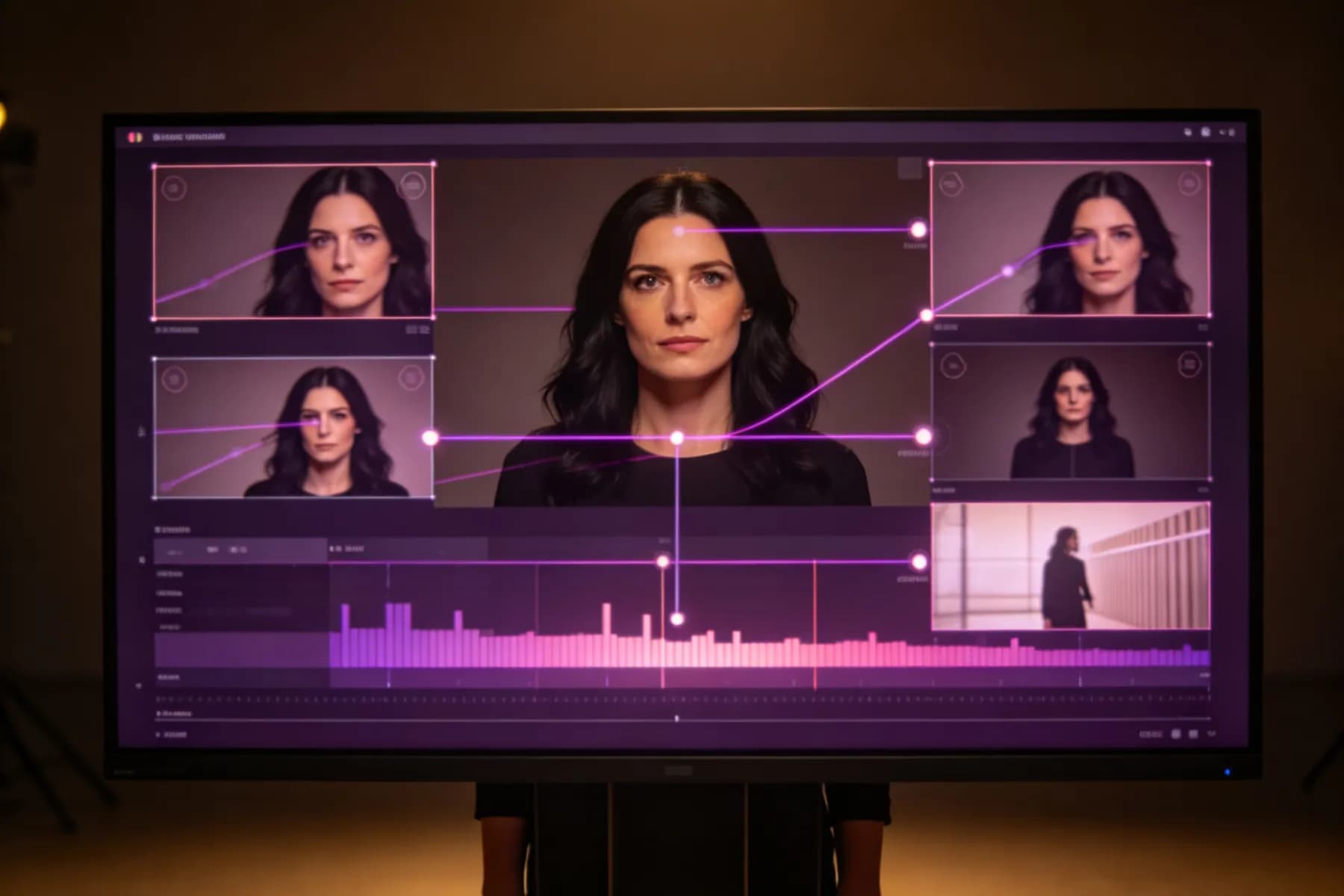
Create AI Videos with Top Video Models
Our AI image-to-video and text-to-video models are ready for your creative projects.
Veo 3.1
Cinematic image-to-video model with natural motion and audio.
Veo 3.1 Fast
Fast image to video generation with polished visual quality.
Grok Imagine 1.5 Fast
Quick image-to-video clips with motion, physics, and audio.
Seedance 2.0 Mini
Budget-friendly image animation for simple social clips.
Seedance 2.5
Richer image-to-video scenes with stronger motion consistency.
Lip-Sync
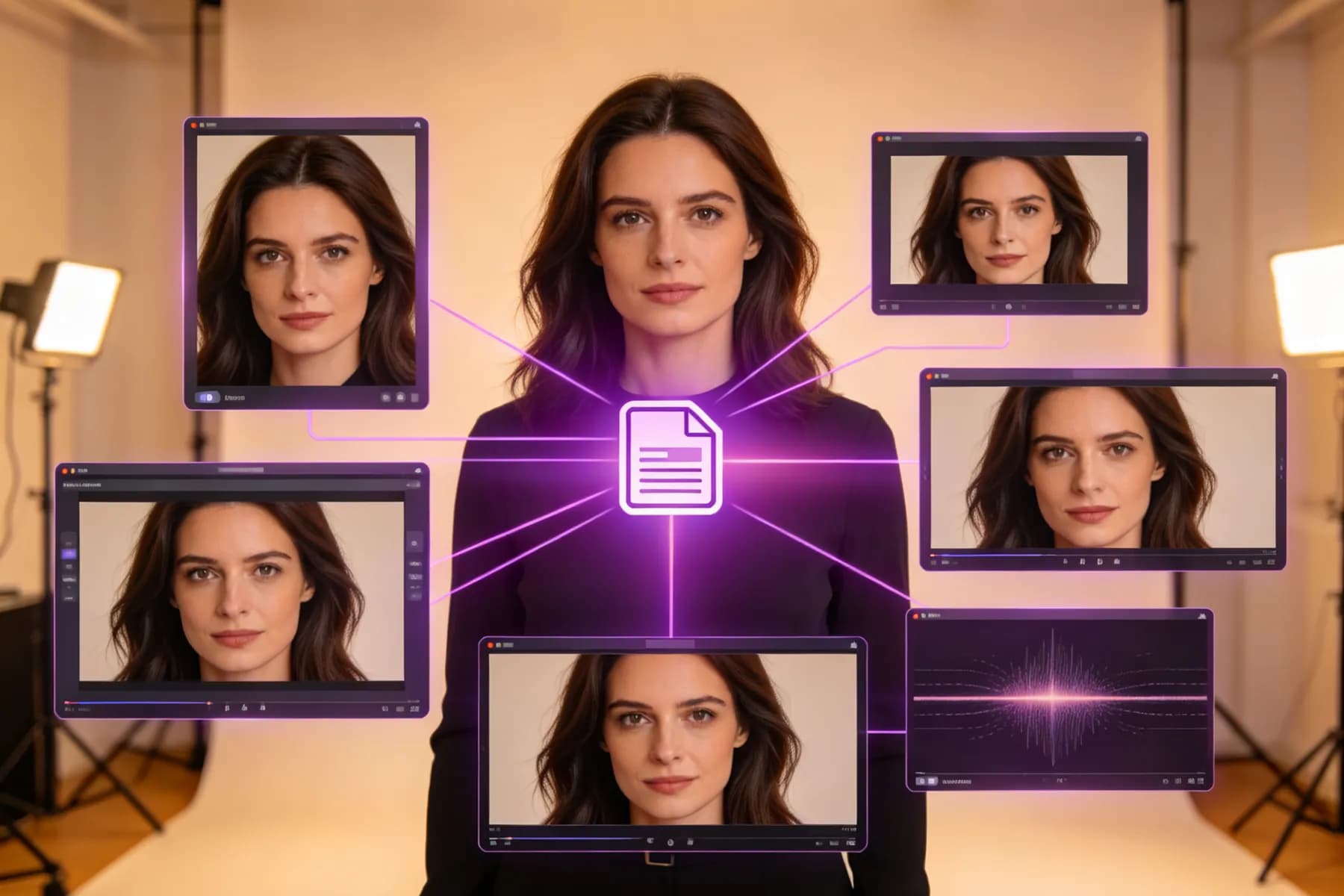
Turn portrait images into talking or singing videos.
How to Convert Image to Video with AI Online?
Creating a video from a still image is simple. Upload your picture, describe the motion you want, customize the output, and generate a shareable AI video in minutes.
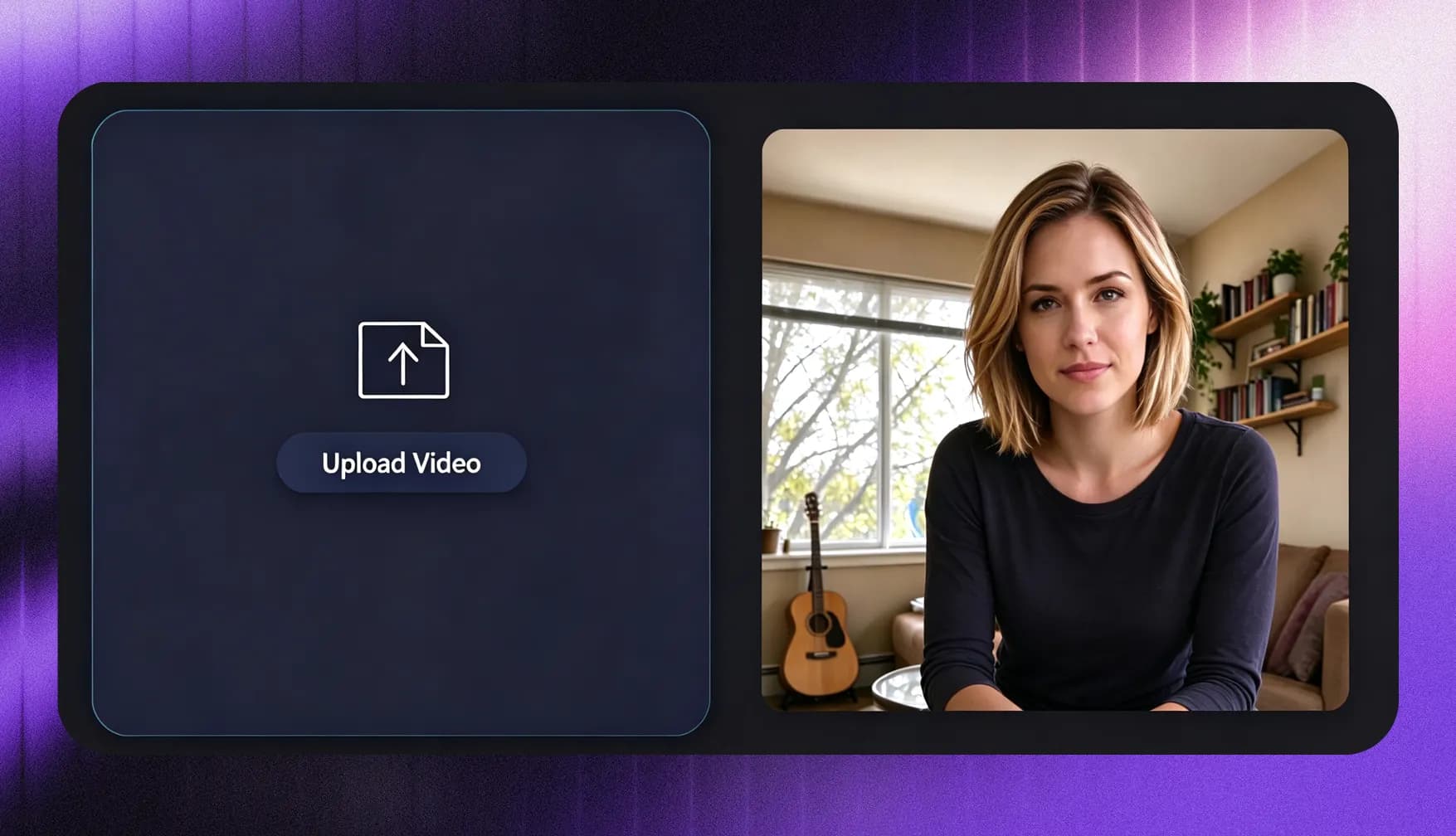
1.
Upload Your Image
Start with a JPG, PNG, WebP, product photo, portrait, illustration, artwork, or any picture you want to animate. For better results, use a clear image with a visible subject, good lighting, and enough detail.
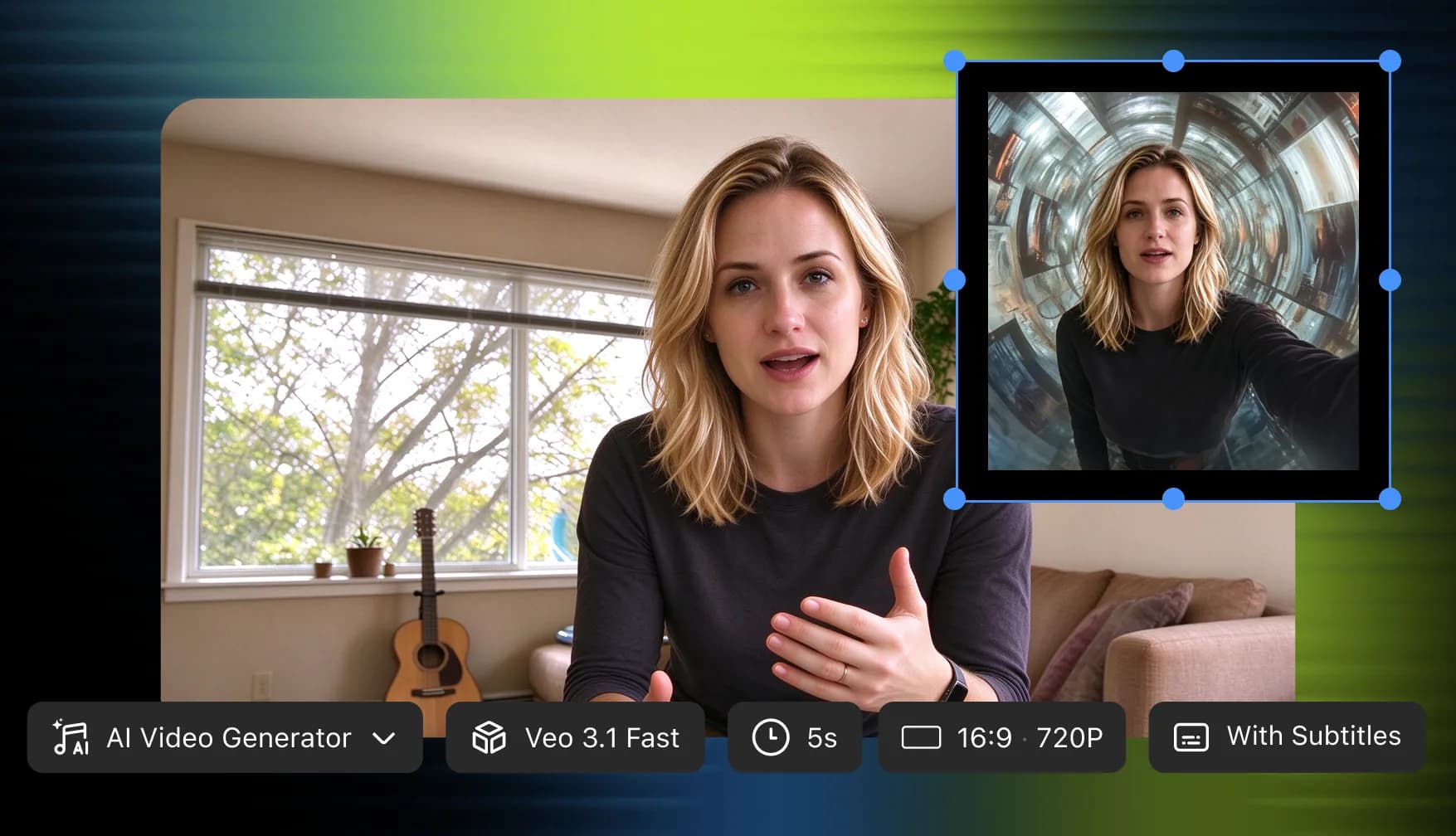
2.
Input Motion Prompt & Customize Video
Write a short prompt describing the action, camera movement, mood, style, or background motion. Then choose the AI video model, aspect ratio, resolution, duration, and optional music settings before generation begins.
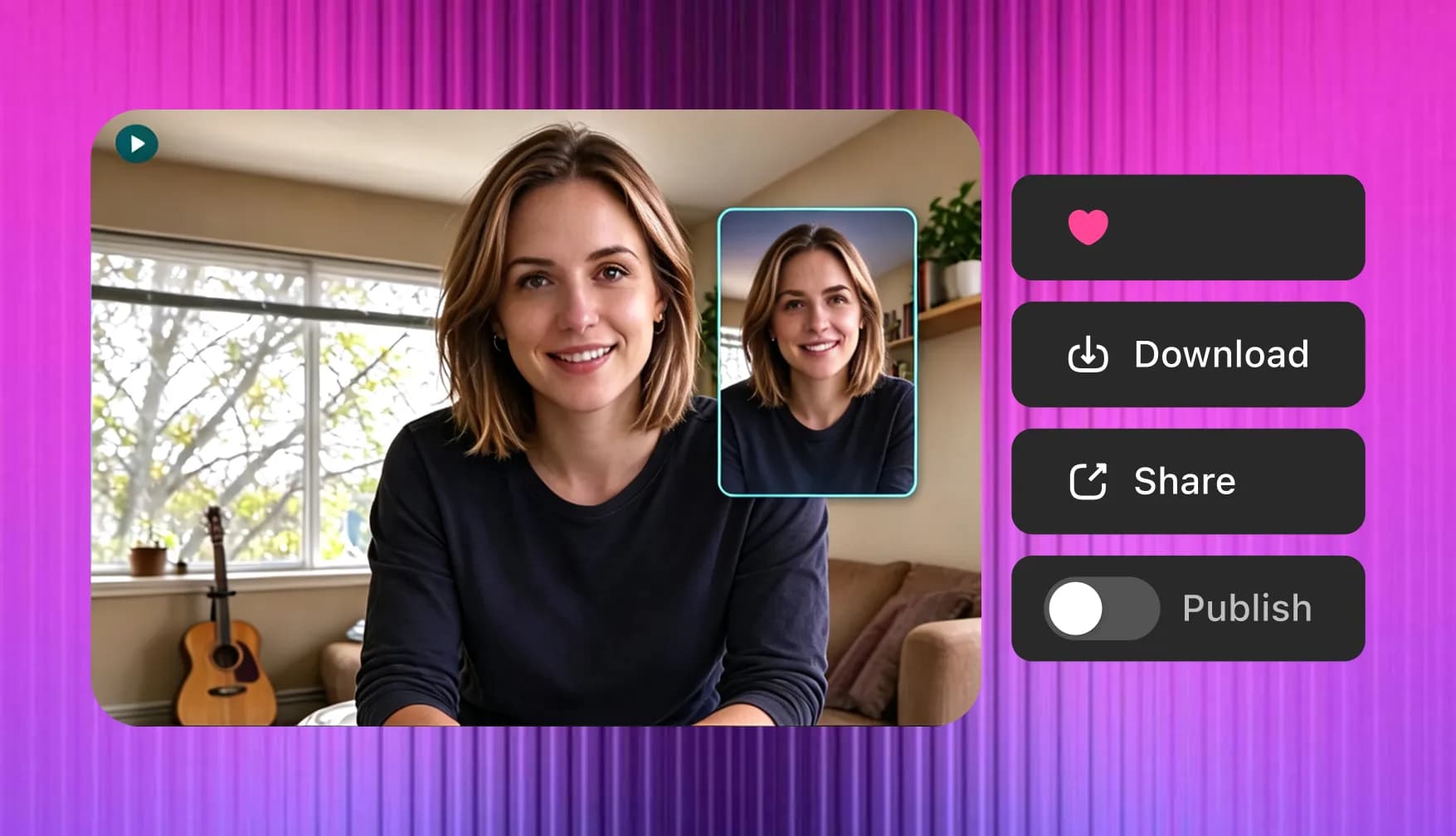
3.
Generate and Download
Generate your AI video from image, preview the motion, and refine your prompt if needed. Finally, download the finished clip for social media, marketing, education, or creative projects.
Why Creators Love Our Image to Video AI Generator?
InsMelo combines image-to-video generation, creative controls, and AI music in one simple workflow without jumping between different tools. The multiple AI video models also offer variable aspect ratios, duration, resolution.
Start With Any Image in a Safe Way
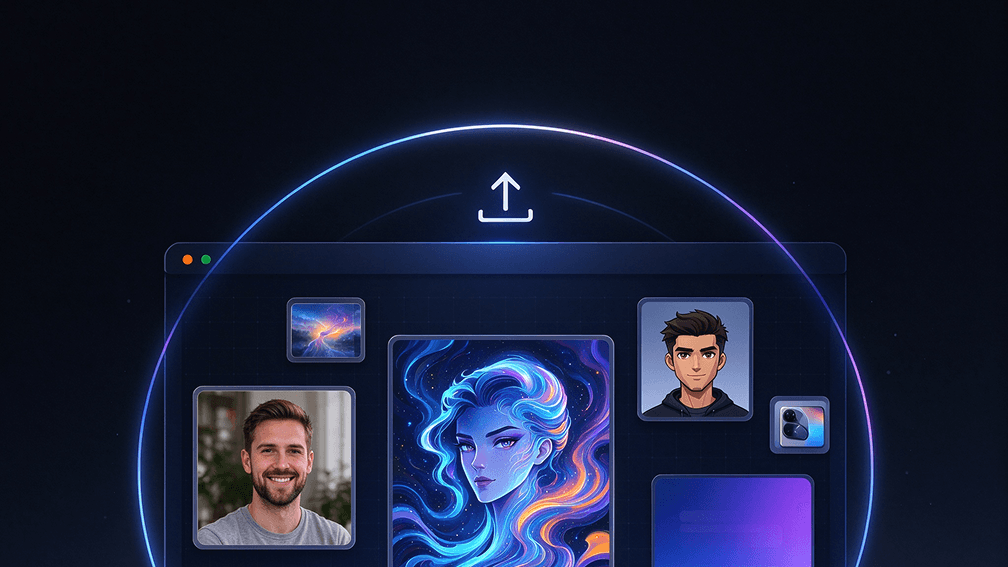
Use photos, pictures, AI-generated artwork, character designs, product images, posters, or visual concepts. InsMelo helps you animate static images into video scenes without filming new footage.
Makes Photos Feel Alive
InsMelo reads your image and prompt to create natural motion, camera movement, and visual flow. A clear direction helps your photo-to-video result feel smoother, more believable, and more intentional.
Create Videos and Music Together
Bring your image to life with both motion and sound. Generate music that matches the mood of your video, then combine both into a polished image-based music video.
No Video Editing Skills Needed
Skip keyframes, timelines, and manual animation. Describe the motion in plain language, generate a clip, and adjust the prompt until the result feels right.
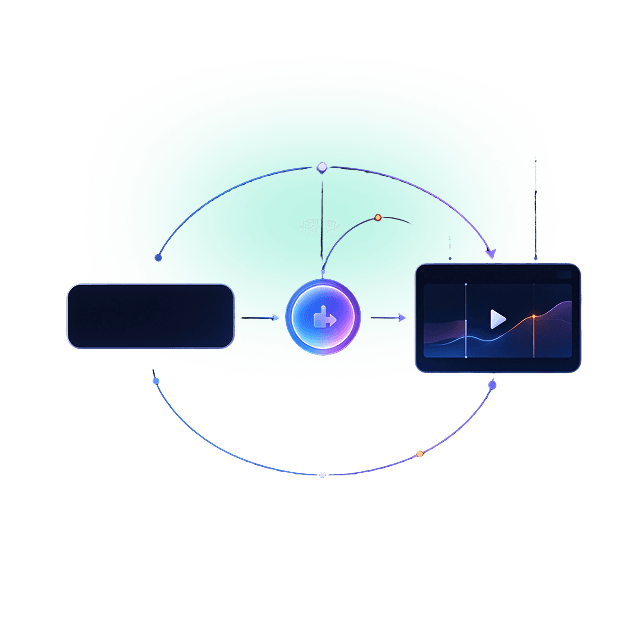
Flexible Aspect Ratios & High Resolution
Create image-to-video clips in 3:4, 1:1, 9:16, and 16:9 formats for feeds, stories, presentations, ads, or widescreen content. Export in different resolutions up to 4K for sharper, more shareable results.
Multiple AI Video Models Available
Choose from different AI video models based on your goal. Use faster models for quick social clips, cinematic models for polished visuals, or lip-sync models for talking and singing photo videos.
Image to Video AI Use Cases
From product marketing and music videos to game characters, social clips, and personal memories, InsMelo's free AI image to video generator fits many real-life creative needs.
Social Media Videos from Images
A single image can become a scroll-stopping video for TikTok, Instagram Reels, YouTube Shorts, or social posts. Add motion, camera movement, and music to make static visuals feel more alive.
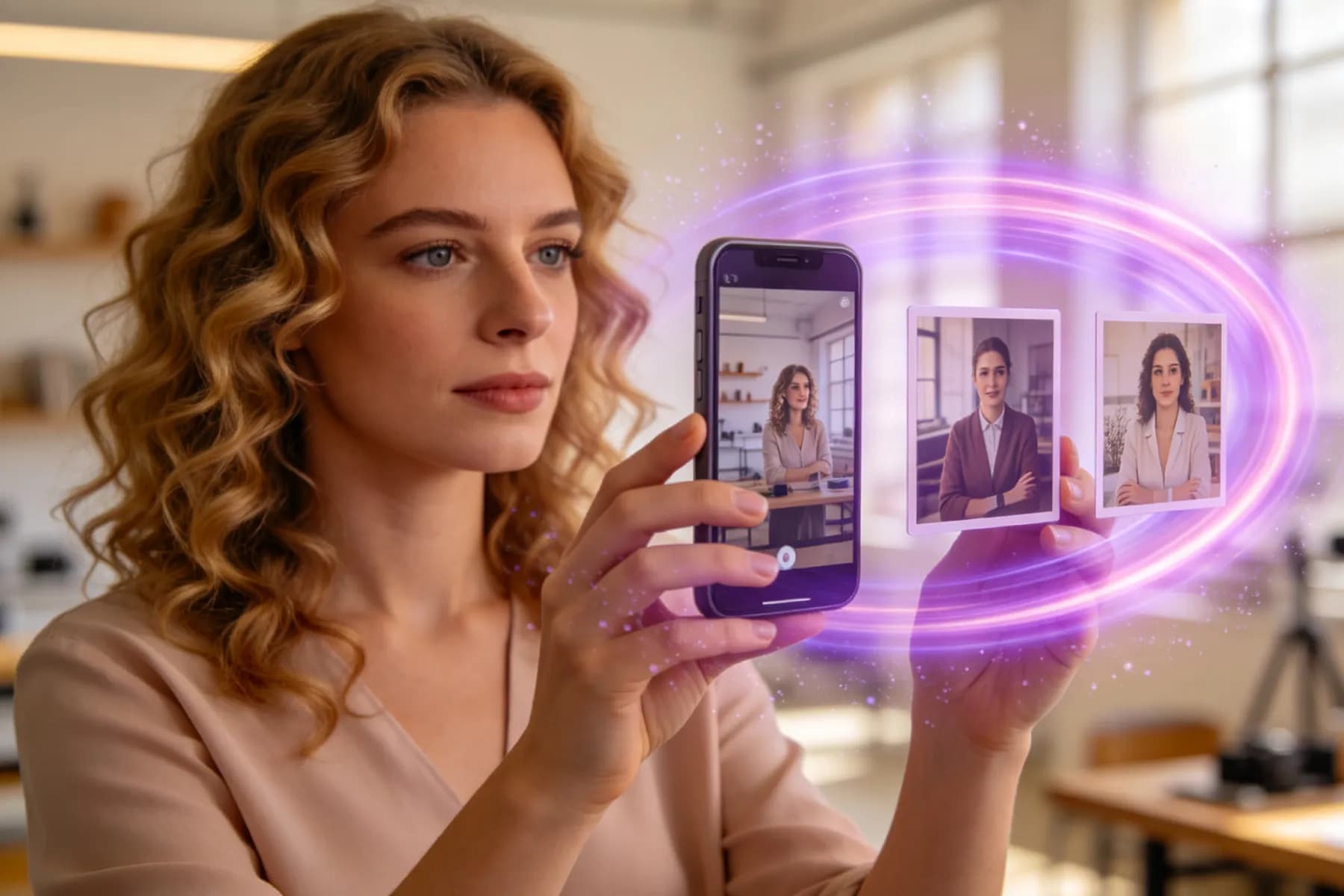
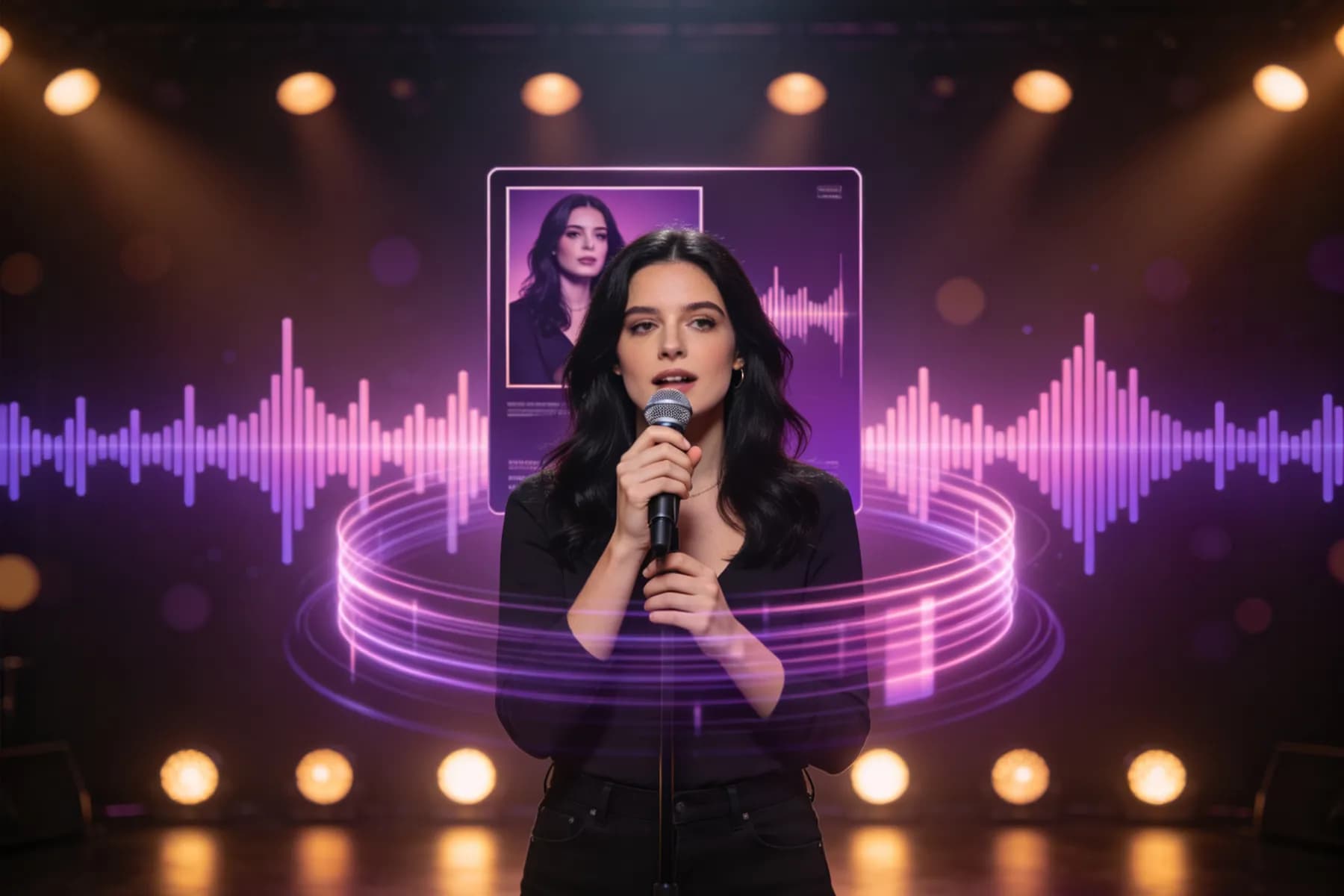
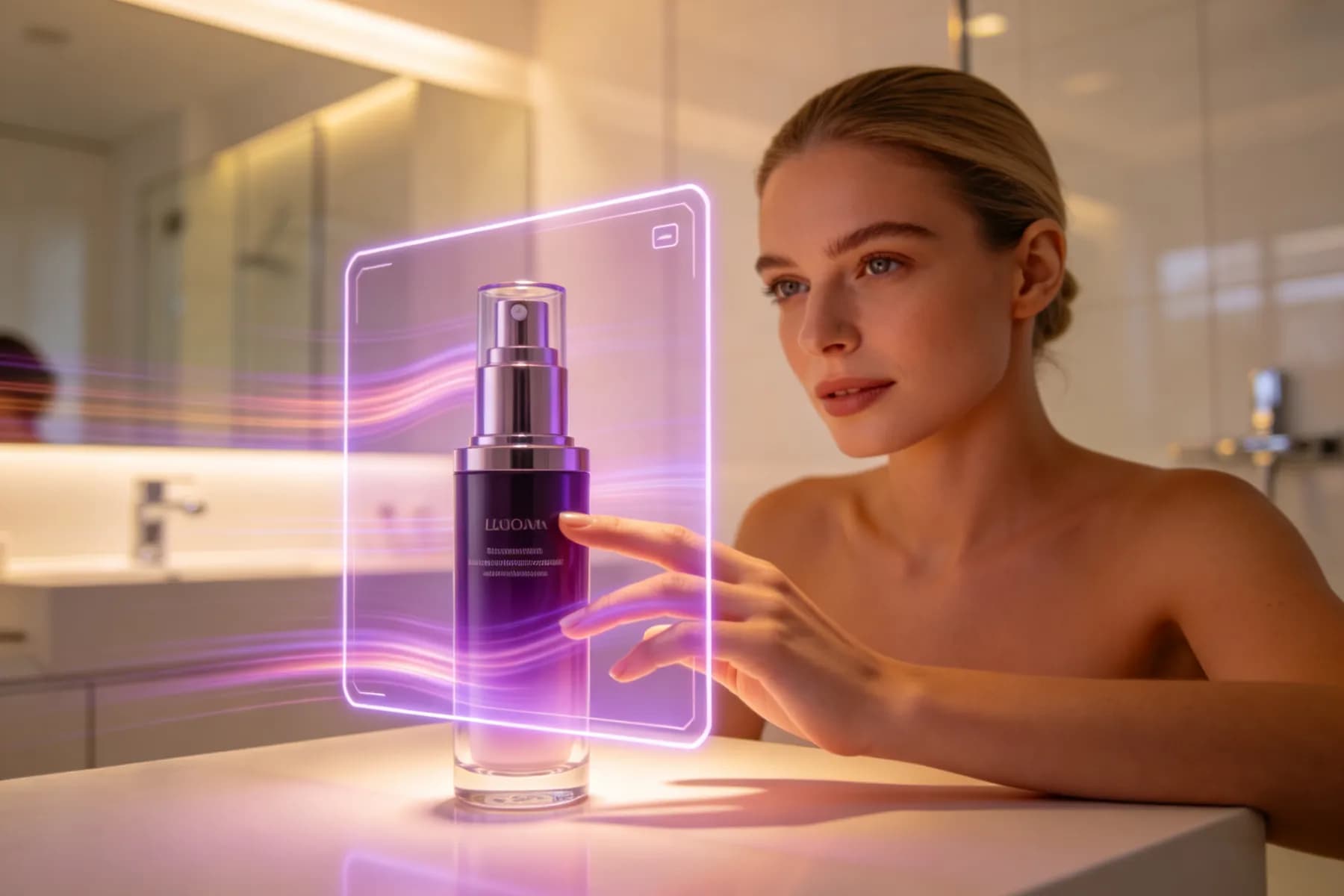
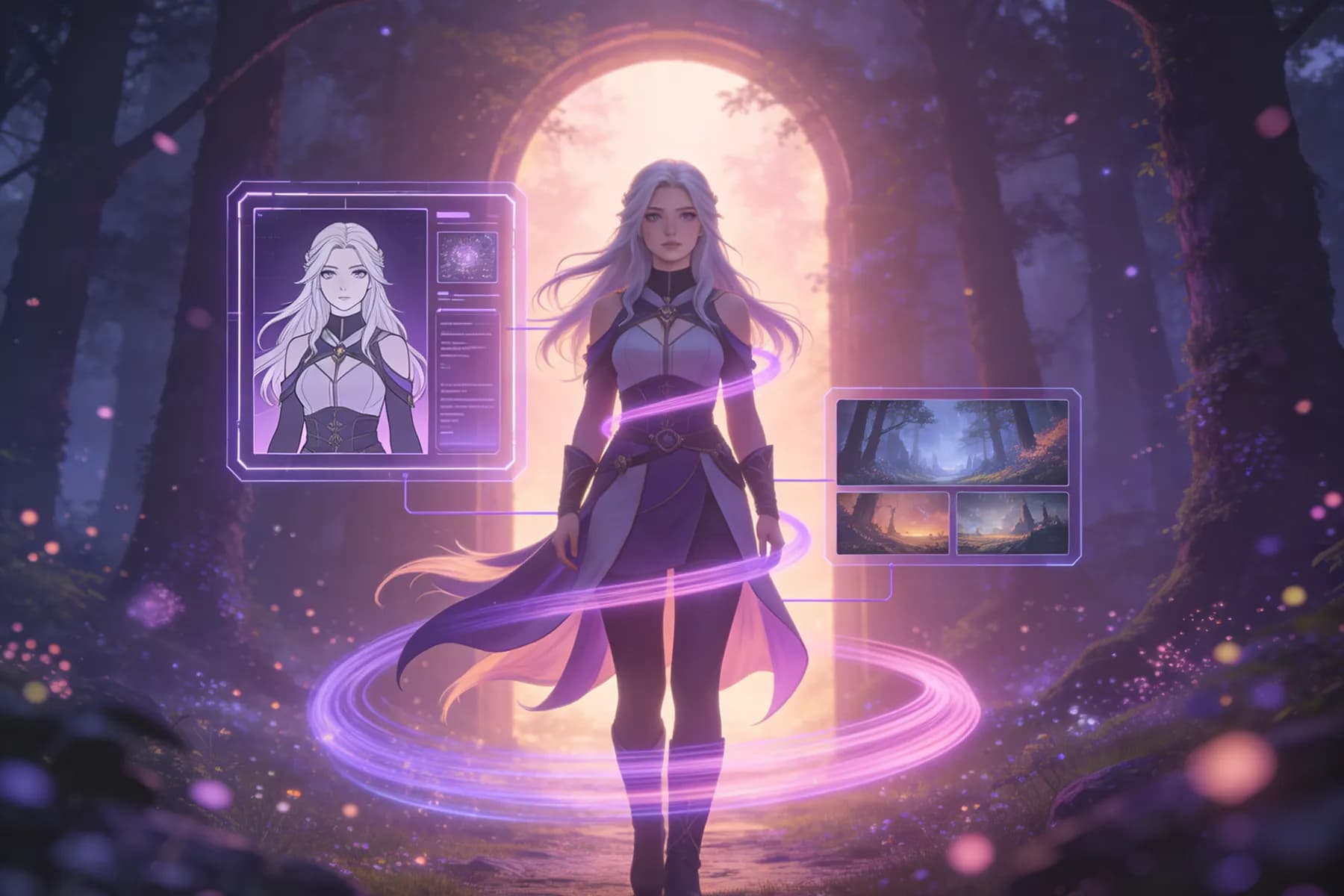
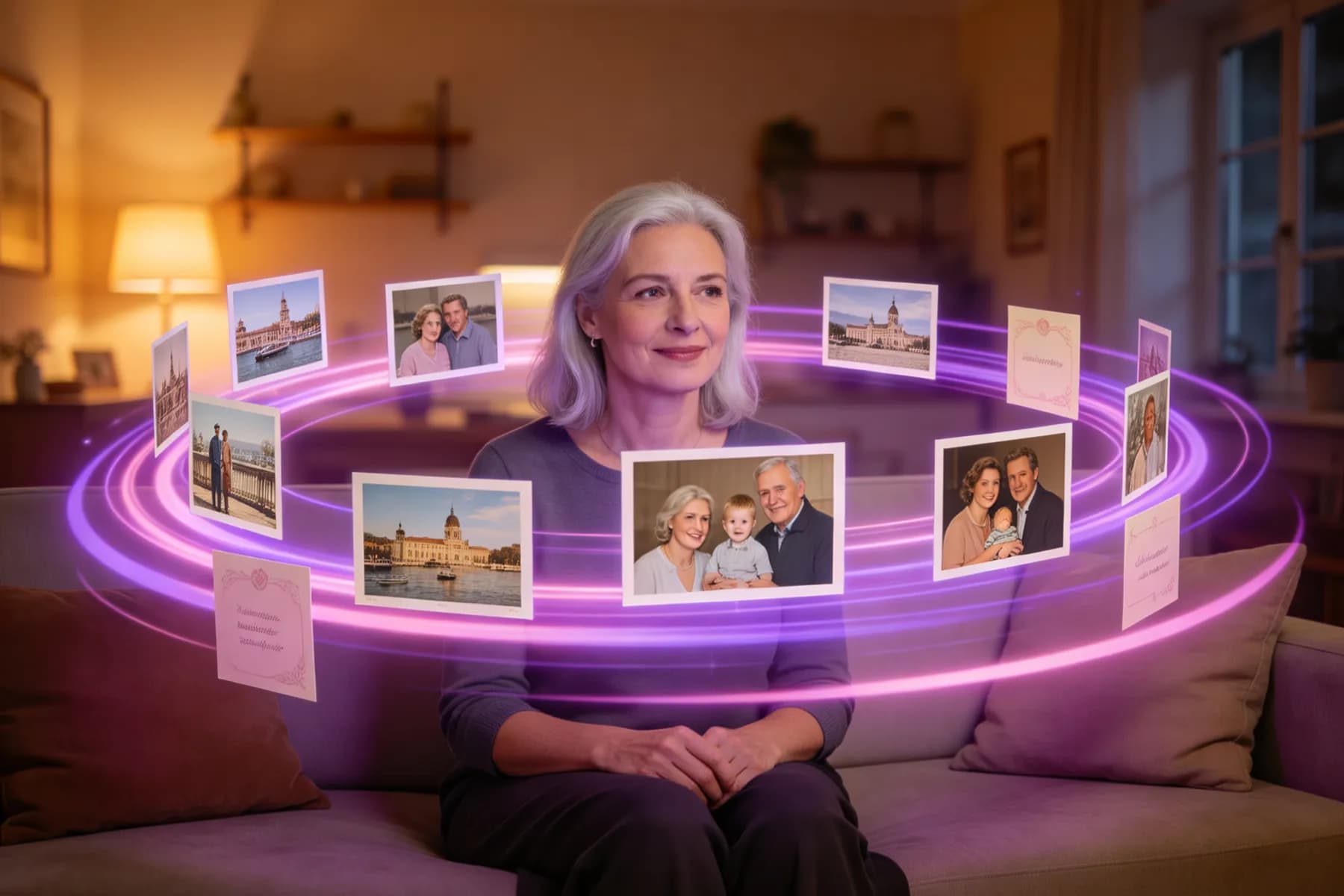
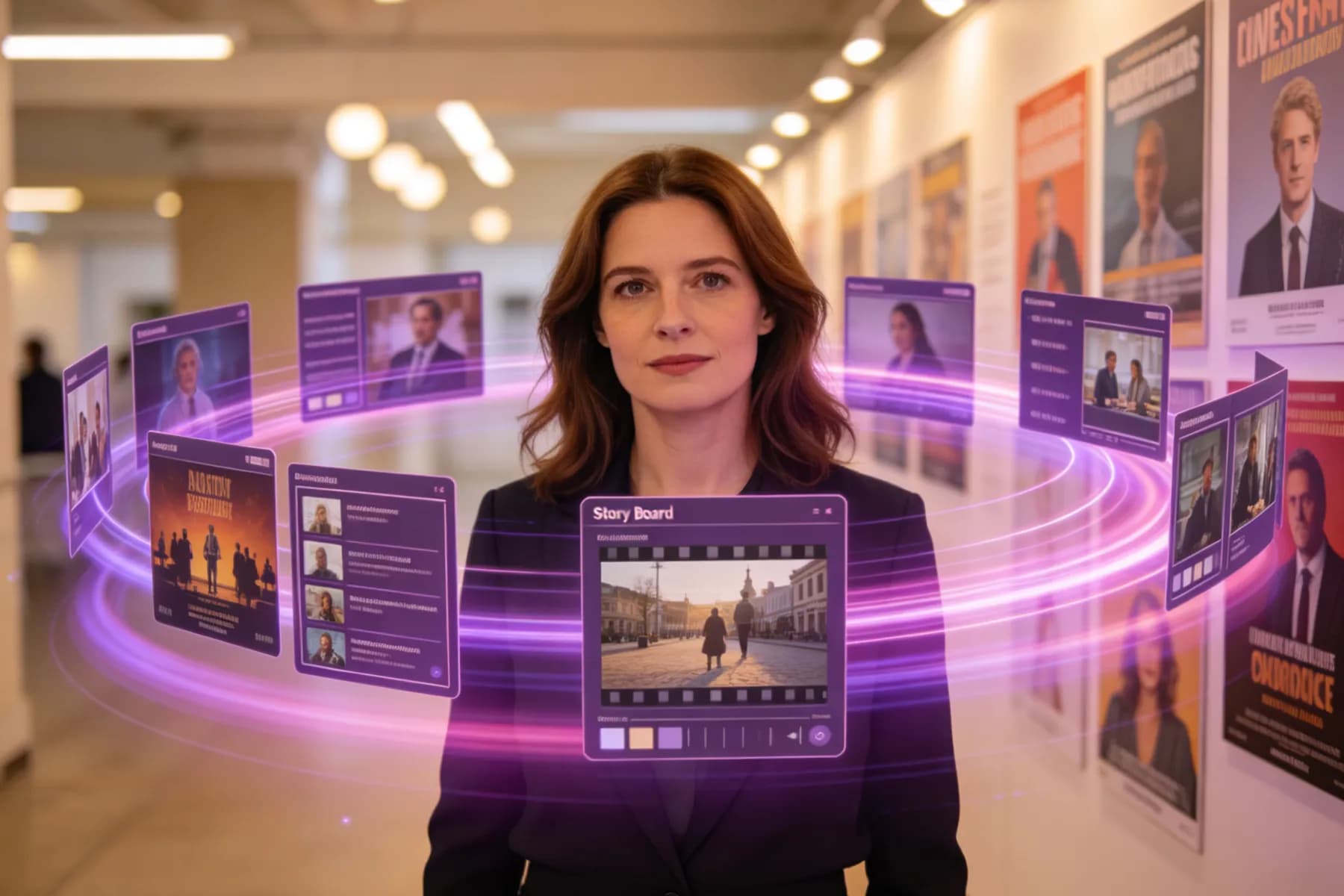
Image to Video AI FAQs
InsMelo offers free credits to try image to video AI online. You can start creating quickly, but sign-up is needed to save finished videos, unlock longer videos, and use more advanced tools.
Upload your image to InsMelo, describe the motion, choose an AI video model, set the aspect ratio, resolution, duration, and audio, then generate and download your image-to-video clip.
Clear, well-lit, high-resolution images work best. Portraits, product photos, illustrations, graphics, and AI artwork are supported. InsMelo accepts PNG, JPG, and WebP files up to 5MB per upload.
InsMelo supports high-quality AI-generated videos up to 4K. Available resolution options may vary by AI video model, video duration, and generation settings.
Yes, if you own or have permission to use the uploaded image and follow InsMelo’s plan terms. Do not upload images that violate copyright, trademark, privacy, publicity, or other rights.
Most short AI image-to-video clips are generated within about two minutes. Longer videos, complex images, high-resolution exports, or 4K renders may take more time.
Popular free or free-to-try image to video AI tools include InsMelo, Canva, Adobe Firefly, Magic Hour, and Kapwing. InsMelo is beginner-friendly and easy-to-use because you can upload an image, describe the motion, and create a high-quality video without editing experience.
Ready to Try AI Image to Video Generator?
Bring your pictures to life instantly! Convert the static image into stunning video using the best free image to video AI generator today!