The path to reimagining a track used to demand deep technical mastery and expensive studio hours. Today, AI music genre changer provides the power to transform any song into a new style through a few simple steps. By using AI to change music genres, you gain access to endless creative possibilities in seconds. Our guide explores the top tools and practical methods to get the most out of every conversion.
How AI Music Genre Changer Works
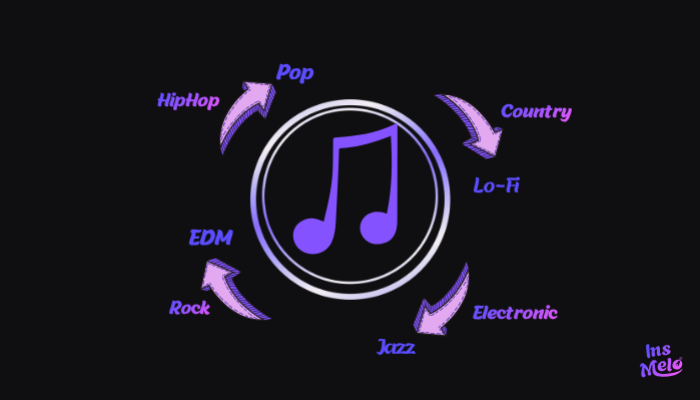
AI music genre changer is useful when you want to change a song into a different musical style while keeping the same core idea of the track. Research from MIDiA Research shows that more than 60% of digital creators now rely on AI tools in their audio or music workflow, reflecting the rapid shift toward AI-assisted music creation. This trend is often used for testing different musical directions from the same lyrics, where a single idea can be transformed into multiple styles through a change music genre AI workflow, such as:
- Pop to LoFi
- Rock to Jazz
- EDM to Piano
Each variation creates a different mood and listening experience, making it easier to explore creative directions quickly. After that, the next step is choosing a suitable tool and generating the final version of the track.
In our test, converting a pop track into LoFi took about 90 seconds, and the result preserved the vocal clarity while naturally softening the drum patterns. This demonstrates how AI music genre changer tools can maintain the core identity of a song while adapting it to a completely new style.
Best Free AI Music Genre Changer You Should Try
Reliable music genre changer AI solutions are often difficult to find due to the vast number of options available online. The following list features four distinct tools capable of high-quality style transformation. Each AI song genre changer offers unique strengths, so the best choice depends on your specific creative goals and technical needs.
InsMelo - Best All-in-one Generator
InsMelo AI music generator provides an all-in-one platform that works as an AI music genre changer for social media creators. It focuses on turning written lyrics into fully produced songs in different musical styles, allowing users to create music by selecting a preferred genre such as Pop, LoFi, EDM, or Jazz.
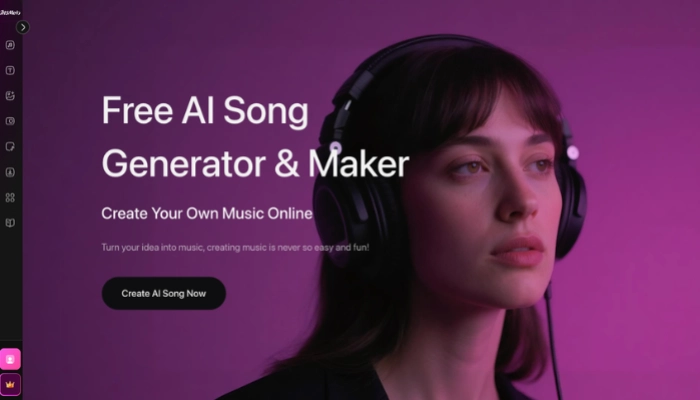
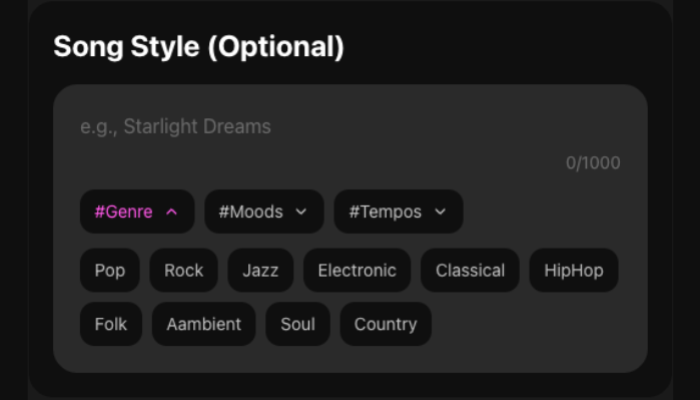
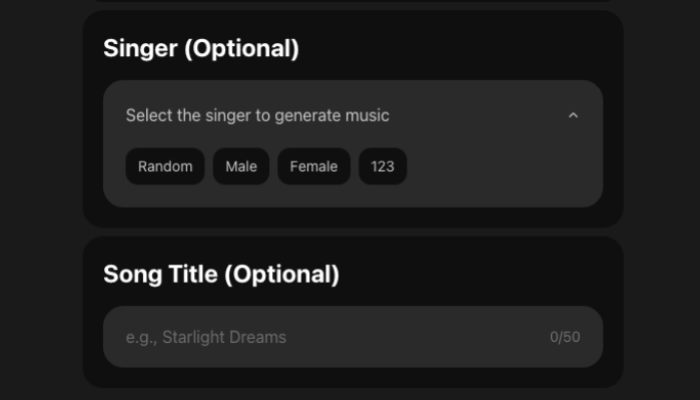
With this AI music genre changer, users start from their lyrics and apply a simple process that transforms them into a complete song in the chosen style. The workflow follows four clear stages, making it easy to move from idea to a finished track in a different musical genre.
How to Change Music Genre with AI (Step-by-Step Guide)
Editor's Note
During my testing of the v6.0 engine, I found that combining genre tags with emotional descriptors, like pairing #Jazz with #RainyNight, produced much richer instrumental textures than using a single tag alone. This simple adjustment helped the AI avoid generic loops and created a more professional, "studio-recorded" feel.



TopMediai - Best for Audio Restyling
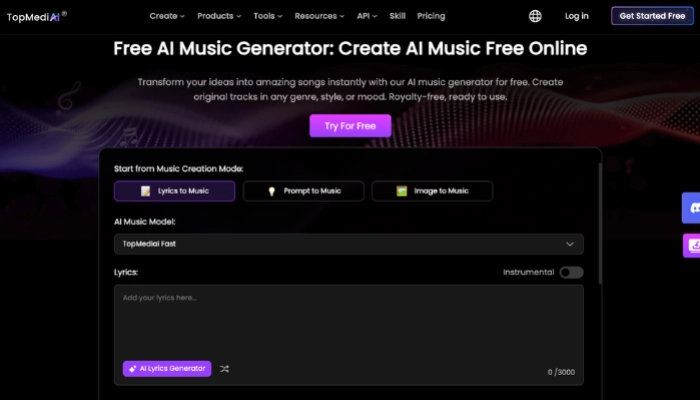
TopMediai offers a versatile platform that serves as a professional ai music genre changer through advanced Restyle technology. This tool focuses on reimagining existing tracks to help you change music genre tasks while maintaining the original rhythm and soul.
Tunesona - Best for Advanced Control
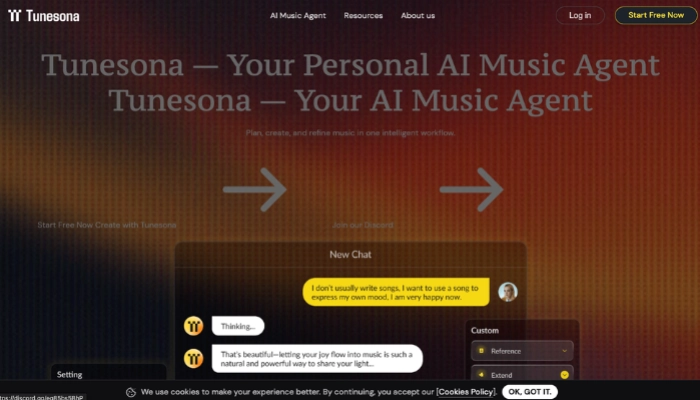
Tunesona acts as a collaborative AI music agent that delivers precision through conversational AI music style transfer. This tool prioritizes interactive refinement to help you change music genre settings by describing specific sonic textures and emotional layers in a chat-like environment.
Boomy - Best for Beginners
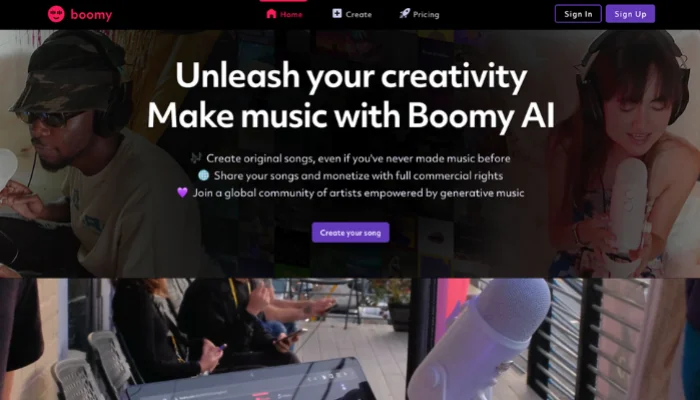
Boomy provides an automated production ecosystem designed as an instant AI music genre changer for social media distribution. This tool focuses on speed and monetization to help you change music genre settings and release tracks to global platforms.
Tips to Make Your AI Music Sound Better
After exploring various tools and stylistic possibilities, the next step is to maximize the quality of your output. When you use AI to change the style of a song, applying specific strategic techniques can transform a basic style swap into a professional-grade production.
Start with High-Quality Source Material
When using an AI change music genre tool, ensure your uploaded audio is clean and free of background noise to help the system analyze the rhythmic structure more accurately.
Define the Atmosphere with Specific Tags
Instead of general terms, use focused tags like #LoFi, #Dark, or #120BPM within the AI genre changer to give the engine a concrete stylistic roadmap.
Isolate Tracks for Cleaner Transfers
Use an Integrated Stem Splitter to isolate vocals before starting the AI music style transfer process, allowing the new genre's instruments to wrap around the voice naturally.
Fine-Tune in a Professional DAW
Download MIDI or WAV files from the AI music genre change platform to perform final mixing, EQ adjustments, and professional mastering in your preferred software.
Bonus: What If Taylor Swift Sang This? Mastering InsMelo AI Cover Song Generator
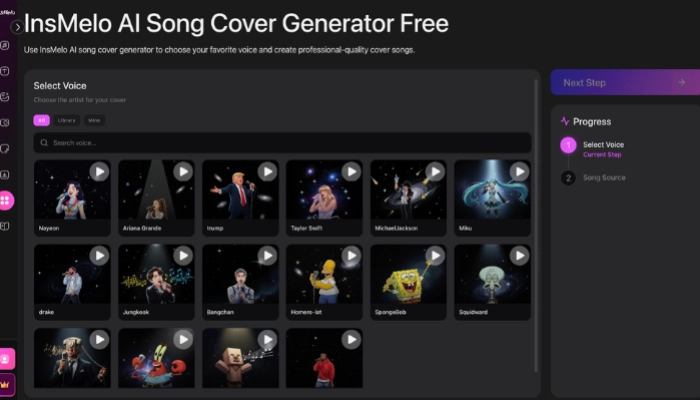
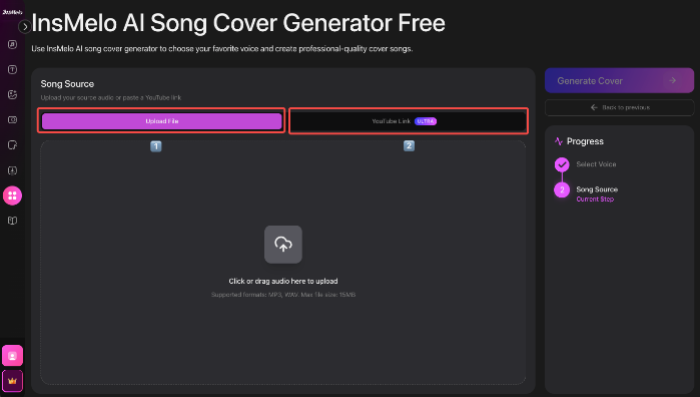
Besides changing the style of the song, you can also try using the voices of celebrities like Taylor Swift to cover your song. Combining iconic vocal textures with your custom arrangements adds a unique layer of personality and professional polish to your music. Using the InsMelo AI song cover generator free makes this process seamless, allowing you to reimagine any track with world-class vocal profiles.
How to Create Your First AI Song Cover with InsMelo

FAQ About AI Music Genre Changer
Conclusion
AI music genre changer has transformed music production into a fast, accessible process for creators of all levels. These AI tools make it easier than ever to turn a single idea into a multi-genre masterpiece, aiding both experimental projects and professional content creation.
By using InsMelo for high-quality AI music style transfer, you can reimagine any song in minutes. It removes the limits of a single style and unlocks a world of infinite musical possibilities.