In an era of shifting interactive entertainment, delivering high-fidelity audio is a defining challenge. Because learning how to make sound effects for games production historically demanded expensive equipment and training, many talented creators were priced out of professional results.
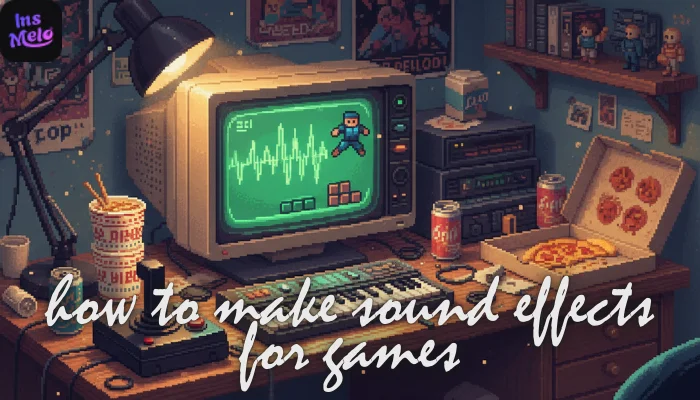
Fortunately, the recent rise of generative audio technology has effectively democratized this entire workflow, empowering even solo indie developers to make sound effects that rival elite studio recordings through the power of a few simple, strategic keystrokes.
What Are Sound Effects and Why They Matter in Gaming
Sound effects are the sonic cues that provide immediate feedback to a player’s actions. From the metallic clink of a reloading pistol to the rustle of grass underfoot, these assets anchor the player in the digital world. Research featured in Game Developer (formerly Gamasutra) indicates that high-quality audio can increase player retention by up to 35%, as immersive soundscapes trigger emotional responses that visuals alone cannot achieve. Understanding how to make sound effects is no longer just a technical skill; it is a vital part of psychological game design.
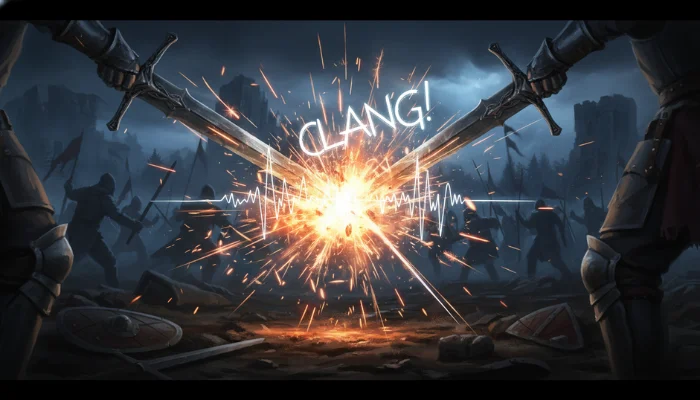

AI vs Traditional Sound Design: A Quick Comparison
Traditional foley recording is an expensive process, often costing between $500 and $1,000 per minute of unique audio. This financial barrier explains why over 60% of modern developers now use AI to make sound effects at a fraction of the cost. By leveraging algorithmic efficiency, solo creators are now publishing 10x the volume of traditional teams.
To understand the scale of this industry shift, we can look at a direct comparison of the two workflows across key production metrics:
| Feature | Traditional Sound Design | AI Generative Sound Design (2026) |
| Typical Cost | $500–$1,000 per minute | Low monthly subscription |
| Production Speed | Days of recording/editing | Seconds of AI generation |
| Hardware Needs | $10k+ in mics & studio space | A standard web browser |
| Technical Skill | Years of acoustic training | Knowing how do you make sound effects via text |
| Variation Speed | Slow manual re-recording | Instant automated versioning |
How to Make Good Sound Effects for Games Using InsMelo
Selecting a reliable tool is the first step for any creator looking to balance quality with efficiency. InsMelo offers a straightforward game sound effect maker to help developers fill their soundscapes with precision.
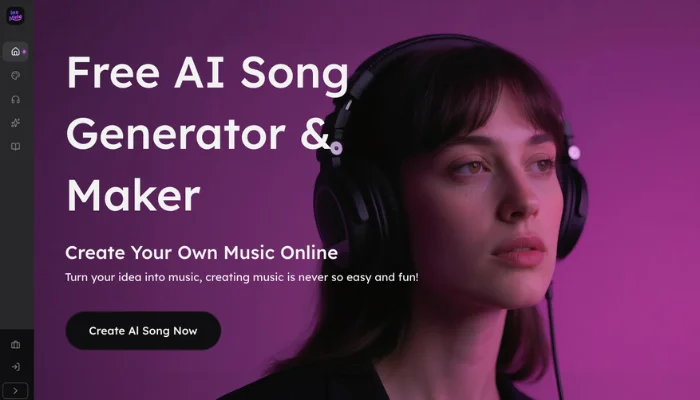
Many creators exploring how to make good sound effects for games appreciate this tool for its clean, user-friendly starting point. It simplifies the generation of custom assets by removing the need for complex studio setups or expensive hardware.
How do you make sound effects
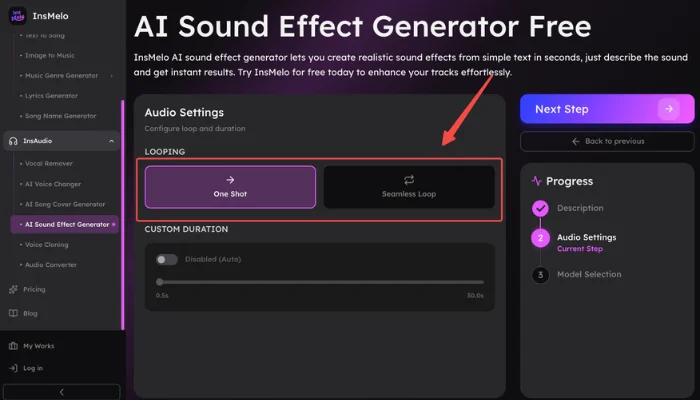
💡 Quick-Start: Copy & Paste These Pro Prompts
Use these pre-verified prompts to test the high-fidelity output of InsMelo immediately.
| Category | Recommended AI Prompt (Copy-Paste) | Expected Result |
| Combat | Sharp metallic sword clash, high-pitched ringing, stone castle courtyard acoustics | Realistic weapon impact |
| UI/UX | Minimalist digital pop, bubbly synth texture, short decay, satisfying interface click | Modern menu feedback |
| Environment | Rhythmic footsteps on creaky wooden floorboards, old house interior, subtle reverb | Immersive character movement |
| Magic | Ethereal shimmering energy blast, crystalline textures, long decaying magic sparkle | High-fantasy spell effect |
Why is InsMelo the Top Choice for Game Developers
InsMelo AI song generator has gained traction as a practical game maker sound effects assistant for the indie community. The following technical features make it a reliable game sound effect maker for modern production:
Instant Sound Generation: This game sound effect maker handles the heavy lifting of creating unique "one-shot" assets with professional-grade clarity.
Cloud-Native Accessibility: You can make game sound effects online instantly without heavy software installations or specific hardware requirements.
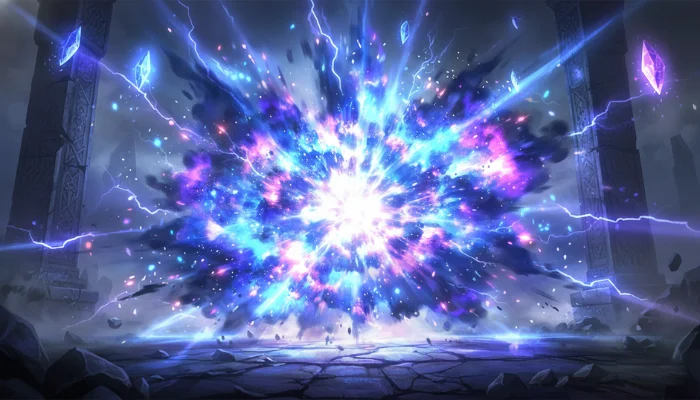
Cohesive Audio Variations: InsMelo provides an easy way to generate multiple versions of a single sound, helping developers avoid repetitive audio in their games.
Commercial-Ready Licensing: Every file comes with clear usage rights to support professional releases on platforms like Steam or consoles.
Pro Tips: Level Up Your AI-Generated Sounds
A few professional touches can significantly enhance the final result. To understand how to make sound effects for games at a high level, consider these specialized AI generation strategies:
- Use Material-Based Prompts: Define the physical materials involved in a sound, such as "heavy metal," "crunchy dry leaves," or "thick viscous liquid." Including these specific descriptors helps the AI Sound Effect Generator calculate the correct acoustic resonance and texture.
- Specify Spatial Distance: Add keywords like "close-up," "distant," or "muffled" to your prompt to control the virtual microphone position. This technique lets you make game sound effects that sit naturally in a 3D environment without extra post-processing.
- Avoid Abstract Adjectives: Focus on literal, physical descriptions instead of emotional terms like "angry" or "happy." The AI responds best to concrete actions, such as "rapid rhythmic tapping" or "slow grinding stone," delivering more predictable and usable results.
- Manage Tail Length: Include terms like "short impact" or "long decaying reverb" to control how a sound ends. This precision is vital for those learning how to make sound effect for game who need assets to fit specific animation lengths.
FAQs About Creating Game Sound Effects
Conclusion
The landscape of audio production is changing, making it easier than ever to learn how to make sound effect for game. Through tools like the InsMelo AI sound effect generator, the ability to make game sound effects is no longer a privilege reserved for big studios. Solo hobbyists and growing teams now have a practical path to creating the immersive experiences that players love.