Easy to Use
Upload a video or paste a YouTube link. Translate and review without complicated editing tools.
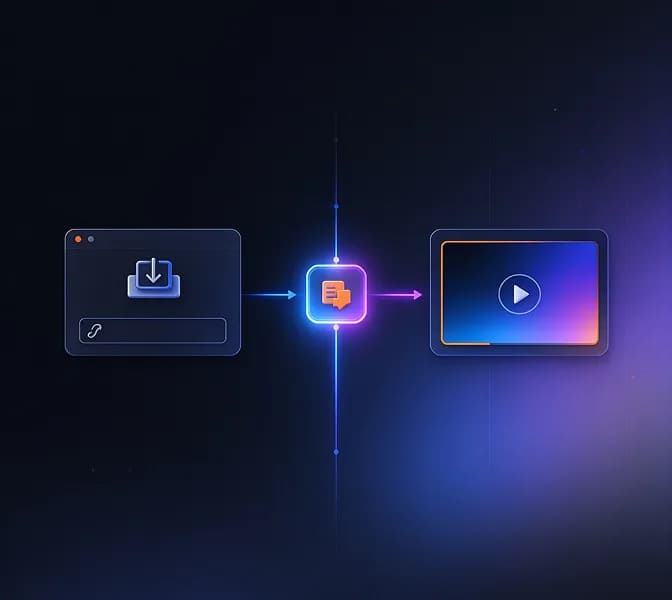
Translate your videos into 150+ languages with AI dubbing and subtitles. InsMelo AI video translator makes it easy to create multilingual videos.



See InsMelo AI video translator in action. Switch between the original video and translated versions to hear the dubbing and compare subtitles across languages.
Make your videos available in more languages with InsMelo AI video translator. Explore the supported languages below and choose the one your audience speaks.

































































































From your original video to a translated version ready to share, InsMelo makes video translation a simple part of your creative workflow. Keep your content moving across languages without adding complexity to the way you create.
Translate your video in your own voice with InsMelo AI video translator. The AI voice translator carries the original speaker's vocal characteristics into another language, retaining a recognizable sound without recording a new voiceover.
Try AI Voice TranslatorAdd lip sync to your video translation and match the speaker's mouth movements to the new dialogue. Preview the dubbed video with synchronized audio and facial movements.
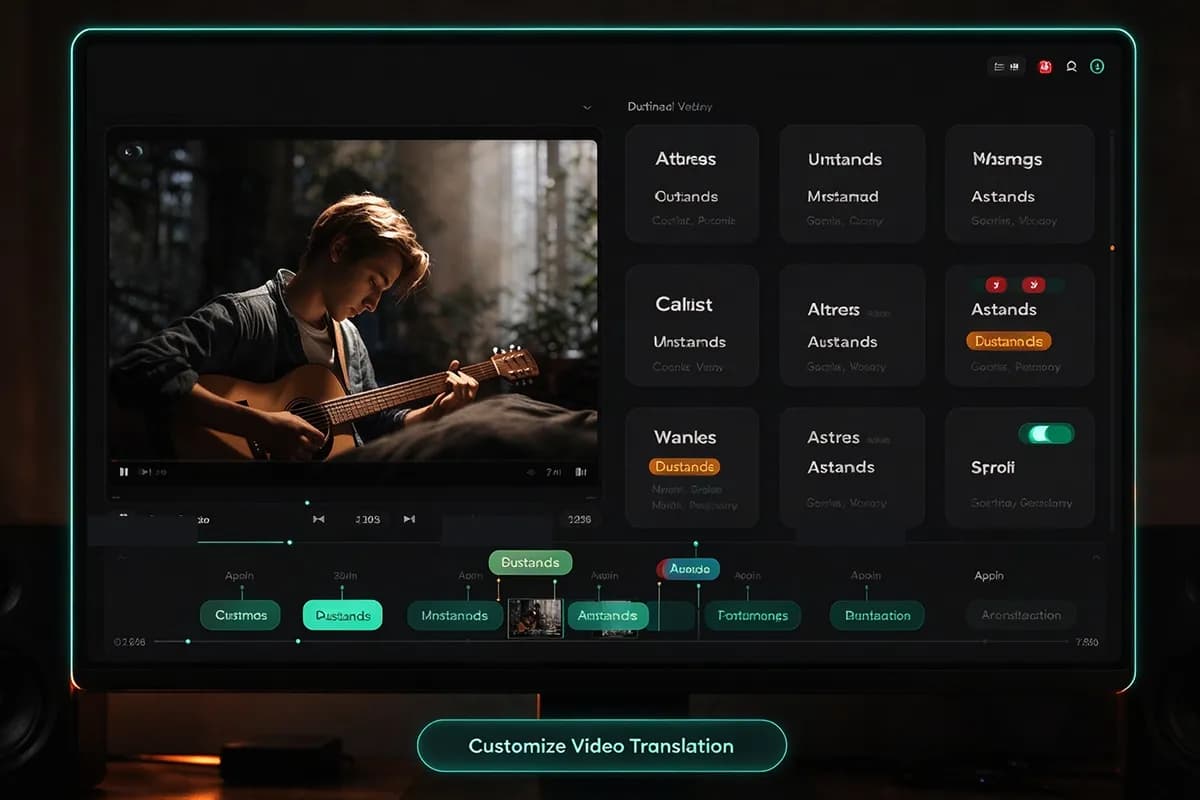
Translate Video with Lip SyncSave preferred translations for recurring names and terminology. InsMelo AI video translation tools apply your glossary across videos instead of requiring the same corrections after every translation.
Customize Video TranslationTranslate videos with a separate voice for each speaker. InsMelo AI video translator detects speaker changes and organizes their dialogue during processing. Review the assignments, change individual voices, and correct sections where overlapping speech needs attention.
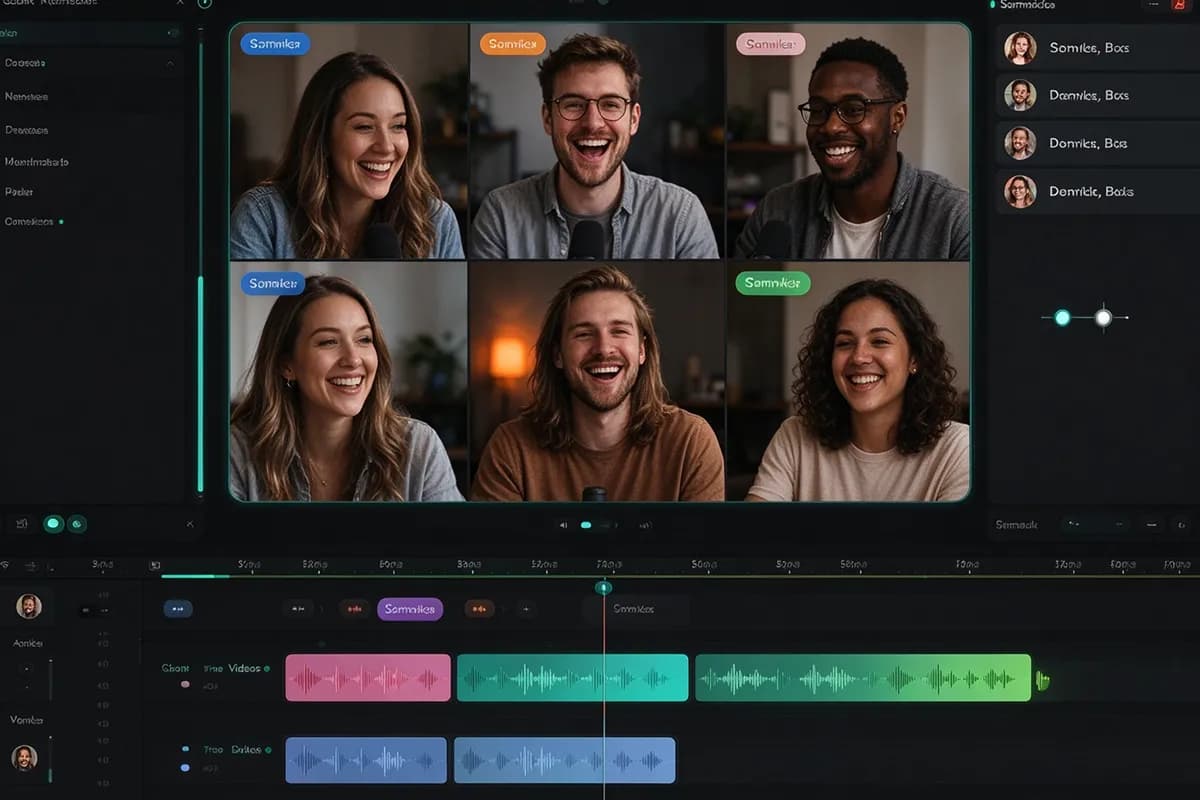
Translate Videos with Multiple SpeakersOur video audio translator separates spoken dialogue from the surrounding soundtrack. Replace the speech with translated audio while retaining the original background music and ambient sound.
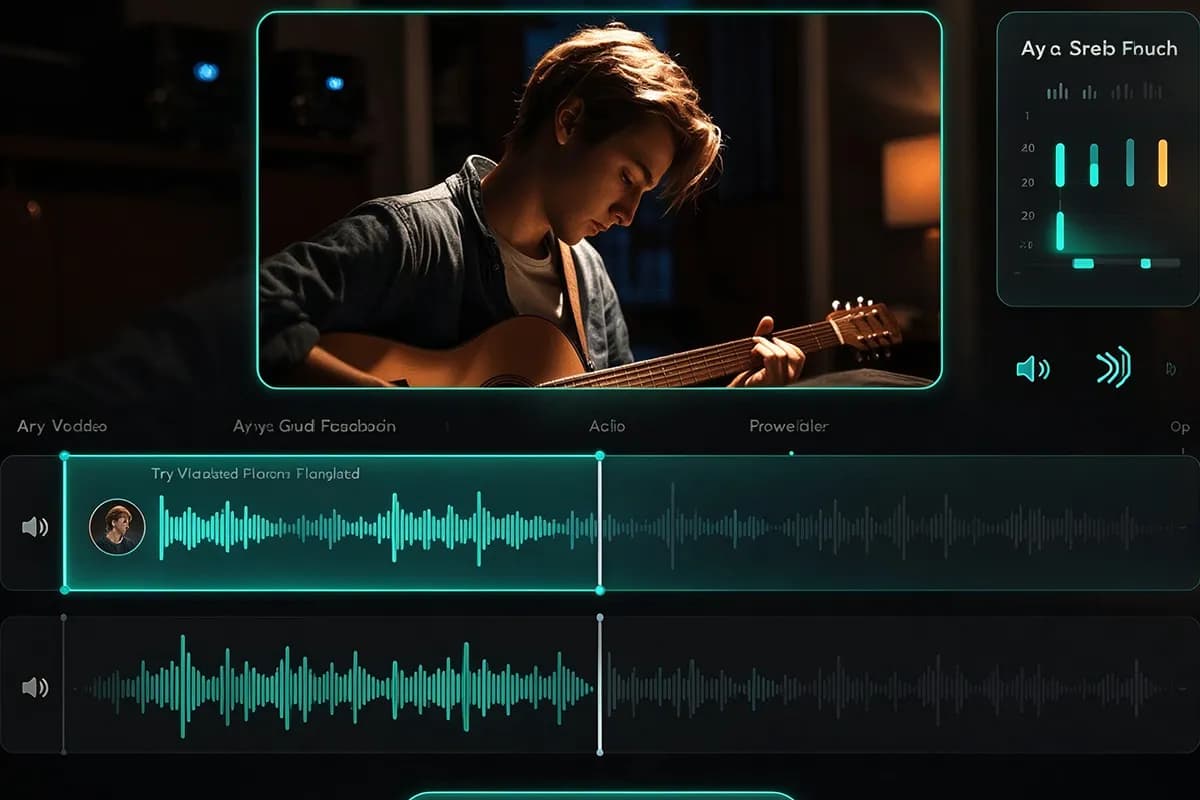
Try Video Audio TranslatorEdit individual lines in InsMelo AI video translator and regenerate only the affected audio. Rework a sentence, listen to the updated segment alongside the surrounding dialogue, and leave approved sections intact without repeating the full translation.
Edit Video Translation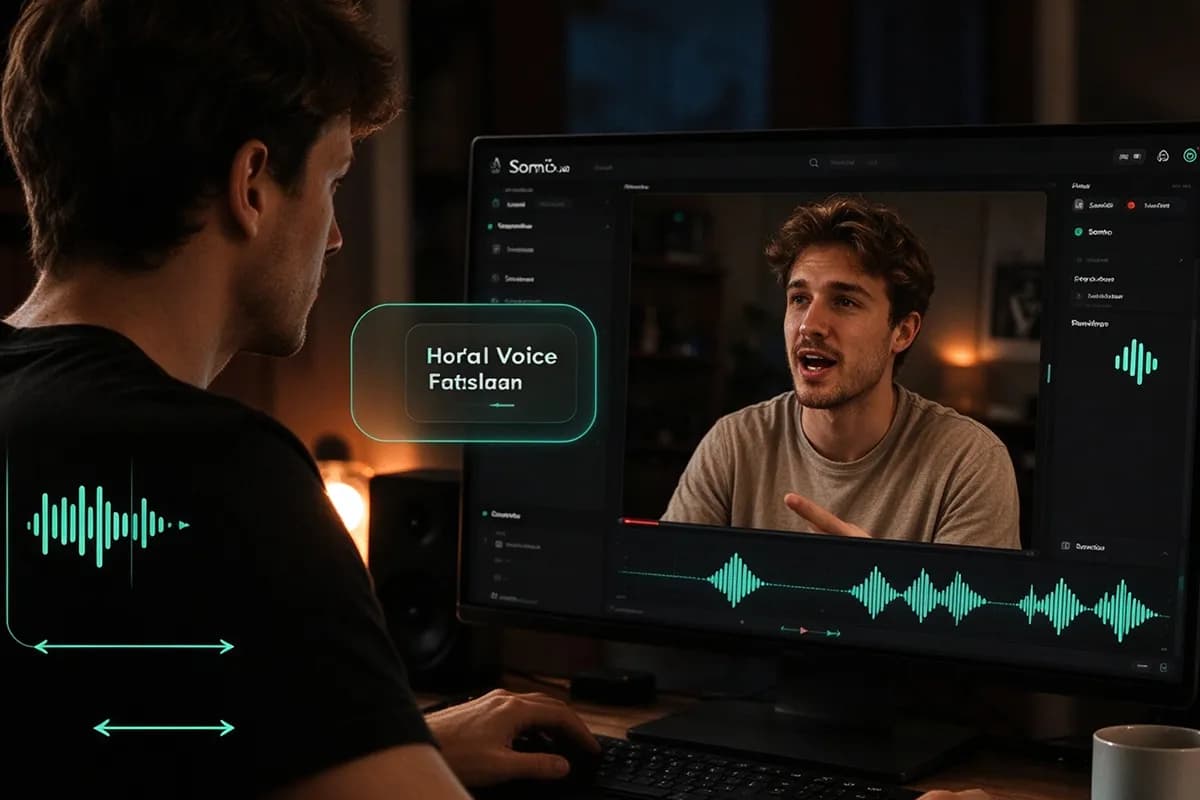
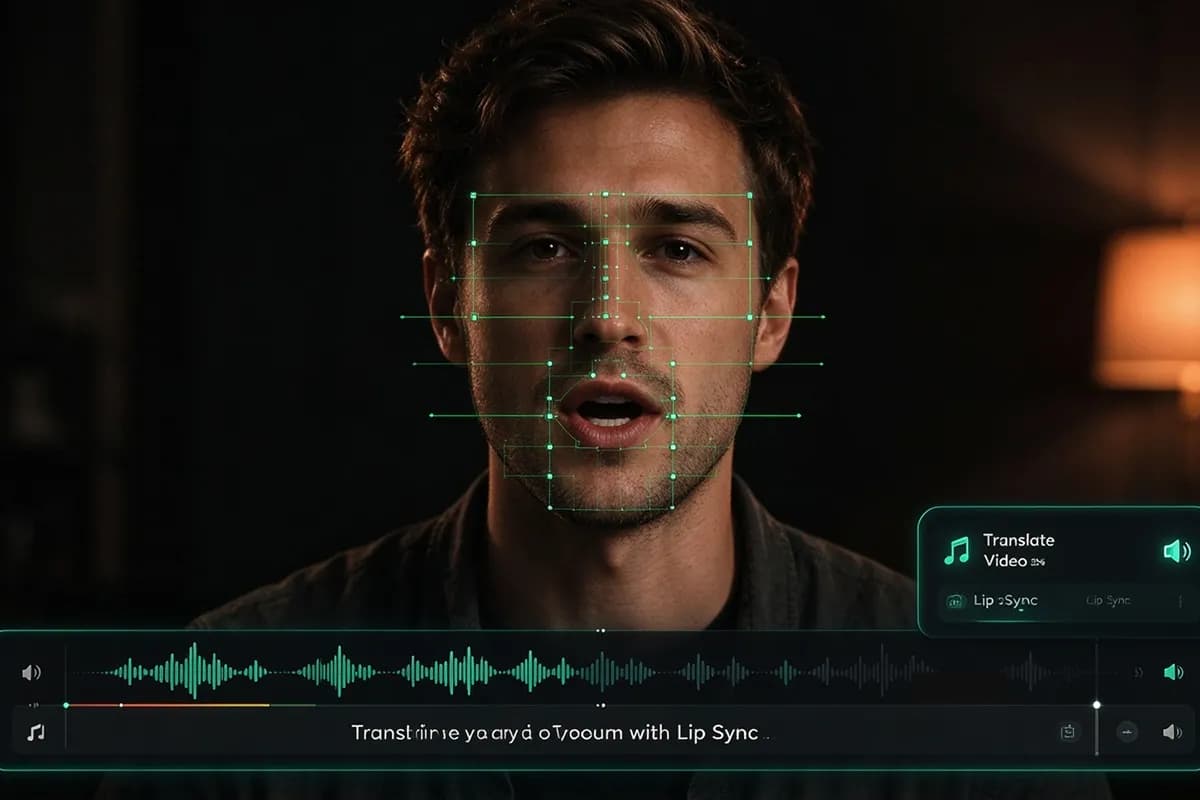
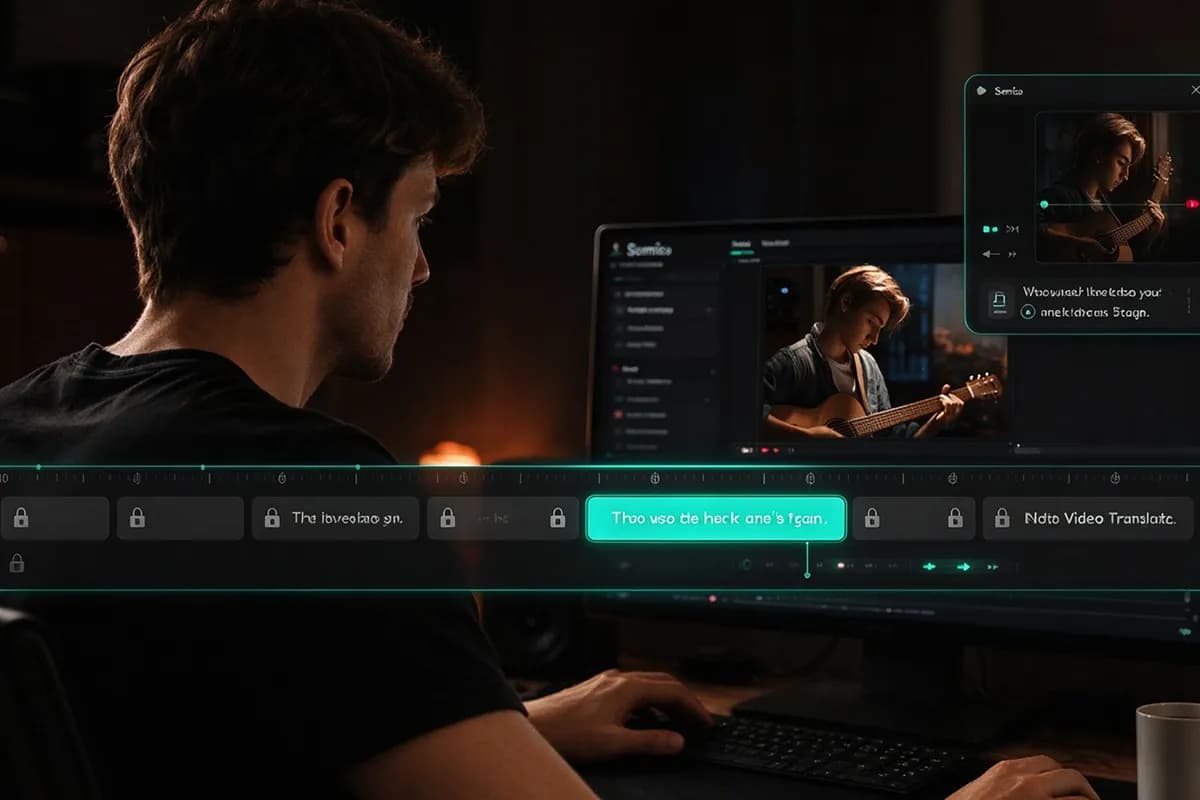
InsMelo AI video translator makes multilingual video creation simple, with no editing experience or additional software required.
1.
Upload a video file or paste a YouTube link into InsMelo AI video translator. Select the source and target languages to start your translation.
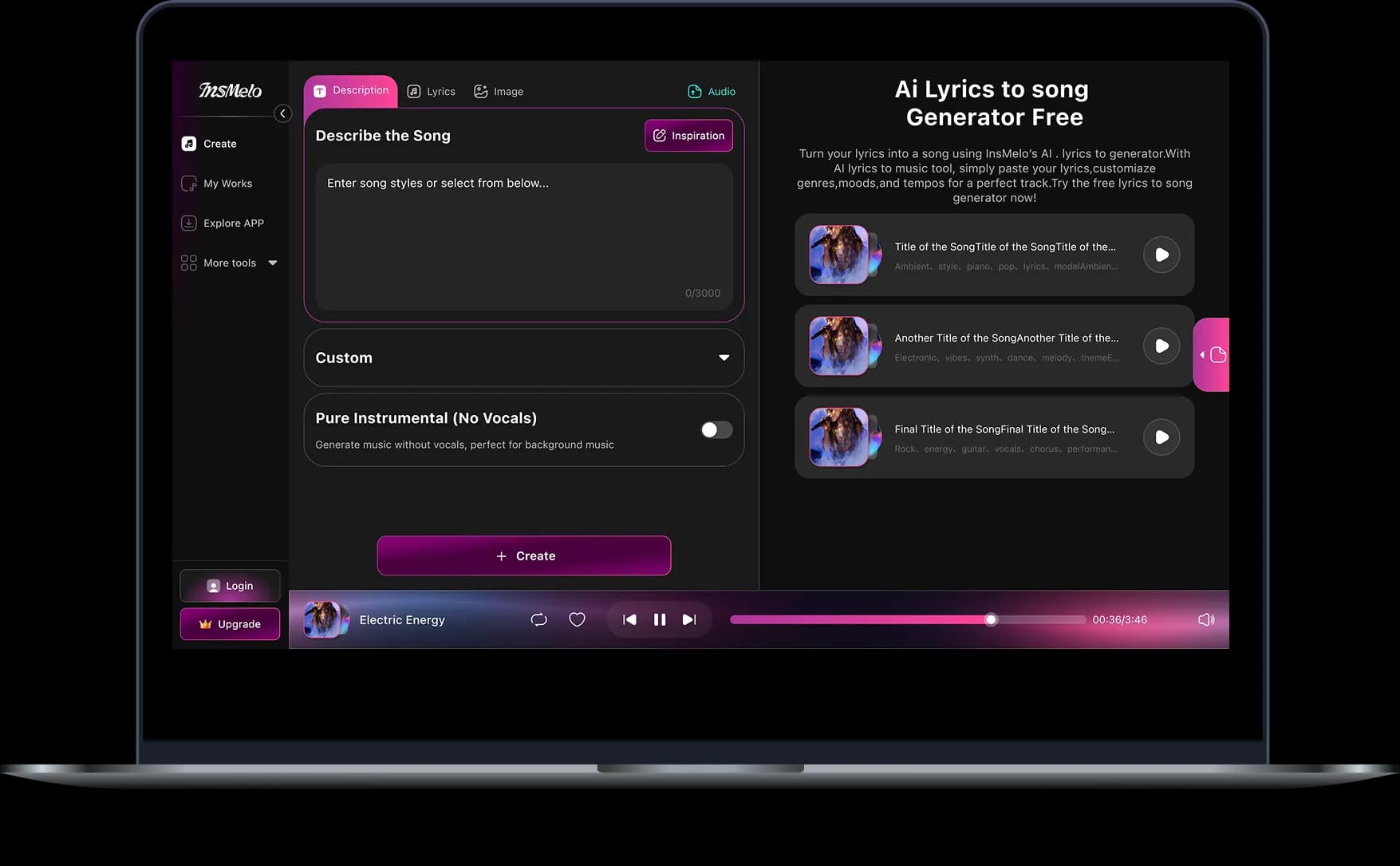
2.
Choose translated subtitles, AI dubbing, or both, then start the translation. Preview the result and edit the translated text directly in the editor.
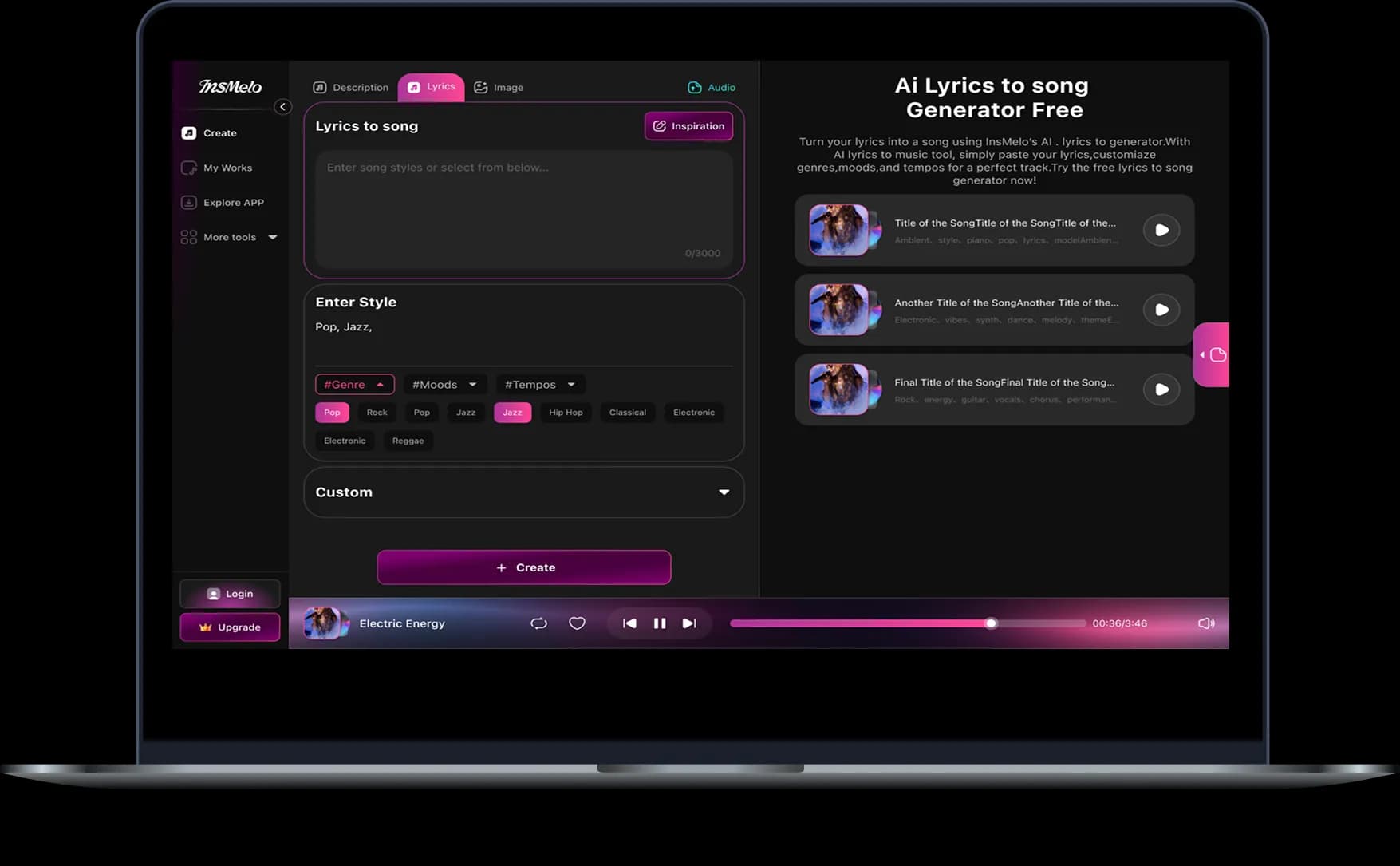
3.
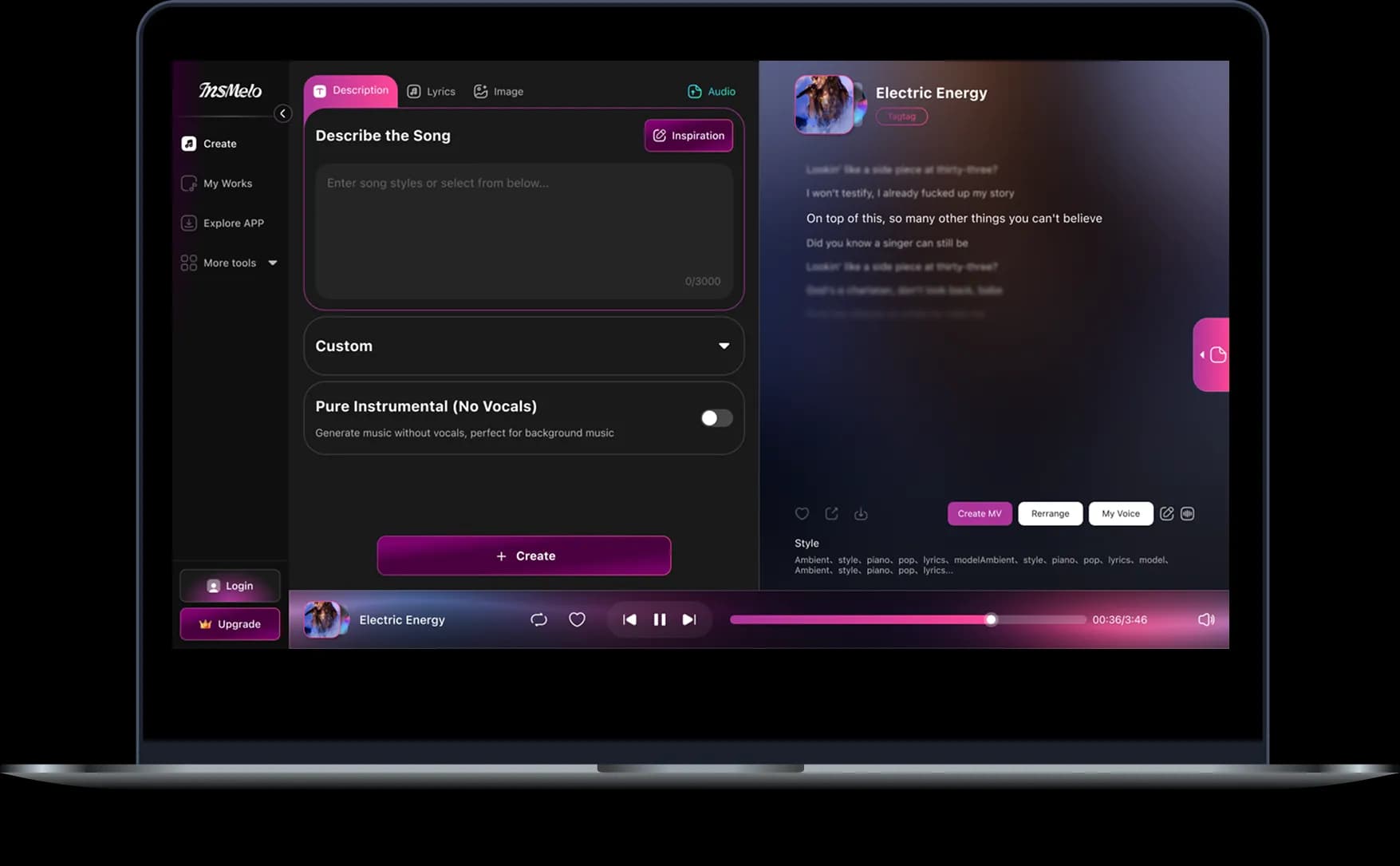
Generate the final video with your reviewed translation, then download it to your device and share it on YouTube or your preferred social platforms.
InsMelo AI video translator works with the content you already create, making it accessible to audiences beyond its original language. Bring video translation into your existing workflow without starting from scratch.
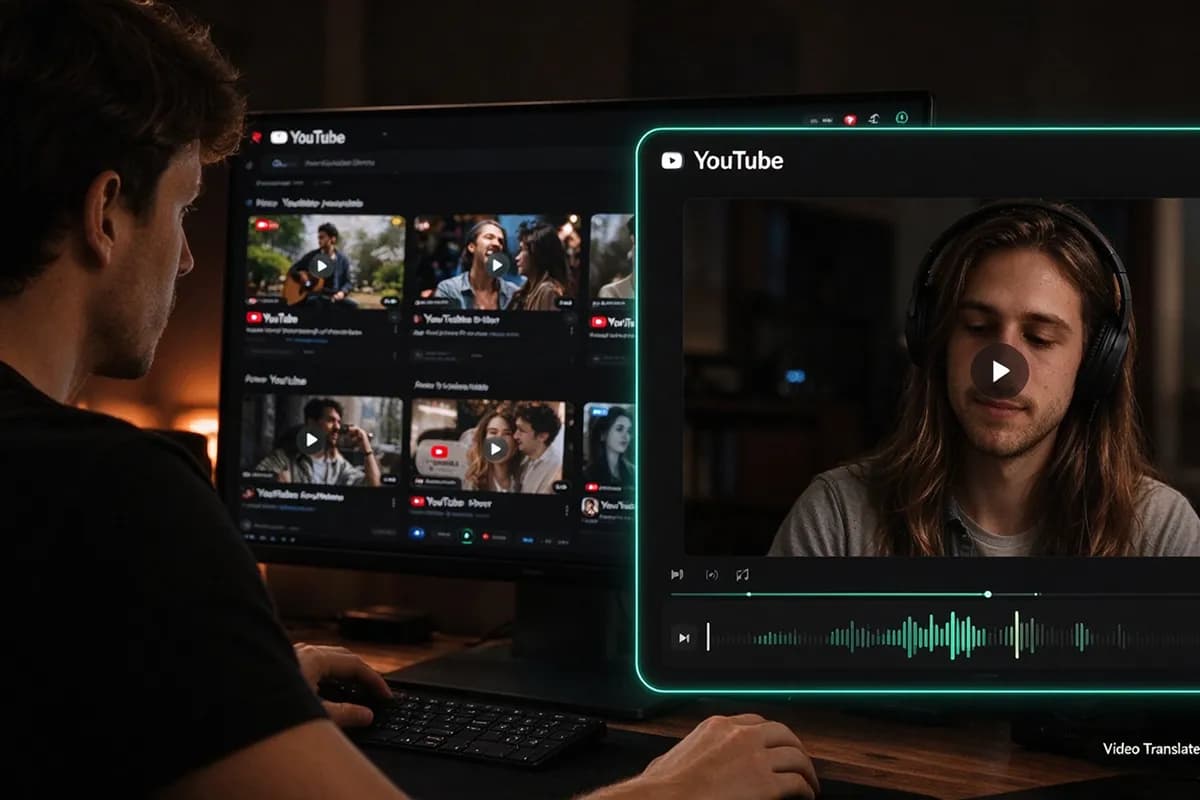
Translate your channel's content using a video file or YouTube link. InsMelo video translator for YouTube creates translated subtitles and dubbed versions from your existing uploads, including videos already in your back catalogue.
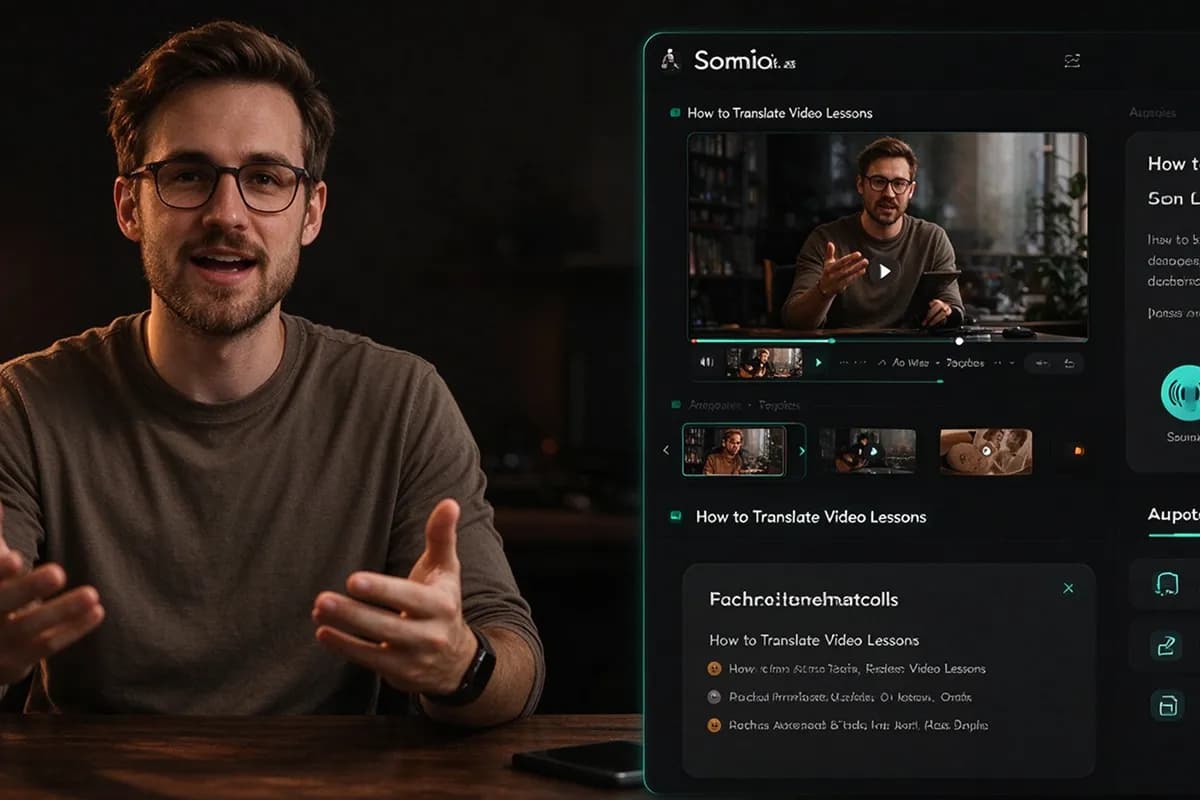
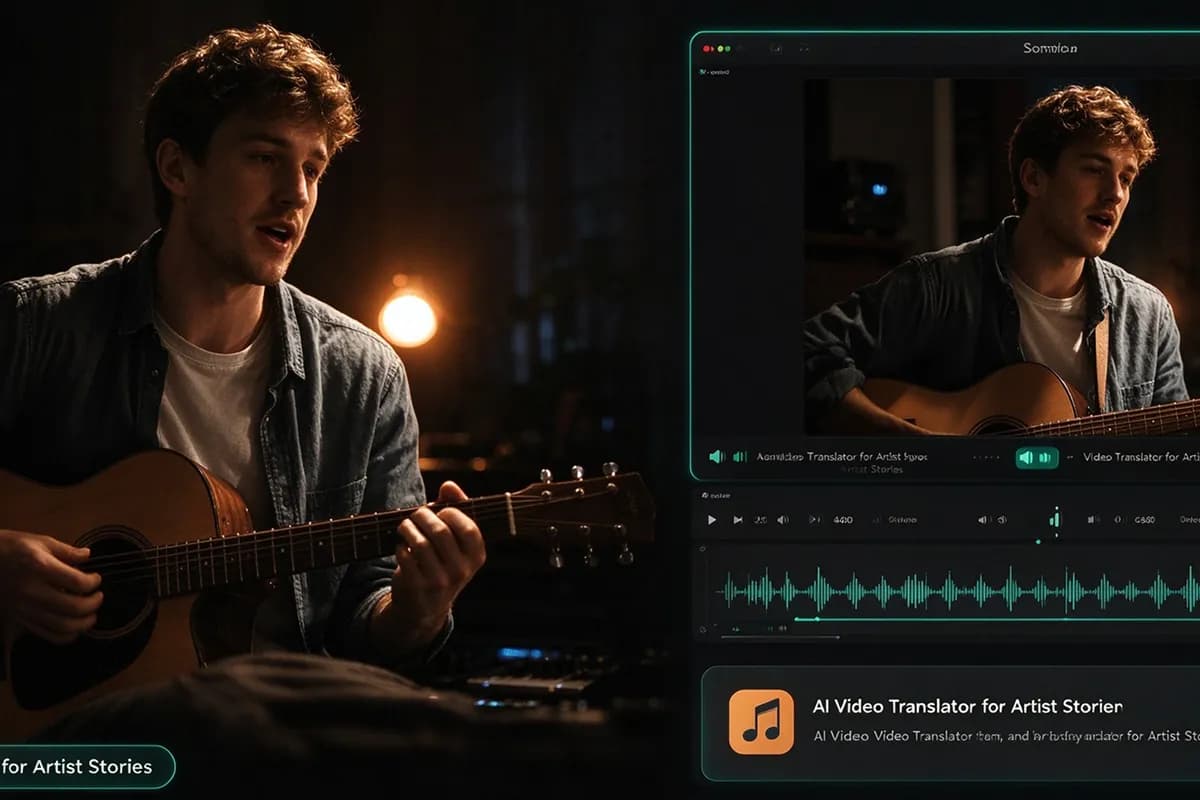
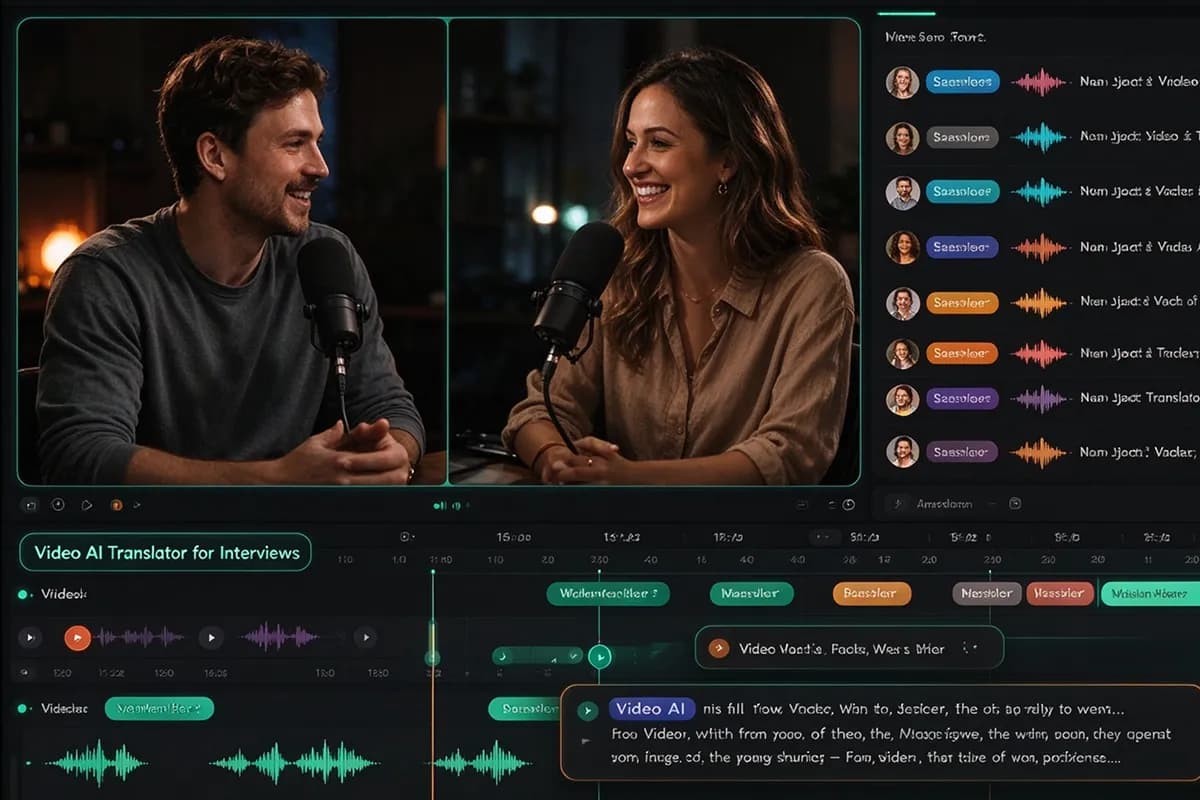
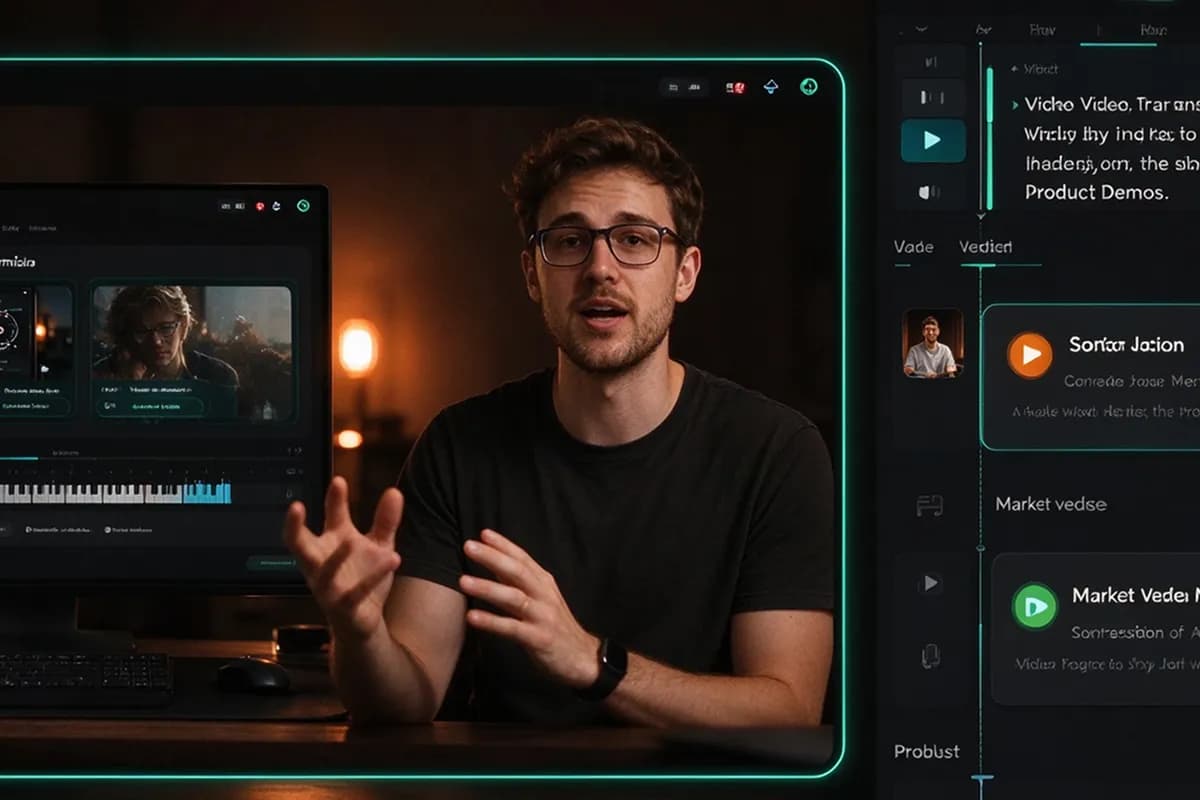
Built around the way you create, InsMelo makes video translation easy to start and straightforward to finish. Spend less time setting up tools and more time working on your content.
Upload a video or paste a YouTube link. Translate and review without complicated editing tools.
Try InsMelo AI video translator with your own video before choosing a paid plan.
Create music, work with voices, and translate videos on one platform.
Translate video online in your browser. No downloads or plugins required.
Edit the translated text before generating your final video.
Explore music generation, voice tools, and AI video creation alongside translation in InsMelo.
Mateo Silva
Independent Musician
I came to InsMelo for the AI song generator and stayed to translate a video about my new release. A couple of lines needed changing, but hearing the introduction in another language was a lovely moment.
Priya Shah
E-commerce Store Owner
Nobody wanted to film our product demo again. We tried this video translator on the finished footage, corrected some product wording, and had another version ready for review. Pretty straightforward.
Daniel Brooks
Podcast Producer
The AI video translator worked better on the clean interview sections than when everyone talked at once. I'd use it again for selected clips. A full episode would need more checking.

4.8
User Rating
Rachel Morgan
Music Production Instructor
I tried InsMelo AI video translator on a mixing tutorial I'd already recorded. A few audio terms needed fixing, but I didn't have to record the lesson again. That was the part I was most relieved about.
Camille Laurent
Freelance Video Editor
Clients always change something after the first preview. The useful part of InsMelo's video translation workflow is being able to edit the wording before export. That's what I care about more than a long feature list.
Amina Hassan
Community Volunteer
I'd never tried to translate video online before. Our welcome message came back sounding a little too formal, so I rewrote one sentence. The next version felt much more like us. Small change, big difference.
4.8
User Rating
Mateo Silva
Independent Musician
I came to InsMelo for the AI song generator and stayed to translate a video about my new release. A couple of lines needed changing, but hearing the introduction in another language was a lovely moment.
Priya Shah
E-commerce Store Owner
Nobody wanted to film our product demo again. We tried this video translator on the finished footage, corrected some product wording, and had another version ready for review. Pretty straightforward.
Daniel Brooks
Podcast Producer
The AI video translator worked better on the clean interview sections than when everyone talked at once. I'd use it again for selected clips. A full episode would need more checking.
Rachel Morgan
Music Production Instructor
I tried InsMelo AI video translator on a mixing tutorial I'd already recorded. A few audio terms needed fixing, but I didn't have to record the lesson again. That was the part I was most relieved about.
Camille Laurent
Freelance Video Editor
Clients always change something after the first preview. The useful part of InsMelo's video translation workflow is being able to edit the wording before export. That's what I care about more than a long feature list.
Amina Hassan
Community Volunteer
I'd never tried to translate video online before. Our welcome message came back sounding a little too formal, so I rewrote one sentence. The next version felt much more like us. Small change, big difference.
Mateo Silva
Independent Musician
I came to InsMelo for the AI song generator and stayed to translate a video about my new release. A couple of lines needed changing, but hearing the introduction in another language was a lovely moment.
Priya Shah
E-commerce Store Owner
Nobody wanted to film our product demo again. We tried this video translator on the finished footage, corrected some product wording, and had another version ready for review. Pretty straightforward.
Daniel Brooks
Podcast Producer
The AI video translator worked better on the clean interview sections than when everyone talked at once. I'd use it again for selected clips. A full episode would need more checking.
Rachel Morgan
Music Production Instructor
I tried InsMelo AI video translator on a mixing tutorial I'd already recorded. A few audio terms needed fixing, but I didn't have to record the lesson again. That was the part I was most relieved about.
Camille Laurent
Freelance Video Editor
Clients always change something after the first preview. The useful part of InsMelo's video translation workflow is being able to edit the wording before export. That's what I care about more than a long feature list.
Amina Hassan
Community Volunteer
I'd never tried to translate video online before. Our welcome message came back sounding a little too formal, so I rewrote one sentence. The next version felt much more like us. Small change, big difference.
AI video translator creates another language version of an existing video. You can read translated captions or listen to AI-generated dialogue while watching the original footage, making the content easier to follow in their preferred language.
Just upload a video or paste a YouTube link into InsMelo online AI video translator. Choose your target language, review the translated text, and make any corrections. Generate the finished version, then download and share it.
Yes. You can try the free video translator with the available allowance before choosing a paid plan. Check the generation and download limits before starting.
Yes. InsMelo video translator for YouTube accepts video links directly. Paste the URL and select your target language to translate video online, without downloading and uploading the original file manually.
InsMelo video language translator supports translation into 150+ languages. Browse the language selector to find your preferred option. The AI video language translator may offer different language selections for subtitles, dubbing, and voice cloning.
Yes. You can translate spoken dialogue and add translated subtitles to a music video with InsMelo video audio translator.
Yes. InsMelo AI voice translator can preserve recognizable qualities of the original speaker's voice in another language, though the result may not sound identical to the original recording.
Yes. InsMelo video translation tools include text editing before generation. Correct recognition errors, revise terminology, or change a sentence directly in the editor. The updated wording becomes part of your final video translation.
InsMelo video translation AI works best with clear speech. Noise, overlapping voices, and specialist terms may affect accuracy, so review the translation before publishing.
Allow around 1–5 minutes of processing per minute of video. The time needed to translate videos varies with the selected features, and lip sync or queue delays may extend the wait.
Yes. You can use InsMelo as a movie translator for clips within the supported upload limits. Check the maximum duration and file size before submitting longer footage.
Turn your video into another language with AI dubbing and subtitles. Try InsMelo AI video translator free and share your content with more viewers.