Want to learn how to make a photo sing with AI? With InsMelo, you can turn a favorite portrait into a musical performance using a photo and a song. This guide takes you from choosing your image to creating a singing video, with practical tips for a more natural result.
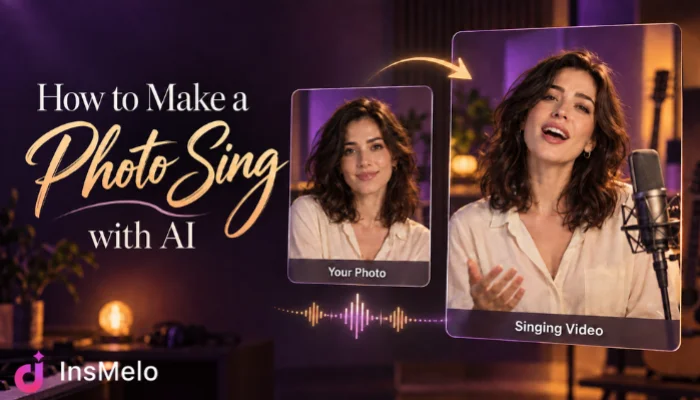
What You Need Before Making a Photo Sing
You do not need animation software or video editing experience to make a picture sing with InsMelo AI singing photo generator. Start with a photo and a song, along with an idea of how you want the performance to look. Here is what you need:
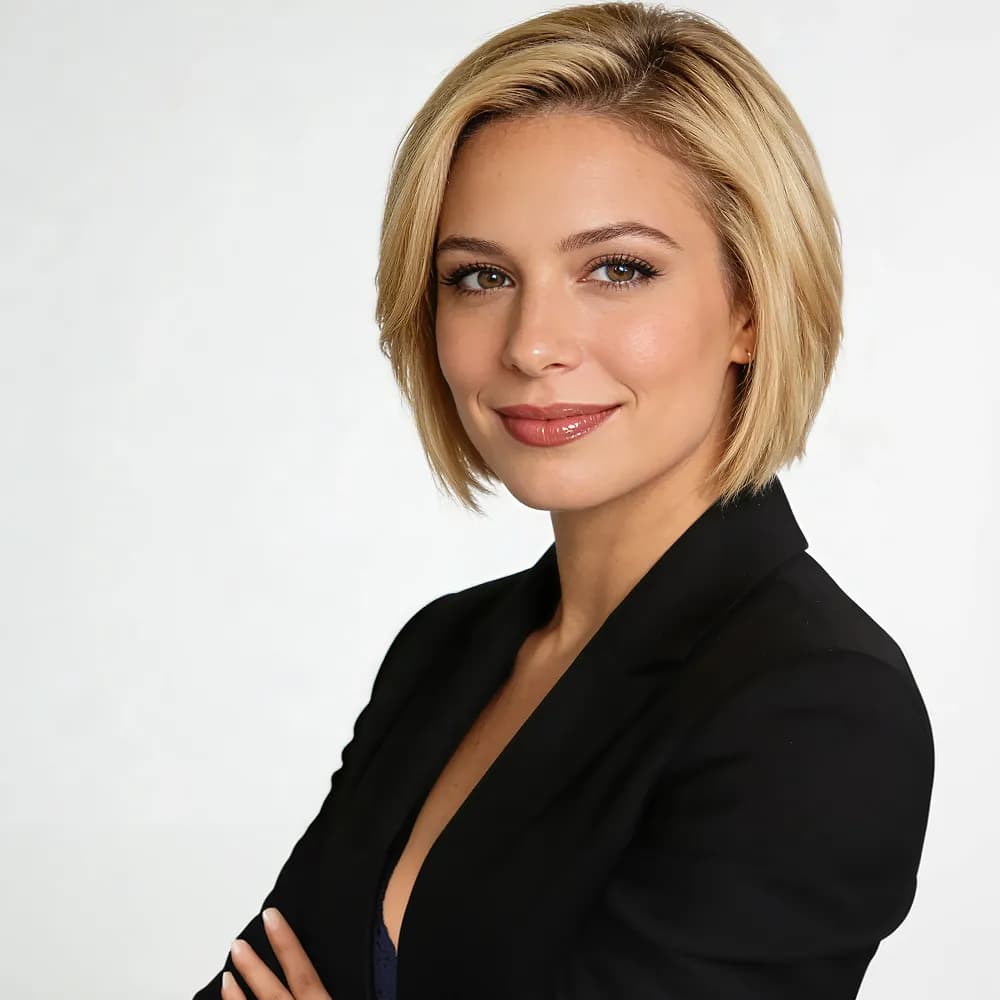
- Clear photo: A selfie, portrait, pet photo, or illustrated character with a visible face and mouth. A well-lit, front-facing image is a good starting point.
- Song with vocals: Your own audio file or an AI-generated song from your InsMelo library. Clear vocals work best for a singing performance.
- Simple creative idea: The expression, movement, and setting you want to describe for the video.
If you do not have a track yet, you can create one with InsMelo AI Song Generator first. With your materials ready, follow the steps below to bring your photo to life.
How to Make a Photo Sing with AI Using InsMelo AI Singing Photo Generator
InsMelo AI Singing Photo Generator is an online tool for turning still portraits into expressive singing videos. Its picture to singing AI handles lip sync and facial animation, helping you create a musical performance without complex editing software. For creators, it also connects original AI music with photo animation in one platform.
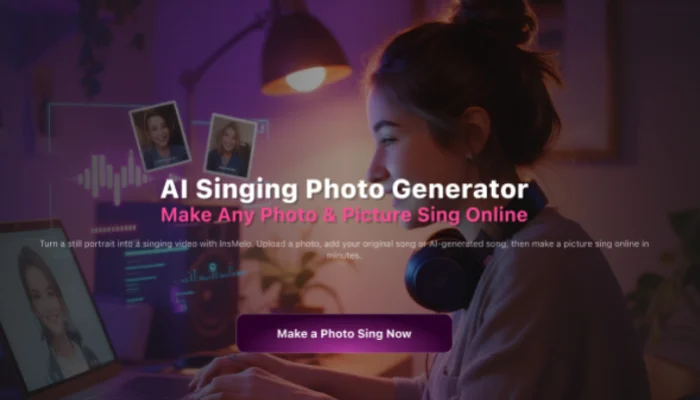
Follow the steps below to learn how to make a photo sing with AI using InsMelo.
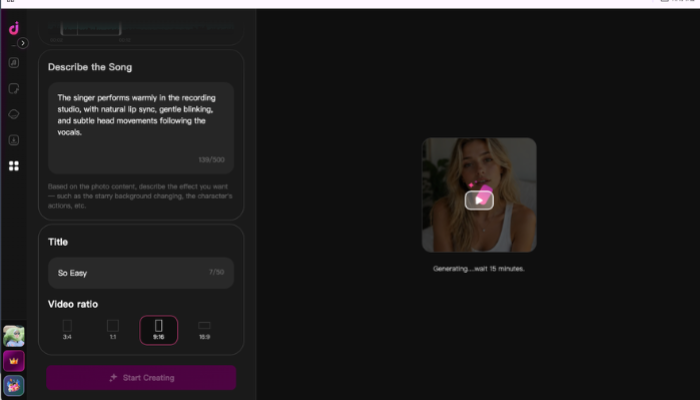

Why Does My Singing Photo Look Unnatural?
An awkward result can come from the source photo, the recording, or the performance direction. Identify the part that looks wrong, then adjust one detail before generating again.
- Distorted mouth movements: Try a different portrait if the lips stretch or change shape during singing. Strong side angles and heavy facial filters can make the animation less consistent.
- Lip sync that feels off: Test a passage with a more distinct lead vocal if the mouth seems disconnected from the words. Overlapping singers and dense vocal effects can make synchronization harder to assess.
- Excessive head movement: Simplify your description and request subtle movement with a steady camera. Remove dramatic turns that distract from the singing.
- Expressions that clash with the song: Adjust the emotional direction in your description. A restrained expression may suit a quiet verse better than a broad smile.
- Facial features that shift: Try a clearer source image and reduce the requested motion if the subject’s appearance changes during the clip.
When learning how to make photos sing, review each revision at normal playback speed. Keep the version that feels most consistent with the voice and mood of your song.
Who Can Use AI Singing Photos?
Photo to singing video AI gives creators a way to turn familiar images into musical content. From personal greetings to music promotion, each video can be built around a different audience and purpose.
Content creators
Make pictures sing for short-form videos featuring your own characters or avatars. Match the performance to a song that fits your content and give viewers a recurring character they can recognize.
Independent musicians
Pair your artist portrait with an original chorus to create a visual teaser for an upcoming release. A singing clip gives listeners a preview of your music without a filmed performance.
Friends and families
Turn a birthday portrait into a personal musical greeting. Combine it with an original song to create a message the recipient can replay and share with loved ones.
Small business owners
Bring a brand mascot to life with a custom jingle. Use the singing character in a seasonal promotion or product announcement, keeping the music and personality consistent with your brand.
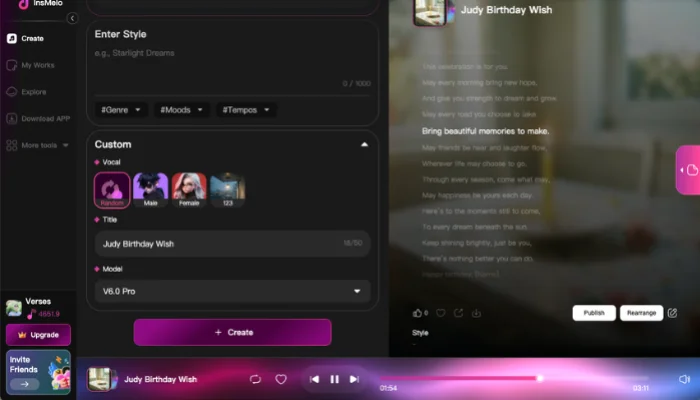
Bonus: Create a Singing Birthday Photo with Your Own AI Song
Give your singing photo a personal touch with an original birthday song from InsMelo AI Song Generator. Create music that feels right for the occasion and turn a familiar portrait into a memorable birthday greeting. Follow the steps below to learn how to make a photo sing a song you created.

FAQs About Making Pictures Sing
Conclusion
Learning how to make a photo sing with AI gives you a new way to bring photos and music together.
If you want to learn how to make your photos sing online, InsMelo AI Singing Photo Generator offers a simple way to create, refine, and download your result. Try it with your favorite portrait and give your photo a song to perform.