You've already made the shared road trip playlist: forty-three songs, half of them arguments waiting to happen, the other half tracks everyone will start skipping by song two. The problem is that one song on that playlist truly belongs to the people in the car.
Most road trip playlists are not really about your trip. They do not know your friends' names, the wrong turn near Flagstaff, the snack-stop chaos, or the phrase everyone kept repeating for no reason. That same playlist could play on someone else's drive and sound exactly the same.
That is where a personalized road trip song feels different. A regular travel playlist gives you good music for the drive, but it does not tell your story. With InsMelo AI, your inside jokes, wrong turns, and favorite moments can become road trip songs made for your crew.

Why Not Turn Your Trip Into an Actual Song
Instead of searching for songs for road trip videos, turn your route into a chorus, your favorite stops into verses, and one group catchphrase into the hook. A personalized track feels less like background music and more like a shared souvenir.
This does not replace the long playlist running in the car. Think of it as one special track built around one real trip. That song is the one you'll likely replay after the vacation ends.
You do not need to be a musician. Write a few lines about where you went, who came along, what went wrong, and which moment matters most. An AI song generator can turn those details into a complete song with verses, a chorus, vocals, and a clean ending.
So, how do you make your own custom road trip songs for summer travel? Before you start creating with AI, here are the only things you really need.
What You Need Before You Start Creating Road Trip Music
Honestly, not much.
First, choose an easy AI music tool. You do not need a DAW, studio software, or any complicated setup. An online AI music generator is enough. Ideally, pick one that works on your phone, tablet, or laptop, since nobody wants to open a heavy music program in the middle of a trip and feel like they are back at work. A tablet gives you a little more room to edit, but a phone works perfectly fine for quick road trip music creation. InsMelo AI is such an easy-to-use online music tool.
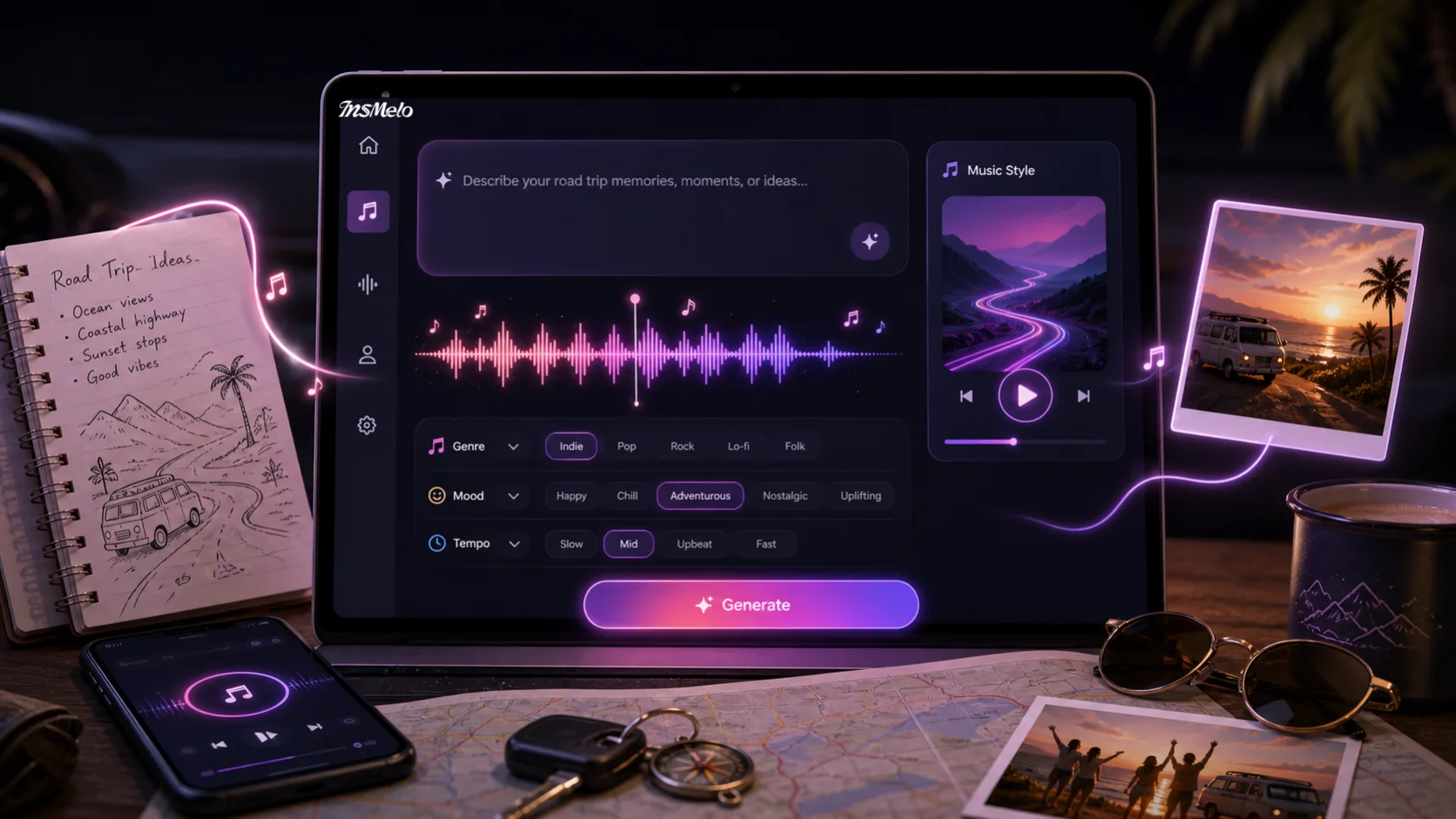

Next, bring one simple idea. It could be a destination, a nickname, a funny quote, a playlist argument, the friend who fell asleep first, or the moment everyone started laughing at the same thing. It can also be a photo, a mood, or the general feeling of traveling together in summer.
That is really all you need: no instruments, no music theory, and no songwriting experience. Just a real trip, a few details, and an AI tool that can turn those memories into a song.
When you prepare well, let InsMelo AI song generator create your own summer road trip music now!
How to Make Songs for Road Trip with InsMelo AI
Not every traveler starts from the same place. Some have a story, others already have lyrics scribbled in a notes app, some only have a camera roll, and a few just have a tune stuck in their head. InsMelo AI offers four different ways of creation. Pick the method that matches what you already have.
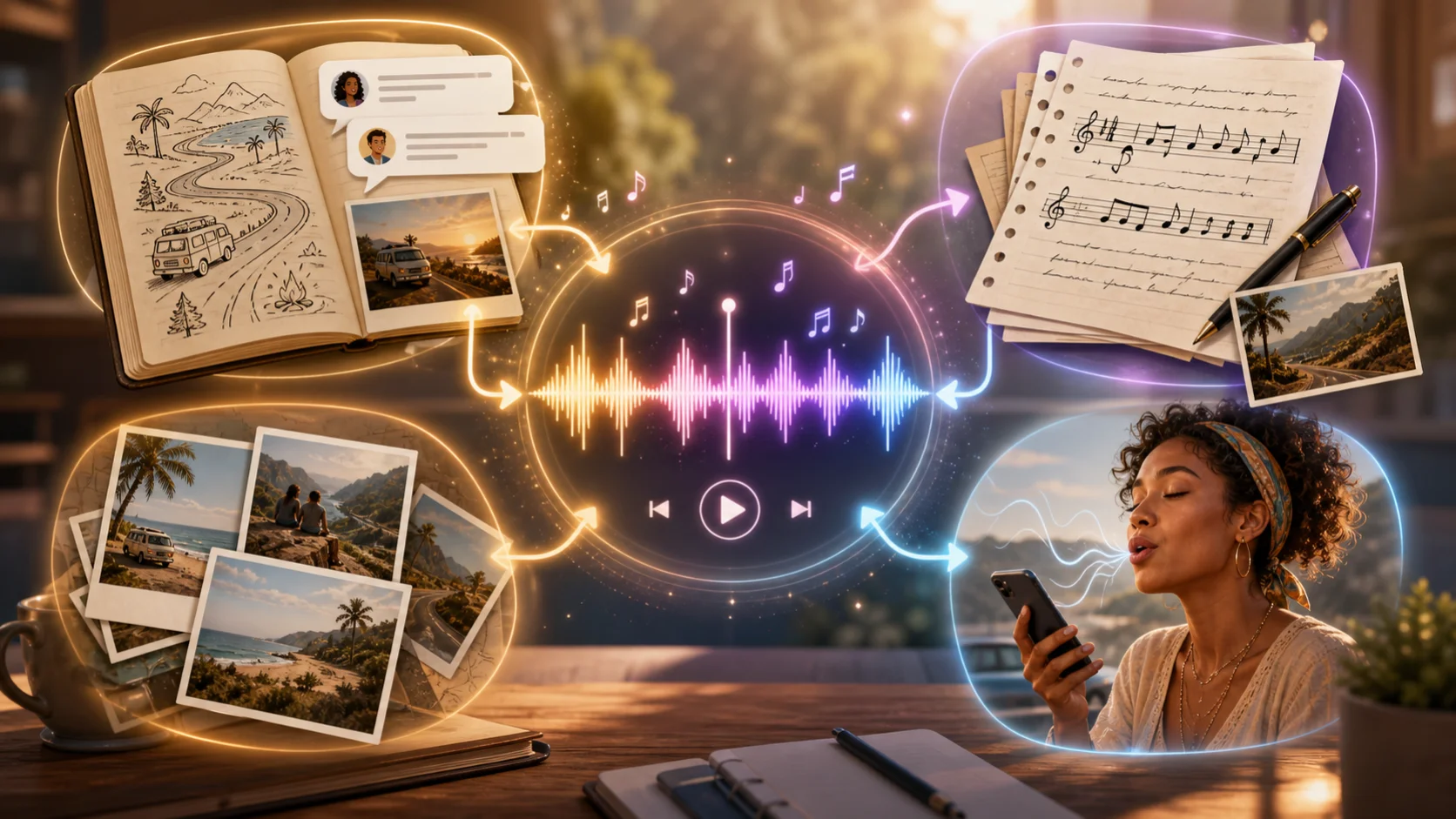
Start With Your Travel Story
If you have memories but no lyrics yet, start here. Open InsMelo's Text to Song generator and describe the trip the way you would tell it to a friend: who came along, where you drove, what went wrong, and which moment everyone still laughs about.
A few honest sentences are enough for the AI to create lyrics, melody, vocals, and a full arrangement. Add details you can still picture: cold drinks in the cooler, a glowing motel sign, a coastal highway, mountain air, or a late-night diner.
This method works especially well for summer road trip music because those memories are often visual, emotional, and easy to turn into music.
Turn Road Trip Lyrics into A Song
If you already have travel notes, diary lines, text messages, captions, or a few scattered lyrics, start by shaping them into a simple draft. You can use a lyrics generator to clean up the wording, connect the ideas, or build a stronger chorus. Then choose InsMelo's Lyrics to Song generator and paste in the finished lyrics.
After that, set the mood, style, and tempo you want. You might ask for upbeat Pop, acoustic Country, road trip Rock, or a fun group sing-along track. The clearer your direction, the closer the result will feel to your trip.
Keep the lyrics natural, lively, and specific. Use real names, nicknames, catchphrases, places, and funny moments, but do not force every line to rhyme. These lyrics about you and your friends make the final song more personal, relatable, and easy to remember.
Transform Travel Photos into Music
Photo-to-Music is a great choice when most memories are in your camera roll. Upload a travel photo to InsMelo, and the AI can read the mood, colors, and scene, then turn those visual cues into a matching instrumental track or full song. A beach sunset, neon city street, and misty mountain trail can each lead to a different sound.
If the photo includes people, you can use an AI music video generator to turn the image into a singing travel video. Or use the generated song as background music for your road trip vlog, photo slideshow, or recap post.
Hum a Melody and Create A Road Trip Song
If a melody from the trip is stuck in your head, use InsMelo's Hum to Song mode before you forget it. Hum the tune, then let the AI build it into a complete road trip song with chords, rhythm, vocals, and structure.
You do not need a strong singing voice. A quick hum or rough vocal line is enough. This feature is useful when your group keeps repeating a funny phrase, chant, or made-up chorus during the drive.
Steps of Using AI Song Generator for Road Trip Music
Regardless of which starting point fits best, the path from idea to finished track follows the same three steps:
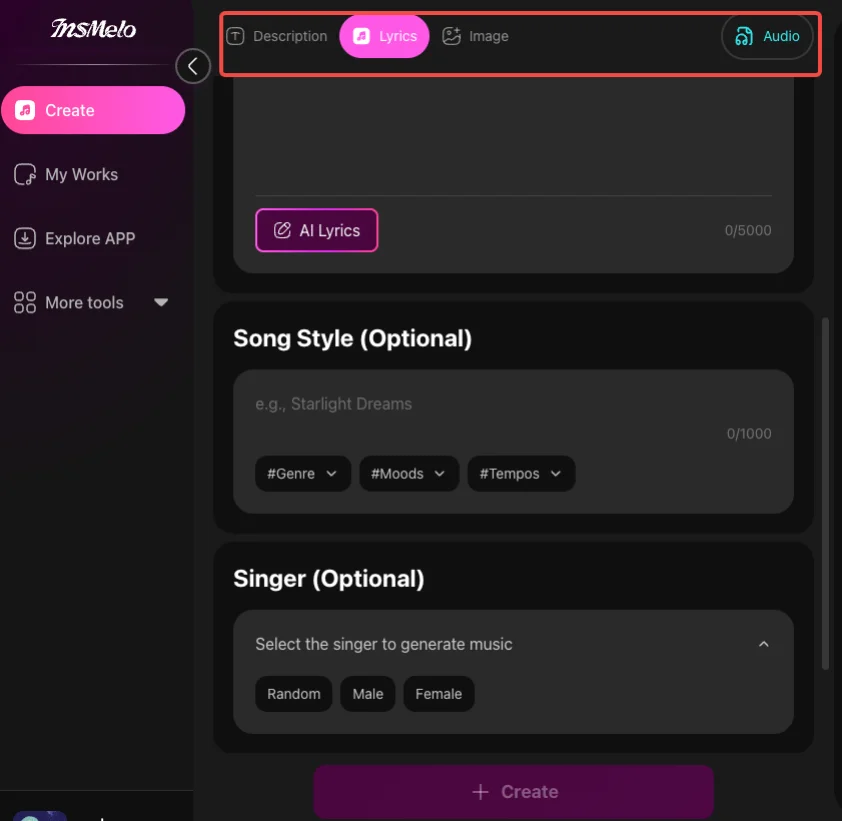
Creating a road-trip song using AI is no longer difficult, though crafting a truly great one might require a bit of extra effort. The following suggestions may help you produce a high-quality track.
What Makes A Good Road Trip Song
Match the Music Genre to the Trip
A good road trip song starts with the actual feeling of the journey. A girls' trip down the coast may need bright pop vocals and a chorus everyone can sing with the windows down. A cross-country drive powered by gas station coffee may fit a road trip, rock music, acoustic country, or something classic and nostalgic.
Country music road trip songs work well for open farmland, small towns, and slow sunsets. Rock fits night driving, long highways, and big group energy. A 90s road trip music style is great for friends who keep bringing up old jokes and shared memories.
Use Details Only Your Group Knows
Specific details always beat broad lines. "We had a great time" sounds forgettable. A wrong turn outside Flagstaff, a gas-station taco run, or the friend who refused to give up the aux cord gives the song a real story.
Funny road trip songs work best when they focus on one true moment. Choose the detail everyone remembers, then build the hook around it.
Refine Instead of Starting Over
After generating the song, adjust the closing parts rather than recreating everything from scratch. If the melody works but the lyrics feel plain, change the lyrics online. When the instrumental is strong, but the voice feels wrong, use AI stem splitter to keep the accompaniment and add new vocals to music.
Small changes can turn a decent draft into a road trip song your group will actually replay.
FAQs When AI Makes a Road Trip Soundtrack
Create Your Personalised Road Trip Songs with AI
A trip can fade quickly after everyone gets home, but a custom song brings the car, the jokes, and the view back in seconds. InsMelo AI helps turn scattered memories into personalized road trip songs that feel specific to your route, your friends, and your favorite moments.
Open InsMelo, choose the AI song generation mode that fits your idea best, and start with a story, a verse, a photo, or a hum. In a few minutes, you can turn a real summer trip into a song your group will want to replay.