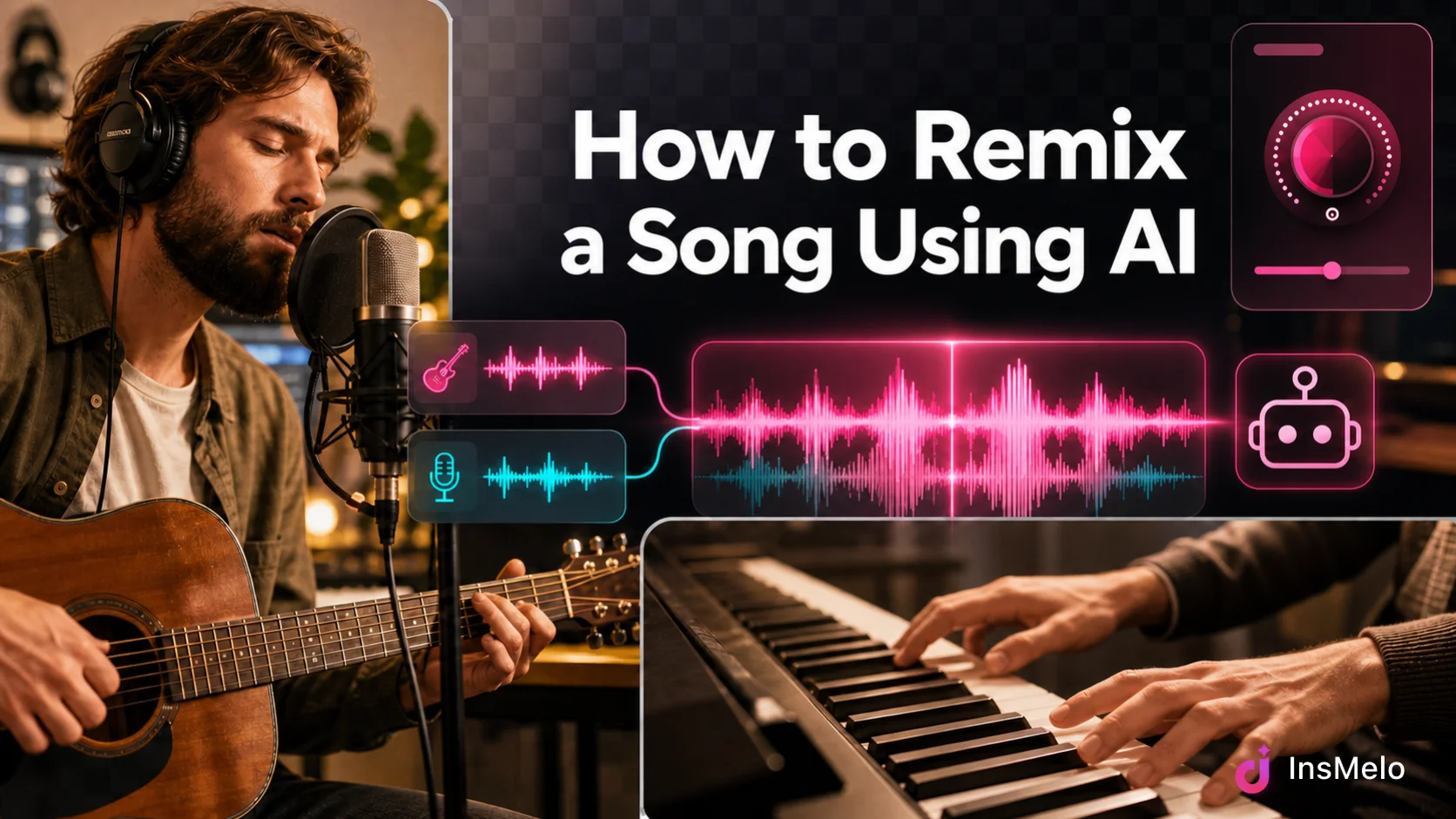
Learning how to remix a song using AI is now much easier than opening a complex digital audio workstation from scratch. With the right AI remix maker, you can upload or select tracks, choose a new style, adjust the mood, and generate a fresh version in minutes.
AI music tools are especially useful for beginners, content creators, indie artists, vloggers, podcasters, and social media editors who want custom background music or alternative versions of songs without advanced mixing skills. Still, a good remix is not only about clicking "generate." You need a clear creative goal, a suitable source track, and a basic understanding of music rights before you share or monetize the song.
In this guide, you’ll learn how to remix a song using AI for free, what tools you need, how an automatic remix maker works, and how to avoid common copyright problems.
How Do You Remix a Song: AI Remix Maker VS. Traditional Tools
Before choosing a workflow, let's know the differences between an AI remixing tool and traditional music production software.
A traditional remix usually requires a DAW, such as Ableton Live, FL Studio, Logic Pro, or GarageBand. Producers may separate stems, detect BPM and key, create new drums, rearrange sections, mix vocals, and master the final track. This way gives you maximum control, but it also can take hours or days.
An AI remix maker automates much of that work. It can analyze the source audio and your input, adjust the style, and generate a new arrangement based on a prompt or style selection, such as lo-fi, EDM, acoustic, or cinematic.
| Factor | AI Remix Maker | Traditional Remix Tool (DAW) |
| Skill level | Beginner-friendly | Intermediate to advanced |
| Time | Seconds to minutes | Hours to days |
| Software needed | Online (browser-based) | DAW, plugins, audio editor |
| Creative control | Automatic guided by prompts and settings | Full manual control |
| Workflow | Upload, describe, generate, download | Import stems, arrange, edit, mix, master |
| Cost | Often free or low-cost subscription | Software licenses, plugins, sample packs, and hardware may cost more |
| Best for | Beginners, content creators, quick experiments | Professional producers, detailed sound design |
Neither approach is strictly "better". A DAW still wins for fine-grained control over every waveform, but an AI music remixer is the faster route if you want to remix a song with AI for social content, demos, or creative exploration without a production background.
InsMelo - Automatic Remix Maker Online Free
InsMelo is a browser-based automatic remix maker online free to try, built for creators who want to reimagine a track's genre, mood, or instrumentation without touching a DAW. Instead of manually chopping stems and rebuilding a mix, you can start with your own audio files or music created in InsMelo, describe the direction you want, and let the AI song remixer handle tempo matching, structure, and arrangement.
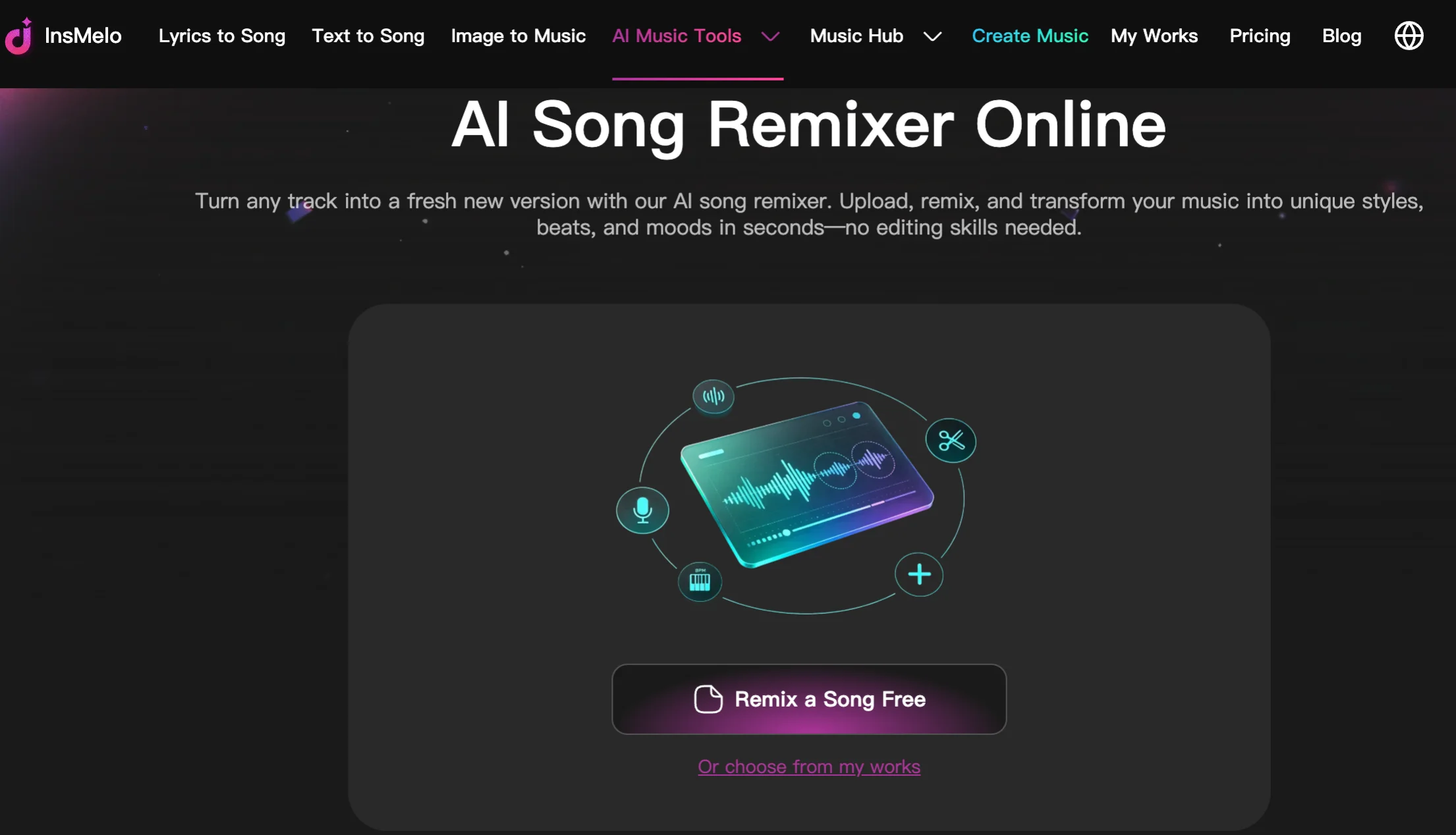

It runs entirely online, on both desktop and mobile browsers, making it one of the more accessible ways to make a remix of a song using AI without installing anything.
Steps: How to Make a Remix of a Song Using AI
Here's how to create a remix of songs with InsMelo AI Remixer, from source file to shareable download.
Note: For best results, choose music with a clear vocal, strong melody, or recognizable hook. AI remix tools work better when the source has a clear structure. A track with messy background noise, weak timing, or overlapping instruments may still work, but it may need more attempts.

Before sharing publicly, check the rights. This matters especially if you plan to upload the remix to YouTube, TikTok, Spotify, SoundCloud, Instagram, or a commercial project.
How to Remix a Song with AI Without Copyright Problems
How to legally remix a song? You may wonder about the new question. AI does not automatically remove copyright from a song. If your remix uses protected music, the original rights may still apply.
These tips can help you legally remix a song:
- Use your own music. If you wrote, recorded, and own the song, you have much more freedom to remix it. This is ideal for indie artists who want alternate versions, acoustic versions, dance versions, or social media edits.
- Use royalty-free samples. Stock libraries and royalty-free sample packs are cleared for reuse under their license terms, making them a low-risk source for AI remixing.
- Get permission for copyrighted songs. If you want to remix a commercial track, contact the rights holder or use a licensing platform. Some labels and artists explicitly allow remix contests or stems for fan remixes — check before you build on someone else's master.
- Re-record vocals instead of sampling the master. If you're covering a melody or lyric idea, re-recording (or using AI to generate new vocals) rather than lifting the original master recording reduces the risk of using copyrighted audio you don't have rights to.
- Check platform rules before monetizing. YouTube, TikTok, and Spotify each have their own content ID and rights-verification systems. A remix that's fine for personal enjoyment might still get flagged or demonetized if it's uploaded for monetized distribution without clearance.
So, the practical rule is simple: use music you own, music you created with clear terms, licensed music, or properly cleared material. If you are unsure, do not monetize the remix until you confirm the rights.
FAQs about Making a Remix of a Song with AI
Final Thought
The best way to learn how to remix a song using AI is to start with a clear idea and music you have the right to use. AI tools like InsMelo make the process much easier because you can upload or choose royalty-free music, customize the remix style, generate and download the result without advanced production skills.
For beginners, the winning formula is simple: use clean source audio, write a specific remix direction, generate multiple versions, and check copyright before publishing.