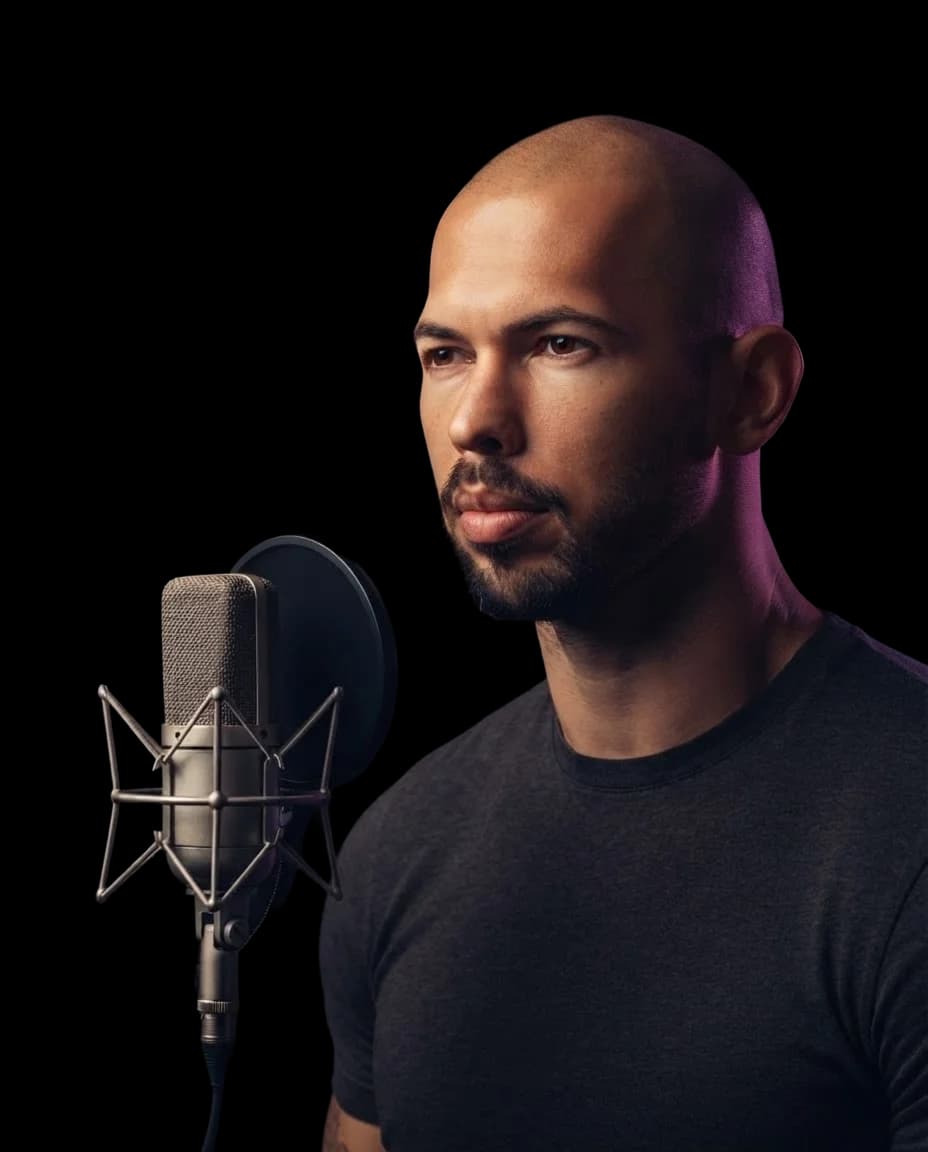
Andrew TateAI Voice Cover
Give a song an unexpected lead voice with an Andrew Tate AI voice. Create your own cover with his recognizable sound, no singing or recording needed.
Hear an Andrew Tate AI Cover
Hear an Andrew Tate AI Cover
Create Your AI Cover
Select AI Voice
Drop your song here
Supported formats: MP3, WAV, M4A, FLAC, OGG. Max size: 50 MB.
This will cost credits. The credit cost will be shown before generation.
How to Create an Andrew Tate AI Voice Cover
Create your AI voice Andrew Tate cover in three simple steps and hear your song in a new voice.
1.
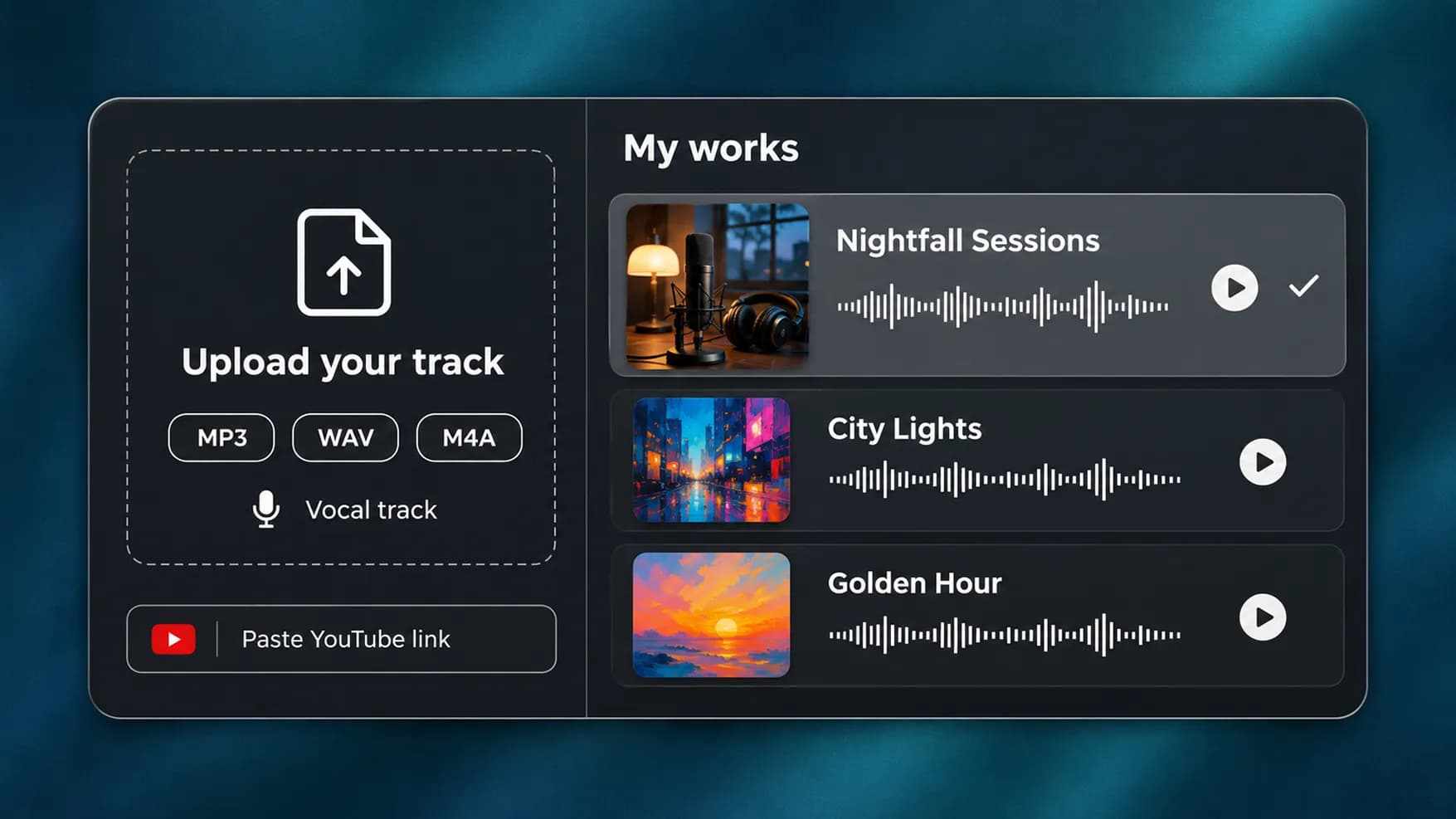
Bring a Vocal Track
Choose a song from your InsMelo works, paste a YouTube link, or upload an MP3, WAV, or M4A file. Pick a recording that includes the words and vocal performance you want to keep.
2.
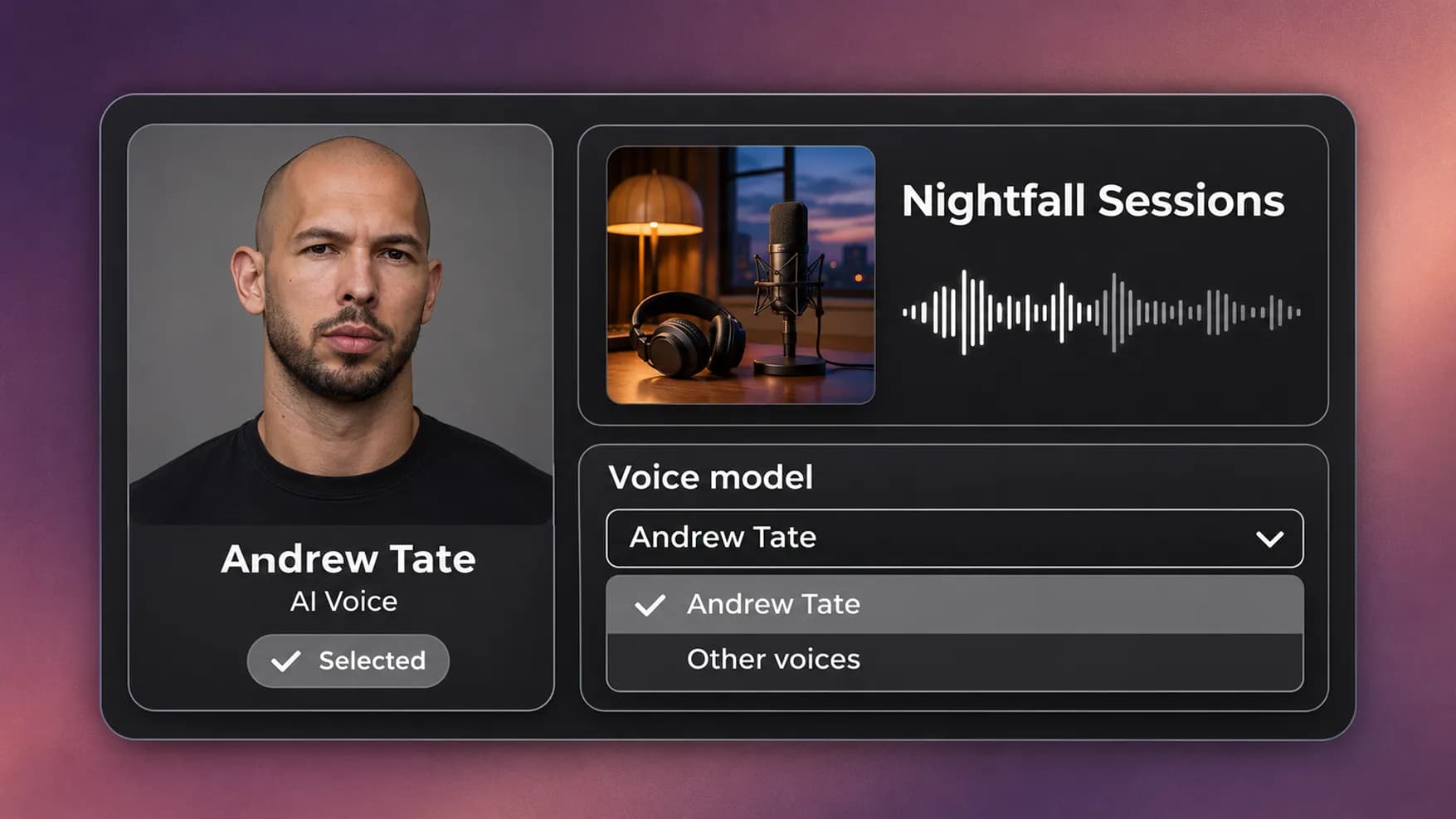
Review the Andrew Tate Model
The Andrew Tate AI voice is preselected on this page. Check the model before continuing, or open the dropdown to change voices.
3.
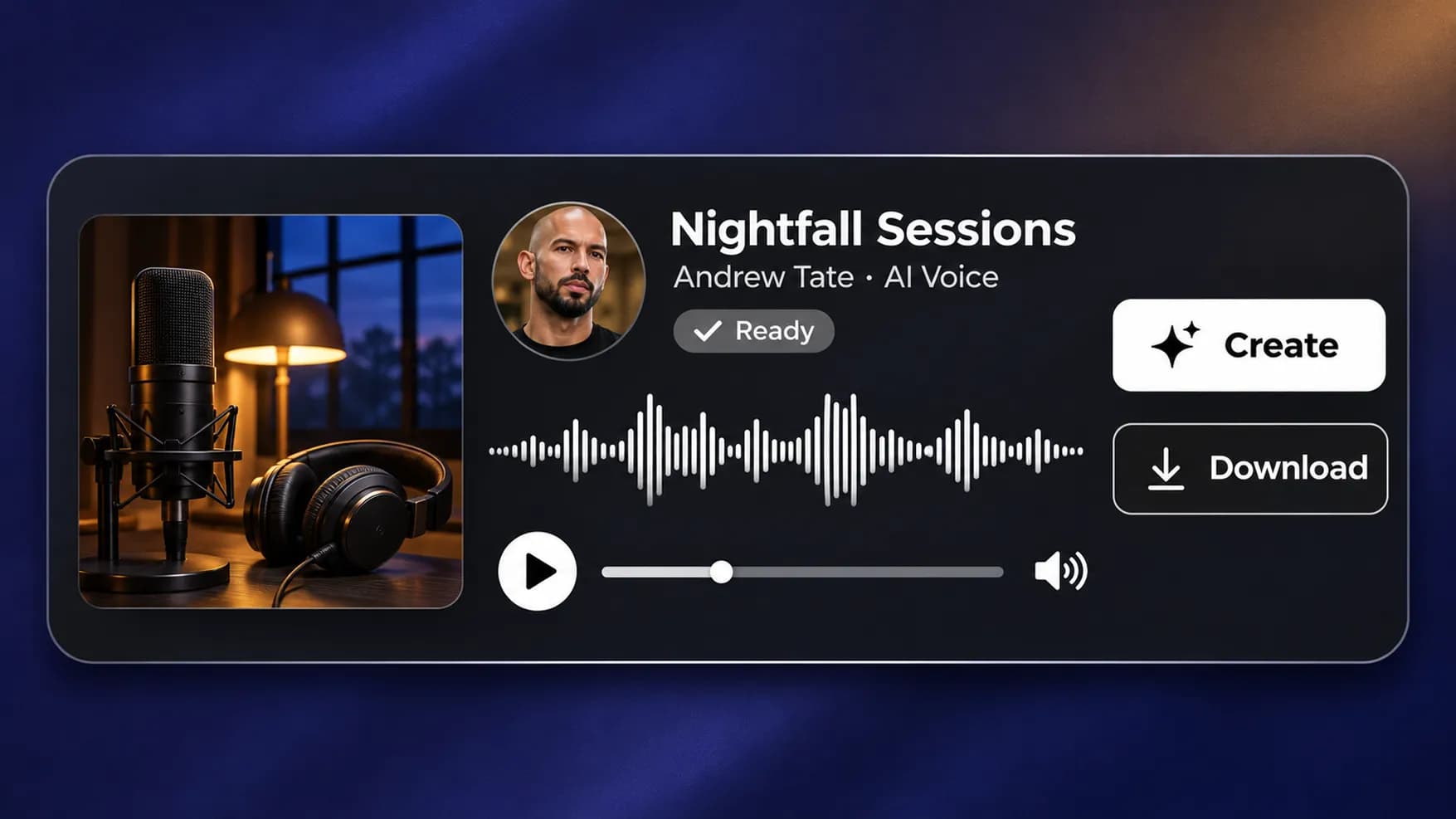
Hear the Finished Song
Click "Create" to run the conversion. After processing, listen to the cover and download the audio to your device.
Find Your Next Unexpected Vocalist
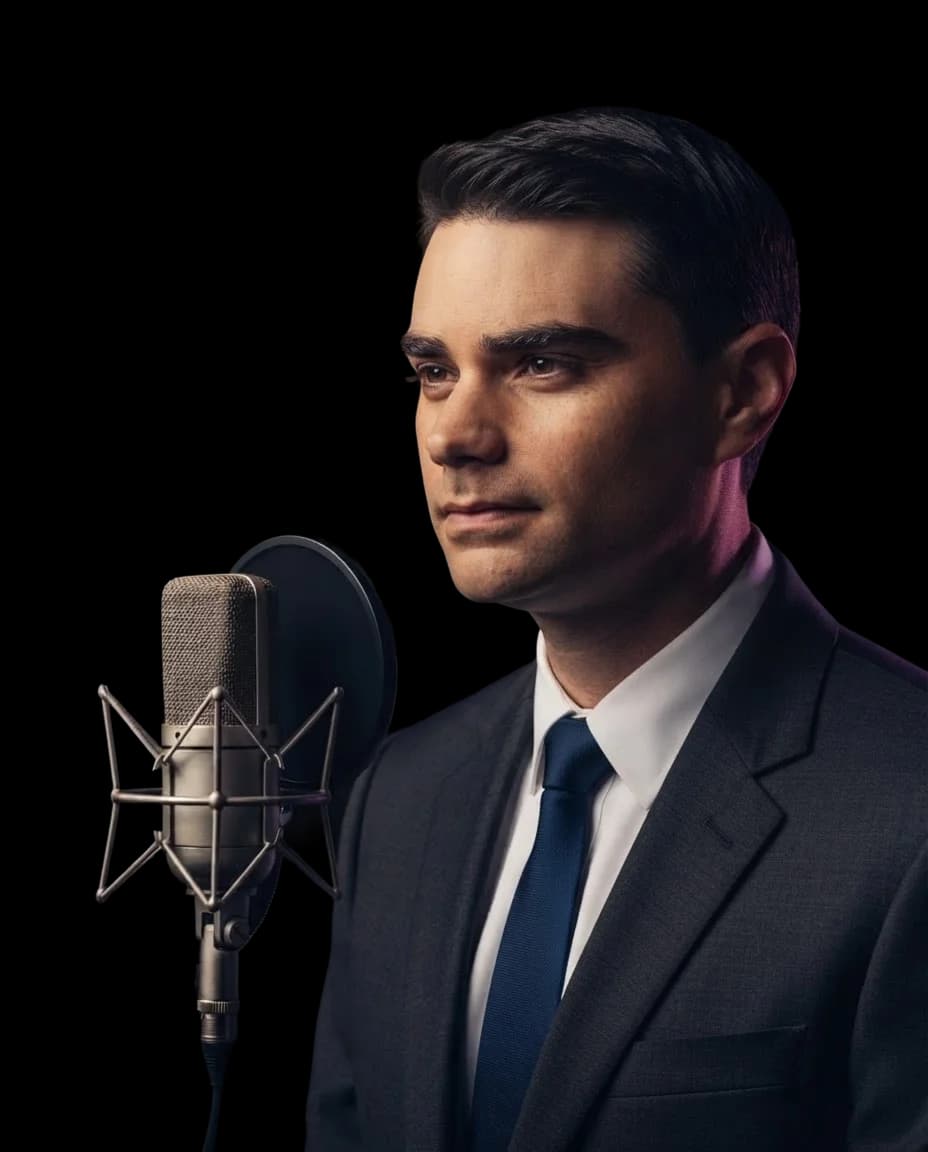
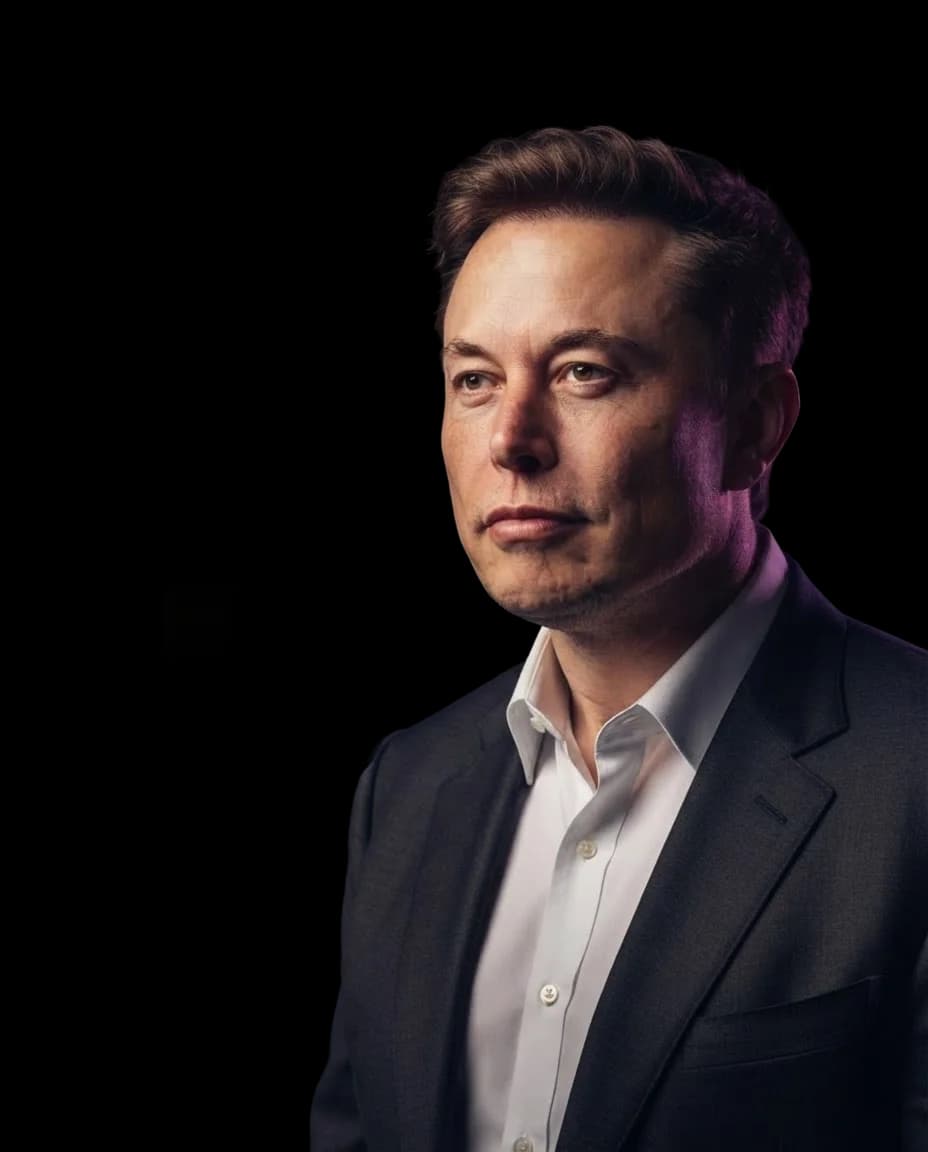
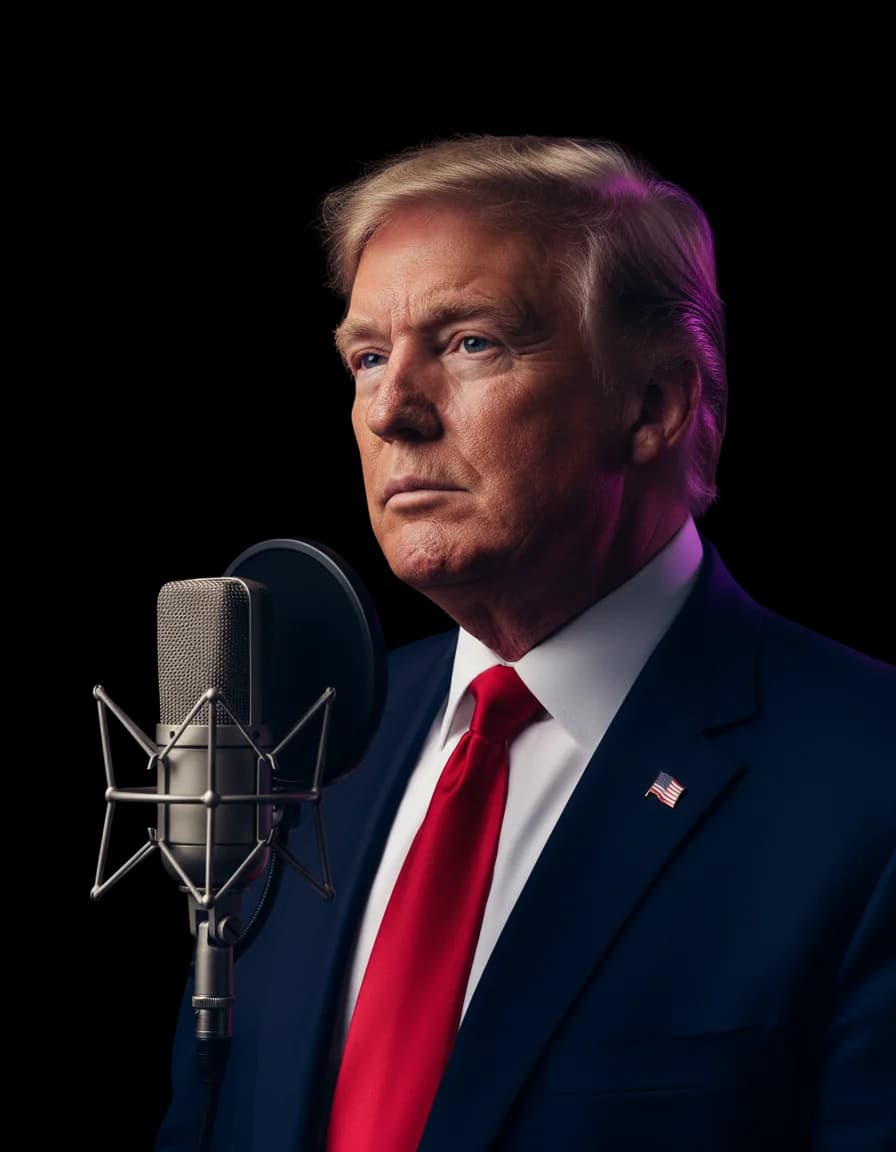
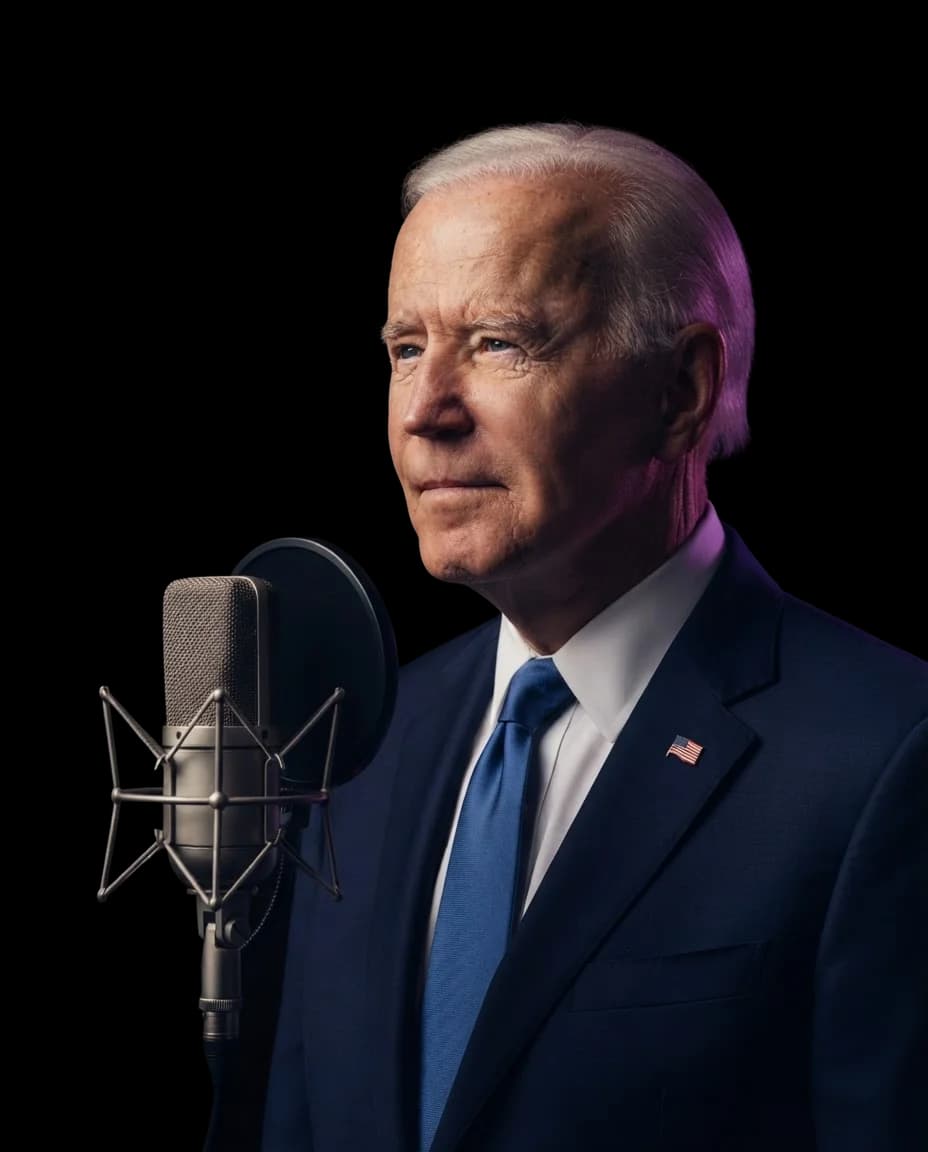
Match the song to a singer or go for a voice nobody would expect. Choose from the names below to continue creating with InsMelo.
FAQs About Using Andrew Tate AI Voice for Songs
InsMelo Andrew Tate AI voice generator turns an existing vocal track into a song cover using an Andrew Tate AI voice model.
Yes. Try the Andrew Tate AI voice free with InsMelo AI song cover generator. You can use an existing song or music you've made in InsMelo.
Yes. First turn your lyrics into a song with InsMelo AI Song Generator. Then select that track from your works and convert it with an AI Andrew Tate voice.
No. This page's AI Andrew Tate voice generator is built for song covers. It converts existing vocals instead of generating spoken speech from text.
Yes. Your song choice does not have to match his usual spoken content. A quieter performance can create a different result, though the source singer's range and delivery will influence the converted vocals.
InsMelo accepts MP3, WAV, and M4A uploads, YouTube links, and songs selected from your InsMelo works.
Yes, provided you have the necessary rights to the song, recording, and voice likeness. Generating a cover does not provide those permissions.
Yes. Visit InsMelo voice cloning to create your voice model. Once it is ready, select it from "My Voice" in the AI song cover generator.
Turn the Unexpected into an Andrew Tate AI Voice Cover
Pick the song that makes the idea work. Create your cover for free with InsMelo and hear the result instead of leaving it to your imagination.