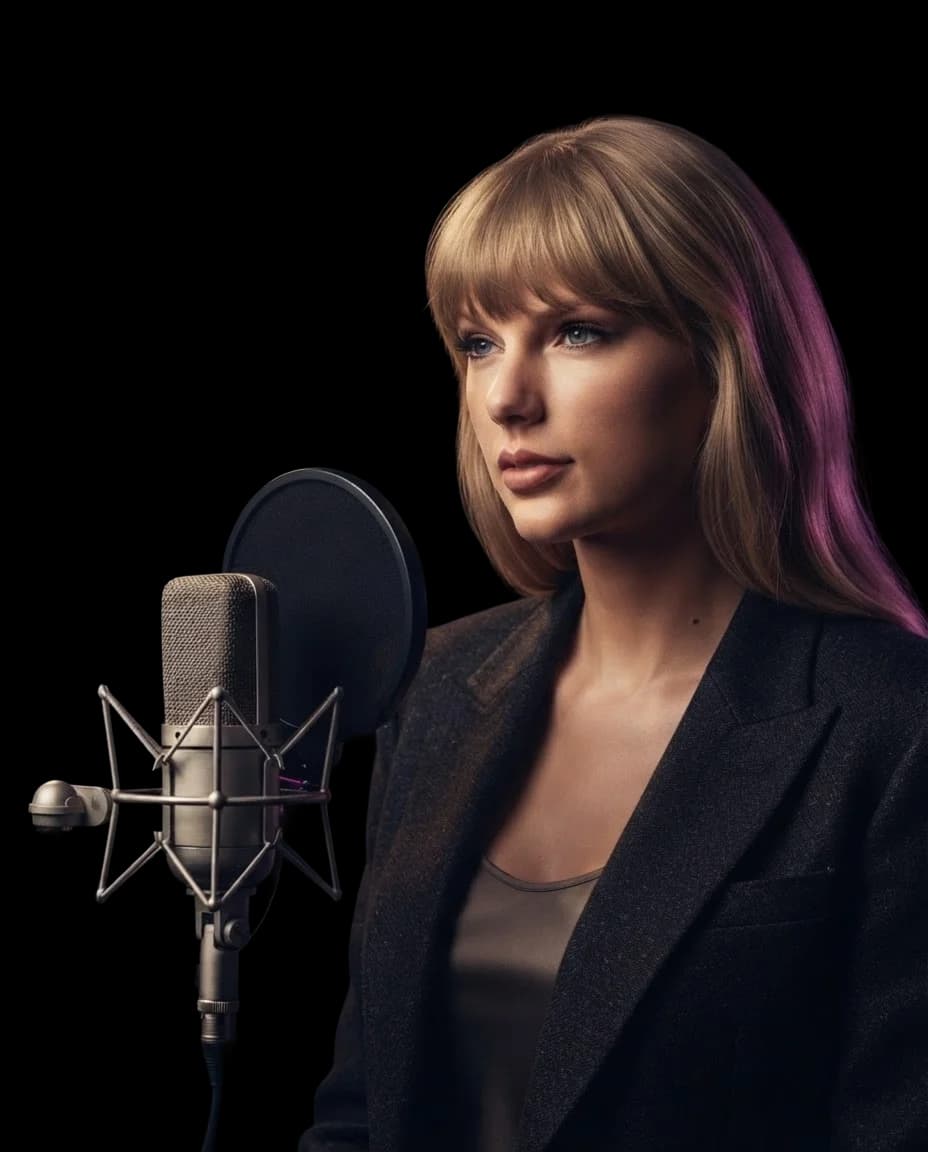
Taylor SwiftAI Voice Cover
Hear a song of your choice with a Taylor Swift AI voice. Revisit lyrics you know by heart or explore how your own songwriting sounds with Taylor vocals, without stepping into a recording booth.
Hear a Taylor Swift AI Cover
Hear a Taylor Swift AI Cover
Create Your AI Cover
Select AI Voice
Drop your song here
Supported formats: MP3, WAV, M4A, FLAC, OGG. Max size: 50 MB.
This will cost credits. The credit cost will be shown before generation.
How to Create a Taylor Swift AI Voice Cover
Create a Taylor Swift AI voice cover of a song you've always wanted to hear differently. Try a personal favorite or an original composition, no singing or production experience needed.
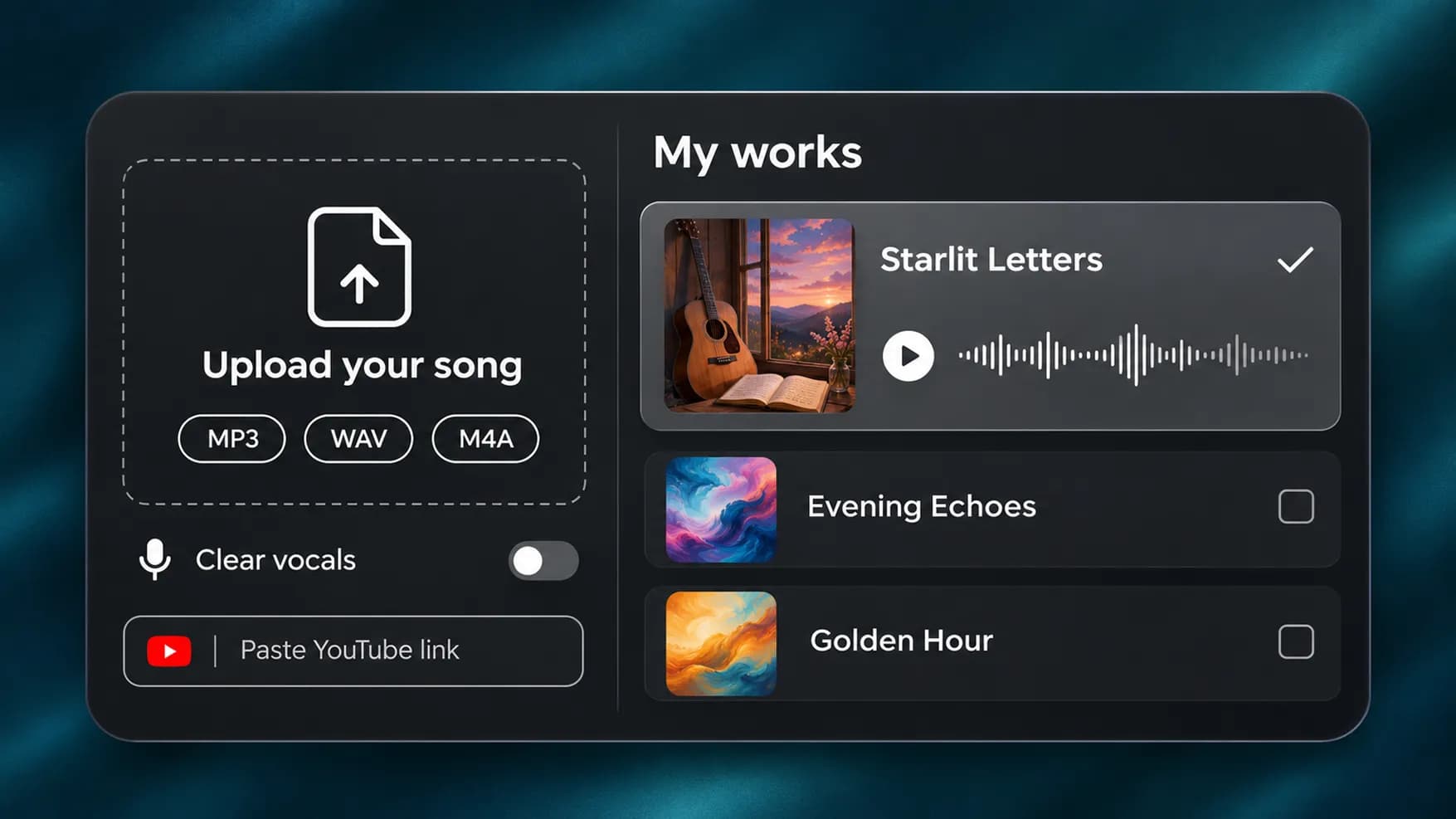
1.
Bring Your Song
Upload an MP3, WAV, or M4A file, paste a YouTube link, or choose a track from your InsMelo works. Use a recording with clear vocals to give the conversion a better starting point.
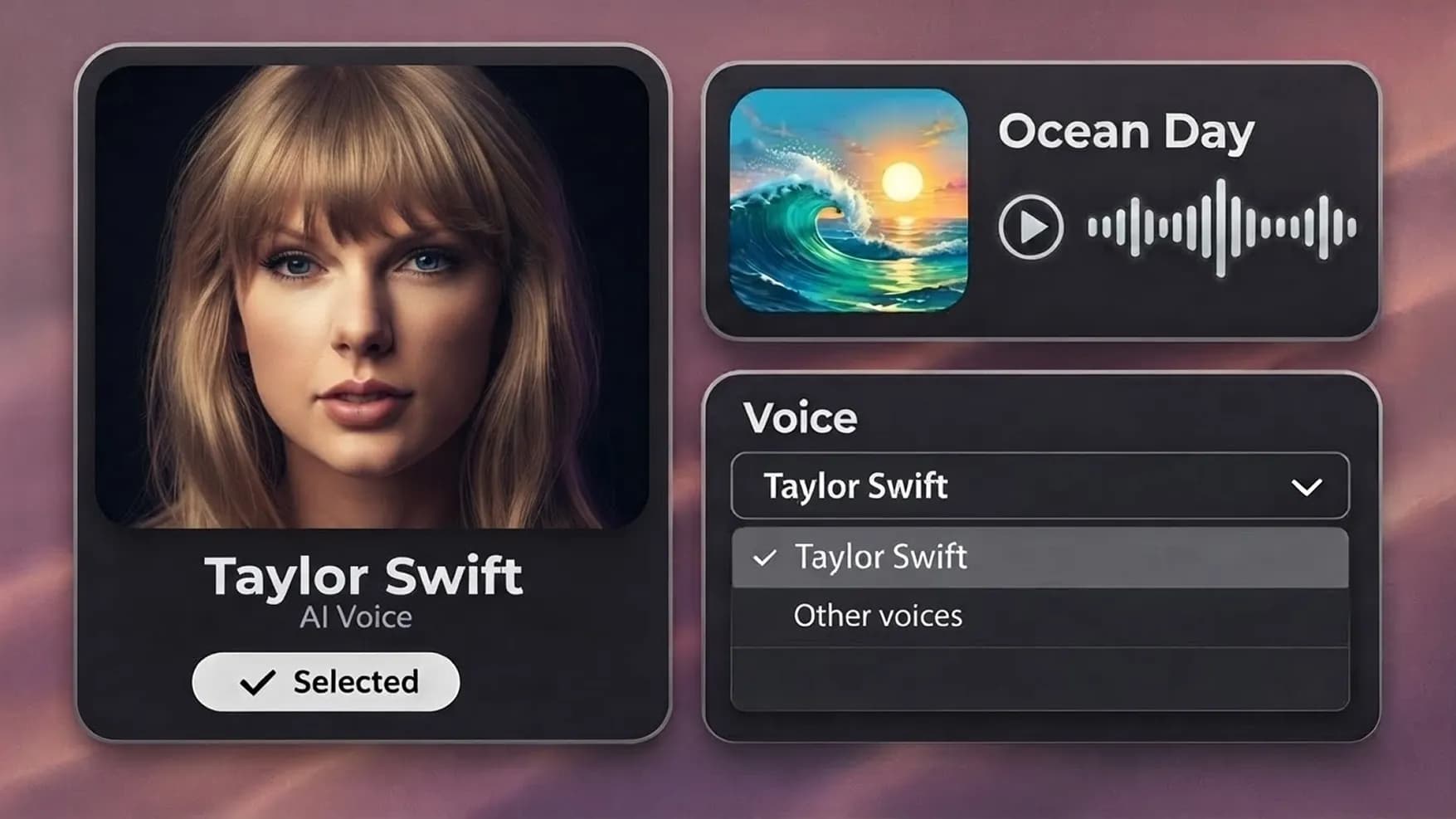
2.
Confirm the Selected Voice
The Taylor Swift AI voice is already selected. Continue with this model, or open the dropdown to explore other voices before creating your cover.
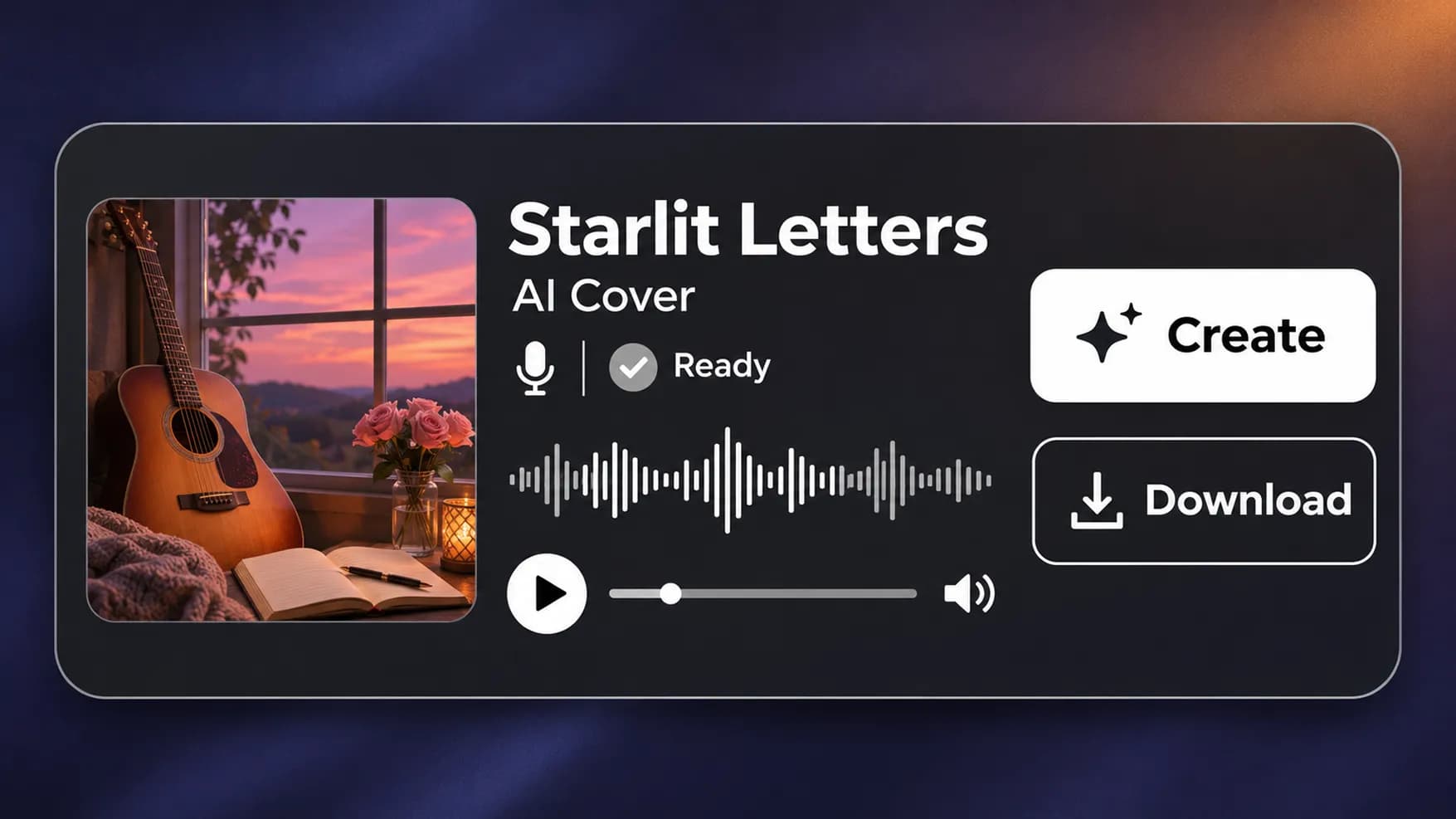
3.
Listen to Your New Version
Click "Create" to convert the vocals with an AI Taylor Swift voice. Once the cover is ready, play the result and download the finished track.
Try Another Vocalist for Your Song
Hear how the same lyrics sound with a different singer. Explore more artist and character voices to choose the next performer for your cover.
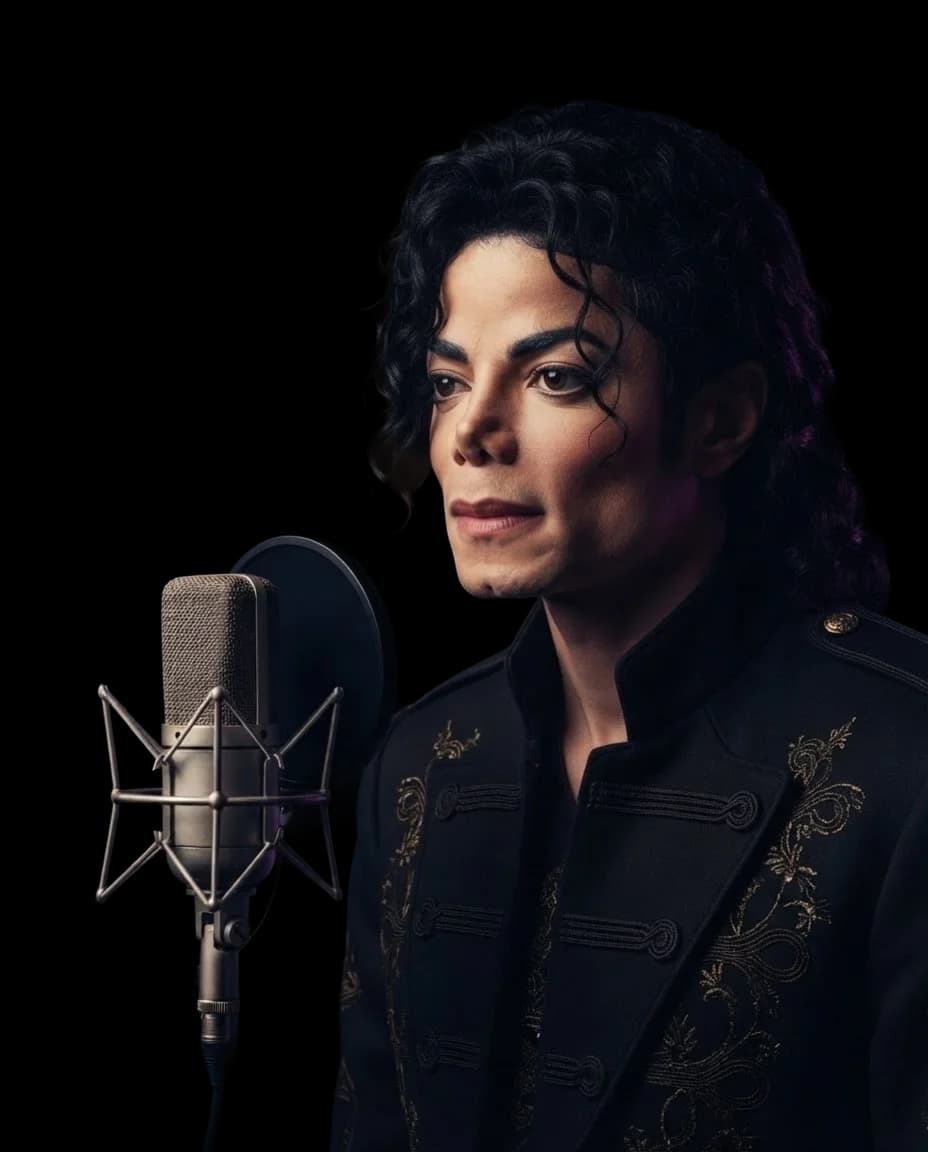
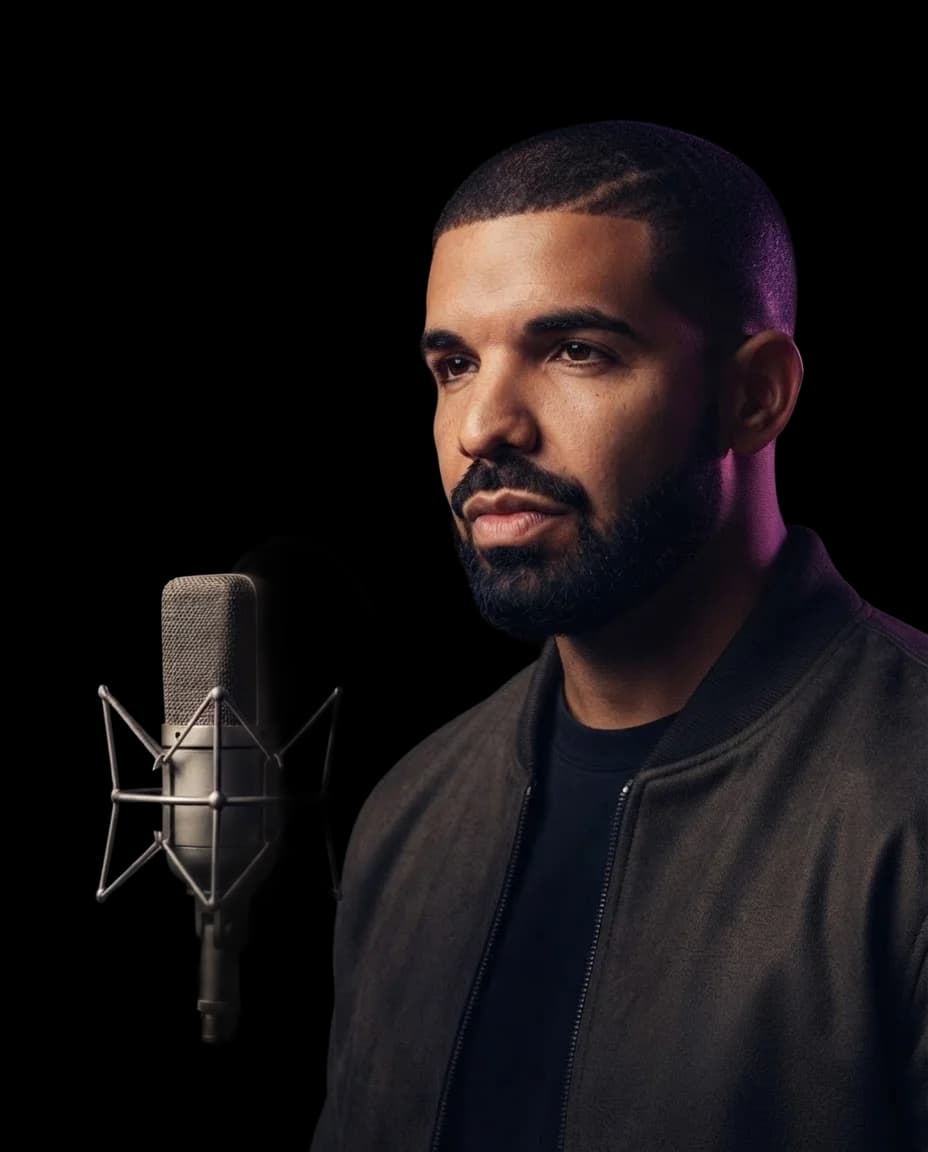
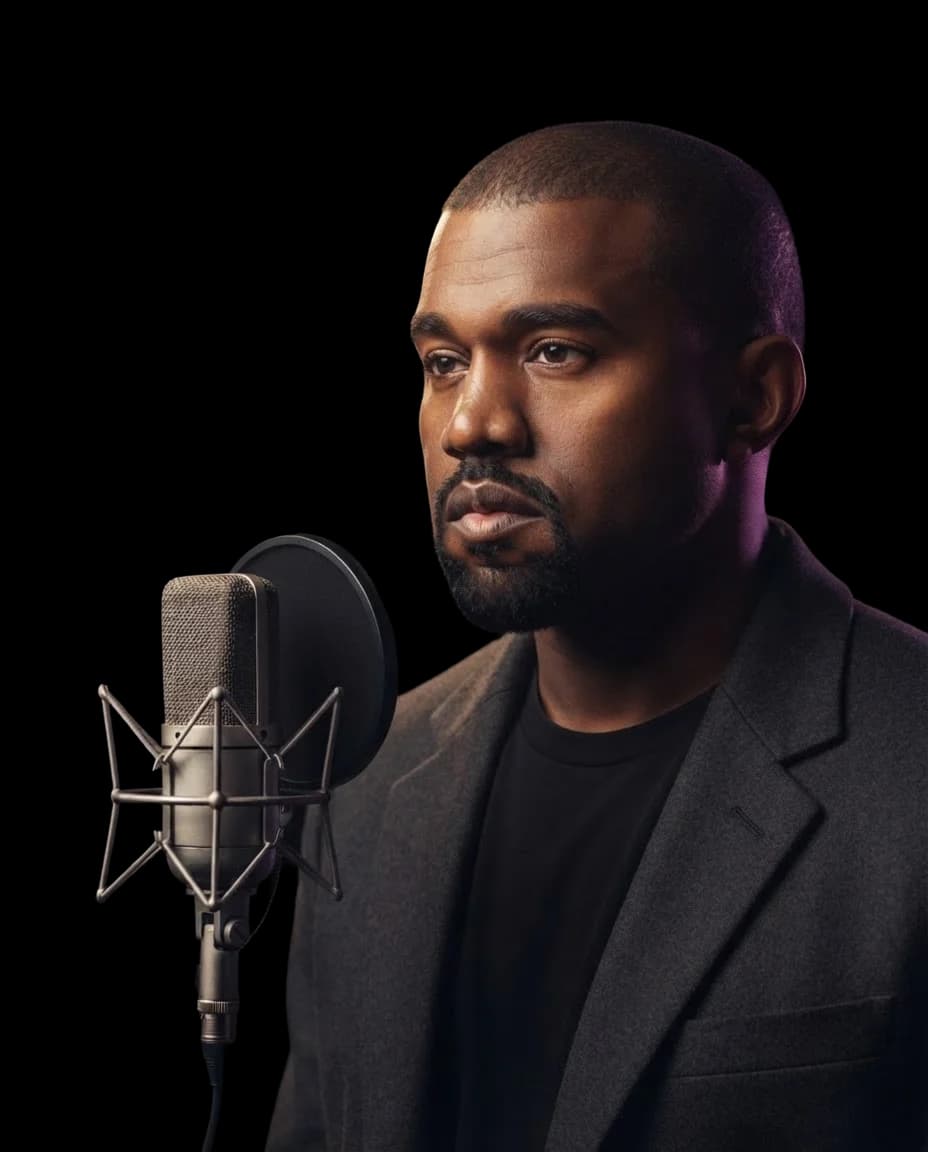
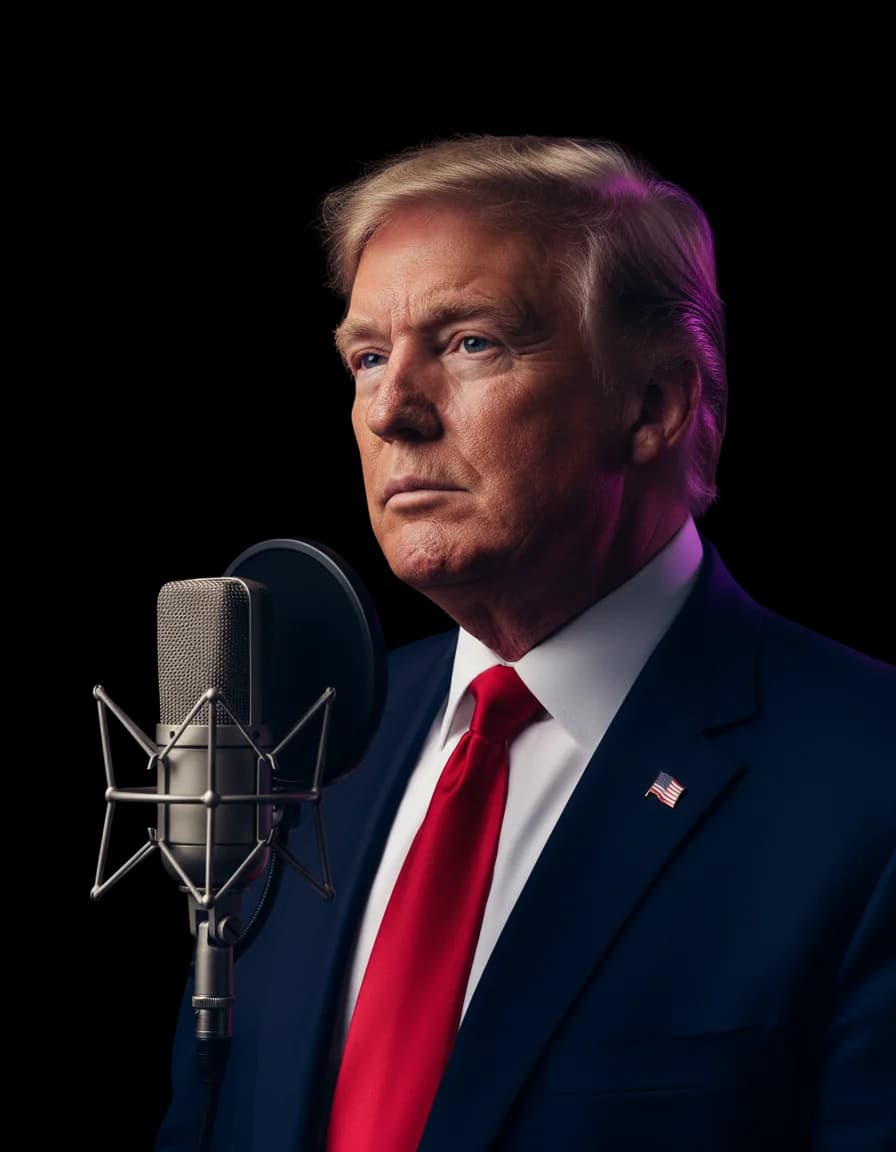


FAQs About Taylor Swift AI Voice Covers
InsMelo Taylor Swift AI voice generator transforms the vocals in an existing song into a Taylor-inspired sound while retaining its melody and musical expression. It lets you explore a different vocal interpretation of familiar songs or your own music.
Yes. You can try an AI Taylor Swift voice free with InsMelo AI song cover generator. Create a cover from an existing recording without performing new vocals yourself.
No. A Taylor Swift AI voice cover is a synthetic recreation, not a recording of Taylor Swift singing your chosen song. It is not affiliated with, approved by, or endorsed by her.
Yes. Upload your recording or choose a track from your InsMelo works. You can use the Taylor Swift AI voice to explore a different vocal sound for a song you've written or created.
No. This tool needs an existing song rather than lyrics alone. You can first turn your lyrics into a track with InsMelo AI Song Generator, then select that track from your works to create a cover.
You can upload MP3, WAV, or M4A files, paste a YouTube link, or select songs saved in your InsMelo works. Choose whichever source is most convenient for your project.
The original singer's pitch, phrasing, and delivery shape the converted performance. Clear lead vocals generally work better than recordings with overlapping harmonies, heavy noise, or strong vocal effects. The selected model does not guarantee an exact recreation of Taylor Swift's singing.
Yes, provided you have the necessary rights to the song, recording, and voice likeness. Creating a Taylor Swift AI voice cover does not automatically grant permission to release or monetize it.
Yes. Visit InsMelo Voice Cloning to create your personal AI voice model. Once it's ready, select it from "My Voice" in the AI song cover generator and use it for your cover.
Hear Your Song with a Taylor Swift AI Voice
Choose a track that means something to you and explore a different performance. Create your cover with InsMelo and listen to the finished version.