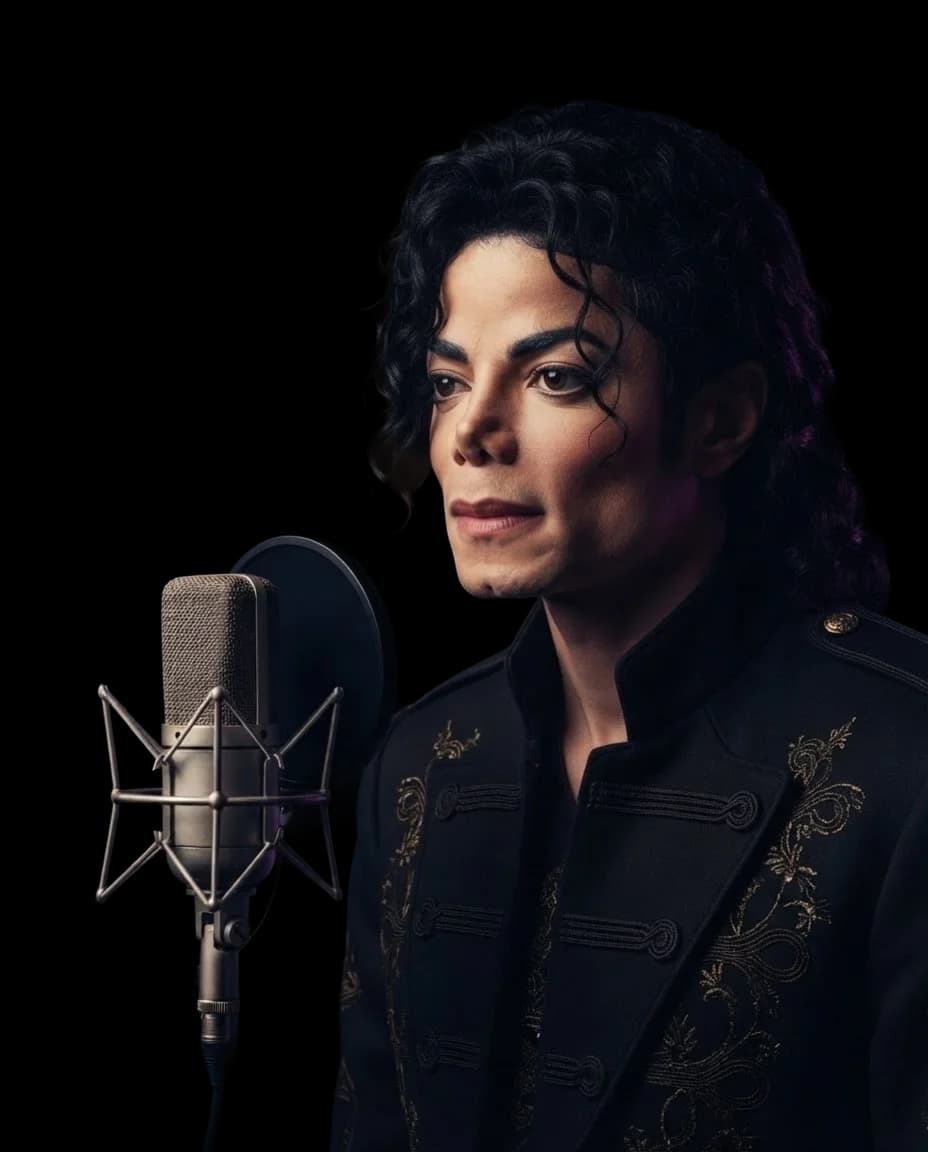
Michael JacksonAI Voice Cover
Give your next cover the unmistakable sound of Michael Jackson AI voice. Put his familiar vocals at the heart of a song you love, with no singing skills needed.
Hear a Michael Jackson AI Cover
Hear a Michael Jackson AI Cover
Create Your AI Cover
Select AI Voice
Drop your song here
Supported formats: MP3, WAV, M4A, FLAC, OGG. Max size: 50 MB.
This will cost credits. The credit cost will be shown before generation.
How to Create a Michael Jackson AI Voice Cover
Choose a song for your next Michael Jackson AI voice cover and bring your idea to life.
1.
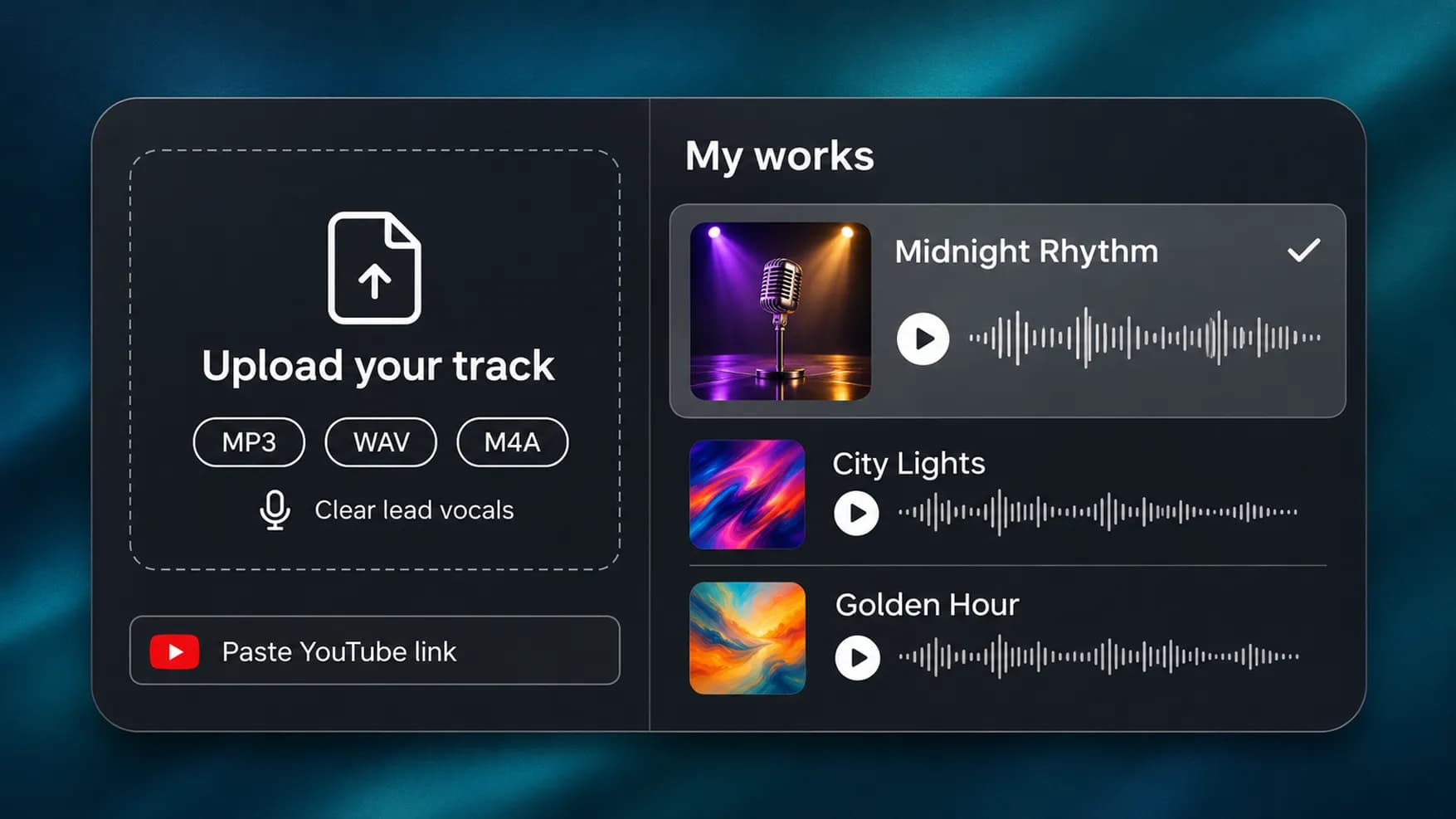
Add Your Source Track
Upload an MP3, WAV, or M4A file, paste a YouTube link, or select a song from your InsMelo works. Use a recording with clear lead vocals for better conversion.
2.
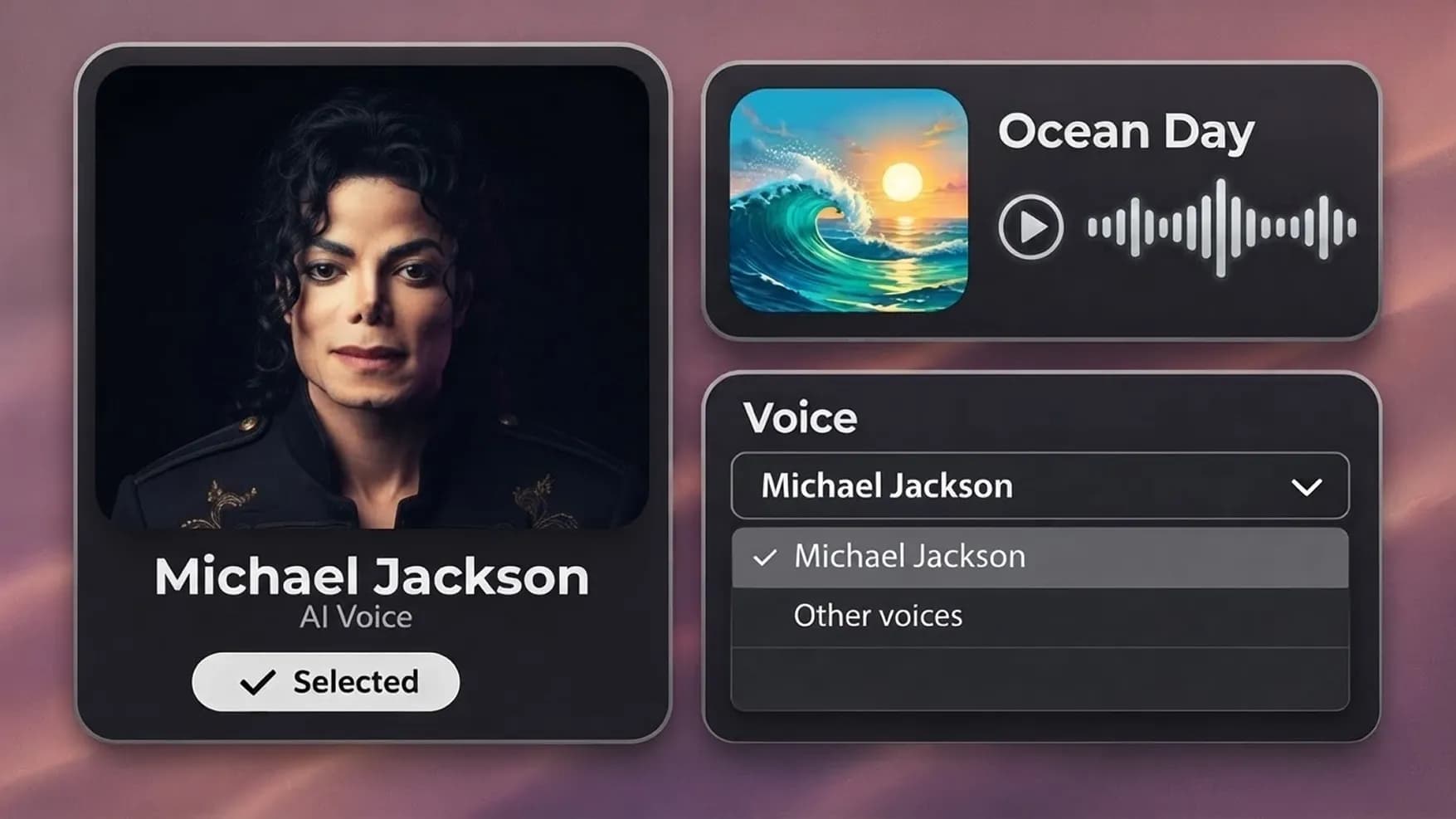
Confirm the Selected Model
The Michael Jackson AI voice is ready to use when you open the tool. Keep this selection, or use the dropdown to switch to another voice.
3.
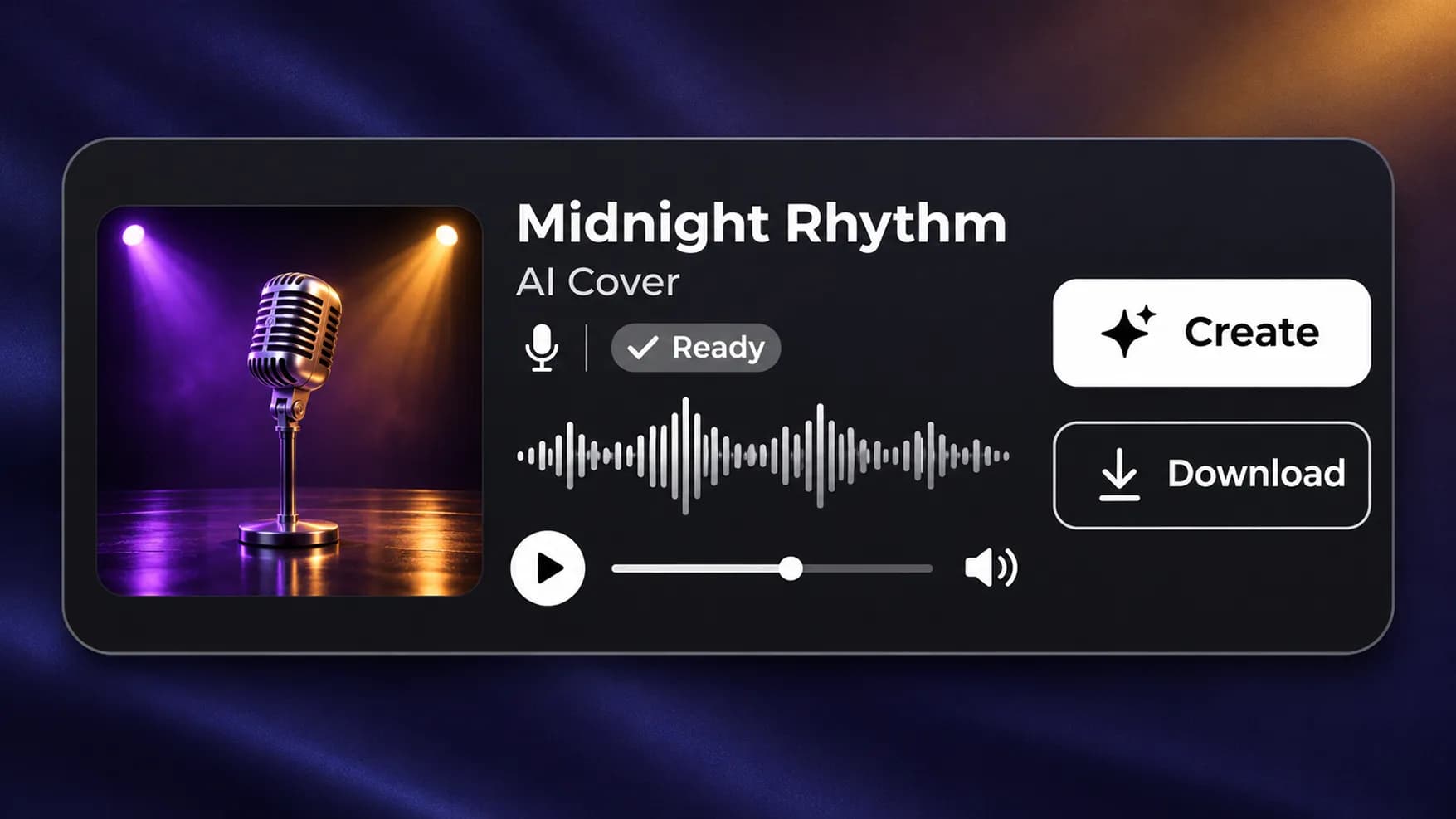
Generate and Save the Cover
Click "Create" to convert your song to an AI Michael Jackson voice. After processing, play the finished cover and download it to your device.
Choose Another Singer for Your Cover
Find more voices for the songs on your list. Select a familiar artist or try a character voice for a completely different performance.

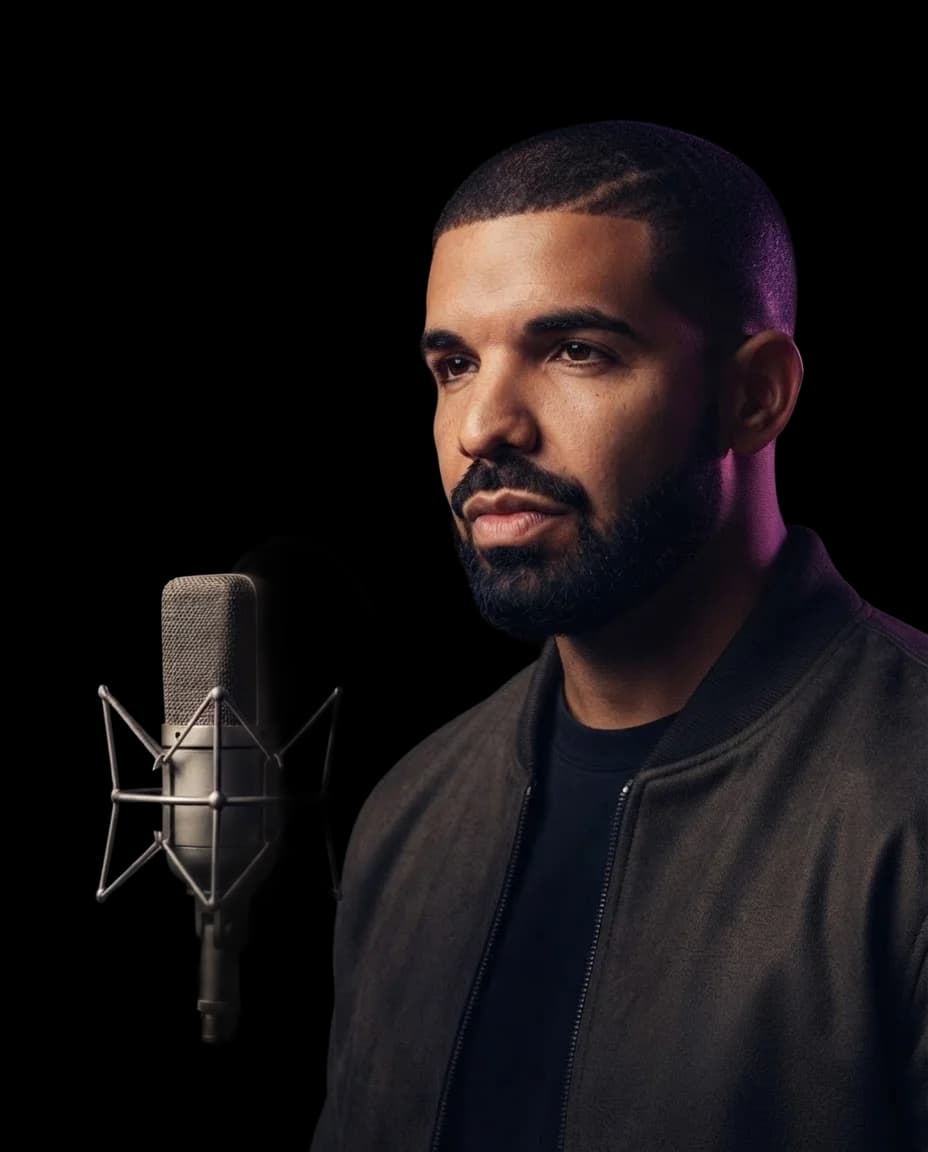
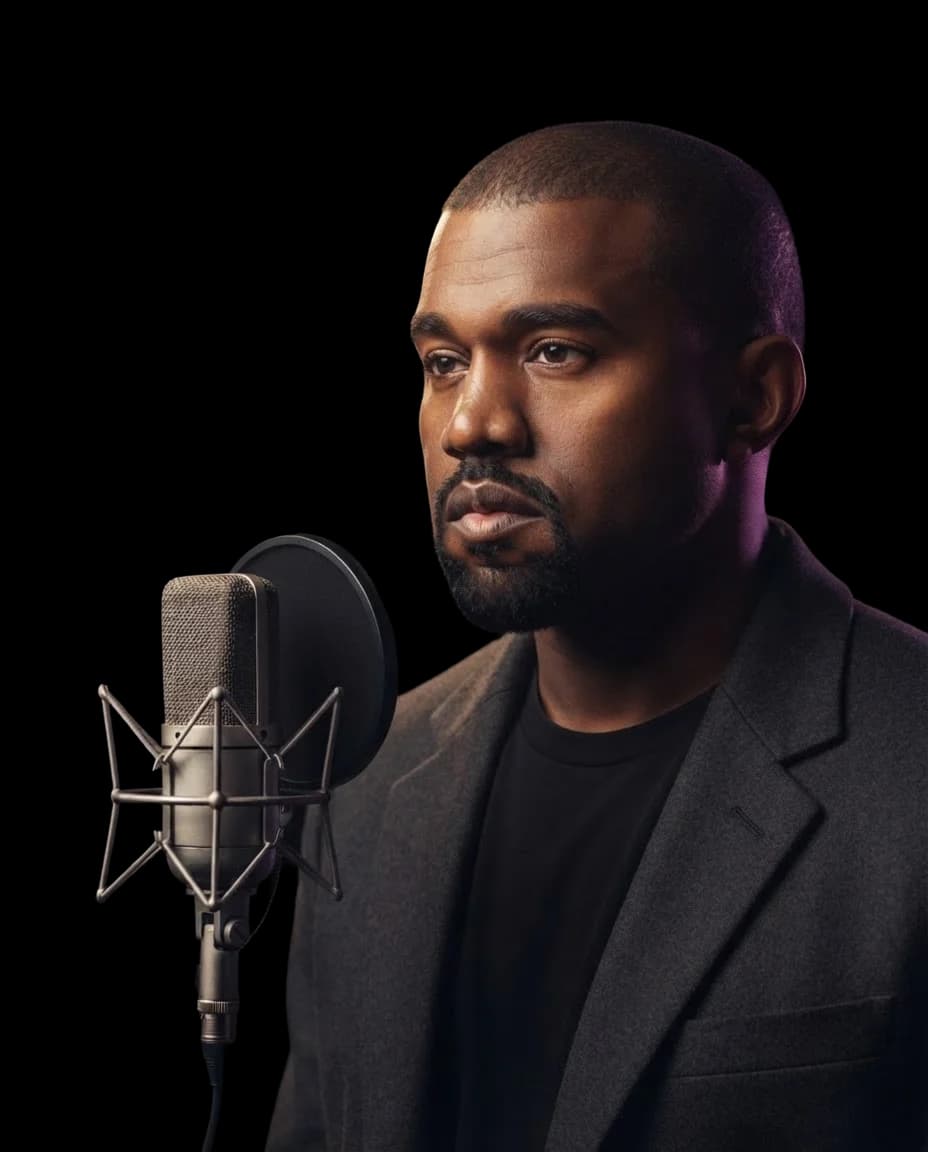
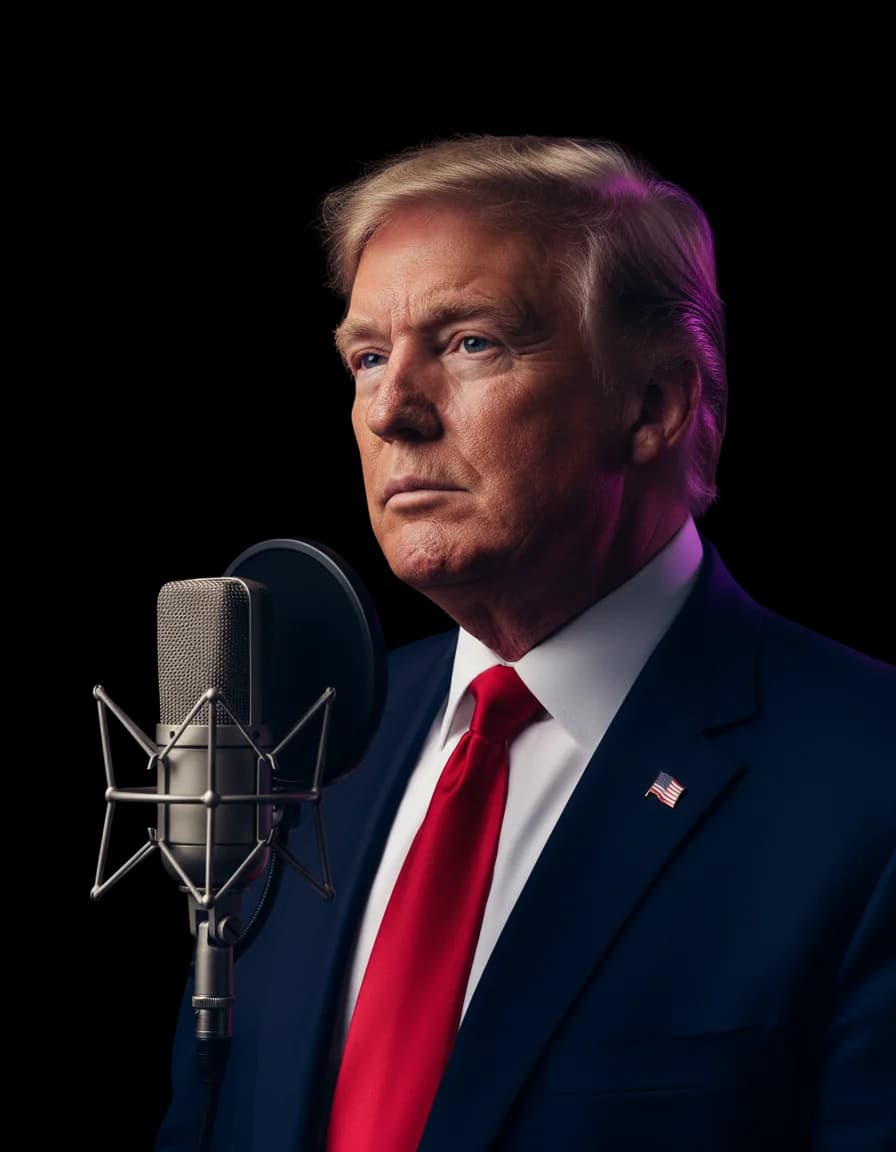
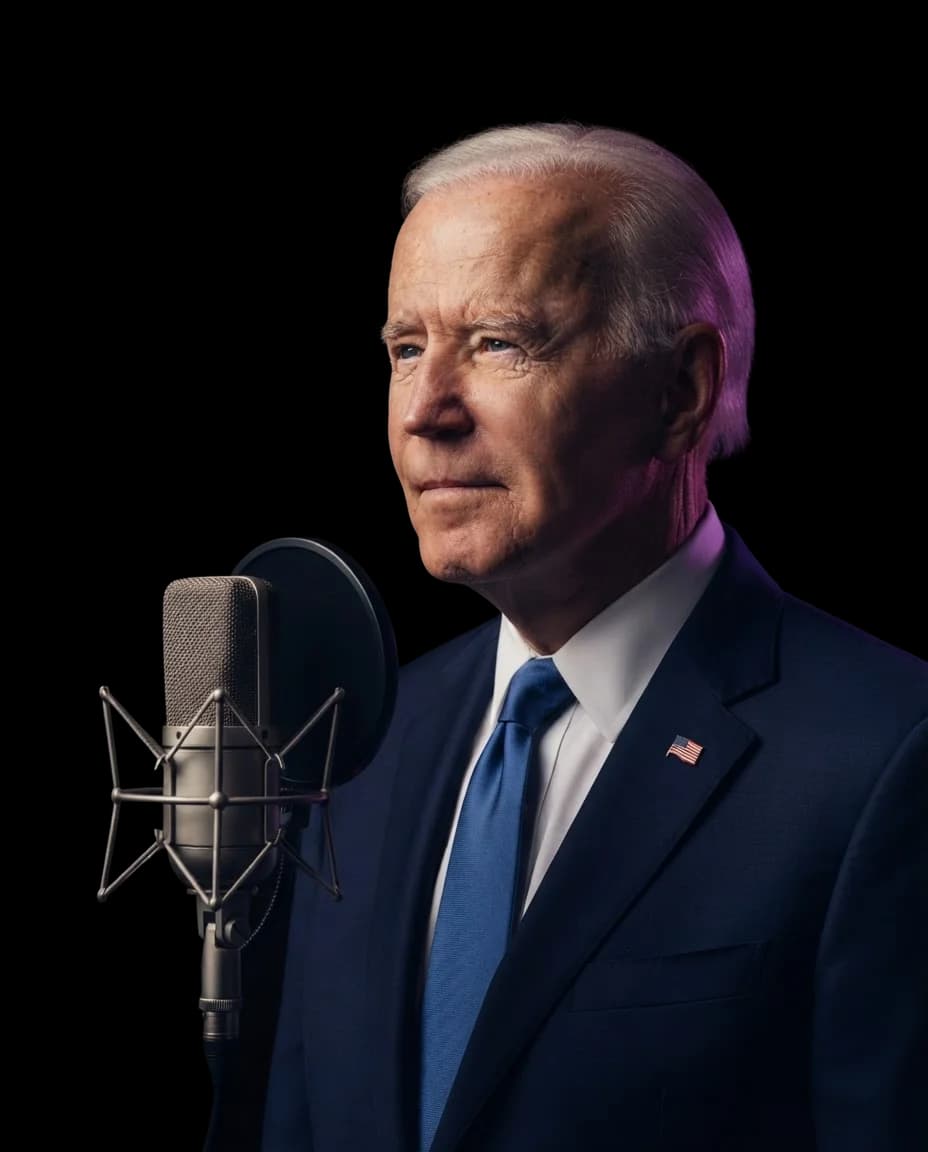



FAQs About Michael Jackson AI Voice Covers
InsMelo Michael Jackson AI voice generator converts the vocals in an existing song using a Michael Jackson AI voice model. It retains the song's melody and musical expression while giving the vocals a different sound.
Yes. You can try the Michael Jackson AI voice free with InsMelo AI song cover generator. The free Michael Jackson AI voice option lets you create covers without recording a new vocal performance.
No. The cover is AI-generated, not an authentic recording, unreleased song, or performance by Michael Jackson. It is not affiliated with or endorsed by his estate.
No. Michael Jackson voice AI converts the source vocals rather than adding new ad-libs or rewriting the performance. The original singer's phrasing, timing, and delivery remain important to how the result sounds.
Yes. You can create covers from other artists' songs or your own tracks. This lets you hear an AI voice Michael Jackson fans may recognize on material outside his original recordings.
InsMelo supports MP3, WAV, and M4A uploads, YouTube links, and tracks saved in your InsMelo works. You can choose an existing recording or a song you've created with InsMelo.
No. The cover tool needs an existing song. If you only have lyrics, first turn them into a track with InsMelo AI Song Generator, then select that song from your works to create a cover.
Choose audio with a distinct lead singer and minimal background noise. Layered vocals, distortion, and heavy effects can make conversion less consistent. The source singer's vocal range also affects the result.
Yes, provided you have the necessary rights to the song, recording, and voice likeness. Generating a Michael Jackson AI voice cover does not automatically grant permission to publish or monetize it.
Yes. Visit InsMelo Voice Cloning to create your personal voice model. Once it's ready, return to the AI song cover generator and select it from "My Voice".
Make Your Next Cover with Michael Jackson AI Voice
Have a song in mind? Turn it into a cover with InsMelo and hear the completed version for yourself.