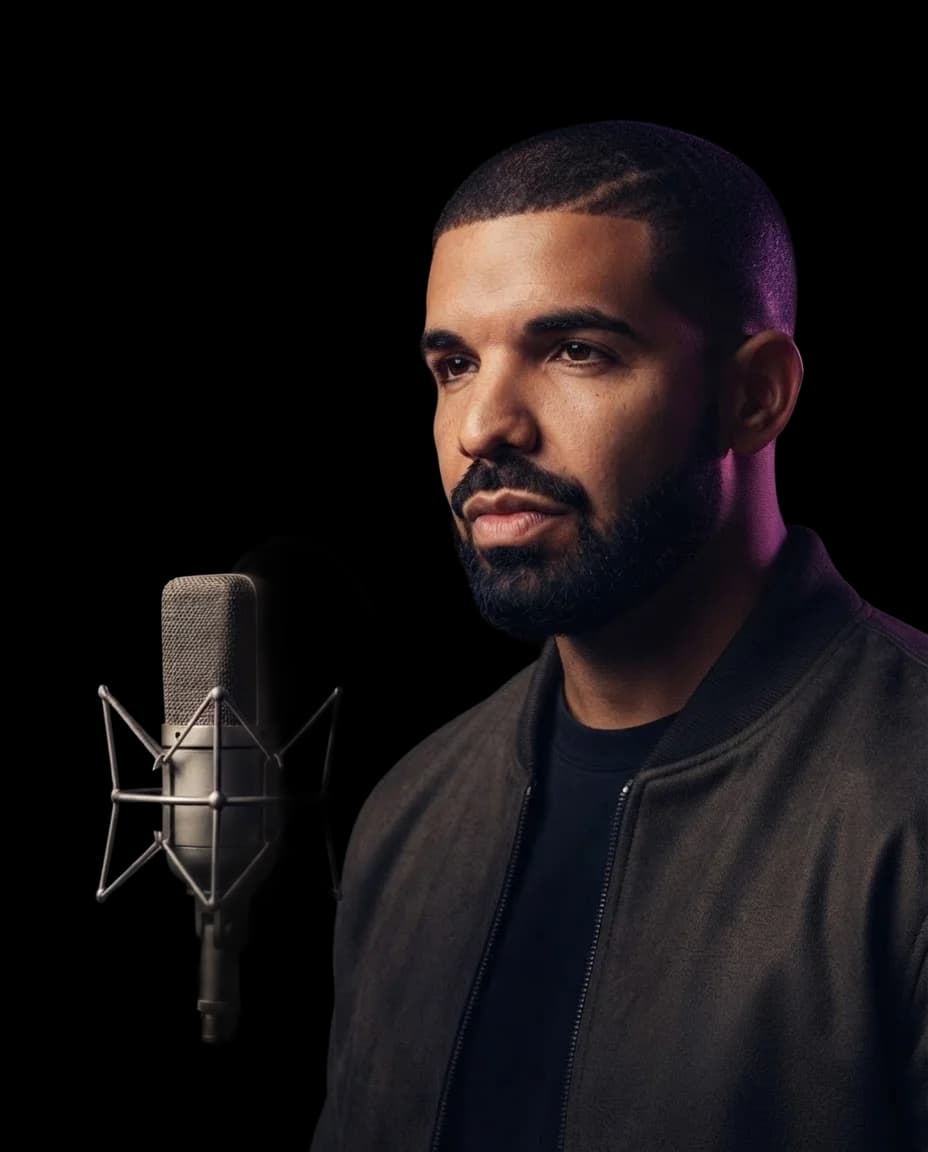
DrakeAI Voice Cover
Give your next song cover the familiar sound of a Drake AI voice. Turn a track you love into a new version without singing or recording vocals yourself.
Hear a Drake AI Cover
Hear a Drake AI Cover
Create Your AI Cover
Select AI Voice
Drop your song here
Supported formats: MP3, WAV, M4A, FLAC, OGG. Max size: 50 MB.
This will cost credits. The credit cost will be shown before generation.
How to Create a Drake AI Voice Cover
Bring your next cover idea to InsMelo AI song cover generator. Create a Drake AI voice version you can listen to and keep, without handling the vocal conversion yourself.
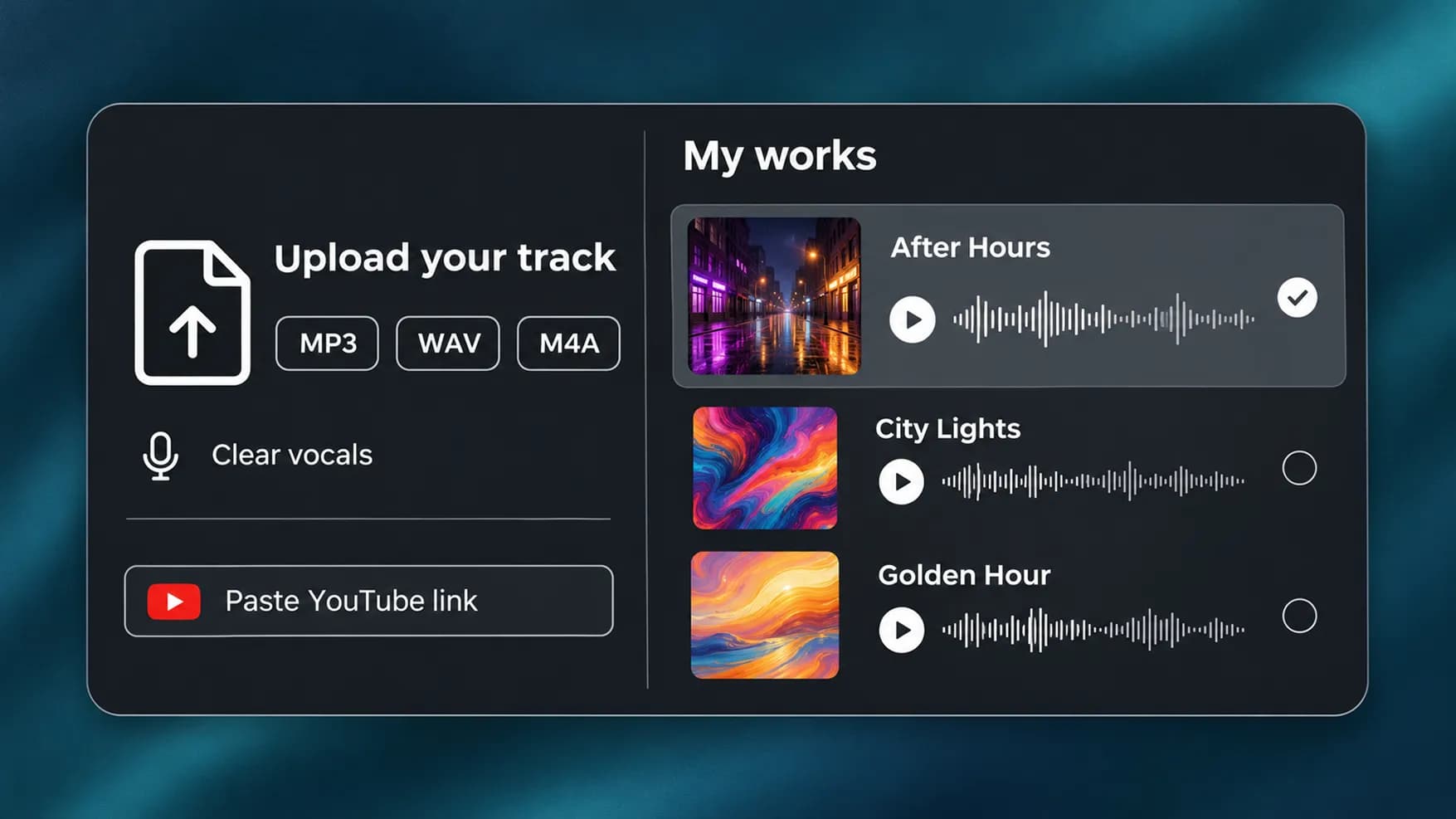
1.
Add the Original Track
Choose a song from your InsMelo works, upload an MP3, WAV, or M4A file, or paste a YouTube link. A source recording with clear vocals helps produce a cleaner cover.
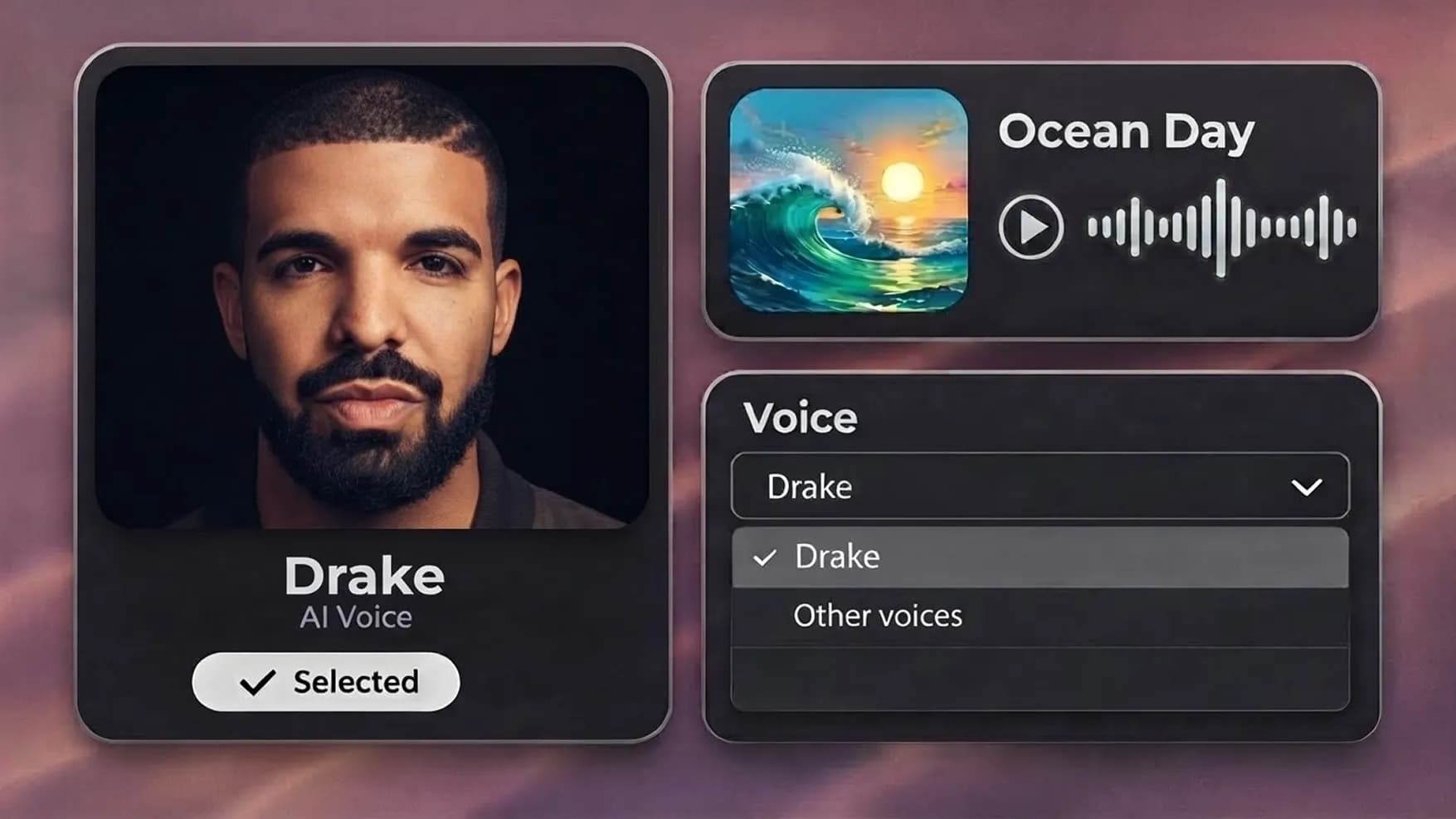
2.
Review the Selected Model
The Drake AI voice is selected by default on this page. Continue with this model, or open the voice dropdown to change your selection before generating.
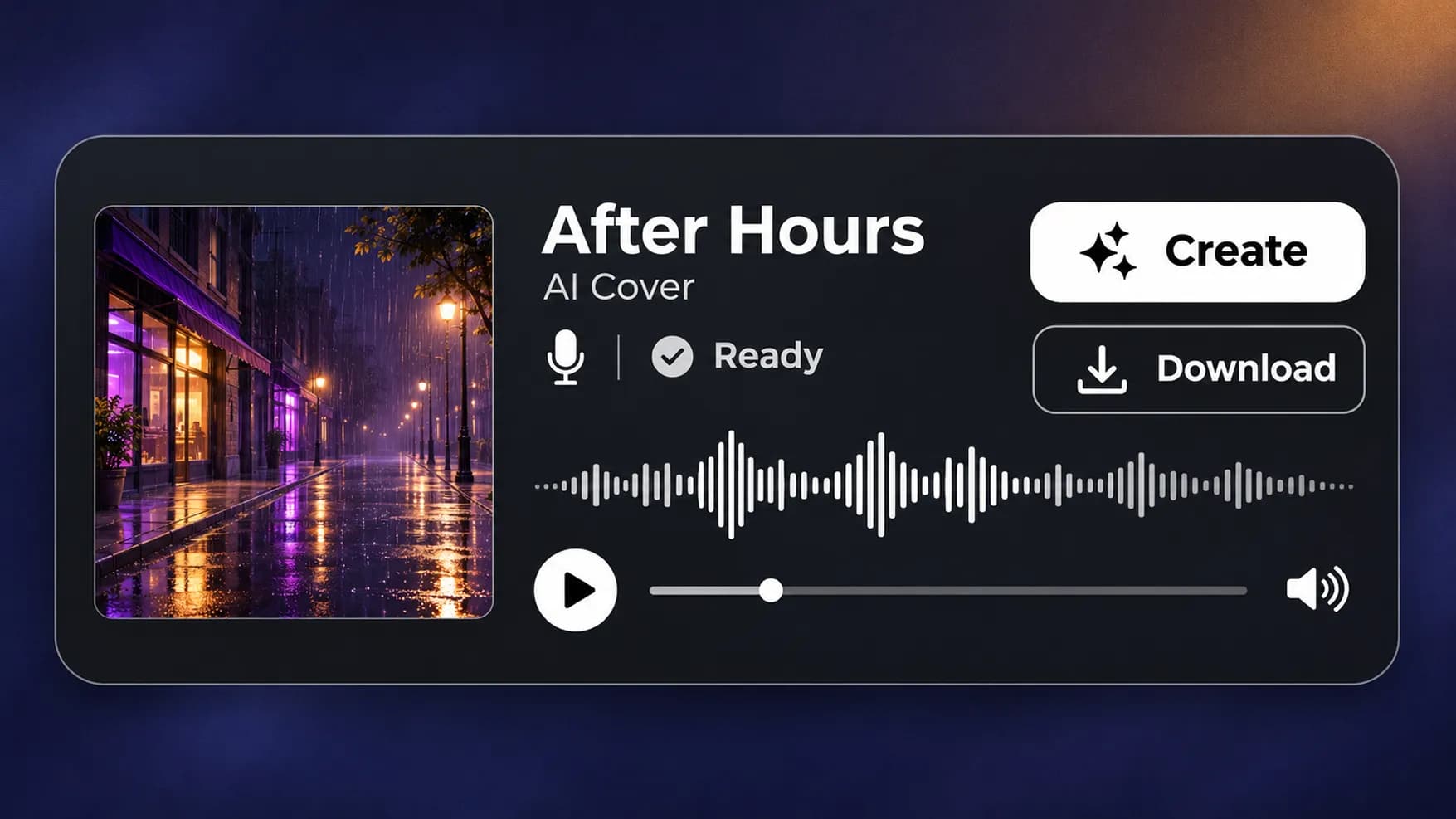
3.
Generate Your New Version
Click "Create" to process the song with an AI Drake voice. Play the completed cover to hear the converted vocals, then download the audio.
Pick Another Voice for the Same Track
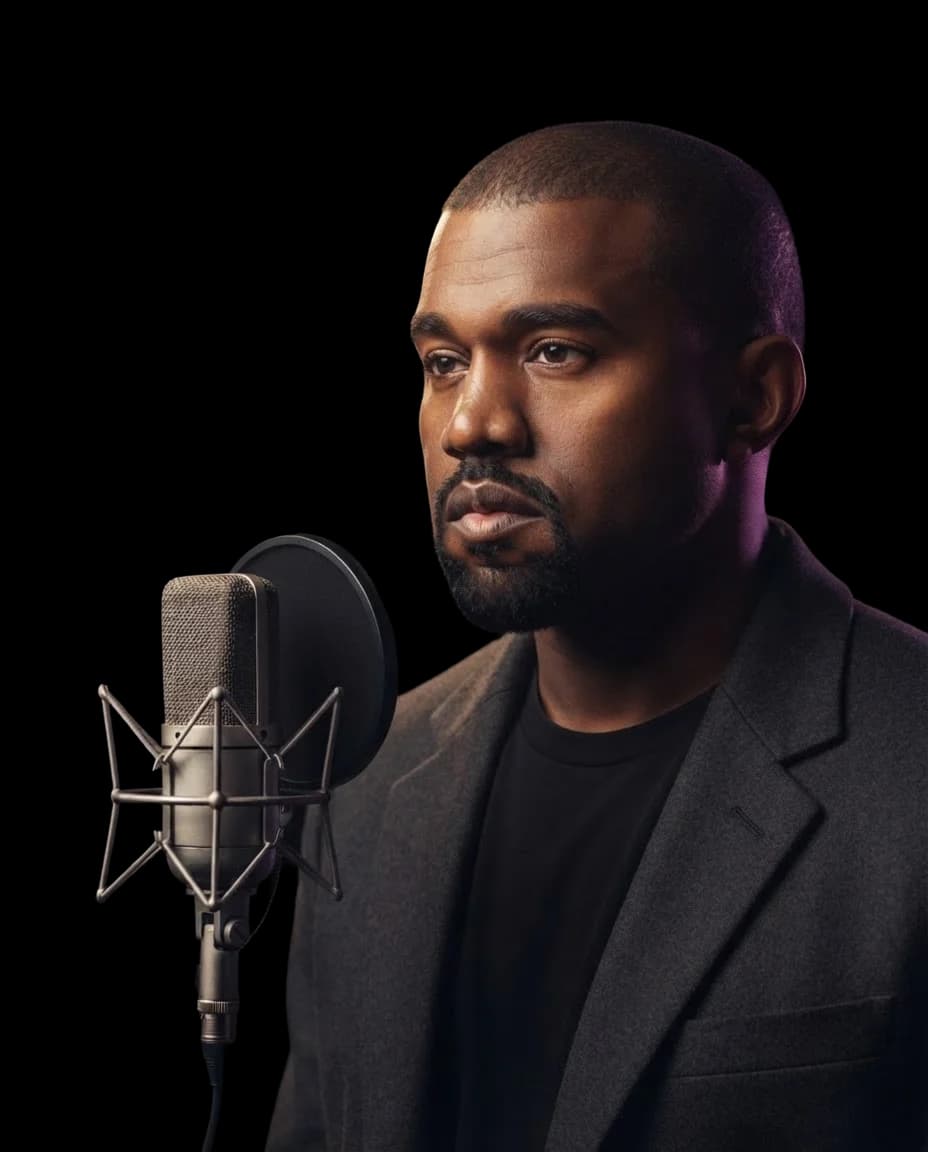
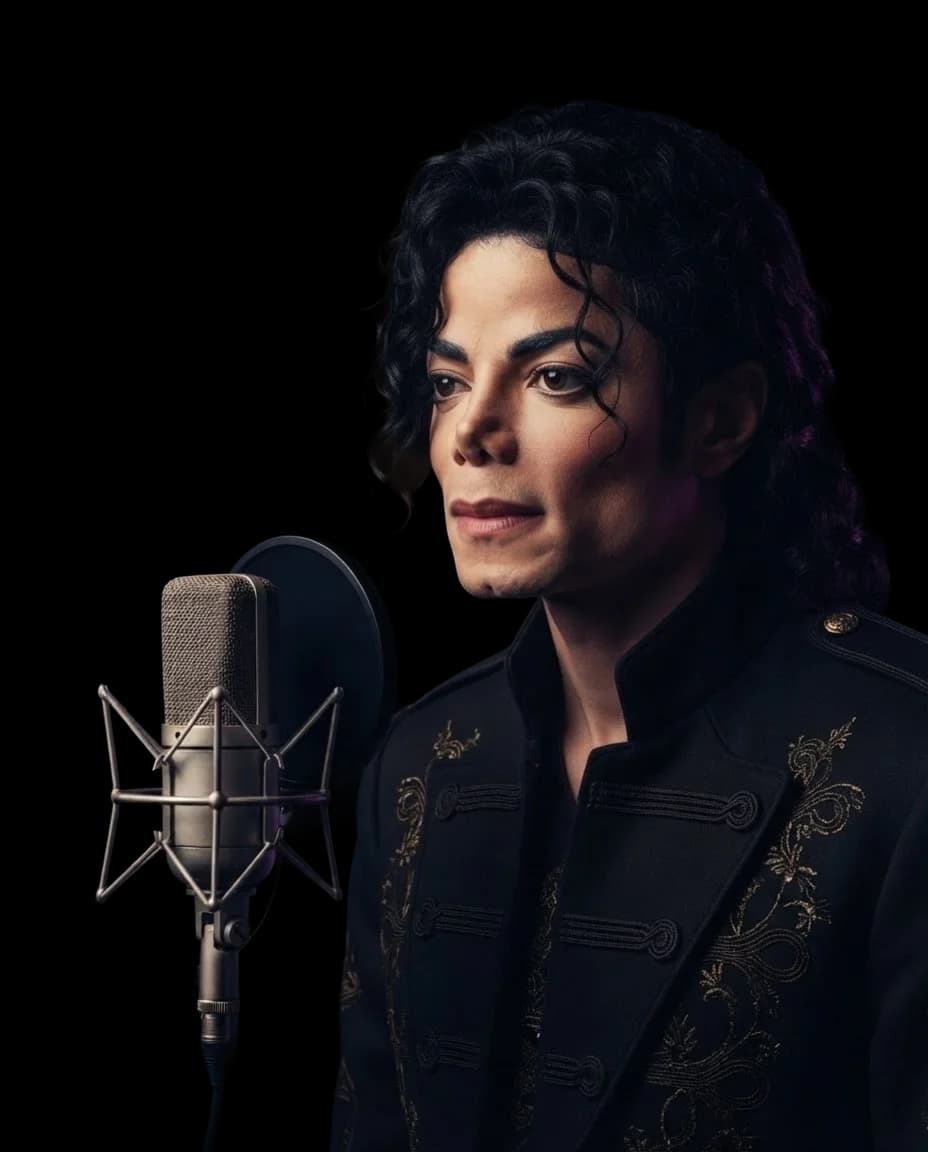
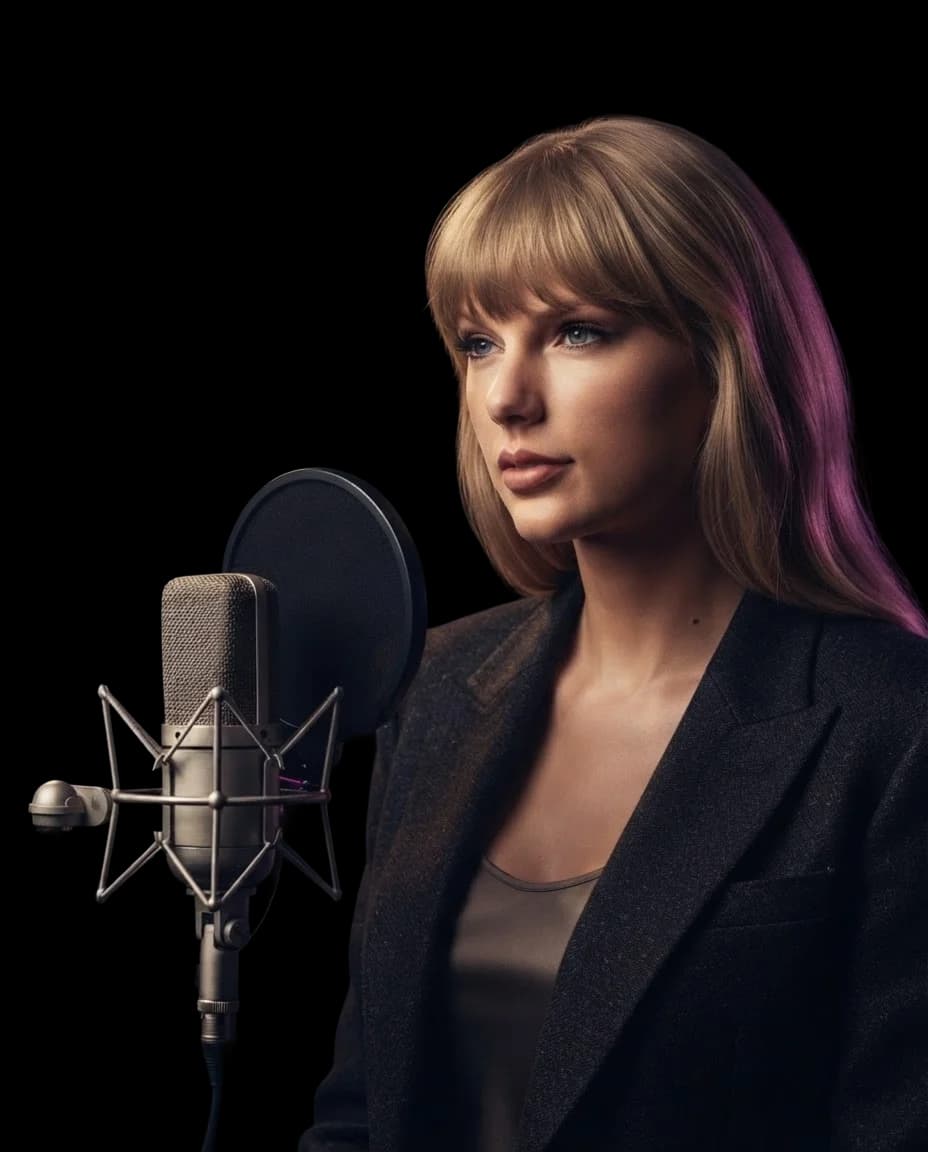
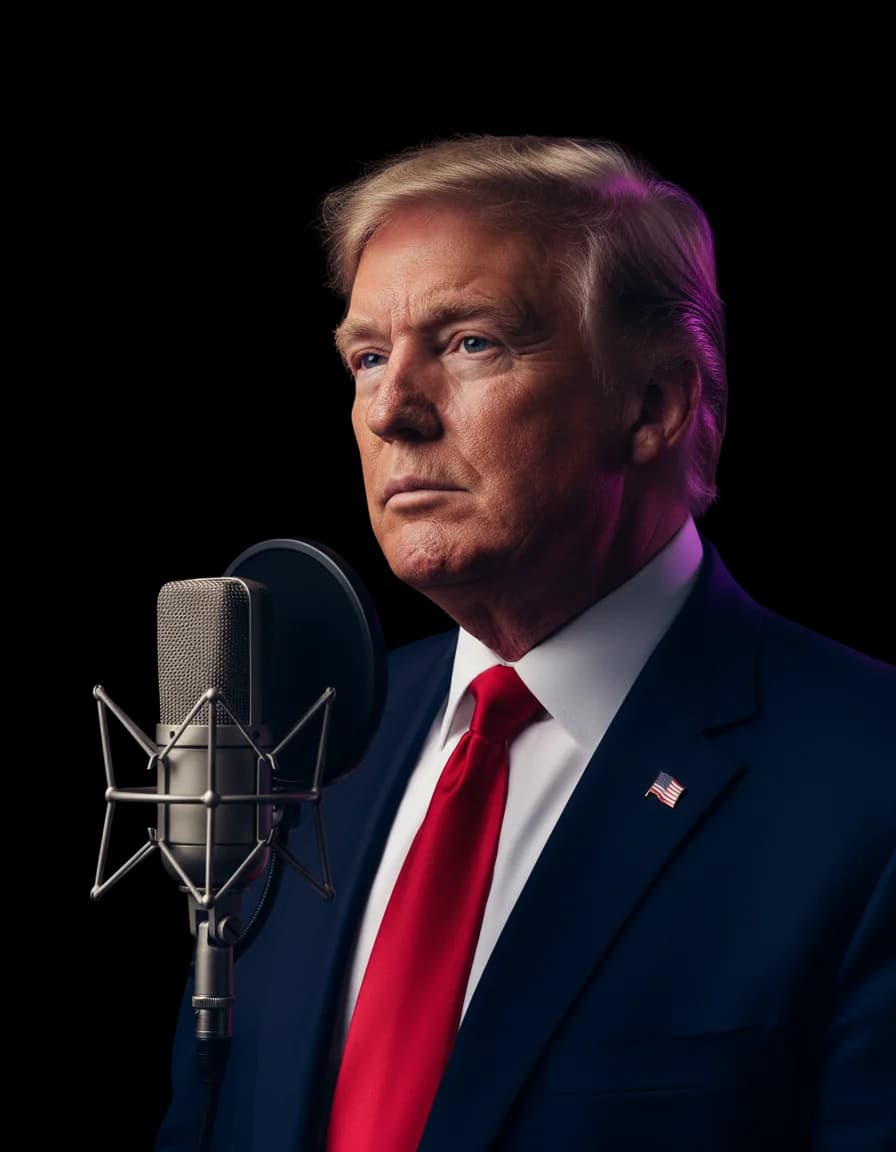
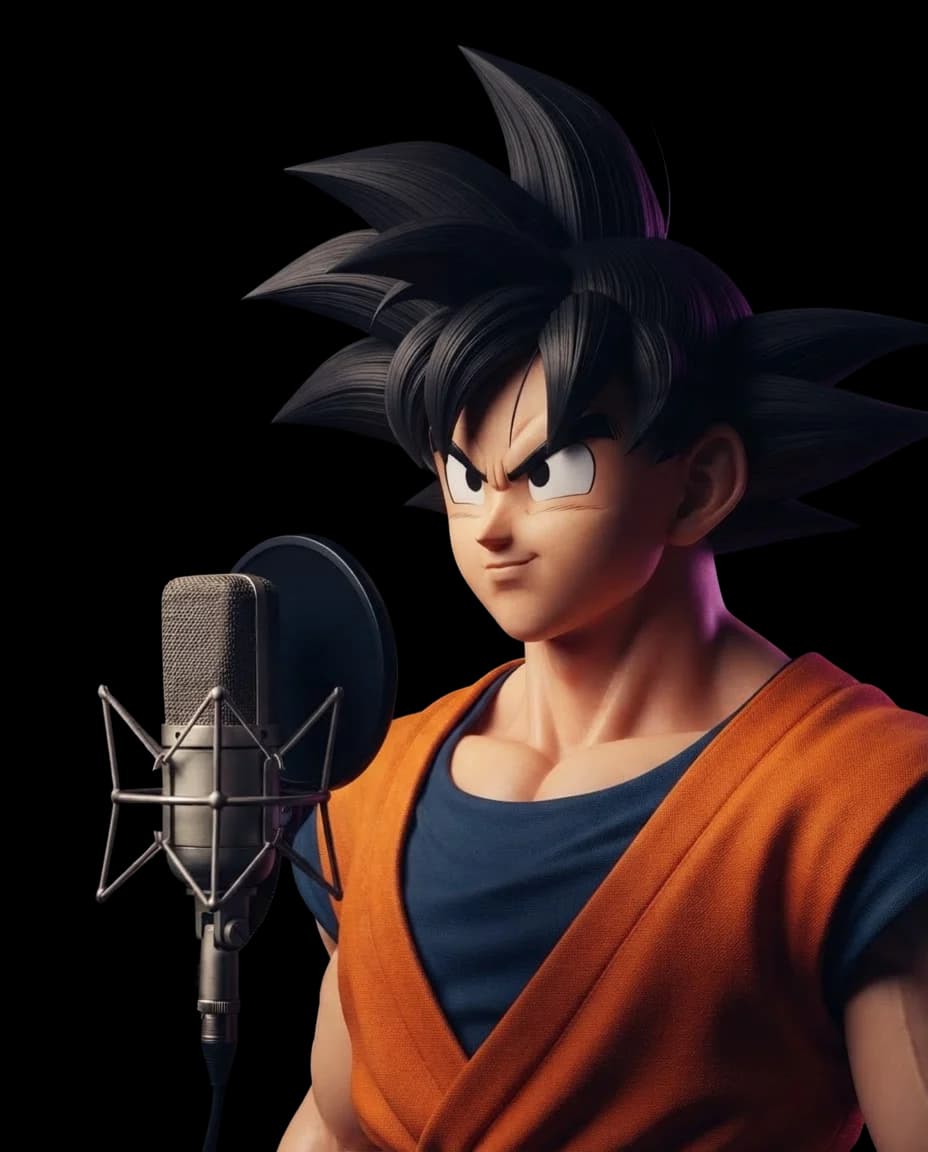
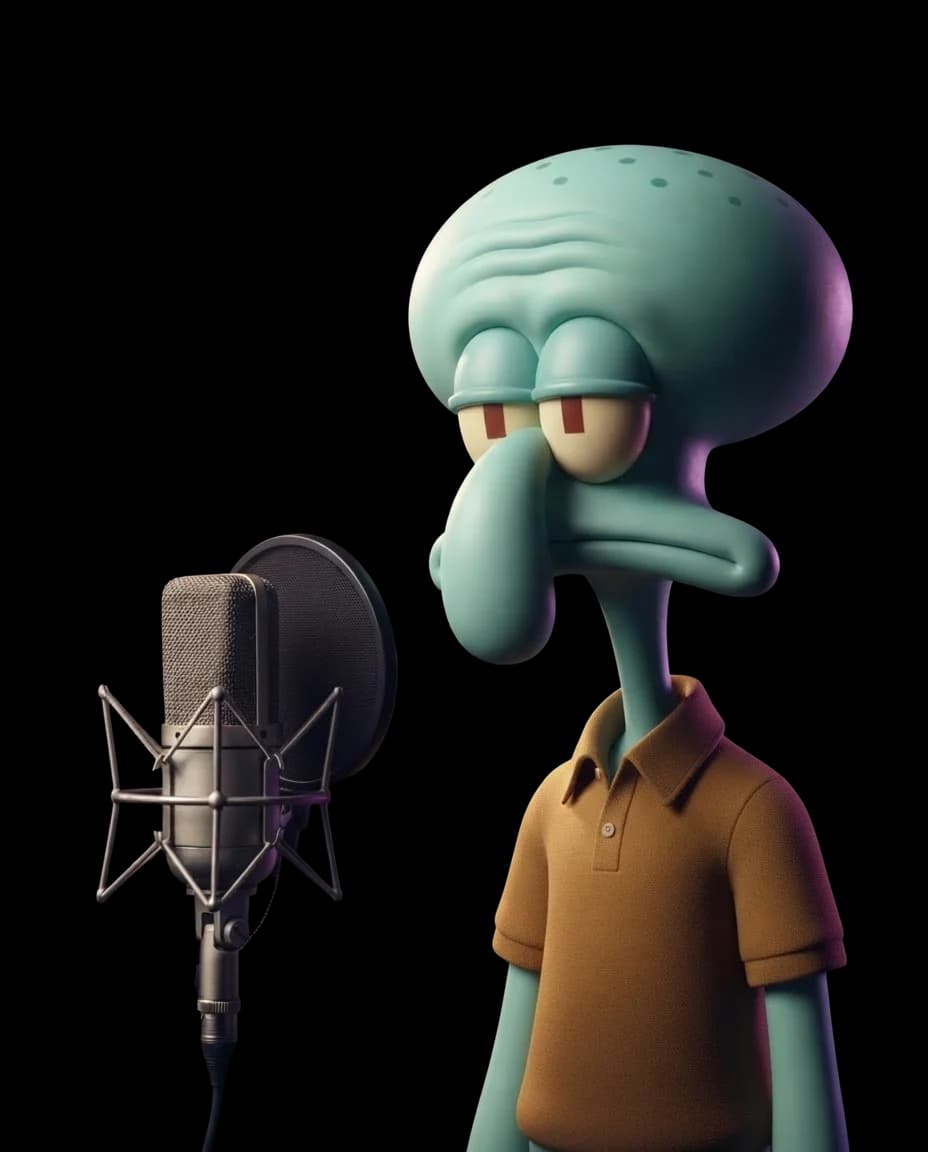
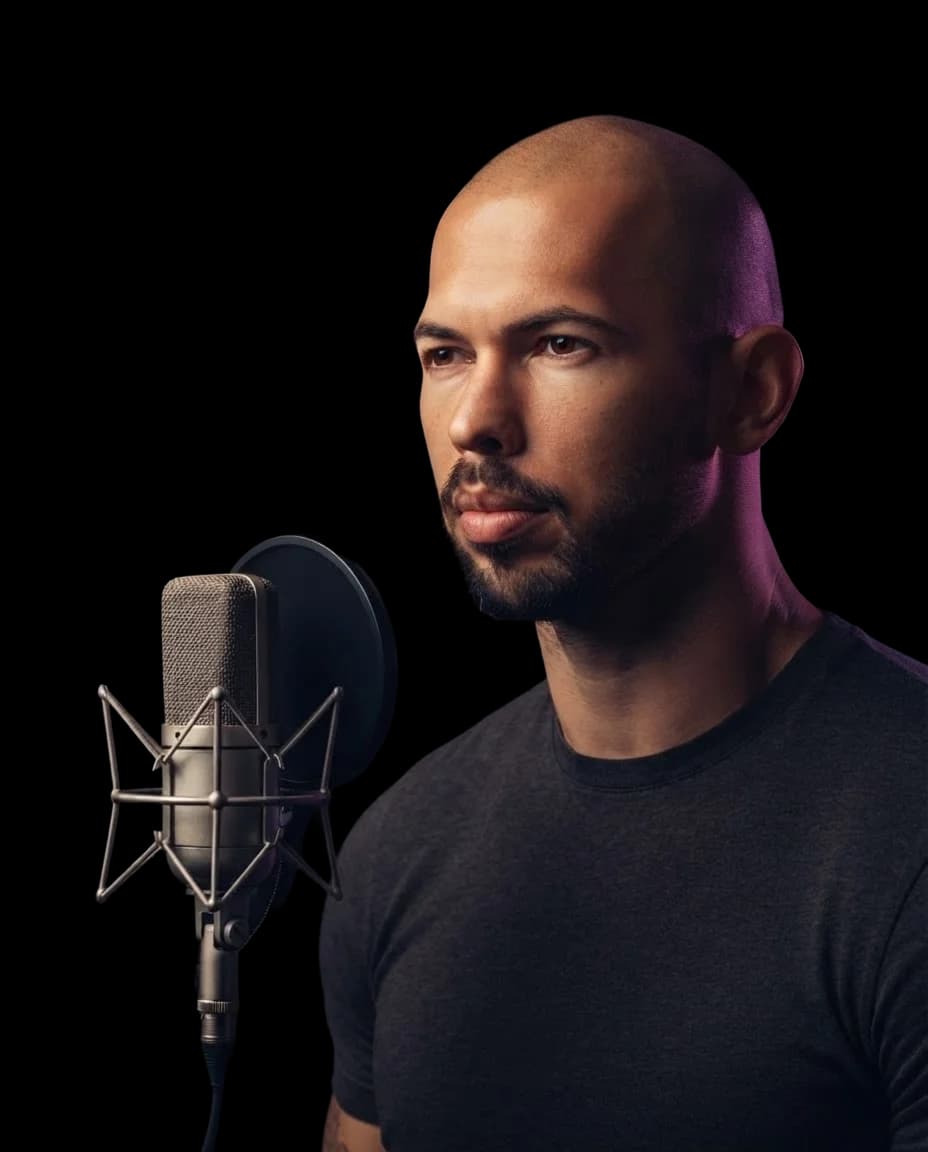
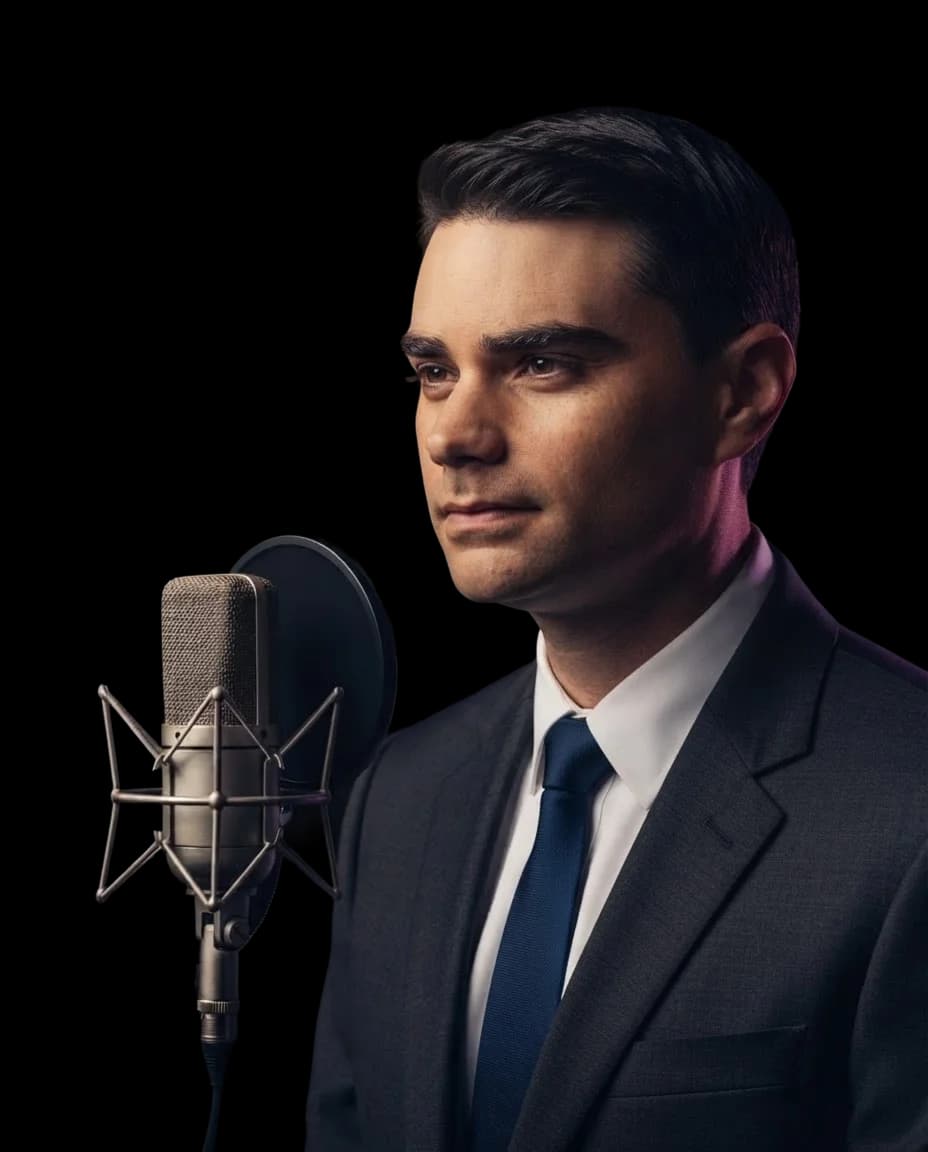
One song can have more than one lead singer. Choose an artist or character below and hear another version of your cover.
Questions About Making Drake AI Voice Covers
InsMelo Drake AI voice generator converts vocals from a source recording using a Drake AI voice model. It creates a cover with a different vocal sound while keeping the lyrics, melody, and musical expression of the original track.
Yes. You can use the Drake AI voice generator free through InsMelo AI song cover generator. Try an AI Drake voice free on a song you've chosen or created yourself.
No. You can use an existing recording. Upload a supported audio file, paste a YouTube link, or select a song from "My works".
Yes. Add your original recording or choose a track you've generated in InsMelo. The cover tool gives you another vocal version of that song without requiring a new performance.
No. Drake voice AI converts the existing vocal sound. The words, timing, and phrasing come from your source track, so it does not write new verses or automatically add Drake's flow.
No. The tool needs source vocals to convert. Use a song that already includes a vocal performance rather than an instrumental beat alone.
InsMelo AI supports MP3, WAV, and M4A uploads, YouTube links, and tracks saved in your InsMelo works.
No. It is an AI-generated cover, not a recording made or approved by Drake. It should not be presented as an official release, collaboration, or unreleased performance.
Yes, provided you have the necessary rights to the original song, recording, and voice likeness. Generating a Drake AI voice cover does not automatically provide those permissions.
Yes. Go to InsMelo Voice Cloning to create your personal voice model. When it's ready, select it from "My Voice" in the AI song cover tool.
Give Your Next Track a Drake AI Voice
Use InsMelo to turn your song into a Drake AI voice cover. Listen to the result and download a copy to keep.