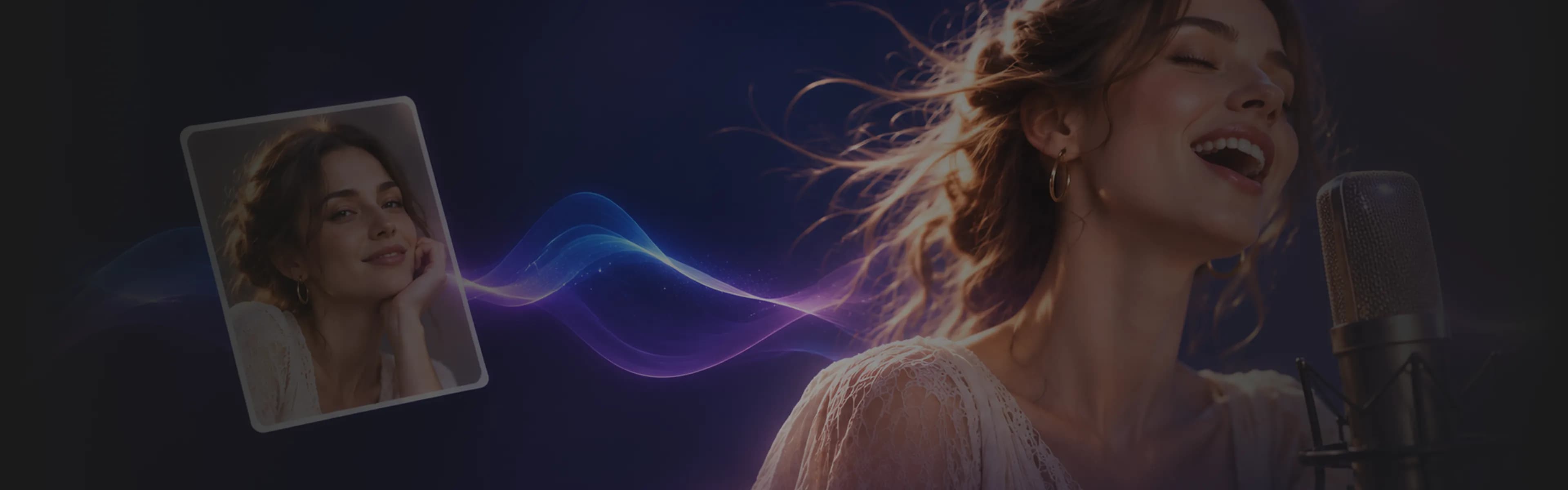
Free Audio to video AI generator
Convert Audio to Video with AI
Turn your music, voice recordings, or audio files into dynamic videos with InsMelo AI audio-to-video generator. Upload a picture, add your audio, and let AI bring them into motion.
See Your Audio Come to Life in AI Video
Explore videos created from pictures, music, and voice recordings. Play each example to see how an image and an audio file become a moving video, then try it with your own.
Audio to Lip Sync Video
Create SimilarPhoto Singing Video
Create SimilarPodcast Intro Video
Create SimilarWhat is an Audio to Video AI Generator
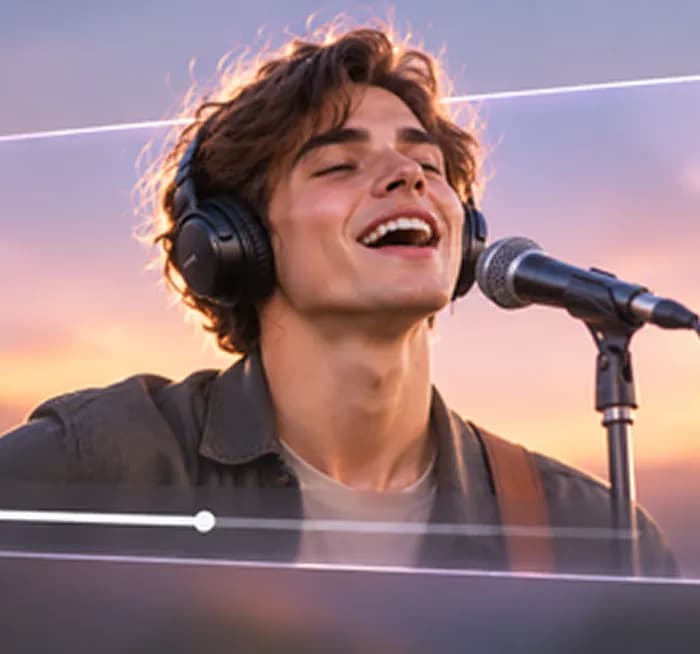
An Audio to Video AI generator turns audio files, such as music, speech, or narration, into videos with AI-generated motion. InsMelo uses your uploaded image and audio to create moving scenes. You can turn an MP3 into a music video or pair a portrait with a sound to create a lip-synced video.

How to Turn Audio into Video with AI
How to convert audio to video online? Create a video from audio in three steps.
1.
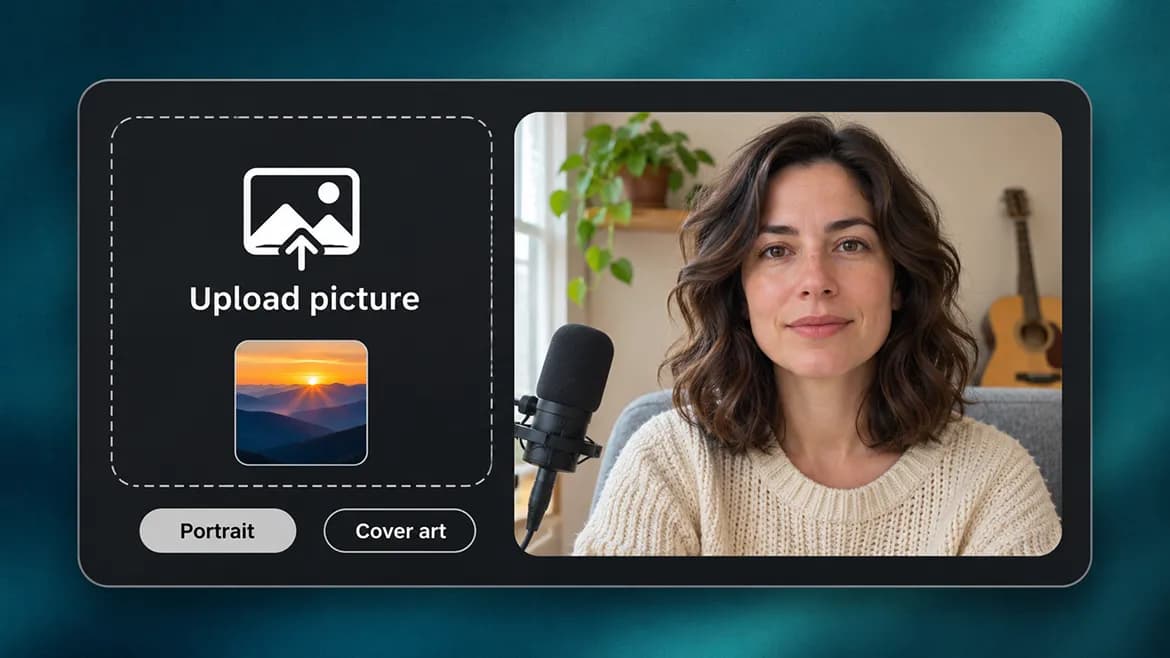
Upload Your Picture
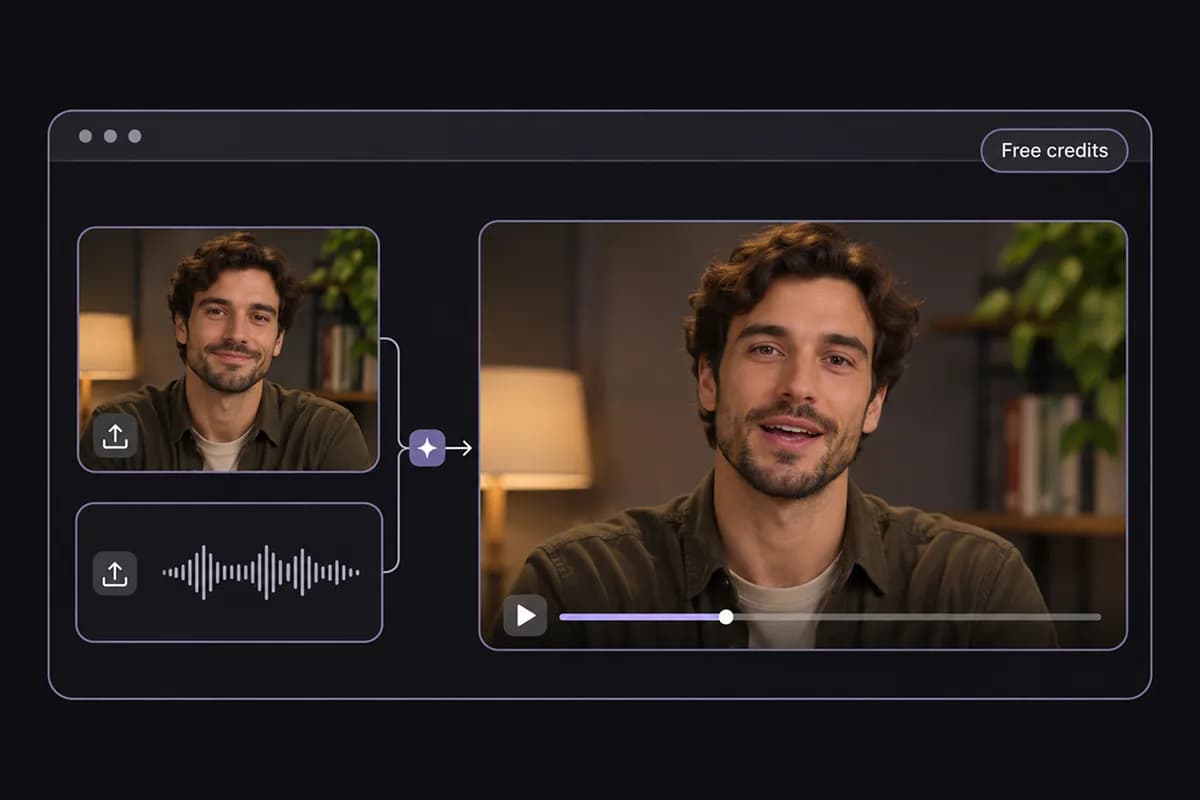
Choose a picture to use as the visual starting point for your video. Upload a portrait for a speaking video, or try cover art or another image for your music.
2.
Add Your Audio
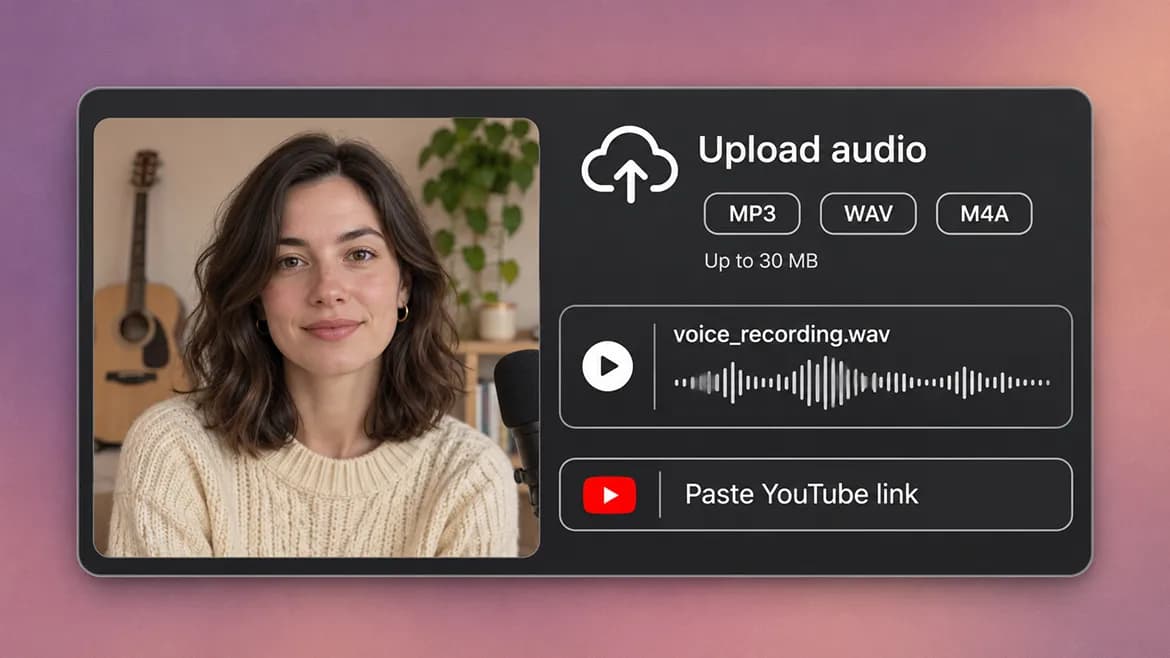
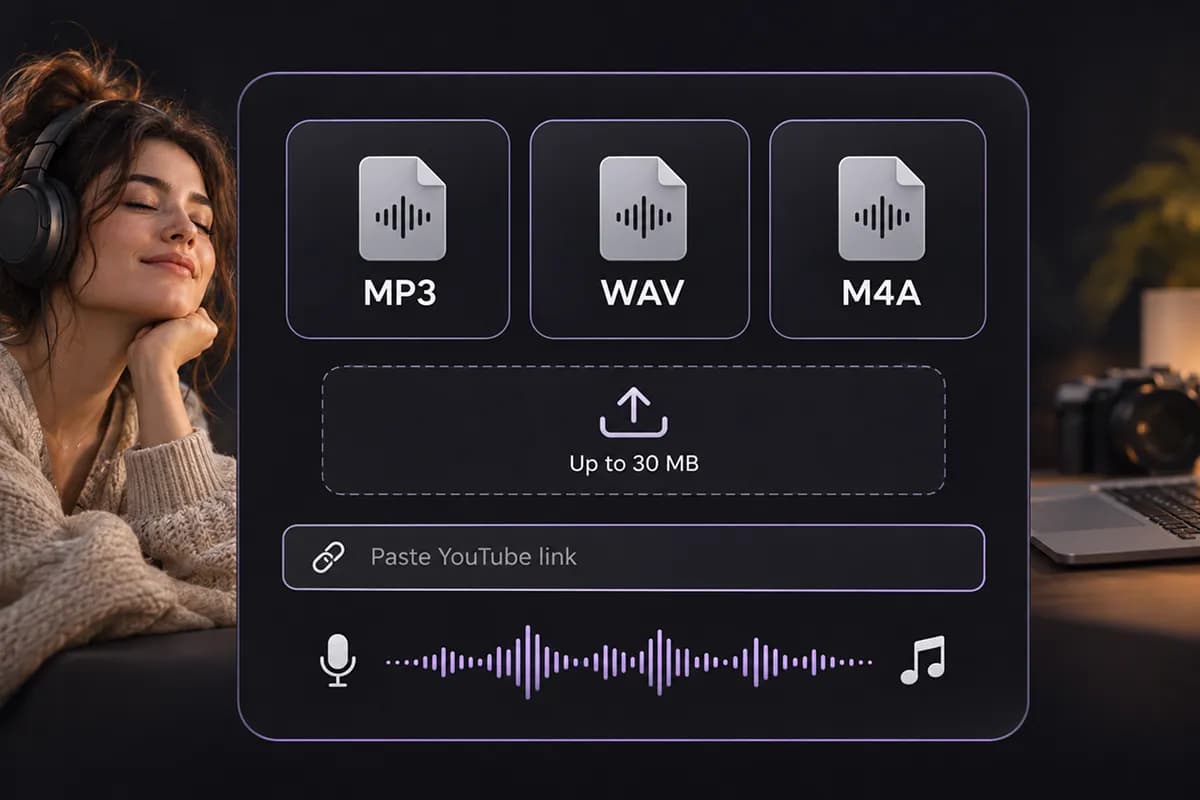
Upload an MP3, WAV, or M4A file up to 30 MB, or paste a YouTube link. Add the music, voice recording, or podcast clip you want to turn into a video.
3.
Create and Download Your Video
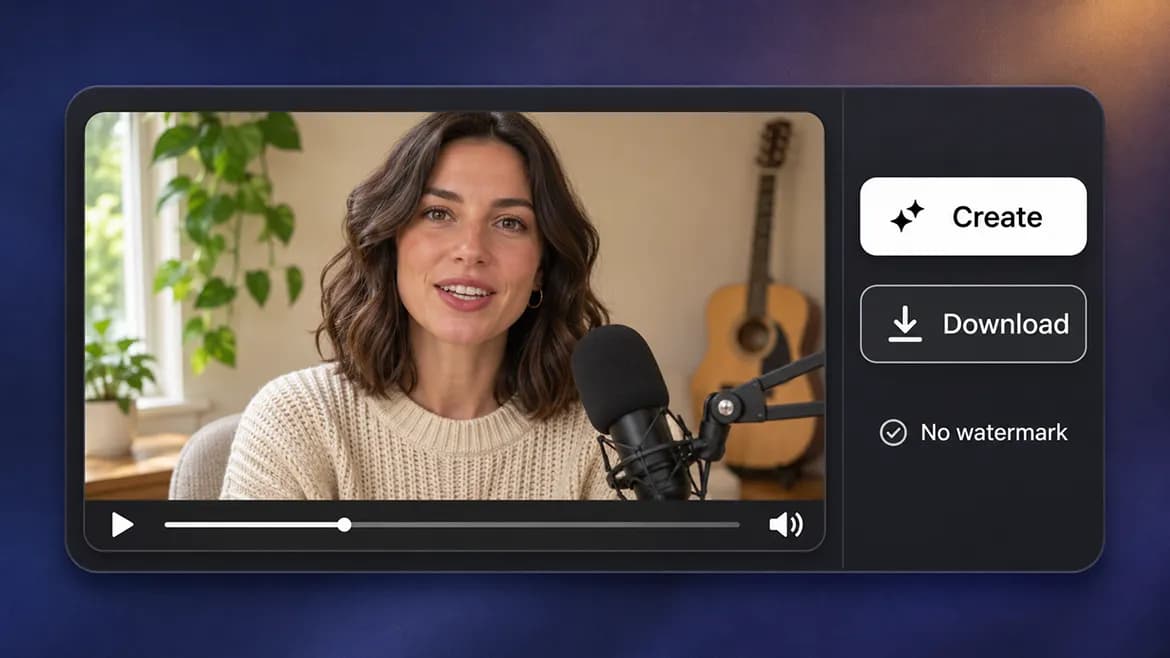
Click "Create" to generate your AI video. Preview the result, then download your finished video without a watermark.
Convert Your MP3 or Audio into Dynamic Videos
Give your audio a visual form with InsMelo. Create a speaking portrait, turn music into moving visuals, and download a video you can share.
Bring Portraits to Life with Lip Sync
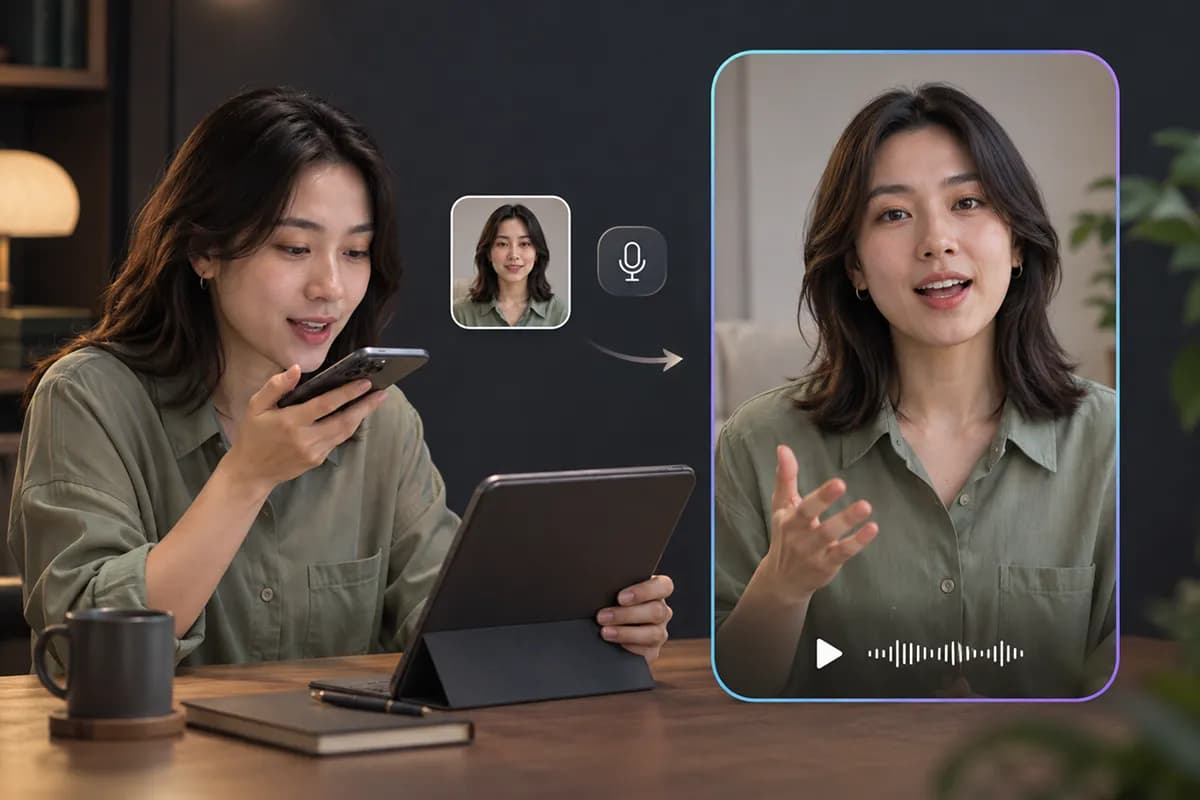
Pair a portrait with a voice recording to create an AI lip-synced video matched to the speech. Turn your still picture into a speaking character for narrated posts, introductions, or messages.
Convert Audio to Video with AITurn Your Music into an AI Video
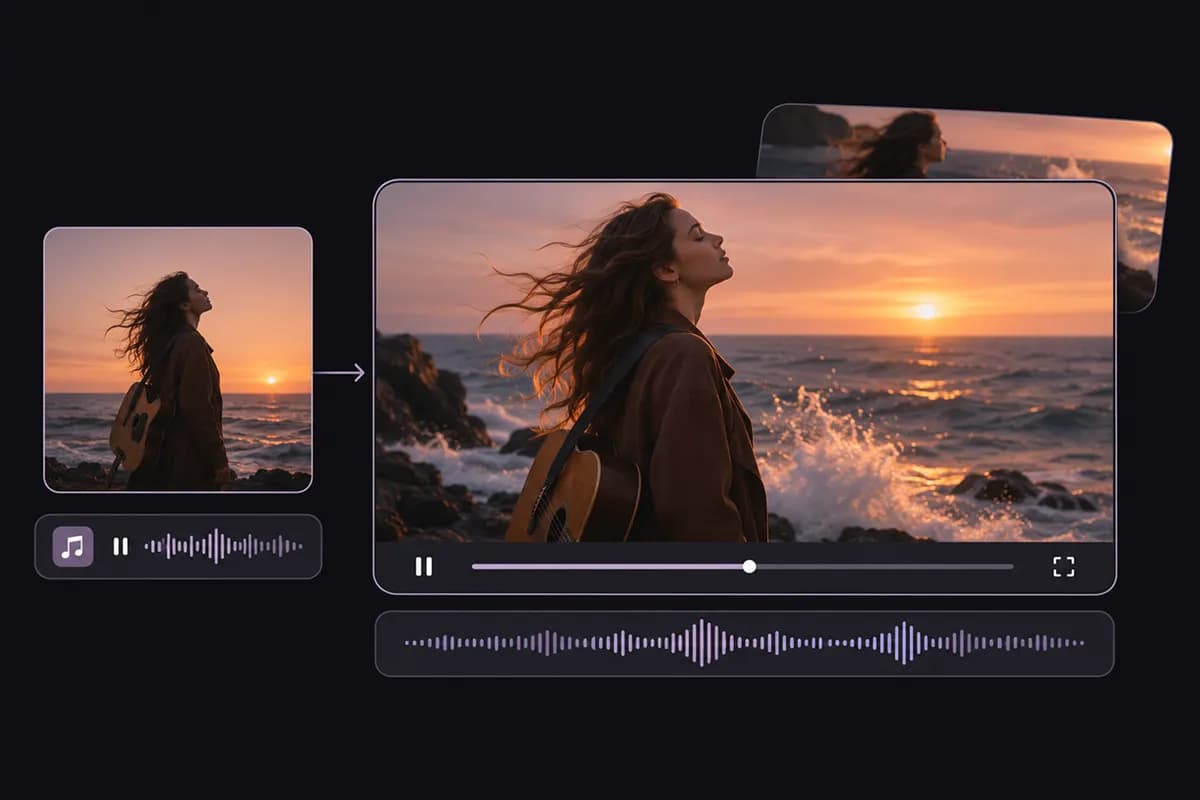
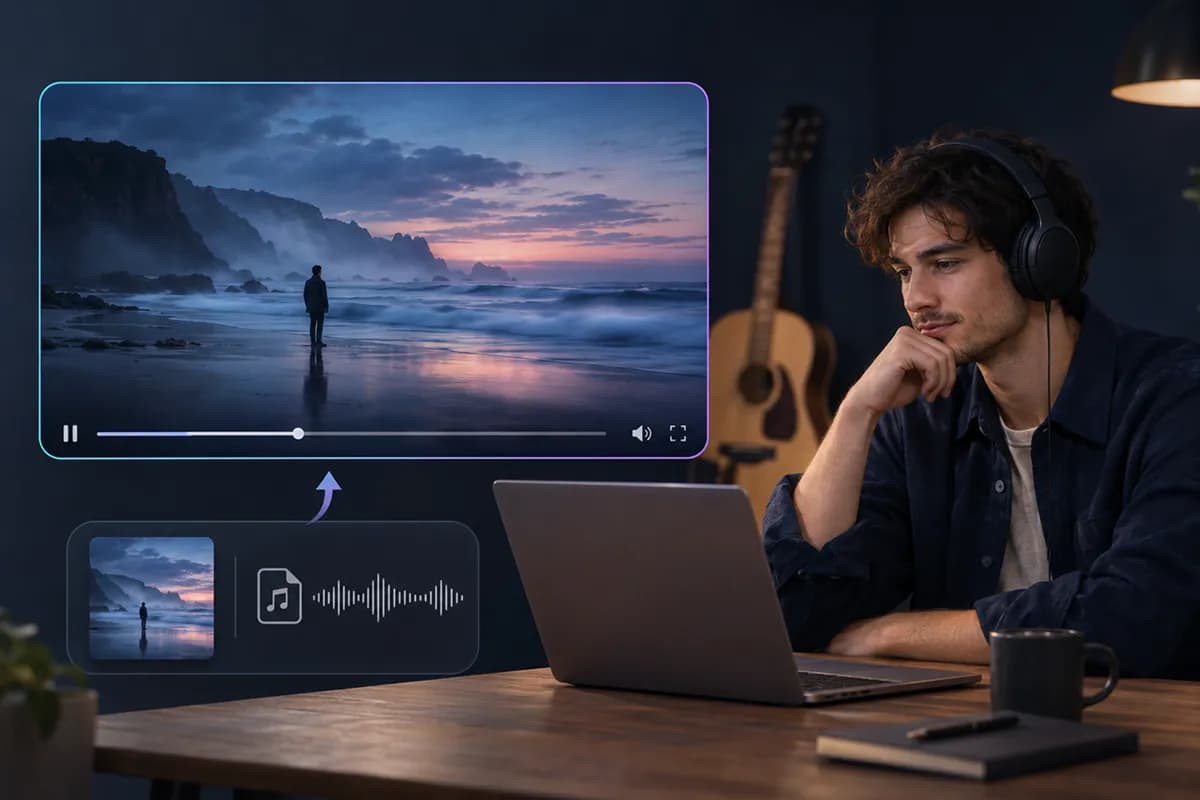
Give your song a visual starting point with cover art, a portrait, or another image. InsMelo combines your picture and music to generate a music video for a song preview, release announcement, or music post.
Turn Music into VideoSupport MP3, WAV, or M4A Audio
Start with the audio file you already have. Upload MP3, WAV, or M4A files up to 30 MB, or paste a YouTube link to add your audio. Use your AI-generated music, spoken recordings, or audio files as the sound for your video.
Try Audio to Video AI for freeInstant Audio to Video Converter Online
Make your video in your browser with a simple upload-and-generate workflow. Add your image and audio, then let AI create the motion. Free credits let you try the audio-to-video AI generator without learning video editing software.
Try Audio to Video AI GeneratorCreate Videos for Your Favorite Platforms
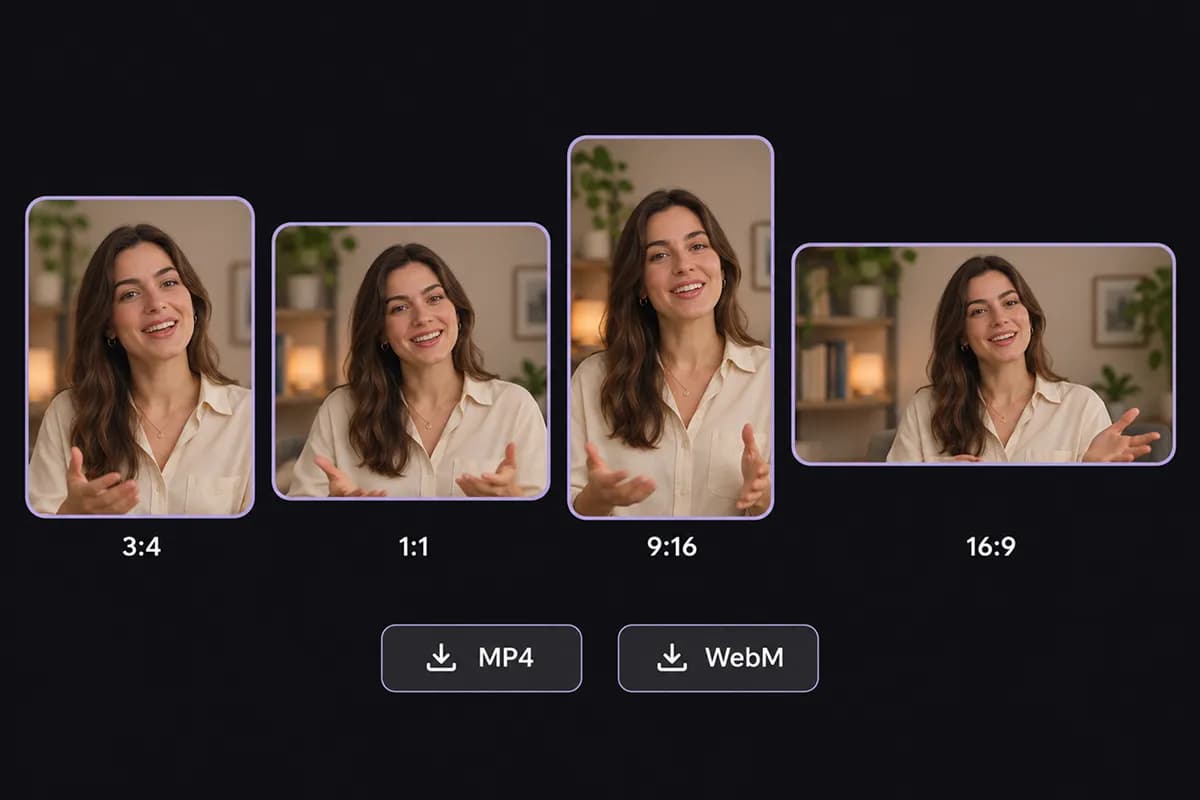
Convert audio to video formats accepted by universal platforms. Choose from 3:4, 1:1, 9:16, or 16:9 aspect ratios to fit your next post. Download your video in MP4 or WebM for YouTube, TikTok, Instagram, and more.
Try Audio to Video Generator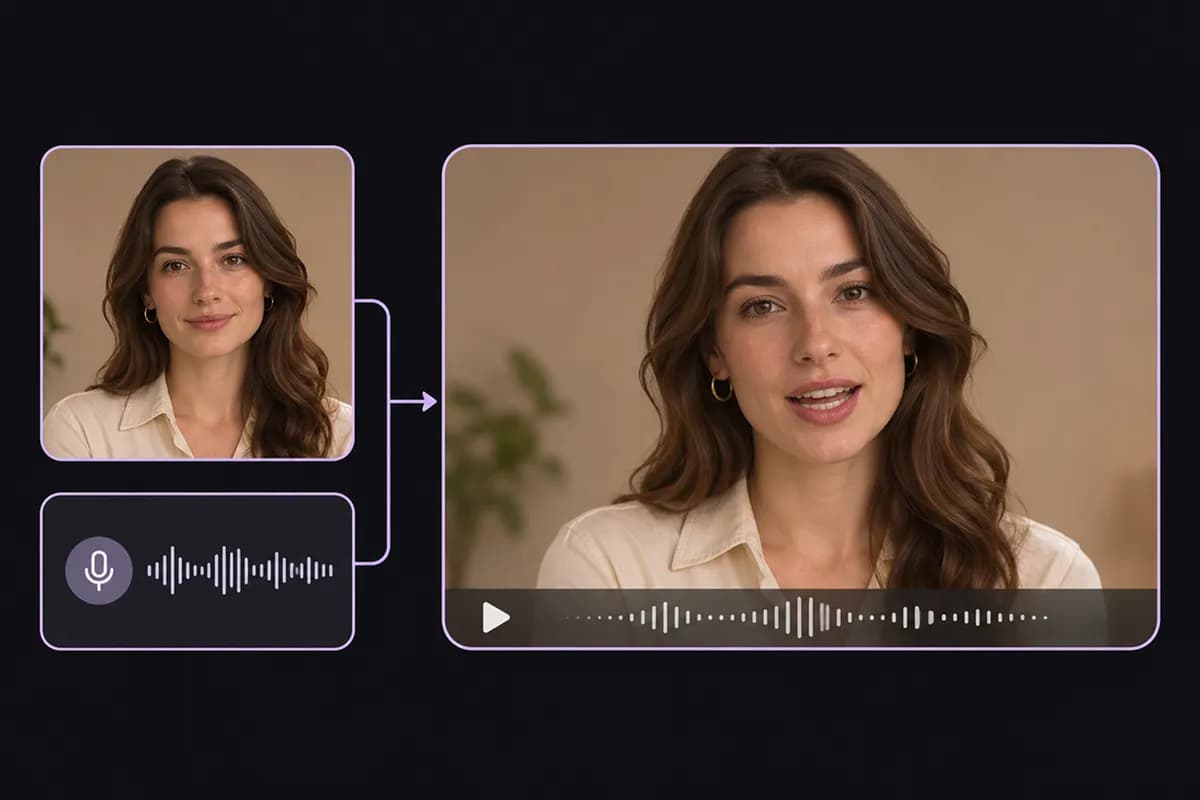
Create Videos for Music, Podcasts, and Creator Content
Start with the sound you want people to hear. Add a picture and audio, then create a video for your next release, episode, lesson, or post.
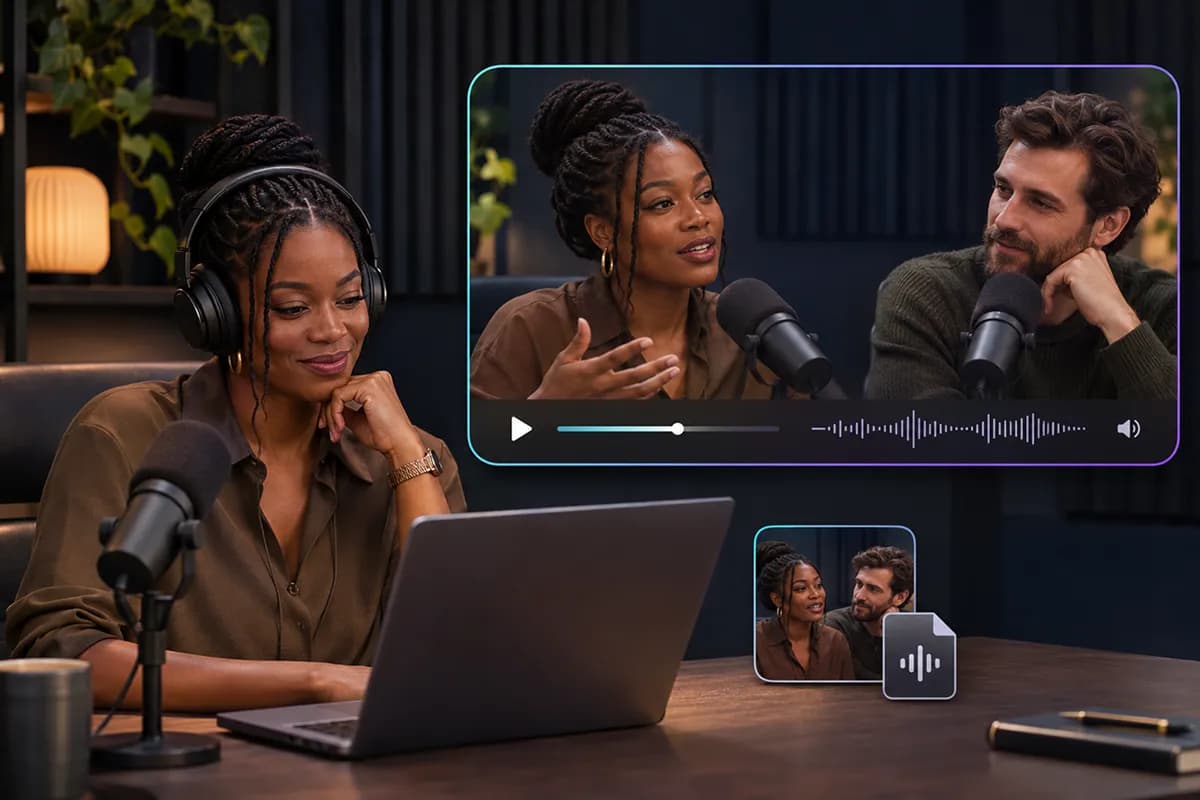
Musicians and Independent Artists
Pair a song excerpt with your cover image to create a dynamic release preview. Share the video alongside your new track or use it to introduce listeners to a demo.
FAQs - Audio to Video AI Generator
Yes. InsMelo offers free credits so you can try generating a video from your image and audio. Check the current credit allowance and generation cost in the tool before you create.
Start with InsMelo AI audio to video generator online. Upload a picture, add your audio file or paste a YouTube link, and click "Create." InsMelo generates a dynamic AI video that you can preview and download.
Yes. InsMelo uses both an image and audio to create your video. Choose a portrait for a speaking video, or use cover art or another picture for music-based content.
Yes. Upload an MP3 file up to 30 MB and add your picture. InsMelo uses the two inputs to generate an AI video. WAV and M4A files are also supported.
Yes. Upload a portrait and a voice recording to create a video with lip movements matched to the speech. Use a clear recording and a portrait with a visible face to give the generator clear source material.
Yes. You can paste a YouTube link as an alternative to uploading an audio file. You will still need to input a picture for the video.
InsMelo supports MP3, WAV, and M4A uploads up to 30 MB per file.
Once generation is complete, preview your video and use the download option to save it to your device. InsMelo supports watermark-free video downloads.
Choose from 3:4, 1:1, 9:16, or 16:9 aspect ratios and export your video at up to 1080p. Download in MP4 or WebM, with watermark-free output. Review the available options in the audio to video generator to choose settings for your project.
No. You can create a video by uploading your picture and audio, then starting the AI video generation workflow. You do not need to arrange clips on an editing timeline.
Turn Audio into Your Next Video
Choose a picture and add the sound you want to share. Create an AI video with InsMelo and download the finished result without a watermark.