Splitting a mixed track into clean vocals, drums, bass, and instrumentals used to mean hours of manual editing or paying a studio for stems that never existed in the first place. In 2026, AI stem separation tools can do this in seconds. However, quality still varies enormously between platforms, especially when a track has heavy background vocals, dense low end, or complex layered instrumentation.
This guide compares the best AI stem separation tools in 2026 so you can pick the right one for your workflow, whether that's remixing, practicing, DJing, or prepping a track for a professional release.

Quick Answer: Best AI Stem Separation Tools in 2026
This table gives a quick overview of each AI stem separator tool, its best use case, and its main creative strength. Use it to compare the options before reading the full reviews below.
| Tool | Best For | Stems Supported | Free Plan | Strength |
| LALAL.AI | Most accurate all-round stem splitting | 8+ | Limited free minutes | Strong vocal and instrument isolation |
| Suno AI | Fast, casual splitting inside Suno's ecosystem | 12+ | Paid Features | Creative stem regeneration |
| InsMelo | Clean, Professional-quality AI music stem splitting | 12+ | Free credits | Clean, accurate, studio-ready track separation & Creative music generation |
| Fadr | Remixing and background vocals | Up to 16 | Free Basic | Producer workflow, MIDI, WAV |
| Moises.ai | Practicing musicians and DAW-friendly stem work | 4–6+ | Free limited tier | Polished music practice + production workflow |
| Voice AI | Quick online audio cleanup | Vocal-focused | Free credits | Easy browser-based editing |
| Lalals | Deep, multi-layer separation | 20+ | Free credits | Batch processing and many stem types |
| VocalRemover.org | Completely free, no-frills basic separation | 2–4 | Fully free | Fast two-stem vocal removal |
How We Chose the Best AI Stem Splitters
A good AI stem splitter should do more than split a song into files. The output needs to be usable. Clean vocals matter. So do tight drums, stable bass, clear instrument layers, and low artifact noise.
For this guide, the strongest AI stem separation tools were chosen around five practical standards:

The best AI stem separation software is not always the one with the longest feature list. The real winner is the tool that gives the cleanest stem for the part you actually need.
The 8 Best AI Separation Tools in 2026
LALAL.AI: Best AI Stem Separation Software for All-Around Use
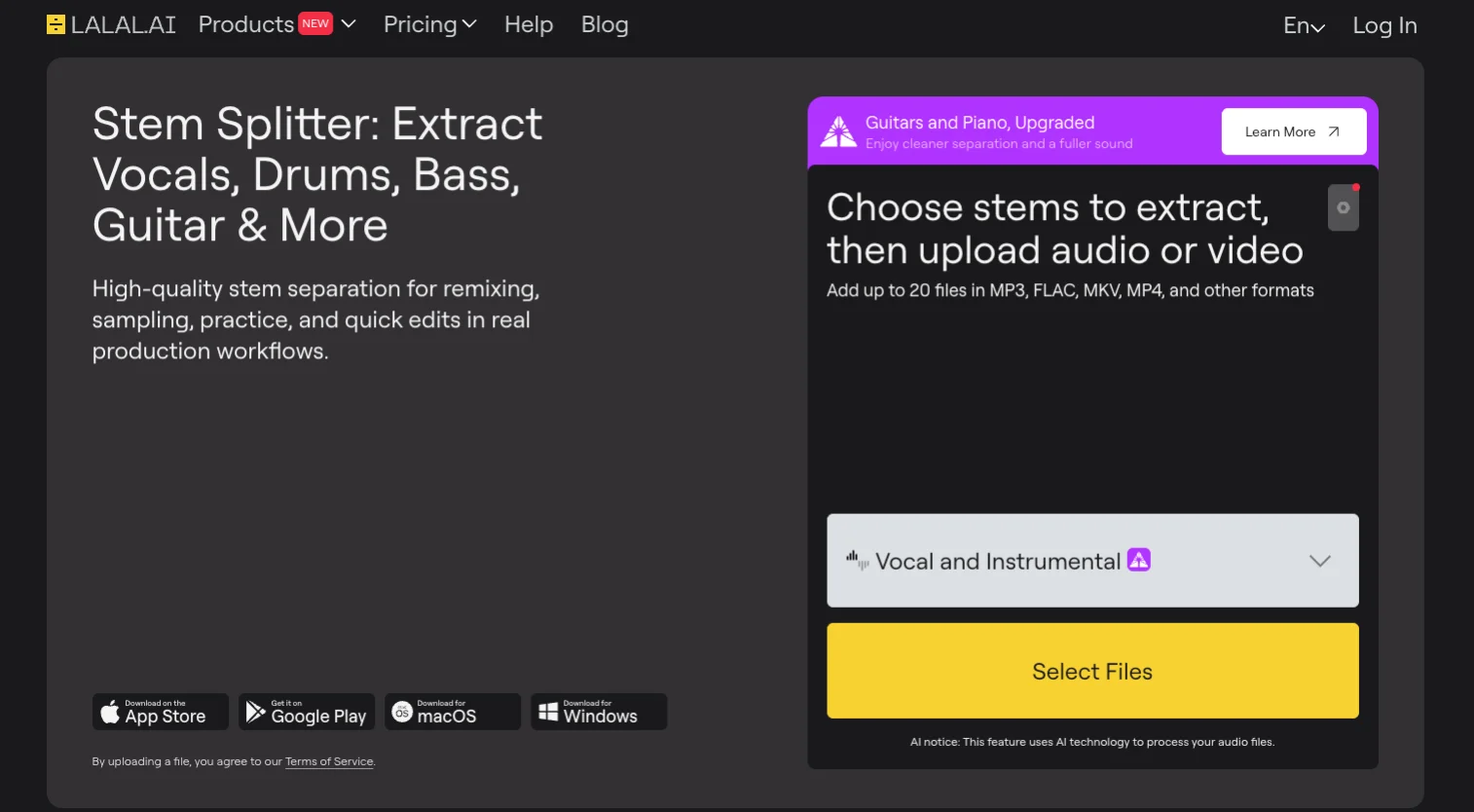
LALAL.AI is a mature, reliable choice for anyone comparing the best stem separation software in 2026. It handles vocal removal, instrumental extraction, and individual instrument separation with a clean, practical workflow. The platform supports web, desktop, mobile, API, and VST options, which makes it more flexible than many browser-only tools. Its cloud mode supports 10 stems, including vocals, drums, bass, electric guitar, acoustic guitar, piano, synth, strings, wind instruments, and voice/noise. The desktop app also offers local processing for Pro users, which is useful for people who prefer working offline.


Pricing:
Starter is free for limited processing minutes and result previews;
Lite is $7.50/month billed annually;
Pro is $15/month billed annually.
My personal verdict: LALAL.AI is a safe, polished pick for users who want dependable AI stem separation software across different workflows. Skip it if you need a fully free, unlimited option for daily use.
Suno: Best AI Stem Separator for AI Music Creators
Suno takes a different path from most AI stem separation tools. Instead of focusing only on extracting stems from existing audio, it works inside a larger AI music creation platform. Its updated stem tools include Auto Split, Split from Mix, and Advanced Split. Auto Split separates a song into up to 12 stem categories, while Advanced Split lets Premier users target instruments from a much larger list. This makes Suno useful for creators who already generate, remix, and edit AI music in one place. The tradeoff is clear: Suno’s stems may feel cleaner or more creative, but regenerated stems may not always match the original recording exactly.
Pricing:
Free plan has no AI stem separation;
Pro starts at $8/month billed annually;
Premier starts at $24/month billed annually.
My personal verdict: Suno is great as a bonus feature if you're already in the Suno workflow, especially for AI music creators, not users who only need a standalone stem splitter.
InsMelo: Most Accurate AI Stem Splitter for Clean, Studio-Ready Stems
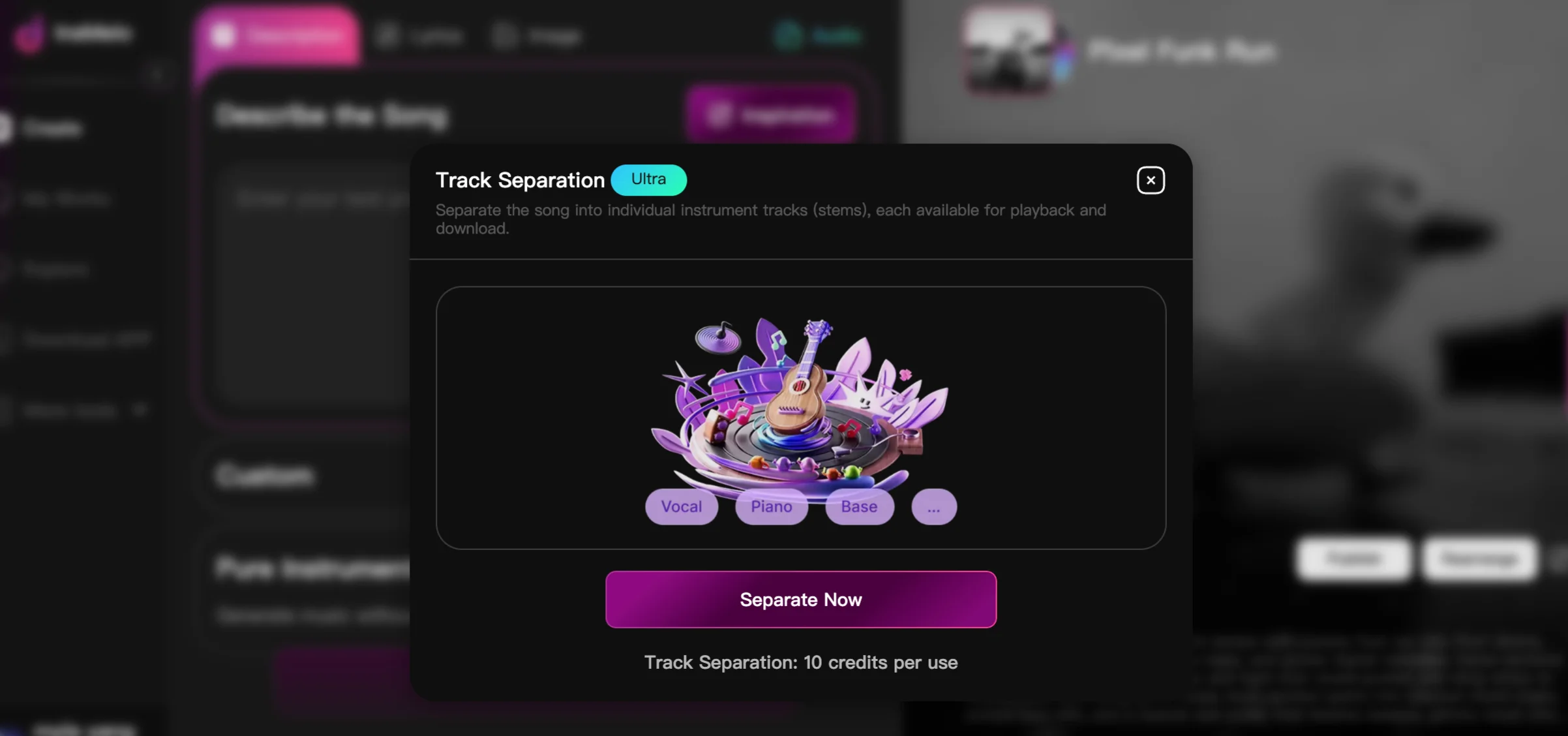
InsMelo is one of the strongest AI stem separation tools in 2026 for creators who care about clean, usable audio. Its stem separation quality stands out, especially when splitting vocals, drums, bass, piano, guitar, and other instruments from a finished track. The output feels polished enough for professional recording needs, remix prep, vocal replacement, and DAW-based editing.
InsMelo also works well for creators already using AI song generator tools because stem splitting sits inside a wider music creation workflow rather than feeling like a separate utility.
"The stems are unmatched. You can't find stems like these anywhere else; the way it isolates everything is unique. Sure, it drops the gain by 10dB, but for someone doing serious studio work, it’s absolutely worth it." --- Users From Discord

Pricing:
Free credits available;
Paid plans start at $8.99/week for advanced features.
My personal verdict: InsMelo is the best AI stem splitter here for creators who want studio-ready stems from AI-generated songs without a technical workflow.
Fadr: Best AI Stem Splitter for Remixing and Background Vocals
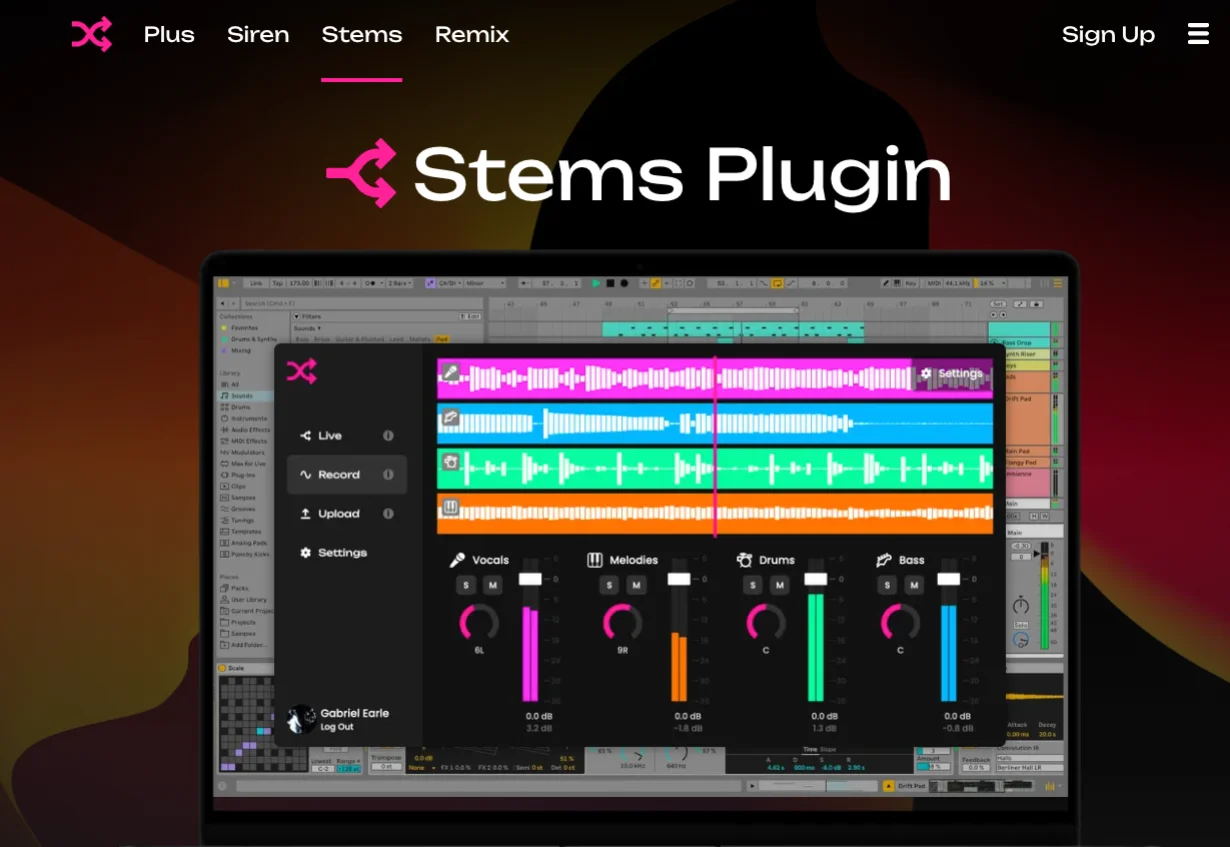
Fadr is one of the best AI stem splitters for remixers, DJs, and producers who want more than a basic vocal remover. Its free Basic plan already separates songs into vocals, melodies, drums, and bass, while Fadr Plus expands the workflow with lead vocals, background vocals, kick, snare, guitar, piano, strings, wind, instrumental, and more. That makes it especially useful for the long-tail need many producers have: finding the highest quality vocal stem remover that can also handle background vocals. Fadr also includes MIDI detection, remix tools, plugins, and API access, so it feels closer to music production software than a simple upload-and-download site.
Pricing:
Fadr Basic is free;
Fadr Plus costs $10/month or $100/year.
My personal verdict: Fadr is the best choice for remixers and DJs who need flexible stems, not just an acapella.
Moises.ai: Best AI Stem Separation App for Practicing Musicians
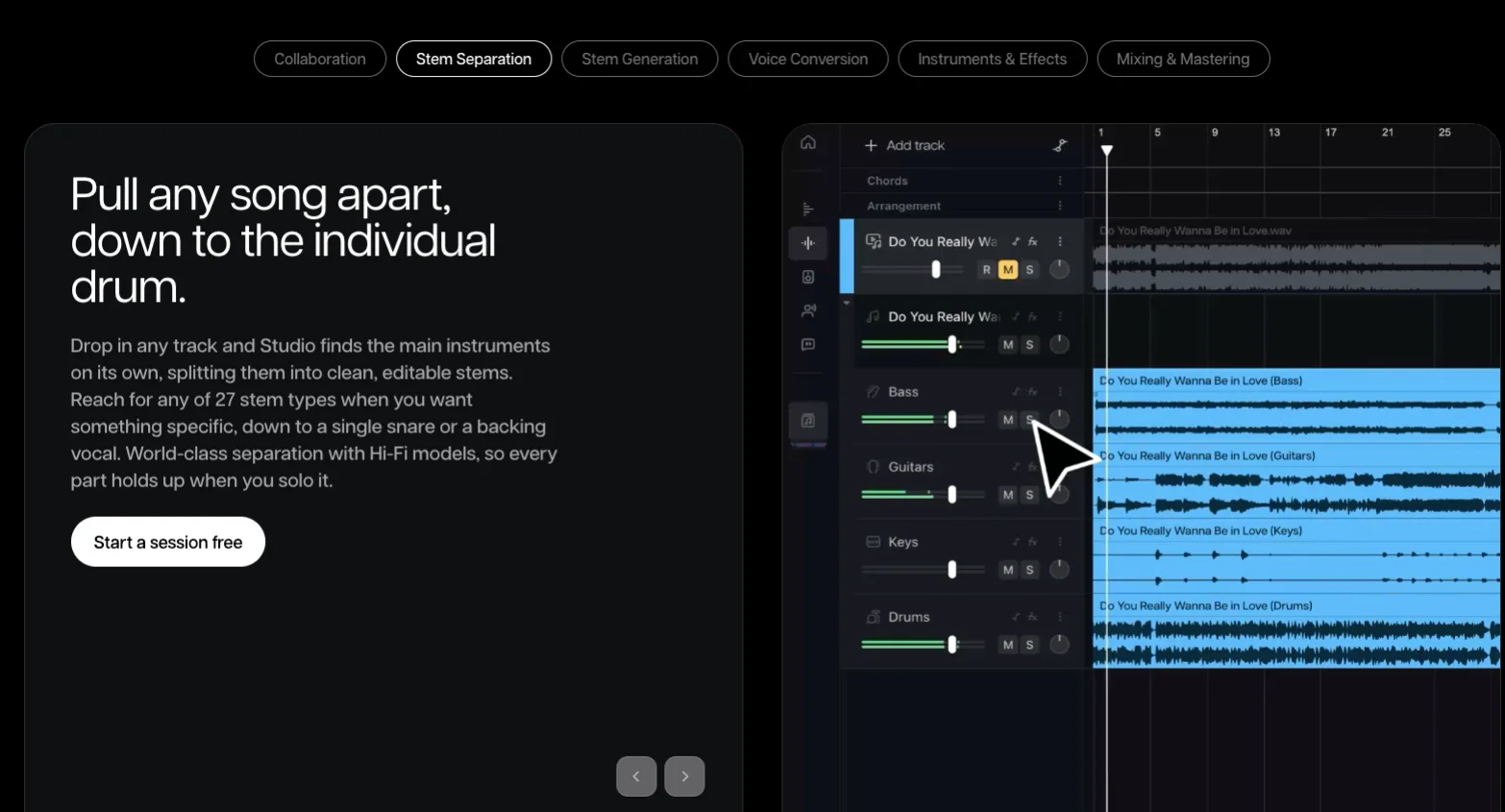
Moises.ai is more than a simple audio stem separator. It feels like a full practice and production app built around AI stem separation, vocal removal, chord detection, tempo control, pitch shifting, and export tools. Musicians use it to mute vocals, isolate basslines, study drum parts, rehearse covers, or prepare cleaner stems for a DAW session.
Officially, Moises supports vocals, drums, bass, guitar, piano, keys, winds, strings, and more, with Premium and Pro plans adding deeper custom separation. Its competitor reviews often describe Moises as one of the slickest web, desktop, and mobile options, especially for players who want stems plus practice tools in one place.
Pricing:
Free plan available with a limited number of monthly uploads;
Premium starts at $3.99/month (around $35.88/year), with a higher-tier Pro plan for HiFi quality and additional separation options.
My personal verdict: If you're a musician who wants to practice, rehearse, or remix with real musical tools layered on top of solid separation, Moises is one of the best value picks on this list.
Voice.ai: Best Audio Stem Separator for Podcasts and Voice Cleanup
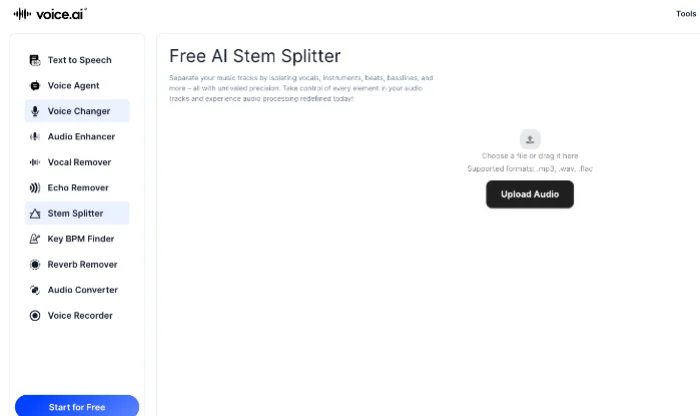
Voice.ai is best known for voice tools, but its online AI stem splitter is useful for fast audio separation work. The tool targets vocals, instruments, beats, and basslines, and it sits alongside other browser-based utilities like a vocal remover, echo remover, reverb remover, audio enhancer, converter, recorder, and key/BPM finder. That makes Voice.ai less of a pure stem separation software platform and more of a quick audio toolkit for creators. It works well for podcasters, streamers, video editors, and casual music users who want one place for simple audio cleanup and separation. For detailed drum, guitar, piano, or background vocal separation, specialist tools still feel stronger.
Pricing:
Free plan includes 5,000 credits/month;
Paid plans start at $5/month depending on usage volume.
My personal verdict: Voice.ai is a handy audio stem separator for quick edits but not the top pick for professional music separation.
Lalals: Best for Deep, Multi-Layer Stem Separation
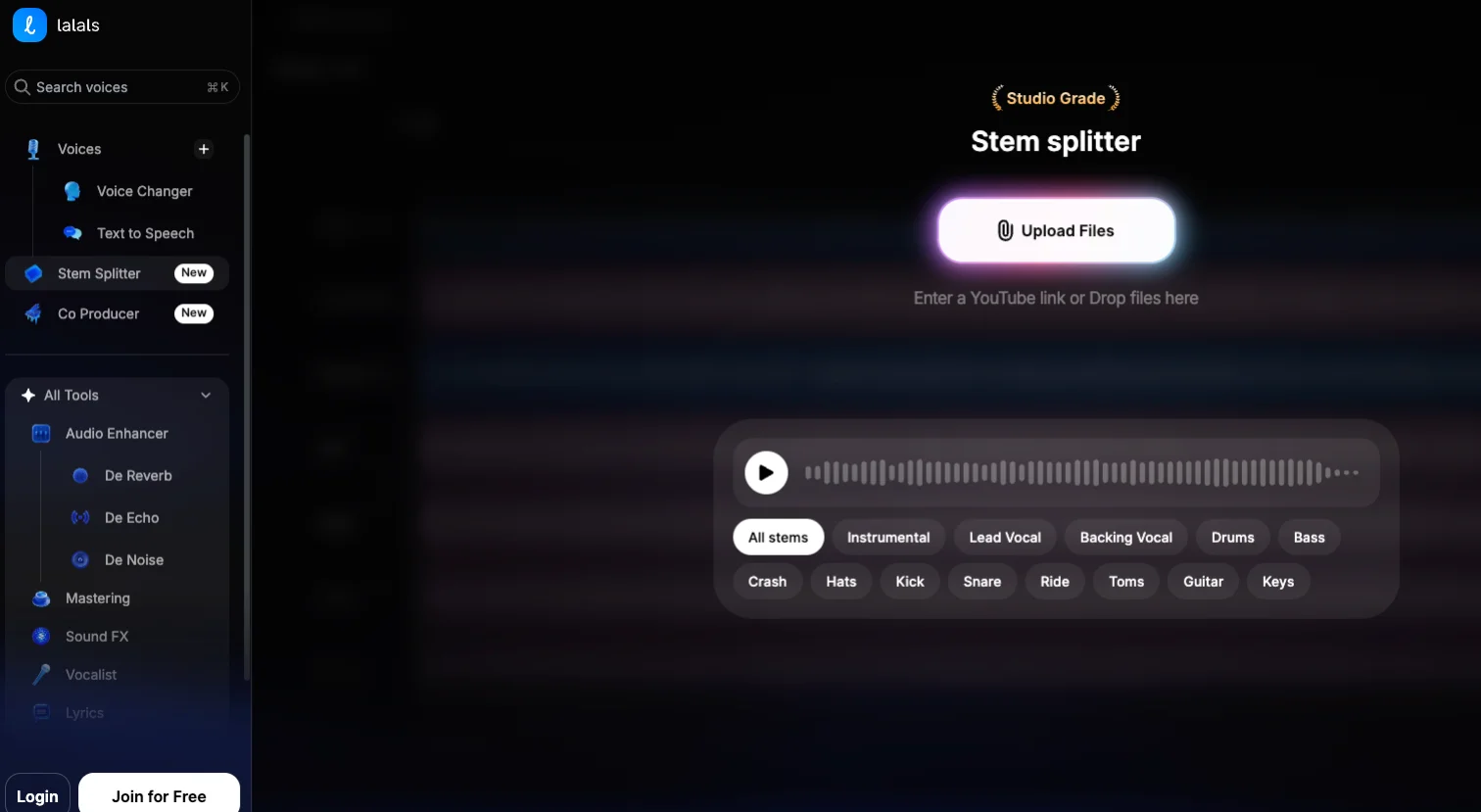
Lalals is built for users who want a detailed stem splitter with more output choices than the usual vocals, drums, bass, and other formats. It pushes past the standard four-to-six stem split that most competitors treat as a ceiling, supporting more than twenty distinct stem types from a single track. That wider stem list makes Lalals useful for remixers, vocal arrangers, and creators who often need specific parts from a busy mix. It also supports batch processing, which helps when handling several tracks at once. The main thing to watch is the credit system, since full access and higher-quality downloads sit behind paid plans.
Pricing:
Free plan available;
Paid Plus, Pro, and Studio plans unlock more credits and WAV quality.
My personal verdict: Lalals is the best stem splitter for users who care about stem variety.
VocalRemover.org: Best Free Stem Separator for Beginners
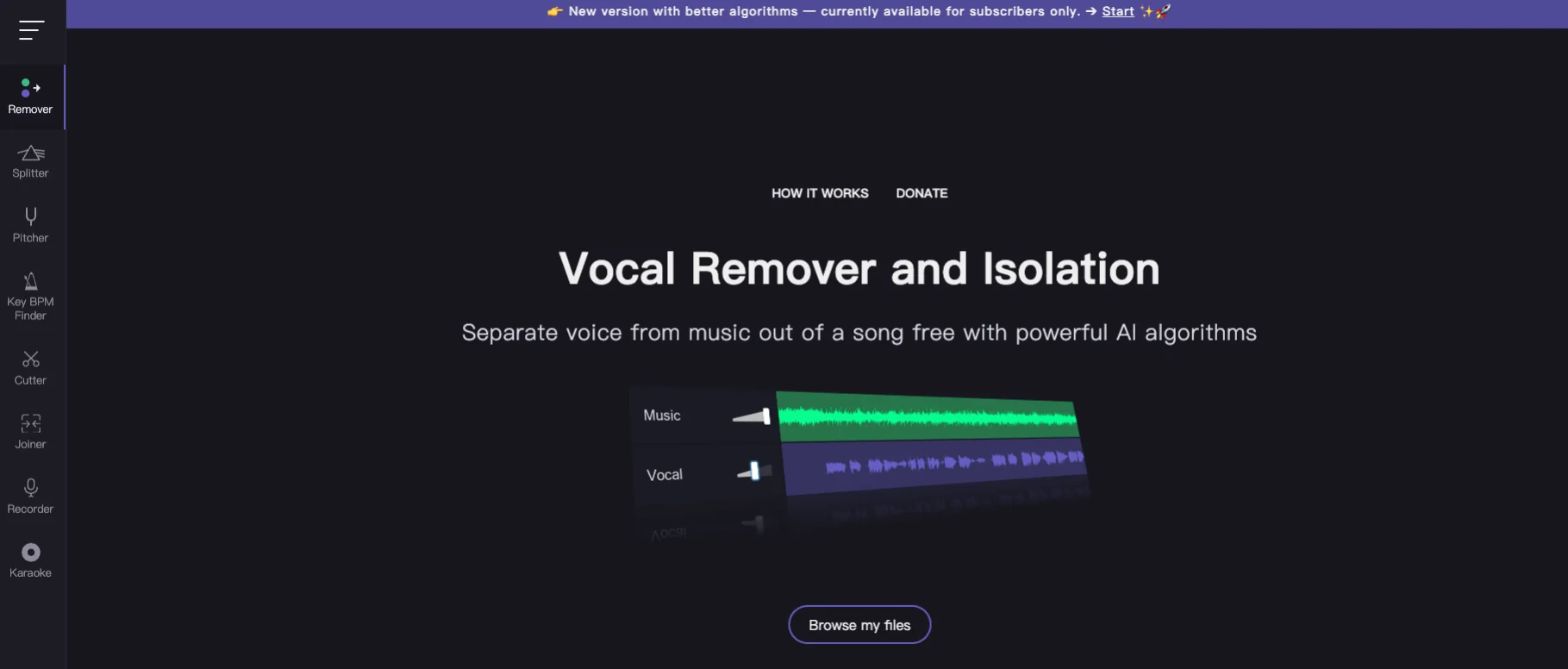
VocalRemover.org is a simple, popular option for people who need a free AI stem separator without learning production software. Its Splitter AI tool separates music into vocals, bass, drums, and other stems, while the main vocal remover is especially useful for karaoke tracks and quick instrumental versions. The interface is plain, but that is part of the appeal. Upload a song, wait for processing, then rebalance or download the separated parts. For casual use, singing practice, and fast vocal removal, it does the job well. For professional remixing, the output may need cleanup, especially with dense mixes, heavy reverb, or layered background vocals.
Pricing: Fully free.
My personal verdict: Perfect for a quick karaoke track or testing whether stem separation is even useful for your workflow. Skip it if you need consistent, professional-grade results.
How to Get Cleaner Stems From an AI Stem Splitter
Even the best AI stem separation tools 2026 has to offer will produce better results when you set them up correctly. A few habits make a measurable difference.
Start with the best source file available. A WAV or FLAC file will separate more cleanly than a low-bitrate MP3.
Choose the narrowest useful stem split. If you only need vocals, compare a dedicated 2-stem vocal model with a four-stem model. A full multi-stem extraction may create more places for ambiguous sound to go.
Match the tool to the job. Use a fast, casual tool like VocalRemover.org for quick previews, and reserve a higher-fidelity option like InsMelo or LALAL.AI for stems headed into an actual mix or release.
Try more than one tool on difficult songs. Dense rock, live recordings, heavy reverb, and background vocals can challenge even the most accurate stem splitter.
Preview before downloading. Listen for vocal bleed, watery cymbals, missing bass notes, and harsh metallic artifacts.
Export lossless stems. WAV or AIFF avoids adding another lossy encode.
Clean up after separation. A light EQ, de-esser, noise reduction pass, or spectral repair can turn a rough stem into something much more usable.
Final Verdict: Which AI Stem Separation Tool Should You Choose?
The best AI stem separation tool depends on how you plan to use the final stems: practice, remixing, vocal removal, AI music creation, or professional production.
For the most accurate, all-around separation: LALAL.AI's multi-model approach makes it a dependable first choice across genres.
For professional recording and mix-ready stems: InsMelo is the strongest pick when you need clean separation quality that can hold up in serious music production.
For AI music creators: Suno makes the most sense if your workflow already lives inside AI song generation and you want editable or regenerated stems.
For a free, no-friction vocal remover: VocalRemover.org is ideal for karaoke tracks, quick acapellas, and casual one-off use.
For DJs and remixers: Fadr is a practical daily separation tool for fast creative work, with strong remix features, background vocal support, MIDI, and DAW-friendly exports.
For maximum stem depth: Lalals is the best option when you need detailed splits, including lead vocals, backing vocals, drum parts, guitars, and 20+ stem types.
For practicing musicians: Moises.ai pairs solid separation with pitch, tempo, and chord tools built for rehearsal and practice, not just raw stem export.
For quick online audio editing: Voice.ai works best as a simple browser-based audio toolkit for fast stem splitting, vocal removal, and cleanup.
If you only take one thing from this guide: match the tool to the destination of your stems. A quick karaoke track and a client-ready remix have very different quality bars — and now you know which tools clear each one.
FAQs about Best AI Stem Separation Tools
Create and Separate Stems in One Place with InsMelo
Most of the best AI stem separation software only splits an existing song into separate parts. InsMelo goes further. It lets you create music, isolate vocals, separate stems, and refine your track in one smooth workflow, making it easier to move from idea to production without switching tools.
Try InsMelo’s AI stem splitter and start building cleaner, professional-ready tracks today. Sign up for InsMelo to try it yourself.