As of September 3, 2026, Suno changed the way users can download music from the platform. You can still create, listen, remix, and share songs inside Suno, but saving audio files to your device now depends on your plan and available download credits. For casual users, that may feel manageable. For creators who test dozens of song ideas before choosing the right one, the change is a bigger deal.
This guide explains the new Suno song download restrictions, how the limits work, what they mean for commercial use, and what creators should consider when choosing an alternative AI music platform.
What Did Suno Update about Downloading AI Songs?
Suno’s latest update changes how users can download AI songs from the platform. The main update is simple: creating songs and downloading songs are now treated differently. You may still generate and listen to music in Suno, but exporting audio files now comes with specific rules.
Here are the key updates to downloading Suno AI songs:
Downloads are now limited by plan.
Pro users get 20 song downloads per month. Premier users get 60 song downloads per month.
Free users have limited trial downloads.
Free users who joined before September 3, 2026 may receive up to 7 lifetime trial downloads. New free users may need trial access or extra download purchases, depending on Suno’s plan.
Suno Studio has a separate rule.
Premier users working inside Suno Studio can download songs without the same monthly download cap.
One song counts as one download.
Downloading a song as MP3, WAV, or another available format does not mean each format counts separately. The download is tied to the song itself.
Re-downloading the same song does not use another credit.
If you already downloaded a track, downloading it again should not reduce your monthly download balance.
Stems are included with the song download.
If stems are available for a downloaded song, they are treated as part of that same song download instead of separate downloads.
Failed downloads do not count.
If a download fails, Suno says it will not use up a download credit.
Commercial use is tied to proper downloads.
For creators using AI music in monetized videos, ads, podcasts, client projects, games, or other commercial work, the download process now matters more. Suno’s newer terms connect commercial use with permitted downloads through approved Suno channels.
In short, these limits apply to downloads made after September 3, including songs created before the policy change. Your existing Suno library is not removed. Songs remain playable and shareable on Suno, even after you reach the download limit.
Why Did Suno Change Its Download Rules?
Suno's new policy is intended to protect a healthier music ecosystem and make it more difficult for bad actors to mass-export large amounts of generated music. It encourages more intentional creation while keeping creation, listening, remixing, and sharing available on the platform.
The update is not a complete ban on Suno AI song downloads. Suno still allows users to export music, but it places more control on how often files can leave the platform.
The change may also reflect a wider effort to clarify how AI-generated music is used outside creative platforms. Once a song is downloaded, it can be added to a video, uploaded to a streaming service, used in an advertisement, or delivered to a client.
Download rules therefore sit close to questions about licensing, commercial use, and content ownership.
Still, it would be too early to say that the entire AI music industry has adopted the same approach. Suno’s policy is specific to Suno. Other platforms may use different download allowances, licensing models, and subscription rules.
How Do Suno’s Download Limits Affect AI Music Creators?
That does not make the change meaningless for users, though. It changes the feel of the whole workflow.
For casual creators, the impact may be small. If someone only downloads a few favorite tracks each month, the new Suno download restrictions may be easy to live with. They can still create songs, listen online, share links, and save the tracks they really like.
For active creators, the new AI song download restrictions are more noticeable. AI music creation often depends on trial and error. A creator may generate five or ten versions before finding the one that fits a YouTube video, podcast intro, ad, short film, game scene, or social media post. When every new song export counts against a monthly limit, people may become more careful about what they download.
That can slow down creative testing. Instead of quickly downloading several tracks and trying them in an edit, users may need to preview more cautiously inside Suno first. Some drafts may never get tested in real projects, even if they have potential.
The change can also affect teams and freelancers. A client may ask for more options. A video editor may need different moods for different cuts. A marketing team may want several background music choices before choosing one final version. In those situations, 20 or 60 downloads can disappear faster than expected.
There is also a rights issue. Suno’s newer terms connect commercial use with permitted downloads through approved Suno channels. That means downloading is not only about saving an MP3 or WAV file. For people using AI music in monetized or client-facing work, it becomes part of the usage-rights process.
So the new restriction does not stop creators from making music. It adds another decision to the workflow: which songs are worth exporting, and which should remain inside the platform?
InsMelo: A Better Alternative for Unlimited AI Music Downloads
Suno’s new download rules have already taken effect. If you only download a few finished songs each month, choosing the right Suno subscription plan may be enough. But for creators who rely on frequent exports, it may also be worth trying better alternatives like InsMelo!
InsMelo currently supports unlimited AI music downloads, so creators do not have to count every export or save download credit for only the final version. You can generate a track, download it, test it in a video or project, and keep refining without slowing down your workflow.

Beyond unlimited song downloads, InsMelo also gives creators wider AI music features:
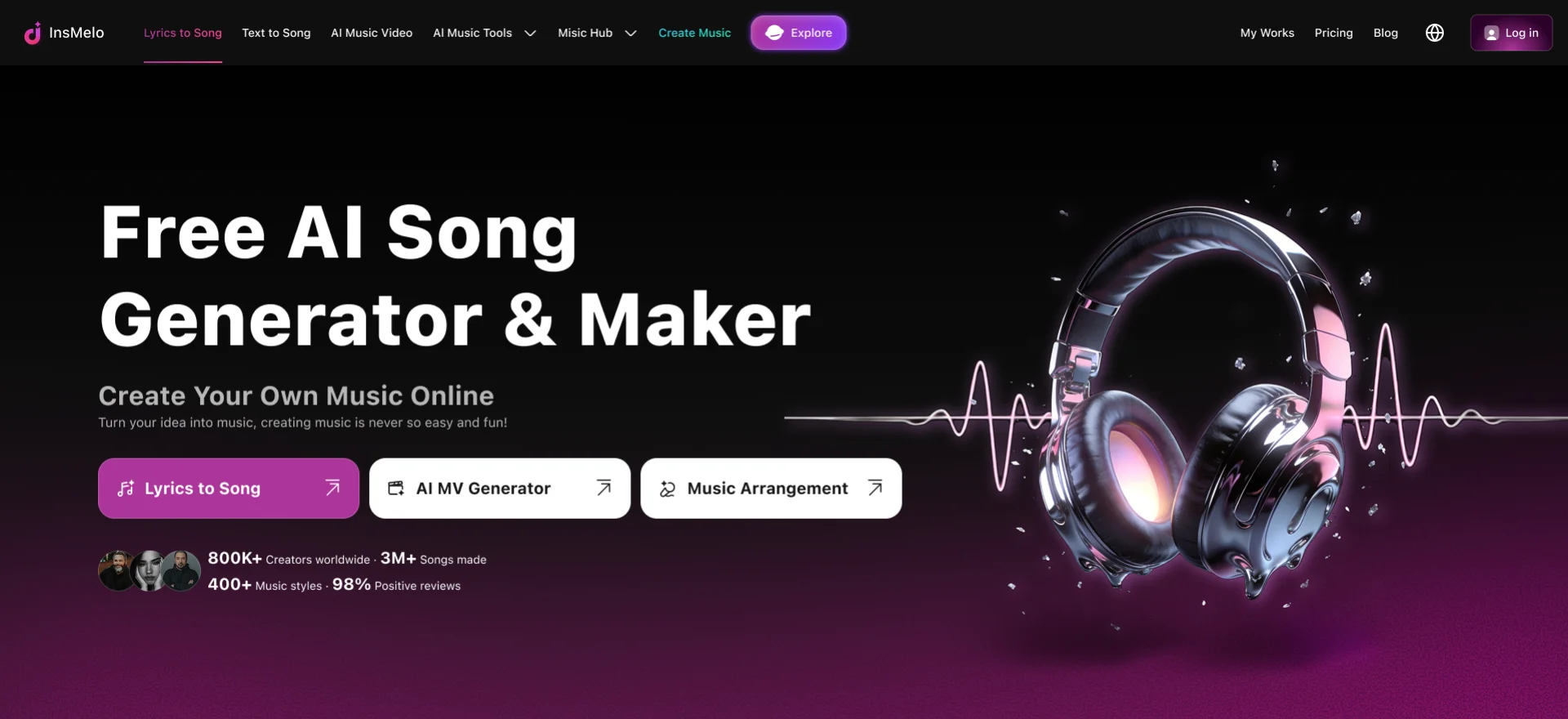

For high-output creators, InsMelo is not just an AI song generator with unlimited downloads. It gives you a broader workspace for making, editing, exporting, and publishing AI music without worrying about monthly download caps.
FAQs about Suno Songs Download Restrictions
The Bottom Line
Suno’s new download policy does not stop users from creating or sharing AI music, but it limits how many songs can be exported under each plan. That may suit casual users, yet frustrate creators who test many versions or produce music for videos, ads, podcasts, games, and client projects.
Before choosing a plan, compare download allowances, file formats, commercial-use rules, and editing features. InsMelo is Suno's alternative, offering high-quality AI music generation, royalty-free songs MP3 and WAV downloads, commercial-use licensing, and creative editing tools.