Your lyrics deserve more than staying on the page. Text to rap can turn words, moods, and ideas into rap songs with flow, vocals, and energy. This guide compares two creation methods, top tools, and why InsMelo is a strong choice for turning text into rap music.
What Is Text to Rap? Two Ways to Create Rap from Text
Text to rap refers to AI tools that turn written ideas into rap content. Some platforms generate full rap songs with beats and vocals, while others only create AI rap voices from text.
Most tools fall into two categories. The first creates complete songs using lyrics or prompts, including instrumentals, flow, and vocals. The second focuses on text to speech rap delivery, which sounds closer to AI voice performance than a finished track.
CISAC and PMP Strategy estimate that generative AI music outputs could reach nearly €40 billion in cumulative market value over the next five years, while generative AI music services may generate about €8 billion in revenue during the same period.
Method 1: Create Rap Song with AI Rap Song Generator
AI rap song generators turn prompts, lyrics, or ideas into rap-style tracks with vocals, rhythm, and music structure. Compared with voice-only tools, this method creates a fuller result for users who want to make your own rap music from text.
InsMelo
InsMelo text to rap generator that helps users create rap-style songs from lyrics, prompts, or simple ideas. The AI rap song generator supports a wide range of genres and moods, giving users more control over the overall sound and direction of each track. Generated songs can be downloaded in MP3 or WAV format, with royalty-free output available for sharing or further use.
How to Turn Your Idea into Rap with InsMelo
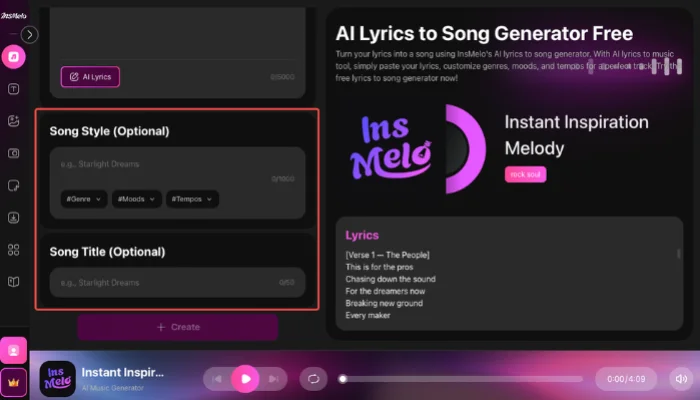
Option 1: Bring Your Rap Lyrics to Life
Option 2: Generate Rap Music from Your Ideas
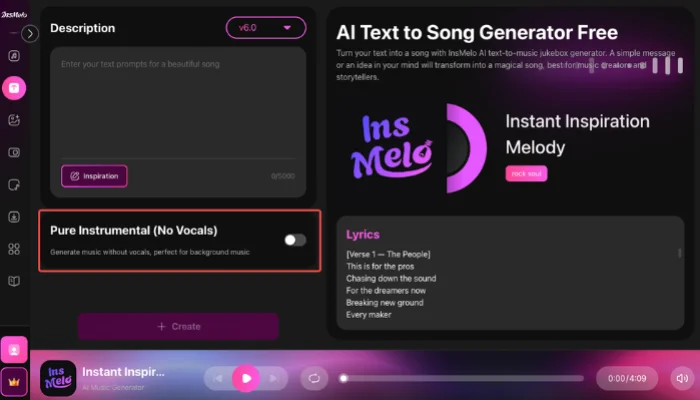
Our Test: We found InsMelo's flow more natural than other tools. Even with high-tempo Drill lyrics and complex rhymes, the tool avoided robotic "stuttering," keeping the transition between verses and hooks organic.



Musicful
Musicful serves as a versatile text to rap generator free resource for hobbyists who prioritize rhythmic accuracy. It utilizes advanced algorithms to synchronize complex lyrics with high-energy beats, assisting users to create your own rap music that feels authentic to the genre.
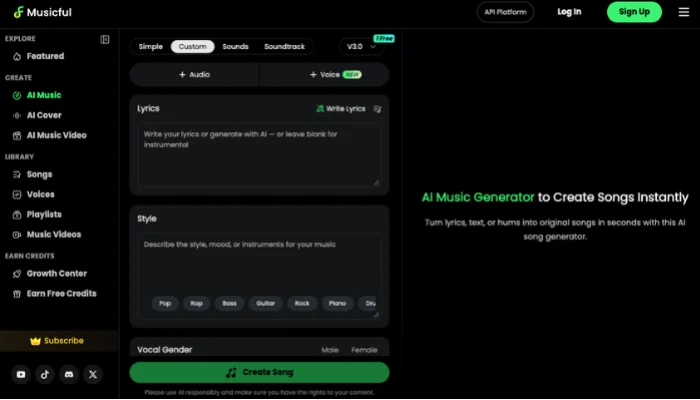
How to Use Musicful
Step 1: Open the rap creation workspace and choose the lyrics based generation path.
Step 2: Select the rap style, then add your lyrics or use the built in lyric assistance.
Step 3: Name the track, generate the song, and review the finished result before downloading or sharing.
LitMedia
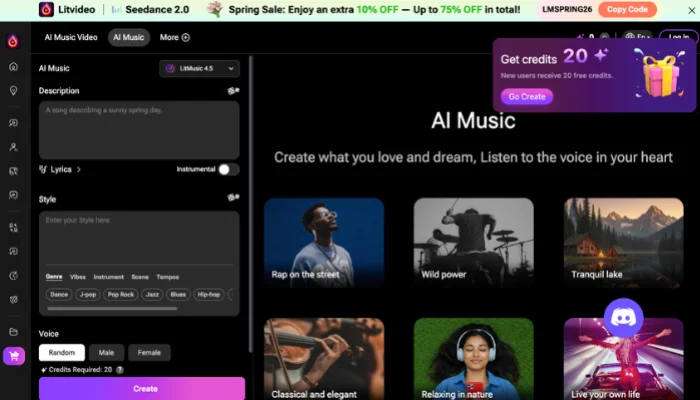
LitMedia prioritizes speed through a streamlined interface that connects music generation with other visual AI tools in a single ecosystem to yield high-quality results without complex manual setups.
How to Use LitMedia
Step 1: Enter your lyrics or rap style direction in the generator.
Step 2: Choose the preferred genre, mood, and instrument settings for the track.
Step 3: Click Create and wait for the rap song to finish generating.
Brev.ai
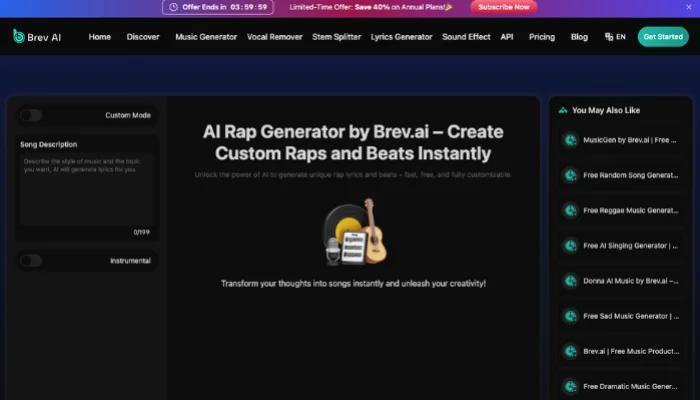
Brev.ai leads free text to rap generator market by transforming simple prose into intricate drum loops and complex vocal structures. Brev.ai provides a high degree of control over song structure to produce more complete and structured hip-hop style results.
How to Use Brev.ai
Step 1: Choose the rap style or theme you want for the track.
Step 2: Enter your lyrics or let the AI prepare the lyrical content.
Step 3: Generate the rap song, then download the finished track.
Highlight: "In our sessions, Brev.ai stood out for its drum patterns; the percussion felt punchier than most free web tools."
Tad AI
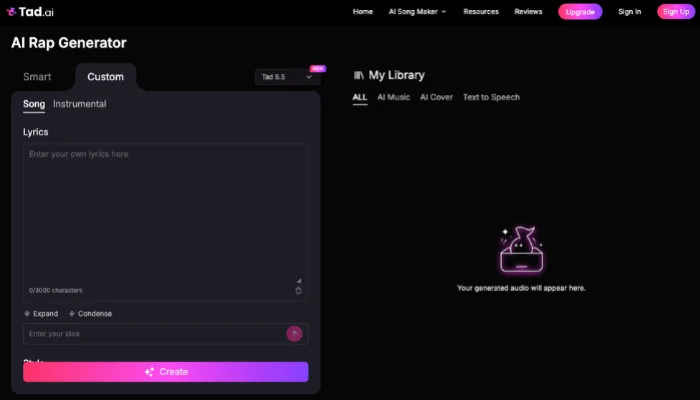
Tad AI excels at emotional resonance by providing granular control over vocal delivery energy to change the track from chill to energetic for specific cinematic themes.
How to Use Tad AI
Step 1: Choose Smart mode or Custom mode inside the AI rap generator.
Step 2: Enter the rap prompt and adjust the available generation settings.
Step 3: Click Create and wait for Tad AI to produce the finished rap song.
AIMusic.so
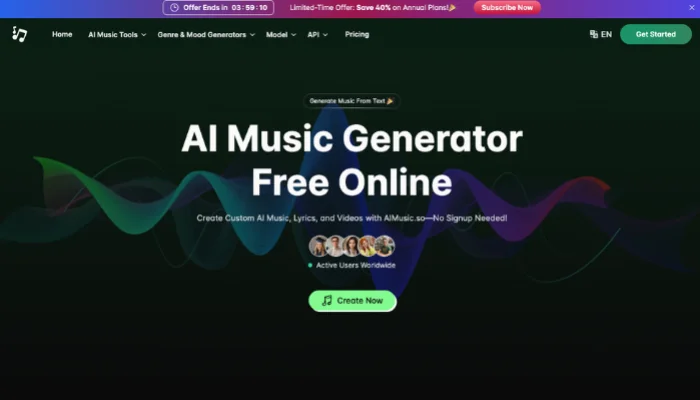
AIMusic.so acts as an efficient text to rap AI free platform that focuses on generating catchy hooks and rhythmic verses with minimal user input. AIMusic.so simplifies the creative journey by offering pre-configured style templates that match current music trends.
How to Use AIMusic.so
Step 1: Enter your rap ideas or lyrics into the generator.
Step 2: Choose the music style for the song.
Step 3: Generate the track, then listen to it and download the result.

Method 2: Turn Lyrics into Rap Voice with Text to Speech Generator
After text to rap generators, another common path is using text to speech rap tool for vocal creation. This section covers tools that focus on turning written input into rap style voice output, instead of building a complete track.
TopMediai
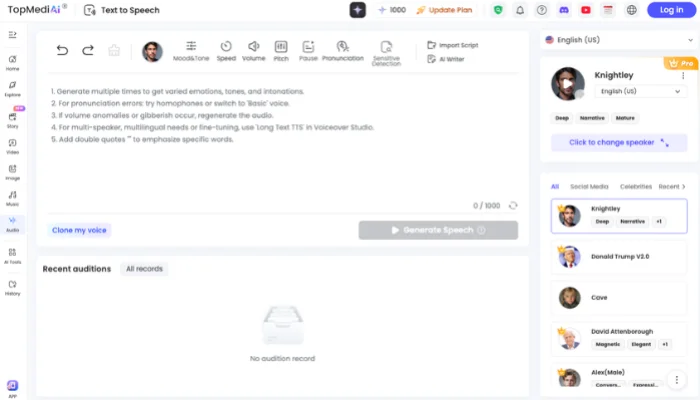
TopMediai builds a text to speech rap voice generator around flexible vocal shaping and a wide selection of AI voices. Its system gives written lines a more deliberate rap delivery, so the final voice output sounds less flat than standard TTS narration.
How to Use TopMediai
Step 1: Enter the text you want to convert into a rap voice.
Step 2: Choose a rapper style voice and adjust the vocal settings.
Step 3: Generate the audio, then preview and download the result.
VoxBox
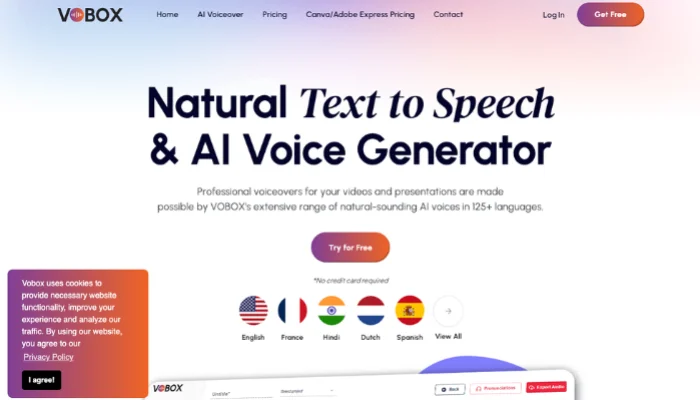
VoxBox frames text to speech rapper voice creation around flexible AI narration rather than full music production. Its voice engine gives written lines a more polished performance style than plain spoken TTS output.
How to Use VoxBox
Step 1: Enter the text you want to convert into a rap style voice.
Step 2: Choose a voice and adjust the vocal settings shown in the editor.
Step 3: Generate the audio, preview the result, and export the finished file.
Uberduck
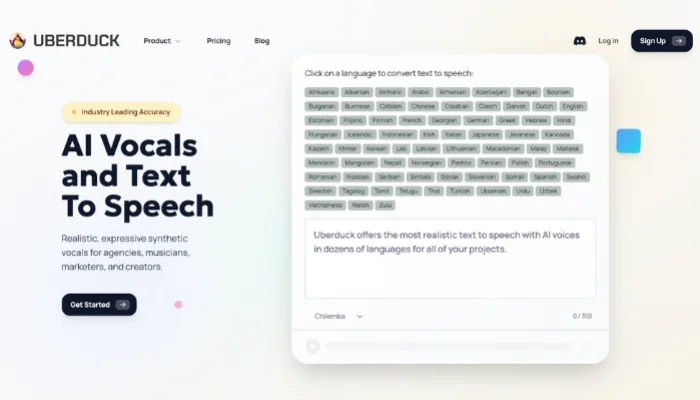
Uberduck supports AI rap text to speech through a vocal system built for speech, singing, and rapping from text. Its output feels more experimental and creator driven than a standard narration tool.
How to Use Uberduck
Step 1: Open the text to speech tool and enter the text for your rap vocal.
Step 2: Choose the available voice or vocal option you want to use.
Step 3: Generate the vocal output and review the finished result.
Highlight: "We found that while Uberduck requires a bit more 'fine-tuning' of phonetic spelling, it offers the most diverse range of unique vocal textures."
Typecast
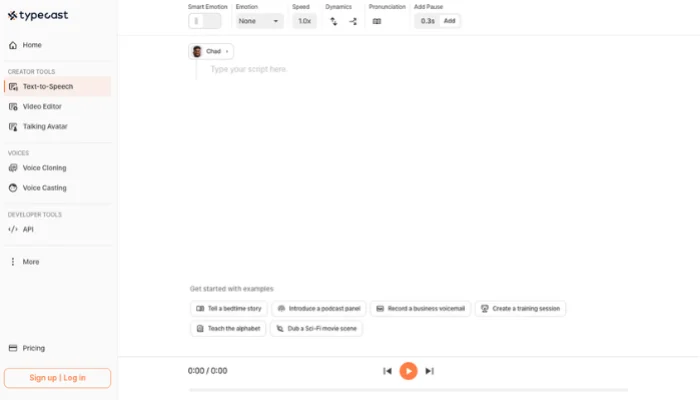
Typecast presents text to speech rapper generation through dedicated rapper voice models. Its format leans closer to scripted vocal performance, making the voice result feel more intentionally staged.
How to Use Typecast
Step 1: Choose a rapper voice from the available voice library.
Step 2: Paste or type the lines you want the voice to perform.
Step 3: Generate the rap vocal and preview the result.
FakeYou
FakeYou fits rap text to speech through character based voice synthesis and fast TTS generation. Its style is more playful than production focused, with stronger appeal for distinctive voice effects.
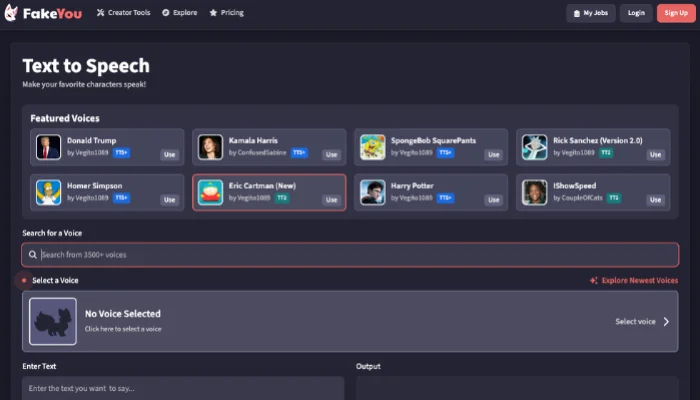
How to Use FakeYou
Step 1: Select a target voice from the TTS voice library.
Step 2: Enter the text you want the voice to read.
Step 3: Click Speak, then preview, download, or share the generated result.
Kits AI
Kits AI expands AI rapper text to speech into a broader vocal creation workflow for music makers. Its TTS function sits closer to a production toolset than a casual voice toy.
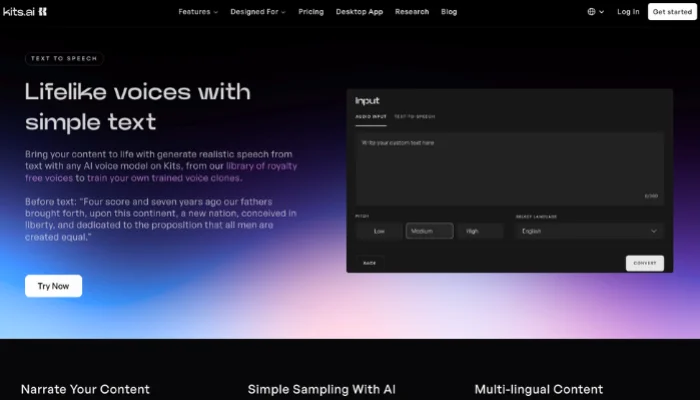
How to Use Kits AI
Step 1: Choose a voice model from the Kits library.
Step 2: Switch to the text to speech tab and enter your text.
Step 3: Generate the audio, then review the vocal result.
Tips for Getting Better Text to Rap Results
Clear input usually leads to stronger rap generation. When using text to rap generator, focus on the core message, song mood, and rap direction instead of writing a vague one line prompt.
- State the subject of the song clearly, such as ambition, heartbreak, rivalry, celebration, or self confidence.
- Use one clear emotional direction, such as intense, reflective, playful, dramatic, or uplifting.
- Write the genre or performance tone you want, such as trap, drill, freestyle, boom bap, or melodic rap.
- Finished verses, hooks, or repeated phrases give the generator more material to shape into a stronger song.
- Change the wording, tighten the theme, or adjust the mood if the first result feels too generic.
FAQ About Text to Rap
Conclusion
Text to rap now covers two clear creative paths: full song generation and rap voice creation. AI rap song generators help turn ideas, prompts, or lyrics into complete tracks, while text to speech tools focus on vocal delivery from written input.
For users who want a practical way to create rap music online, InsMelo AI Music Generator offers a flexible starting point with prompt based creation, lyric based generation, export options, and royalty free output. Compared with voice only tools, it provides a fuller path from raw text to finished rap songs.