Free Music to Video AI Generator
Convert Song to Video with AI
Turn your song, album art, or music file into a dynamic AI video with InsMelo. Upload an image, add your music, and let AI create a shareable music video for your next release on YouTube, Spotify, or more.
See Your Music Come to Life in AI Video
Explore music videos created from songs and images. Play each AI video to see how a cover image and music become a wonderful video, then try the Song to Video AI generator with your own track.
Humming Lullaby Video
Create SimilarAI Song to Video
Create SimilarSaxophone Music to Video
Create SimilarWhat Is Music to Video AI Generator?
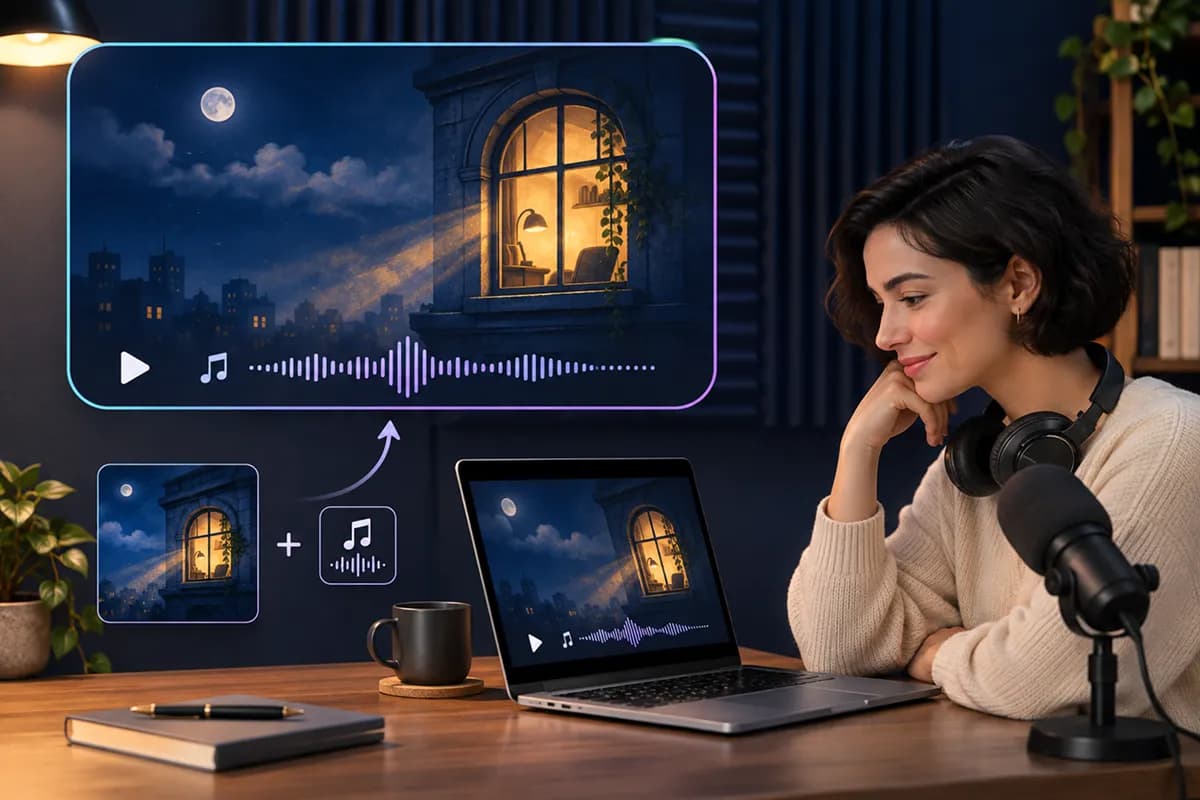
A music-to-video AI generator turns a song and an image into a dynamic video. InsMelo uses your uploaded picture and music to create motion around your track, so you can turn an MP3 into a music video, animate cover art, or prepare a visual MV for a new release.

How to Turn Music into Video with AI
How do you make AI music videos from a song online? Go to InsMelo Music to Video Converter and follow these three steps; you will get a high-quality video easily.
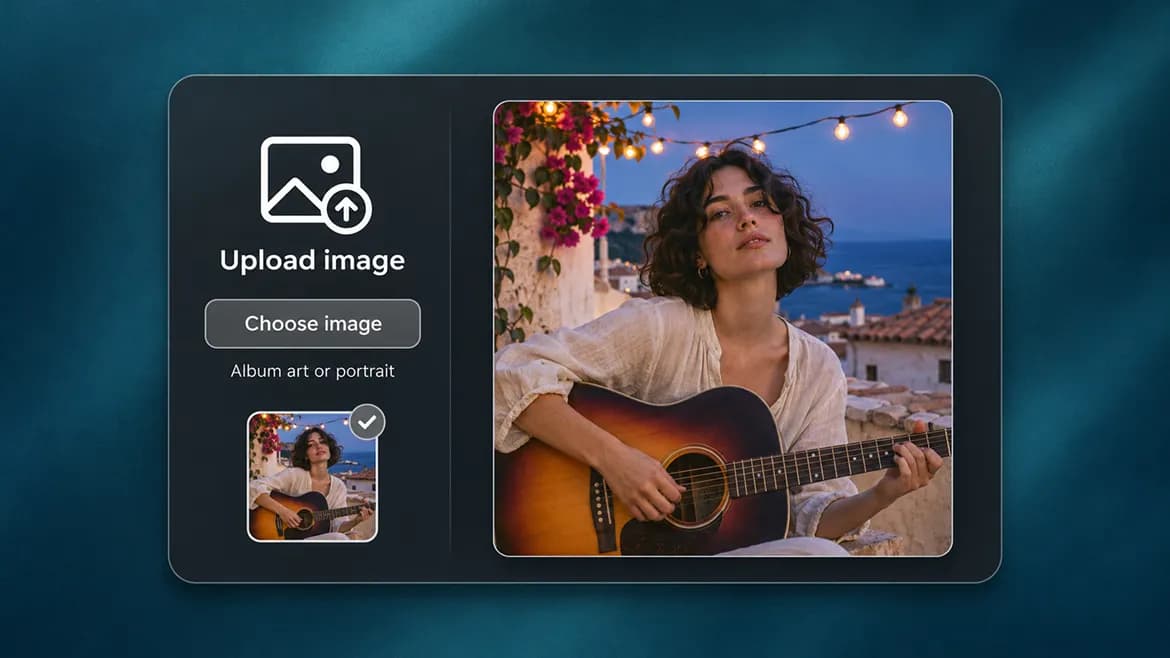
1.
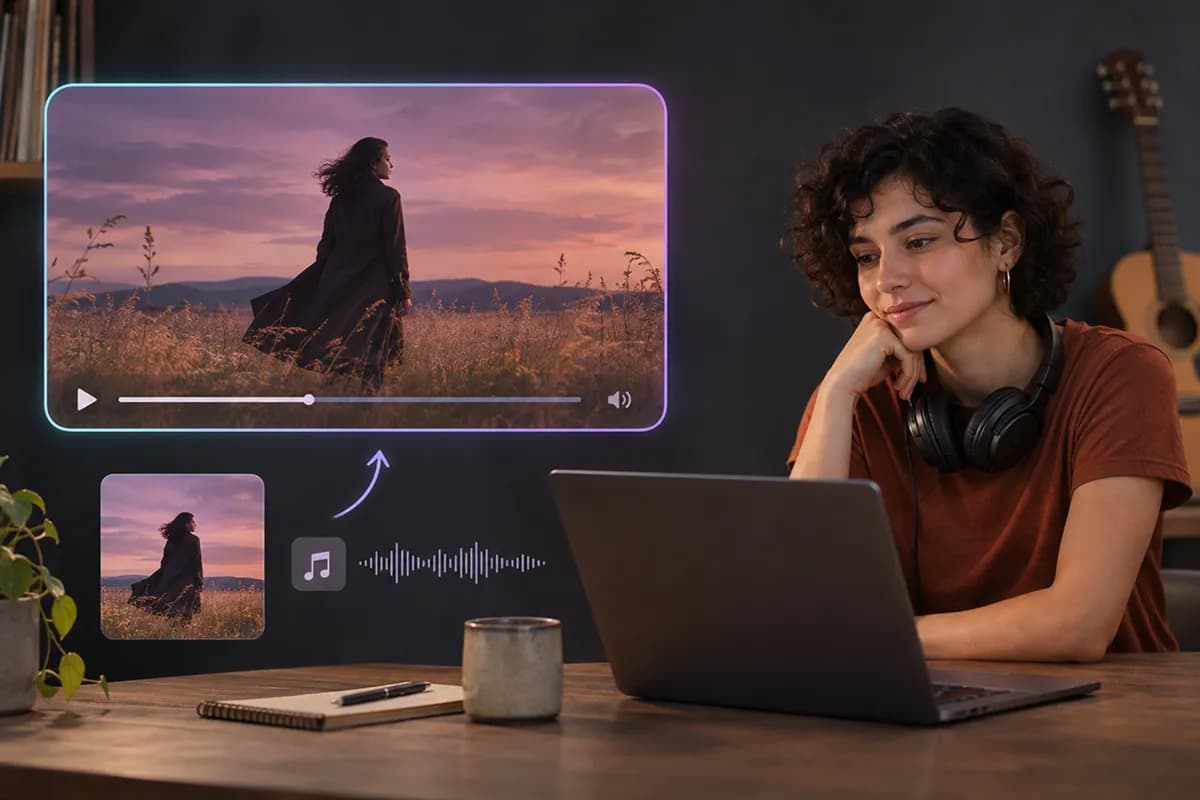
Upload Your Image
Choose the image that should lead your music video. Use album artwork, a portrait, a single cover, or any visual that captures the feeling you want your audience to hear and see.
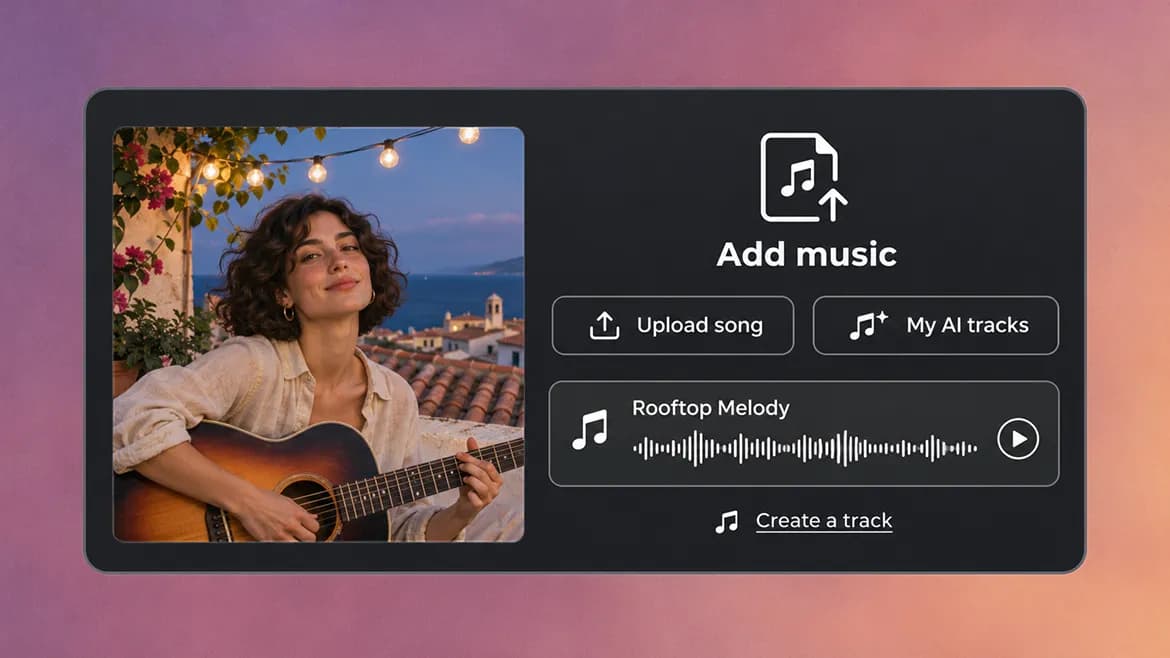
2.
Add Your Music
Upload your song or import an AI-generated track. InsMelo's music-to-video AI generator reads melody, rhythm, and mood to shape visuals around it. Need a track? Try the AI music generator.
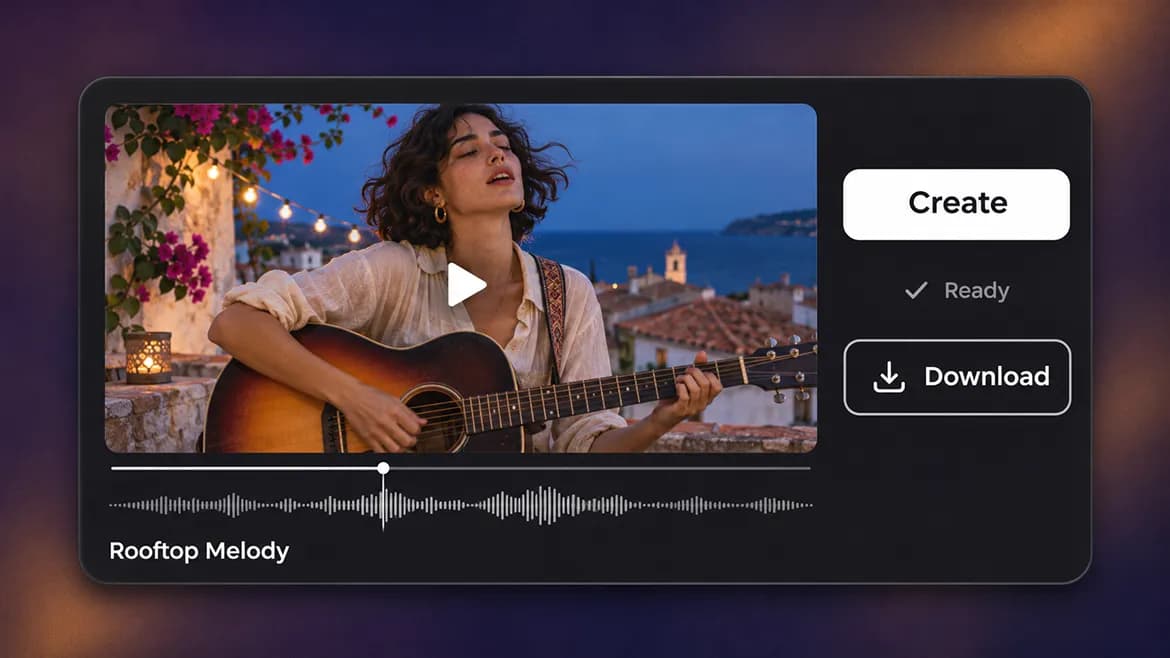
3.
Create and Download Music Video
Click "Create" and let InsMelo turn your song and image into a music video with synchronized visuals. Preview the result, then download the finished video without a watermark.
Convert Your Music into Videos with AI
Give every song a visual story with InsMelo. Try the best music to video AI generator, InsMelo gives you the creative control to turn your song into a complete visual experience.
Flexible Music Input
Bring in music from your computer or paste a YouTube link. InsMelo supports MP3, WAV, and M4A files up to 30 MB, so you can work with released songs, demos, previews, or tracks created with an AI music generator.
Convert MP3 Song to VideoCustom Music Video Length
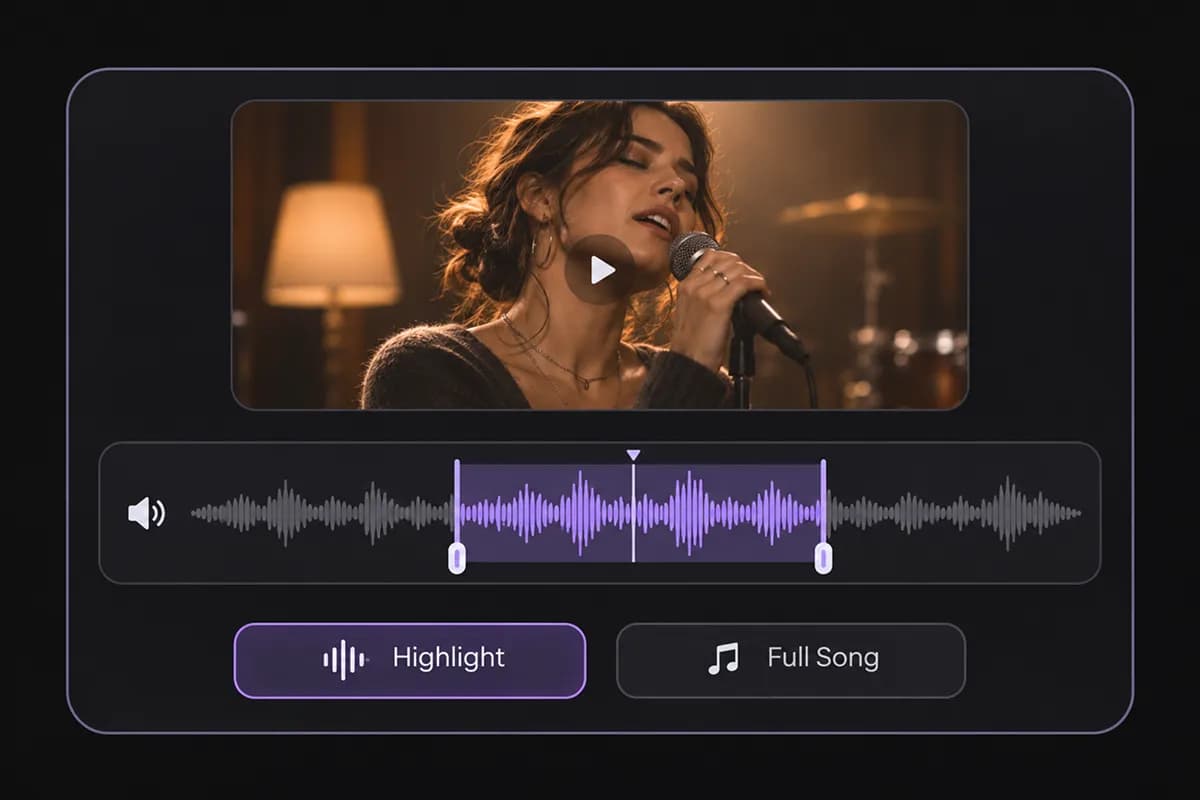
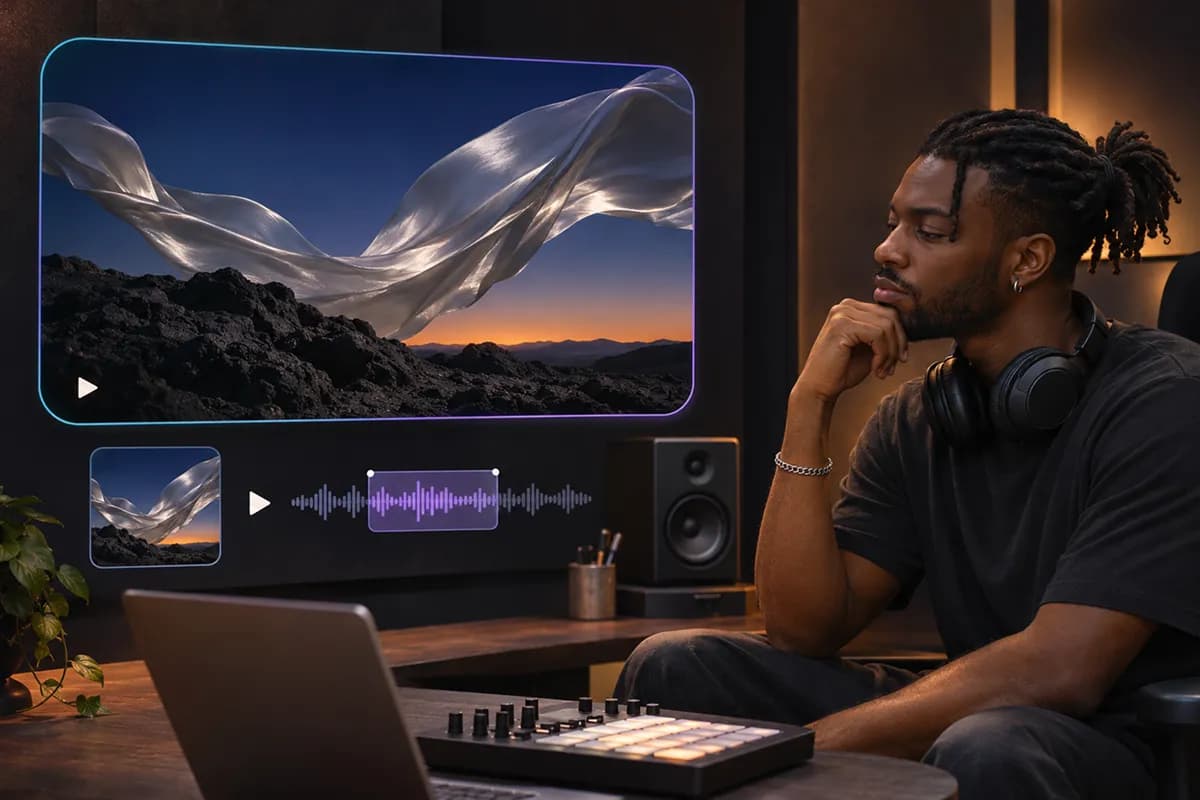
Shape the video around the moment you want people to remember. Select a chorus, drop, or other highlight for a short music video, or use the full song when you need a complete visual release.
Try Free Music to Video AI GeneratorPrompt-Controlled Animation
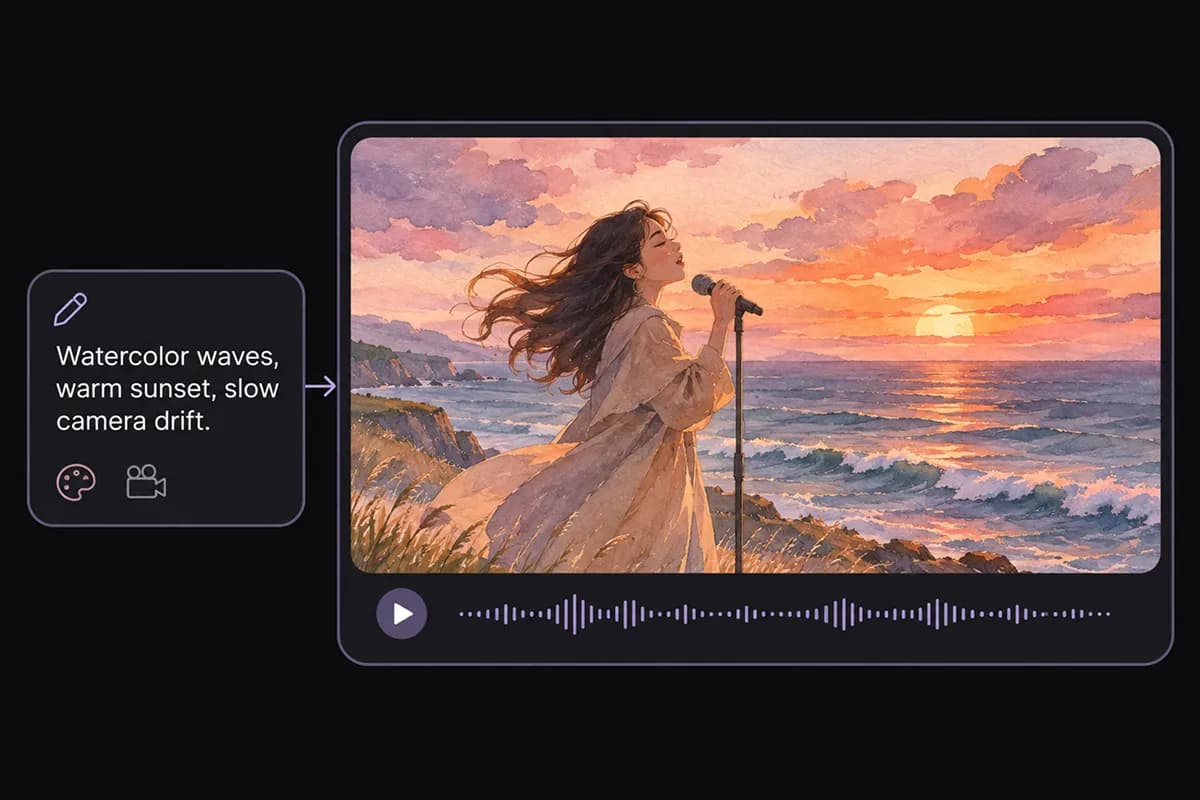
Describe the animation, effects, colors, or visual style you want to see. Add a clear instruction to guide the music to video AI generator, then create a result that follows your creative direction more closely.
Try AI Music to Video GeneratorCommercial-Ready Export
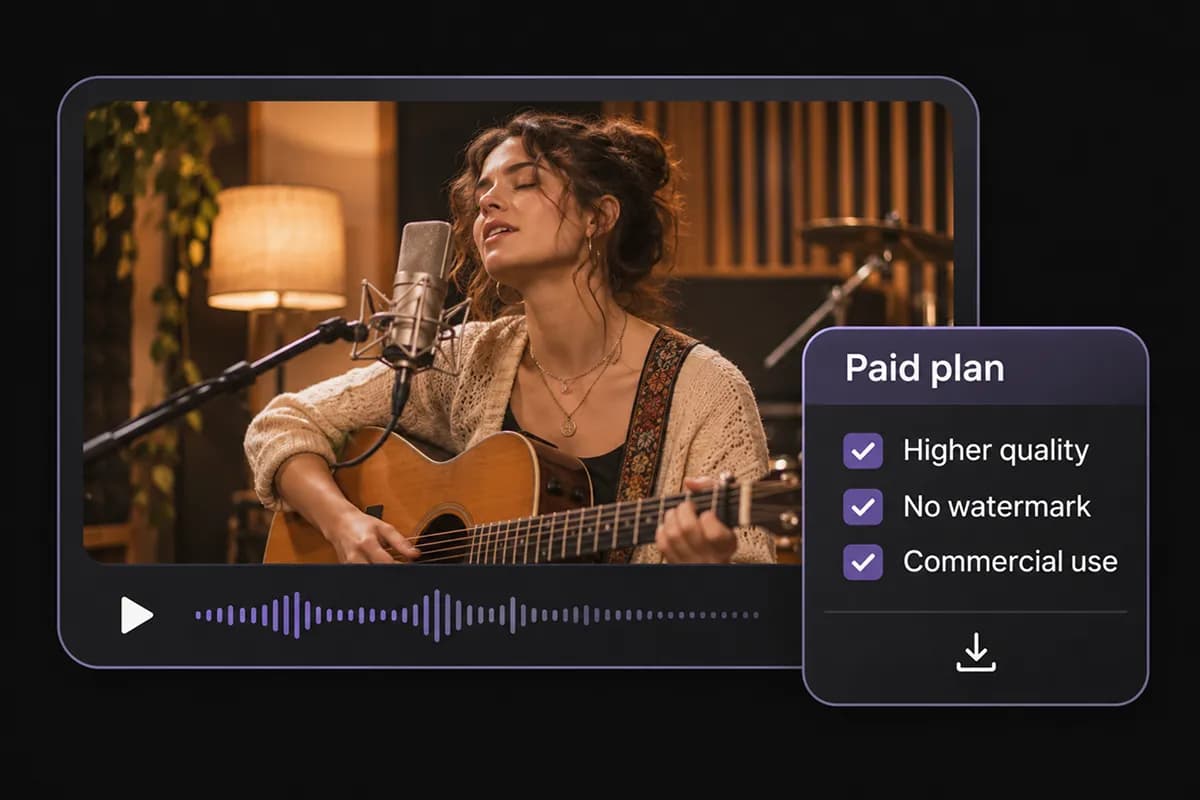
Paid users can remove the watermark and export higher-quality videos to publish, promote, and monetize on YouTube, TikTok, Instagram, and streaming platforms. Commercial use is available.
Try Music to Video AI for Free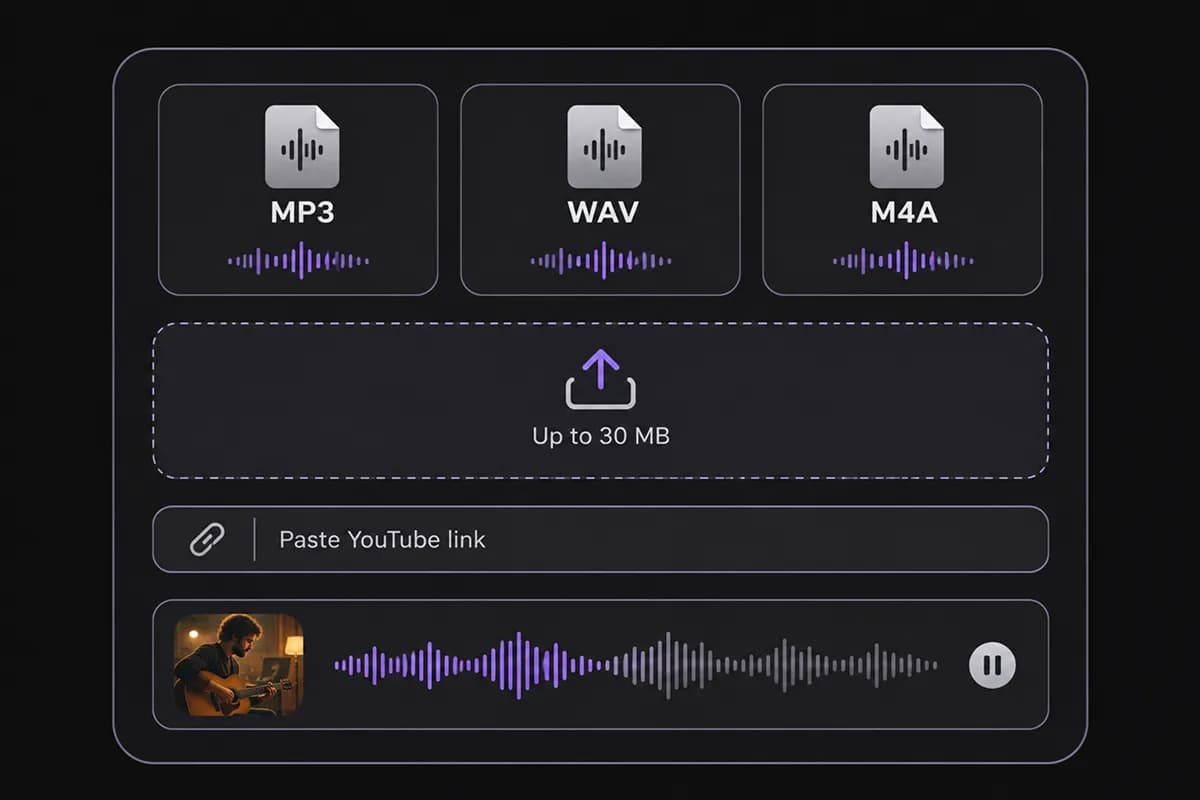
Who Is Our AI Music to Video Generator For
InsMelo's AI music to video generator supports a growing range of creators, from independent artists to video production teams. Create polished music videos quickly and affordably, even without professional editing experience.
Musicians and Independent Artists
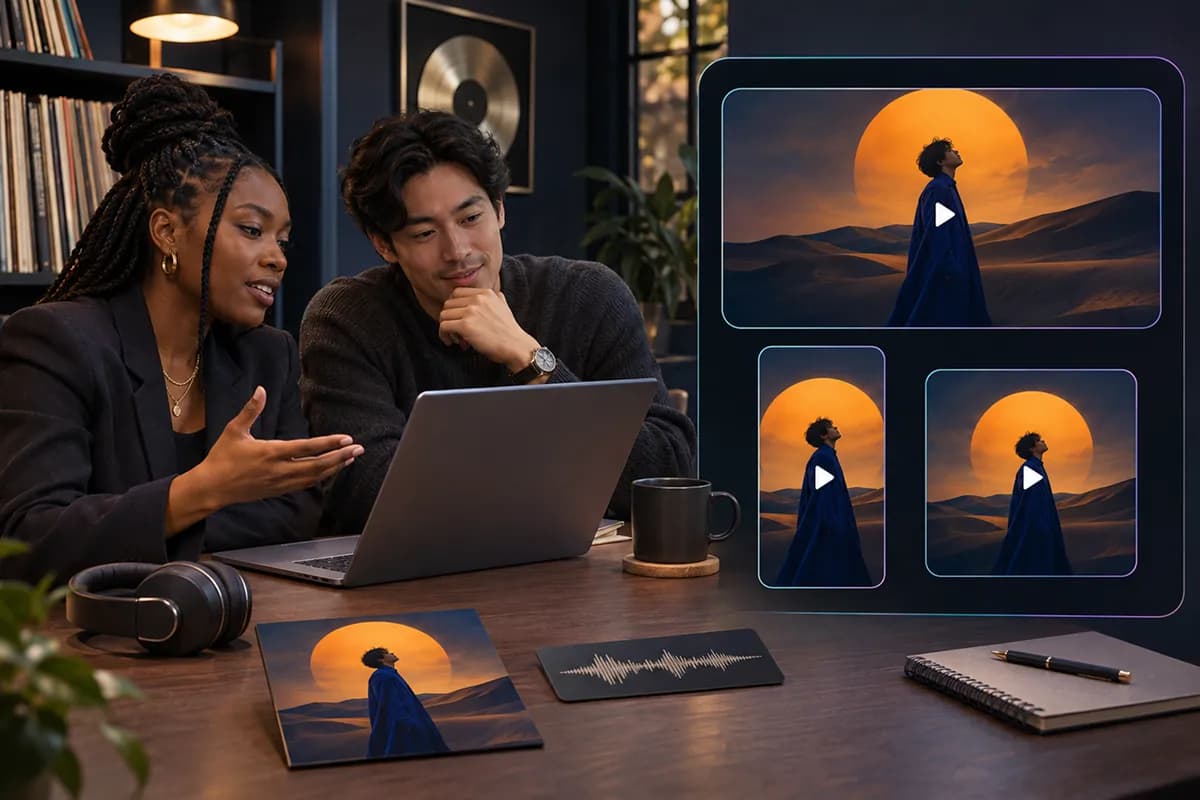
For a new single, demo, or unreleased track, pair a song excerpt with cover art and create a visual preview. Share it with listeners before launch, or give an upcoming release a stronger presence across social feeds.
FAQs - Music to Video AI
Upload an image, add your song, optionally describe the video you want, and click "Create." InsMelo's AI song to video generator analyzes the track and creates a visual music video you can preview and download.
Yes. InsMelo provides free credits so you can try converting a song to video with AI. Check the current credit allowance and generation cost in the tool before creating your video.
InsMelo supports uploading MP3, WAV, and M4A files up to 30 MB. You can also paste a YouTube link or import AI-generated songs from your library.
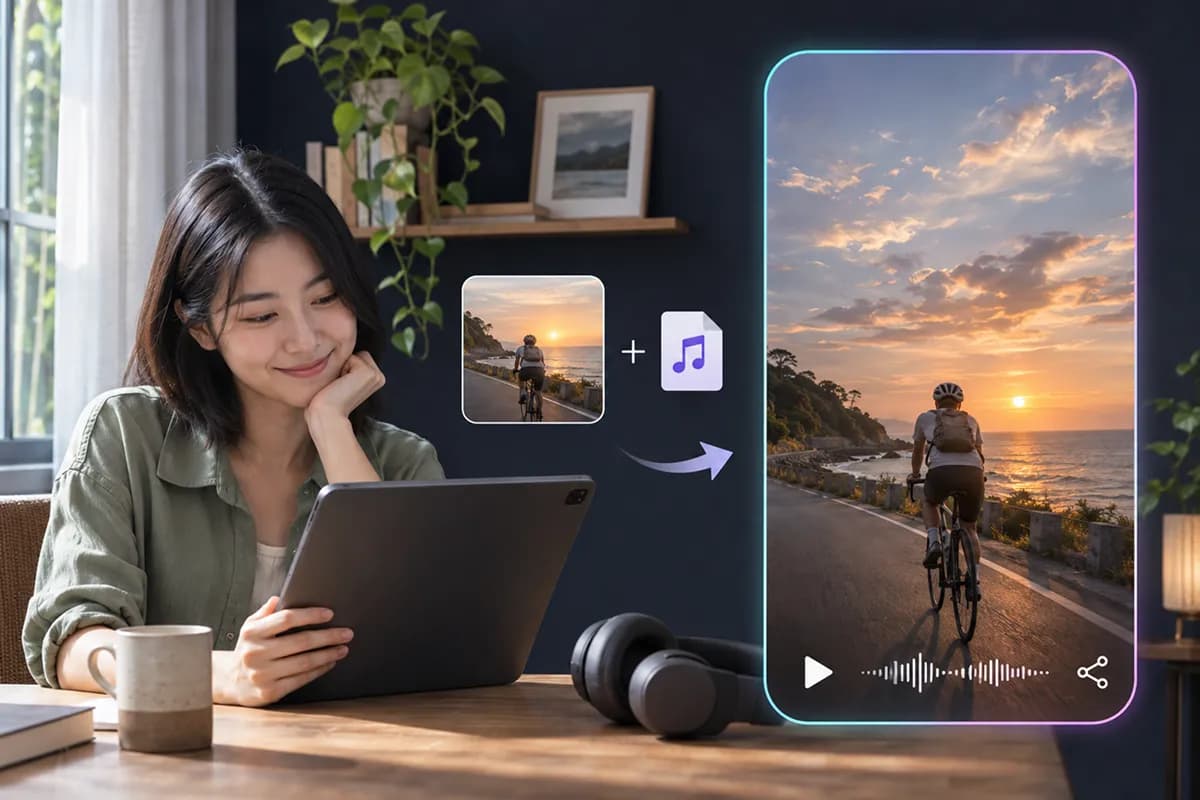
Yes. Select your format before you create an AI video. Use vertical 9:16 for TikTok, Instagram Reels, and YouTube Shorts, or horizontal 16:9 for YouTube and desktop viewing. You can also choose 3:4 or 1:1 for other platforms.
InsMelo's AI music-to-video generator detects the rhythm, energy, and transitions within your audio track. Add a detailed description, such as the scene changes you want, to guide the visuals and keep them aligned with the music.
No. Upload your image and song, choose the video format, and start the generation workflow. InsMelo handles the initial visual timing, so you can create a song video without building every scene on an editing timeline.
Turn Your Own Song into a Video
Drop in your track and create a beat-synced music video with visuals shaped around its rhythm, energy, and transitions. Start creating for free!